
AI VIDEO GENERATOR
Turn any text prompt or image into a video with Overchat AI. Choose from the best AI video generation models — Sora, Kling, Runway, Wan, Seedance, and more — all in one AI video maker.
Most AI video creation tools lock you into a single model. Overchat gives you access to multiple AI video generation models in one place — including Sora, Kling, Runway, Wan, Seedance, and Luma AI. Generate video from text, convert an image to video, or create video with AI in just a few clicks.
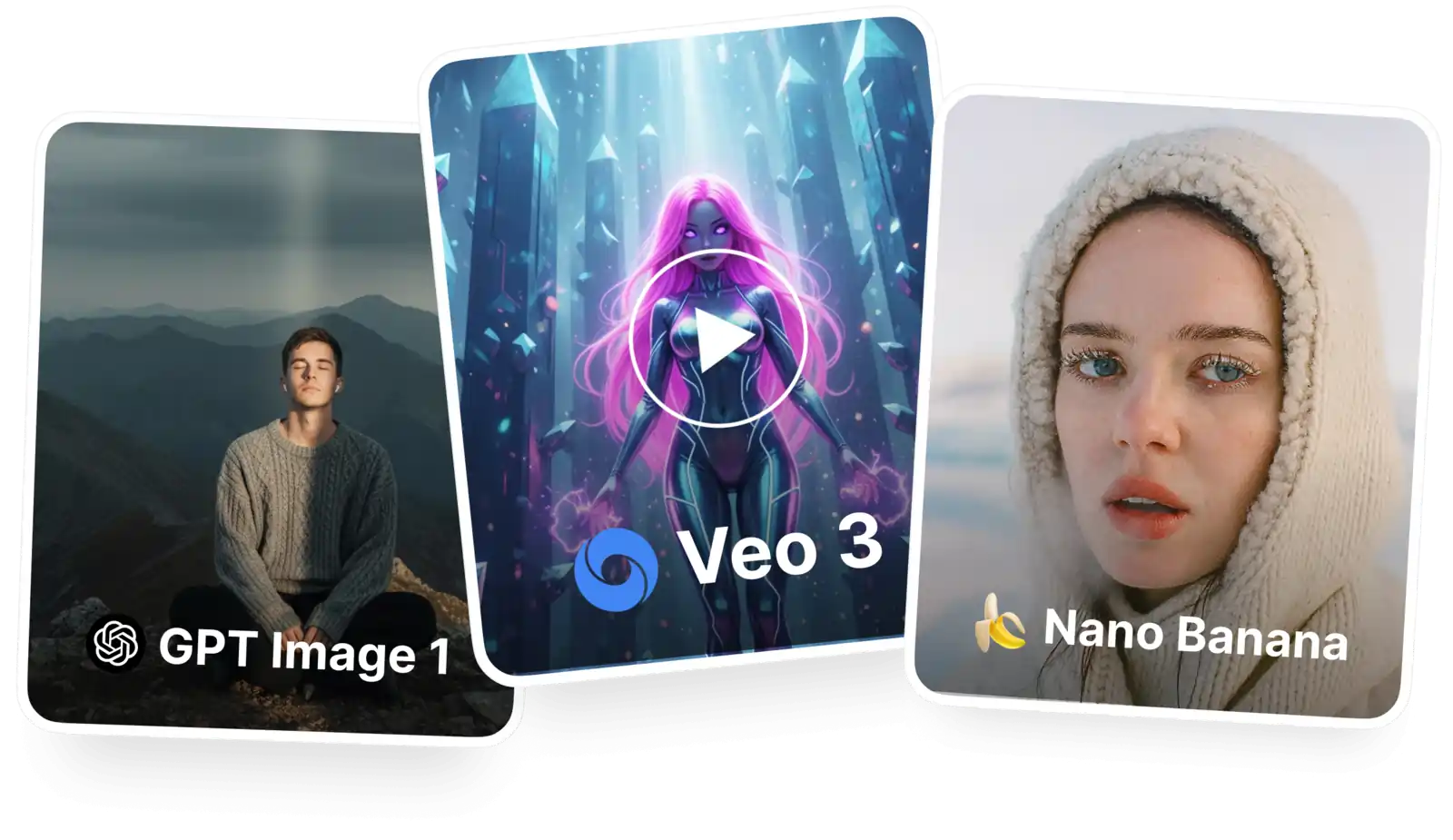
Describe what you want and the AI text to video generator will produce a clip that matches your prompt. Pick a model, set the duration, and hit Generate. Your AI generated video is ready to download in seconds.
Upload a photo and turn it into a moving scene. The AI photo to video generator animates your image with realistic motion and camera movement. Add an optional prompt to guide the direction of the animation.
USE CASES
Create video with AI for TikTok, Instagram Reels, and YouTube Shorts. Type a prompt, pick a model, and generate scroll-stopping clips without filming a single frame.
Pair your track with AI-generated visuals. Describe the mood, setting, or style and the AI video maker will produce scenes that match your music — perfect for lyric videos, visualizers, and full music videos.
Generate intros, B-roll, and transitions for your YouTube channel. The AI video generator handles the visuals so you can focus on scripting and editing — no stock footage subscriptions required.
Turn product photos into dynamic demos. Upload an image, describe the scene, and the AI image to video generator will animate your product with camera movement and realistic lighting.
Stop spending hours on motion graphics. Use the AI video generator from text to create ad creatives, pitch deck animations, and explainer clips. Describe the scene and download a ready-to-use video.
Overchat works as an AI video generator app on iOS, Android, and the web. Start a generation on your phone during a commute and download the finished clip on your laptop. Your projects sync across all devices.
Join thousands of creators already using the Overchat AI video generator online.
Overchat AI brings you the power of the world's top AI models: GPT, Claude, Gemini, Mistral, and more.
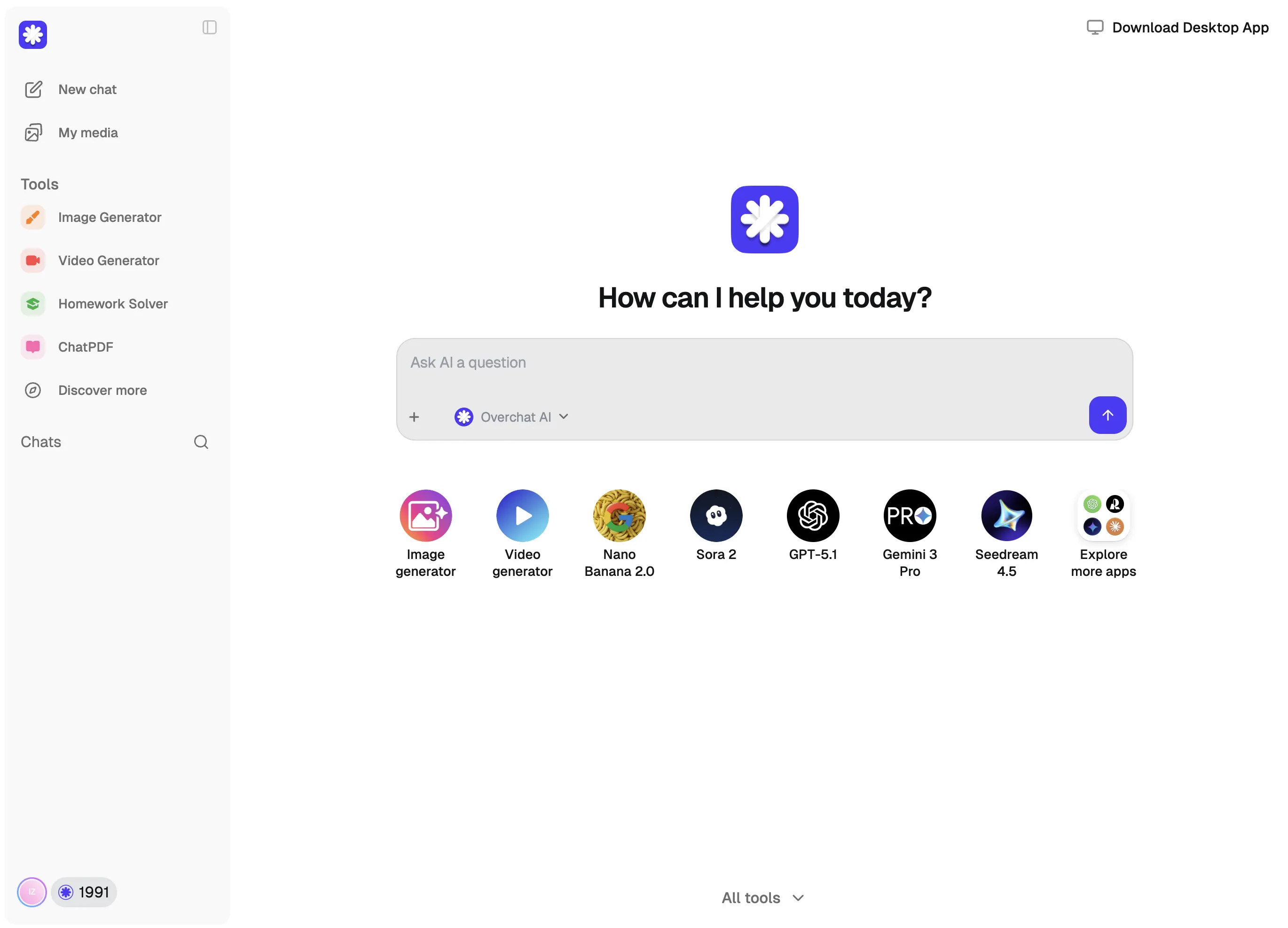
The best AI video generator depends on the style you need. Sora excels at cinematic scenes, Kling handles realistic motion well, and Runway is great for stylized visuals. Overchat gives you access to all of them in one place so you can compare results and pick the best model for each project.
Open the Overchat AI video generator, choose text-to-video or image-to-video mode, and select a model. For text to video AI, write a prompt describing the scene. For image to video, upload a photo and optionally add a motion prompt. Hit Generate and your clip will be ready in under a minute.
Overchat currently supports Sora, Kling, Runway, Wan, Seedance, and Luma AI for video generation. New models are added regularly. Each model has different strengths — you can try several on the same prompt and compare the results before downloading.
Yes. Overchat is available on the web, iOS, and Android. You can generate AI videos from your phone or desktop — your account and credits work across all platforms. Plans start at $14.99/month or $49.99/year.
Chinese company Baidu has quietly released a model that's just as good as DeepSeek and ChatGPT — ERNIE 4.5 delivers exceptional performance at a fraction of the cost — and most people outside China have never even heard of it.

If you're wondering: what is DeepSeek AI, the answer is quite simple. DeepSeek AI is a Chinese AI research lab that builds large language models. The company released several models in late 2024 and early 2025 that compete directly with OpenAI's GPT-4 and Anthropic's Claude, but at a fraction of the operating cost.
ChatGPT Plus costs $20 per month plus tax, while the Pro plan costs $200 per month plus tax. Understandably, not everyone is willing to pay that much for a chatbot, especially if the premium features aren’t worth it to them. This raises an obvious question: how can I use ChatGPT for free?
Available on Web, iOS, and Android. Access your AI assistant anywhere, anytime.


.svg)
