Make any two people fight! with the Overchat AI fight generator. Ever wondered who would win in a fight? Overchat AI turns your image into a funny fight scene — dad vs son, mother vs daughter, cat vs dog, and more.
Overchat AI is powered by some of the most advanced video generation models. Choose from Seedance 2.0, Kling V3, LTX 2.3 and more. Here's how to use these models to turn a photo into a fight video on Overchat AI in three easy steps:
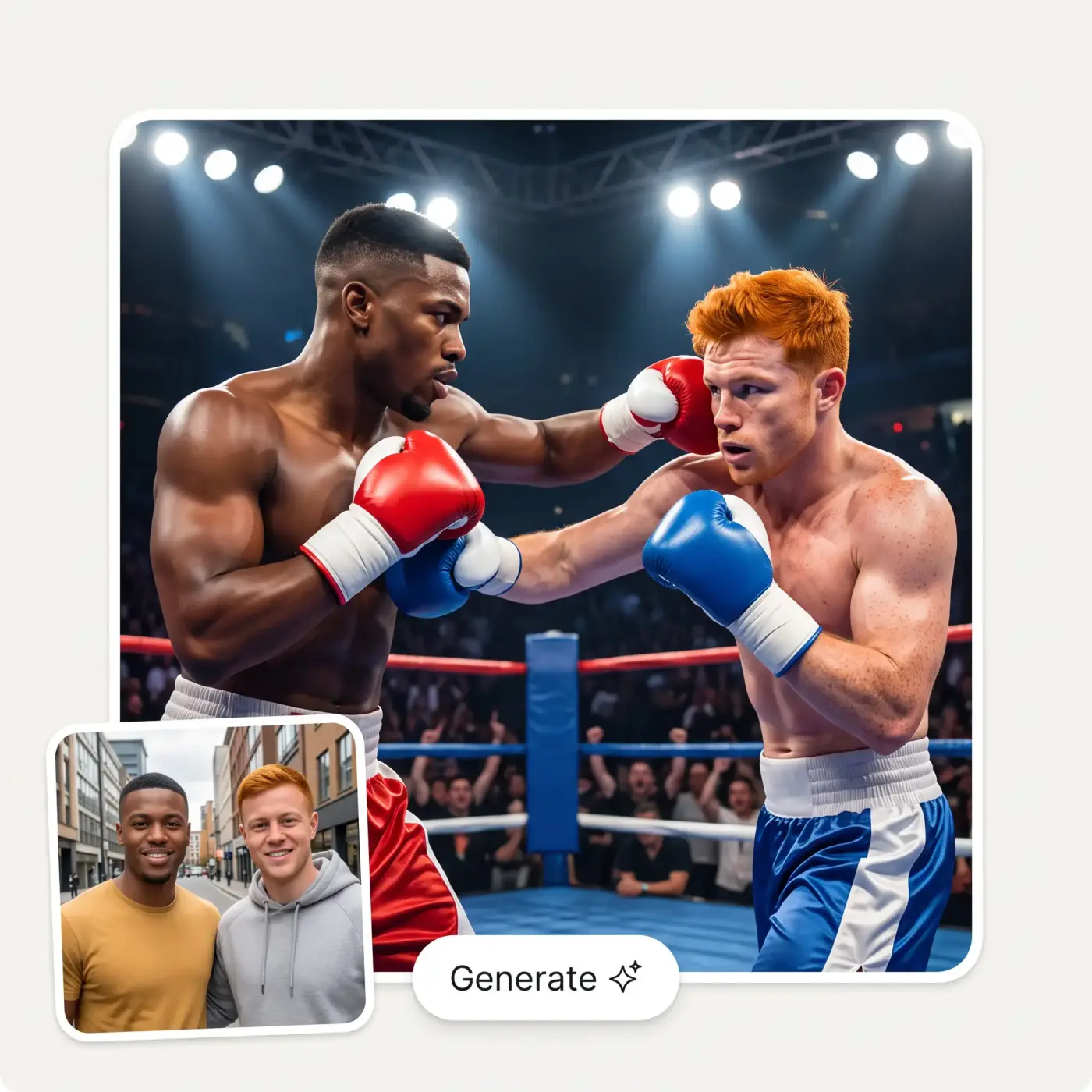
Select a photo from your camera roll or hard drive. If you're browsing from a mobile device, you can also take a photo using your phone's camera. The AI will then animate a fight featuring the people in the image.
Describe what you want to happen in the fight, if you wish. Imagine you're a director choreographing a Hollywood fight scene. Before generating, select a model from the dropdown menu. Then, click the 'Generate' button.
Overchat AI will process your request and transform your still image into a funny, animated fight video that looks realistic. This process can take several minutes as we use high-fidelity AI models. Once complete, download your video in HD quality.
With the Overchat AI fight generator, you can choose from leading AI models such as Seedance, Kling, Wan and LTX, ensuring the most realistic choreography and physics possible for an AI video-generation model.
We've already configured the Overchat AI fight video generator to transform photos into fight scenes, so all you need to do is upload an image and click 'Generate'. It works like an AI battle simulator for real people: you can also fine-tune what happens in the fight via the text prompt, such as choreographing motion, controlling camera work and changing location — just describe what you want in plain English. We also support text-to-video, so you can create a fight scene from a written description, too.
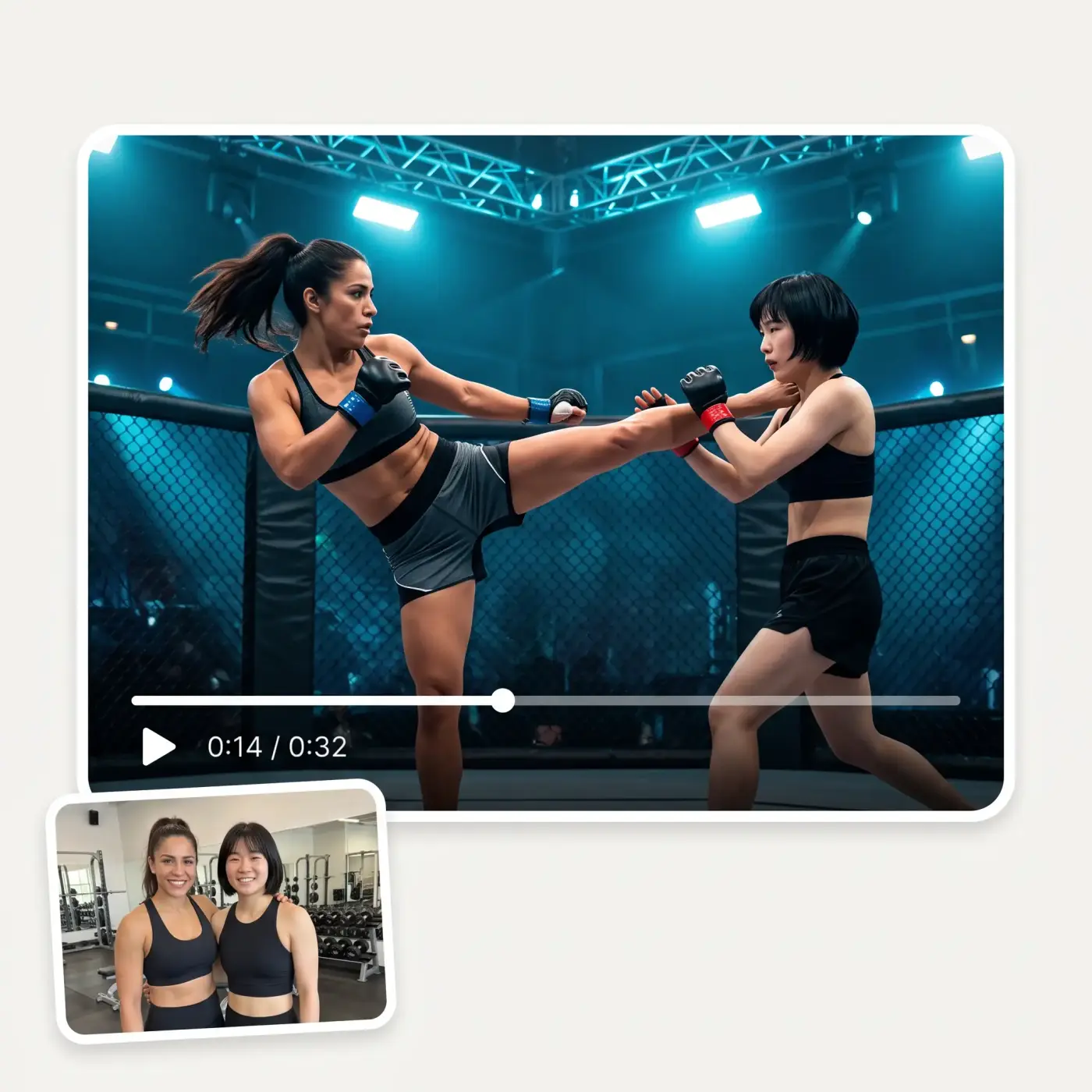
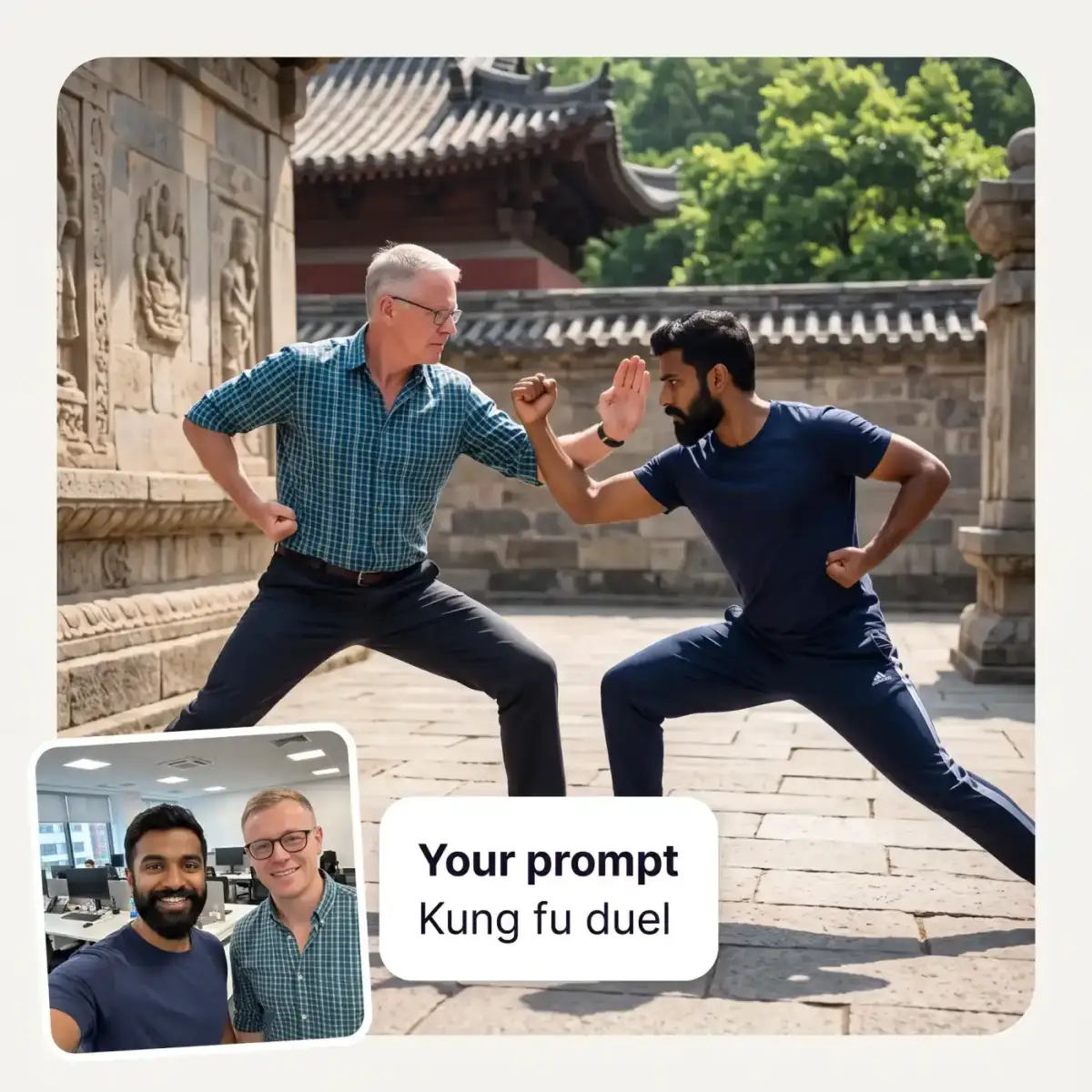
Use the text prompt to control the action and create crazy and unique fight videos. Should the fighters box, grapple in a wrestling match or engage in a kung fu duel? The choice is yours — settle any who-would-win debate on screen.
To power the Overchat AI fight generator, we selected the best AI video generation model, including Seedance 2.0 and Kling V3. This ensures realistic collisions, dynamic camera work and high-quality results, even in very complex scenes.
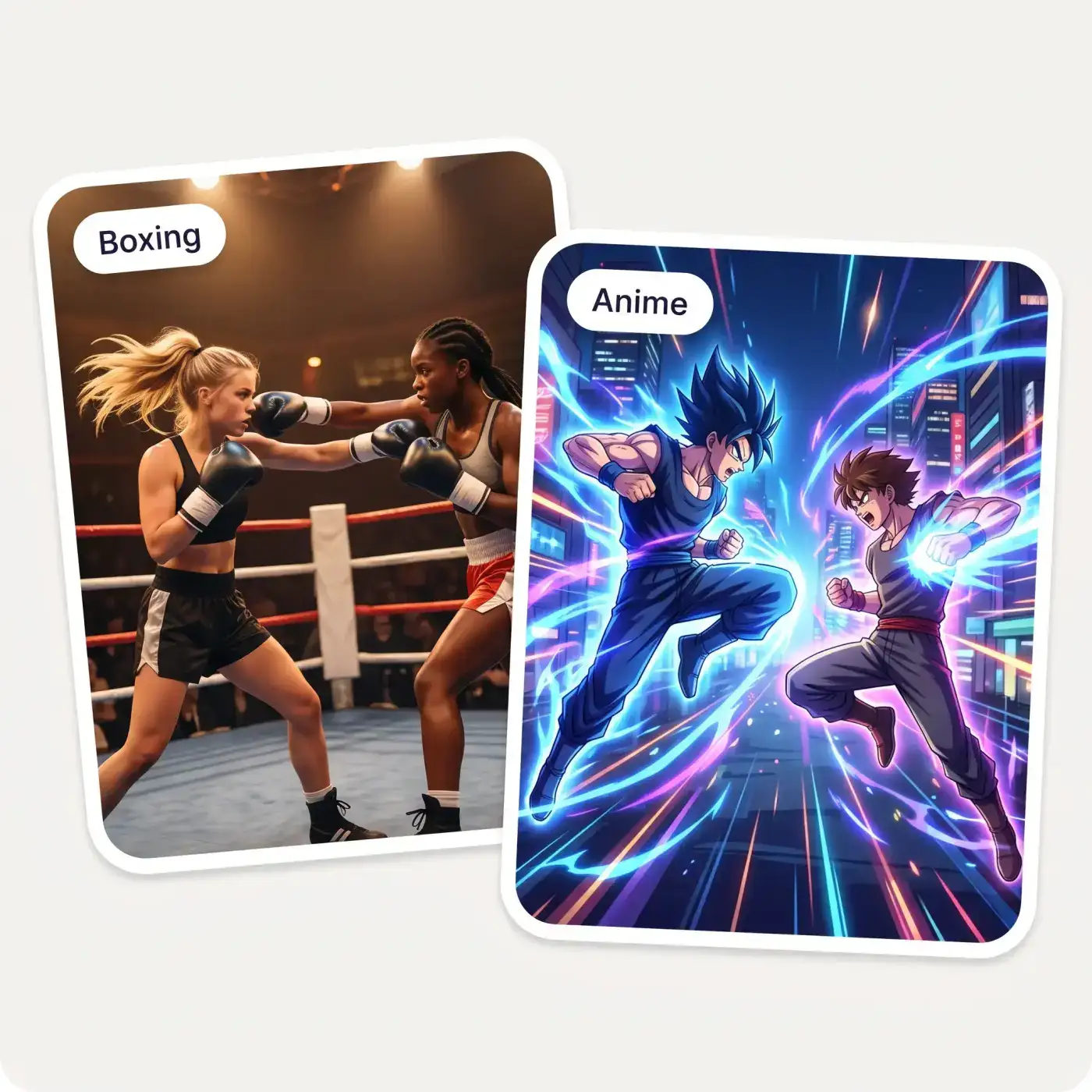
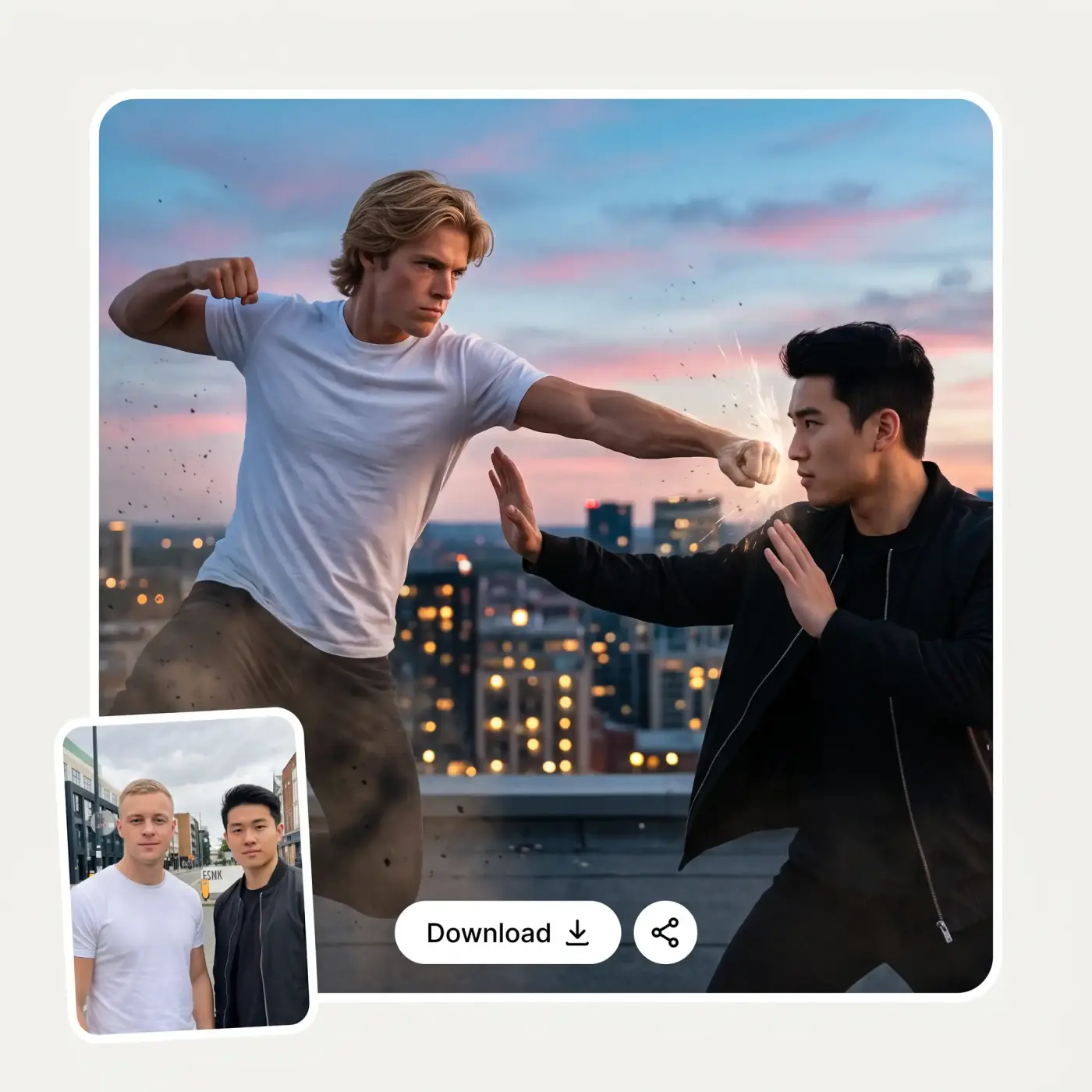
Choose the right aspect ratio for the platform on which you want to share your videos, and make it easy to create viral fight videos for social media. You can also easily create fight memes or prank your friends with realistic fight scenes.
USE CASES
Upload a photo of you and a friend and create a funny fight scene with AI.
Upload a photo of two celebrities and make them fight. This works best with Wan video models.
Create an animated fight scene featuring your favourite anime characters and bring together characters from different universes to make epic mashups. The AI anime fight generator is great for character battles and versus mashups.
Make people fight using different styles, from kickboxing to wu shan or jiu jitsu. Simply describe the fighting style in the prompt.
Not just for fun and memes. Use Seedance 2.0 to preview fight choreography and locations, and to plan fight scenes.
The Overchat AI fight generator works with pets too. Create funny fighting videos of cat vs cat, cat vs dog or pet vs human.
Join over 350,000 people already using Overchat AI to generate images, videos, and music with AI.
Overchat AI brings you the power of the world's top AI models: GPT, Claude, Gemini, Mistral, and more.
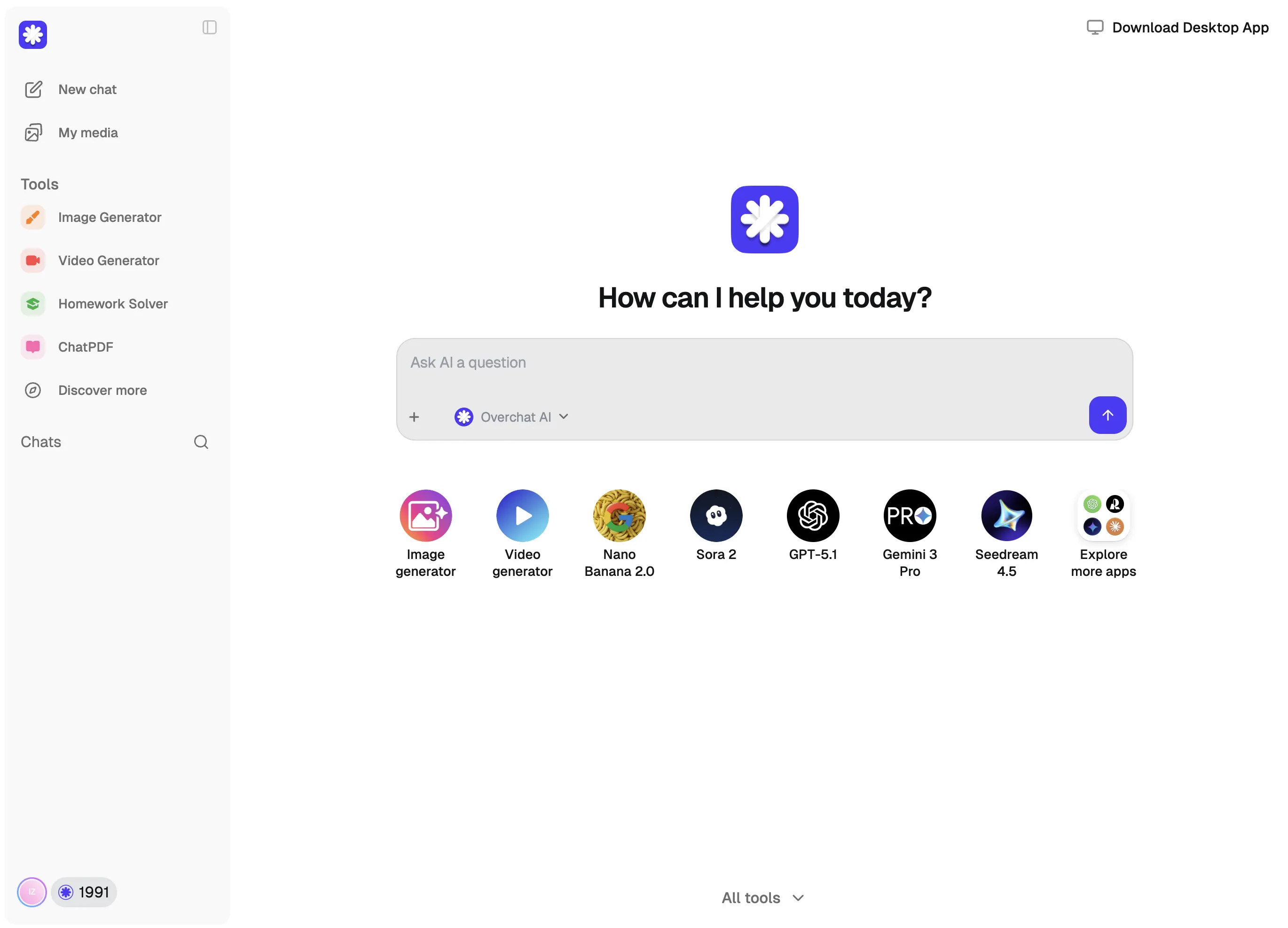
An AI fight generator is an online tool that uses artificial intelligence to turn a photo into a fight video. Also known as an AI fight scene generator or AI battle simulator, it settles the classic who-would-win question on screen. The Overchat AI fight generator, for example, is powered by the Seedance 2.0 video model. It allows you to direct the fight by describing the action in a text prompt and supports a text-to-video mode, enabling you to create fights from your imagination with realistic motion, dynamic camera work and true-to-life physics.
To make the Overchat AI fight generator create a fight scene featuring two people, upload an image of them both and, optionally, write a text prompt describing the action. You can change the location, specify a martial arts style or control the movement. Before generating, select the video generation model and aspect ratio. The Overchat AI fight generator supports multiple models, allowing you to select the best one for your needs. By default, Seedance 2.0 is used as it offers the most realistic and dynamic motion. However, it may refuse to proceed with generation for some requests, such as those featuring famous characters. In such cases, you can select the Van or LTX models, or the Kling V3 model, which produces high-quality motion and works particularly well for anime fight scenes. When you are ready, click the 'Generate' button. Generation can take several minutes as the AI creates a fight scene from scratch. Once complete, simply download the fight video in HD.
The AI Fight Video Generator is a paid tool. You upload your photo, write your fight prompt, and generate fight videos on Overchat AI, alongside the other AI image, video, and music tools included in your plan.

Chinese company Baidu has quietly released a model that's just as good as DeepSeek and ChatGPT — ERNIE 4.5 delivers exceptional performance at a fraction of the cost — and most people outside China have never even heard of it.

If you're wondering: what is DeepSeek AI, the answer is quite simple. DeepSeek AI is a Chinese AI research lab that builds large language models. The company released several models in late 2024 and early 2025 that compete directly with OpenAI's GPT-4 and Anthropic's Claude, but at a fraction of the operating cost.

ChatGPT Plus costs $20 per month plus tax, while the Pro plan costs $200 per month plus tax. Understandably, not everyone is willing to pay that much for a chatbot, especially if the premium features aren’t worth it to them. This raises an obvious question: how can I use ChatGPT for free?
Available on Web, iOS, and Android. Access your AI assistant anywhere, anytime.



.svg)
