


See what’s possible with Overchat AI image generator
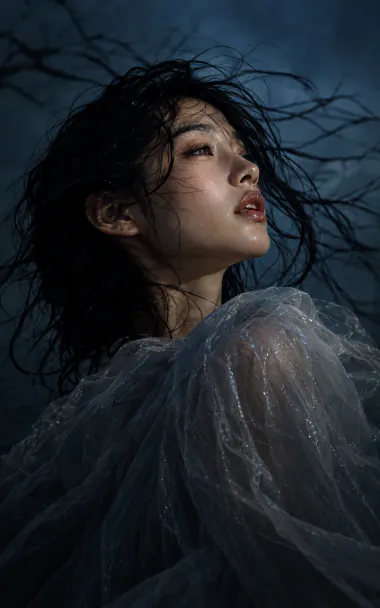
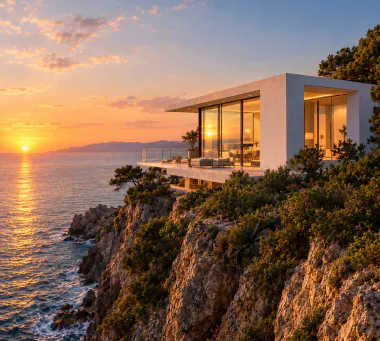
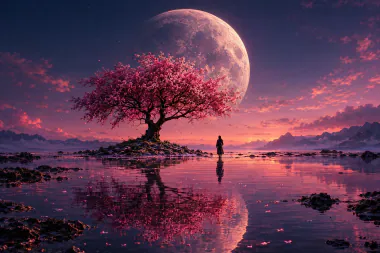
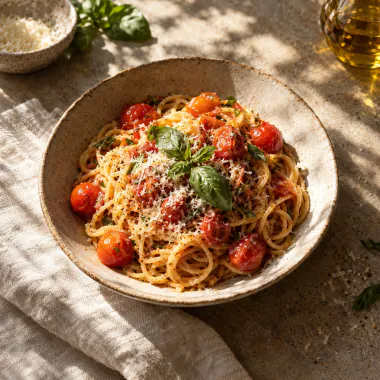
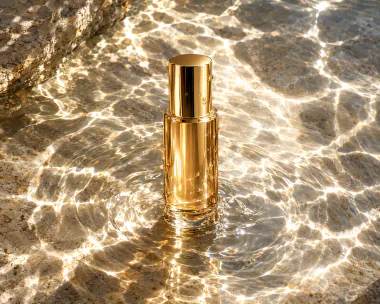
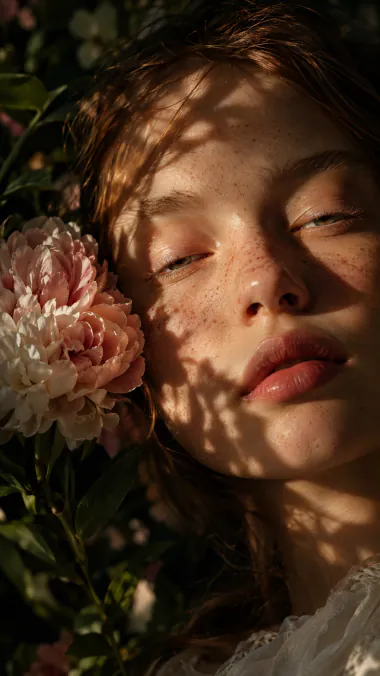
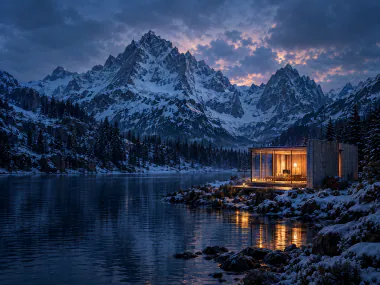
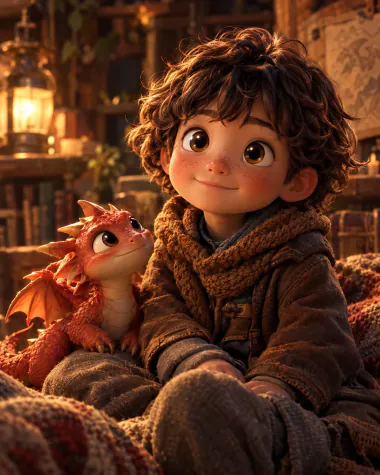
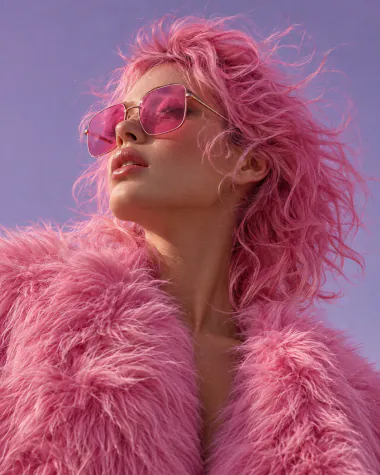
See examples of stunning AI-generated visuals created in Overchat AI image generator. Every image below was made inside Overchat using a simple text prompt and a reference image, which you can reuse and adapt in your own work
Why use the Overchat AI image generator
Most image generators run on a single model. Overchat AI gives you the leading image models under one subscription, so you can try the same idea on several of them and keep the picture that works best
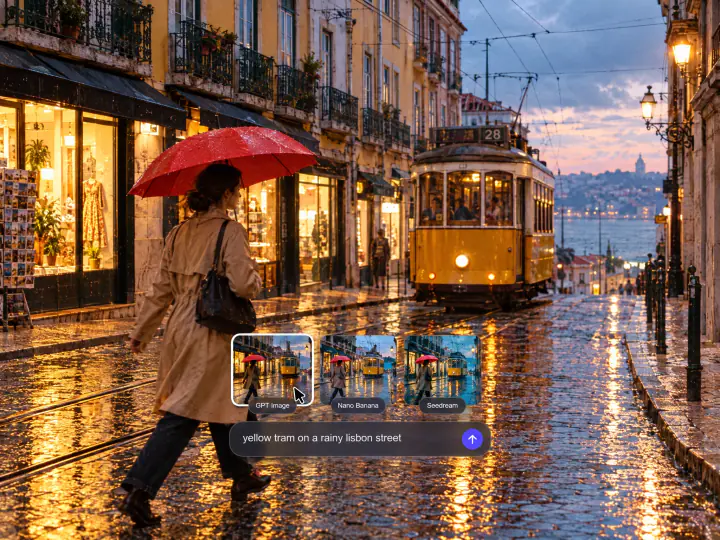
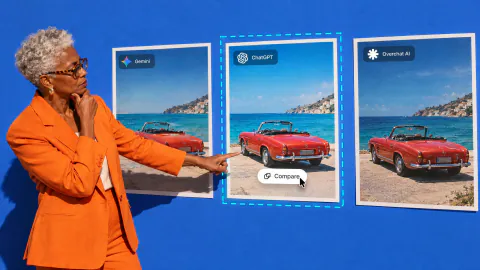
Compare image models on one prompt
Each model reads a prompt in its own way: one renders text better, another handles light, a third draws faces. Pick up to four models, and each of them makes up to eight versions of your prompt. You compare the results side by side and keep the image you like, with one subscription instead of four apps
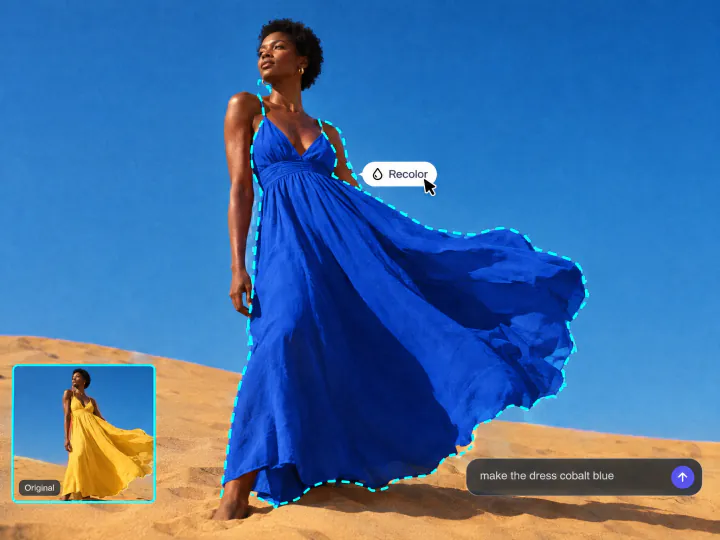
Edit a photo by describing the change
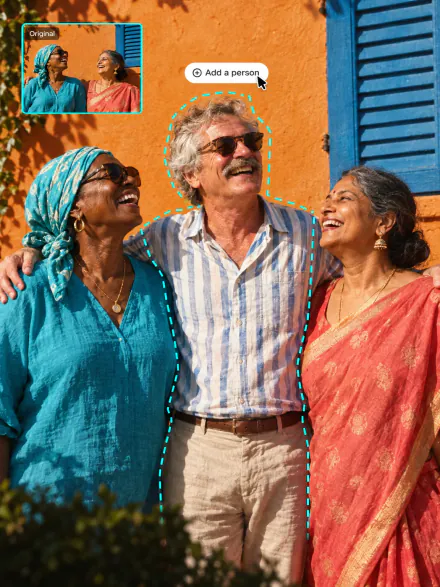
Upload a picture and write what should change, for example the color of a dress or the time of day. The AI edits only that part and leaves the rest of the photo as it was. One sentence is enough to fix a product shot, turn summer into winter in a travel photo or try a new hair color on a selfie
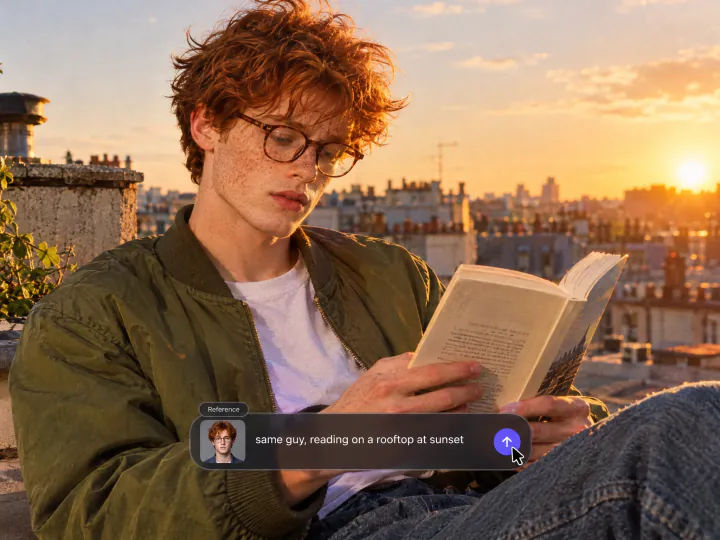
Keep the same character in every picture
Add a photo of a person, and the generator keeps their face, hair and clothes in every new scene. Save the character once and call it by name in any prompt. Use it for a series of profile pictures, a comic or a brand mascot that has to look the same in every picture
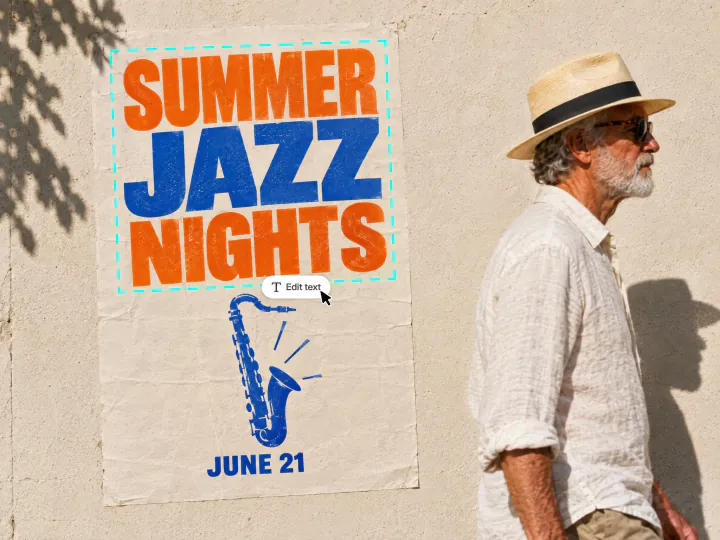
Add readable text to AI images
GPT Image 2.5 and Qwen Image 2 spell headlines, dates and labels correctly, so a picture is ready for a flyer, a menu or a YouTube thumbnail. Put the exact words in quotes and describe the font, color and layout in the prompt
All workflows in one place
Five tools work in one studio. Start from a text prompt or your own photo, give the picture a style, upscale it to 4K and turn it into a short video. Everything you make stays in one history with its prompt and settings
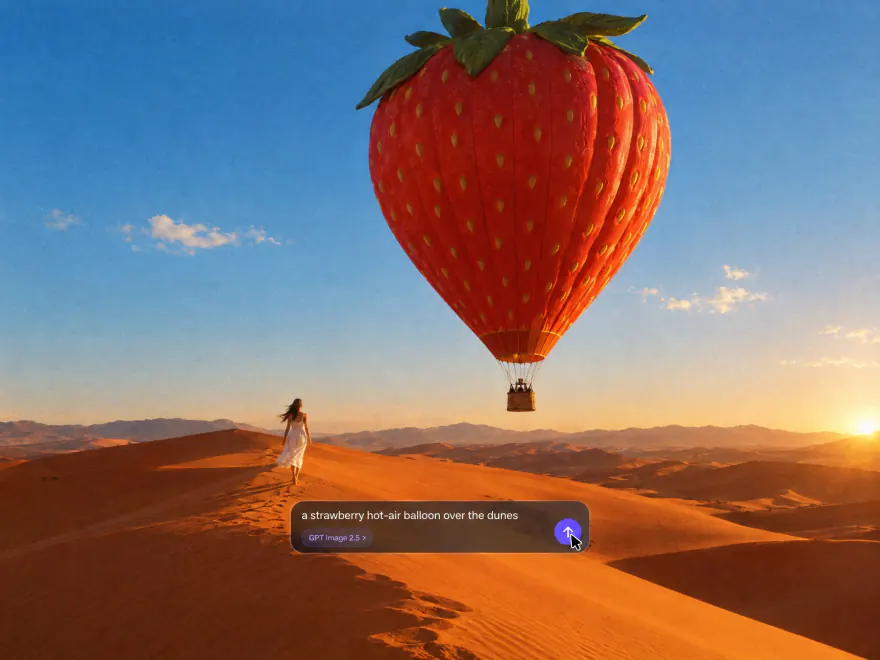
Type a prompt with the subject, setting, lighting and style, and the AI turns it into an image in seconds: a realistic photo, an anime illustration, a 3D render or a poster. The prompt enhancer expands a few words into a detailed description, and voice input lets you dictate an idea instead of typing it
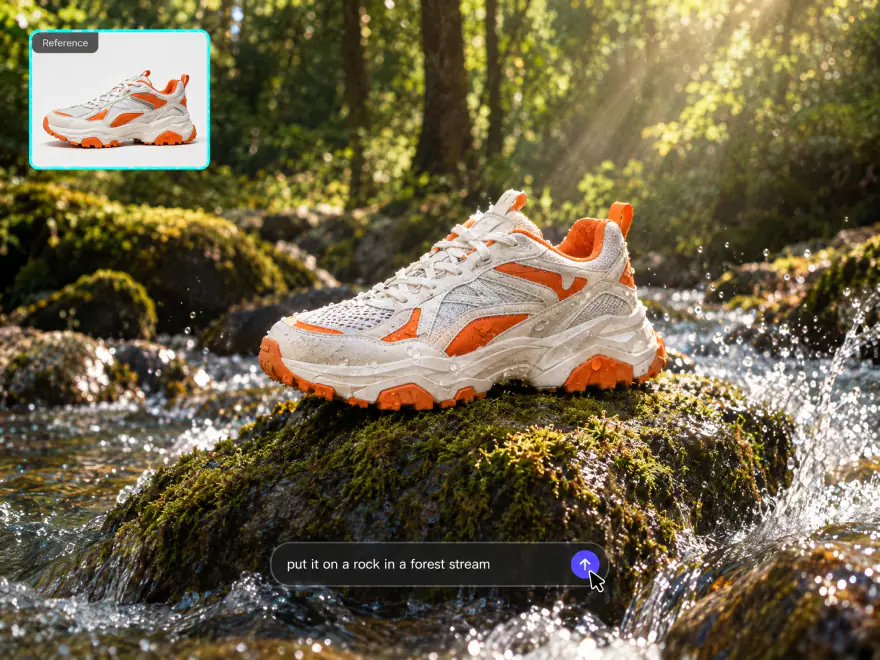
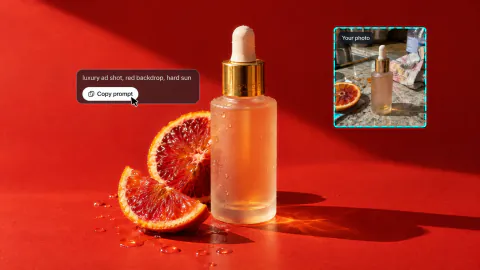
Upload up to 4 reference images and mention them in the prompt as @Image1 and @Image2 to put yourself on a new background, change an outfit, restyle a photo as a painting or place a product in a new scene. The AI keeps the faces, objects and colors from your photos
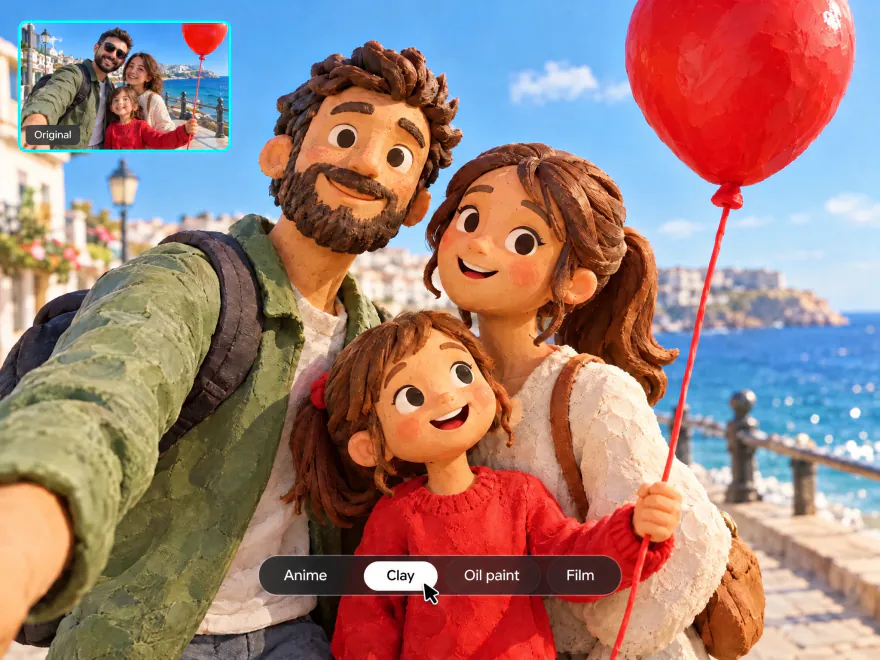
Turn a photo into a cartoon in one click, no prompt needed: anime, a 3D animated character, clay, a comic or a hand-drawn sketch. Upload a picture, pick one of 240+ styles and filters and get the new look in seconds
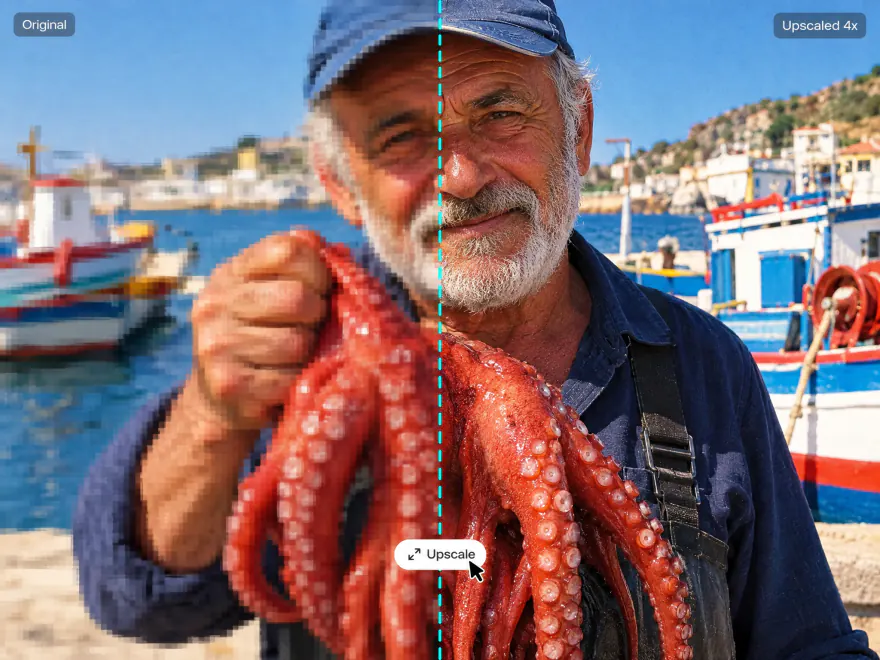
Sharpen a small, blurry or compressed picture up to 4K. The upscaler adds detail to skin, hair, fabric and text instead of stretching the pixels, so the result holds up in print, as a wallpaper or on a large screen. It works on generated images and on any photo you upload
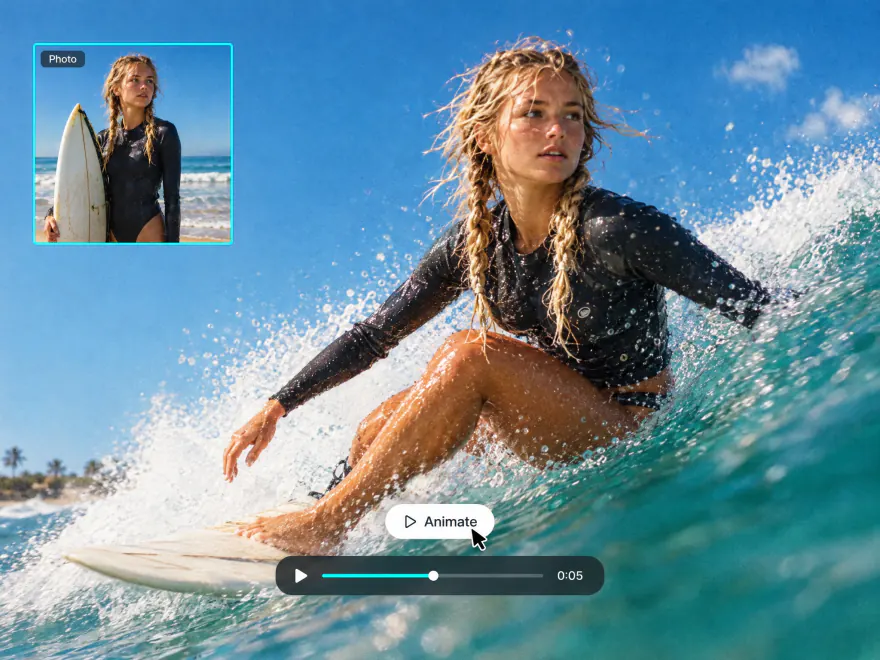
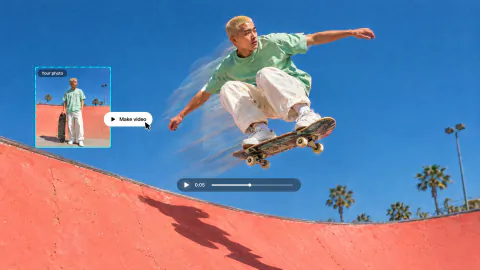
Open any image you generated and turn it into a short AI video with Kling, Veo or Seedance in the same studio. Images and videos stay in your history with their prompts and settings, so you can reuse them or download several at once as a ZIP
What you can do with the AI Chat Image Generator
Work faster with Tools — ready-made presets that cover the most popular AI image generation use cases. Swap backgrounds, expand the frame, add or remove objects and retouch portraits in a single tap
Who is the AI image generator for?
Online stores, social media creators, teachers and writers use the same AI image generator for different jobs. Each of them picks the model that suits the task and gets finished pictures in seconds, without a photo shoot or a designer
Brands and e-commerce
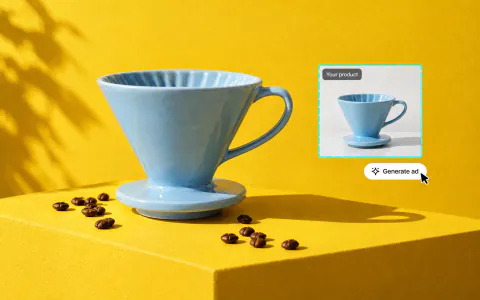
Turn one plain product photo into ad creatives, marketplace images and seasonal banners. Upload the product as a reference, describe the scene, and the same item appears in every picture. Square, vertical and wide formats cover the feed, stories and product pages
Social media and content creators
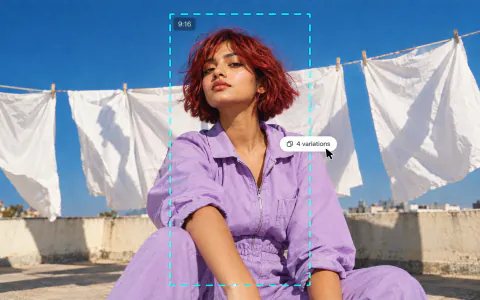
Make thumbnails, post covers and vertical images for TikTok, Instagram and YouTube from a short prompt. Pick 9:16 for Reels and TikTok, 16:9 for YouTube covers or 1:1 for the feed, and the picture comes out in the right shape without cropping
Educators and storytellers
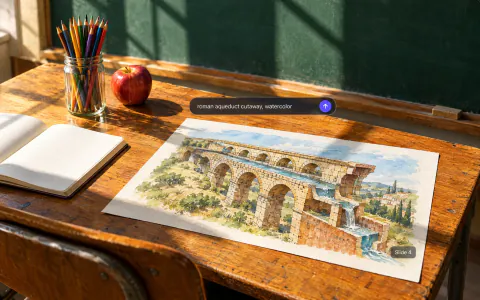
Illustrate lessons, slides and stories with pictures made for the exact topic: a Roman aqueduct, a map of a made-up kingdom, a scene from a children's book. Describe the style once, such as watercolor or a flat diagram, and reuse that prompt so every slide of a lesson looks the same
Everyday and personal use
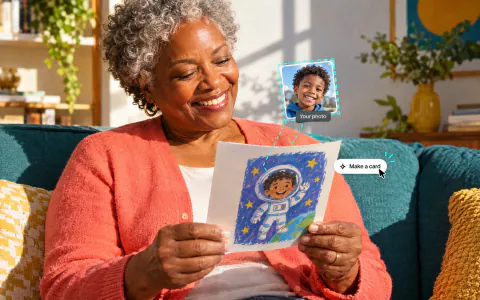
Make a birthday card, a phone wallpaper or a new profile picture from one sentence, or turn a family photo into a cartoon for a gift. Describe what you want in plain words, no design skills needed
Tips to generate stunning AI images
Turn a text prompt into an AI image in three steps, right on this page or in the Overchat AI app
- 01
Open the AI image generator
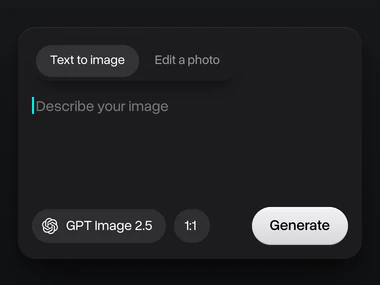
Start in the box at the top of this page, or open the image generator in the Overchat AI web app or the iOS and Android apps. Choose Text to image to create a picture from a prompt, or Edit a photo to change a picture you upload
- 02
Choose a model and write your prompt
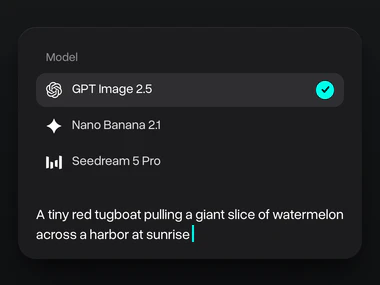
Pick the model you want to use, or up to four models at once when you make two or more images. Then describe the picture: the subject, the setting, the light and the style. Add reference photos to keep a face or a product, and put any words that should appear in the image in quotes
- 03
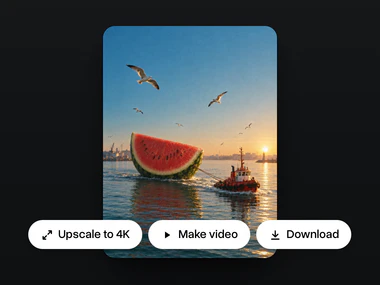
Generate and refine your result
Press Generate and see your images in seconds. Upscale the best one to 4K, change it with a new prompt or turn it into a video with Kling, Veo or Seedance. Every result stays in your history with its prompt and settings
What creators say about Overchat AI
Real reviews from Trustpilot, the App Store and Google Play. People use Overchat AI to make images and videos, compare AI models and keep chat, image and video tools in one subscription
Saves so much time
Using this gives me opportunity to do insta reels and content for my blog Saves so much time with little effort I get a lot of material to work with
Best app for image and video generation
I really enjoy creating videos with Sora and images with Nano Banano in Overchat! The app is fast, intuitive and very user-friendly
Saves a lot of money
I've started to use overchat last week and it feels very promising. Lots of AI models in one place saves a lot of money in comparison if you buy subscriptions for each one
All ai in one app
Before I used to pay separately for chat and image generations, now it’s all in one app for me Genuinely saves me money, love it thx guys
I love this app
I love this app, mostly using from web version (NanoBanana) and everything go smoothly everytime…
 Google Play
Lots of new models
Helps a lot! lots of new models
Affordable and simpe to use
Affordable and simpe to use. I like that I don't have to pay for several different services anymore
One subscription for all models
I like how it keeps everything organized. One subscription is enough for all major AI models, which helps me avoid paying for multiple platforms
Awesome app
Absolutely love this app
Compare different LLMs
I think I've been using it for around 3 months. it helps me because I can check and compare different LLMs and use it for urgent questions
Great experience
Great experience! It helps me able to do my work and respond to questions quickly trusting that the my responses are grammatically correct
Nice app
Nice app, everything in one place
Ask and you shall receive
I ask. CHATGP answers. I check on the answer and it's always been correct
Good and easy to use
Good and easy to use
Plans & Pricing
Access better AI models and generate more with expanded capacity
Free
1image a day
0videos
Nano Banana
No card required
 100 credits/day
 AI chat messages
- Superchat Agent
- Parallel generations
- Faster generation speed
- All image and video models
- 100+ AI tools
- 1,000+ presets
Mini
~460images
~45videos
per month · Nano Banana / Runway Gen-4
Billed annually, renews at $90/year
Billed monthly, renews at $15/month
- 7,000 credits/month?Standard credit price
 AI chat messages?On selected models: Superchat Agent, DeepSeek, ChatGPT, Llama, Gemini, Qwen, Mistral
 Superchat Agent?Superchat Agent automatically routes your message to the model best suited for the task. It can generate images and videos, use the AI tools built into Overchat AI, and learn from your interactions to get better over time
- Parallel generations?How many images and videos you can generate at the same time
- Faster generation speed
 All image and video models
 100+ AI tools
 1,000+ presets
Pro
Popular1,000images
100videos
per month · Nano Banana / Runway Gen-4
Billed annually, renews at $174/year
Billed monthly, renews at $29/month
- 15,000 credits/month?Credits cost 10% less than on Mini
- AI chat messages?On selected models: Superchat Agent, DeepSeek, ChatGPT, Llama, Gemini, Qwen, Mistral
- Superchat Agent?Superchat Agent automatically routes your message to the model best suited for the task. It can generate images and videos, use the AI tools built into Overchat AI, and learn from your interactions to get better over time
 4 parallel generations?How many images and videos you can generate at the same time
 Faster generation speed
- All image and video models
- 100+ AI tools
- 1,000+ presets
Max
~2,300images
~230videos
per month · Nano Banana / Runway Gen-4
Billed annually, renews at $354/year
Billed monthly, renews at $59/month
- 35,000 credits/month?Credits cost 21% less than on Mini
- AI chat messages?On selected models: Superchat Agent, DeepSeek, ChatGPT, Llama, Gemini, Qwen, Mistral
- Superchat Agent?Superchat Agent automatically routes your message to the model best suited for the task. It can generate images and videos, use the AI tools built into Overchat AI, and learn from your interactions to get better over time
- 16 parallel generations?How many images and videos you can generate at the same time
- Faster generation speed
- All image and video models
- 100+ AI tools
- 1,000+ presets
Ultra
Best value~5,300images
~530videos
per month · Nano Banana / Runway Gen-4
Billed annually, renews at $714/year
Billed monthly, renews at $119/month
- 80,000 credits/month?Credits cost 31% less than on Mini
- AI chat messages?On selected models: Superchat Agent, DeepSeek, ChatGPT, Llama, Gemini, Qwen, Mistral
- Superchat Agent?Superchat Agent automatically routes your message to the model best suited for the task. It can generate images and videos, use the AI tools built into Overchat AI, and learn from your interactions to get better over time
- 64 parallel generations?How many images and videos you can generate at the same time
- Top-priority queue
- All image and video models
- 100+ AI tools
- 1,000+ presets
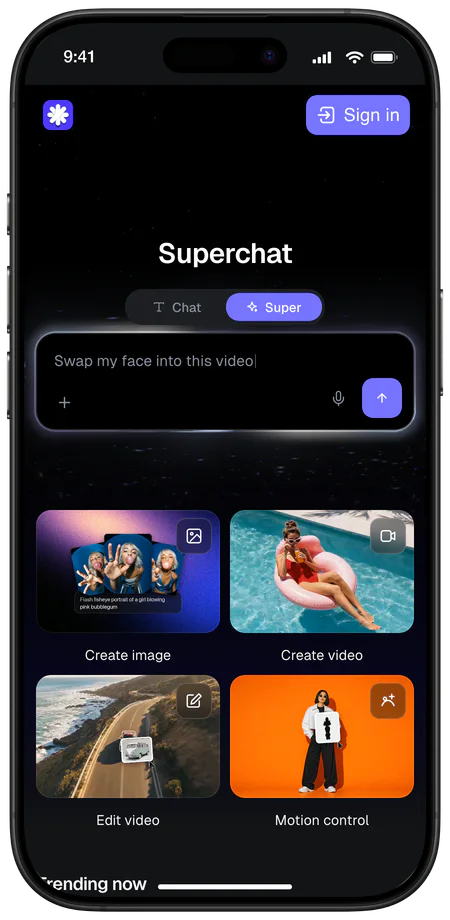
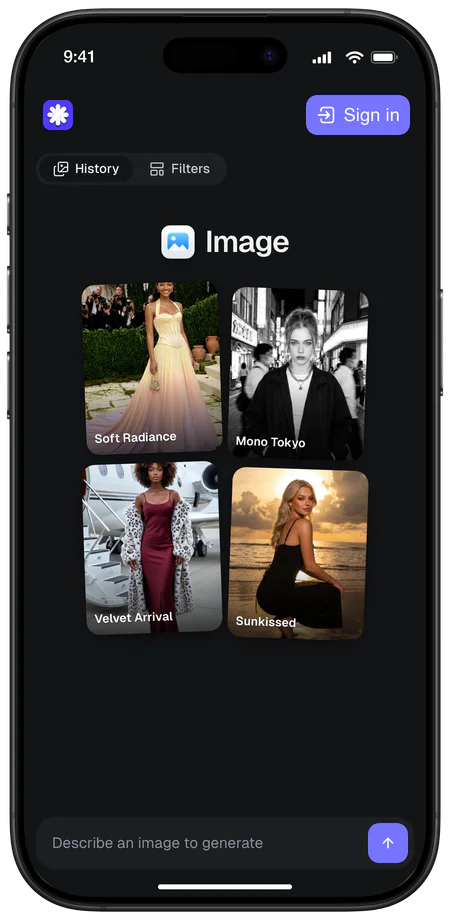
Generate anywhere
Start a picture on your laptop and finish it on your phone. Chats, images and videos stay in one account on every device
 4.5
4.5
About Overchat AI
Overchat AI brings you the power of the world's top AI models: GPT, Claude, Gemini, Mistral, and more


Learn to generate AI images like a pro
13 Best Free AI Image Generators in 2026 Compared
Compare the 13 best free AI image generators in 2026, from Gemini and ChatGPT to Overchat AI, with daily limits, models, watermarks and paid plans
50 Gemini AI Photo Prompts We Tested (Copy and Paste)
50 Gemini AI photo prompts tested on Nano Banana 2, each with its result: figurines, anime posters, collages, photo restoration and product shots
How to Generate a Video With AI: Step-by-Step Guide
Learn how to generate a video with AI step by step: choose an app, start from text or a photo, write a prompt, pick settings and see what a clip costs
Explore more AI tools
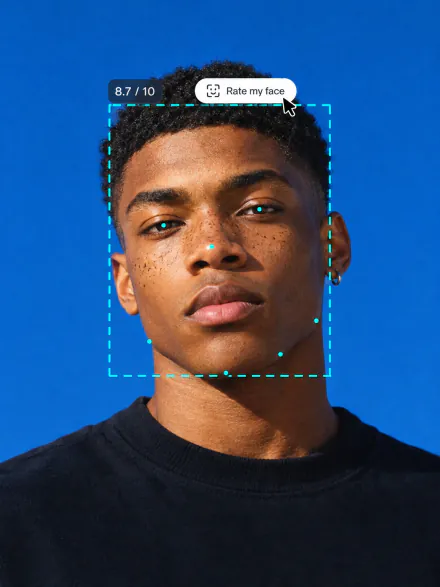
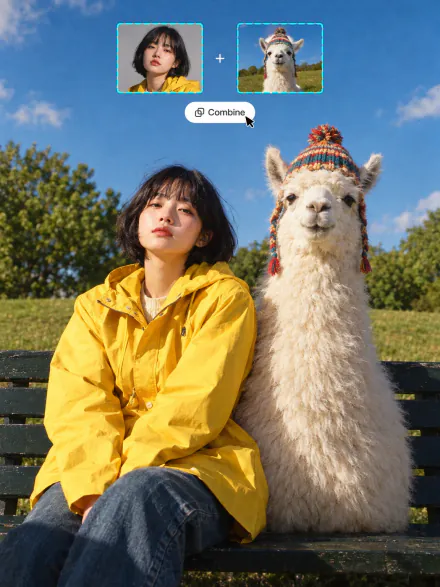
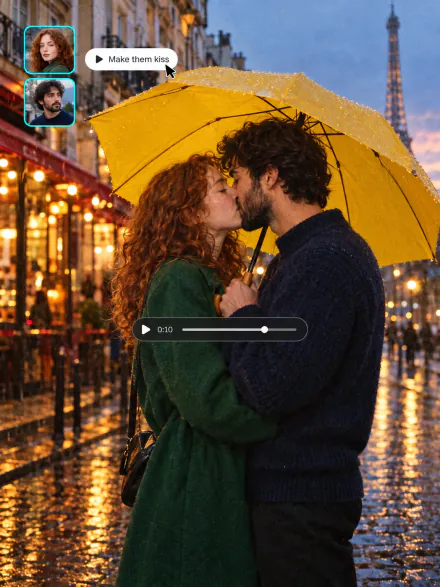
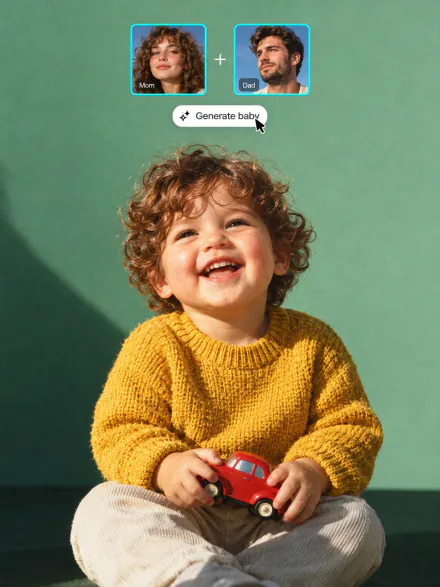
Swap into a movie star, rate your face, merge two photos or see your future baby. Every tool runs on the same subscription
AI image generator FAQ
If you have any questions,
reach out to us at hello@overchat.ai
An AI image generator is a tool that creates new images from a text description. You write a prompt, and an AI model draws a matching picture: a photo, an illustration, a poster or AI art in any style
Text-to-image models are trained on millions of images and their captions, so they learn how words map to shapes, colors and styles. When you enter a prompt, the model builds a new image step by step until it matches your description
Yes, you can start for free. Sign up with Google or Apple and generate with a free account, one model and one image per run. Each generation costs credits, and the price is shown on the Generate button before you run it. Pro lets you run up to 4 models and 8 variants per model at once
It depends on the task. GPT Image 2.5 is strongest at text in images and long, detailed prompts. Nano Banana Pro is best for editing your own photos. Seedream 5 Pro and Flux 2 Max give the most photorealistic results. Overchat AI has all of them in one place, so you can run the same prompt on several models and keep the best image
Yes. Upload up to 4 reference images, mention them in the prompt as @Image1, @Image2 and describe the change: a new background, outfit, style or scene. You can also save a character to keep the same face across images
Yes. GPT Image 2.5 and Qwen Image 2 render headlines, labels and short phrases clearly. Put the exact words in quotes in your prompt
Yes, you can use the images you create in personal and commercial projects, such as ads, websites, social media and merchandise. Avoid prompts that copy real people, brand logos or copyrighted characters
You can pick 1:1, 4:3, 3:4, 16:9 or 9:16, depending on the model. Use 1:1 for posts, 9:16 for stories and wallpapers, and 16:9 for thumbnails and banners
Most images are ready in a few seconds. Larger runs with several models or variants take a bit longer
Yes. Open any result to edit it with a new prompt, use it as a reference for the next image, regenerate it or turn it into a video. Every image stays in your history with its prompt and settings


