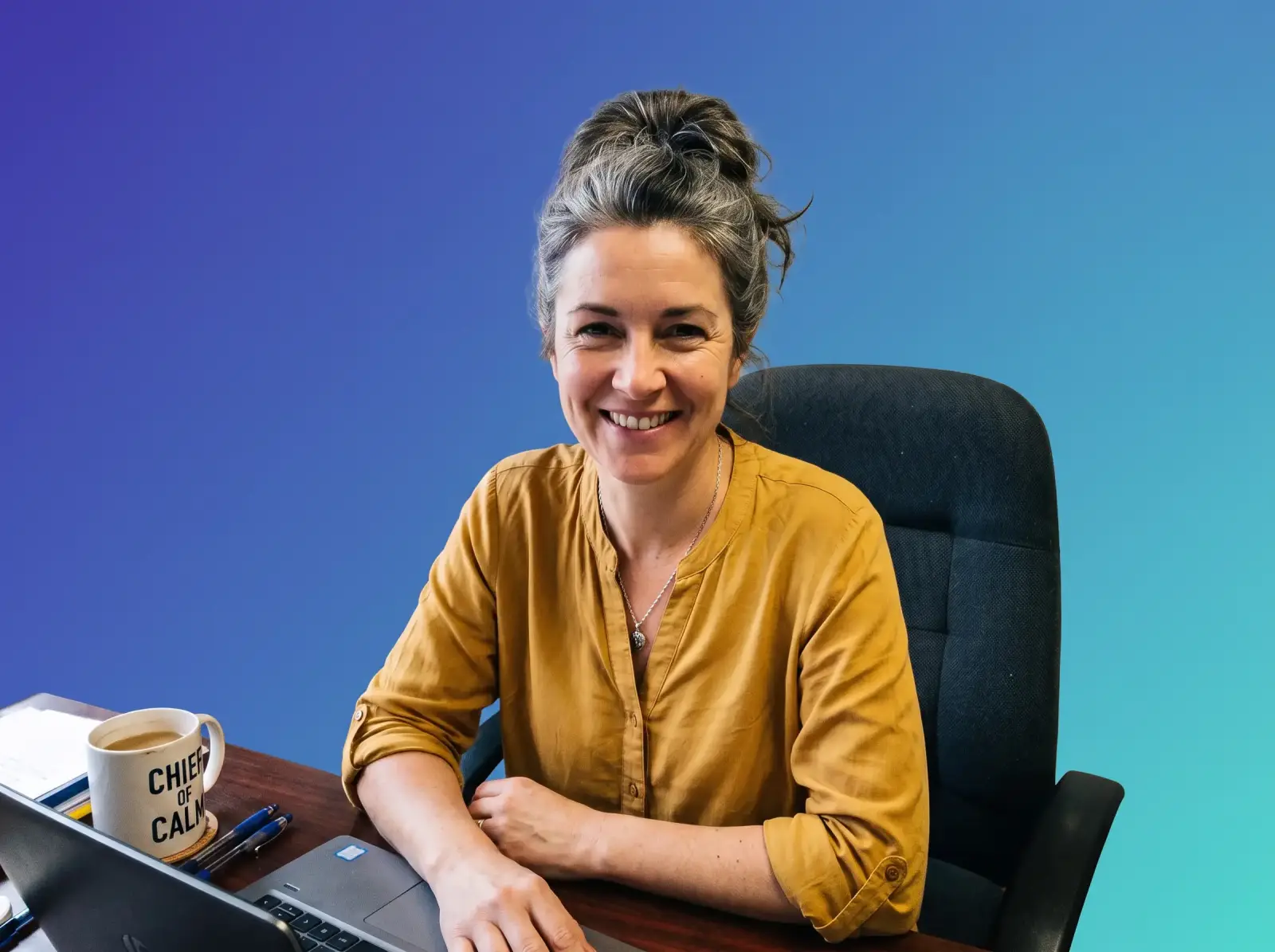
Swap the background of any photo for a studio backdrop, a new scene or a flat colour — the Overchat AI background changer keeps the subject exactly as it is. Drag the handle to see the before and after.

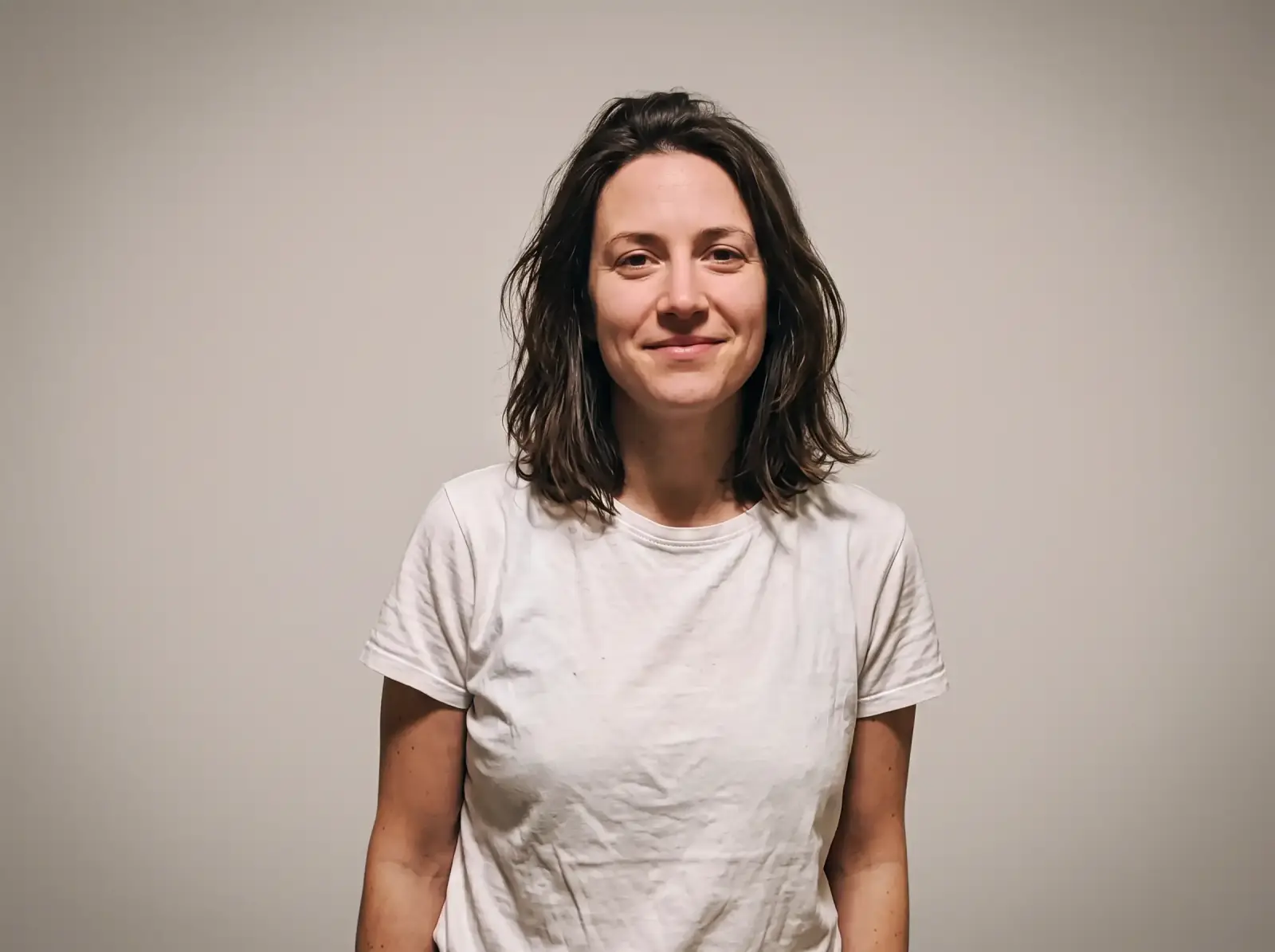
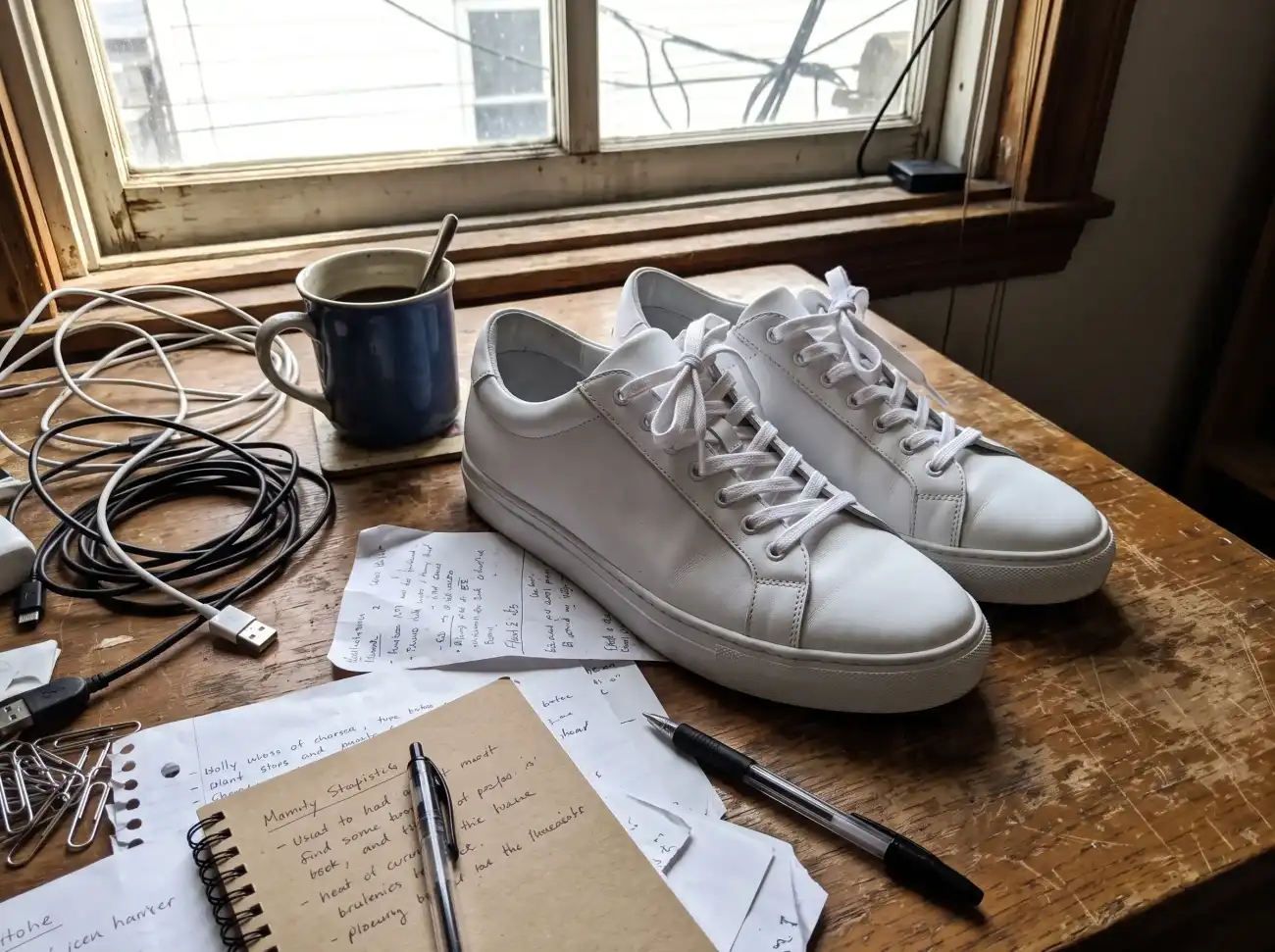
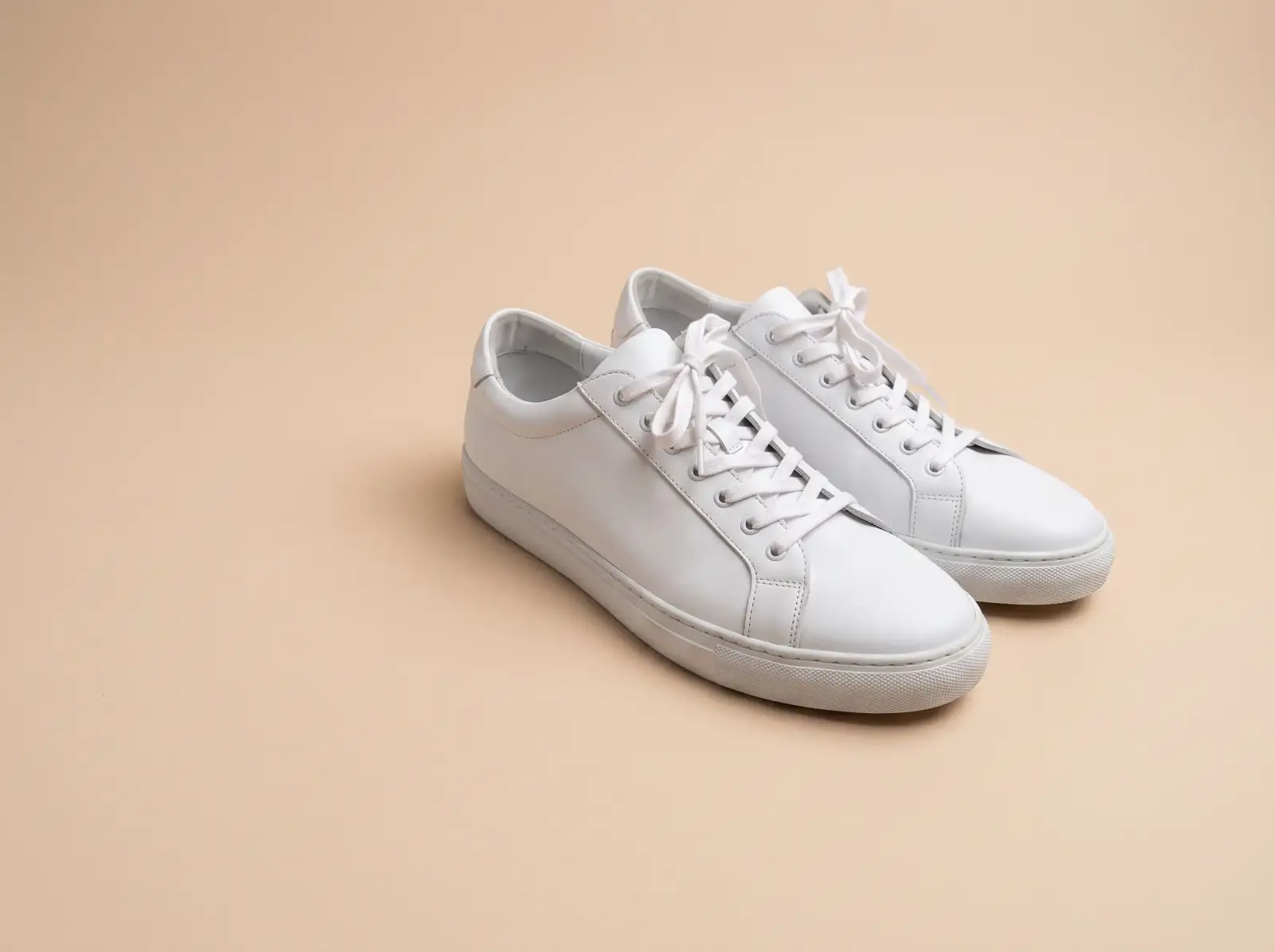
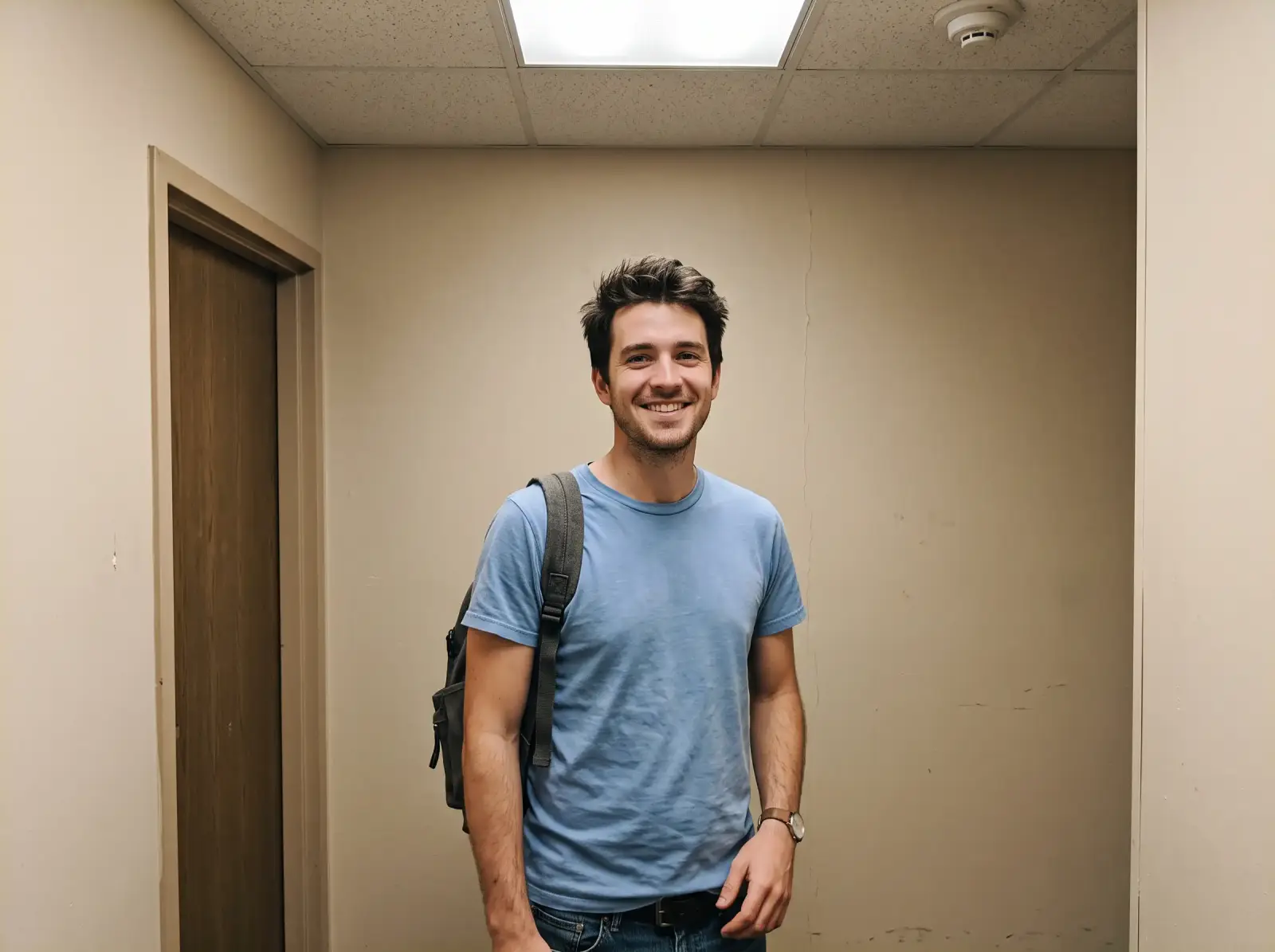

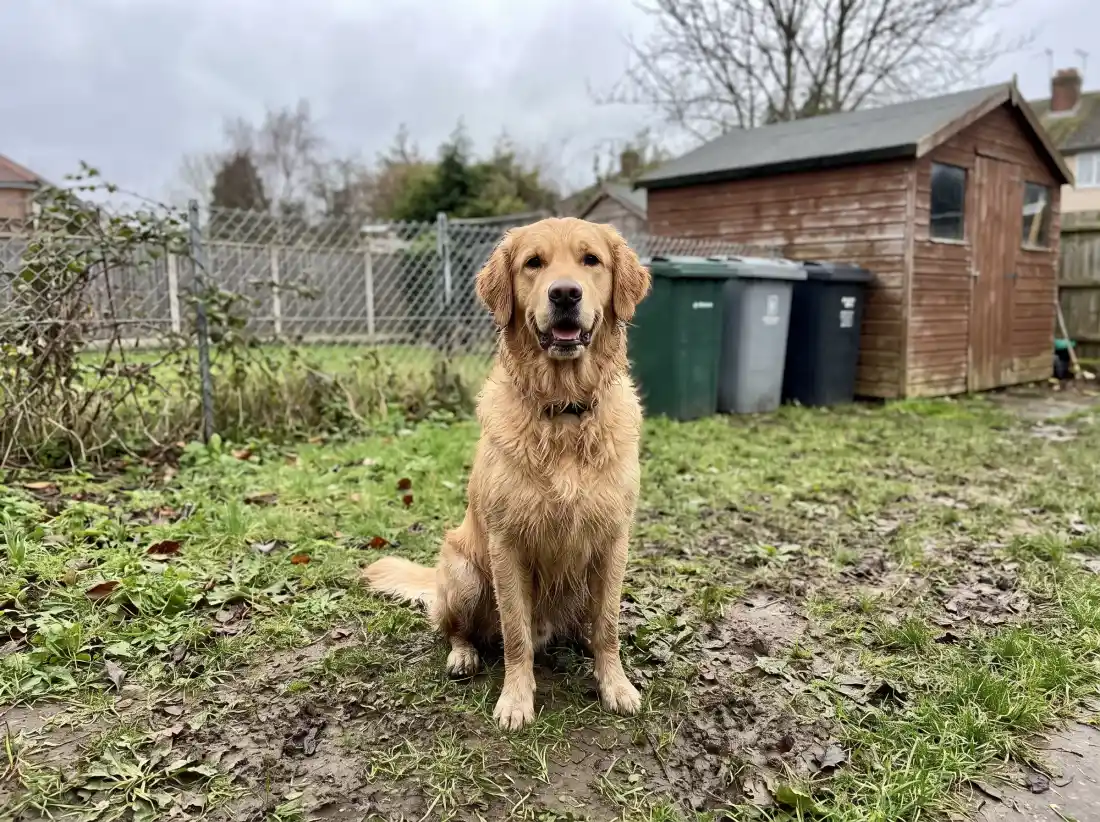
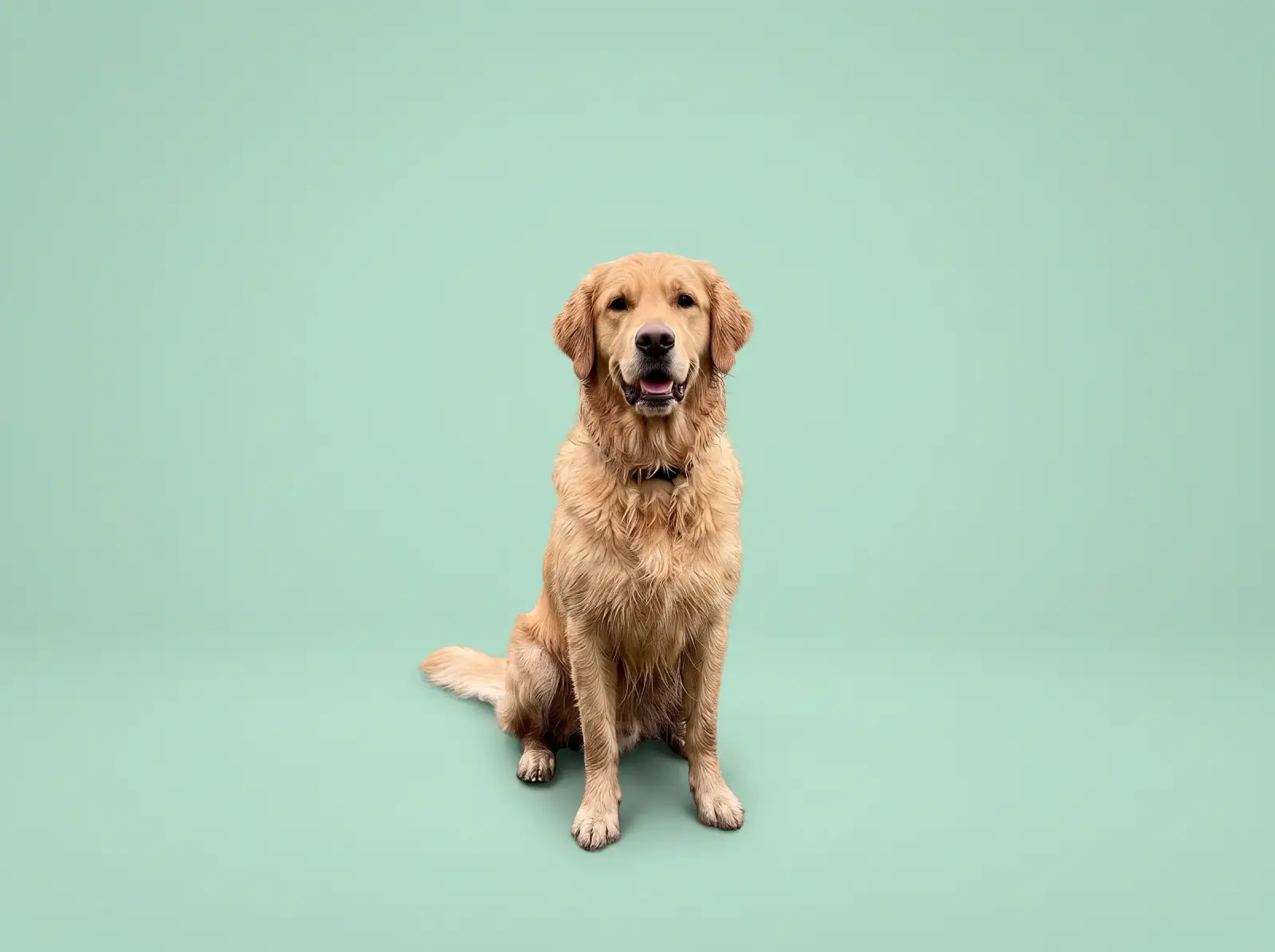
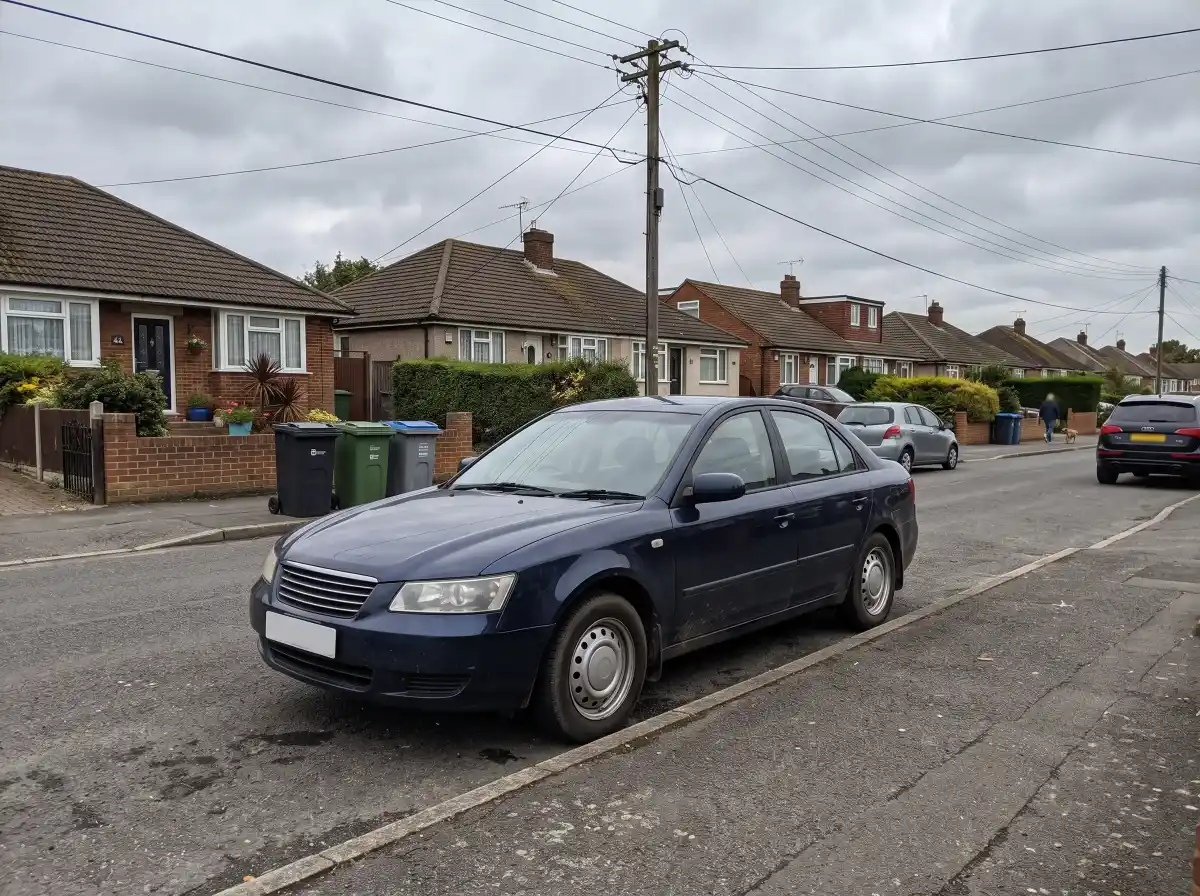

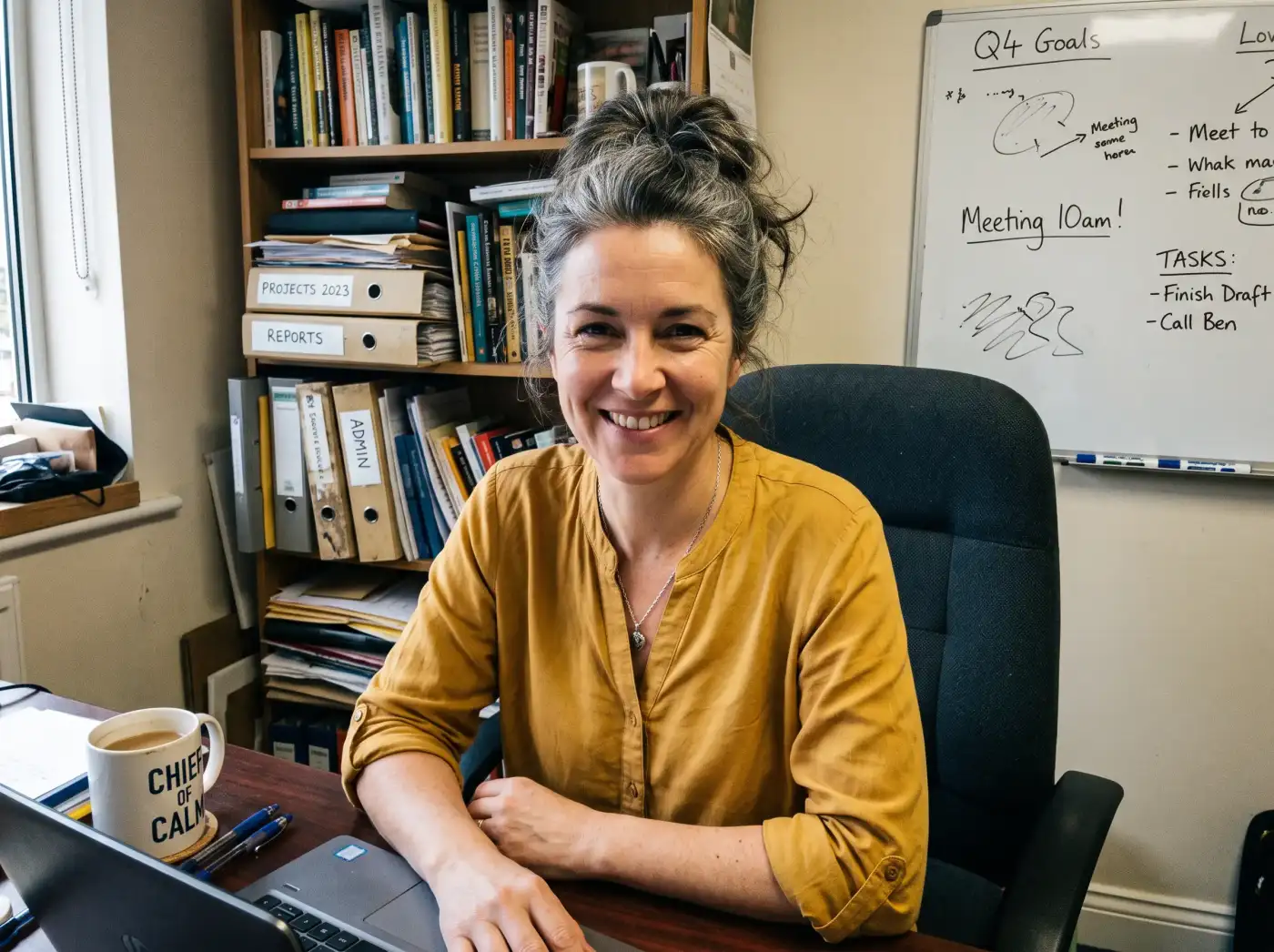
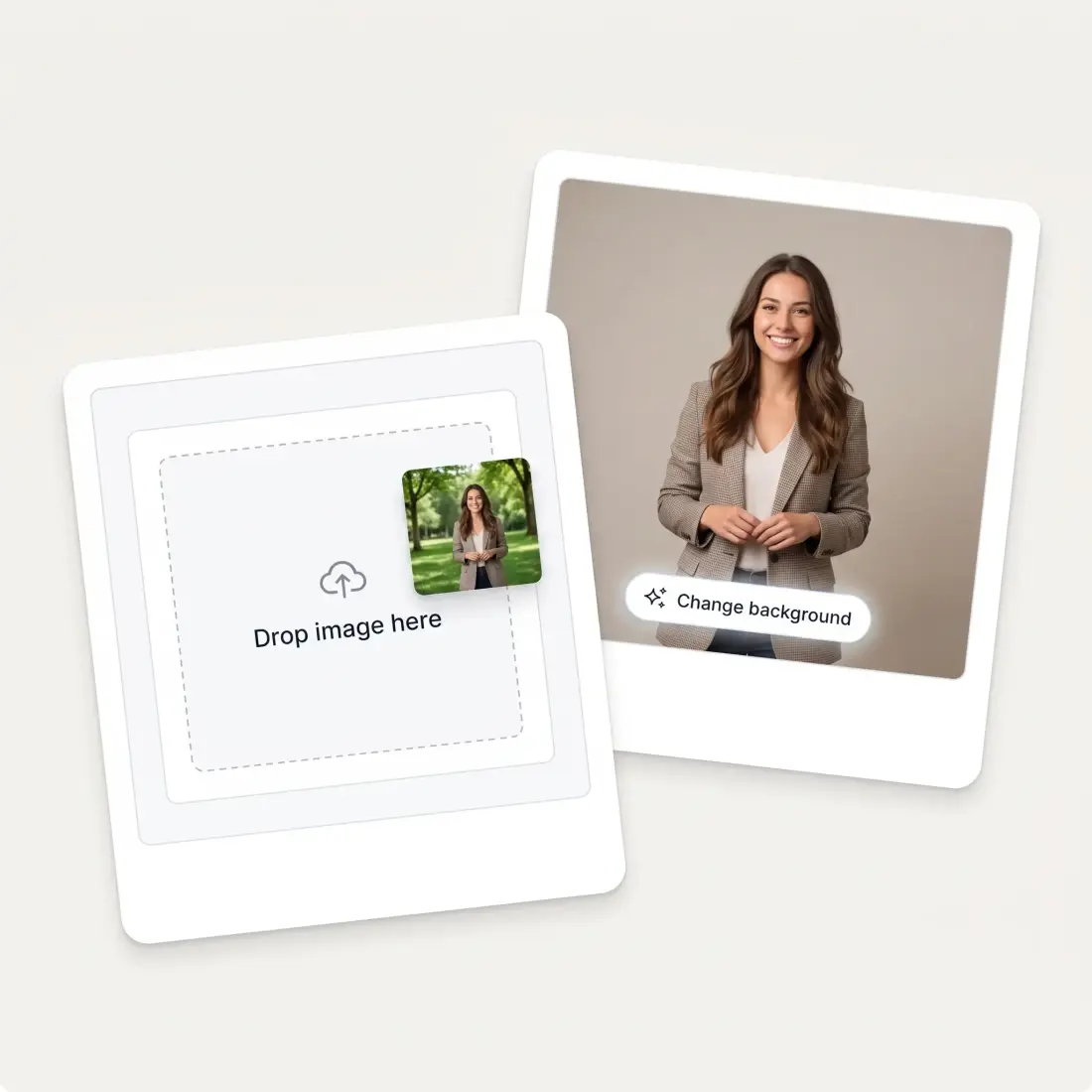
Drag in a JPG, PNG, WebP or HEIC up to 20 MB, or paste one straight from your clipboard.
Upload a photo of the backdrop you want, describe it in words, or choose a solid color or a gradient.
Save the result — or brush over anything that needs fixing and generate again.
Overchat AI finds the subject the moment your photo opens and marks everything behind it, so most photos are one button away from a new backdrop. Hair, fur and fine edges survive the swap, and when the AI grabs something you wanted to keep, the brush and eraser put it back in a couple of strokes. No layers, no manual masking, no Photoshop.

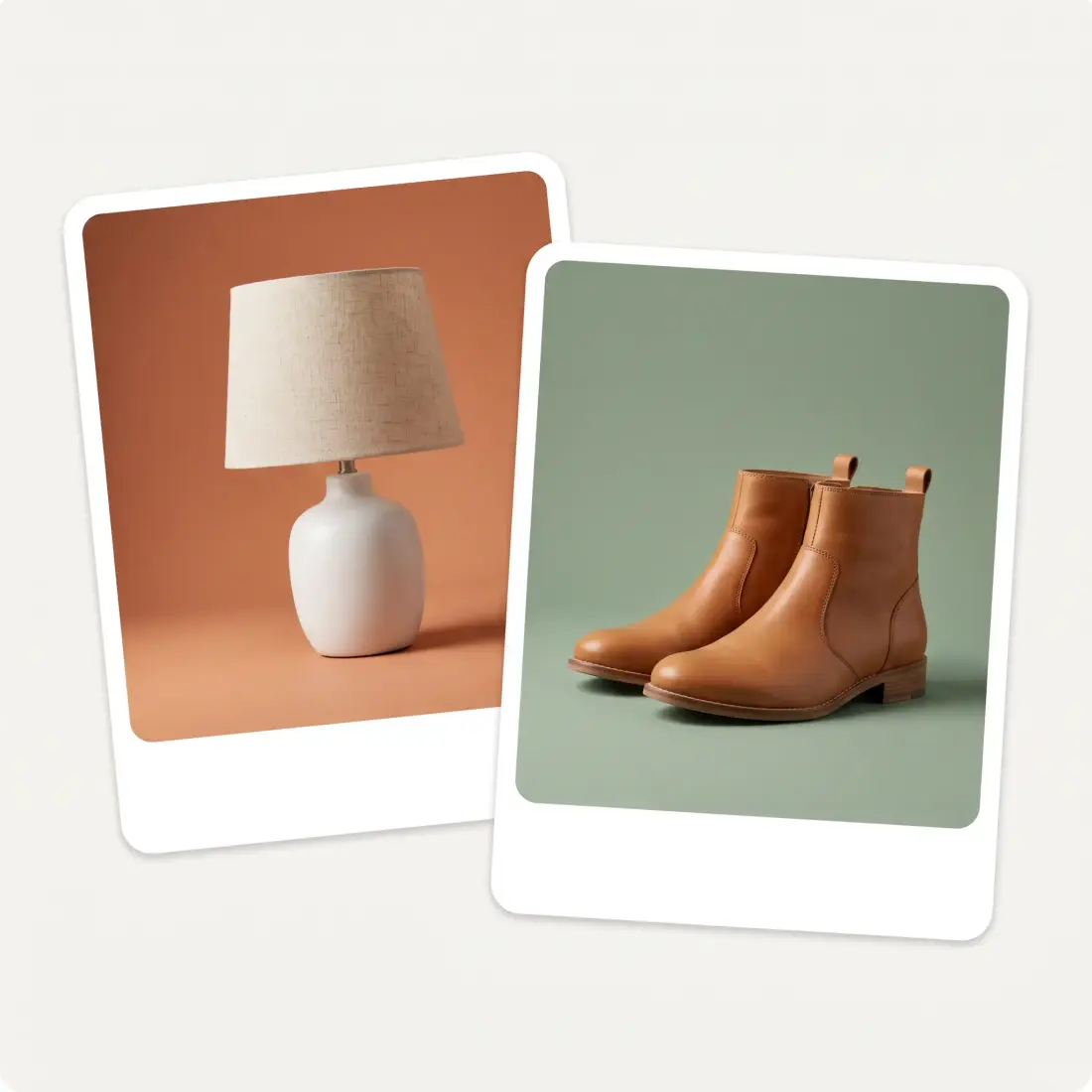
Take the product photo on your kitchen table and put it on a seamless studio backdrop, a brand color, or the pure white a marketplace listing asks for. Lighting and contact shadow are matched to the new scene, so the result looks photographed rather than pasted.
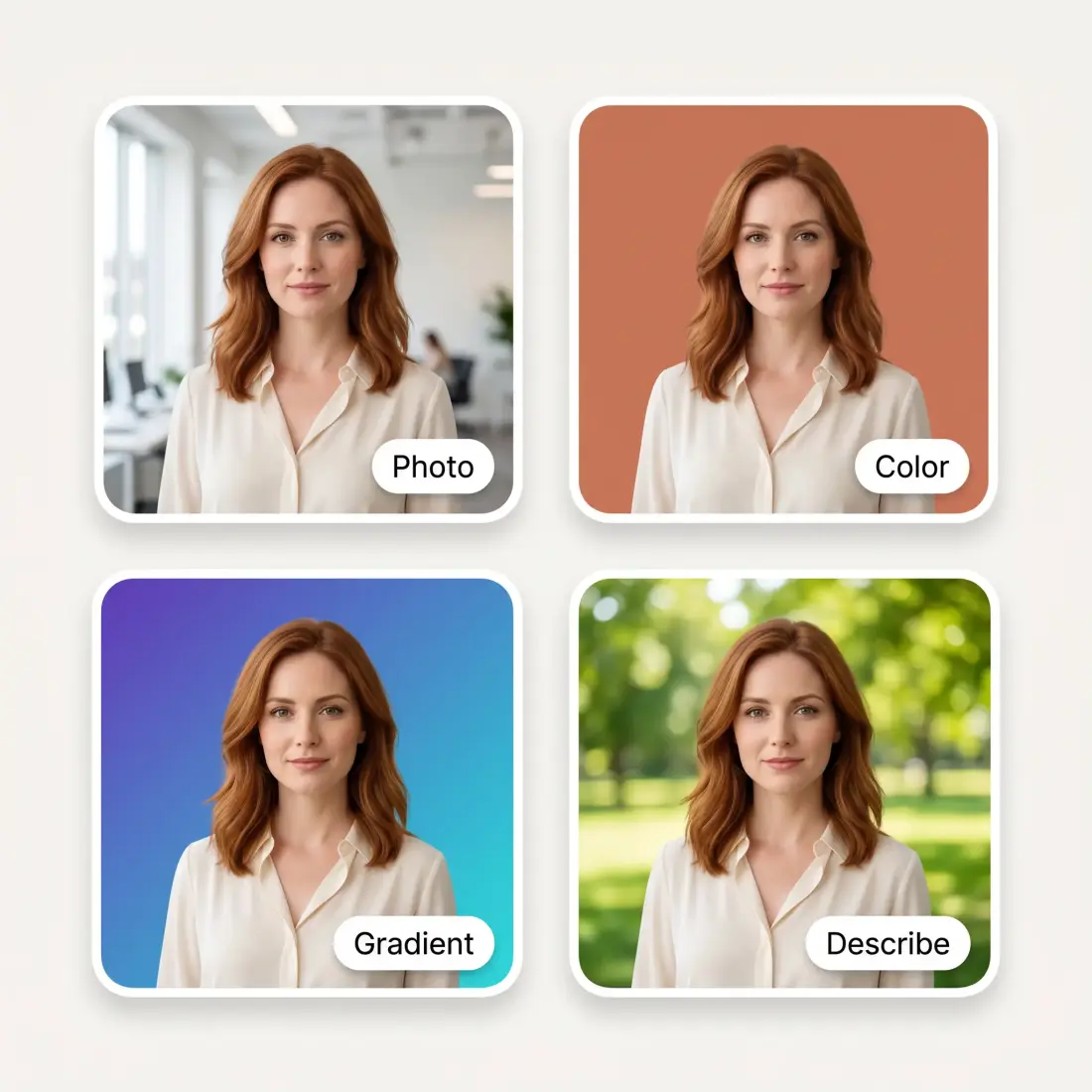
Upload a photo of the scene you want, describe it in a sentence and let the AI generate it, pick a solid color from the swatches, or build a gradient with your own stops and angle. Whatever you choose is applied to the photo the same way.
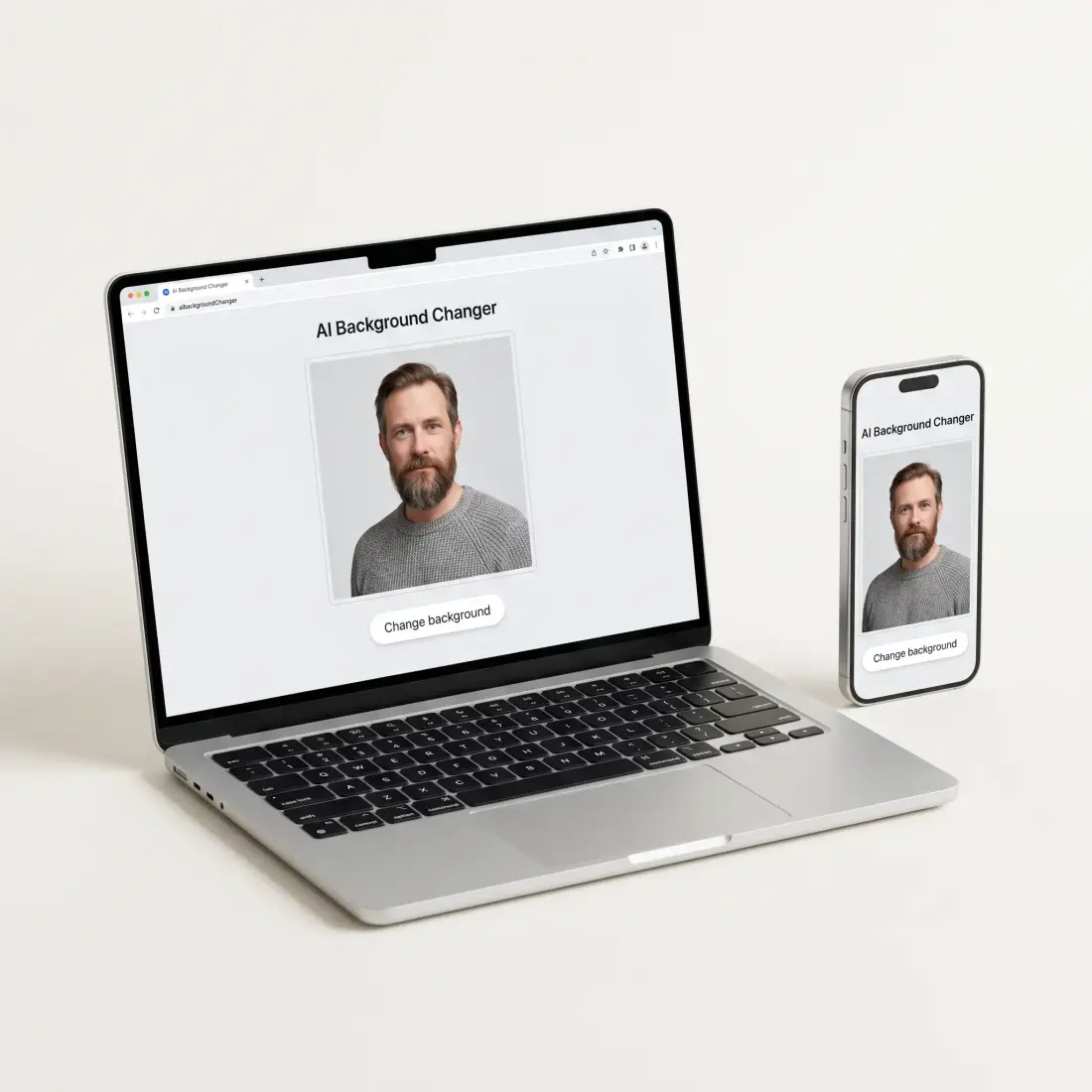
The Overchat AI background changer works entirely online, so there is nothing to install. Open the page on an iPhone, an Android phone, a tablet or a desktop, upload from your camera roll or take a new shot, and pinch to zoom while you brush. Your photo and the finished result stay on the same screen.
Every image is transferred and processed over a secure, encrypted connection.
Uploads are automatically deleted after processing.
Your images are never added to public training datasets or used to improve models.
Every image you generate is yours forever, with full commercial rights.
Upload a photo and the AI detects the subject and marks everything behind it as background. Choose the new backdrop — a photo, a text description, a solid color or a gradient — and press Change background. The model regenerates only the marked area and blends the subject into the new scene, matching the lighting and the edges.
Upload the image, pick what you want behind the subject from the Photo, Describe, Color or Gradient tab, then press Change background. The result appears on the same screen, ready to download or to refine with another pass.
The AI background changer is a paid tool, but Overchat has plenty of free ones — including a free AI image generator. Create a free account to get started.
JPG, PNG, WebP, BMP and HEIC files up to 20 MB.
Usually 10–30 seconds. Photos with intricate detail such as hair, fur or semi-transparent objects sit at the longer end.
Your photo is processed at up to 1280 px on the long side, so a very large original comes back at that size rather than at its full resolution. Within that, the subject itself is left alone — only the background is regenerated — so edges and detail stay clean.
Yes — hair, fur and semi-transparent edges are exactly what the model is trained on, and the subject is blended into the new scene with matched lighting and a natural contact shadow rather than a hard cut-and-paste line.
Yes. If you want a transparent PNG rather than a new scene, use the Overchat AI background remover — it cuts the subject out and leaves the background empty.
Yes. Marketplaces such as Amazon want the main product image on pure white, and you can set exactly that from the Color tab: pick white, press Change background, and the product keeps its own edges and shadow.
Yes. The Overchat AI background changer is web-based, so it runs on an iPhone, an Android phone or a tablet without installing an app. Upload from your camera roll or take a new photo, pinch to zoom, and brush with your finger.
Upload a photo and put your subject anywhere with Overchat AI.
