What is an AI passport photo maker?
An AI passport photo maker is an online tool that uses artificial intelligence. It takes any informal picture and turns it into a photograph that's ready to use for a passport application or in another ID. As always, check the results of the AI tool.
How does the AI passport photo maker work?
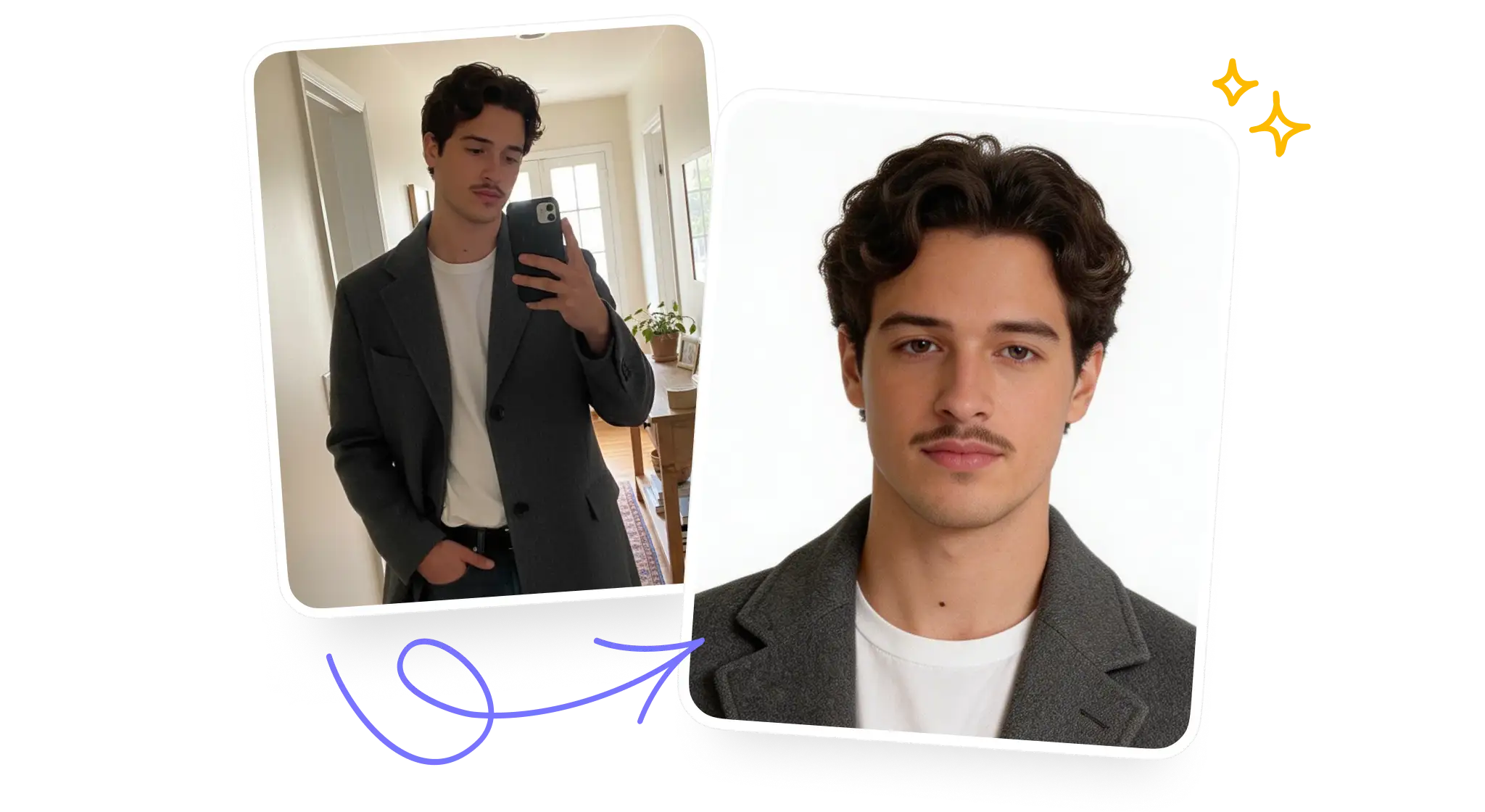
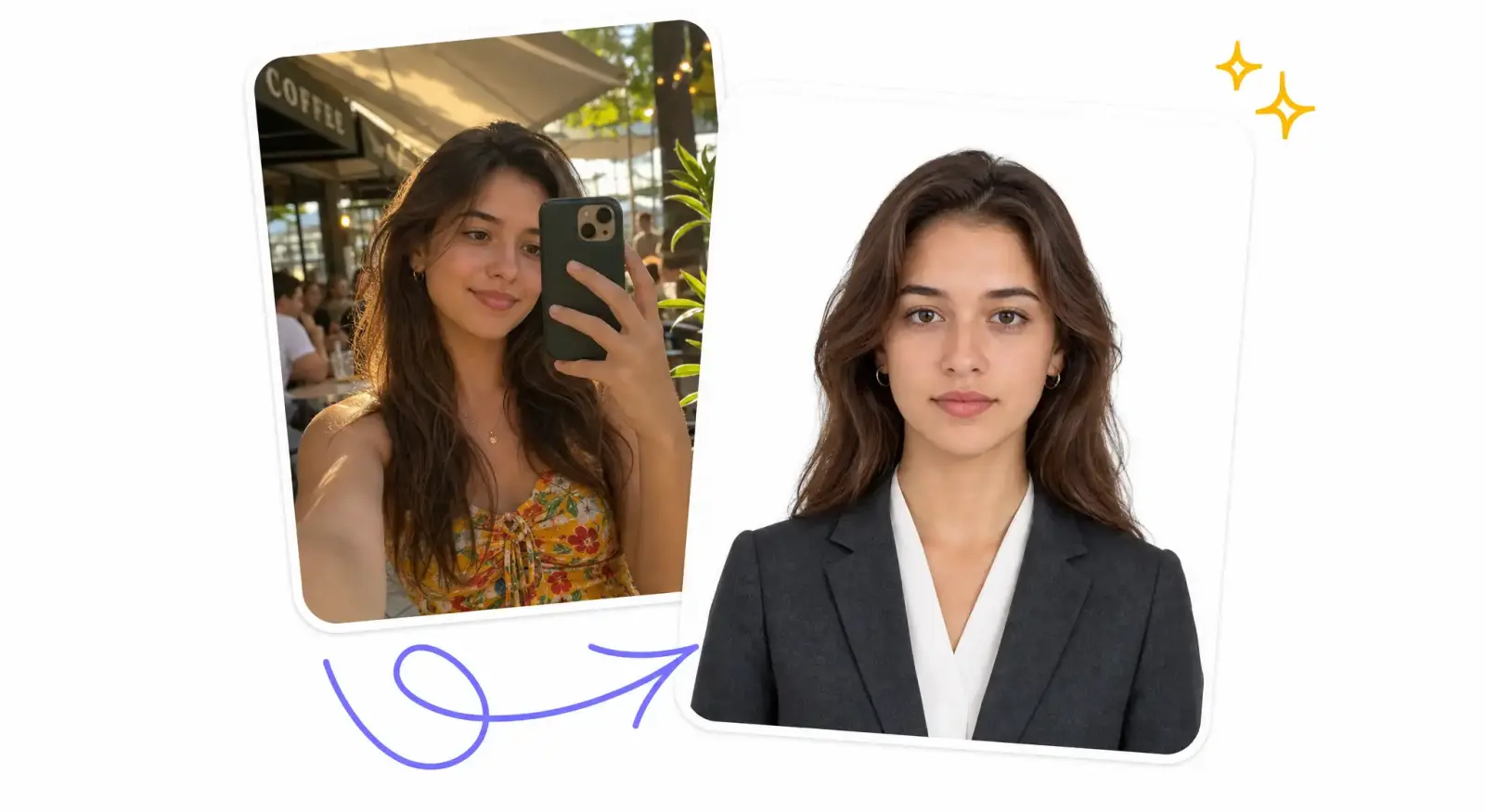
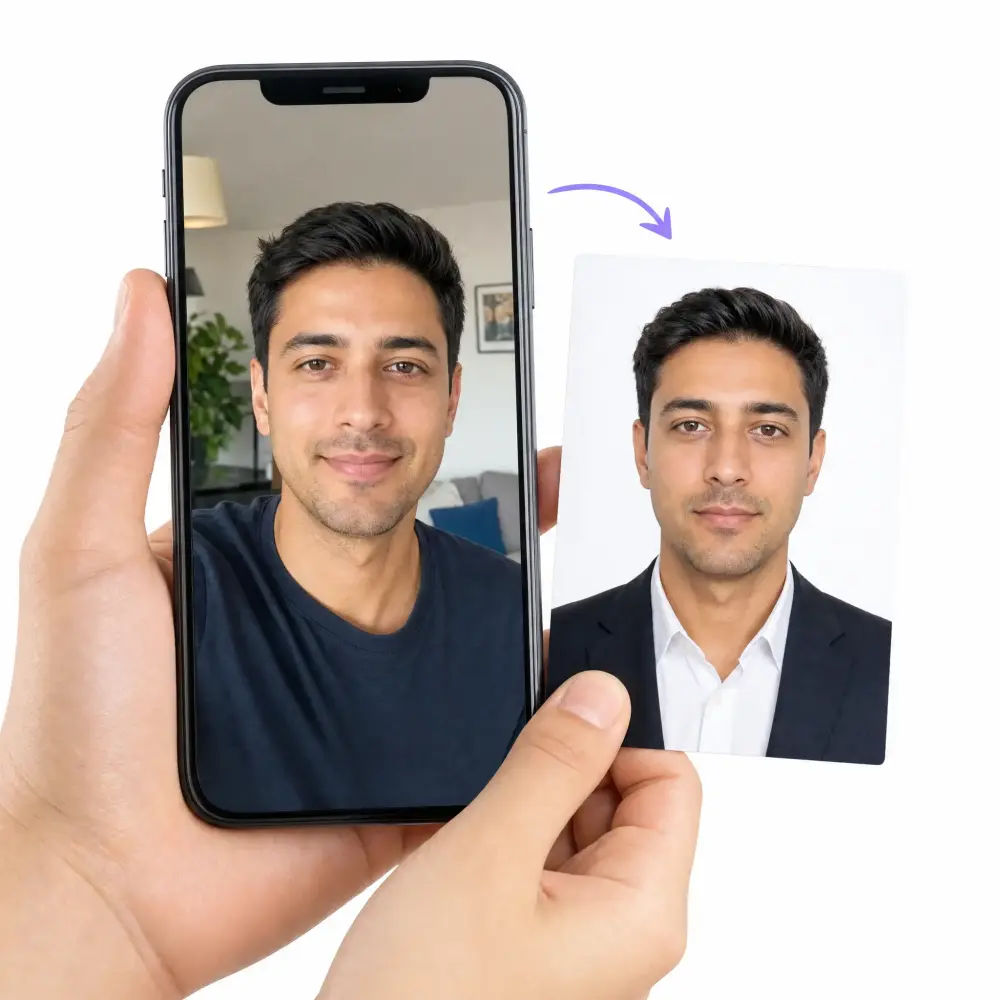
Overchat AI passport photo maker uses an advanced AI model from the Seedream family to transform any picture into a passport-ready ID photo. To use the tool, just upload your picture, choose the size and background color from the options, and click "Generate." It usually takes about 30 seconds to generate your passport photo. Then, you can download it in high-quality without watermarks.
What is the best AI passport photo tool?
∨
Overchat AI is one of the best online passport photo generators. It uses one of the best AI image models available, which guarantees professional and consistent results. Each generation typically takes just 30 seconds to complete. Also, it's free to use, and you don't need an account to get started.
Is the Overchat AI passport photo maker free to use?
The Overchat AI passport photo tool is free. You can use it to make images for documents and ID applications. You can download these images without signing in. To start using the tool, scroll up to the widget above and follow the instructions on the screen.
What size is a passport photo?
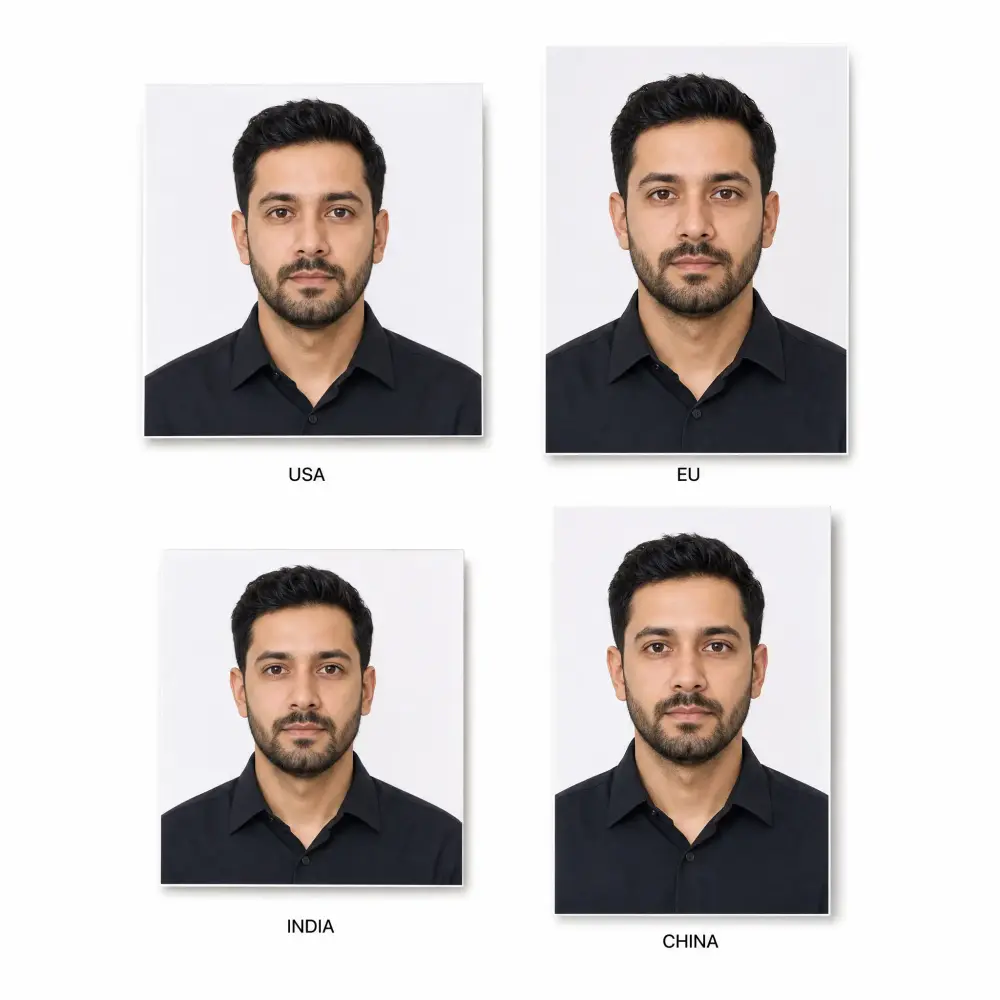
Passport photo size depends on the country. A US passport photo is 2×2 inches (51×51 mm), while EU and UK passport photos are 35×45 mm. China passport photos are 33×48 mm, and India passport photos are 35×35 mm. Overchat AI generates your passport picture at the exact size and resolution required for each country, so you can upload it directly to an online form or print it for an in-person application.
What are the official passport photo requirements?
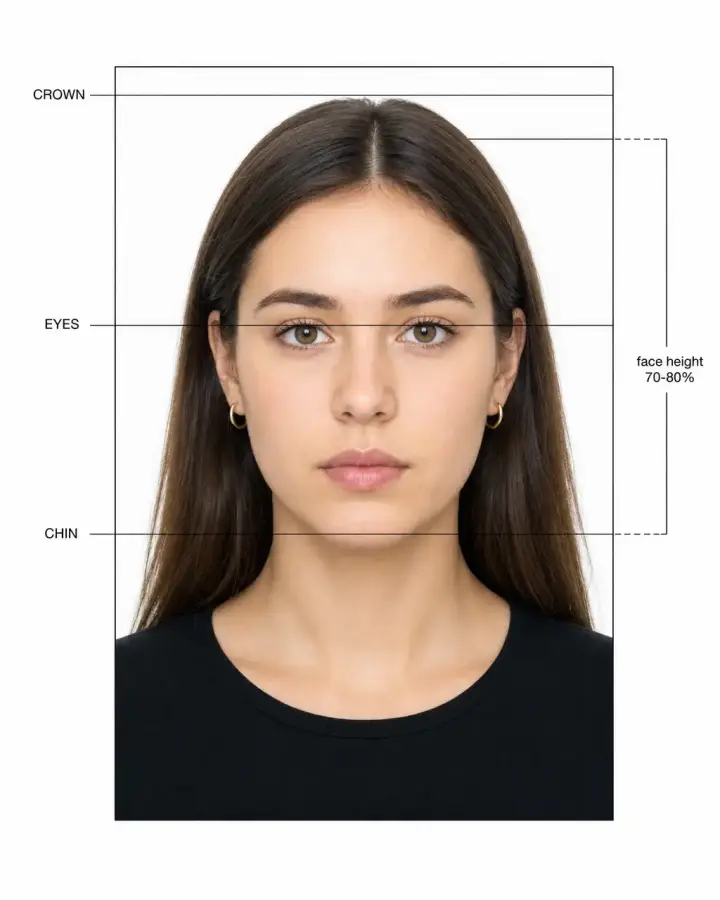
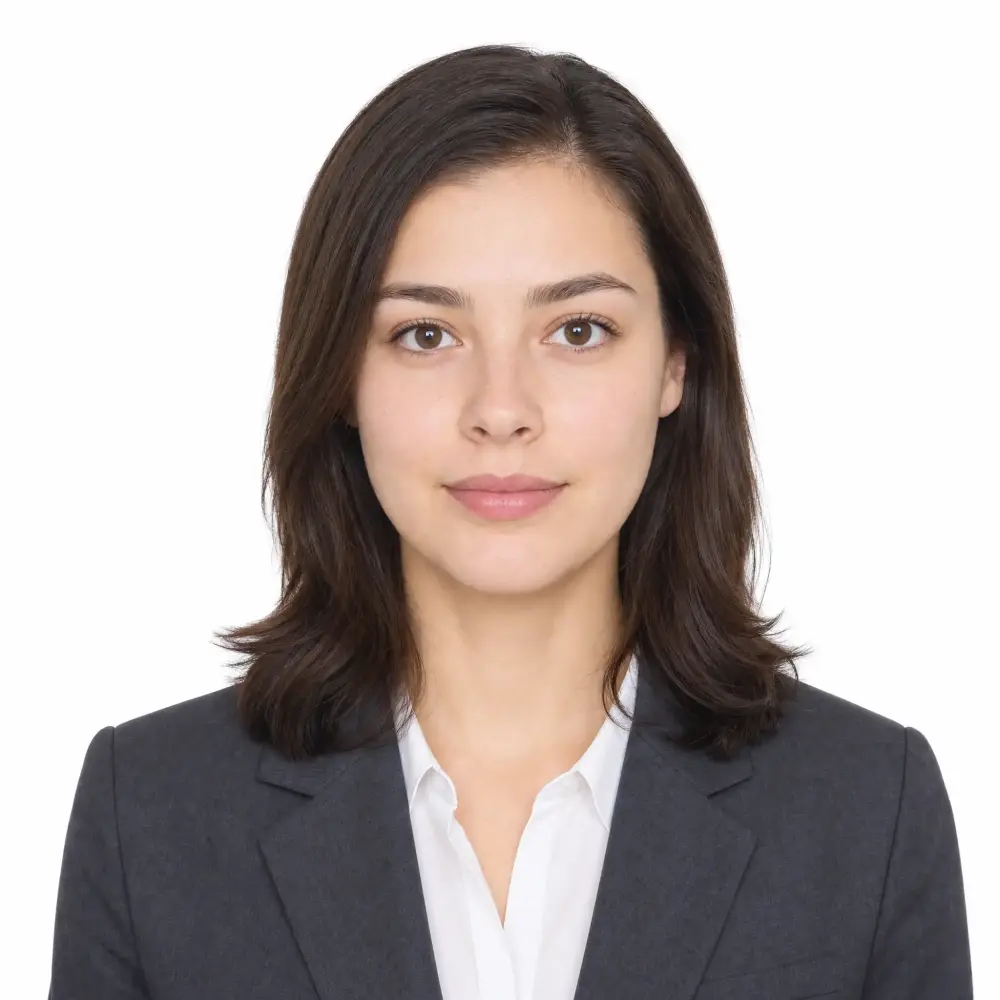
Most passport photo requirements share the same rules: a plain white or off-white background, neutral facial expression with mouth closed, both eyes open and visible, no glasses, no head coverings (unless religious), even lighting with no shadows, and the head taking up 50–69% of the photo height. The US passport photo must be a 2×2 inch color photo taken within the last 6 months. Overchat AI applies these compliance rules automatically so your photo meets official passport, visa, and ID standards.
Can I take my own passport photo with my iPhone or Android?
Yes — you can take your own passport photo with any iPhone or Android. Stand in front of a plain wall in even natural lighting, hold your phone at eye level about 2 feet (60 cm) from your face, and take a straight, front-facing photo with a neutral expression. Then upload it to Overchat AI, and our passport photo generator will crop, frame, light-correct, and place it on a compliant background — turning any phone selfie into a passport-ready ID photo in 30 seconds.
Can I print my AI passport photo at Walmart, CVS, or Walgreens?
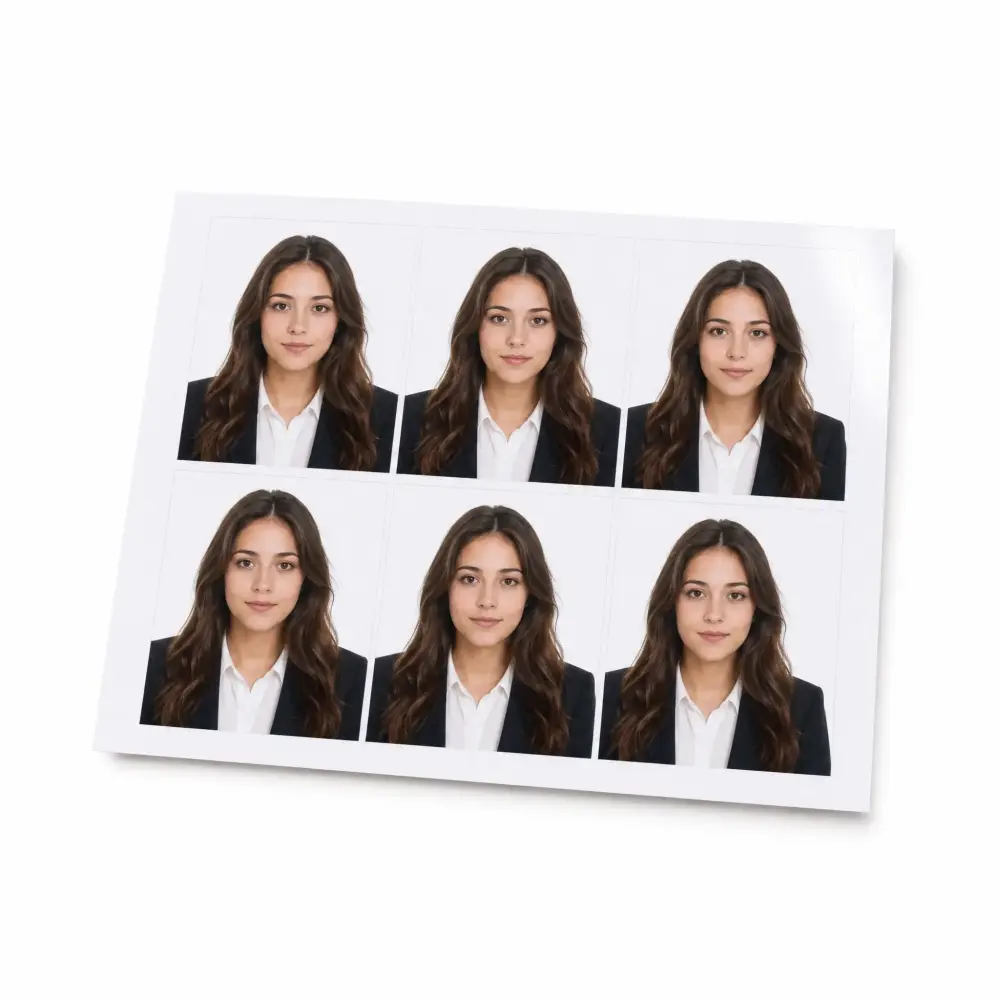
Yes. After Overchat AI generates your passport photo, you can download a high-resolution print-ready file and order 4×6 prints with two passport photos per sheet at Walmart, CVS, Walgreens, FedEx, or any local photo lab. This usually costs around $0.40 a print versus $15–$17 to have a Walmart or CVS photo studio take it in person. You can also print it on photo paper at home.
What background color do I need for a passport photo?
Most countries — including the US, UK, Canada, and the Schengen zone — require a plain white or off-white passport photo background. China and Japan accept a light blue background, India accepts white or off-white, and some visa photos call for a light gray or red backdrop. Overchat AI lets you swap the background to white, light blue, light gray, or red in one click, and it removes any wall, shadow, or pattern from your original selfie automatically.
Does it work for visa, green card, and USCIS photos?
Yes. Overchat AI generates ID photos that meet the requirements of US visa applications, green card (Form I-485) submissions, USCIS photo tool specifications, the UK HM Passport Office, Schengen visa rules, OCI cards, Indian Aadhaar, Chinese visas, and most other government documents. Pick the country and document type from the settings, and the AI will adjust the size, background, and head positioning to match — ready to upload to your application portal.
Can I make a baby or infant passport photo with AI?
Yes — Overchat AI is one of the easiest ways to make a baby or infant passport photo. Lay your baby on a plain white sheet or blanket, take a top-down photo with their eyes open and mouth closed, and upload it to the tool. Our AI will crop the photo correctly, remove the background, and frame your baby's head to meet the official passport requirements for infants. This is much easier than holding a baby steady in a photo studio.
Will the US State Department accept an AI passport photo?
The US State Department accepts passport photos that meet their official requirements — not based on whether AI was used to crop, frame, or recolor the background. Overchat AI focuses on producing a compliant photo from your real selfie: correct size, plain background, neutral expression, proper head positioning, and natural lighting. We do not alter your facial features or generate a synthetic face. Always review your generated photo against the State Department guidelines before submitting, and use a recent selfie taken within the last 6 months.

.svg)






