Use AI to seamlessly add anyone to your photos—even a passed away loved one. Get realistic, high-quality results in seconds. No skills needed.
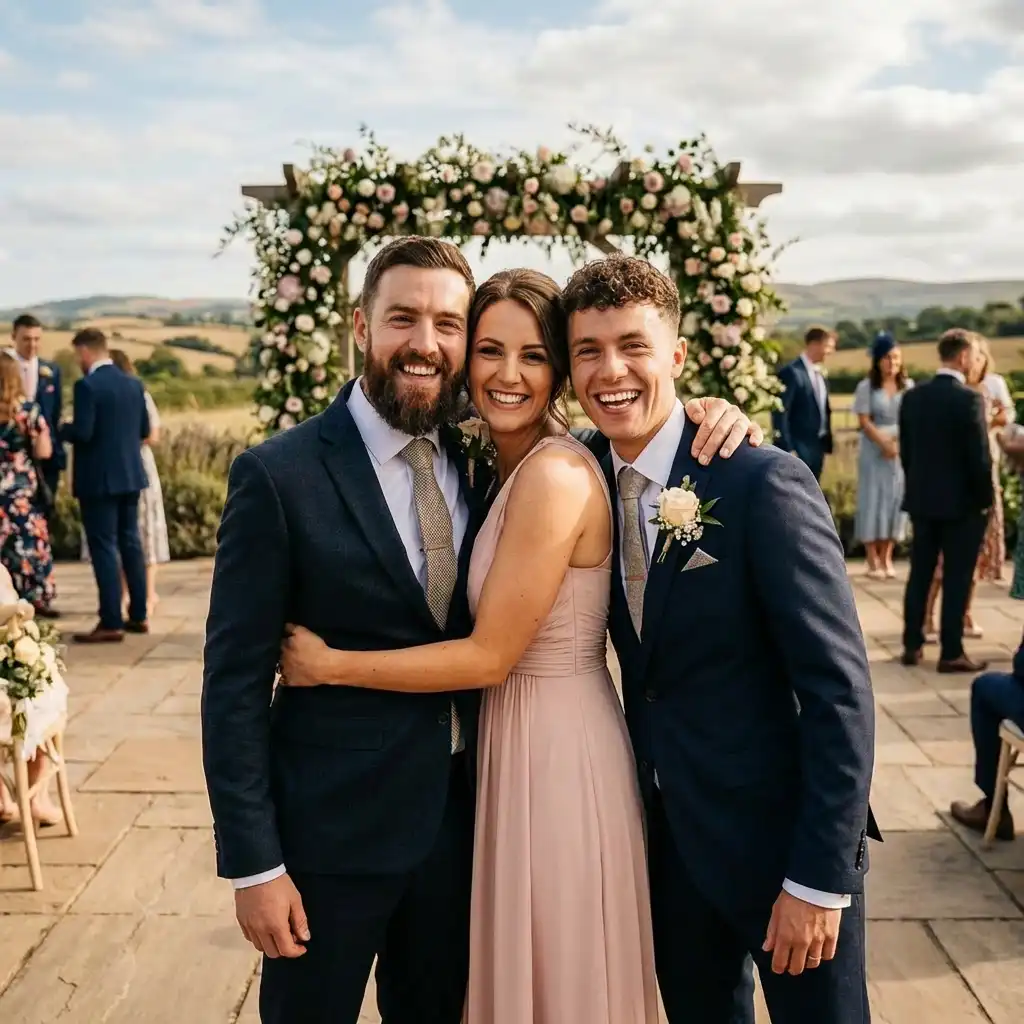
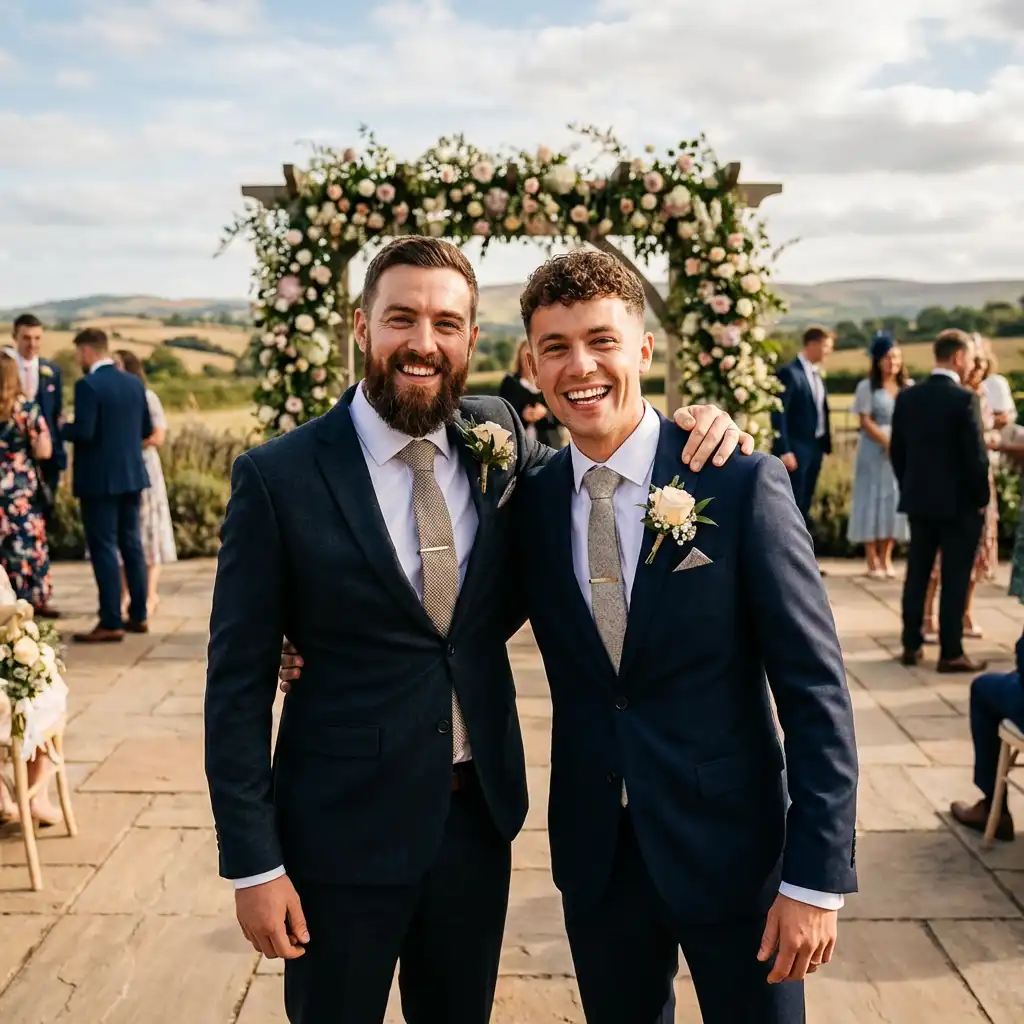

Added my late grandmother to our family wedding photo. Everyone cried. This tool is incredible.

The lighting matching is unreal. Added myself to a beach sunset and it looks completely natural.

Used it for a surprise gift — put my friend into her dream vacation photo. She couldn't tell it was AI!

Pro models are worth it. The perspective and scale matching is night and day compared to free.

So easy! Just uploaded two photos and got a perfect result. My family photo is finally complete.

Added my buddy who couldn't make it to our group trip photo. Looks totally real. 10/10.
Added my late grandmother to our family wedding photo. Everyone cried. This tool is incredible.
The lighting matching is unreal. Added myself to a beach sunset and it looks completely natural.
Used it for a surprise gift — put my friend into her dream vacation photo. She couldn't tell it was AI!
Pro models are worth it. The perspective and scale matching is night and day compared to free.
So easy! Just uploaded two photos and got a perfect result. My family photo is finally complete.
Added my buddy who couldn't make it to our group trip photo. Looks totally real. 10/10.
Use our online AI tool to add people to any photo. Just upload the photo of the person you want to add and the image editing program will do the rest, giving you realistic, polished results without the need for Photoshop.
No more Photoshops and strenuous manual photo editing — get professional results by using our AI image editor online in just a couple of clicks, and save hours of manual work.
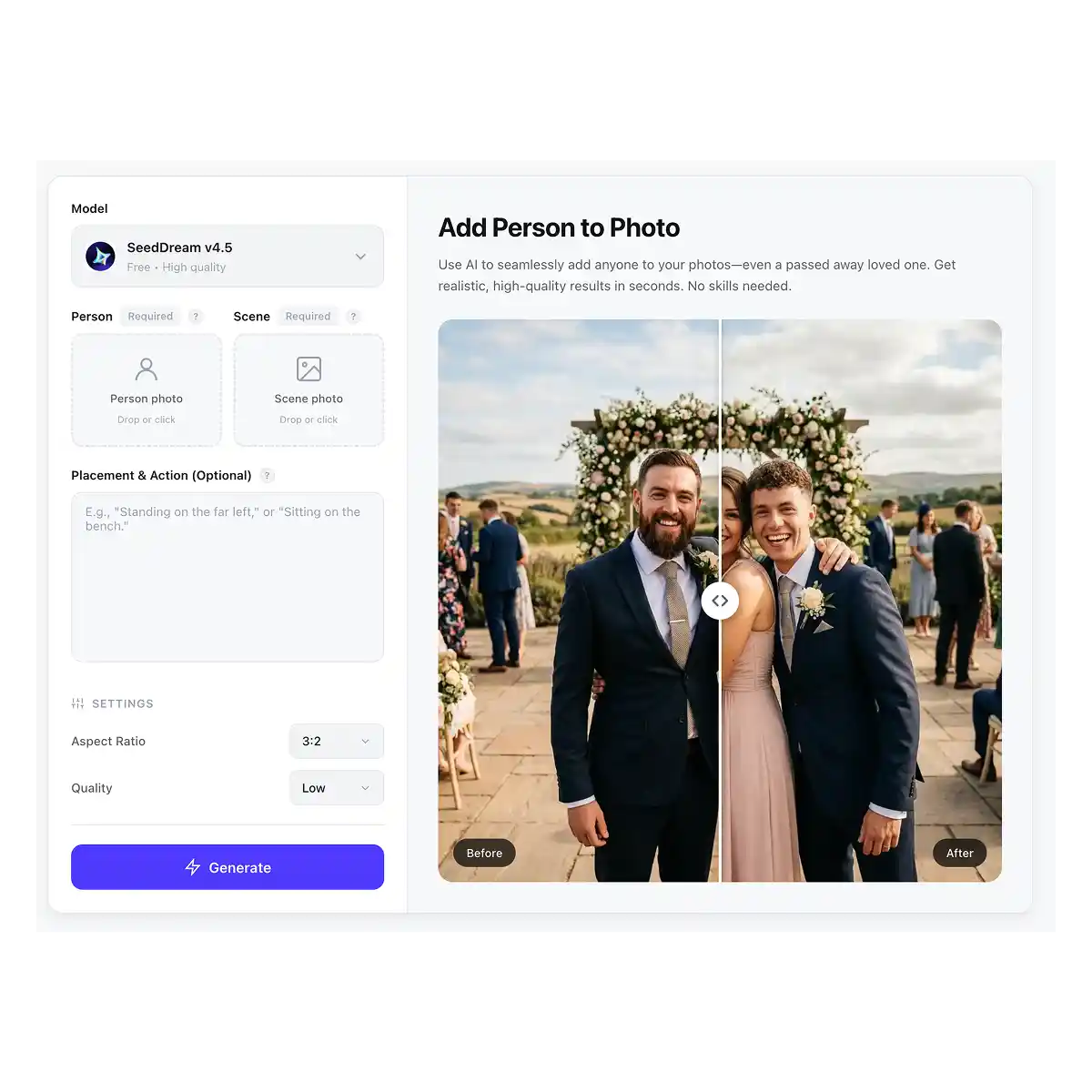
Powered by Seedream 4.5 Image generation model, Overchat AI will intelligently match the lighting, perspective, and color grading of the target image.
Go two levels above simple copy-and-paste. Place your subject in the image so that they interact with the environment by describing their actions in the prompt.
Add a person to photo online in just two clicks, and download the result in HD quality without watermarks.
Drop in a photo of the person you want to add. Match the framing to your scene — a head-and-shoulders shot for a tight group, a full-body shot when the scene shows people head to toe. JPG, PNG, WebP and HEIC up to 20 MB.
Add the photo they should appear in, then say where they belong: “standing on the far left, next to the woman in the red dress”. Naming someone or something already in the frame anchors the placement far better than “add him naturally”.
Overchat AI matches lighting, shadow direction, perspective and scale, then blends the person into the scene. The finished image downloads in HD with no watermark.
USE CASES
A family member missed the get together? Easily add them to group photos after the fact and create memories that would have been impossible otherwise.
You are a wedding photographer and you missed a shot? Add people from one image to other images and create unique, photorealistic compositions in post.
Make unique combinations by putting characters from different memes or universes into other images.
Stop wasting time on manual cutouts and color matching in Photoshop or another editor — add people to photos in seconds with AI.
Honor the memory of someone by adding them into new family photos or recreating moments together.
Create concept art, posters, and fan art by placing characters in different worlds, locations, and settings.
Join thousands of people who are already using Overchat AI image editing tools.
Overchat AI brings you the power of the world's top AI models: GPT, Claude, Gemini, Mistral, and more.

It’s an online image editing service that allows you to upload two photos and add people from one photo to the other. Although the end result is similar to Photoshop, it works completely differently — using artificial intelligence and machine learning to achieve the same goal of adding something from one photo to another instead of manual work.
Overchat AI uses the Seedream 4.5 image-to-image model and inpainting technology to selectively edit parts of a target image. To use the tool, upload a reference image of the person you want to add and a scene in which you want to add them. You may also specify how to integrate them in the prompt. You will then be able to download the result online.
For the best results, the framing of both images should be similar. At the very least, the reference image of a person shouldn’t contain less information than the target image. For example, if the target image is a full-body shot and the reference image is a headshot, the AI won't know what the person looks like below the neck and will have to make up these details. Ideally, match the shot to the target image — headshots to headshots and full-body shots to full-body shots. Beyond that, any image that clearly shows the person will work.
Overchat AI is one of the best generators for adding people to pictures. It's free and has a user-friendly interface. It's powered by the Seedream 4.5 image generation model, one of the best AI generators for commercial photography.
Overchat AI Image combiner is a paid tool, but we have many free AI tools, including a free AI image generator — to get started, just create a free account on Overchat AI.
Upload a clear photo of the person, then the group shot, and say where they belong — for example “second from the right, behind the man in the blue shirt”. Group photos are the most common use for this tool, and two things decide the result: framing and eye level. Pick a person photo taken from roughly the same height and distance as the group, so the AI does not have to invent a body or guess how tall they are.
Describe position first, then pose, then any interaction. “Standing on the far left of the group, arms at his sides, facing the camera” works far better than “add him naturally”. Anchor the placement to something already in the scene — “to the right of the woman in the red dress” — and mention what the person should be doing if it matters, such as “sitting on the bench” or “with an arm around her shoulder”. Keep it to one or two sentences; long prompts tend to pull the result away from your original photos.
Yes. The tool runs in the mobile browser on both iPhone and Android, and HEIC photos from an iPhone camera roll upload directly without any conversion step. There are also Overchat AI apps for iOS and Android if you would rather work from an app than a browser tab.
No. Finished images download in HD quality with no watermark applied. What differs between plans is which AI models you can run and the quality ceiling of the output, not whether the image carries branding.

Chinese company Baidu has quietly released a model that's just as good as DeepSeek and ChatGPT — ERNIE 4.5 delivers exceptional performance at a fraction of the cost — and most people outside China have never even heard of it.

If you're wondering: what is DeepSeek AI, the answer is quite simple. DeepSeek AI is a Chinese AI research lab that builds large language models. The company released several models in late 2024 and early 2025 that compete directly with OpenAI's GPT-4 and Anthropic's Claude, but at a fraction of the operating cost.

ChatGPT Plus costs $20 per month plus tax, while the Pro plan costs $200 per month plus tax. Understandably, not everyone is willing to pay that much for a chatbot, especially if the premium features aren’t worth it to them. This raises an obvious question: how can I use ChatGPT for free?
Available on Web, iOS, and Android. Access your AI assistant anywhere, anytime.



.svg)
