How does the Overchat AI face swap video work?
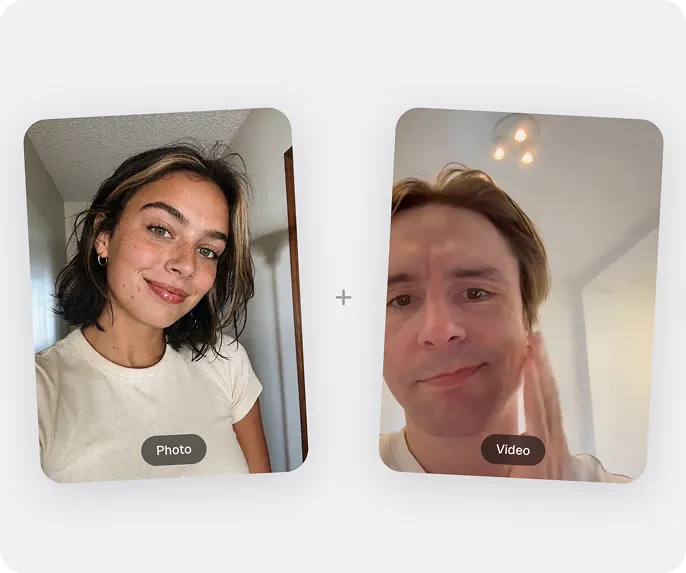
Overchat AI face swap for videos uses an advanced deep learning and computer vision model to detect and map faces in every frame of a video, then generate your face on top of the target's, matching their expressions, head movement, lighting, angles, and lip motion. The result is then seamlessly combined into a realistic face-swaped clip.
How to swap a face in a video?
∨
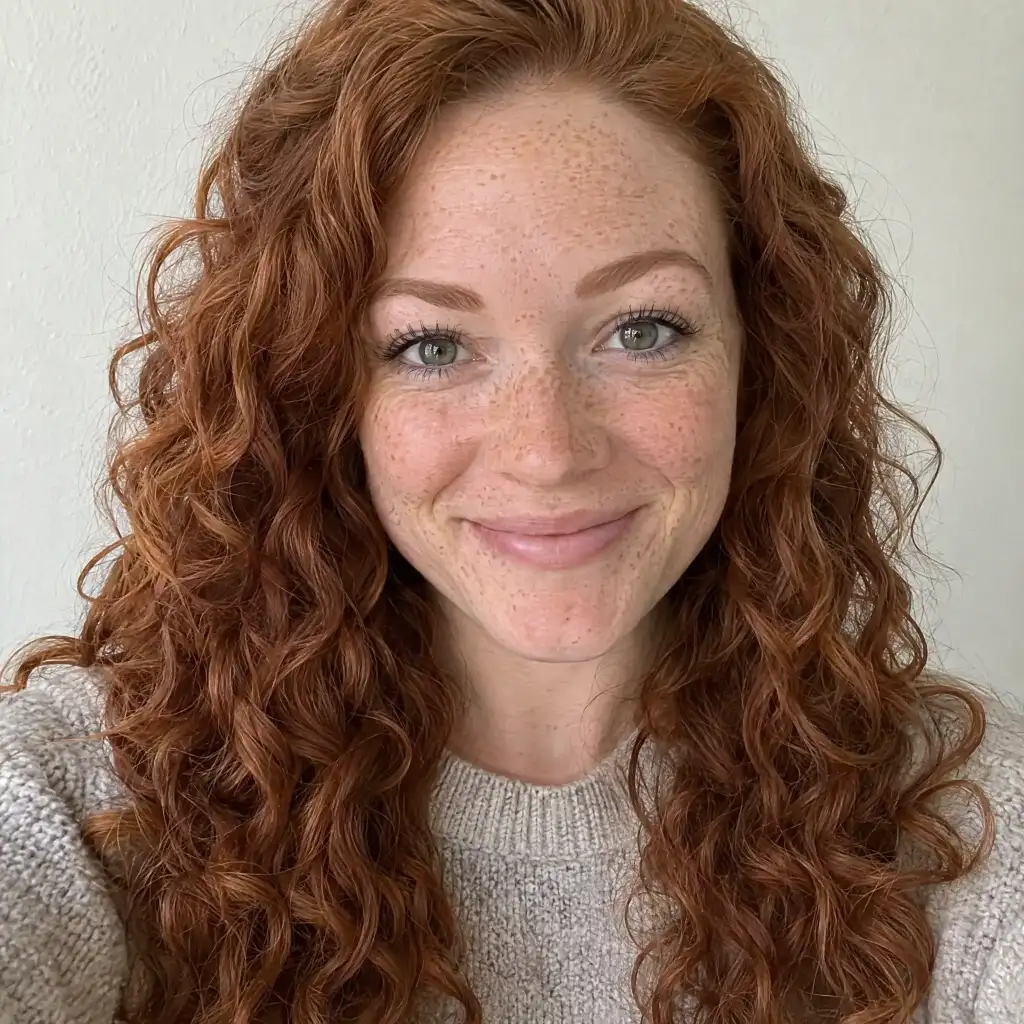
To swap a face in a video using Overchat AI, start by uploading a clear photo of the face you want to use, then upload the target video where the face will be replaced — the AI will automatically detect, track, and synthesize the new face across every frame. You'll receive a finished MP4 you can download.
Is Overchat AI the best face swap video tool?
Yes, Overchat AI offers one of the best AI video face swap tools on the market — it uses an advanced video generation model that produces highly realistic, stable results that look almost indistinguishable from reality — you can see the preview of what the result will look like in the widget at the top of our face swap app, available at https://overchat.ai/video/face-swap-video.
Is there a watermark on the face swap video?
No. Every face swap video you generate on Overchat AI downloads as a clean MP4 with no watermark stamped on it, on free and paid plans alike. You get the finished clip exactly as the AI rendered it, ready to post to TikTok, Reels, or YouTube Shorts.
Is the AI face swap video free?
You can start swapping faces for free — sign up and you get credits to run your first face swap videos without paying. Each generation spends credits, so heavier use runs on a paid plan with a larger allowance. There is no separate licence to buy and no watermark on either tier.
Do I need to sign up to swap a face in a video?
You can upload your clip and face photo and see the swap set up before creating an account. An account is needed to run the generation and download the finished video, and you can sign up with Google or Apple in a couple of taps.
What video formats and file sizes are supported?
Upload your source video as MP4, MOV, or WebM up to 100MB, and your face photo as JPG or PNG up to 20MB. Shoot or export the clip with the face clearly visible and well lit — sharp, front-facing footage gives the AI more to track and produces a cleaner swap than dark or heavily blurred video.
Is my video private and secure?
Your uploads stay private. The video and photo you upload are used to render your face swap and nothing else — they are processed over an encrypted connection, are never published anywhere on Overchat AI, and are removed from our processing storage automatically after a short retention window. Your finished clip is yours to download and share wherever you like.
How long does a face swap video take to generate?
Most face swap videos finish in well under a minute — short clips are typically ready in about 30 seconds. Longer or higher-resolution footage has more frames to track, so it takes proportionally longer. You can leave the tab open and the finished video appears in place when the render completes.
Can I swap more than one face at a time?
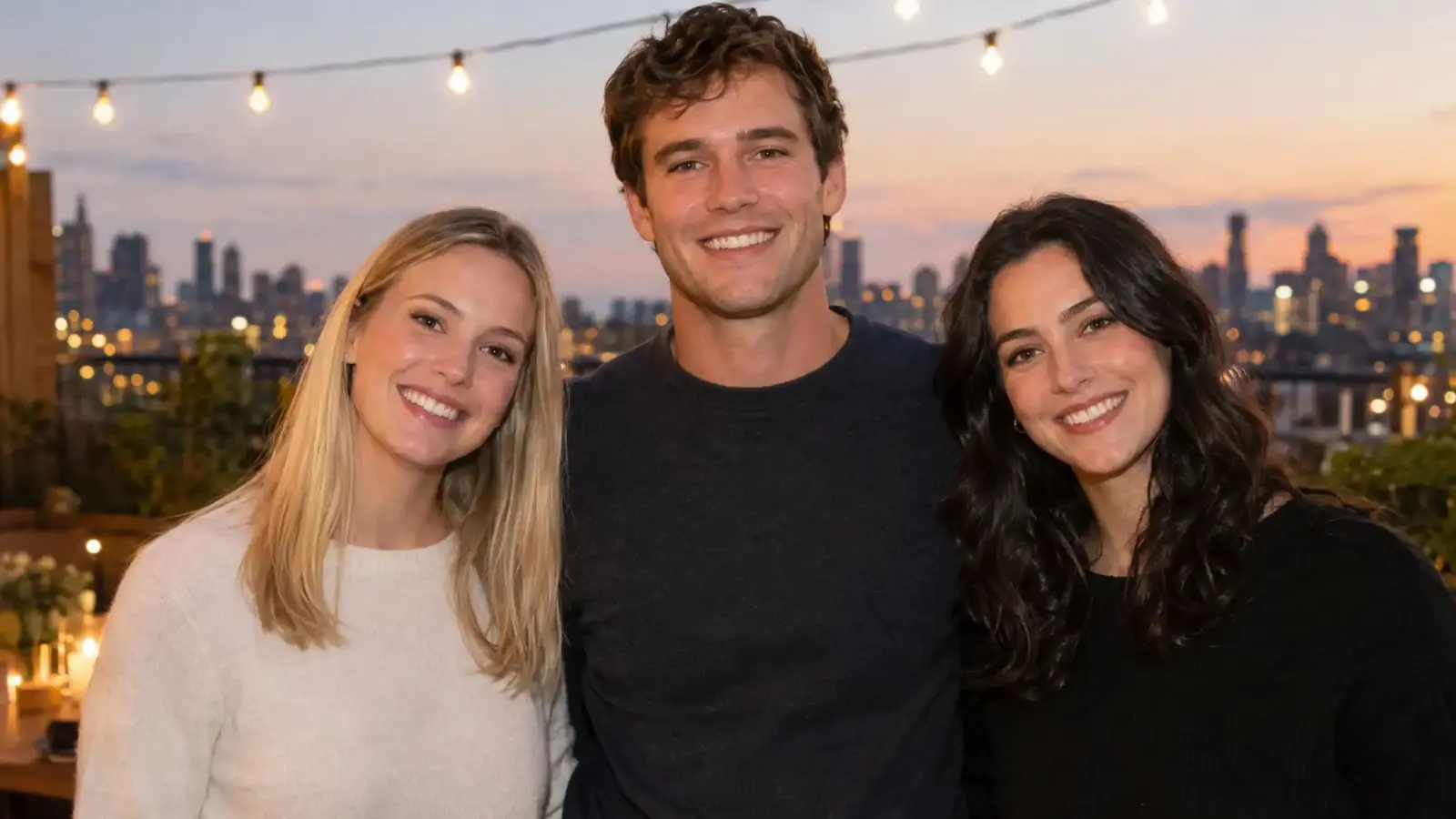
Yes. Multi-face mode replaces up to five faces in a single group shot in one pass, tracking each person separately so everyone keeps their own expression and head movement. Pick the multi-face tab, upload the group photo, then add a face for each person you want to replace.

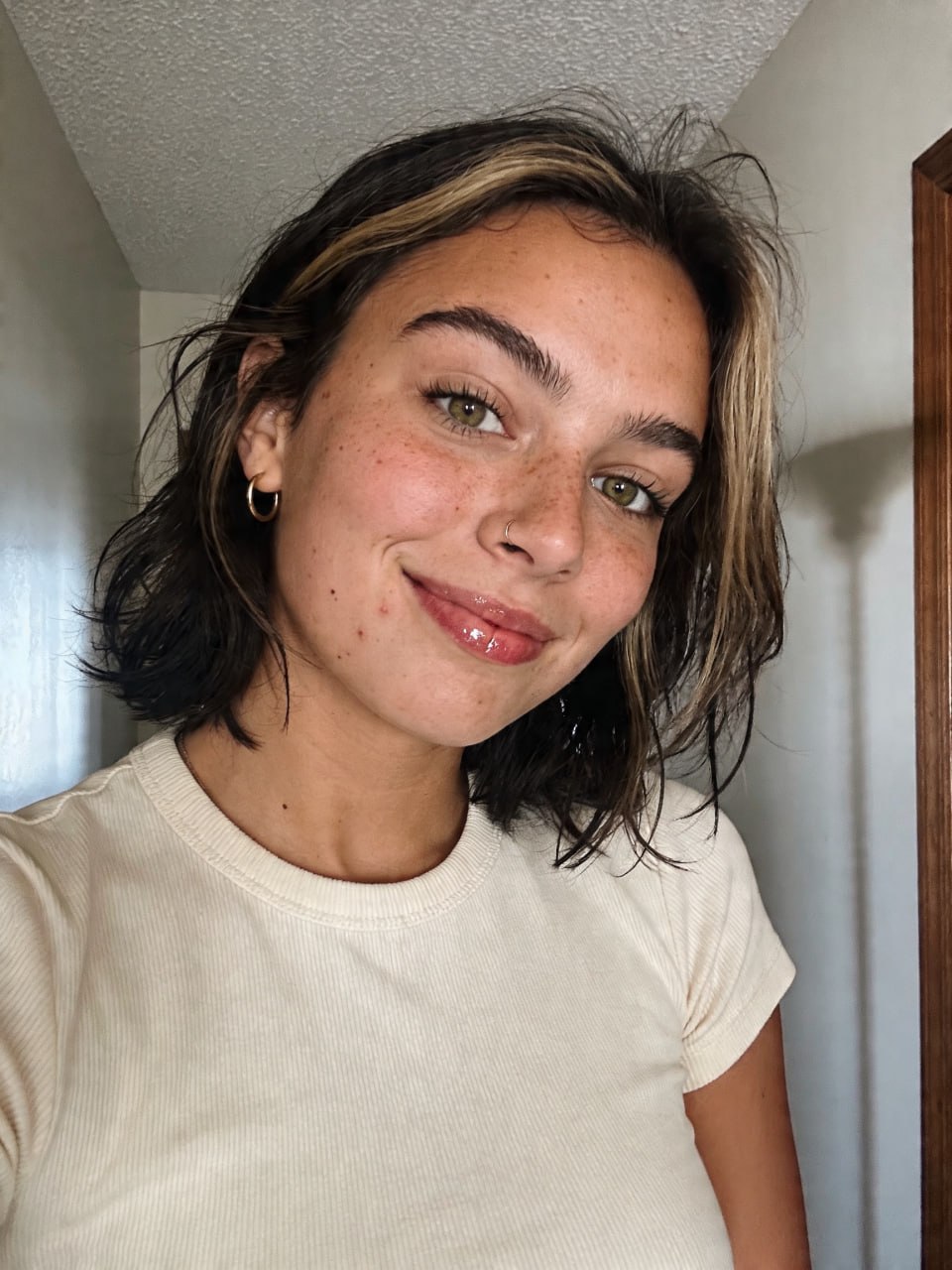
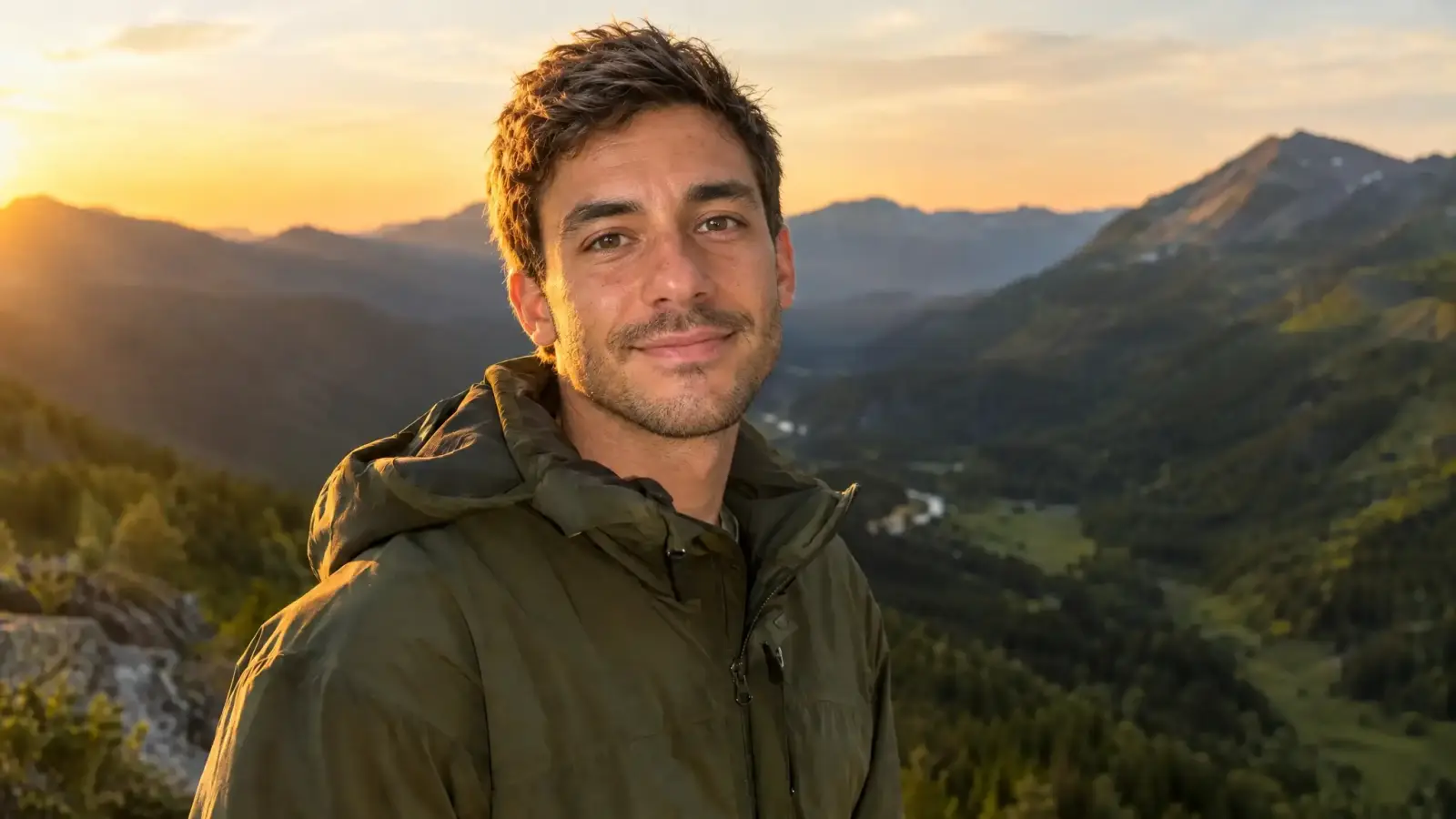 Result

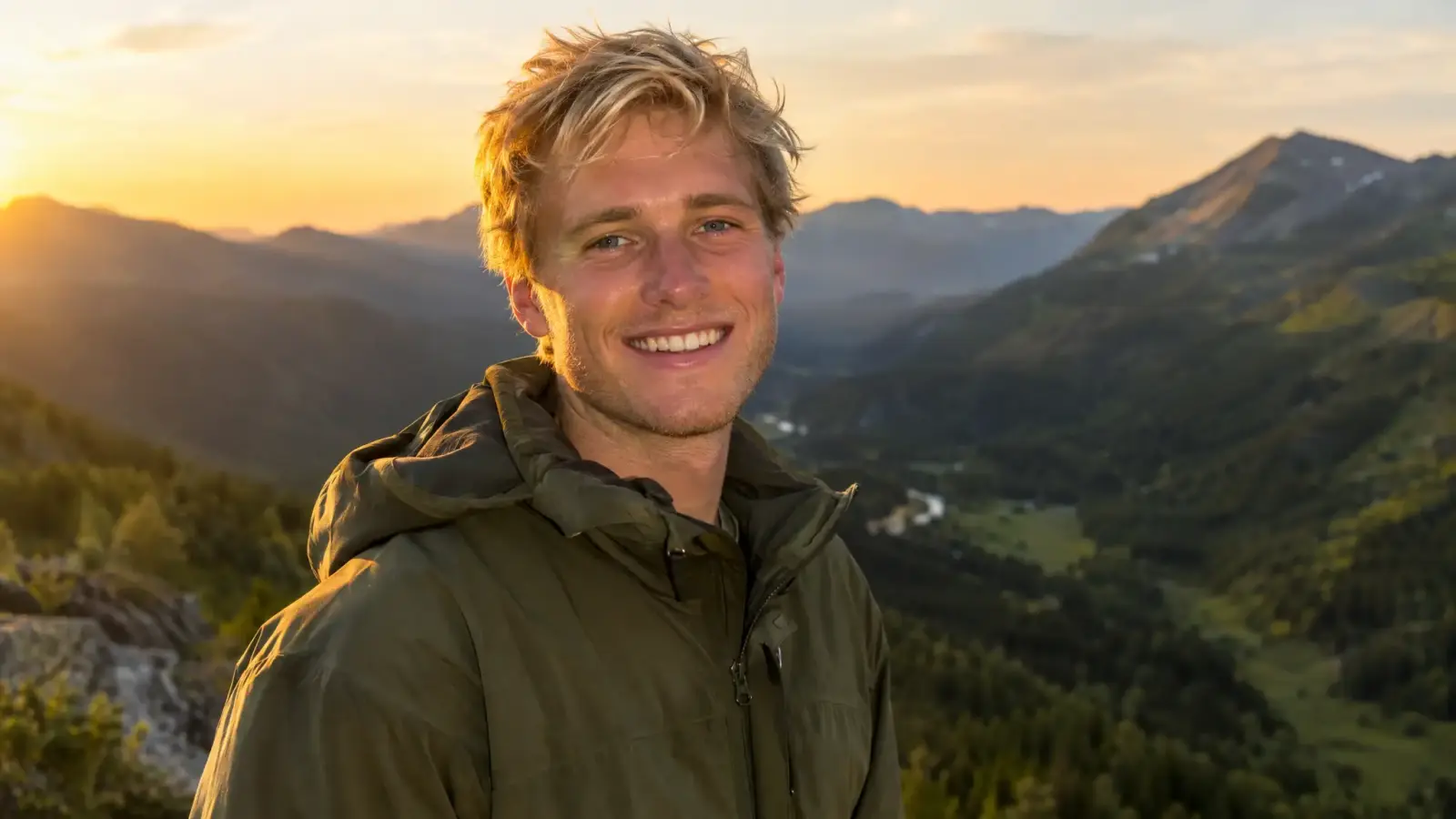
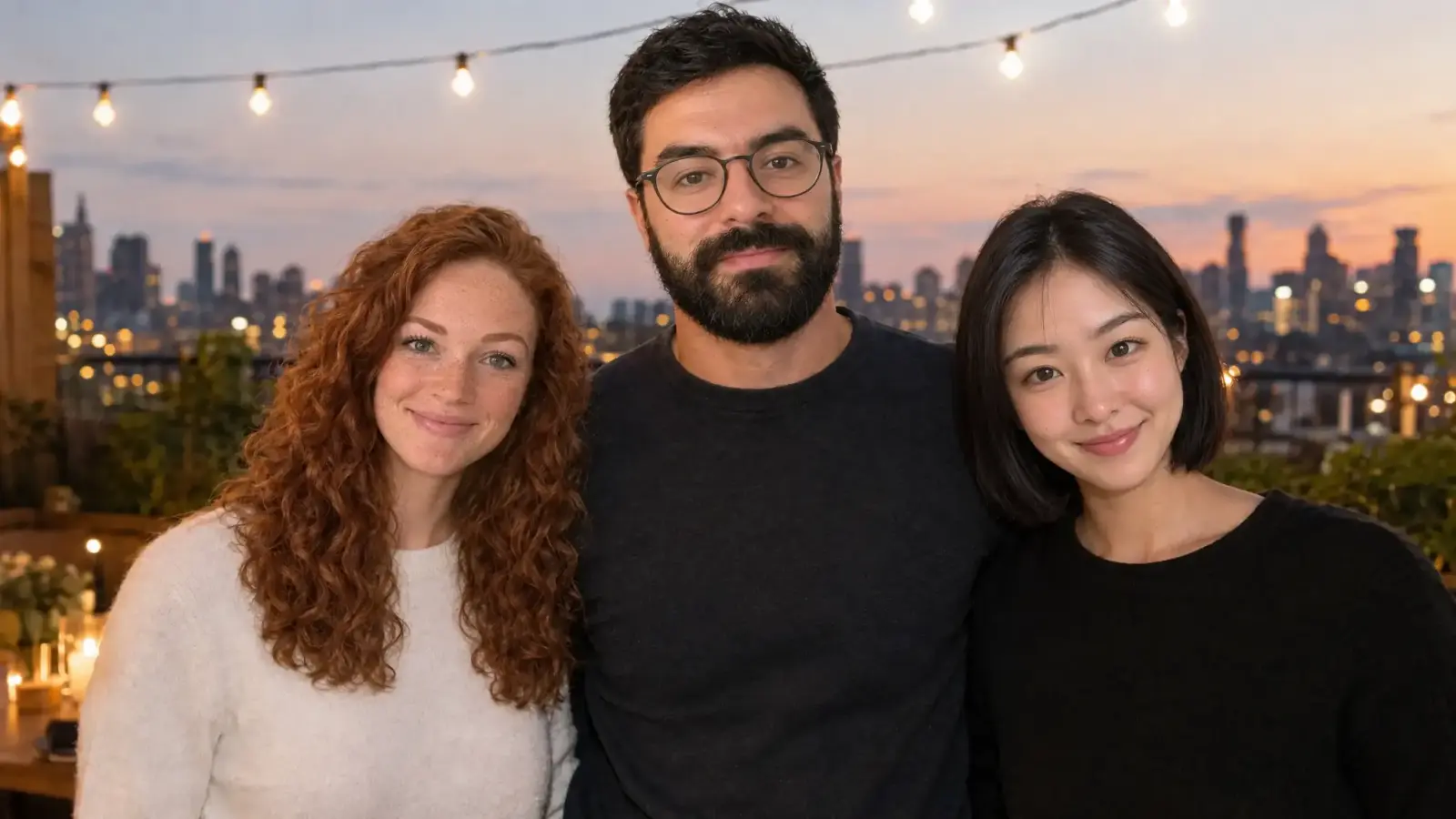 Result


.svg)






