The Seedream 5 Pro is an AI model developed by ByteDance. It can generate images from text and edit images, producing photorealistic results. It also features real-time web searches and deep reasoning to create stunning AI-generated images.
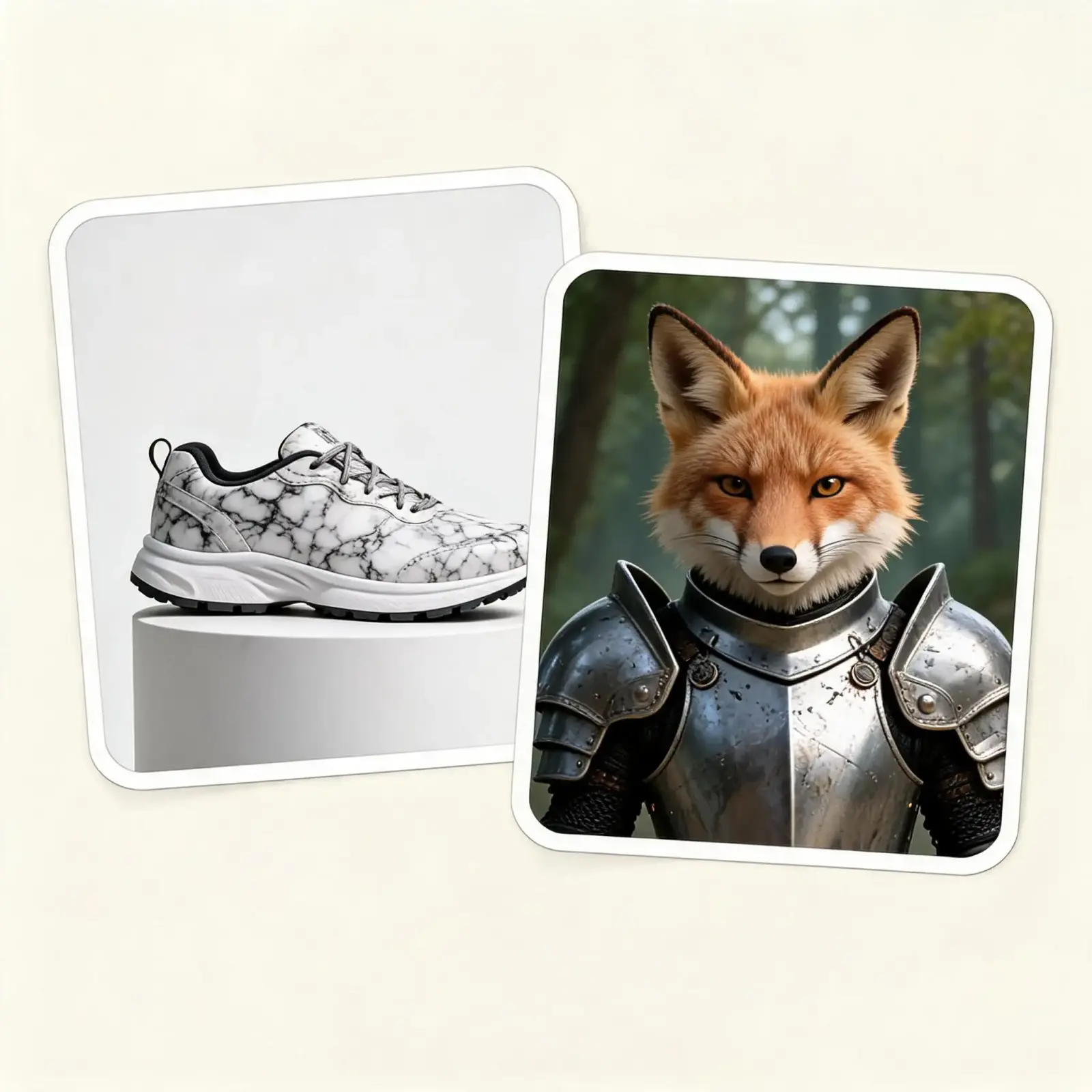
The Seedream 5 Pro can access the internet, retrieve up-to-date information about current events and use it to generate accurate images.
The Seedream 5 Pro can generate an internal chain of thought, which improves the accuracy of prompt following and leads to more realistic results, especially in images involving motion, complex light interactions or objects interacting with each other or the 3D space.
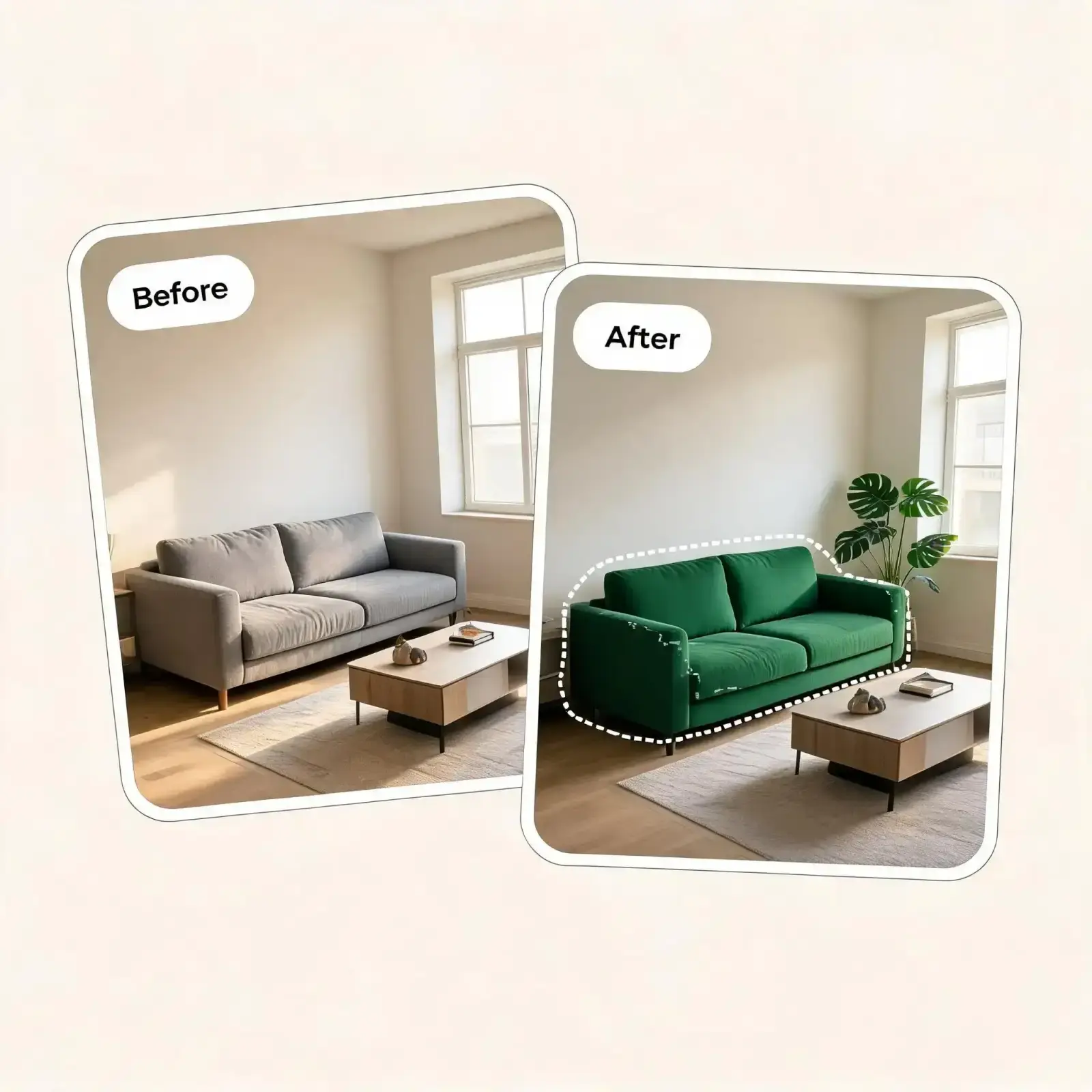
Seedream 5: Pro allows you to swap colours, replace materials based on a reference image, and turn a sketch into a finished render. It can also accept multiple reference images.
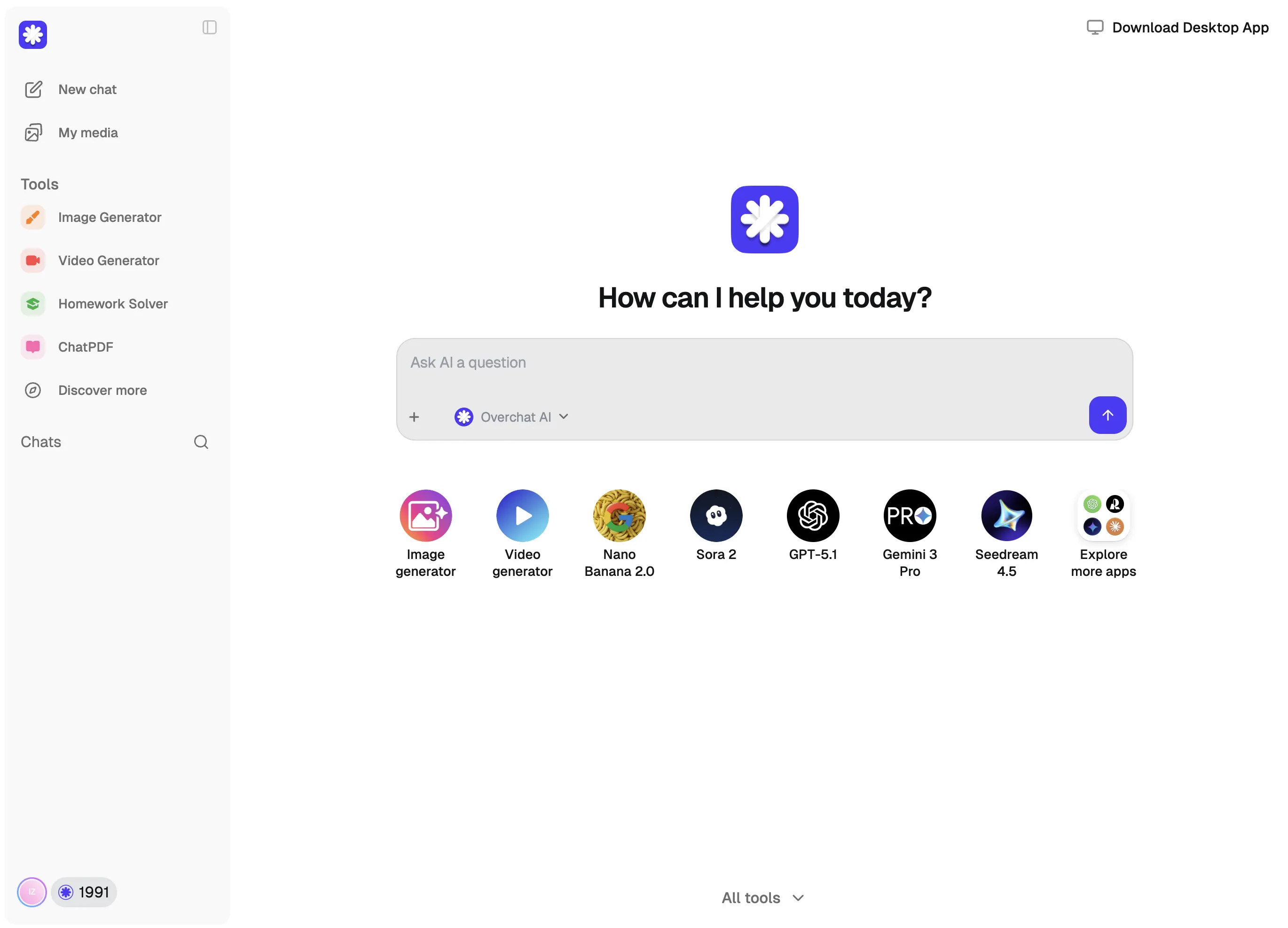
Go to the Overchat AI image generator and select Seedream 5 Pro from the model dropdown menu.
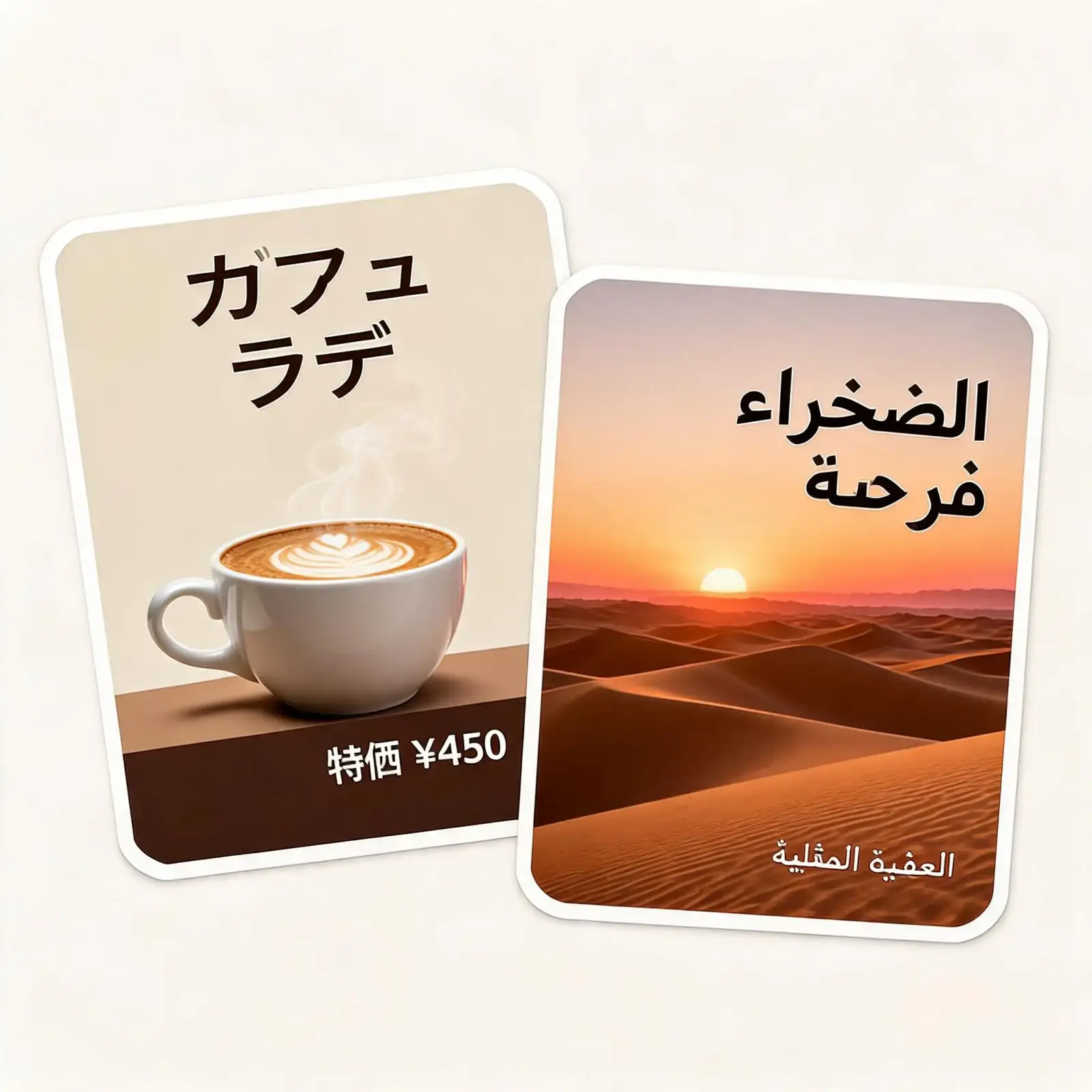
Describe the image you want in the text field, adding as much detail as you like. You can also attach reference images, render text in over 10 languages or request visualisation of current events, such as an infographic showing possession during the 2026 World Cup final. Seedream will look up the required information itself.
Pick your aspect ratio, click Generate, and wait a few seconds while Seedream 5 Pro renders a high-resolution image.
Download your image, or use Overchat AI's built-in editing tools to refine it further — upscale, extend, remove backgrounds, and more.
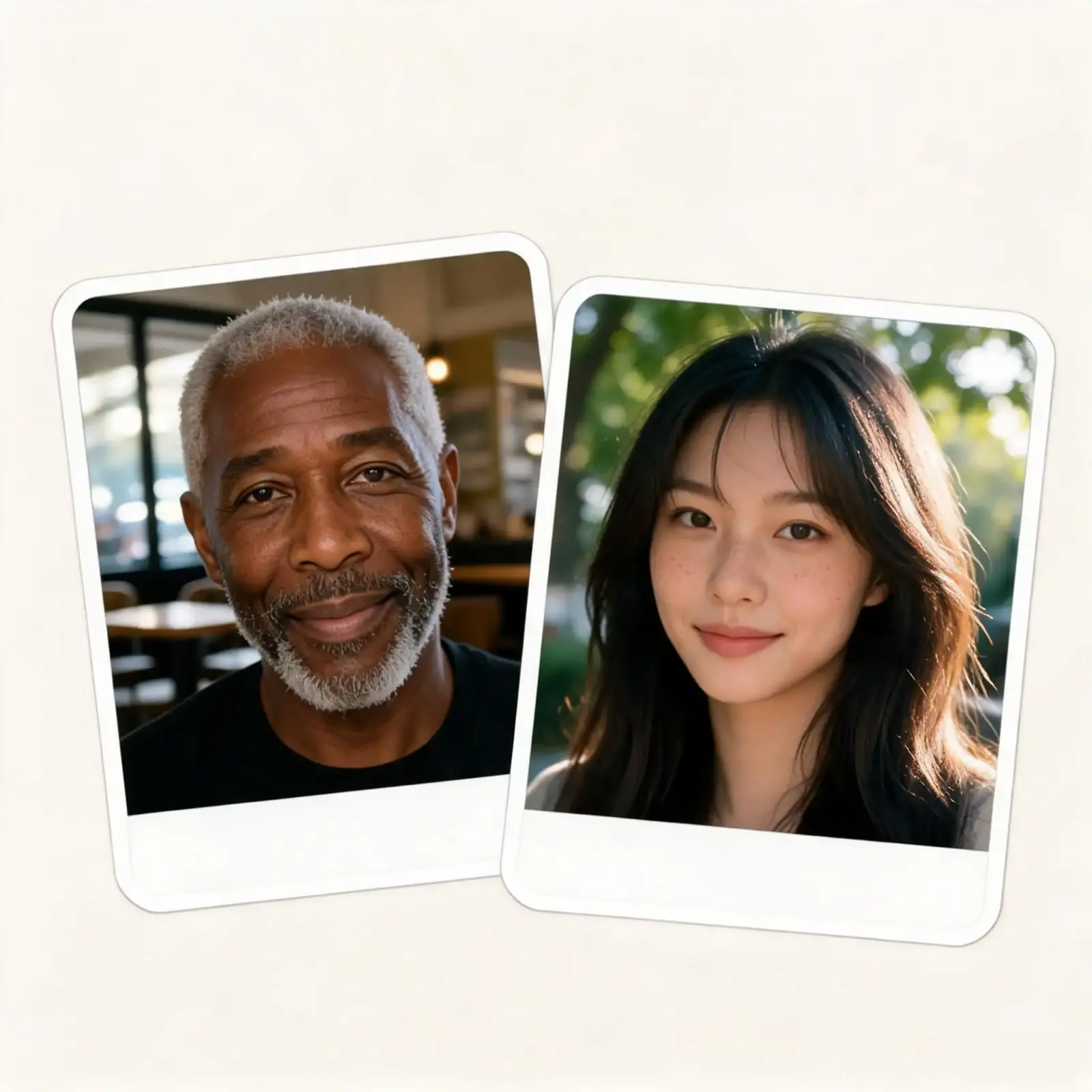
With precision editing, accurate text rendering, web search, and deep-thinking, Seedream 5 Pro is one of the best AI image generation models of 2026 for image editing, design and layout work.
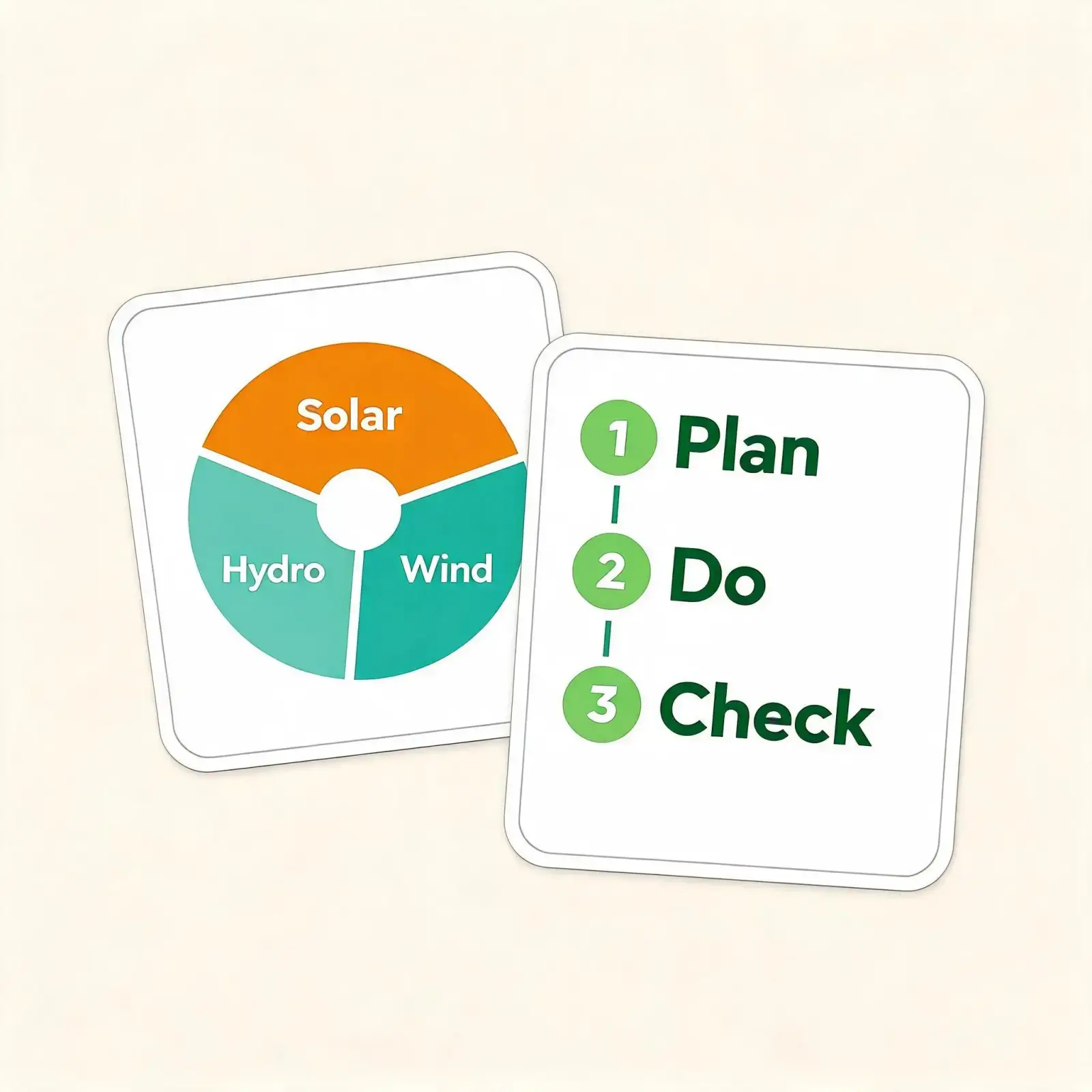
The Seedream 5 Pro can generate dense text layouts for pitch decks, infographics or posters. It often chooses artistic designs and compositions that do not look AI-generated, making it perfect for design assistance, UI exploration or creating banners and posters.
Rather than regenerating the entire image, the Seedream 5 Pro edits specific regions, enabling the model to alter particular parts without affecting the surrounding area.
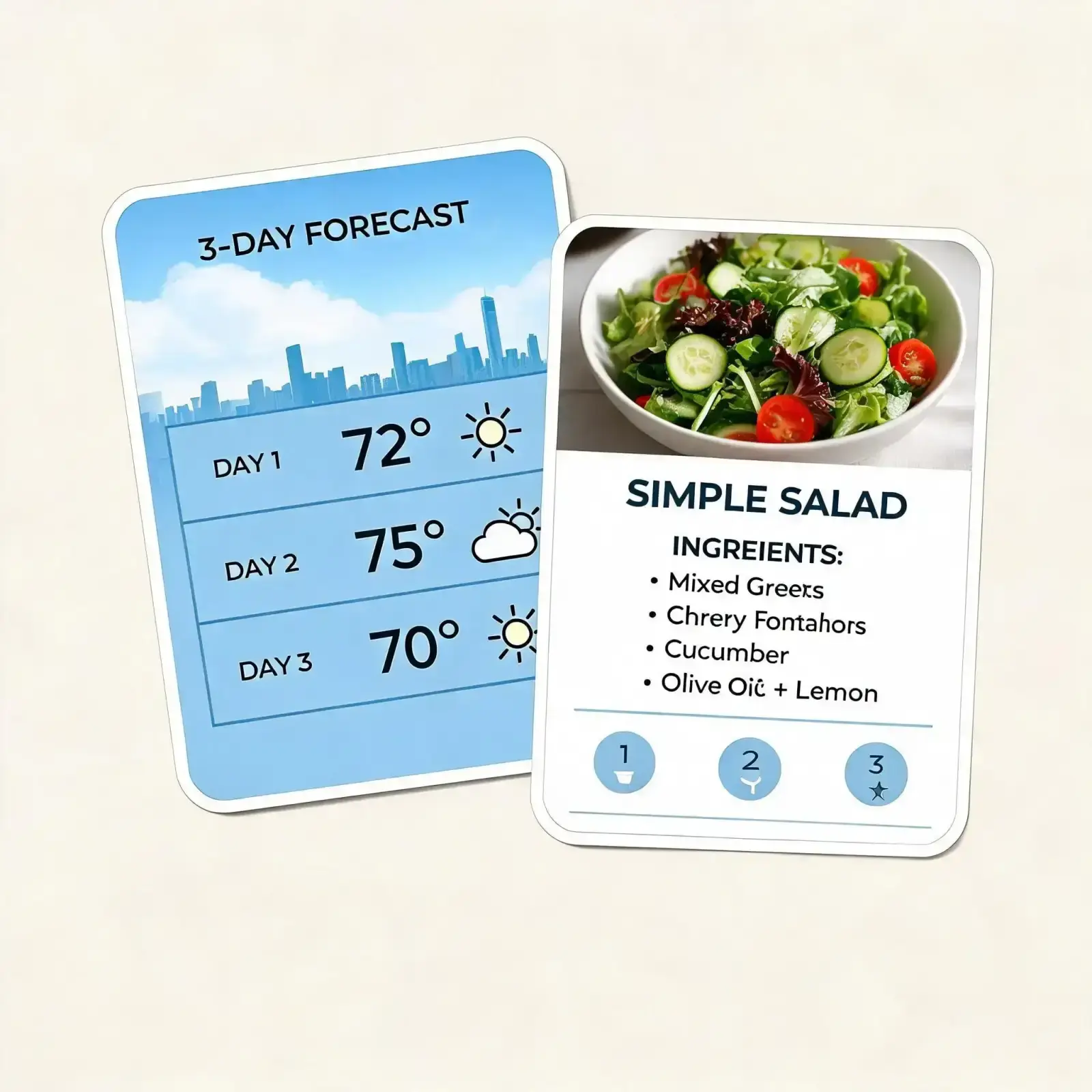
The Seedream 5 Pro features some of the most realistic detail rendering of any AI image generation model. Textures such as skin, moss, grass and dusty and worn surfaces are rendered with lifelike imperfections and believable micro detail, pushing the results beyond the uncanny valley and into the realms of the believable and artistic.
Overchat AI brings you the power of the world's top AI models: GPT, Claude, Gemini, Mistral, and more.
Seedream 5 Pro is an advanced AI image generation and editing model by ByteDance released in July 2026. It is designed to create high-quality visuals from text prompts and reference images. It focuses on accurate image-text understanding, realistic details, complex layouts, typography rendering, and professional creative workflows such as product designs, marketing assets, posters, and digital art.
The Seedream 5 Pro is available on Overchat AI. Open the image generator, select Seedream 5 Pro from the dropdown menu, and start creating.
The Seedream 5 Pro and Nano Banana 2 are equally powerful, spec-for-spec. The Seedream 5 Pro supports up to 2K (approximately 4MP) image generation. It can use up to ten reference images. The Nano Banana 2 Pro supports up to 2K image exports and allows up to 14 reference images. In terms of visual fidelity, the Seedream 5 Pro has an advantage when it comes to realistic textures, material details and artistic composition, creating images that often feel more visually rich and distinctive. However, it is less consistent and can occasionally introduce artefacts. In contrast, Nano Banana 2 introduces artefacts less frequently, but the images look more 'AI-generated'.
The Seedream 5 Pro was developed by ByteDance, the company behind TikTok. It is part of the Seed family of AI models, which includes the Seedance video generators, such as Seedance 2.0 — one of the best AI video generators of 2026, which is also available on Overchat AI.

Discover the top AI headshot tools that deliver professional results in minutes. We compare pricing, quality, and features to help you choose the perfect solution for your needs.
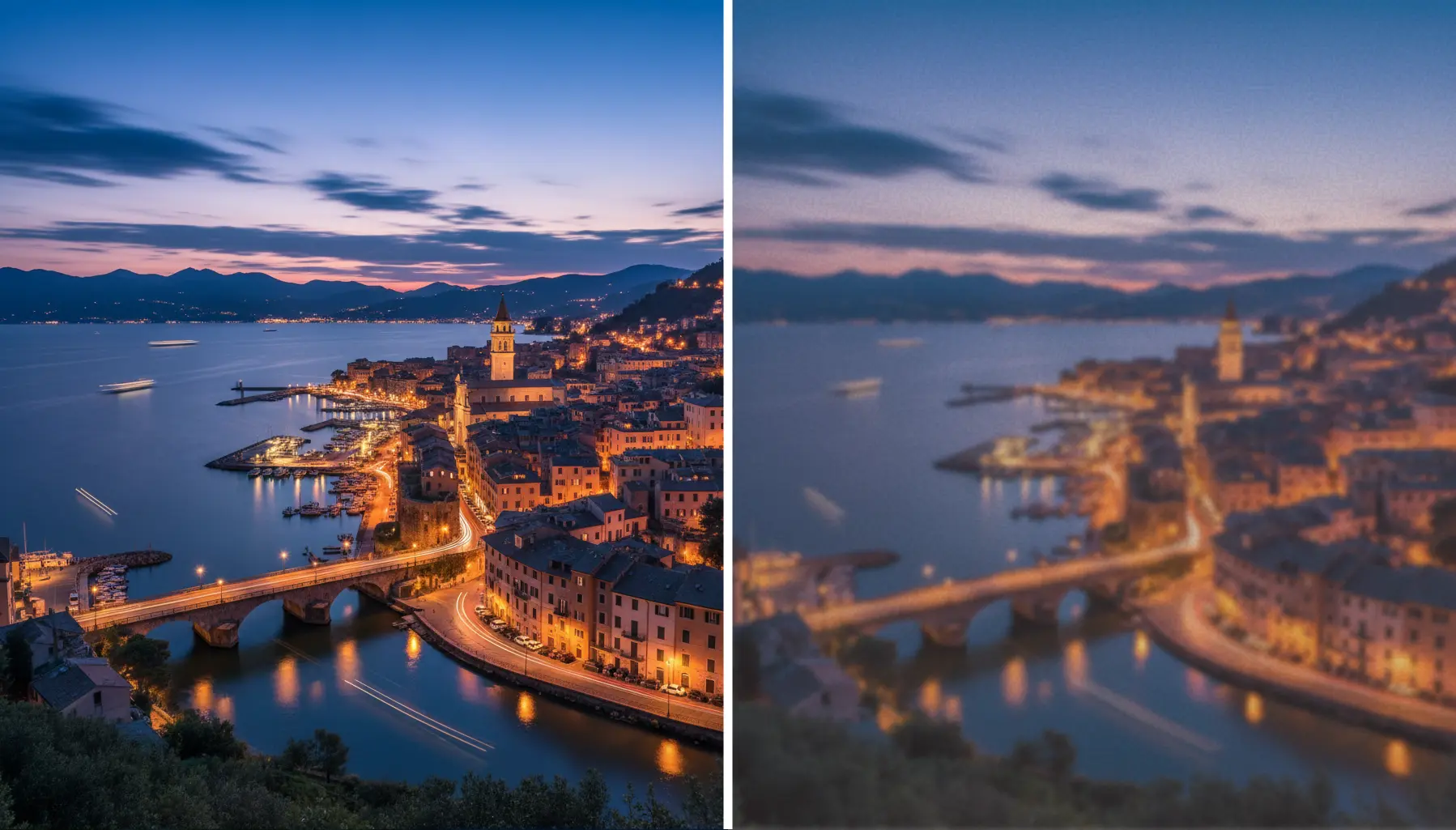
Learn the secrets to upscaling your images without losing quality. From AI-powered tools to best practices, we'll show you how to enhance resolution while preserving every detail.
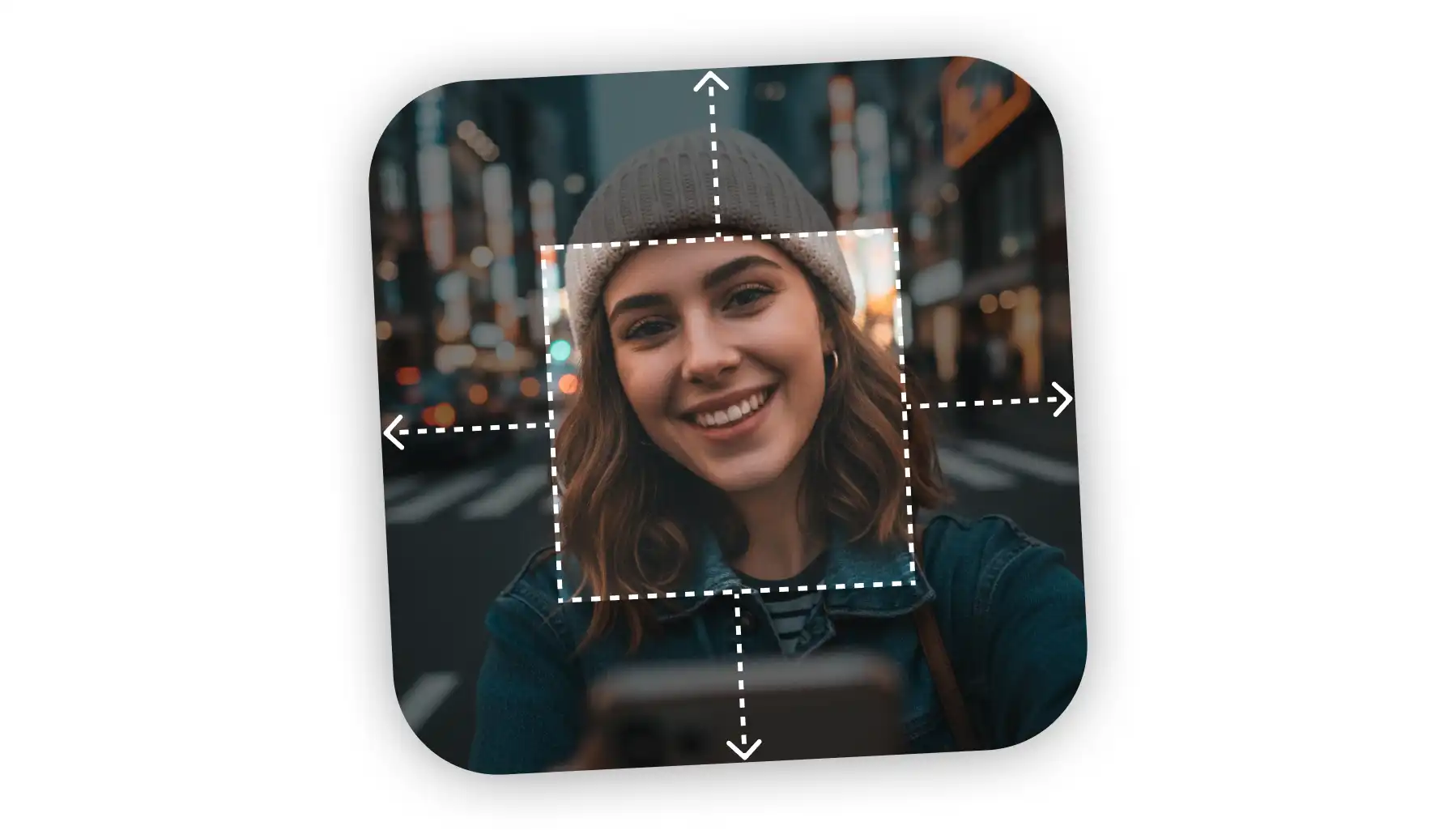
Need to uncrop your photos beyond their original borders? Explore the leading AI image extenders that seamlessly fill in backgrounds and create the perfect composition for any project.
Available on Web, iOS, and Android. Access your AI assistant anywhere, anytime.



.svg)
