


Sharpen blurry, low-resolution, or out-of-focus photos with AI. Enhance clarity, restore fine details, and make any photo look crisp and professional in seconds.
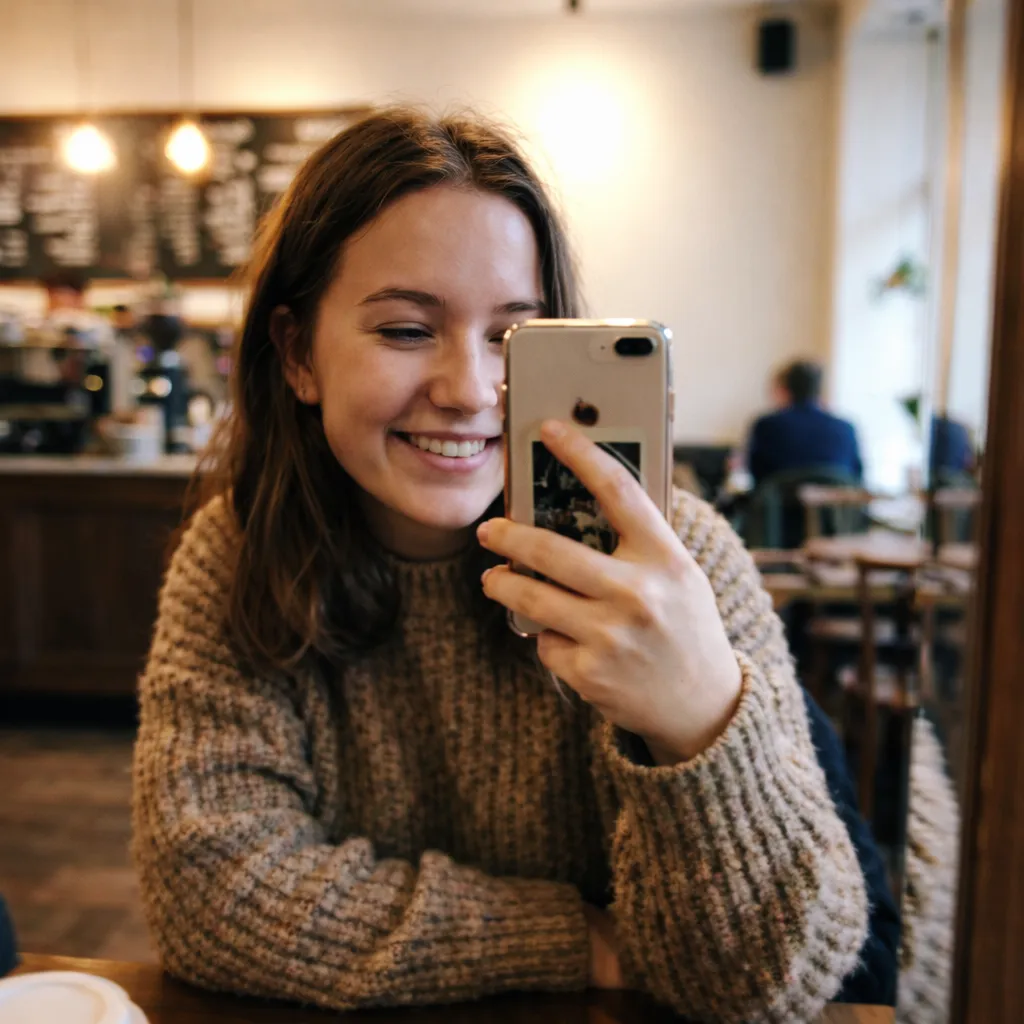
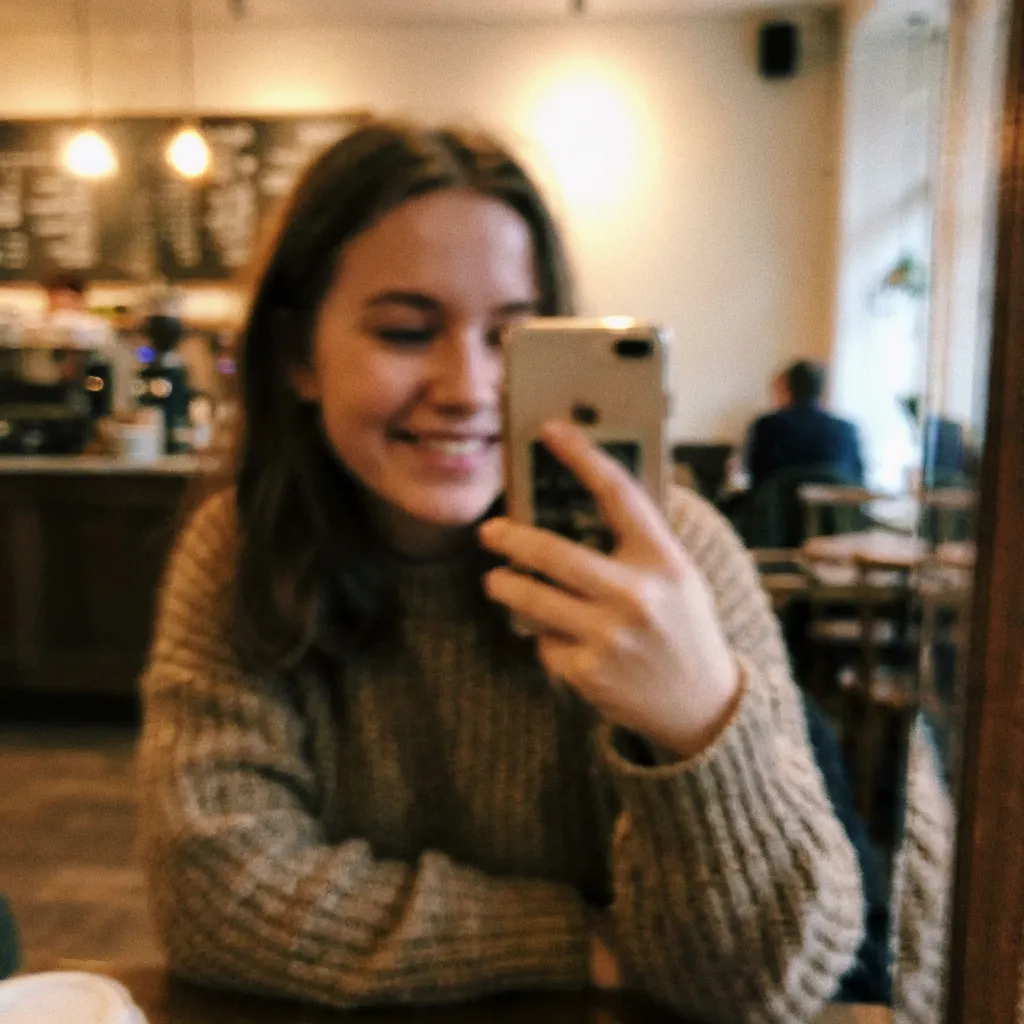

Sharpened a blurry photo from my daughter's birthday. Every face is now perfectly clear. Can't believe the difference!

My phone photos always come out soft. Ran them through this and now they look like they were shot on a DSLR. Amazing.

Had a motion-blurred photo from a concert. AI made it sharp and clear — you can see every detail now. Love it!

Upscaled a tiny thumbnail to full size and it looks incredible. Way better than any other tool I've tried.

Rescued a bunch of out-of-focus vacation photos. They're sharp and vibrant now — saved my whole trip album!

Used this on a low-res screenshot and it came out crystal clear. The AI enhancement is next level. 10/10.
Sharpened a blurry photo from my daughter's birthday. Every face is now perfectly clear. Can't believe the difference!
My phone photos always come out soft. Ran them through this and now they look like they were shot on a DSLR. Amazing.
Had a motion-blurred photo from a concert. AI made it sharp and clear — you can see every detail now. Love it!
Upscaled a tiny thumbnail to full size and it looks incredible. Way better than any other tool I've tried.
Rescued a bunch of out-of-focus vacation photos. They're sharp and vibrant now — saved my whole trip album!
Used this on a low-res screenshot and it came out crystal clear. The AI enhancement is next level. 10/10.
Use our free online AI sharpening tool to fix blurry, out-of-focus, or motion-blurred photos in a single click. Our advanced artificial intelligence image processing algorithms make any image taken on any camera in any conditions look perfectly crisp.
Missed focus or blur caused by camera shake are among the few things that are almost impossible to fix in traditional Photoshop. But what if you could easily make any image perfectly crisp, even if it suffers from these defects? What if you could do it all for free with a single click? Enter the Overchat AI Photo Sharpener.
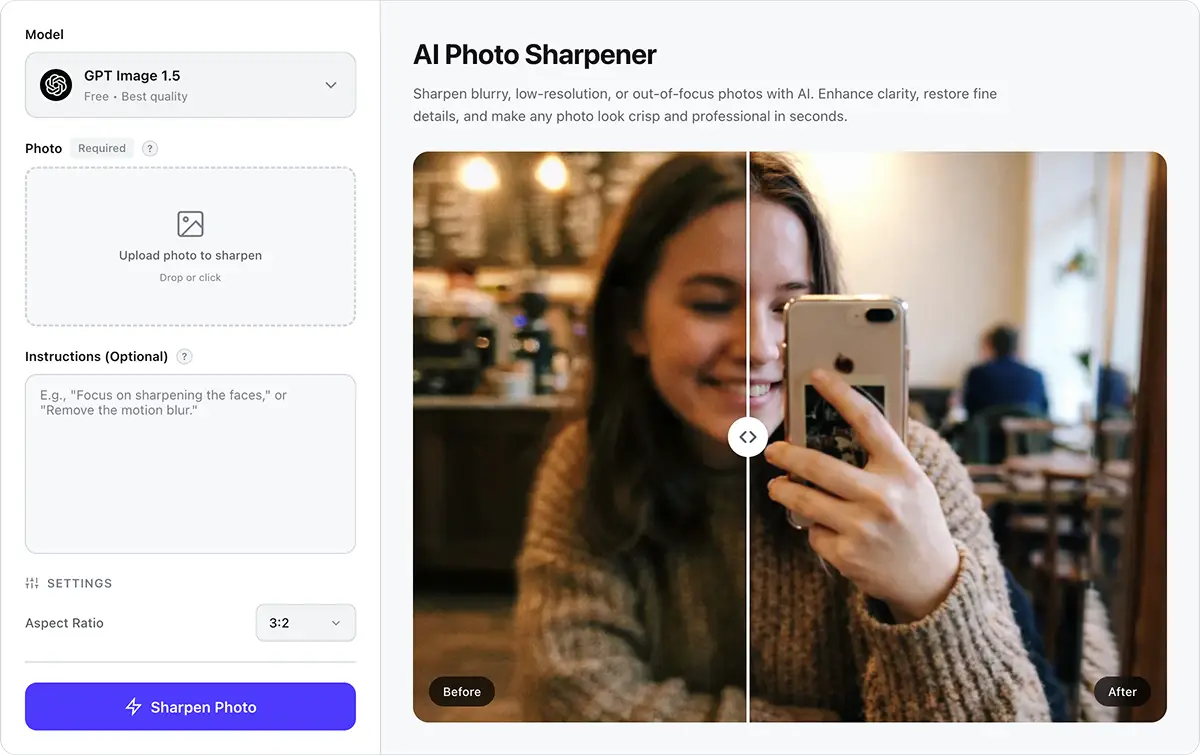
Our photo sharpener uses an advanced image generation model that is specifically configured to fix blur, shake, and soft focus in images without altering any other aspect of the photo.
Drop your blurry photo, click Sharpen, and wait for the perfectly crisp image to load in under 40 seconds. Everything works magically in one click without any manual editing.
Once you have sharpened your image, you can download it to your local machine in its original quality.
USE CASES
Did you take the perfect selfie, but the phone focused on someone else's face? Or is the image blurry because of low light conditions? Fix it in one click.
Animals, pets, and children often won't sit still, which can lead to blurry images. Our AI automatically deblurs motion trails and restores sharp edges, allowing you to capture those once-in-a-lifetime moments.
Night photography requires the use of a high ISO, which adds lots of noise and makes images look soft. Sometimes, low shutter speeds create even more blur. Our tool can fix all of this, providing a natural-looking result without appearing overprocessed.
This is the most powerful use of the Overchat AI Image Sharpener. Even if you completely missed the focus and put the bokeh effect on your subject instead of the foreground or background, our AI can refocus the image and save pictures you thought were lost forever.
Aggressively cropping images zooms in on imperfections, making even slight softness extremely noticeable. There's an easy fix, though. Just run the crop through our AI to recover edge detail and make the image look like it was shot at full resolution.
This occurs when shooting from a tripod with a slow exposure and the shutter's actuation shakes the camera slightly, resulting in noticeable softness. This is a common issue with landscape photos, but our AI can completely eliminate it.
Join thousands of creators who use Overchat AI to generate and edit images online.
Overchat AI brings you the power of the world's top AI models: GPT, Claude, Gemini, Mistral, and more.

An AI sharpening tool uses artificial intelligence and machine learning algorithms to improve image clarity, or sharpness. It restores edges, textures, and fine details to achieve this. It's important to note that AI-powered tools analyze the scene contextually and reconstruct lost details to achieve a more natural and realistic result. This is because they can add new pixels where needed, essentially adding details, edges, and textures that weren't present in the original blurry image but would be in a sharp rendition of the same scene.
Yes, absolutely — AI can fix even very blurry photos because it rebuilds details based on context and its understanding of where those details should go. This contrasts with traditional sharpening filters, which can't add new details to images.
Overchat AI is one of the best AI image sharpeners on the market for quickly editing blurry images. It allows you to increase sharpness and refocus images. It's completely free and delivers results in under 40 seconds on average.

Chinese company Baidu has quietly released a model that's just as good as DeepSeek and ChatGPT — ERNIE 4.5 delivers exceptional performance at a fraction of the cost — and most people outside China have never even heard of it.

If you're wondering: what is DeepSeek AI, the answer is quite simple. DeepSeek AI is a Chinese AI research lab that builds large language models. The company released several models in late 2024 and early 2025 that compete directly with OpenAI's GPT-4 and Anthropic's Claude, but at a fraction of the operating cost.

ChatGPT Plus costs $20 per month plus tax, while the Pro plan costs $200 per month plus tax. Understandably, not everyone is willing to pay that much for a chatbot, especially if the premium features aren’t worth it to them. This raises an obvious question: how can I use ChatGPT for free?
Available on Web, iOS, and Android. Access your AI assistant anywhere, anytime.



.svg)
