

Remove people & photobombers
Clear strangers, crowds, and that one photobomber out of your shot. The AI fills the background so your group photo looks like you had the place to yourselves.
Remove unwanted objects from any photo in seconds with our AI object remover. Just brush over what you want gone and AI removes it seamlessly.
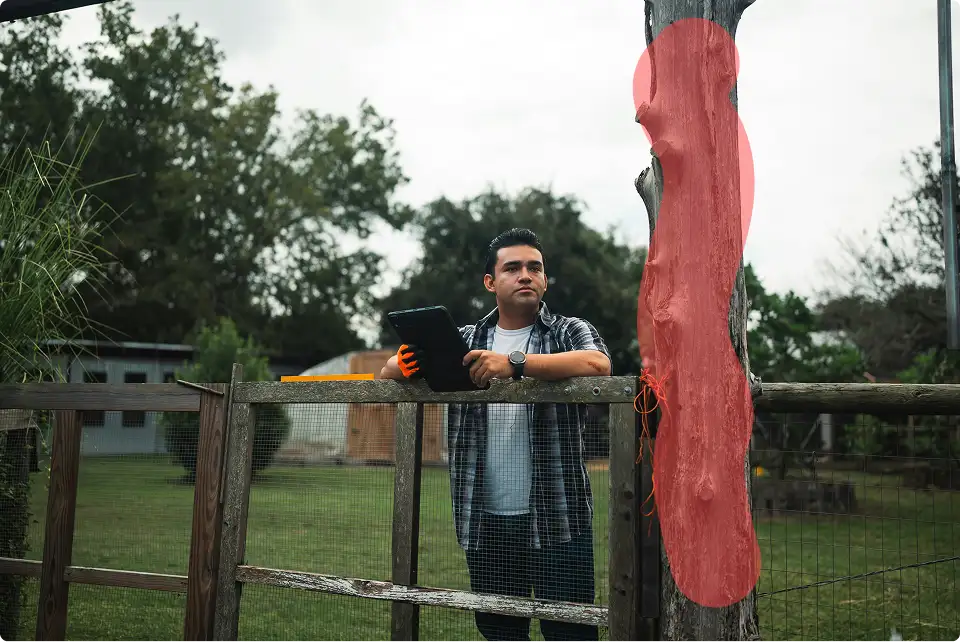
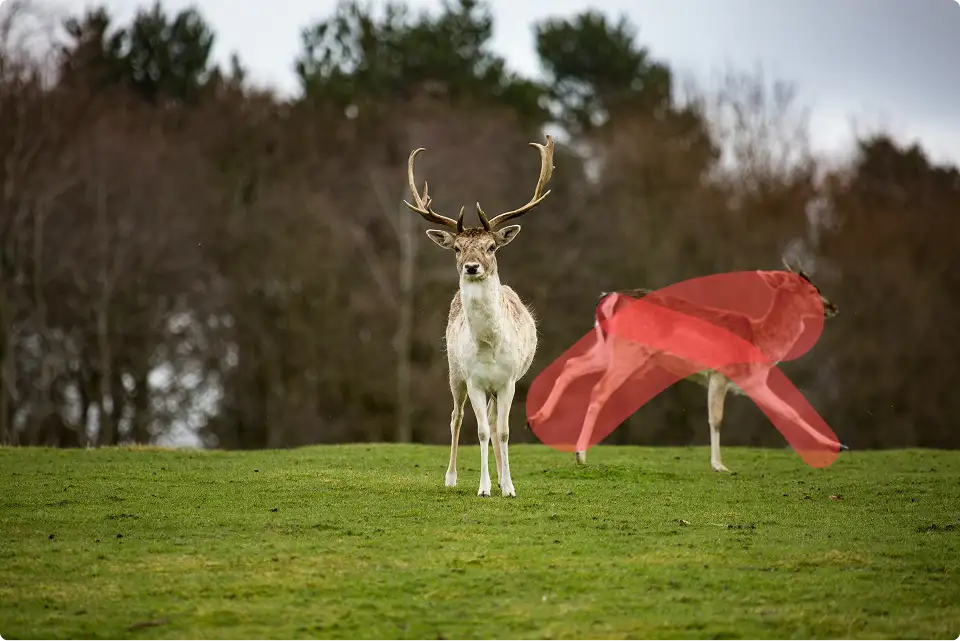


Easily remove unwanted objects or people from any photo. All you need to do is upload the image, brush over the object you want gone, and click "Magic Erase." Photobombers, power lines, and clutter in the background will be erased in 30 seconds or less.
Not only does cleaning up photos in Photoshop require paying for an Adobe subscription, it also requires being a skilled photo editor who knows the complicated interface and can use the many manual brushes. With Overchat AI, though, you can skip all that. Just upload any photo and brush over the object you want gone. Our AI will then seamlessly remove it.
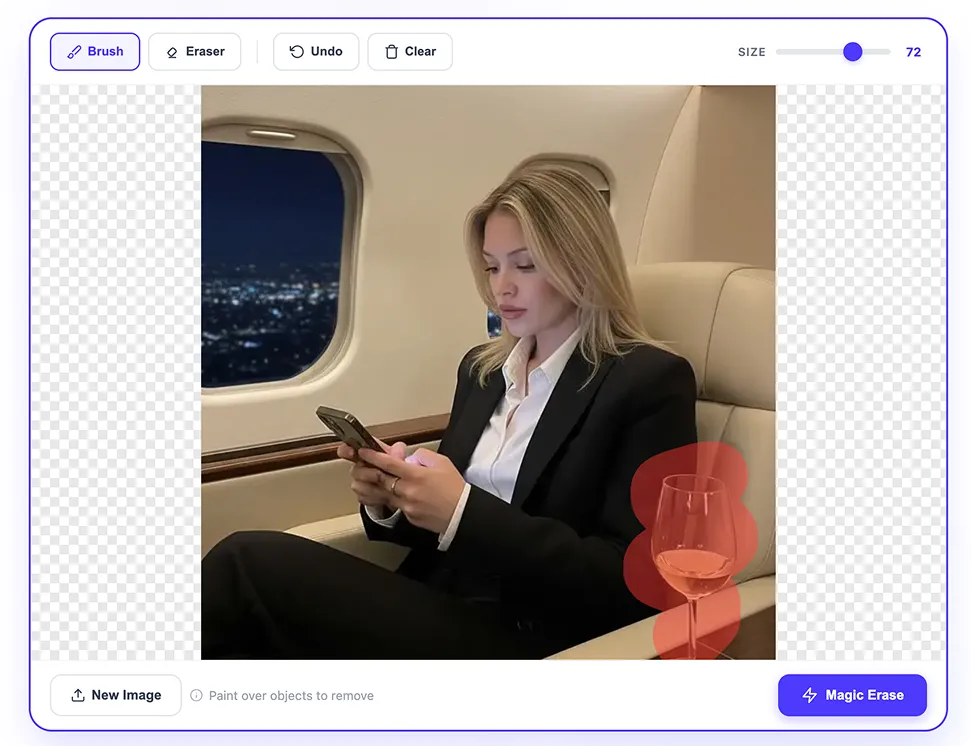
Our AI object remover uses an advanced artificial intelligence image editing model and a process called inpainting. It intelligently detects objects, people, and distractions in the area you brush over and seamlessly inpaints the background into that area — no matter how complex or busy it is. It easily handles architecture, transparencies, and patterns.
Just upload a photo and brush over the object you want removed. Our AI will automatically remove it. There are no complicated settings or tools like the lasso or clamp. The AI automatically handles all the difficult composition and edge selection work.
The Overchat AI object remover delivers a cleaned-up photo in under 30 seconds. The same job in a manual editor like Photoshop would take multiple hours to achieve the same seamless quality.
From photobombers to power lines, our AI object remover wipes out unwanted distractions and rebuilds the background behind them — so your photo looks like they were never there.
Clear strangers, crowds, and that one photobomber out of your shot. The AI fills the background so your group photo looks like you had the place to yourselves.
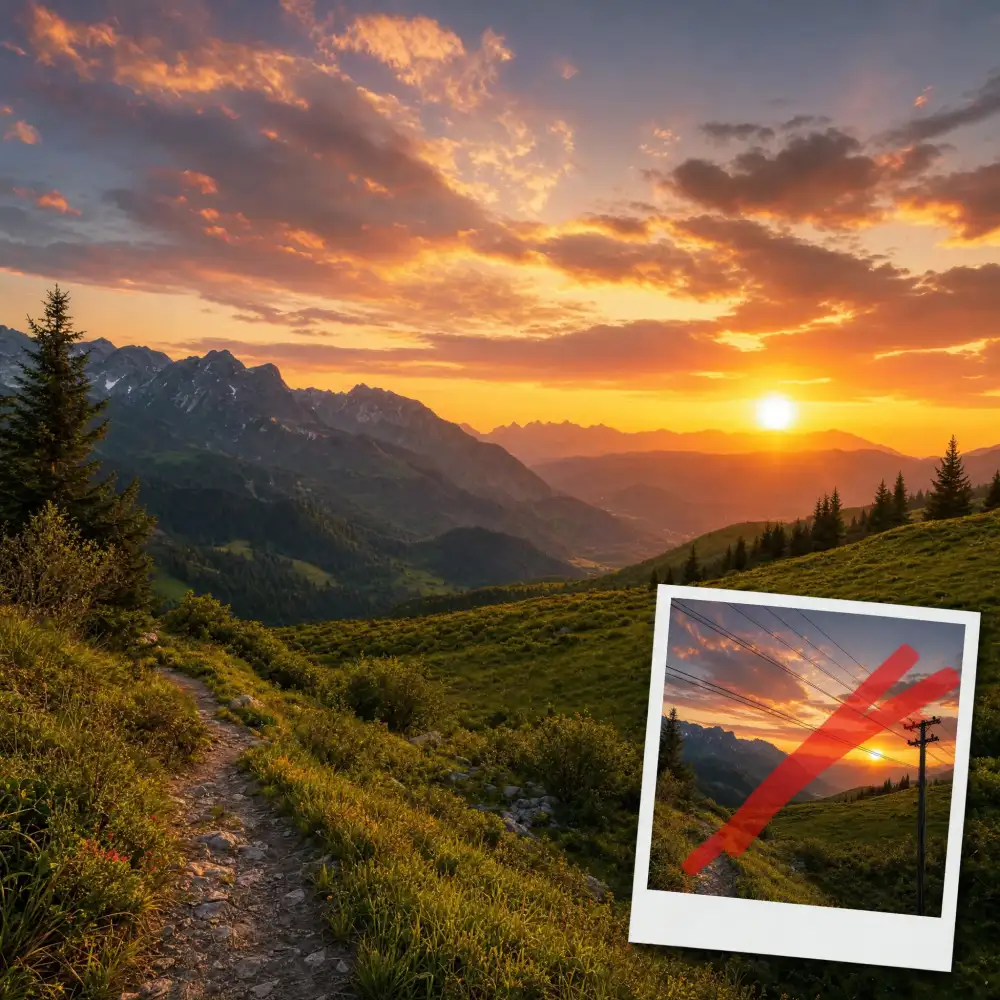
Wipe out power lines, cables, and utility poles that cut across your sky. Perfect for landscape and travel photos where wires ruin an otherwise clean horizon.

Remove boxes, cables, and clutter from interior shots to stage a clean, spacious room. Ideal for listings, rentals, and interior-design portfolios.

Strip distracting objects out of the background so the product is the only thing that matters. Get tidy, conversion-ready images for any online store.
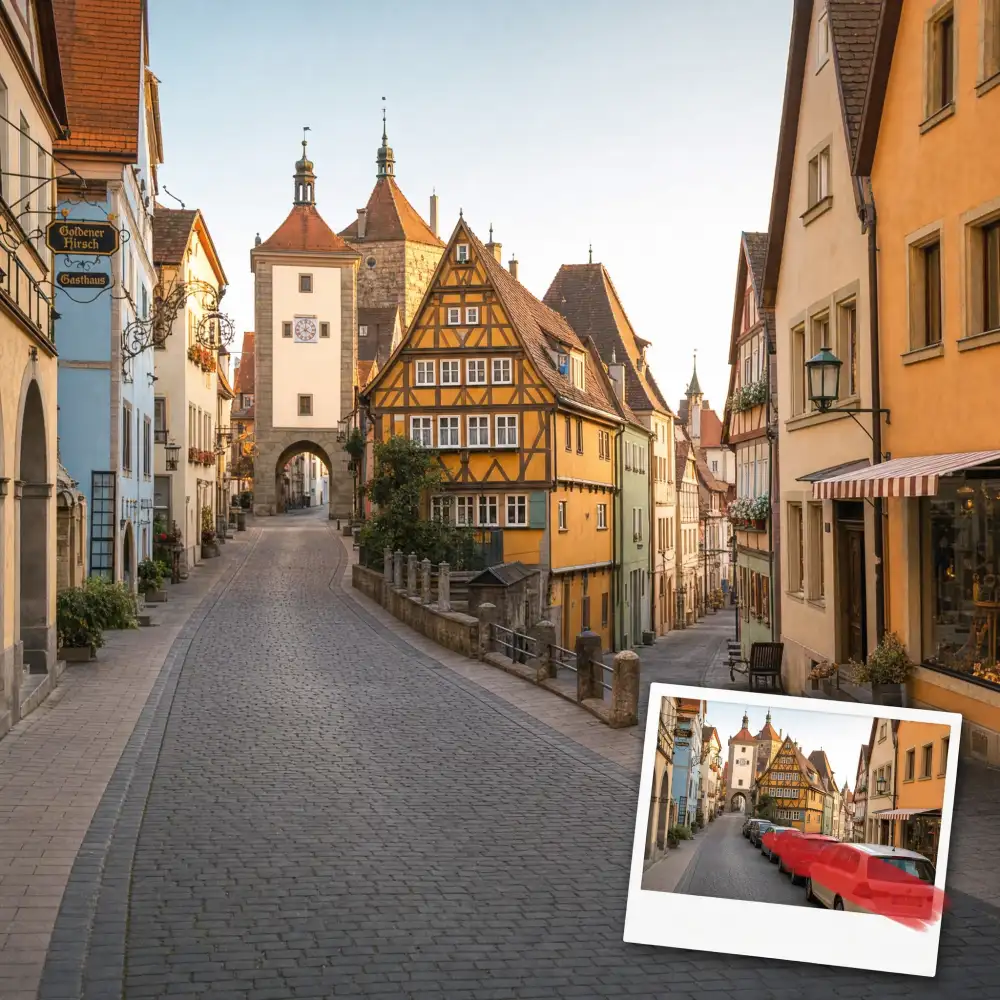
Erase parked cars and passing traffic from street and architecture shots. Capture the building or scene the way you saw it — without the parking lot.
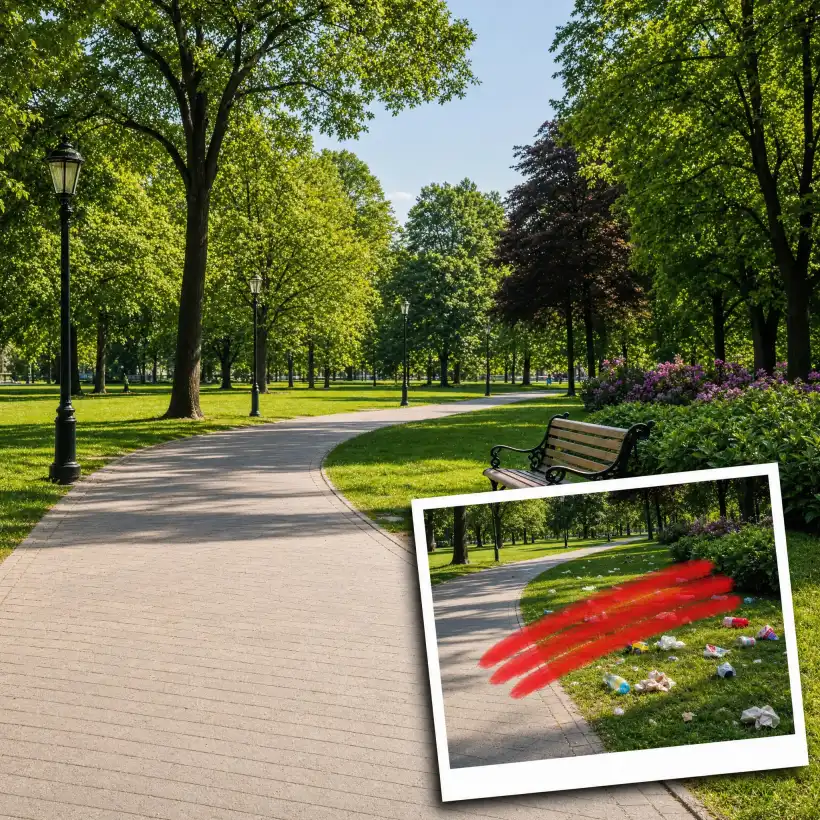
Sweep away litter, stray objects, and random mess from any scene. Turn a cluttered snapshot into a clean, postcard-worthy photo in one pass.
USE CASES
The Overchat AI Object Remover Tool features an uncomplicated interface that is easy to remember. It has just enough features to get the job done without any unnecessary extras.
No software download or installation is necessary. The entire object erasing process takes place online, and you can use it without creating an account.
Selecting edges during manual object removal is one of the most important steps and easiest to mess up, resulting in halos or artifacts. Our AI does this automatically — and perfectly every time.
We use end-to-end encryption protocols to process your images, and our ability to erase objects without signing in ensures anonymity.
You are the only one who will see the images you upload. All images are automatically deleted after a set time to ensure complete privacy. You can use the tool without any concerns.
Our AI can replicate even the most intricate textures and difficult details, such as hands, faces, and perspectives. This ensures that the results are always natural and realistic.
Join thousands of people who are already using Overchat AI.
Overchat AI brings you the power of the world's top AI models: GPT, Claude, Gemini, Mistral, and more.

An AI object remover is an online tool that uses artificial intelligence to erase objects from images. It automatically detects what you want removed and fills in the area with realistic details based on the surrounding area. With Overchat AI, you can use a brush to paint over the object you want to erase, and the tool will automatically remove it for you. You can use it directly in your browser without having to download anything.
The AI object remover uses a deep learning model to analyze your image and understand its content. When you mark an area for removal, the model examines the surrounding pixels — including textures, colors, lighting, and perspective — and predicts replacement pixels to fill the gap. The result is a seamless edit that looks as if the object was never there.
Overchat AI is an advanced image editing AI model that removes images. It is one of the best online image removers, and it is available for free. It quickly and easily removes any anti-aging effects from any image, making it simple for anyone to use, even those without photo editing skills.
Overchat AI Object Remover works with all common image formats, including JPG, JPEG, PNG, and WEBP. You can upload a photo straight from your phone or computer — there's nothing to install and no plugins to set up. Your edited image is returned in high quality, ready to download or share.
Yes. Just brush over every object, person, or distraction you want gone in a single pass, and the AI removes them all at once. You can also re-edit the result — upload the cleaned image again and brush over anything you missed for a perfectly polished final shot.
No. Instead of simply blurring or cloning pixels, our AI rebuilds the area behind the object using inpainting, matching the surrounding lighting, texture, and detail. The rest of your photo stays untouched at its original resolution, so the final image looks clean and natural — not edited.
Absolutely. The tool runs entirely in your browser, so it works on any device — iPhone, Android, tablet, or desktop — with no app required. You can also download the Overchat AI mobile app for an even smoother experience editing photos on the go.
Traditional tools like Photoshop's clone stamp or lasso require manual selection and editing skills, and a clean result can take many minutes per object. Overchat's AI does it automatically: brush over what you want gone, and the background is intelligently reconstructed in under 30 seconds.
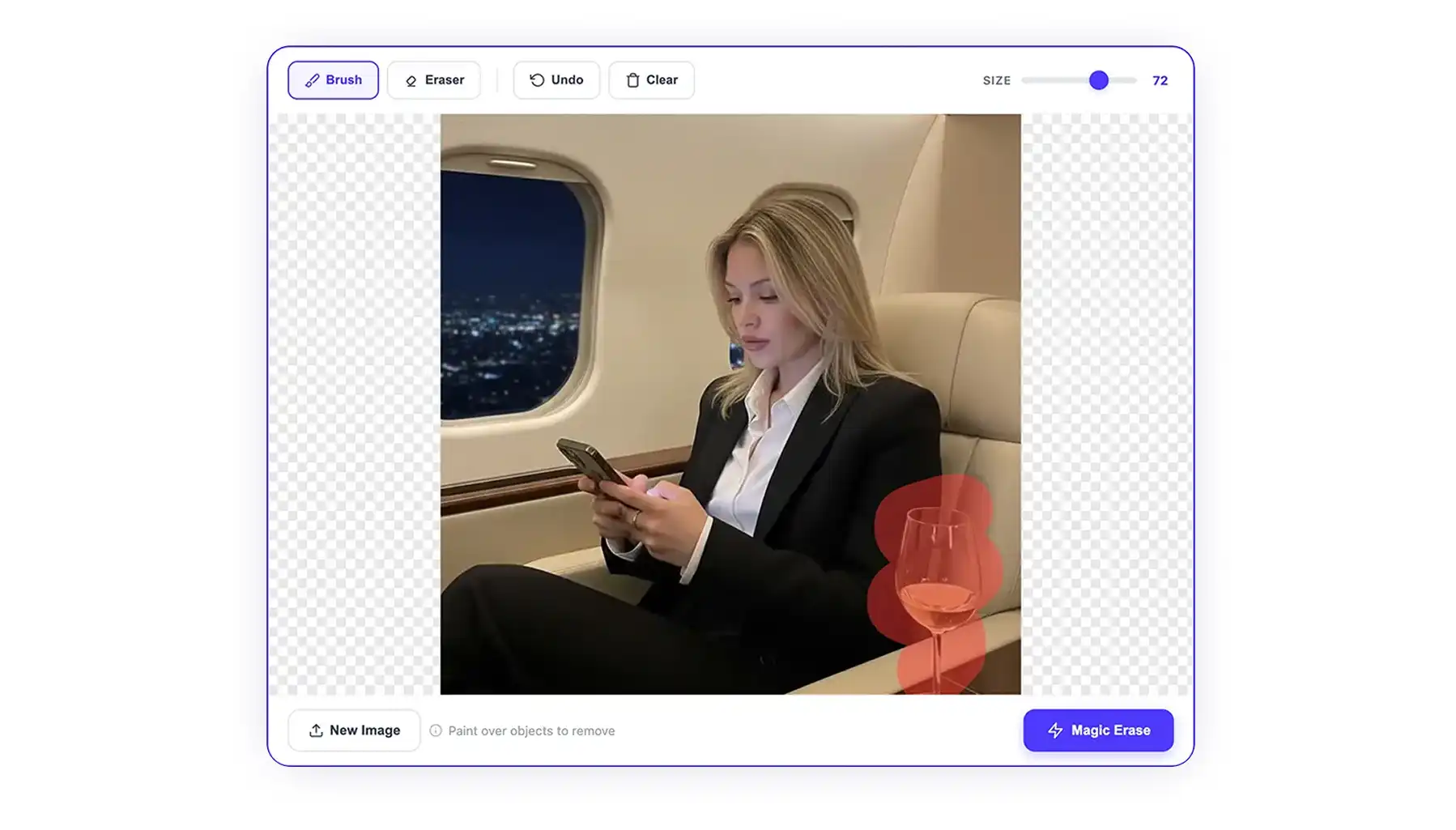
If you're wondering what AI photo object removers actually do, these are online tools that use AI image generation models to remove unwanted objects from photos. They work differently from traditional image editors, as Instead of cloning pixels from one part of an image and blending them into another area — as conventional editing tools do — AI removers regenerate whatever was behind the object from scratch.
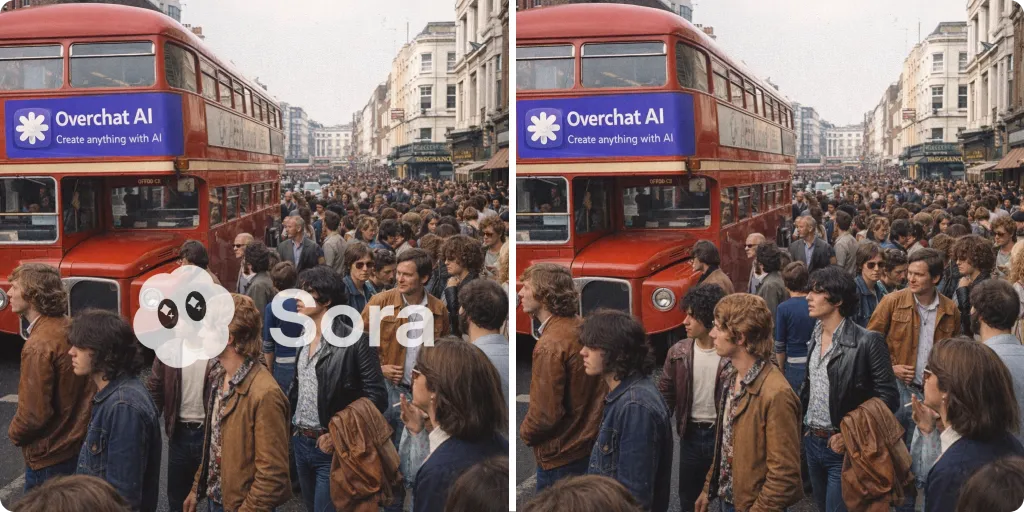
OpenAI’s Sora 2 is one of the most realistic AI video generators available. But all that realism goes to waste if the video you download comes with a big Sora 2 watermark slapped in the most obvious spot. Thankfully, you can remove it — and it’s surprisingly easy.

ChatGPT Plus costs $20 per month plus tax, while the Pro plan costs $200 per month plus tax. Understandably, not everyone is willing to pay that much for a chatbot, especially if the premium features aren’t worth it to them. This raises an obvious question: how can I use ChatGPT for free?
Available on Web, iOS, and Android. Access your AI assistant anywhere, anytime.


.svg)
