OpenAI’s Sora 2 is one of the most realistic AI video generators available, and people are already using it to create prank videos of impossible but hilarious scenarios. But all that realism goes to waste if the video you download comes with a big Sora 2 watermark slapped in the most obvious spot, instantly giving away that it’s AI-generated.
Thankfully, you can remove it — and it’s surprisingly easy. All you need is an AI watermark removal tool. Here are five worth checking out.
Sora 2 watermarks downloaded videos as part of OpenAI's transparency initiative aligned with the C2PA content authenticity coalition.
Watermark removers use AI inpainting to track the watermark across frames and rebuild missing pixels — far better than simple blurring or cropping.
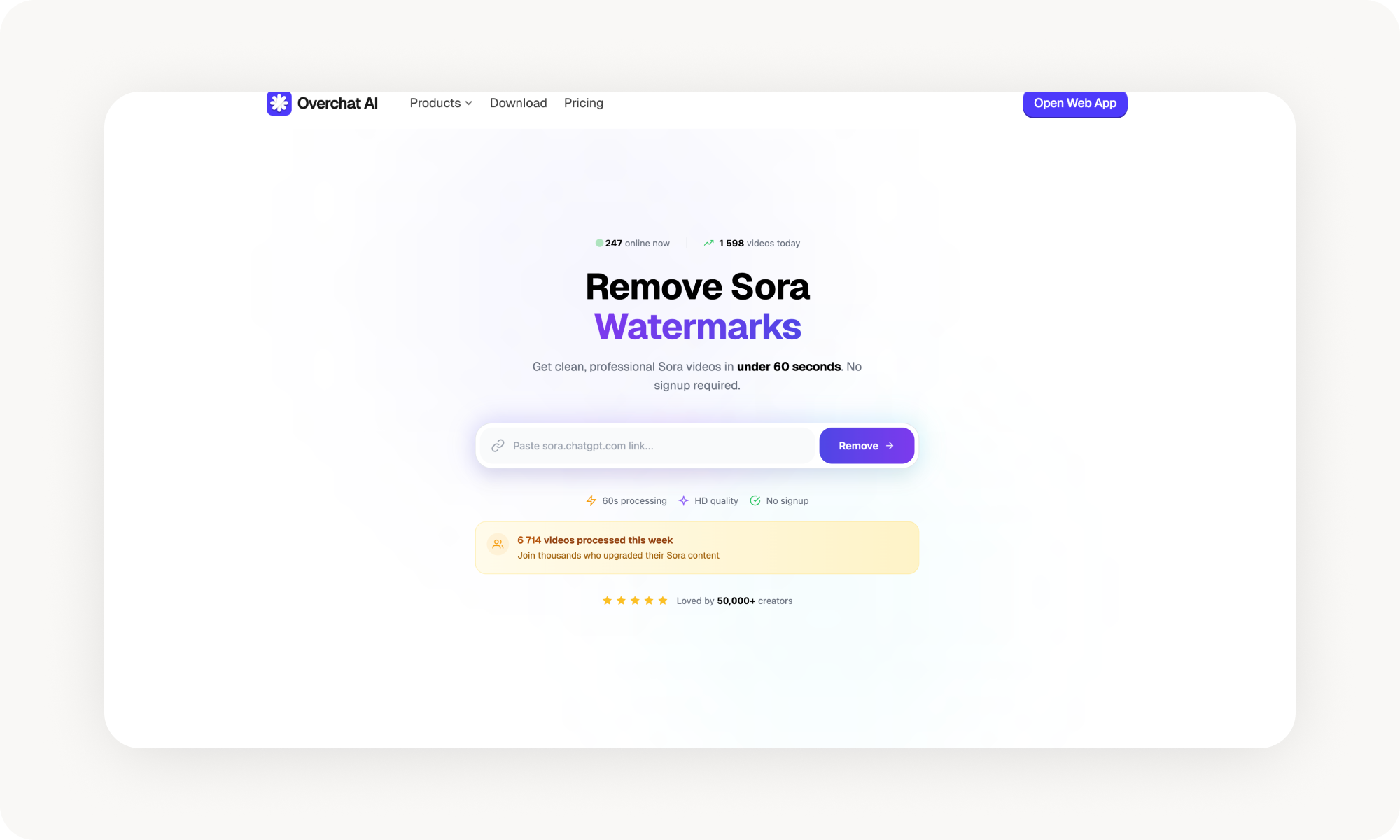
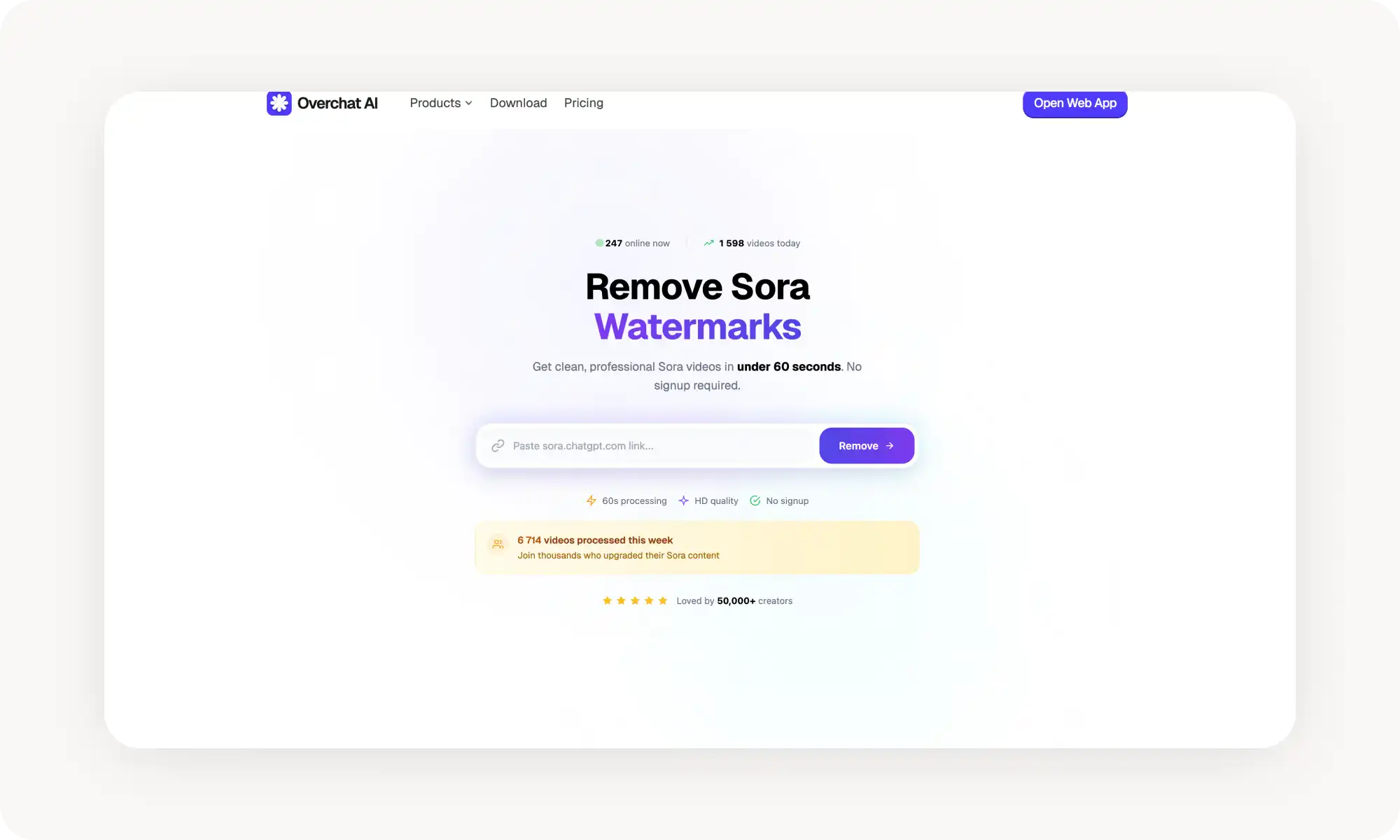
Overchat AI is link-based, free, unlimited, and no signup required — paste your Sora URL, get back a clean video at original quality.
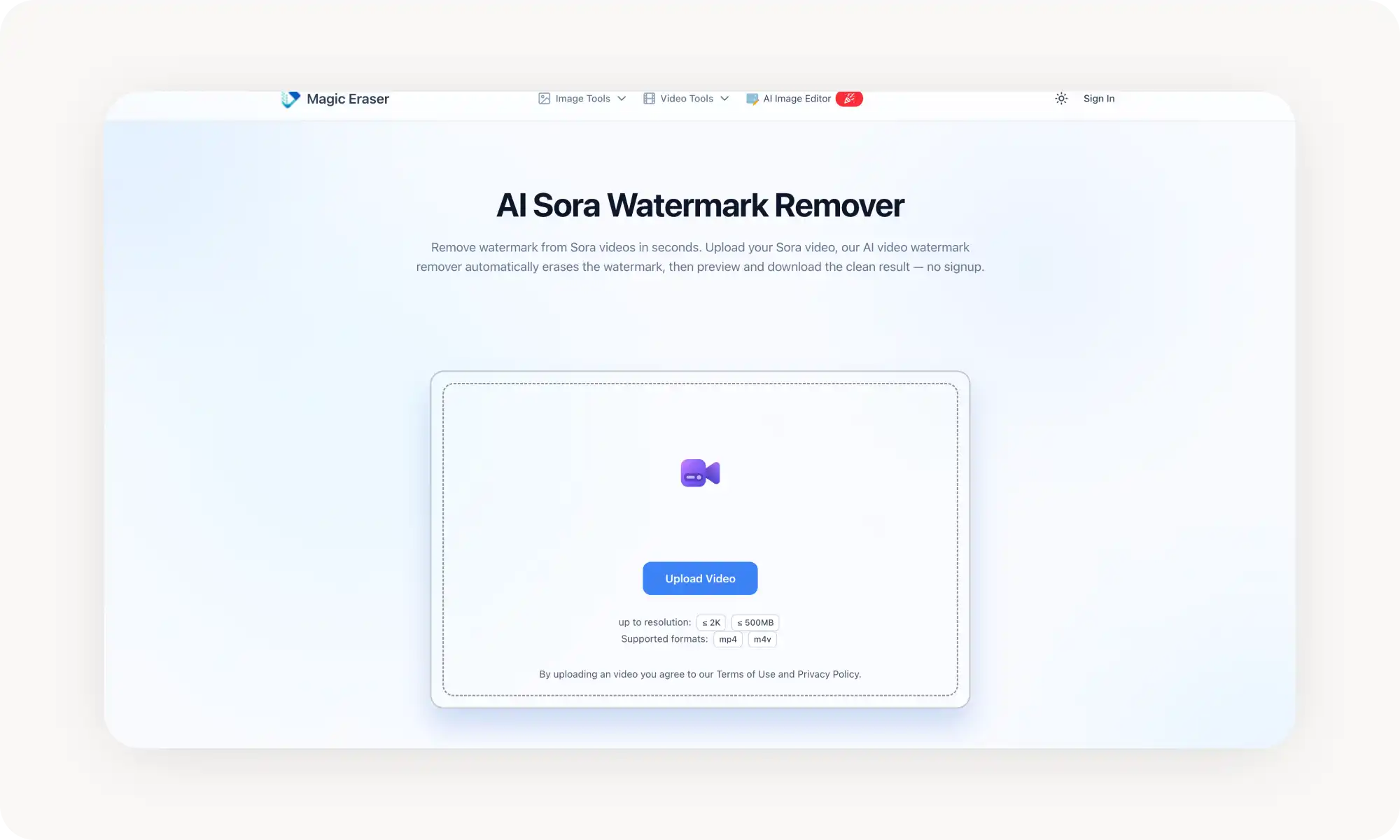
MagicEraser offers automatic Sora-tuned detection with batch uploads and browser-based processing — upload-only, no link support.
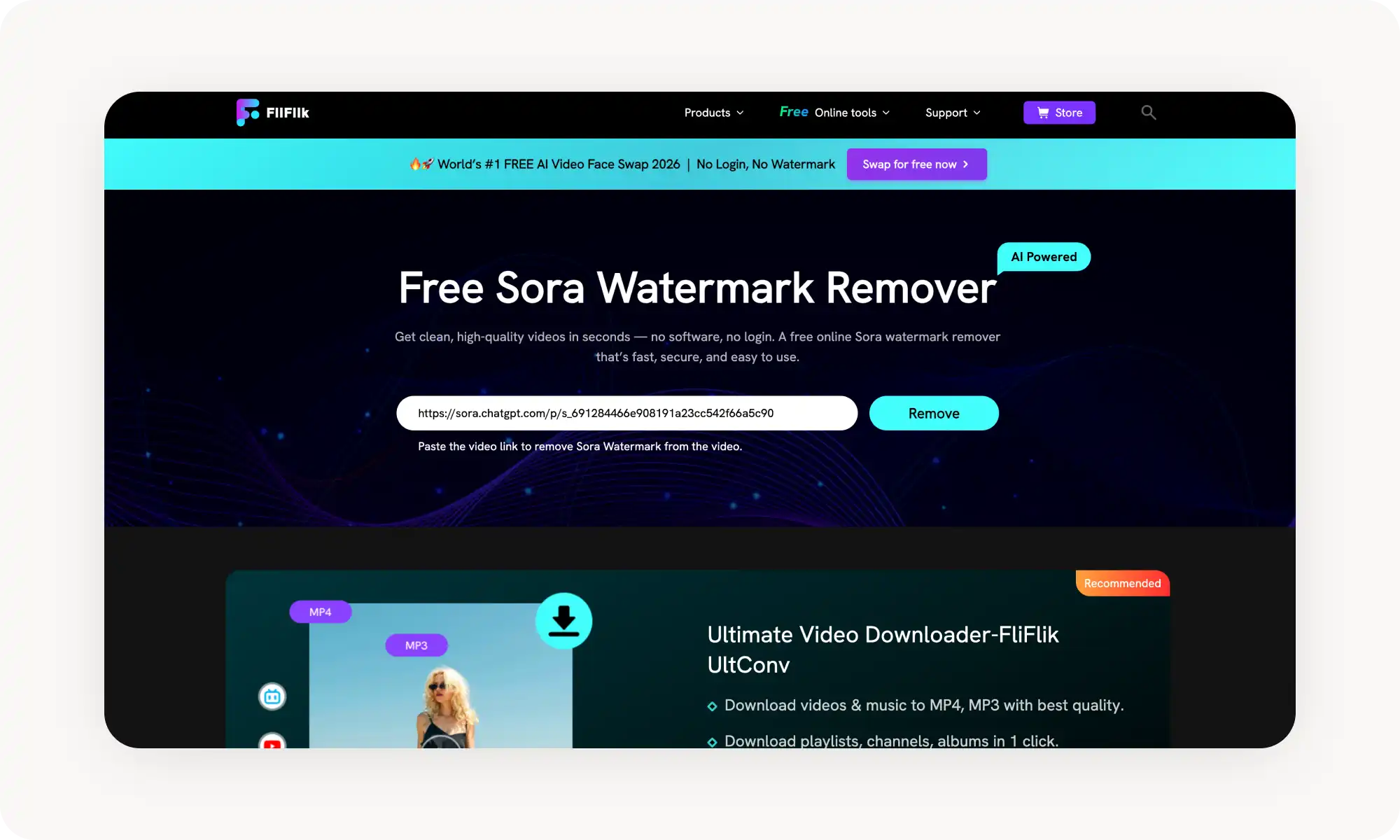
FliFlik preserves film grain and texture especially well during motion blur, processes 1080p in under a minute, and supports preset saving.
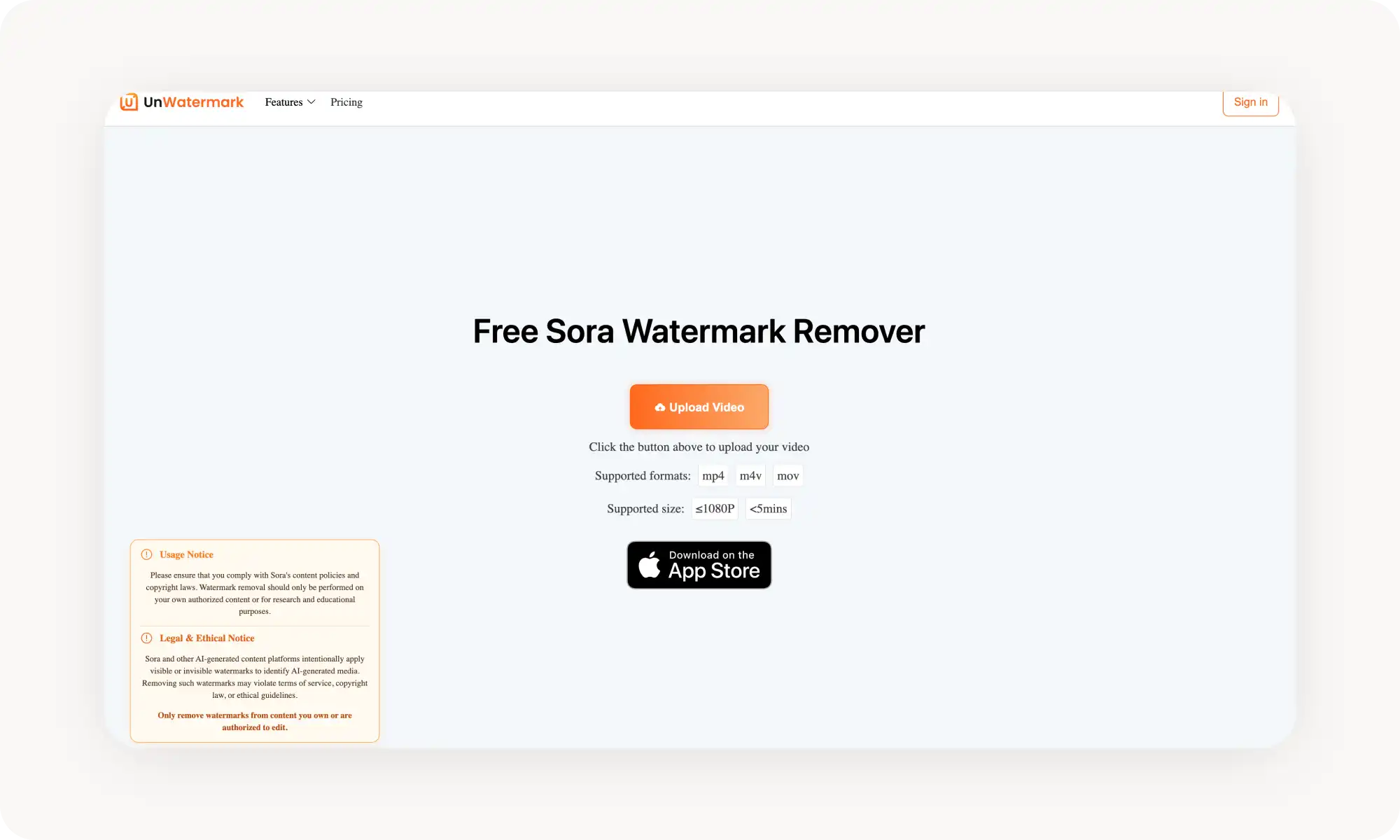
Unwatermark maintains 100% original quality but caps non-logged-in users at 6-second clips.
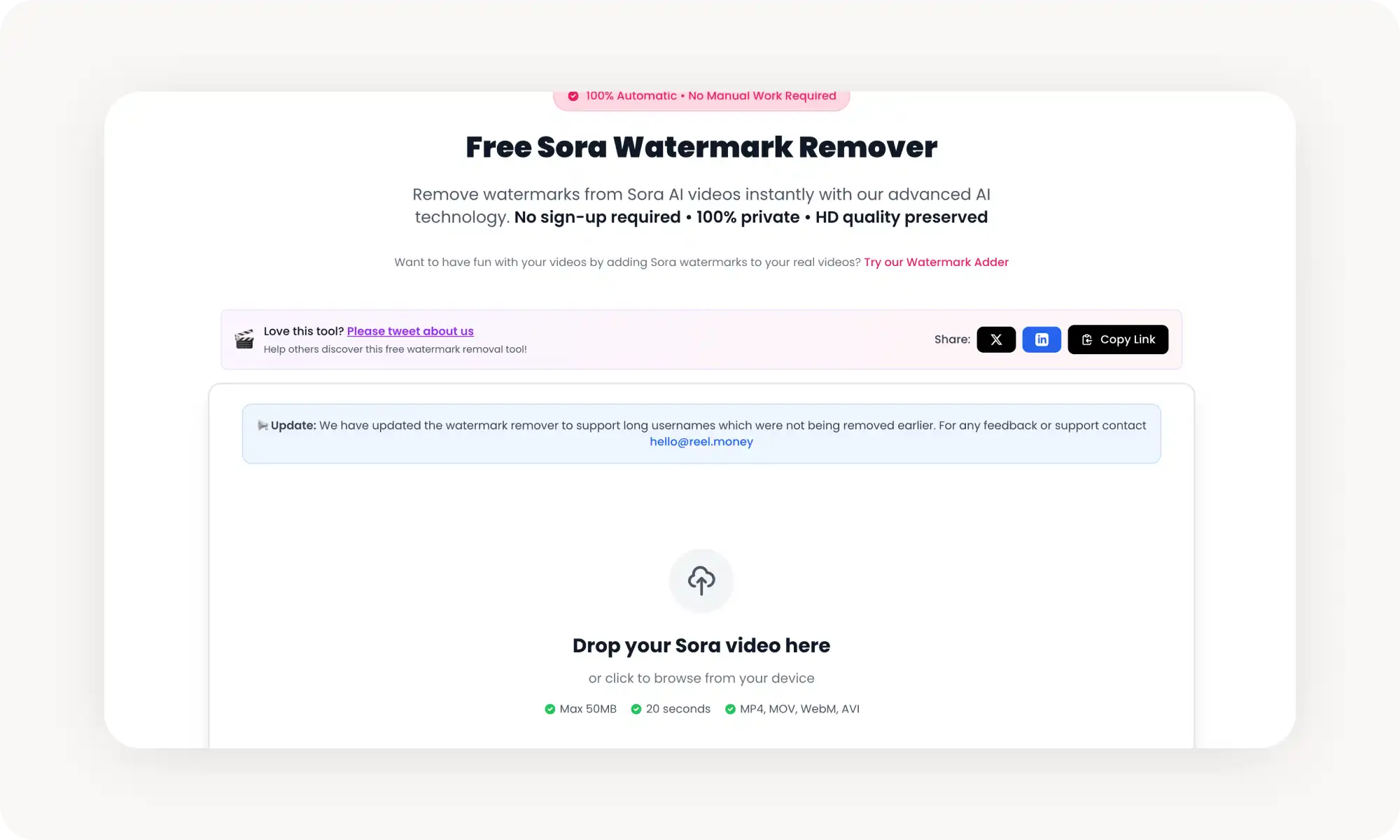
Reel Money has generous free limits (10–20 videos/day) and auto-deletes files after 24 hours, but processing can drag to 30 minutes during high load and sometimes affects audio.
Easiest workaround: generate Sora 2 videos through Overchat AI's Sora 2 generator instead — same model, no watermarks to begin with.
Legal note: only remove watermarks from content you own or have permission to edit — doing otherwise may violate copyright rules and OpenAI's terms.
Why Does Sora 2 Watermarks Downloaded Videos?
Sora adds a watermark to every video generated and downloaded from the official sora.chatgpt.com interface.
This is part of OpenAI’s transparency initiative, aligned with Coalition for Content Provenance and Authenticity (C2PA). The goal is to help viewers identify AI-generated media and reduce the spread of misinformation.
Why is this necessary? Because Sora 2 videos can look incredibly realistic — realistic enough that, in theory, they could be misused.
When Should You Consider Removing the Sora Watermark?
The watermark serves a legitimate purpose and is an important tool for transparency (and likely branding as well). But there are cases involving harmless content where you may prefer not to highlight that a video was AI-generated.
For example, some audiences still have a bias against AI-generated content.
You might spend hours refining prompts and references to create a stunning, art-like video — only for it to underperform online because the watermark signals it was AI-made (watermarked content often receives less engagement).
That’s one reason to remove it. Others include:
You need content without third-party branding
You’re promoting or marketing a product
You want to integrate a Sora clip into footage created elsewhere
You find the watermark visually distracting
A disclaimer: only remove watermarks from content you own or have explicit permission to edit. Removing watermarks from others' content without consent may violate copyright rules and OpenAI's terms of service.
How Do AI Sora Watermark Removers Work?
This watermark isn’t easy to remove, so you’ll need specialized tools — and in this case, it’s a matter of fighting fire with fire. In other words — AI.
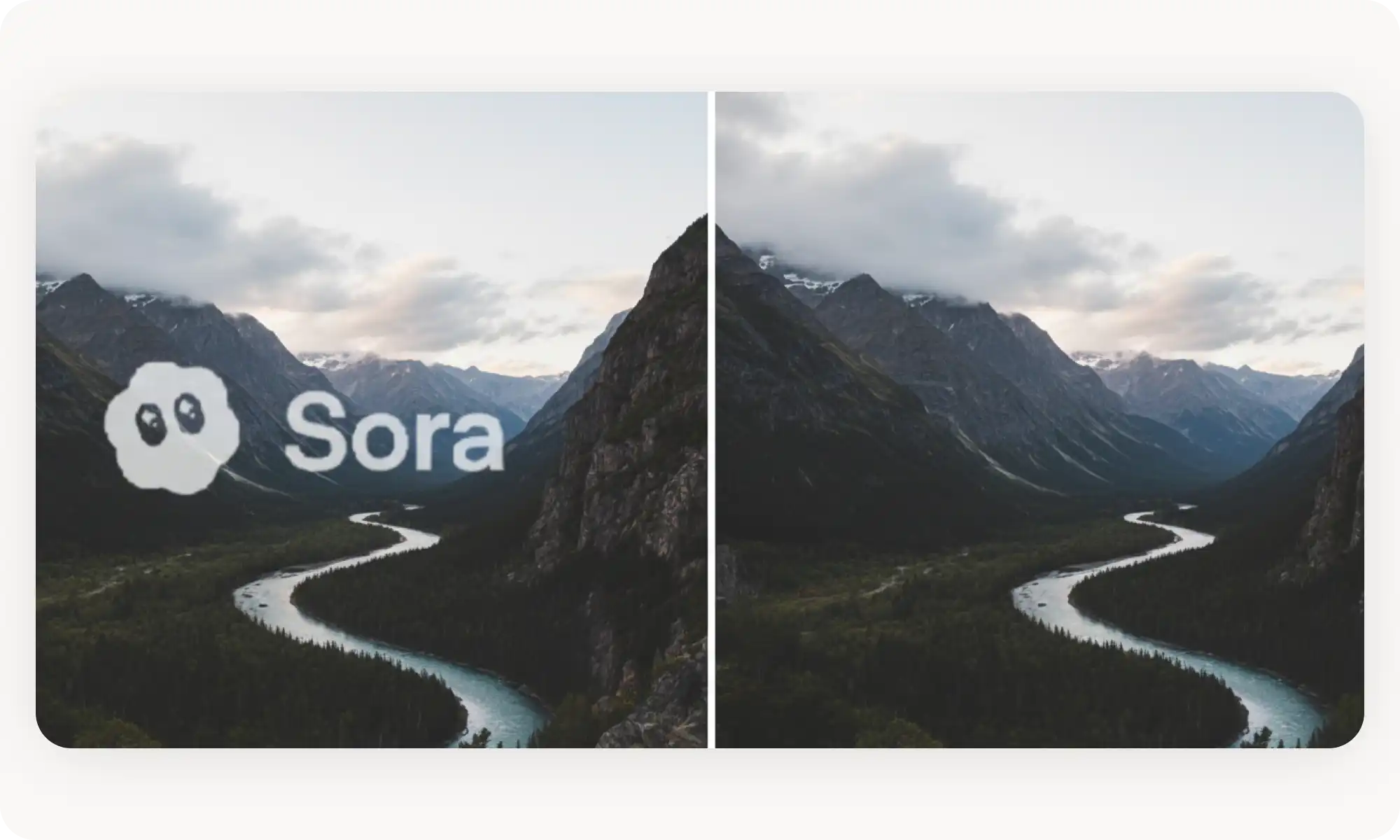
Sora 2 watermark removers AI inpainting to reconstruct the pixels hidden behind the watermark.
This is very different from simply blurring, cropping, or duplicating nearby pixels — techniques that might work for simpler watermarks that stay in one place or cover only a small area.
Instead, Sora 2 watermark removers track the watermark across frames and account for changes in brightness and opacity. They remove it frame by frame and intelligently rebuild the missing visual information.
The results are usually impressive. Still, not all tools perform at the same level — which is why you may want to consider one of the options listed below.
Best AI Sora Watermark Removers Compared
Now that we've got that out of the way, here's a quick summary of how the five best AI watermark removers I've tested compare:
Platform
Quality
Free to try
Input Method
My rating
Overchat AI
Highest
✅
Paste link
⭐️⭐️⭐️⭐️⭐️
MagicEraser
High
✅
Upload file
⭐️⭐️⭐️⭐️
FliFlik
High
✅
Paste link
⭐️⭐️⭐️⭐️
Unwatermark
High
✅
Upload file
⭐️⭐️⭐️⭐️
Reel money
High
✅
Upload file
⭐️⭐️⭐️
1. Overchat AI
Overchat AI is an all-in-one AI app that includes a free Sora watermark remover as part of a broader toolkit for AI image and video editing. One of its biggest advantages is that it doesn’t require sign-up and offers unlimited use.
To use it, just follow these simple steps:
Copy the URL of your Sora video from sora dot com — the OpenAI platform
Paste the link into Overchat AI's Sora watermark remover
Wait for automatic processing
Download your clean video
The remover preserves original resolution, frame rate, and quality, erasing just the watermark. Seamless and easy to use.
Pros:
✅ Completely free with no limits
✅ No signup required
✅ Link-based input (no file uploads needed)
✅ Preserves original quality
✅ Unlimited daily usage
✅ Works with all Sora video types
Cons:
❌ Requires public Sora share link
❌ No batch processing
❌ Link must be accessible
2. MagicEraser
MagicEraser's is another tool specifically tuned for removing watermarks added by this Neural network. To use it, upload your video file (MP4, MOV, or WebM), and the AI identifies the watermark and reconstructs clean pixels frame by frame.
Processing happens in your browser, and files are handled securely for privacy. Just like with Overchat AI — no signup is required. If you’re working with multiple Sora videos, there’s also batch uploads — process all files automatically and save hours of manual editing.
Pros:
✅ Automatic detection optimised for Sora
✅ Handles semi-transparent logos
✅ Batch processing support
✅ No signup required
✅ Browser-based with secure processing
✅ Preserves resolution and FPS
Cons:
❌ Requires file upload (not link-based)
❌ Large files may take longer
❌ Limited format support compared to some tools
3. FliFlik
FliFlik is another tool that handles Sora’s dynamic watermarks very well. It accounts for constant changes in brightness, opacity, and position using its own AI-powered removal technology.
What impressed me most was how well it preserved fine edges during motion blur and maintained the structure of film grain in reconstructed footage. This prevents those odd blotchy patches that can look out of place, as if part of the video came from a different source.
It’s also fast — processing 1080p videos typically took under a minute.
Pros:
✅ Free to use
✅ Preserves film grain and texture
✅ Preset saving for faster future processing
✅ Link-based
Cons:
❌ Sometimes the Link upload didn’t work on first try
4. Unwatermark
Unwatermark AI offers a dedicated Sora Watermark Remover that handles both Sora and Sora 2 watermarks with one-click processing. Upload your video in MP4, MOV, or M4V format, and the AI automatically detects and removes watermarks.
Unwatermark.ai maintains 100% original quality during removal — resolution, frame rate, visual fidelity: nothing is changed, so the end result is a one to one representation of the source clip. The tool is also entirely browser based, so you don’t have to download anything, which is always a bonus.
Pros:
✅ Preserves original quality really well
✅ No registration required (but only for short clips)
✅ 500MB file size limit (generous)
✅ Works on desktop and mobile browsers
Cons:
❌ 6-second limit for non-logged-in users
❌ Upload-based (not link-based)
5. Reel money
Reel Money also offers a free Sora watermark remover. In my testing, it proved very reliable: simply upload your video, and the AI removes all Sora watermarks automatically and cleanly.
The tool supports both landscape and portrait videos and accepts files up to 50 MB in MP4, MOV, WebM, and AVI formats. Processing usually takes 3–10 minutes, although in my tests it rarely approached the longer end of that range.
Another advantage is its generous free usage limits: you can process up to 10 videos per day without signing in, or 20 daily with a free account — more than enough for light use. For privacy, uploaded videos are automatically deleted after 24 hours, and no personal data is stored.
Pros:
✅ Generous free daily limits (10-20 videos)
✅ Supports various formats and orientations
✅ Privacy-focused with auto-deletion
Cons:
❌ Long processing (up to 10 minutes)
❌ May take up to 30 minutes (!) during high load
❌ I found that it sometimes affected the quality of the audio
How to Generate Sora 2 Videos without Watermarks
Use the Overchat AI Sora 2 video generator to make clean Sora 2 videos. These are free from watermarks, so you don't have to jump through any hoops (even easy ones). Just download your video and it's ready to share or use.
The Overchat AI Sora 2 generator uses the same AI model as the official Sora 2 platform, so the results will be identical — just without watermarks.
Frequently Asked Questions (FAQs)
What is the best Sora 2 watermark remover?
If I had to choose just one, Overchat AI would probably be the best Sora watermark remover. It performed very reliably in my testing, delivered results quickly, and I never ran into any video or audio quality issues — problems that occasionally (though rarely) appeared with some of the other tools.
Is it legal to remove Sora watermarks?
The short answer is — it depends. If you created the video yourself using Sora, you can remove the watermark for your own use. Removing watermarks from others' content without permission may violate copyright rules and OpenAI's terms of service.
Will removing the watermark reduce video quality?
No — good AI watermark removers don’t affect video quality at all. They selectively edit only the areas where the watermark appears while preserving edge sharpness, fine details, and even the natural noise structure of the footage. In most cases, you won’t be able to tell the video was altered.
Can I remove watermarks from other AI video generators?
Dedicated Sora removers tend to produce better results on Sora content.
Bottom Line
Sora watermarks are added by OpenAI to identify AI-generated content as part of their transparency policy, but you can remove them with AI relatively easily. Here are the key takeaways:
AI watermark removers use inpainting technology to reconstruct pixels hidden behind watermarks
Link-based tools (Overchat AI, FliFlik) are fastest
The best watermark removers preserve original resolution, frame rate, and colour without introducing artifacts
Only remove watermarks from content you own or have permission to edit