Generate and edit stunning AI images with Qwen Image 2, Alibaba’s top AI image generator. It offers HD resolution, flawless text rendering, and fast generation speeds.
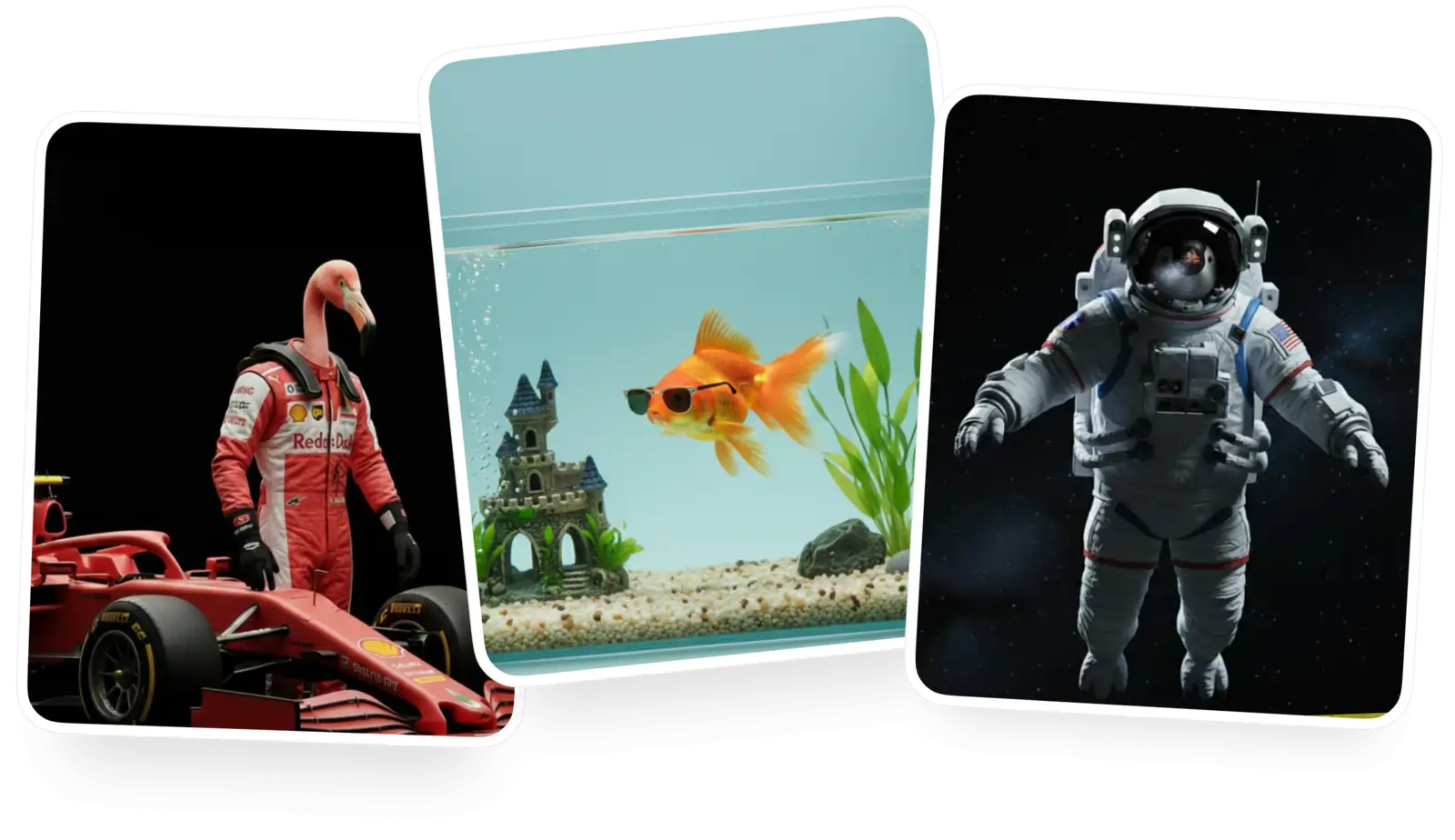
Create a free account to download it and keep generating
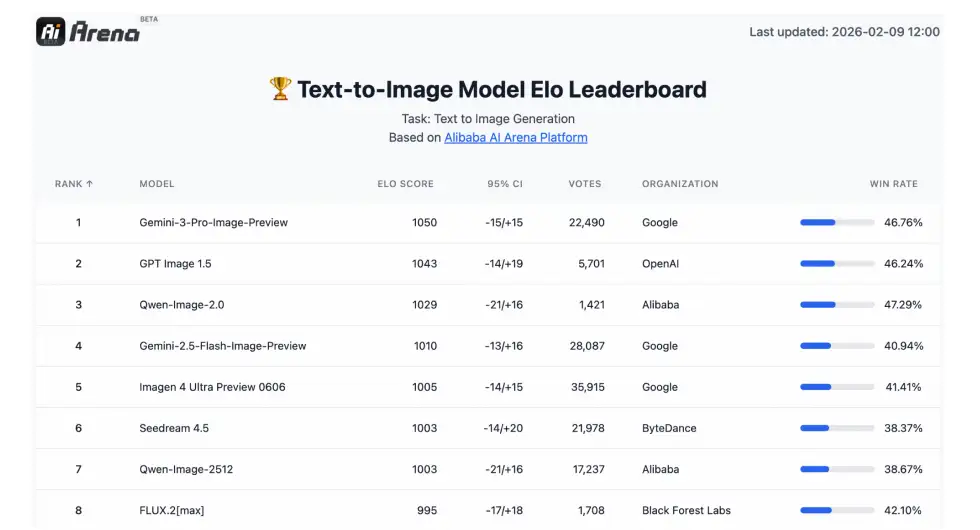
Qwen Image 2.0 is Alibaba Cloud’s best image generation and editing AI model. It generates stunning AI images at up to 2048×2048 pixels, excels at rendering text, and ranks #1 on AI Arena in both generation and editing categories by win rate.
Qwen Image 2 can render incredibly complex text layouts with perfect accuracy: think pitch-deck slides, text in perspective, entire posters.
Unlike previous versions that used separate models for generation and editing, Qwen Image 2 combines both into a single model, allowing you to seamlessly switch between text-to-image and image-to-image workflows on the fly.
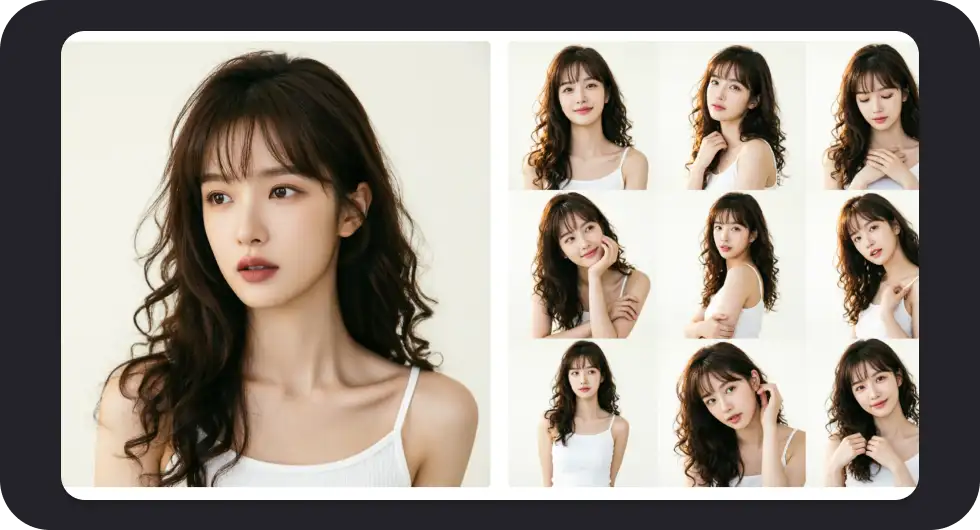
Qwen Image 2 consistently ranks at the top in blind tests thanks to its richly detailed images, precise sub-pixel rendering, complex and unconventional compositions, and natural-looking human poses.
Go to the Overchat AI image generator and select Qwen Image 2 from the model dropdown menu.
Describe the image you want in the text field. Qwen Image 2 supports prompts up to 1,000 tokens, so you can be very detailed.
Select the aspect ratio you want to use, click Generate, and wait while Qwen Image 2 processes your image.
Download your image, or use Overchat AI's built-in editing tools to refine it — upscale, extend, remove backgrounds, and more.

Ranked #1 on AI Arena in blind human evaluations, Qwen Image 2 is a favorite among creators, delivering incredible photorealism, rich details, stunning color rendition, and overall image fidelity that’s truly market-leading.

Qwen Image 2 understands perspective and dimensions like no other model, letting you place objects in 3D space with pinpoint accuracy: behind, in front, interlocked, or interacting naturally with each other — no other model matches this level of spatial precision.
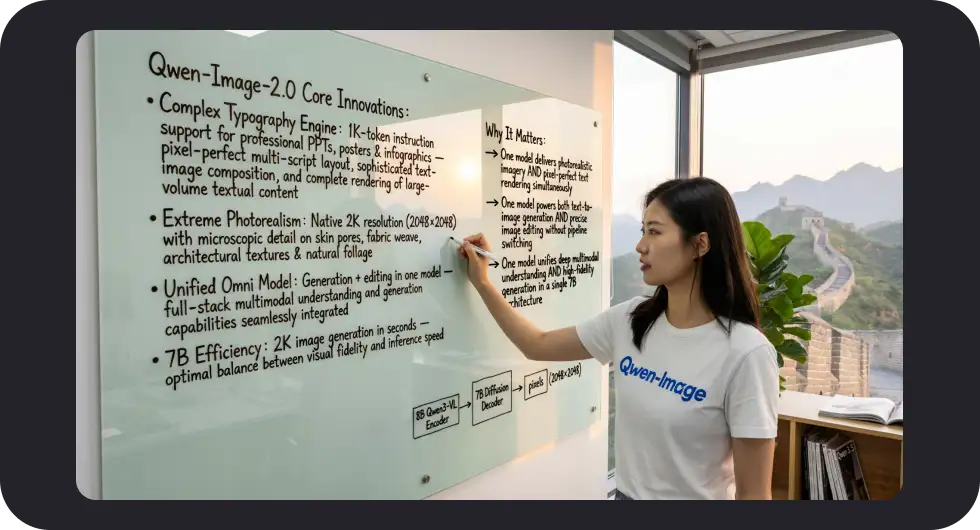
Qwen Image 2 is one of the best models for generating images with text. It accurately renders complex typography in both Chinese and English, adapting text to different surfaces with correct perspective — perfect for infographics, presentations, and posters.
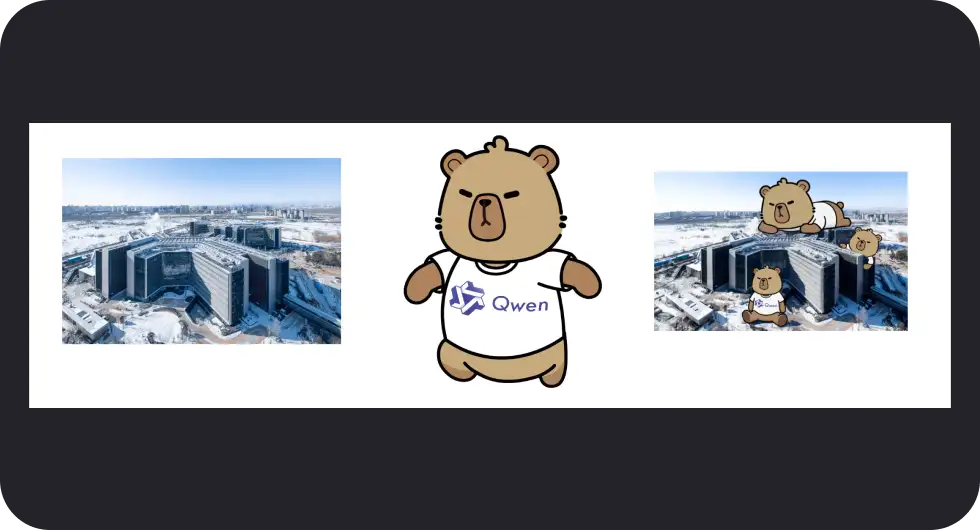
Create exactly what you imagine and keep refining it with seamless consistency from frame to frame. Characters remain exactly the same, scenes are accurately recreated, and spatial relationships between objects are preserved. This is the next generation of AI image editing.
Overchat AI brings you the power of the world's top AI models: GPT, Claude, Gemini, Mistral, and more.

Qwen Image 2.0 is a text-to-image and image editing AI model created by Alibaba Cloud's Qwen team. Released on February 10, 2026, it unifies generation and editing into a single 7B-parameter model — nearly 3x smaller than the previous 20B version. It ranks #1 on AI Arena in both text-to-image generation and image editing, outperforming competitors in blind human evaluations.
Yes, you can try Qwen Image 2 for free on Overchat AI. Free users get a limited number of generations per day. Upgrade to a Pro plan, starting at $5.99/week, for unlimited access and priority generation.
Qwen Image 2 ranks #1 on AI Arena in both text-to-image and image editing. It scores 0.91 on GenEval and 88.32 on DPG-Bench (vs FLUX.1’s 83.84). Its standout strength is text rendering — it’s one of the best models for generating images with accurate typography. Compared to Nano Banana 2 and GPT Image, Qwen Image 2 particularly excels at infographics, posters, and any images requiring readable text.
Qwen Image 2 was developed by Alibaba Cloud’s Qwen team. It is part of the Qwen family of AI models, which includes text models like Qwen 3 and Qwen 3.5, as well as the vision-language model Qwen3-VL. The Qwen team is known for building powerful open-source AI models, and previous versions of Qwen Image are available on HuggingFace and GitHub.
Discover the top AI headshot tools that deliver professional results in minutes. We compare pricing, quality, and features to help you choose the perfect solution for your needs.
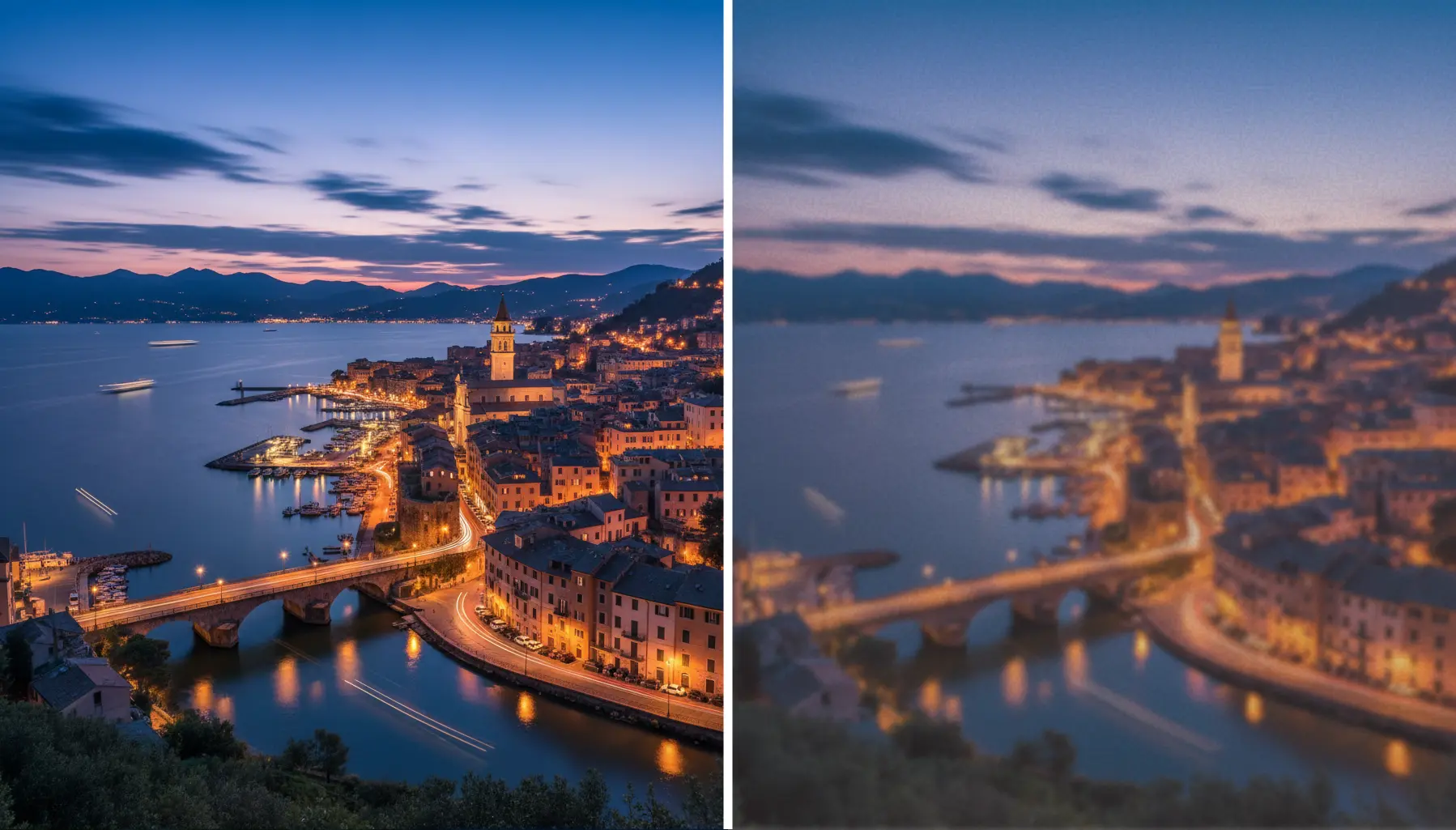
Learn the secrets to upscaling your images without losing quality. From AI-powered tools to best practices, we'll show you how to enhance resolution while preserving every detail.
Need to uncrop your photos beyond their original borders? Explore the leading AI image extenders that seamlessly fill in backgrounds and create the perfect composition for any project.
Available on Web, iOS, and Android. Access your AI assistant anywhere, anytime.



.svg)
