

 Seedance 2.5
 Kling 3
 Grok Imagine
 Happy Horse
 Hailuo 2.3
 Flux 3
Pick the right model for every shot
Featured models

Control every frame of your AI video
AI video that follows your idea, not the other way round. Control every frame, every motion and every detail with the precision of a professional editing suite
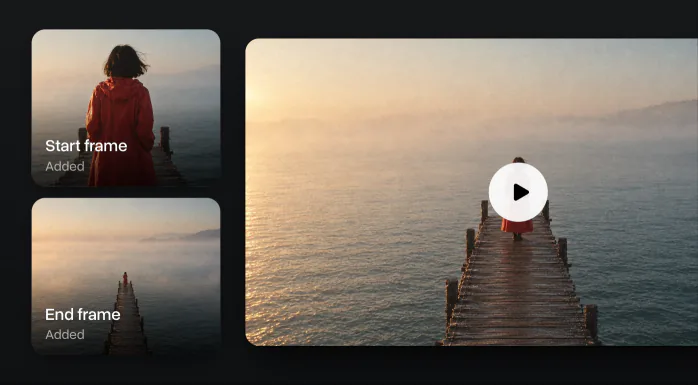
First and last frame
Keep the shot consistent by setting where it starts and where it ends
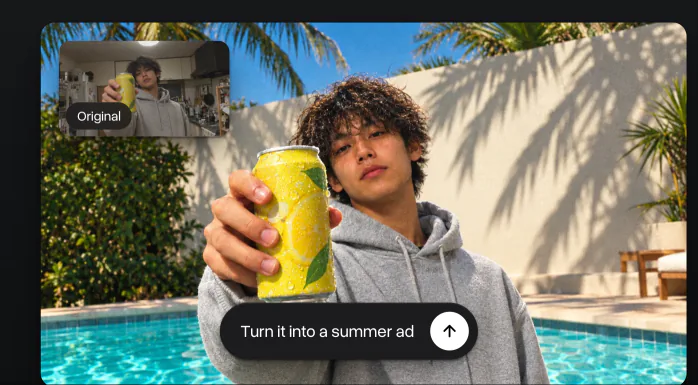
Edit any video
Upload footage to change the style, swap objects or fix details without a reshoot
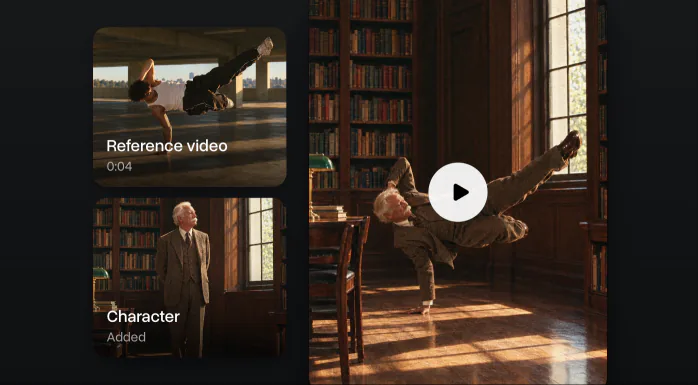
Motion control for any move
Upload a reference video to set the exact pace and gestures of the generation
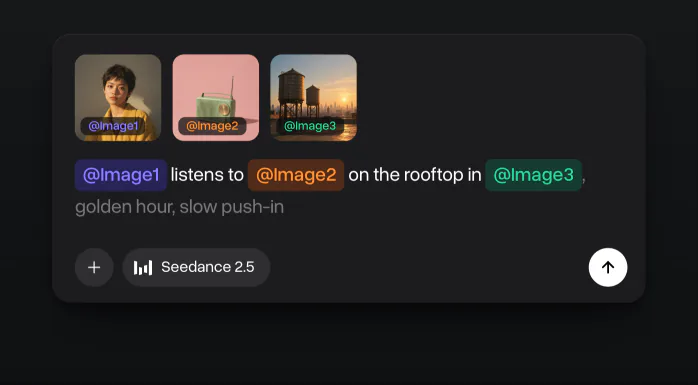
Elements and references
Add a character, a product or a place and tag it in the prompt with @, so each one keeps its look in the video
All workflows in one place
Five tools work in one studio. Start from a text prompt or your own photo, set the first and the last frame, make a take longer, add sound and run several models at once. Every video stays in one history with its prompt and settings
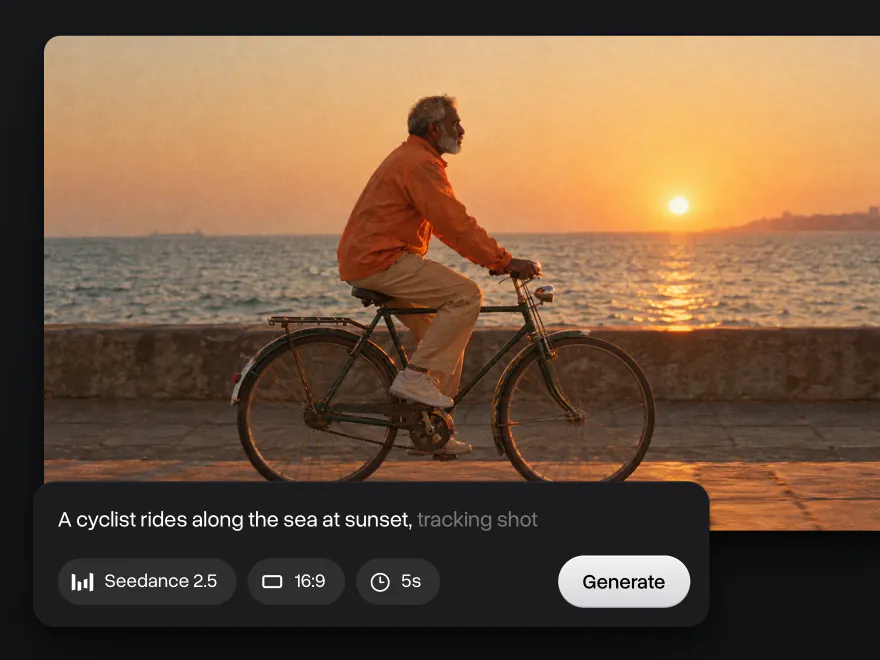
Describe a scene with the subject, the action, the camera move and the style, and the AI turns it into a video in minutes. Choose 5 or 10 seconds, 720p or 1080p and any format from 16:9 to 9:16
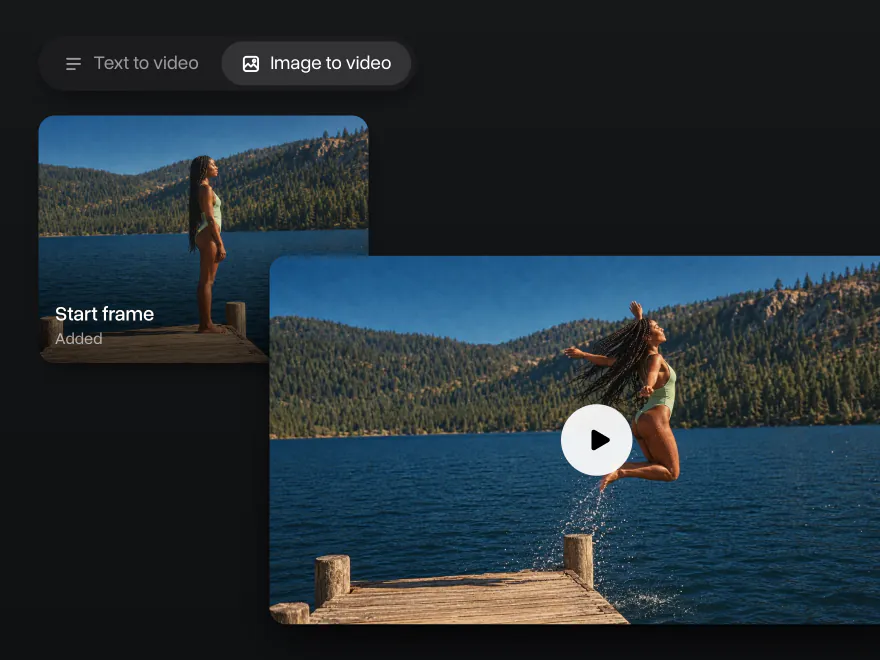
Animate a still photo, or set the first and the last frame to guide how the shot begins, moves and ends. The AI keeps the face, the clothes and the background from your picture
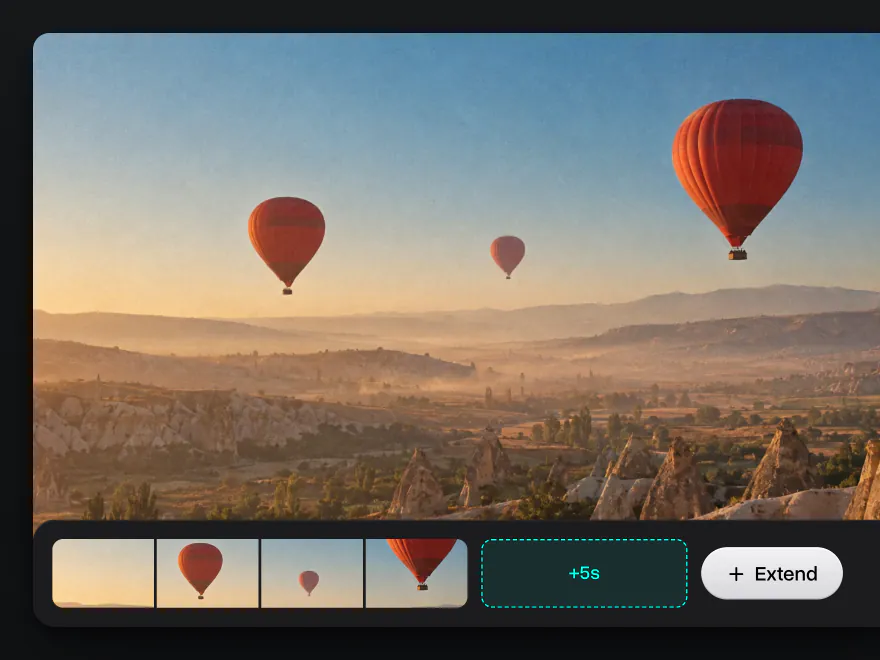
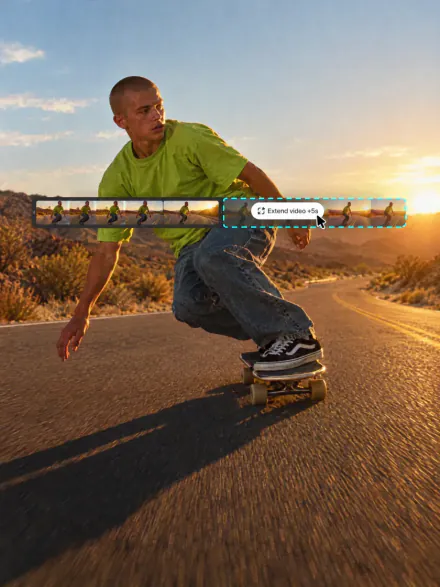
Build longer scenes by extending and joining clips. Add seconds to the end of a take and the model carries on from its last frame, or put several clips together in the AI Video Combiner
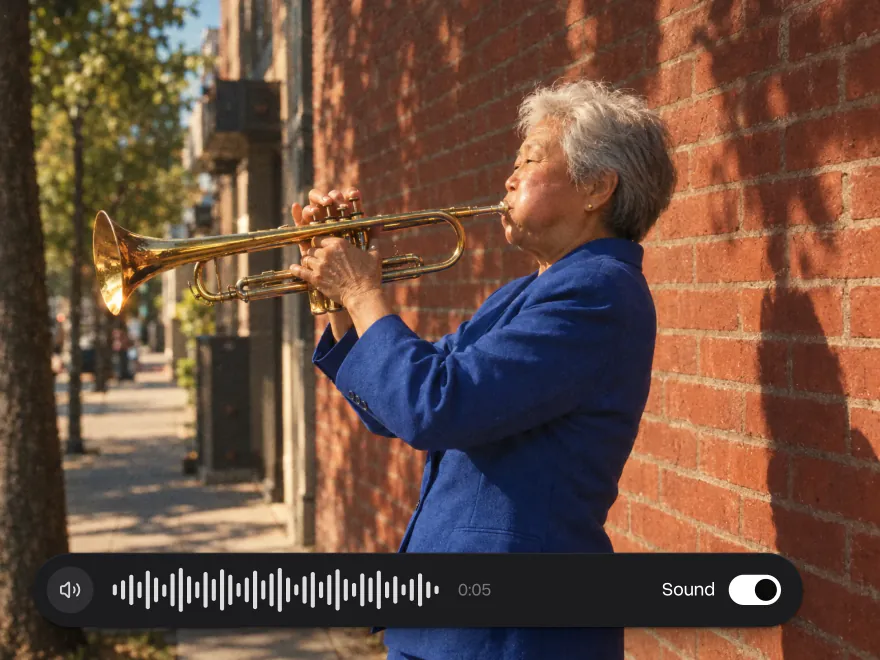
Seedance 2.5, Wan 2.5, LTX 2.5 Pro, MiniMax H3 and Flux 3 make the sound together with the picture: music, footsteps, street noise and voices, so the clip is ready to post
Start several videos at once: different prompts, settings and models side by side. On Pro, runs go in parallel, so you compare the takes instead of waiting for each one
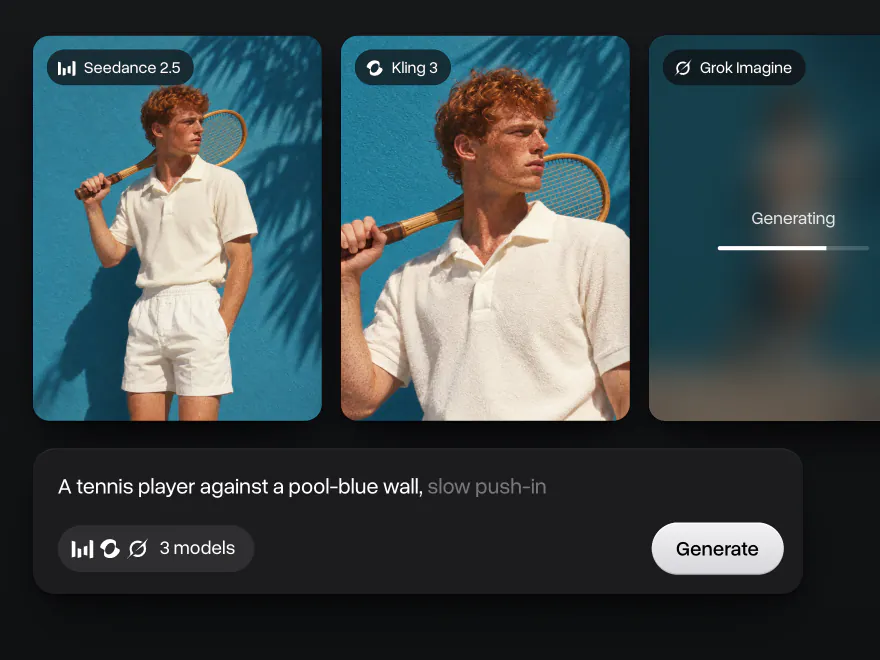
How to make AI videos from text for free
Turn a text prompt into an AI video for free in three steps, right on this page
- 01
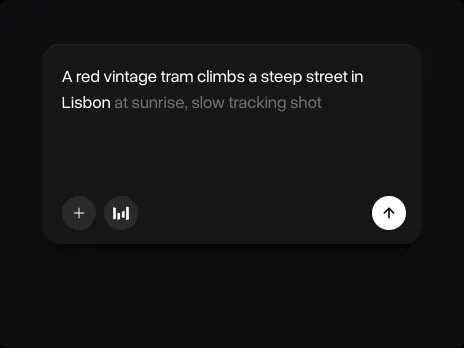
Describe your video
Type a prompt in the box at the top of the page: the subject, the action, the setting and the camera move, plus the style and the light, for example "a red fox runs through snow at sunrise, slow motion, low camera angle". To animate your own picture, add a photo as a reference and describe how it should move
- 02
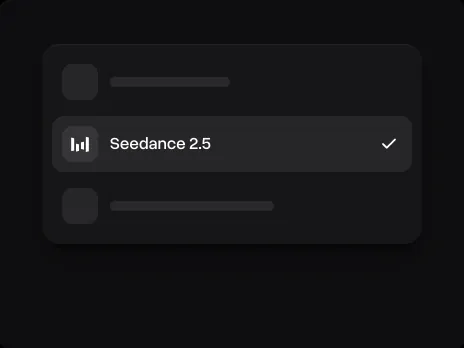
Choose a model and settings
Pick the model for the shot: Seedance 2.5 or Happy Horse for realism, Kling 3 for cinematic multi-shot scenes, Grok Imagine Lite for free quick tests. In the video settings, set the length (5 or 10 seconds), the resolution (720p or 1080p) and the aspect ratio: 9:16 for TikTok, Reels and Shorts, 16:9 for YouTube. The price in credits is shown on the Generate button
- 03
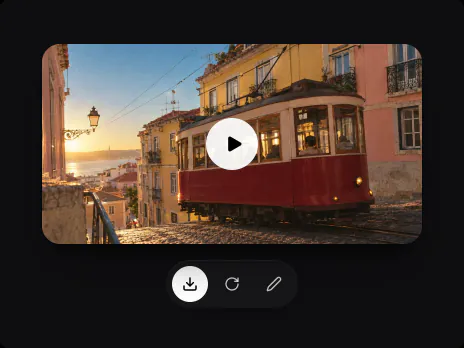
Generate and download
Press Generate and wait a few minutes while the model renders the clip. Download the video, run the prompt again for a new take, or upload the clip to Edit video to change the scene. Every video stays in your history with its prompt and settings
Browse 150+ filters and templates
Pick a ready-made template, upload a photo and get the clip without writing a prompt: a viral trend, a product ad, an animated ad or a UGC review
Frozen Motion
Collage Motion Snack
Citrus Burst Reel
Blueprint Diagnostic
UGC Product Review
Geometric Deconstruction
Time-Lapse
Lilac Foam Dream
After Impact
Comic Cut-Out Reel
Skincare ASMR
Mobile App Demo Reel
Bridge Fireworks
Letterpress Typography
Kitchen Hack Tutorial
Illustrated Hero Reel
Selfie Unboxing Review
Bouncy Candy Motion
Cinematic Gadget Hero
Jelly Sphere Hydration
Epic Thriller
Anime Dreams


What creators say about Overchat AI
Real reviews from Trustpilot, the App Store and Google Play. People use Overchat AI to make images and videos, compare AI models and keep chat, image and video tools in one subscription

Saves so much time
Using this gives me opportunity to do insta reels and content for my blog Saves so much time with little effort I get a lot of material to work with
Best app for image and video generation
I really enjoy creating videos with Sora and images with Nano Banano in Overchat! The app is fast, intuitive and very user-friendly
Saves a lot of money
I've started to use overchat last week and it feels very promising. Lots of AI models in one place saves a lot of money in comparison if you buy subscriptions for each one
All ai in one app
Before I used to pay separately for chat and image generations, now it’s all in one app for me Genuinely saves me money, love it thx guys
I love this app
I love this app, mostly using from web version (NanoBanana) and everything go smoothly everytime…
 Google Play
Lots of new models
Helps a lot! lots of new models
Affordable and simpe to use
Affordable and simpe to use. I like that I don't have to pay for several different services anymore
One subscription for all models
I like how it keeps everything organized. One subscription is enough for all major AI models, which helps me avoid paying for multiple platforms
Awesome app
Absolutely love this app
Compare different LLMs
I think I've been using it for around 3 months. it helps me because I can check and compare different LLMs and use it for urgent questions
Great experience
Great experience! It helps me able to do my work and respond to questions quickly trusting that the my responses are grammatically correct
Nice app
Nice app, everything in one place
Ask and you shall receive
I ask. CHATGP answers. I check on the answer and it's always been correct
Good and easy to use
Good and easy to use
Plans & Pricing
Access better AI models and generate more with expanded capacity
Free
1image a day
0videos
Nano Banana
No card required
 100 credits/day
 AI chat messages
- Superchat Agent
- Parallel generations
- Faster generation speed
- All image and video models
- 100+ AI tools
- 1,000+ presets
Mini
~460images
~45videos
per month · Nano Banana / Runway Gen-4
Billed annually, renews at $90/year
Billed monthly, renews at $15/month
- 7,000 credits/month?Standard credit price
 AI chat messages?On selected models: Superchat Agent, DeepSeek, ChatGPT, Llama, Gemini, Qwen, Mistral
 Superchat Agent?Superchat Agent automatically routes your message to the model best suited for the task. It can generate images and videos, use the AI tools built into Overchat AI, and learn from your interactions to get better over time
- Parallel generations?How many images and videos you can generate at the same time
- Faster generation speed
 All image and video models
 100+ AI tools
 1,000+ presets
Pro
Popular1,000images
100videos
per month · Nano Banana / Runway Gen-4
Billed annually, renews at $174/year
Billed monthly, renews at $29/month
- 15,000 credits/month?Credits cost 10% less than on Mini
- AI chat messages?On selected models: Superchat Agent, DeepSeek, ChatGPT, Llama, Gemini, Qwen, Mistral
- Superchat Agent?Superchat Agent automatically routes your message to the model best suited for the task. It can generate images and videos, use the AI tools built into Overchat AI, and learn from your interactions to get better over time
 4 parallel generations?How many images and videos you can generate at the same time
 Faster generation speed
- All image and video models
- 100+ AI tools
- 1,000+ presets
Max
~2,300images
~230videos
per month · Nano Banana / Runway Gen-4
Billed annually, renews at $354/year
Billed monthly, renews at $59/month
- 35,000 credits/month?Credits cost 21% less than on Mini
- AI chat messages?On selected models: Superchat Agent, DeepSeek, ChatGPT, Llama, Gemini, Qwen, Mistral
- Superchat Agent?Superchat Agent automatically routes your message to the model best suited for the task. It can generate images and videos, use the AI tools built into Overchat AI, and learn from your interactions to get better over time
- 16 parallel generations?How many images and videos you can generate at the same time
- Faster generation speed
- All image and video models
- 100+ AI tools
- 1,000+ presets
Ultra
Best value~5,300images
~530videos
per month · Nano Banana / Runway Gen-4
Billed annually, renews at $714/year
Billed monthly, renews at $119/month
- 80,000 credits/month?Credits cost 31% less than on Mini
- AI chat messages?On selected models: Superchat Agent, DeepSeek, ChatGPT, Llama, Gemini, Qwen, Mistral
- Superchat Agent?Superchat Agent automatically routes your message to the model best suited for the task. It can generate images and videos, use the AI tools built into Overchat AI, and learn from your interactions to get better over time
- 64 parallel generations?How many images and videos you can generate at the same time
- Top-priority queue
- All image and video models
- 100+ AI tools
- 1,000+ presets
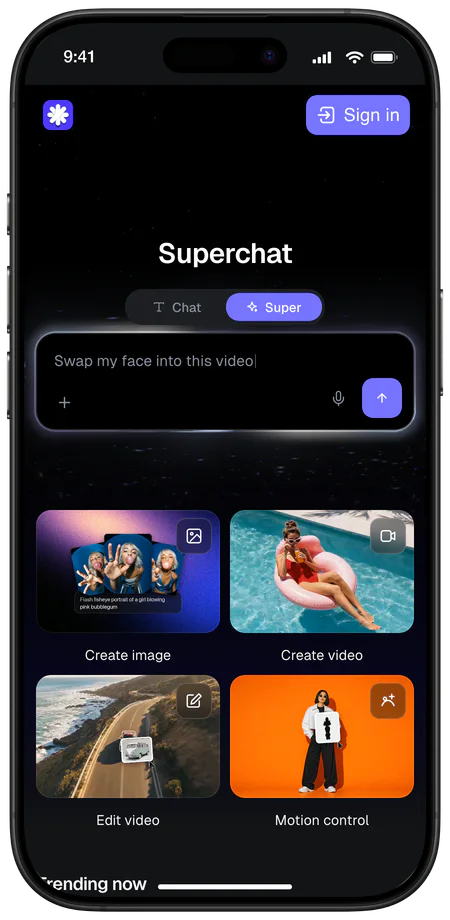
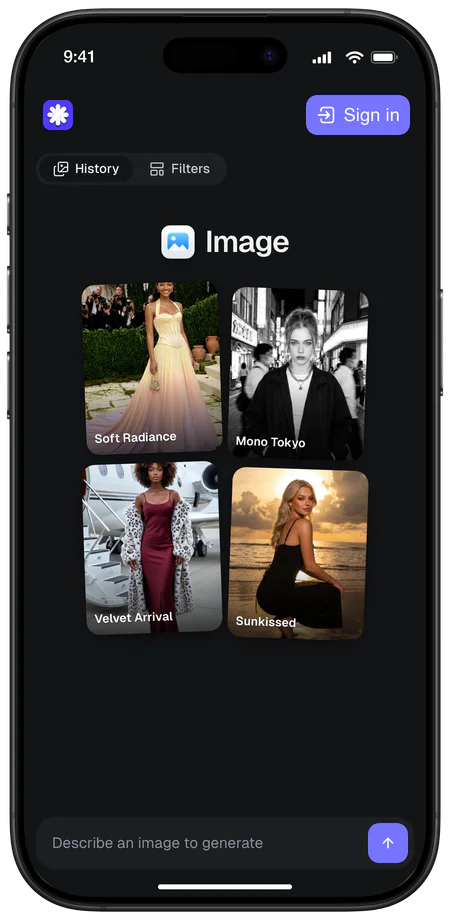
Generate anywhere
Start a video on your laptop and check the result on your phone. Chats, images and videos stay in one account on every device
 4.5
4.5
About Overchat AI
Overchat AI brings you the power of the world's top AI models: GPT, Claude, Gemini, Mistral, and more


AI video generation guides
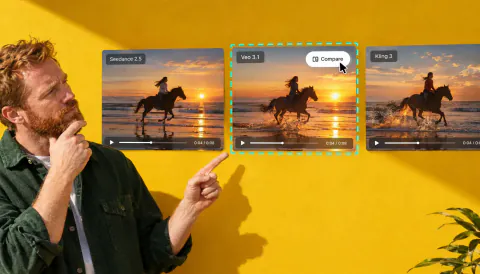
Best AI Video Generation Models in 2026
We test 9 of the best AI video generation models of 2026, from Seedance 2.0 to Kling 3.0, on the same prompt: real clips, specs, and per-second API prices
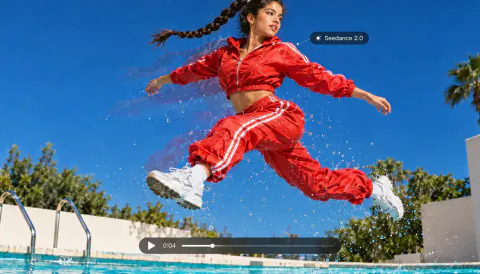
Seedance 2.0 Is The New Best AI Video Generator
Everything you need to know about Seedance 2.0: what it is, what makes it special and how to access it to start creating AI videos today
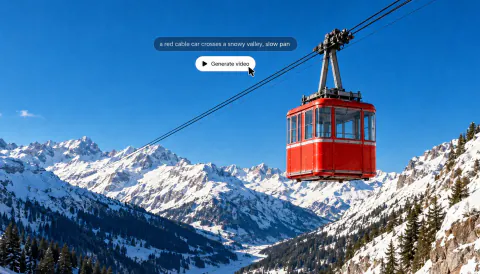
How to Generate a Video With AI: Step-by-Step Guide
Learn how to generate a video with AI step by step: choose an app, start from text or a photo, write a prompt, pick settings and see what a clip costs
Explore more AI tools
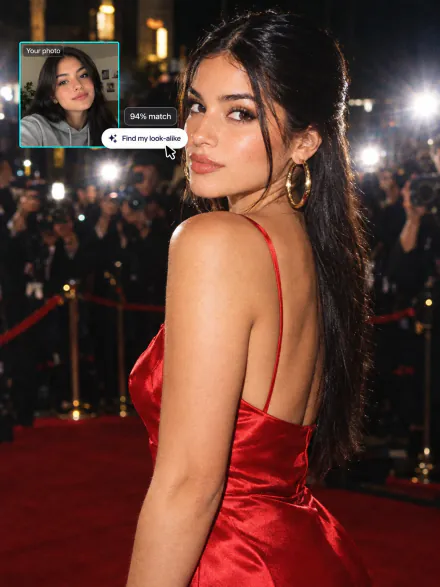
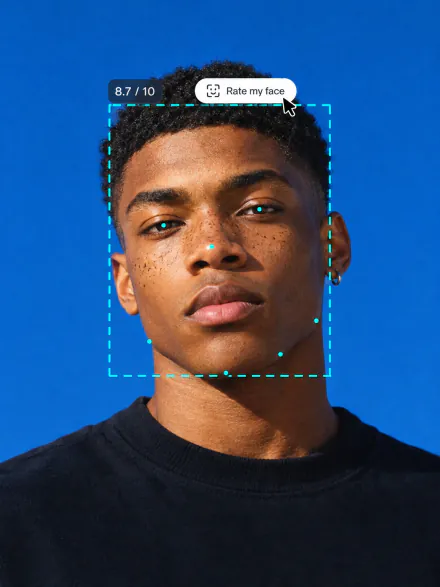
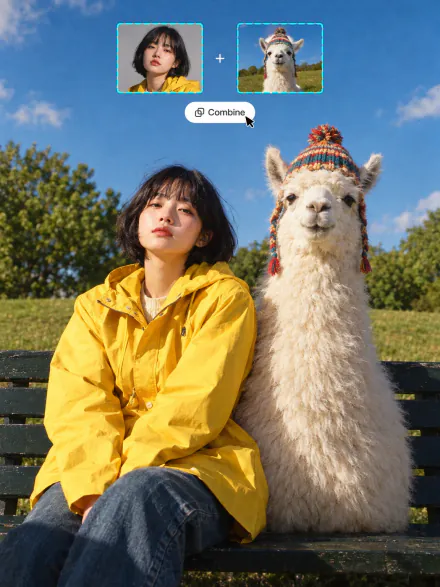
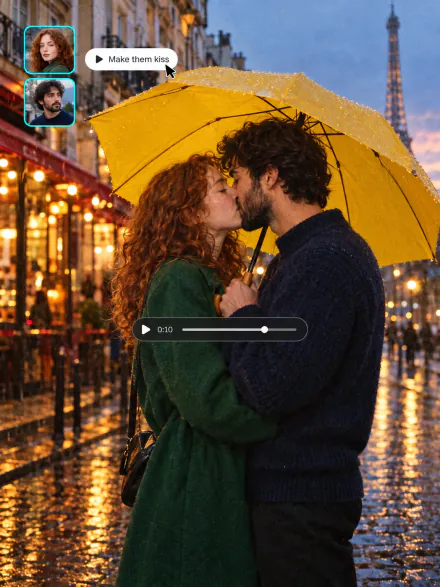
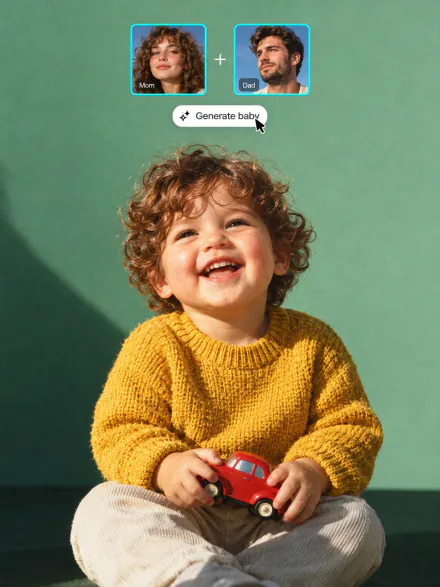
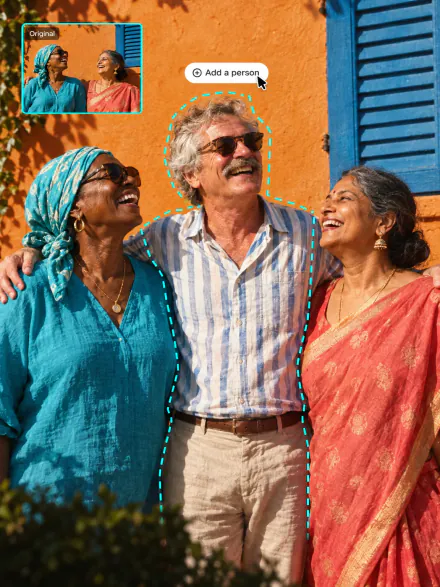
Make UGC-style videos and video ads, add seconds to any clip or move the camera like a film crew. Every tool runs on the same subscription
AI video generator FAQ
If you have any questions,
reach out to us at hello@overchat.ai
An AI video generator, or AI video creator, is a tool that creates video clips from a text description or a photo. You describe the scene, and an AI model renders a short video with motion, camera moves and, on some models, sound
Text-to-video models are trained on large collections of videos and their descriptions, so they learn how words map to objects, motion and camera moves. When you enter a prompt, the model generates a sequence of frames that match it and keeps the subject consistent from the first frame to the last
Yes. A free account gets 100 credits every day, enough for a free video on Grok Imagine Lite, from a text prompt or from a photo. Top models such as Seedance 2.5, Kling 3 and Happy Horse, longer clips and 1080p cost more credits and come with the paid plans. The price for the model and settings you pick is shown on the Generate button before you run it
It depends on the shot. Seedance 2.5 and Happy Horse are strongest at realistic motion and lighting, Kling 3 at cinematic multi-shot scenes, Wan 2.6 makes the longest clips of up to 15 seconds, and Grok Imagine Lite makes free clips for quick tests. Overchat AI has 23 video models in one place, so you can run the same prompt on several and keep the best take
Yes. Add a photo as a reference, describe how it should move, for example "she smiles and turns to the camera", and press Generate. The AI animates your picture and keeps the face, the clothes and the background. With video filters, you only upload a photo and pick an effect, no prompt needed
Yes. In Edit video, upload a clip of 3 to 10 seconds and describe the change: a new outfit, background, weather or art style. The AI keeps the motion and framing and changes only what you describe. Motion control works the other way round: it keeps the moves from your clip and puts a new character into them
Yes. Seedance 2.5, Wan 2.5, LTX 2.5 Pro, MiniMax H3, Flux 3 and PixVerse C1 generate audio together with the video, such as ambient sound, effects and music, so you don’t need to add a sound track
Most models make clips of 5 or 10 seconds, and Wan 2.6 goes up to 15 seconds. For a longer video, generate several clips and join them in a video editor or with the AI Video Combiner
No. The AI video generator works in your browser on a computer or phone. You only need a prompt or a photo: the model handles the camera, the motion and the lighting
Yes, you can use the videos you create in personal and commercial projects, such as ads, social media, websites and client work. Avoid prompts that copy real people, brand logos or copyrighted characters


