
AI VIDEO GENERATOR
Turn prompts, words, and sentences into scroll-stopping AI videos with Overchat, a one-stop platform for video generation using the world's most advanced models.
With Overchat AI, you can simply describe what you want to see, choose a video model from the list, and transform your vision into a stunning AI video in a couple of clicks. Use our advanced controls to customize every aspect of your clip and create any footage — from viral reels to short AI movies, from talking avatars to product demos and TikTok dances. All in one place.
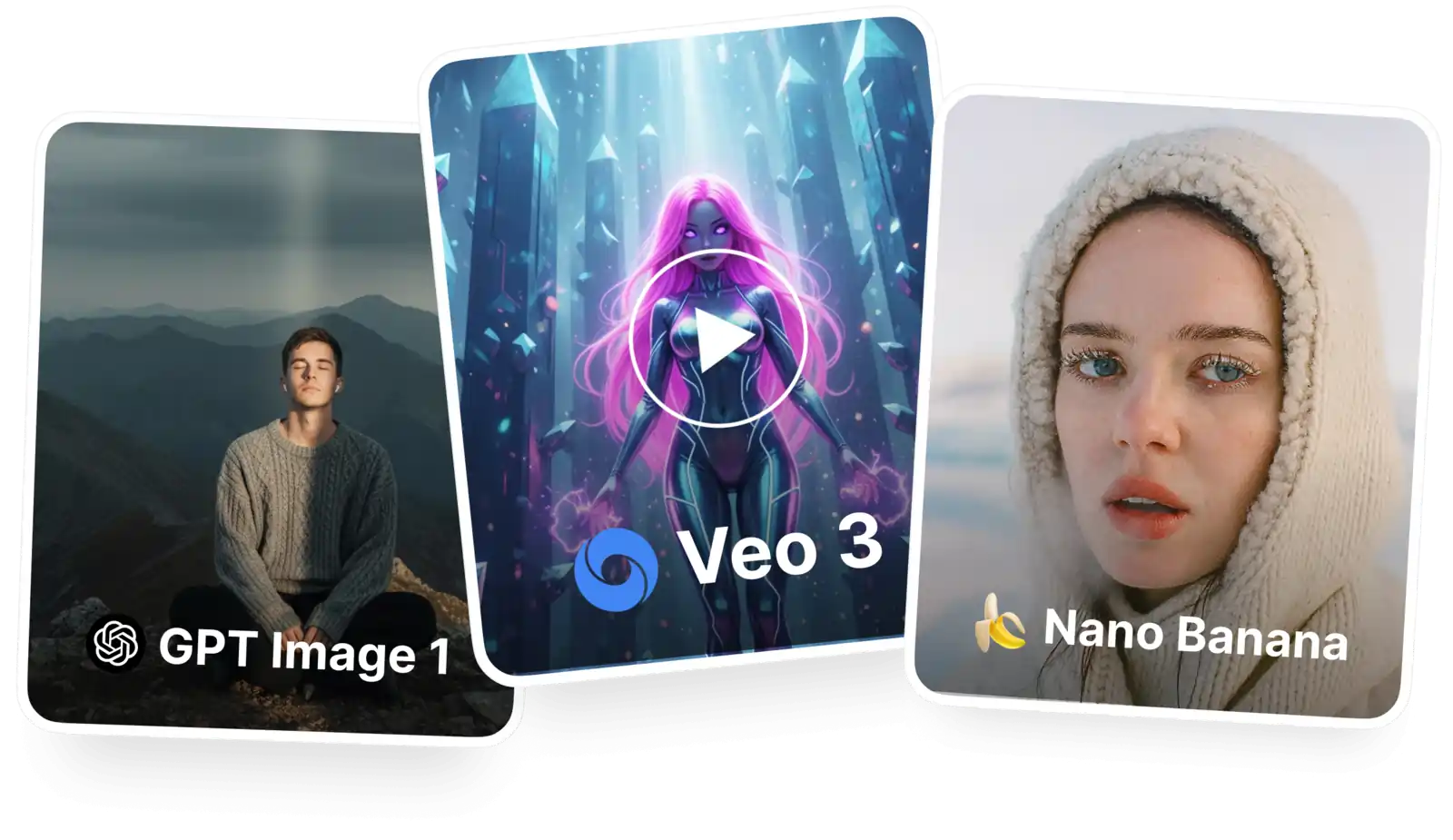
Creating stunning videos has never been this simple! To get started, just follow this 3 step process: 1. Type what you want to see. 2. Click Generate, and wait for the AI to do its magic. 3. Receive your video in HD quality.
More than text, Overchat AI can also turn your images into videos — useful when you want to control what the starting frame looks like with a visual reference, or if you want to bring an image to life with AI.
Use the world's best video generation models in one place: Sora 2, Kling 3, Kling 3 Motion Control, Seedance 1.5, and more — pick the model you want from the switcher, and try many flavors of AI videos without switching apps.
USE CASES
Start with a simple prompt and instantly transform it into a complete video — simply by describing what you want to see in plain English.
Go from concept to finished video almost instantly — most AI video generators take less than 60 seconds to create a finished video up to 20 seconds long.
Let your imagination run wild and create stunning visuals, scenes, stories, or environments that would be difficult or expensive to film in real life.
Create videos for different platforms, audiences, or campaigns without increasing your workload. Change aspect ratios and duration by selecting parameters, without ever opening Premiere or Final Cut.
Create videos for YouTube without appearing in front of the camera — yes, you can even make talking AI avatars from text — just write what you want your virtual persona to say.
Text to Video AI is perfect for creating short clips featuring absurd stories and concepts that go viral on Instagram Reels, YouTube Shorts, and TikTok. Want to try even more viral formats? Explore faceless reels by Overchat AI.
Join thousands of creators already using Overchat’s text to video AI generator.
Overchat AI brings you the power of the world's top AI models: GPT, Claude, Gemini, Mistral, and more.

Overchat AI is one of the best text to video tools — that's because it gives you access to the most trending, latest video generation models in a single app, available in the web, and in iOS and Android.
Text-to-video AI uses a written prompt to create a sequence of generated video frames. When you describe a scene, the AI uses a trained model — built on large sets of images and videos — to understand your instructions and predict what each moment should look like. It then generates frames one at a time. Most modern systems use diffusion or transformer-based models. These models improve the appearance of images over several steps. They also keep track of motion, objects, and style across frames.
We support Kling o3, Kling 3 motion control, Sora 2, Seedance 1.5, Veo 3.1 and many other models. These are among the best video generators in 2026, and we're always adding new models as they come out. The best thing about Overchat AI is that you can use all of them together in one place. Usually, you would need different subscriptions and learn how to use different interfaces.

If you’re wondering what Kling 3.0 is — it’s the third-generation AI video model from developer Kuaishou, a Chinese AI company. It can generate videos from text, images, and other videos (references).

Faceless videos get just as much engagement on TikTok, Instagram, and YouTube Shorts as regular videos — if not more. That’s because the algorithm only cares about watch time and retention, not whether viewers see the creator in the video.

AI dance generators have been growing in popularity since 2026 — this involves using AI video generators to create dance moves. This trend became popular when tools such as Kling Motion Control were released, as they enable you to replicate any movement accurately.
Available on Web, iOS, and Android. Access your AI assistant anywhere, anytime.



.svg)
