TikTok hit over 2 billion monthly visits in 2025. Most of them are between 18 and 24 years old.
If you want to reach that audience, you need to post short-form videos. However, creating TikTok content is challenging. You need to film, edit and add music to your videos, and post hundreds of them until one gains traction with the algorithm.
Normally, that process takes weeks, if not months until you see first results. But, there’s a faster way — use AI video generators for TikTok.
In this guide, we’ll talk about five AI tools that create TikTok videos from simple natural language commands — you write your idea, the tool outputs a video that it is ready to post. We'll break down:
Overchat AI turns prompts, product images, or reference videos into polished 9:16 videos with voiceovers, cuts, and HD quality in 1–2 minutes. No templates, but the annual plan ($4.99/month) makes it the cheapest pro option on the list.
invideo AI offers a huge template and stock library plus voice cloning (use your own voice across videos), serving 25M users across 190 countries. Free plan has watermarks; paid plans from $20/month.
Renderforest is template-first — pick a TikTok template, customize it, generate. Great brand kit for consistent styling, built-in music, but less flexible for fully custom ideas. Free plan with watermarks; paid from $14.99/month.
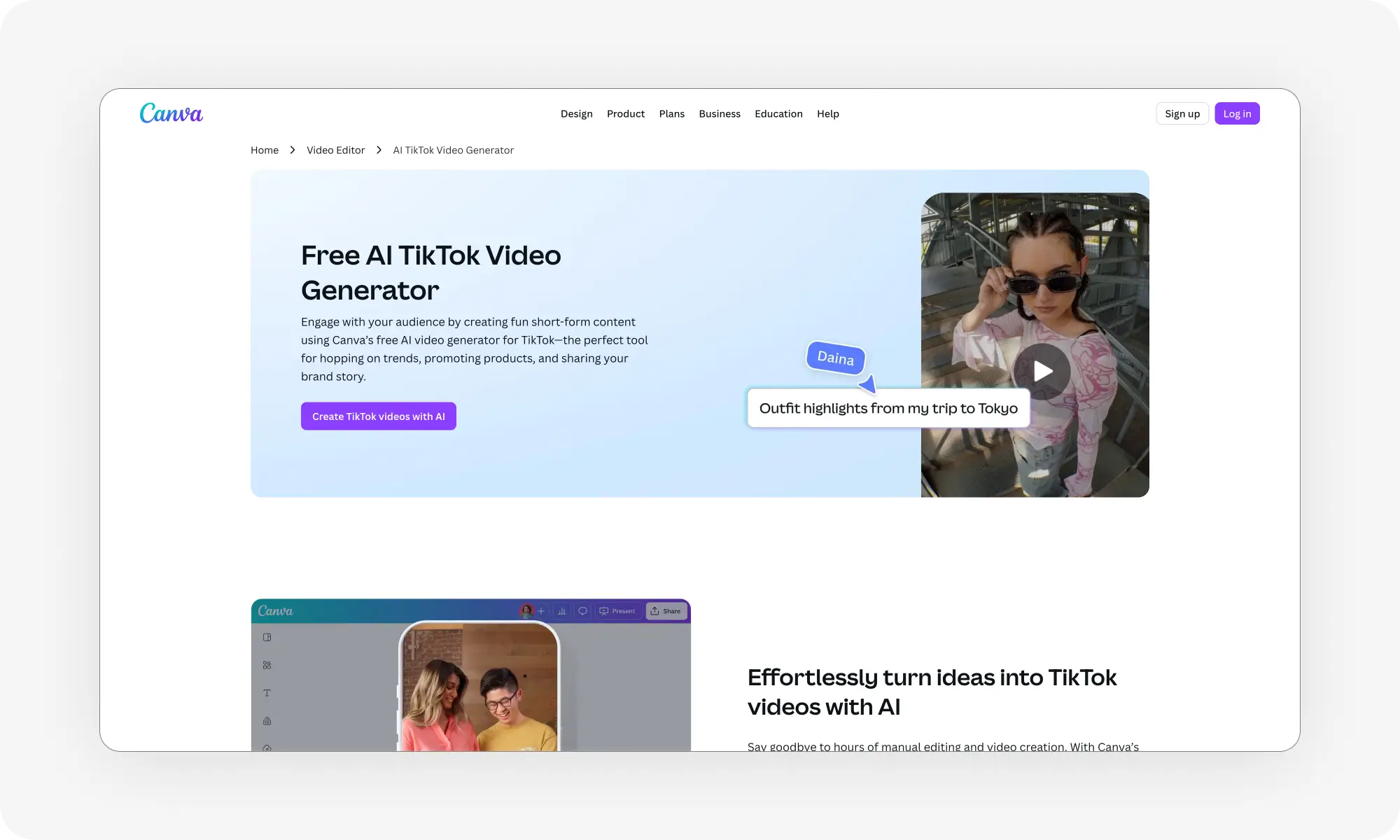
Canva's AI video generator sits inside its design platform — useful if you already use Canva for graphics and want to pull in existing brand elements. Free tier is generous; Pro at $12.99/month. Video features less advanced than dedicated tools.
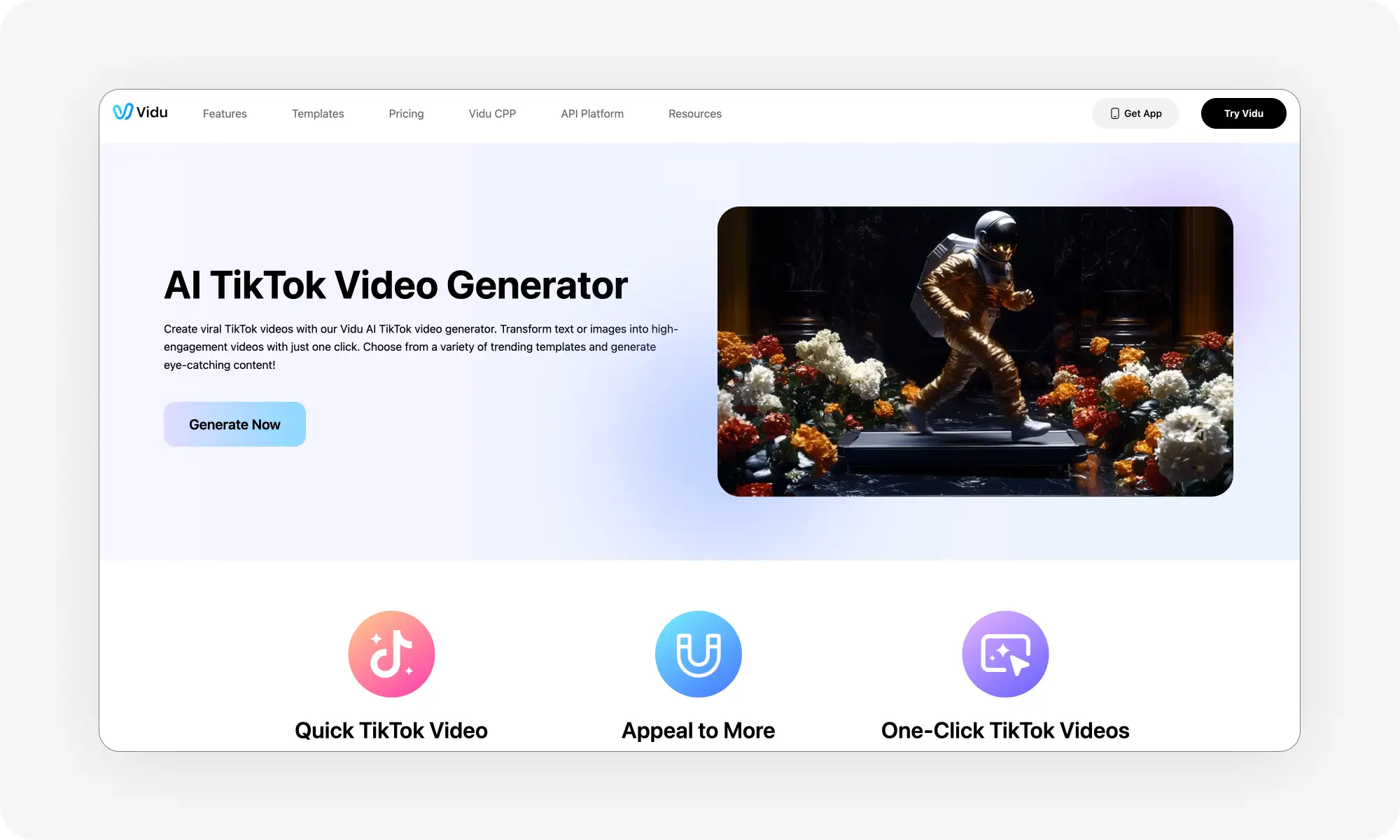
Vidu AI specializes in short 4–8 second AI clips across realistic, animated, or cinematic styles. Fast generation (30–90 seconds per clip) and strong image-to-video, but longer videos need manual assembly. From $9.99/month.
Bottom line: Overchat AI is the strongest all-rounder for realistic UGC and promotional content; Canva wins if you're already in the ecosystem; Vidu AI is best for quick cinematic shorts.
What is the Best AI Video Generator for TikTok?
We tested over 30 tools while creating this guide, and selected the five that we enjoyed using the most. From simple interfaces to high-quality sound generation, these five TikTok video generators are among the best in our test group.
Text-to-video, image animation, multiple styles, 4-8 second clips
30-90 seconds
Now, let’s consider each tool in detail, in no particular order:
1. Overchat AI
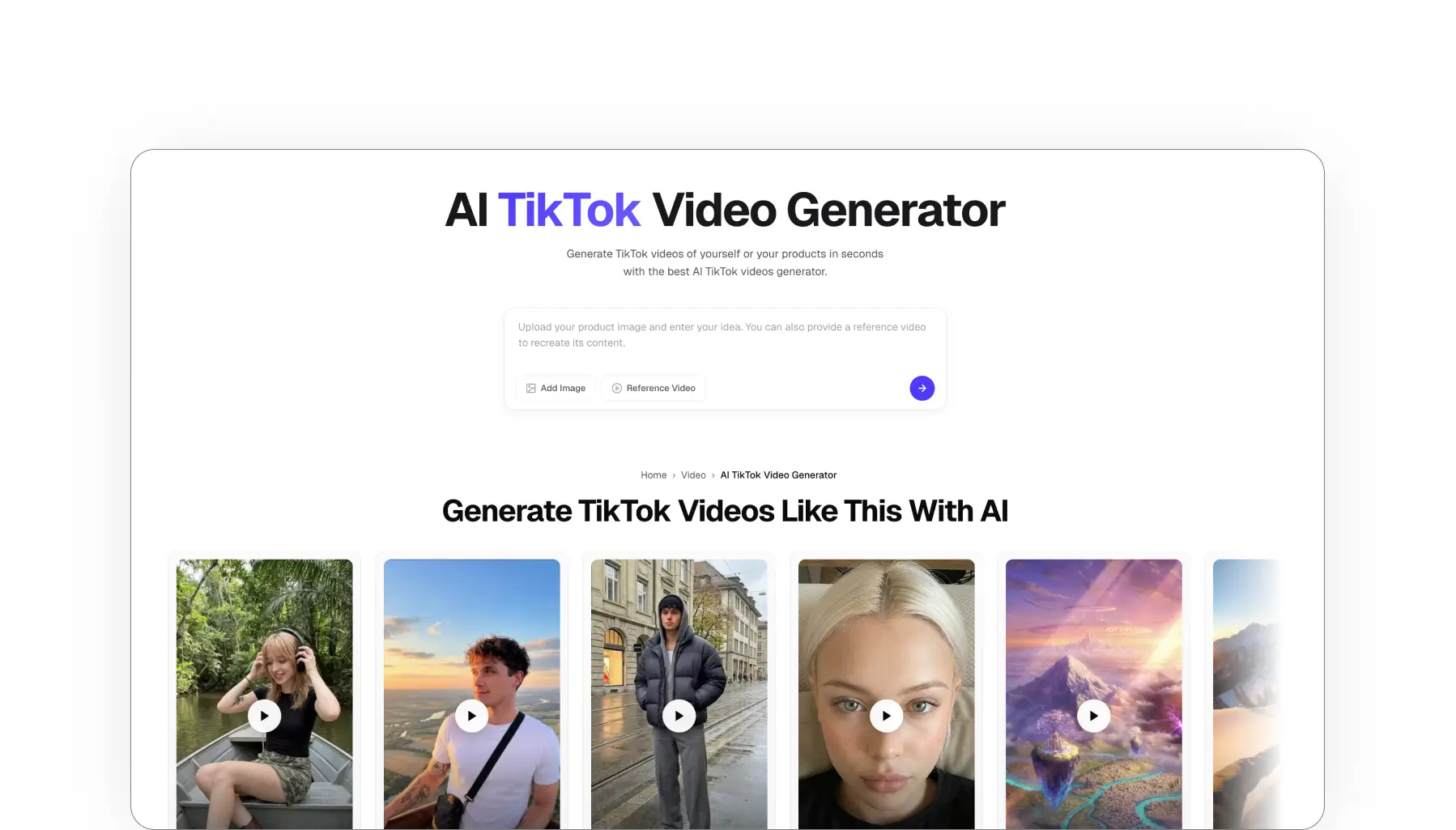
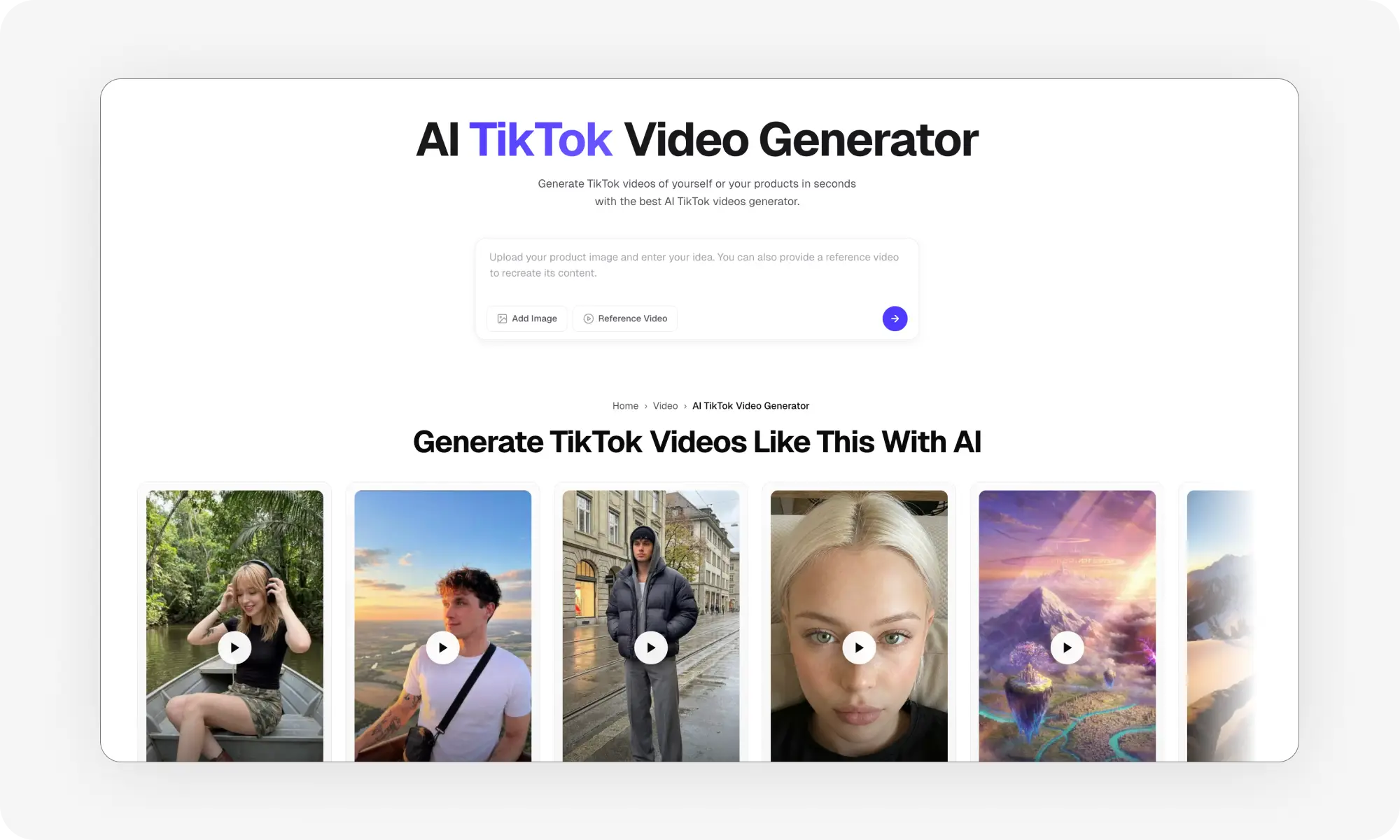
Overchat AI TikTok video generator is super easy to use. Describe what you want, upload product images or reference videos, and get a polished vertical video with sound.
It works for product demonstrations, user-generated content and viral shorts. Most controls are operated using natural language commands — simply describe where to place the product, what to say about it, what the model should look like and how the video should be filmed. Filming, voice-overs and editing are all handled automatically and internally.
Videos come out in 9:16 format with multiple cuts to match TikTok pacing. Generation takes 1-2 minutes. You get HD quality output ready to post.
Pros:
✅ Reference videos to recreate content
✅ Add image references to feature in videos
✅ Generates voiceovers from descriptions
✅ Content optimized for TikTok, Instagram Reels, and YouTube Shorts
✅ Generates videos in 1–2 minutes, which is fast for high quality
✅ Subscription includes hundreds of useful AI tools and models
✅ Very attractive annual plan, making it the cheapest Pro option on the list when billed annually
Cons:
❌ Doesn’t have design templages like some competitors
Pricing: $4.99/week when billed weekly. $4,99/month when billed annually
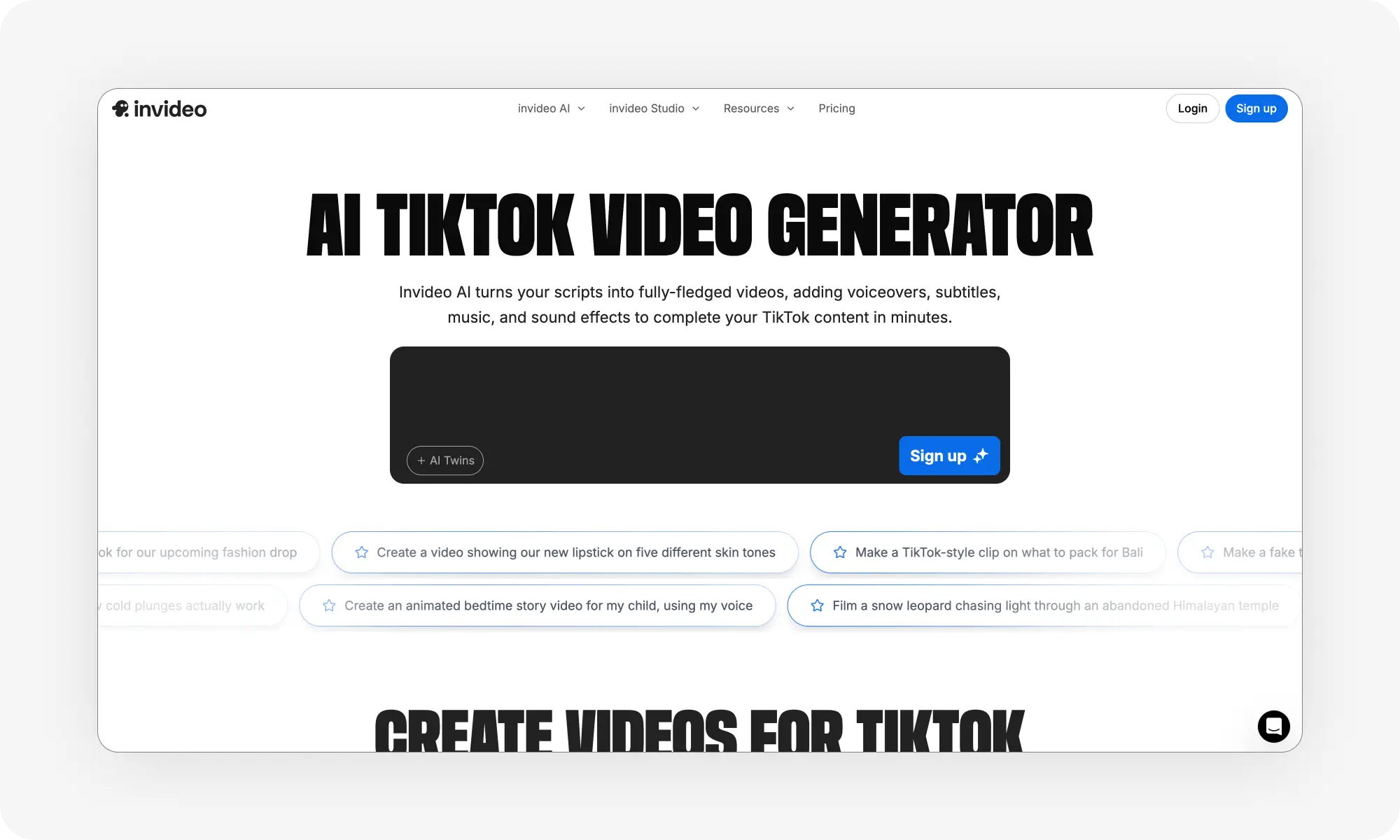
invideo AI can also convert prompts into TikTok videos. Simply describe your concept and add details such as video length and voiceover accent to generate a video complete with subtitles and music.
The platform boasts 25 million users from 190 countries. One standout feature is voice cloning — you can use your own voice in multiple videos. The stock library provides access to commercial-use footage and audio.
Pros:
✅ Huge template library and stock footage collection
✅ Voice cloning
Cons:
❌ Free plan includes watermarks
❌ Generation can be slower with complex prompts
Pricing: Free plan available, paid plans from $20/month
3. Renderforest
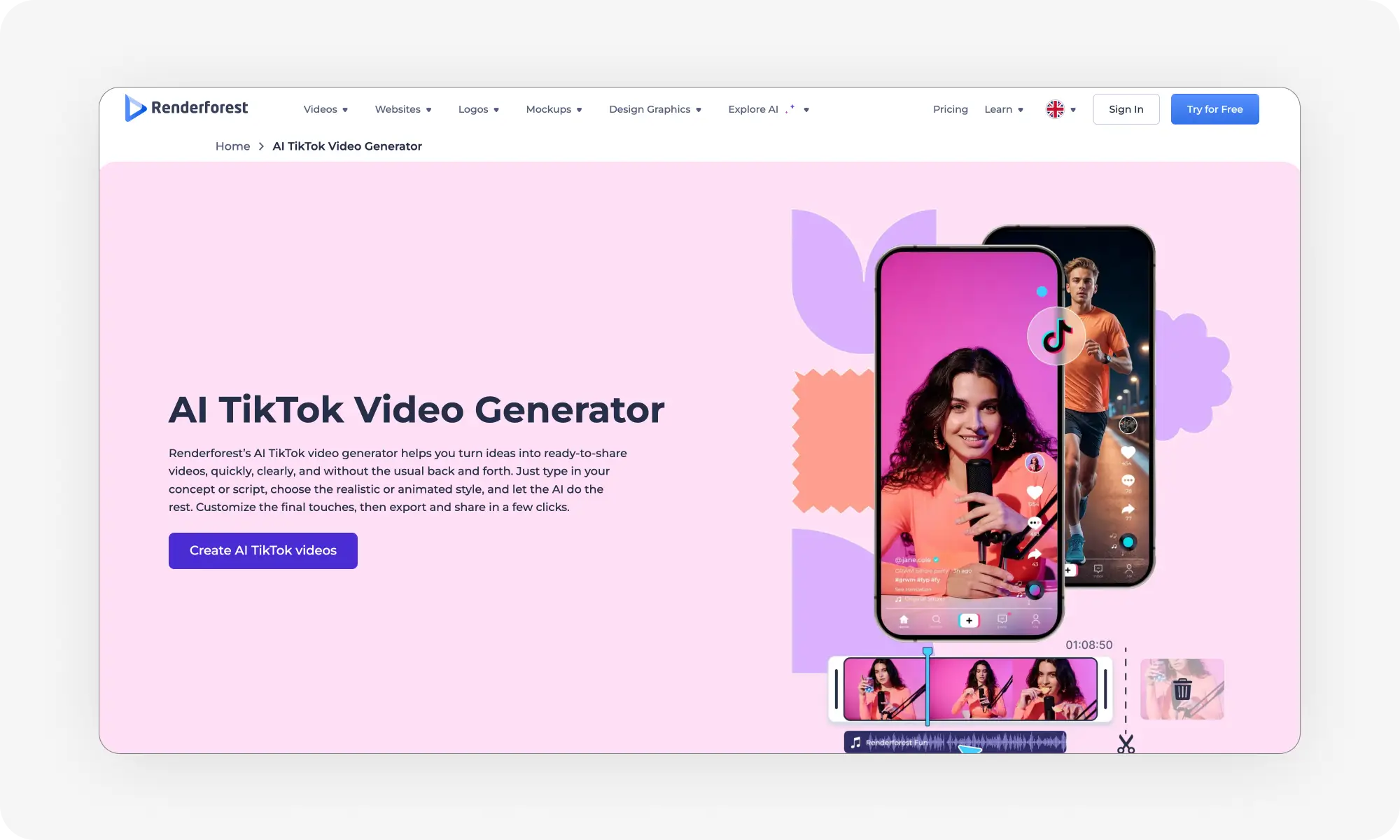
At its core, Renderforest is a template-based tool, so it works a little differently to the other tools on this list. You may or may not prefer it for this very reason. With Renderforest, you select a template, customize it with your content and generate a video based on the template. They have TikTok-specific templates for vertical videos, among others.
The platform originally started as animation software and later expanded into video production. It’s very feature-rich because of this long history, with a handy brand kit feature where you save logos, colors, and fonts.
Pick from templates across different categories: promos, UGC, explainers.
Pros:
✅ Large template library for different video types
✅ Brand kit for consistent styling
✅ Built-in music library and sound effects
✅ Simple drag-and-drop interface
Cons:
❌ Template-dependent (less flexible for custom ideas)
❌ Free version has significant limitations and watermarks
Pricing: Free plan available, paid plans from $14.99/month
4. Canva
Canva's AI video generator sits inside its design platform. If you already use Canva for graphics, you can create TikTok videos without switching tools.
The video generator uses text prompts to create clips. You can also start with templates and customize them. Canva's main advantage is integration with its design tools — you can pull in graphics, fonts, and brand elements you've already created.
Pros:
✅ Free tier is quite generous
✅ It’s a part of Canva's design ecosystem
✅ Massive template and stock media library
✅ Familiar interface for existing Canva users
Cons:
❌ Video features less advanced than dedicated video tools
❌ AI generation can be hit-or-miss
Pricing: Free plan available, Canva Pro at $12.99/month
5. Vidu AI
Vidu AI specializes in AI-generated video. It creates 4-8 second segments that you can string together or use as standalone TikToks.
You can create scenes from text prompts or upload images and animate them. The output quality is high, but clips are shorter than other tools on this list. Multiple style options let you control the look: realistic, animated, cinematic. Generation time is fast — 30 to 90 seconds per clip.
Pros:
✅ Fast generation
✅ Realistic
✅ Image-to-video
✅ Multiple styles
Cons:
❌ Short clips only (4-8 seconds)
❌ Requires more manual assembly for longer videos
Pricing: from $9.99/month
Frequently Asked Questions (FAQ)
What is an AI TikTok video generator?
An AI TikTok video generator is a tool powered by artificial intelligence that creates videos for TikTok. In practice, you provide the tool with a description of what you want to create (a prompt) and, optionally, a reference file, and the tool generates the video from scratch. The final video is in the 9:16 format ready for posting on TikTok, Instagram Reels or YouTube Shorts.
What is the best AI video generator for TikTok?
This depends on the use case, but for most purposes, Overchat AI is a strong contender for the title of best AI TikTok video generator. That’s because it has an easy-to-use interface and is based on a powerful AI video generation model, meaning that the results are highly realistic, particularly for user-generated content and promotional videos.
Can you use AI to create TikTok videos?
Yes! Not long ago, AI video was still in its infancy, but today it’s almost indistinguishable from the real thing. You can use TikTok AI generators to create viral videos, not just brainrot content, but also real UGC, product integration and influencer-style marketing, as well as talking-head explainers.
How much does an AI TikTok video generator cost?
AI video generation requires significant processing power, which is why, although there are some free options available, they are usually of very low quality. The cheapest option is Overchat AI with an annual plan, costing just $4.99 per month. Most other options cost around 10–20 dollars per month.
Are AI TikTok videos good?
Absolutely! AI-generated content is one of the latest viral TikTok trends, but modern AI video generators can also create videos that are almost indistinguishable from the real thing. For example, due to concerns about impersonation using AI avatars, Sora 2, a video generator from OpenAI, has banned the use of real people as references.
Bottom Line
AI video generators remove most of the technical barriers to creating TikTok content. This means you can start posting polished videos immediately without investing in filming and lighting equipment, learning how to edit or paying large sums of money to influencers and bloggers. All you need is imagination and a clear vision of what you want to create — simply describe it in plain English and the AI will take care of the rest.