
Choose Frame Style
Using custom uploaded glasses
Upload a selfie
Front-facing photo works best
Upload glasses image
PNG with transparency works best
See exactly how frames look on you before buying
Preview how it looks on you instantly
Virtual try on, Tattoo try on, Swap face, Image Generator
Try On Glasses Online Instantly
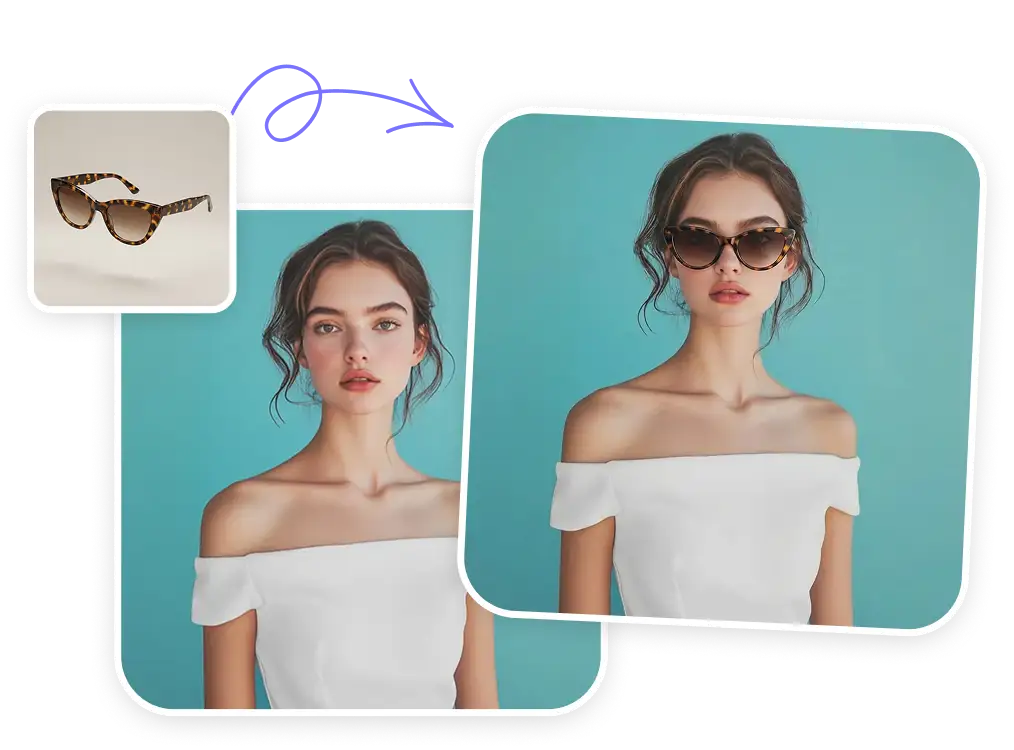
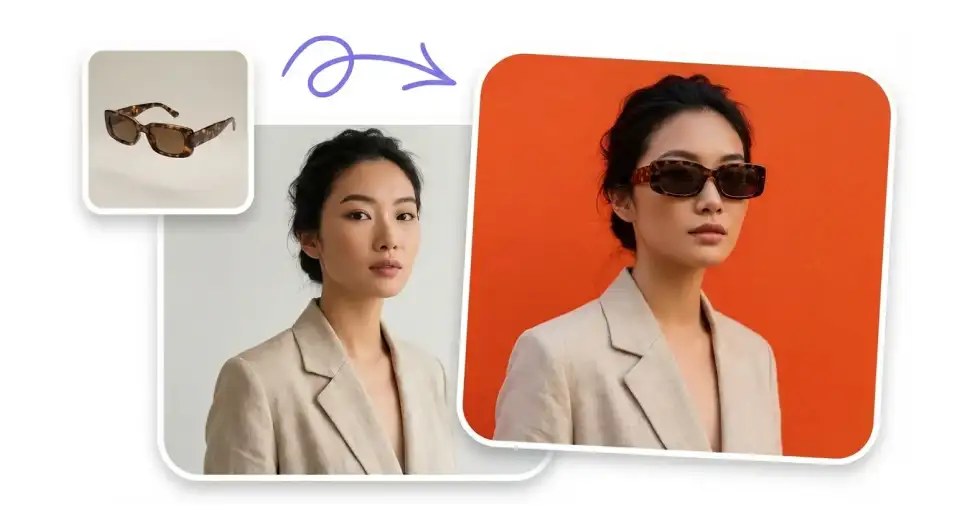
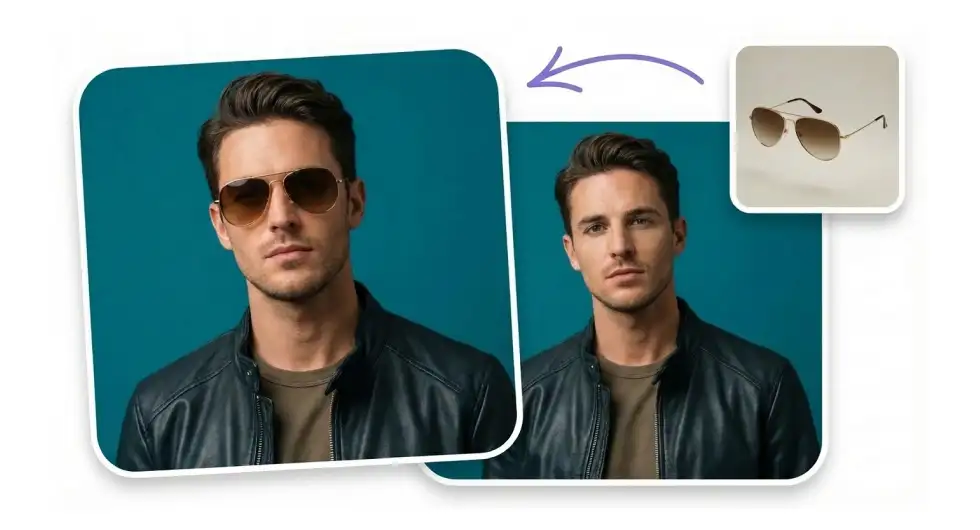
Upload your photo or selfie, select the style you want, or upload the glasses you want to buy, and the AI will generate a clean preview of those glasses on your face.
Upload Your Own Glasses or Select Styles
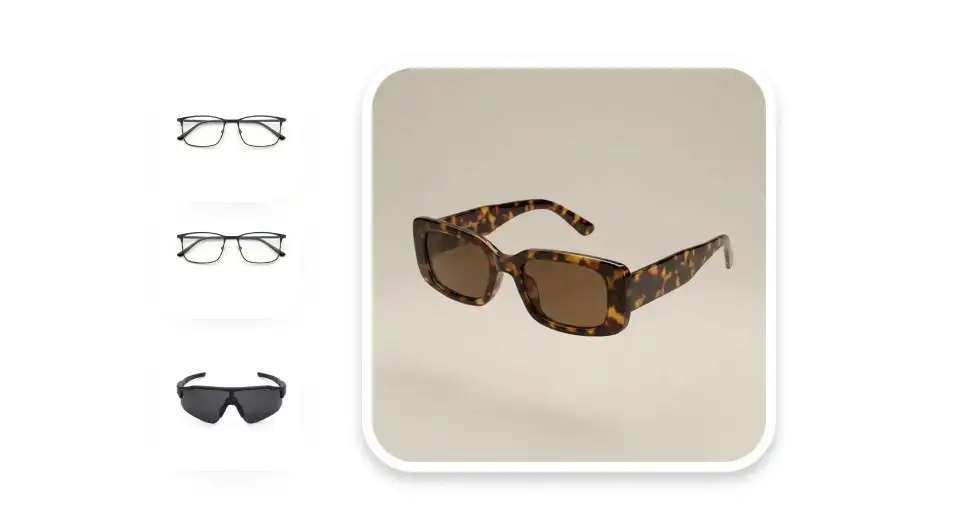
Bring your own glasses image or create something new by choosing from popular frame types, materials and between reading, dark, and blue-light lenses.
Choose All Popular Frame Types
From classic aviators and wayfarers to modern cat-eye and round frames — see which frame shape suits your face best.

See How Glasses Look on You Before You Buy
Glasses are expensive, so don't buy something you'll regret later — virtually try on the frames before you pull the trigger, and wear them happily for a long time.
Here's how our virtual glasses try-on helps you find your perfect frames:
Find Your Perfect Frame
Test different frame styles on your face to discover what suits you best.
Shop Smarter Online
Try on glasses before buying them online, so you know exactly what you're getting.
Match Frames to Your Style
Find frames that complement your wardrobe, hair color, and personal aesthetic.
Get Second Opinions
Share your virtual try on image and get feedback before making a purchase decision.
Save Money on Returns
Try before you buy and avoid costly returns and exchanges.
Have Fun WIth It
Add glasses to your cool photos after the fact and post them online to look cool.
Get Your Virtual Glasses Try-On in 3 Easy Steps:
Upload Your Photo
Choose an image that clearly shows your face, ideally shoulders-up
AI Generates Try-On
Upload glasses or Choose Your Style and the AI places the glasses naturally on your face.
Get the Try-On
Save it, share with friends, or compare different styles side by side.
What is the best virtual glasses try-on?

Overchat AI is the best virtual glasses try-on tool. We use advanced AI technology to create natural-looking and accurate try-ons — so you can see exactly how glasses will look on.
How to try on virtual glasses?
Upload a photo of yourself along with frame images from online stores, or select from a gallery of frame styles, choose options (like the frame material) and let the AI generate the try-on realistically.
How accurate is Overchat AI virtual try-on for glasses?
Very accurate. Overchat AI uses the best AI image generator available, so your try-on image will be accurate, realistic, and true to life.
How does virtual try-on for glasses work?
Virtual try-on uses advanced image-to-image AI algorithms to merge two images — one of yourself, and the other one of your glasses — into one photo, to show you a realistic preview of how frames will look.
How to use Overchat AI virtual try-on for glasses?
For best results, upload a clear, well-lit selfie where you're facing directly toward the camera with your full face visible, and remove any accessories covering your face.
What image formats can I upload for virtual try-on?
You can upload JPG, PNG, and WEBP files for both your photo and frame images. Make sure your files are clear and high-quality for the best virtual try-on results.


