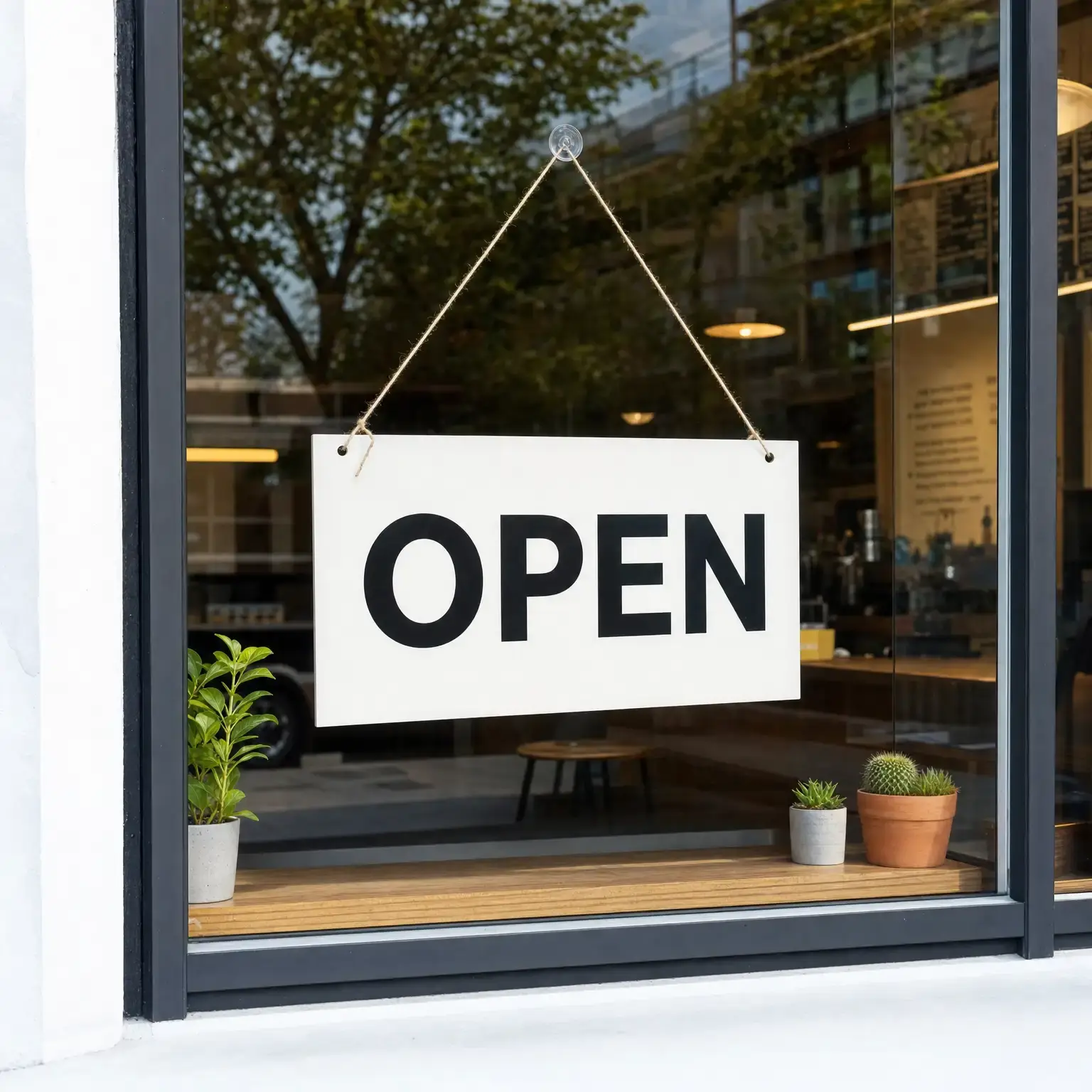
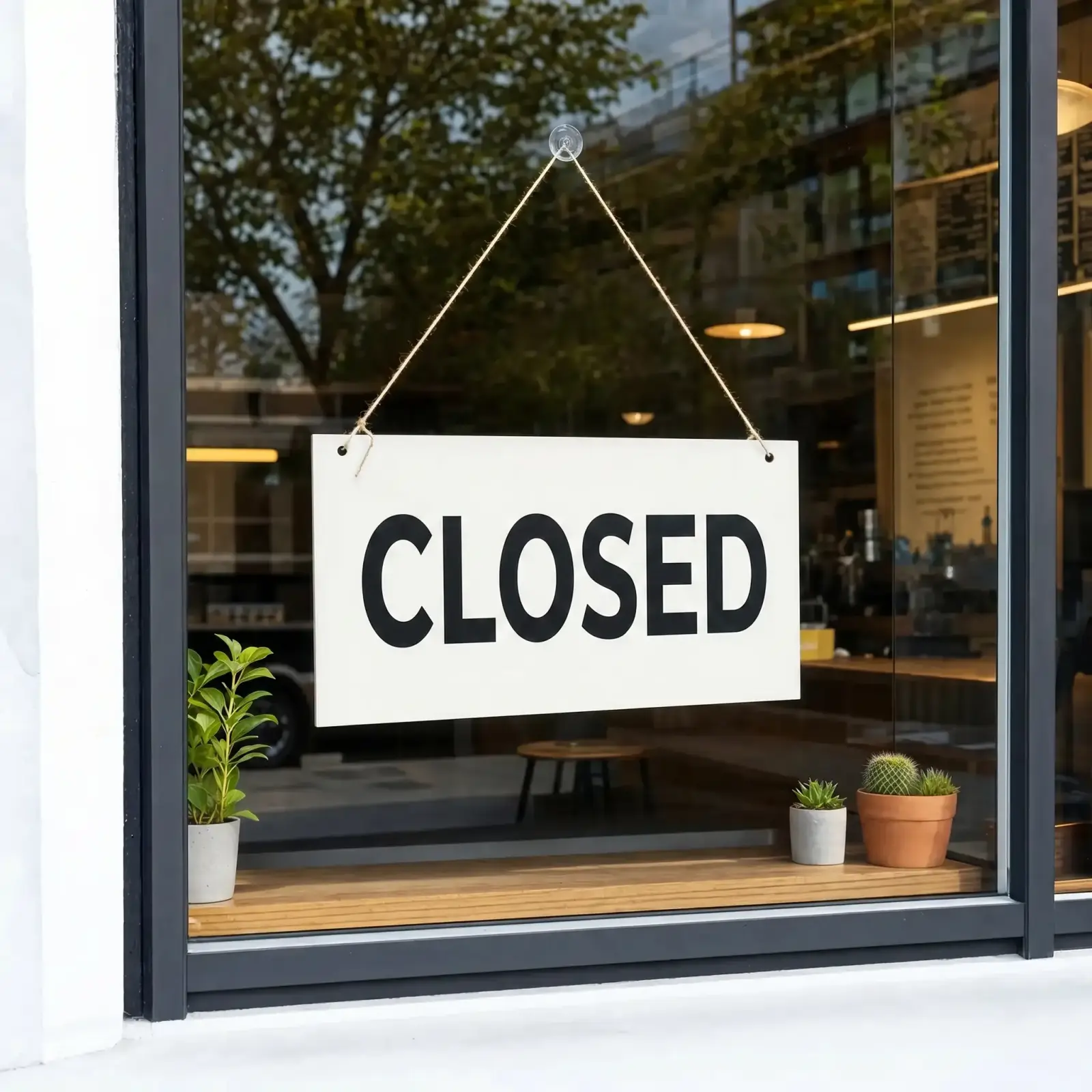
Upload a picture, tap the words you want to swap, and our AI rewrites the text right in the photo.
Overchat AI uses optical character recognition (OCR) technology to detect and read text in the images you upload. Then, we use image-to-image generation to recreate the image, changing only the text you provide. It is powered by Nano Banana 2 image-to-image technology.
Our AI text-in-image editor creates an editable box around each line of text in JPG or PNG images, allowing you to edit the text without access to the original design file. It works reliably, even with handwritten or illegible text. Here’s how it works in three easy steps:
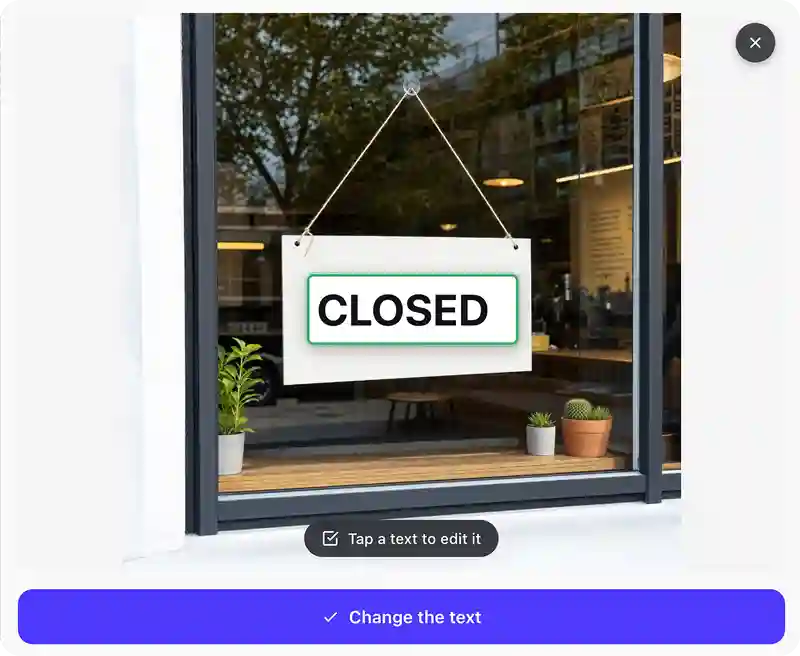
Drag your picture into the upload zone at the top of the page (PNG, JPG, HEIC, WebP, and TIFF are supported).
OCR detects every text block on the image and wraps it in an editable box. Click the box you want to change, and type the new copy.
Hit Generate and Nano Banana 2 rebuilds the picture with your edited text in the same font. Then, download the result in HD, share it directly to social media, or copy it to the clipboard.
USE CASES
Did you spot a typo after the designer logged off? Upload the image to Overchat AI to edit the text in JPEG, JPG, PNG, or WebP files directly.
Translate the text in the images and create variations of the same design for different international audiences.
Even if you don't have access to an editable file, you can still edit text in images with Overchat AI's image-to-image and OCR technology.
With Overchat AI, you can edit text in images online without needing the paid version of Photoshop.
Change the words on signs, menus, or street posters in a photo .
Edit the text to something funny and make a fun meme that looks like a real photo.
Join 350,000+ creators already using Overchat AI to edit images, create videos, and write with the help of the world's most advanced AI models.
Overchat AI brings you the power of the world's top AI models: GPT, Claude, Gemini, Mistral, and more.

It's an online image editor for changing the text inside a picture. Upload an image, and it uses OCR to find every block of text and turn each one into an editable field. Type your new copy, and it rebuilds the image so the replacement text matches the original's font. The edited image looks identical to the original, but with new text. What's more, by using AI you can edit text in PNG, JPG, and WebP images — you don't need access to the original design file in Photoshop or Figma.
Overchat AI combines two technologies.
- OCR reads the text on your image and locks each block into an editable box.
- Nano Banana 2 regenerates the picture with the text you provide.
In a new image, only the text is changed — everything else remains identical.
Nope! You don’t need the Figma, PSD, or an editable PDF. You can upload a flat PNG, JPG, or screenshot, and thanks to the AI technology we use, you can edit the text in that file.
Yes, Overchat AI’s Edit Text in Image tool is free to use. Enjoy unlimited usage for a limited time!

Chinese company Baidu has quietly released a model that's just as good as DeepSeek and ChatGPT — ERNIE 4.5 delivers exceptional performance at a fraction of the cost — and most people outside China have never even heard of it.

If you're wondering: what is DeepSeek AI, the answer is quite simple. DeepSeek AI is a Chinese AI research lab that builds large language models. The company released several models in late 2024 and early 2025 that compete directly with OpenAI's GPT-4 and Anthropic's Claude, but at a fraction of the operating cost.

ChatGPT Plus costs $20 per month plus tax, while the Pro plan costs $200 per month plus tax. Understandably, not everyone is willing to pay that much for a chatbot, especially if the premium features aren’t worth it to them. This raises an obvious question: how can I use ChatGPT for free?
Available on Web, iOS, and Android. Access your AI assistant anywhere, anytime.



.svg)
