

Nano Banana Pro key features
Real-looking photos, up to 14 reference photos in one prompt, text that you can write or translate and control of the camera and the light
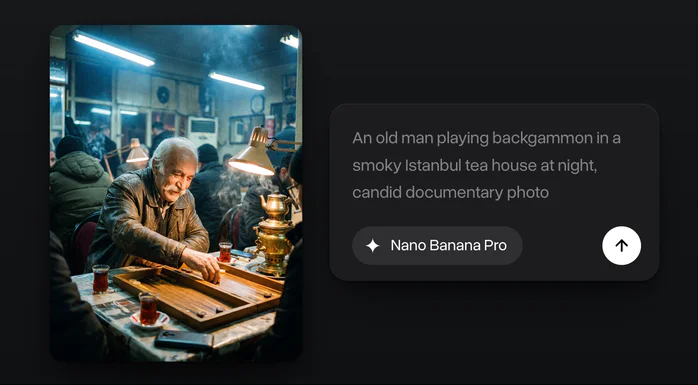
Real-looking photos
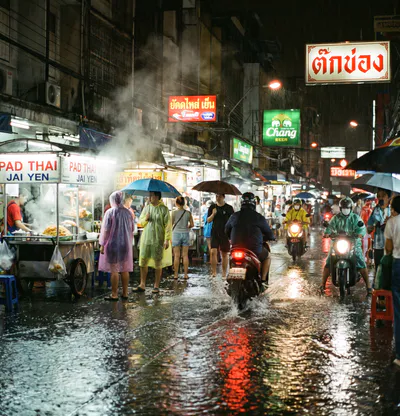
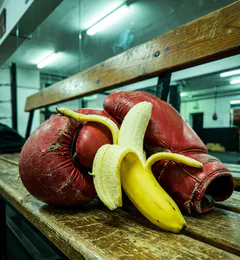
Nano Banana Pro makes candid, documentary-style photos with real light, grain and texture
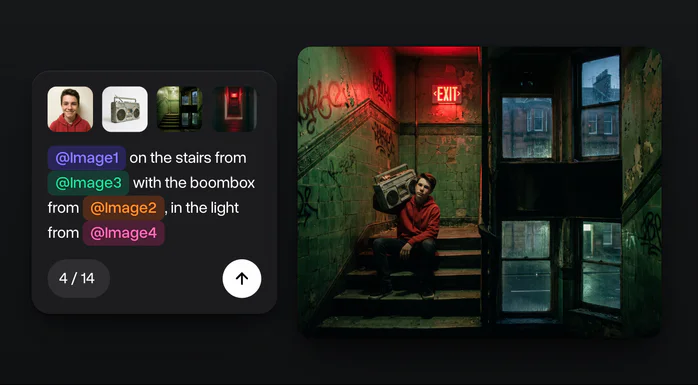
Up to 14 reference photos
Mix people, objects and places from up to 14 photos and keep up to 5 faces the same
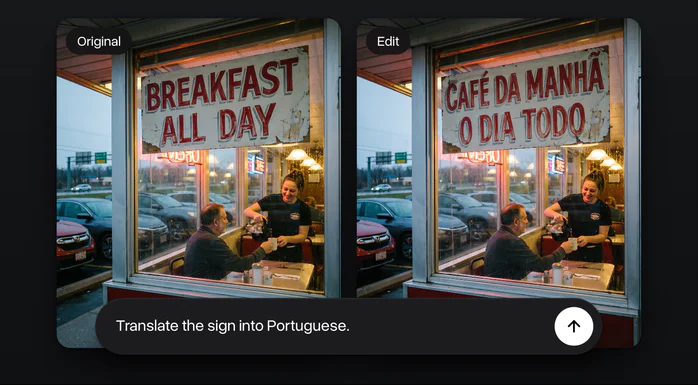
Write and translate text
Put the words in quotes, or ask to translate the text that is already in a photo, and the rest stays the same
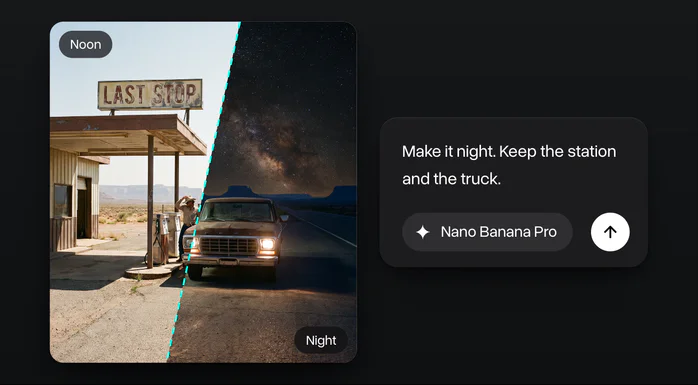
Control the camera and the light
Change the angle, the focus or the color, or turn day into night with one sentence
How to use Nano Banana Pro on Overchat AI
Make a Nano Banana Pro picture in four steps right on this page: write a prompt, add your photos, pick a style and generate
- 01
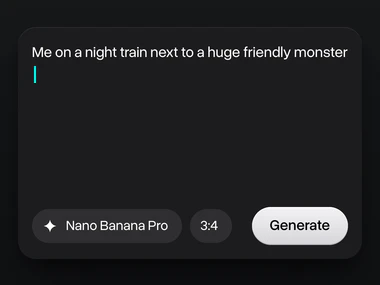
Write a prompt
Describe the image in the box at the top of this page: the subject, the place, the light and the mood. Put any words that should appear in the picture in quotes
- 02
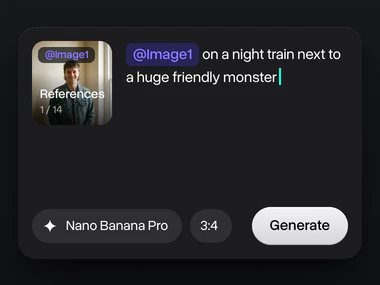
Add your photos
Upload up to 14 reference photos: faces, a pet, a product or a place. Each one gets a tag like @Image1, so you can say in the prompt exactly where it goes
- 03
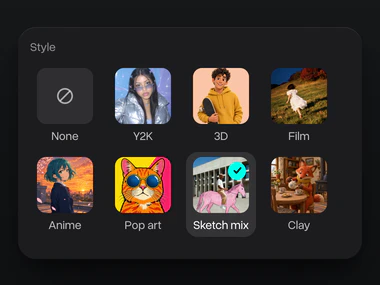
Pick a style
Choose a look such as Sketch mix, Film, 3D or Clay, or leave None. The style goes into your prompt, so you don’t have to describe it
- 04
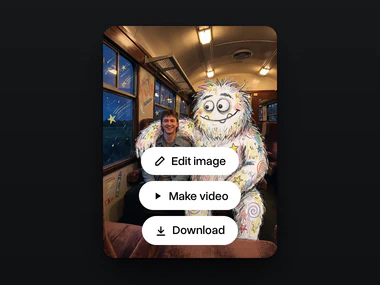
Get your image
Press Generate and get the picture in up to 4K. Then change it with a new prompt or turn it into a video
Try Nano Banana Pro
Write a prompt or add up to 14 reference photos, and Nano Banana Pro turns your idea into a real-looking photo
Why use Nano Banana Pro on Overchat AI
One account for Nano Banana Pro and every other top image and video model, on one subscription
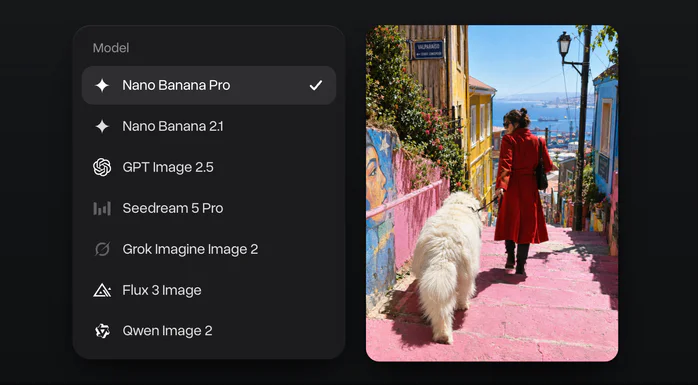
Every top image model in one place
Nano Banana 2.1, GPT Image 2.5, Seedream 5 Pro, Grok Imagine and Flux 3 Image are in the same menu, on one subscription
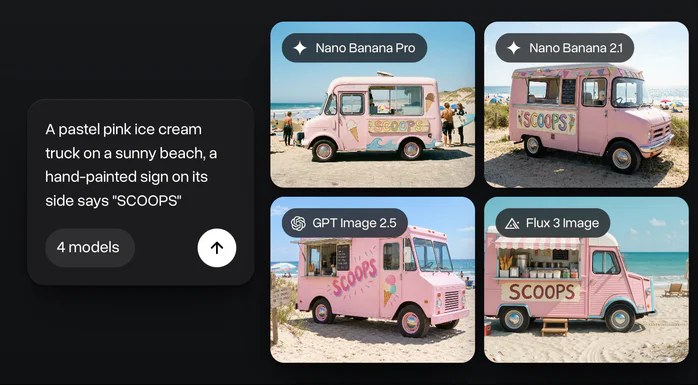
Compare up to 4 models at once
Run one prompt on up to four models and keep the best result
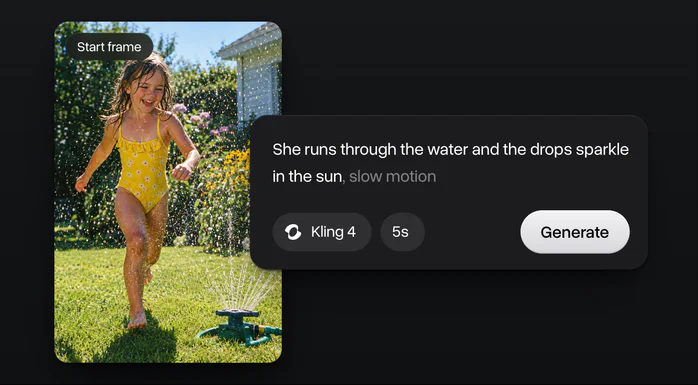
Turn images into video
Send an image to Kling, Seedance or Veo and use it as the first frame of a video
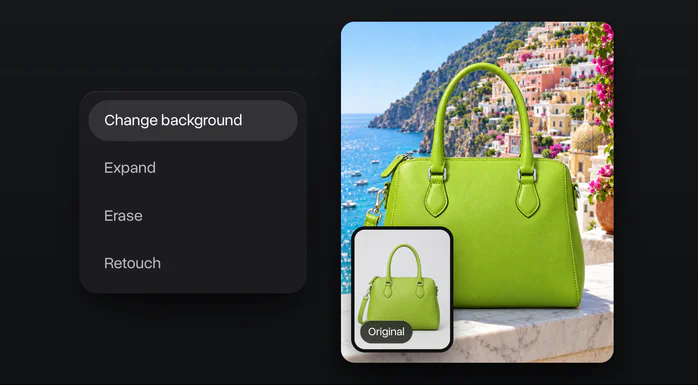
One-tap photo tools
Change the background, expand, erase or retouch a photo without writing a prompt
What you can make with Nano Banana Pro
Ads, social media photos, viral trends, headshots, thumbnails and posters, with text that reads right
Who is Nano Banana Pro for
Nano Banana Pro suits work where the picture has to look real and read right: covers, ads, shop signs and prints for home
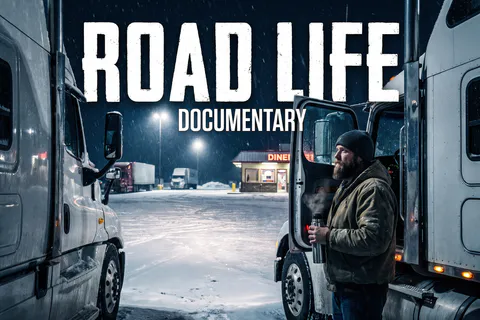
Content creators
Make covers and thumbnails with a bold, readable title
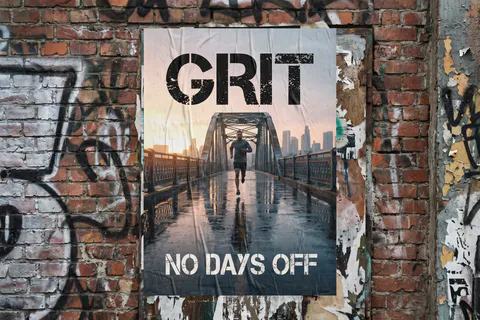
Marketers and brands
Try many ad ideas in minutes, with the copy already in the picture
Small businesses
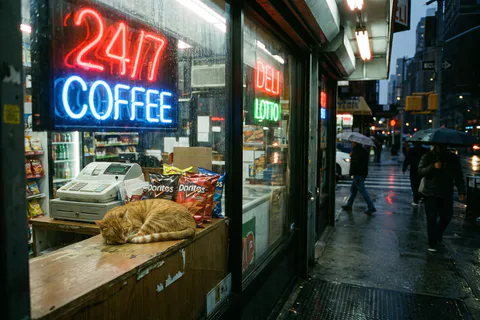
Make a sign, a poster or a menu for your shop in a few minutes
Personal projects
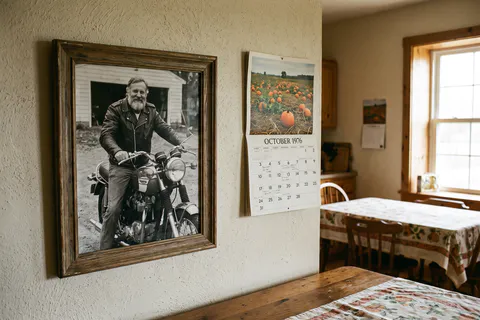
Bring back an old family photo or make a new one for your wall
Nano Banana Pro vs other AI image models
How Nano Banana Pro compares with the other image models in Overchat AI: release date, blind-test scores for new images and for edits, reference photos and resolution
 Nano Banana ProGoogleNano Banana 2.1Google
 GPT Image 2.5OpenAI
 Seedream 5 ProByteDance
 Grok Imagine Image 2SpaceXAI
 Flux 3 ImageBlack Forest Labs
Explore other image models
Other new image models in Overchat AI: Nano Banana 2.1, GPT Image 2.6, Flux 3 Image, Grok Imagine Image 2, Seedream 5 Pro and Qwen Image 3


What creators say about Overchat AI
Real reviews from Trustpilot, the App Store and Google Play. People use Overchat AI to make images and videos, compare AI models and keep chat, image and video tools in one subscription
Saves so much time
Using this gives me opportunity to do insta reels and content for my blog Saves so much time with little effort I get a lot of material to work with
Best app for image and video generation
I really enjoy creating videos with Sora and images with Nano Banano in Overchat! The app is fast, intuitive and very user-friendly
Saves a lot of money
I've started to use overchat last week and it feels very promising. Lots of AI models in one place saves a lot of money in comparison if you buy subscriptions for each one
All ai in one app
Before I used to pay separately for chat and image generations, now it’s all in one app for me Genuinely saves me money, love it thx guys
I love this app
I love this app, mostly using from web version (NanoBanana) and everything go smoothly everytime…
 Google Play
Lots of new models
Helps a lot! lots of new models
Affordable and simpe to use
Affordable and simpe to use. I like that I don't have to pay for several different services anymore
One subscription for all models
I like how it keeps everything organized. One subscription is enough for all major AI models, which helps me avoid paying for multiple platforms
Awesome app
Absolutely love this app
Compare different LLMs
I think I've been using it for around 3 months. it helps me because I can check and compare different LLMs and use it for urgent questions
Great experience
Great experience! It helps me able to do my work and respond to questions quickly trusting that the my responses are grammatically correct
Nice app
Nice app, everything in one place
Ask and you shall receive
I ask. CHATGP answers. I check on the answer and it's always been correct
Good and easy to use
Good and easy to use
Nano Banana Pro FAQ
If you have any questions,
reach out to us at hello@overchat.ai
Nano Banana Pro, also called Gemini 3 Pro Image, is Google’s image model built on Gemini 3 Pro, released on November 20, 2025. It makes new images and edits photos in 2K and 4K, takes up to 14 reference images and writes text in many languages
In Overchat AI Nano Banana Pro is part of the paid plans. On the Free plan you get daily credits for Nano Banana 2.1, GPT Image 2.5, Grok Imagine Image 2 and Flux 3 Image
Nano Banana 2.1 is newer and faster, and it scores higher in the Artificial Analysis blind tests: 1,176 for new images and 1,151 for edits, against 1,118 and 1,108 for Nano Banana Pro. Nano Banana Pro runs on the larger Gemini 3 Pro and suits final work such as print, packaging and posters. In Overchat AI you can run one prompt on both and compare
No. Nano Banana 2 came out in February 2026 as the fast model of the family. Nano Banana Pro is the larger model from November 2025, made for detail and 4K
Yes. Put the words in quotes in your prompt, and Nano Banana Pro writes them into the picture. It can also translate the text that is already in a photo, for example a sign or a label, and keep the rest of the picture
Up to 14 photos in one prompt, and Nano Banana Pro keeps the look of up to 5 people the same. Use them to put people, products and places into one scene
Up to 4K. In Overchat AI you pick 1K, 2K or 4K before you generate. Use 2K or 4K for prints, banners and wallpapers
Google adds SynthID to every Nano Banana Pro image: an invisible digital watermark that tools can read to tell the picture was made by AI. It doesn’t show in the picture
Yes. Open the result and send it to a video model such as Kling, Seedance or Veo in the same app. The image becomes the first frame of the clip
On this page, in the Overchat AI web app and in the iOS app. Your images and their prompts are saved in your history on every device


