
AI VIDEO GENERATOR
Upload any image and turn it into a video with Overchat AI image to video generator. To get started, choose from the best AI image to video models, including Sora 2, Kling 3, Runway Gen 4, Seedance 1.5, and more, upload your image, and animate it.
With Overchat AI video generator, you have access to the best video generation models. Tools like reference images, elements, motion control, negative prompts, and aspect ratio selection allow you to transform a static image into a dynamic video in seconds.
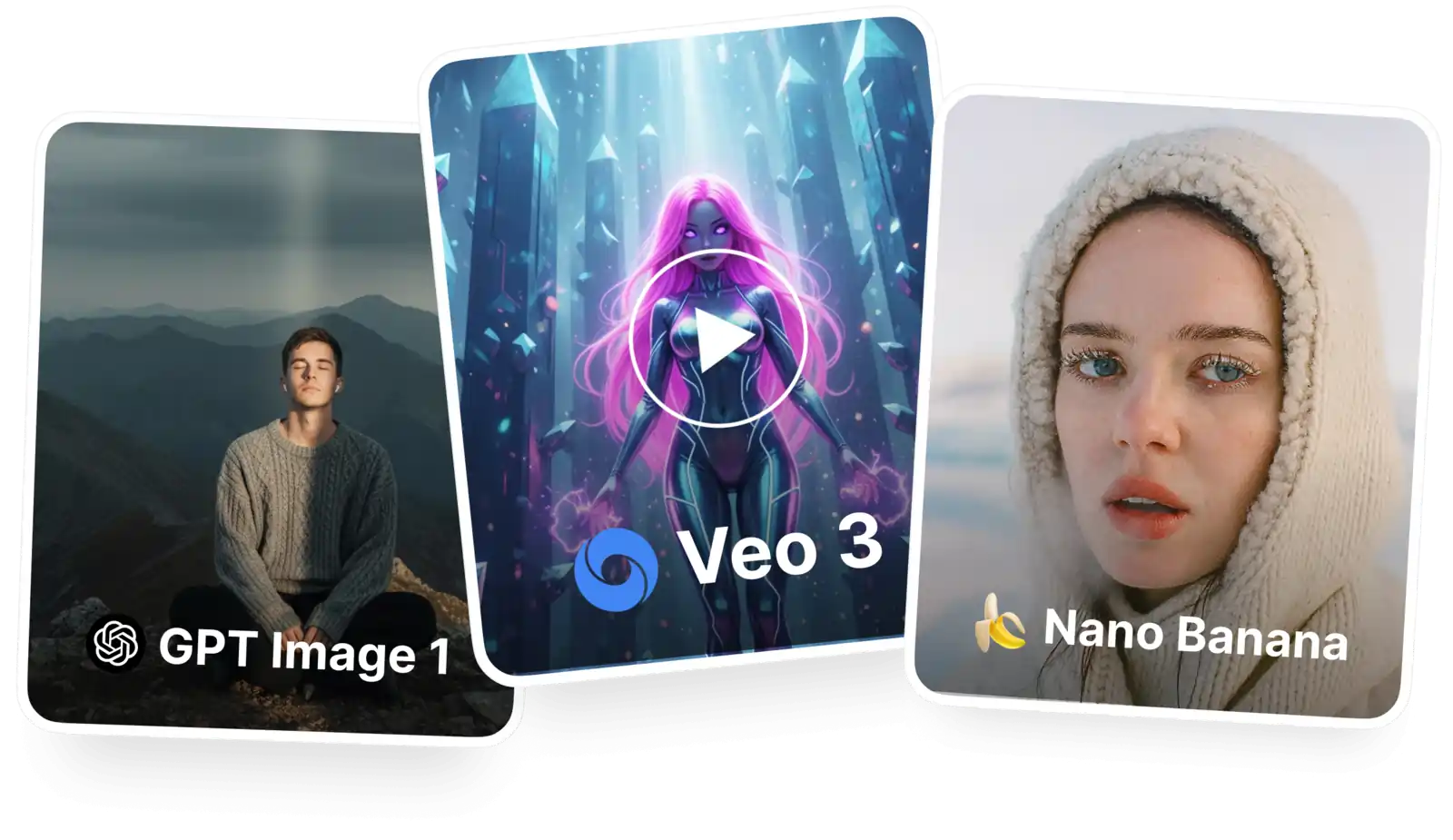
Upload your image, click Generate, and watch as our AI brings your picture to life with realistic motion. Control the on-screen action with prompts and even add elements from other pictures with reference uploads.
Switch to text-to-video mode, describe the scene you want, and the AI video generator will create a clip from scratch. Combine both modes to get exactly the result you need.
Choose from Sora 2, Kling O3, Runway Gen 4, Seedance 1.5, Veo 3.1, and more. Switch seamlessly between models in a single interface on a single platform.
USE CASES
Bring static images to life and transform photos into stories and short movies by simply describing what should happen on screen.
Use image-to-video technology powered by artificial intelligence to bring your cherished memories to life.
Create vertical videos from selfies and other viral content on TikTok, YouTube Shorts, or Instagram Reels with the click of a button.
Transform static images into dynamic creations with sound and unique storylines.
Choose Sora 2 or King O3, then describe what the characters or narrators should say. Enclose the dialogue in quotation marks. The AI will add sound automatically, including voices.
Overchat AI is available as an app on iOS and Android devices, as well as on the web. It works wherever you work, even on the go.
Join thousands of creators already using Overchat’s AI image to video generator.
Overchat AI brings you the power of the world's top AI models: GPT, Claude, Gemini, Mistral, and more.

Overchat is one of the best image-to-video generators. It gives you access to multiple AI models on a single platform, including Sora 2 and Kling O3, among many others. It generates high-quality videos in HD and gives you plenty of creative control options, including advanced ones like elements, reference images, and start and end frames.
Image-to-video generators use AI models trained on large datasets of images and videos to create motion from a single image. Instead of simply animating it, they generate a sequence of new frames that are conditioned on your original image and on each other, which helps maintain consistency and produce natural-looking movement.
The original image is typically used as the starting point, though small changes can occur as the model generates new frames that extend the scene over time. Some tools also let you add sound, music, or voiceovers using a text prompt alongside your image.
Overchat AI currently supports Sora, Kling, Runway, Wan, Seedance, Hailuo, and Pixverse AI models for image to video generation, and we're constantly adding new models as they come out.
Yes, Overchat AI has an advanced AI video generator that supports image-to-video workflows. You can use it as a web app in your browser without downloading anything, or as a mobile app for iOS and Android. All of these tools let you make AI videos from images. They use different popular AI video models. You can save your media for easy access and modify it after it is generated. You can upscale it, remove backgrounds, and edit it.

If you’re wondering what Kling 3.0 is — it’s the third-generation AI video model from developer Kuaishou, a Chinese AI company. It can generate videos from text, images, and other videos (references).

Faceless videos get just as much engagement on TikTok, Instagram, and YouTube Shorts as regular videos — if not more. That’s because the algorithm only cares about watch time and retention, not whether viewers see the creator in the video.

ChatGPT Plus costs $20 per month plus tax, while the Pro plan costs $200 per month plus tax. Understandably, not everyone is willing to pay that much for a chatbot, especially if the premium features aren’t worth it to them. This raises an obvious question: how can I use ChatGPT for free?
Available on Web, iOS, and Android. Access your AI assistant anywhere, anytime.


.svg)
