Best AI Video Generation Tools for 2026: Comprehensive Guide
Last Updated:
2026-09-13
Best AI Video Generation Tools for 2026: Comprehensive Guide
In the past, it was expensive and took a lot of time to make professional-looking videos. You needed the right equipment, you needed to know a lot about technology, and you needed to spend a lot of time in the editing room. Not anymore.
Now, anyone with an internet connection and a creative idea can make videos, thanks to AI tools. But there are many AI video generators, which raises the question — which is the best overall?
After testing many tools and models, we've created this complete guide to help you understand all of the major AI video creation tools in 2026.
The best AI video generators have these important qualities that set them apart from subpar tools that are best to avoid:
HD output. The best tools can now export at least 720p resolution, with some offering 4K output across different aspect ratios. This is essential for making content that works well on TikTok, YouTube, Instagram, and for professional presentations.
Support for different workflows. Can you upload your own assets? How much control do you have over the final product? The best generators let you adjust everything from camera movements to color grading.
Speed. Quality is important, but you don’t want to wait 3 hours for a 5-second video to render. The best generators offer a good balance between how long it takes to output a video and how well it looks.
Responsive support. AI video generation is still new, so the best platforms provide a lot of documentation, tutorials, and helpful customer service.
Why Use an AI Video Generator?
To save a massive amount of time and get professional results without expensive studio-setup, camera crew, and know-how!
For instance, you can generate multiple variations of content, test different approaches, angles, locations, actors, simply by writing text prompts — this is insanely powerful. And while very recently AI videos looked sloppy, the results you can get now are nearly photorealistic.
Note: AI video generators are still experimental, they are improving very fast but there are some things they still can’t do very well. For example, they may struggle with complex physics or animation, such as parkour.
Types of AI Video Generators
There are 3 main types of AI video generators:
Text-to-video
Image-to-video
Video-to-video (this one is new)
Let's break down each of them in more detail:
1. Image-to-Video
Image-to-video tools take your photos and turn them into short clips. You upload an image, and the AI determines which parts should move.
Here's how it works: The AI uses your photo as the starting point, and then it creates the next frames based on the instructions you give it. Do you want the water to ripple, but keep everything else still? You can do that. Some tools let you set both the first and last frame, so you have more control over the movement.
2. Text-to-Video
Text-to-video generators take text descriptions and turn them into videos. This is the simplest type to use. You just describe what you want, and the AI creates the entire video for you.
3. Video-to-Video
Video-to-video is the newest and most advanced type. You give it existing footage, plus instructions on how to change it, or a reference frame, and it rebuilds the entire video with your modifications. One use is character replacement. Record your video with any actor. Then, switch in a different person or even an animated character. They'll move and speak exactly like the original performer.
Sora 2: The Best AI Video Generator
OpenAI's Sora 2 is what they call the GPT-3.5 moment for video — a massive leap in AI video generation quality, not only from the original Sora model, but also every other model on the market at the time of release.
Sora 2 can do things that are exceptionally difficult for other video models, especially when it comes to motion — Olympic gymnastics, parkour, skateboarding, dancing — complex movements and interactions are like real film.
Key Features of Sora 2:
Best-in-class physics simulation help the model accurately render how objects move and interact with the world
Native audio generation
Full HD 1080p resolution
Disney partnership for licensed character generation
Pros:
✅ Best-in-class physics simulation
✅ Exceptional visual realism and coherence
✅ Native audio with accurate lip-sync
✅ Cameo feature for personalization
✅ Strong prompt adherence
✅ Disney character licensing partnership
Cons:
❌ Currently invite-only for free tier
❌ Sora 2 Pro requires $200/month ChatGPT Pro subscription
❌ Limited stylistic customization compared to some competitors
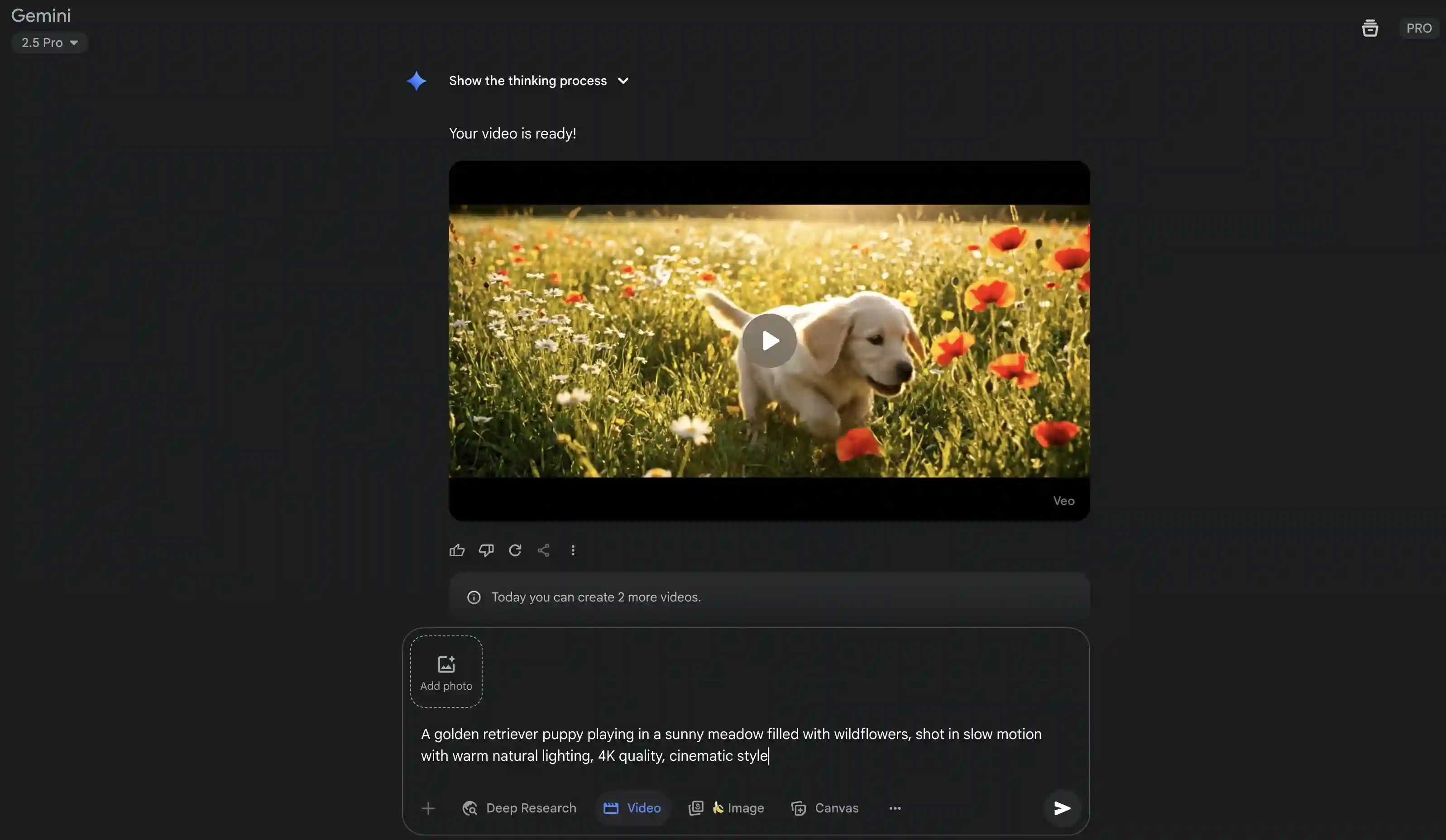
Google Veo 3.1: The Best AI Video Generator with Sound
Released in October 2025, Google Veo 3.1 creates videos with perfectly synced audio, including character dialogue, sound effects, and ambient audio, all generated from a single prompt.
When Veo 3.1 released, it was the tool behind most viral TikTok videos, like the rapping babies and Korgies taking street interviews. It was later eclipsed by Sora 2, but Veo 3.1 is still as solid ai video maker. The audio quality is so good that you can write dialogue or sound effects directly in the prompt, and Veo includes them in the video.
Key Features of Veo 3.1:
Native audio from prompts
Videos up to 60 seconds
1080p HD and 4K resolution with upscaling
Multi reference mode supports up to 3 images.
Frames-to-video with start and end frame control
Pricing: starts at $19.99/month for Google AI Pro with 1,000 credits and watermarked videos. The Ultra plan at $249.99/month gives you 12,500 credits and removes watermarks.
Pros:
✅ Perfectly synced audio generation including dialogue and sound effects
✅ Excellent video quality with pleasant scene designs from simple prompts
✅ User-friendly and easy to use
✅ Behind most viral TikTok videos
✅ Includes built-in editor with Google Flow tool
Cons:
❌ Occasional strange camera movements
❌ Entry-level plan includes watermarks (no watermarks for $249.99/month)
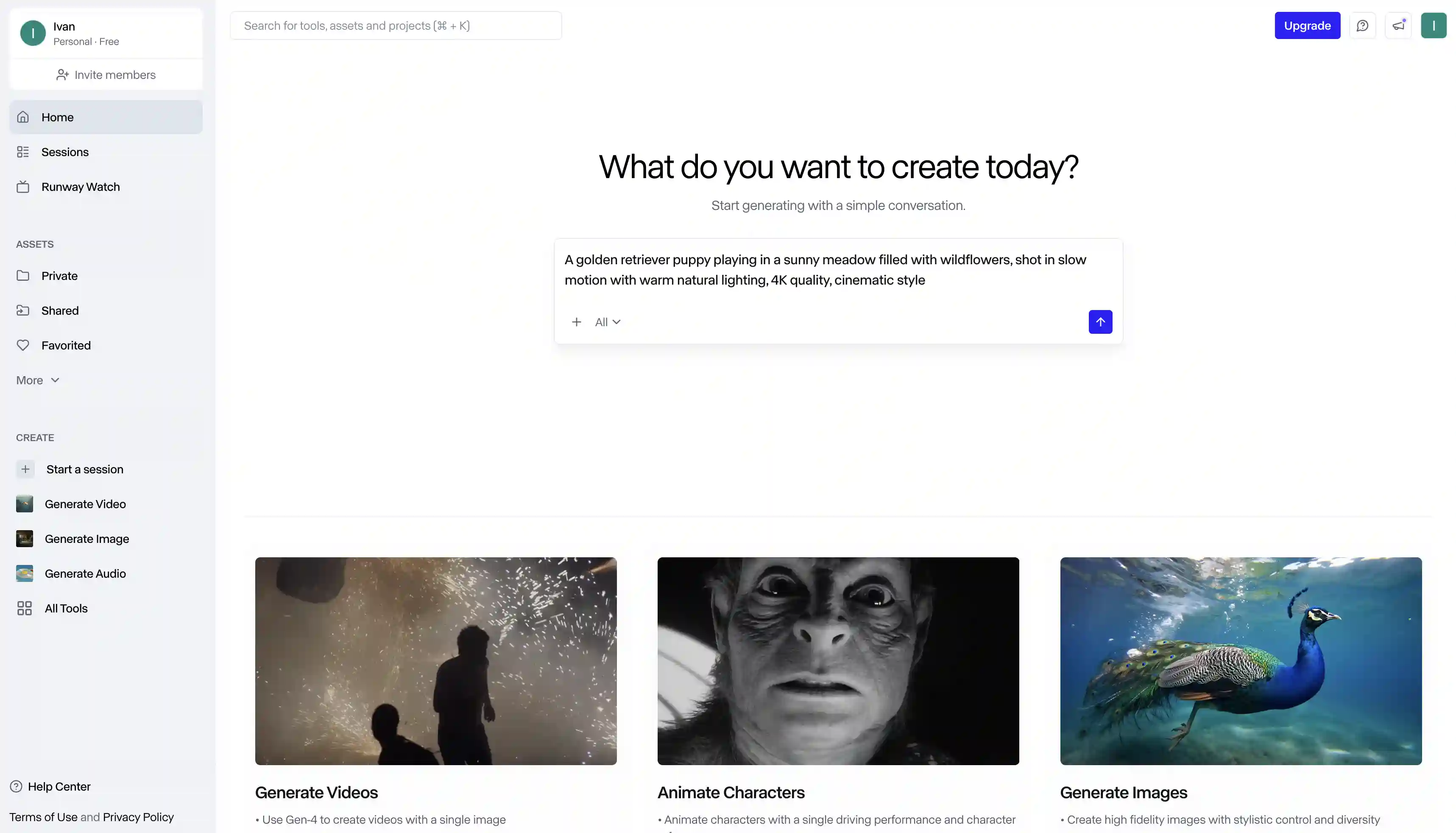
Runway Gen-4 launched with major improvements in video quality and dynamic range. The platform now includes a chat interface where you can refine your videos through conversation instead of rewriting prompts over and over.
The standout feature is Aleph, their video editing system. Upload your footage and tell it what to change — switch the weather from sunny to rainy, change camera angles, or replace a car with an SUV. It reconstructs the video with your changes while keeping everything else intact. This gives you shots you never filmed without going back to production.
Act Two (formerly Act One) handles performance capture. Film an actor reading your script, then transfer their performance to any character — animated or realistic. The system now tracks full body movements including hands and fingers, which was a major weakness in the previous version. You get even better results with stylized characters than realistic ones.
The platform works with Zapier, so you can automate video creation based on triggers from other apps. For example, can you set up an automation that adds a new image link to Google Sheets? This could generate a video with that link as the first frame, which would be useful for content farms.
The newest version is called Gen-4.5 — it offers the highest quality output and up to 4K resolution with upscaling.
Cool fact: Runway hosts an annual AI Film Festival showcasing what creators are making with their tools.
Pricing: Free plan with 125 one-time credits. Standard at $15/month gets you 625 monthly credits, Gen-4.5 and Aleph access, no watermarks. Pro at $28/month includes 2,250 credits and custom voices. Unlimited at $76/month for unlimited generations.
Pros:
✅ Aleph lets you edit videos in ways that were impossible before
✅ Chat interface makes iteration easy
✅ Full body and hand tracking in Act Two
✅ Zapier integration for automation
✅ Strong community and film festival
Cons:
❌ Generation can take 10-20 minutes
❌ Struggles with realistic human characters
❌ Learning curve for advanced features
❌ Credits run out quickly with heavy use
Learn more about Runway AI
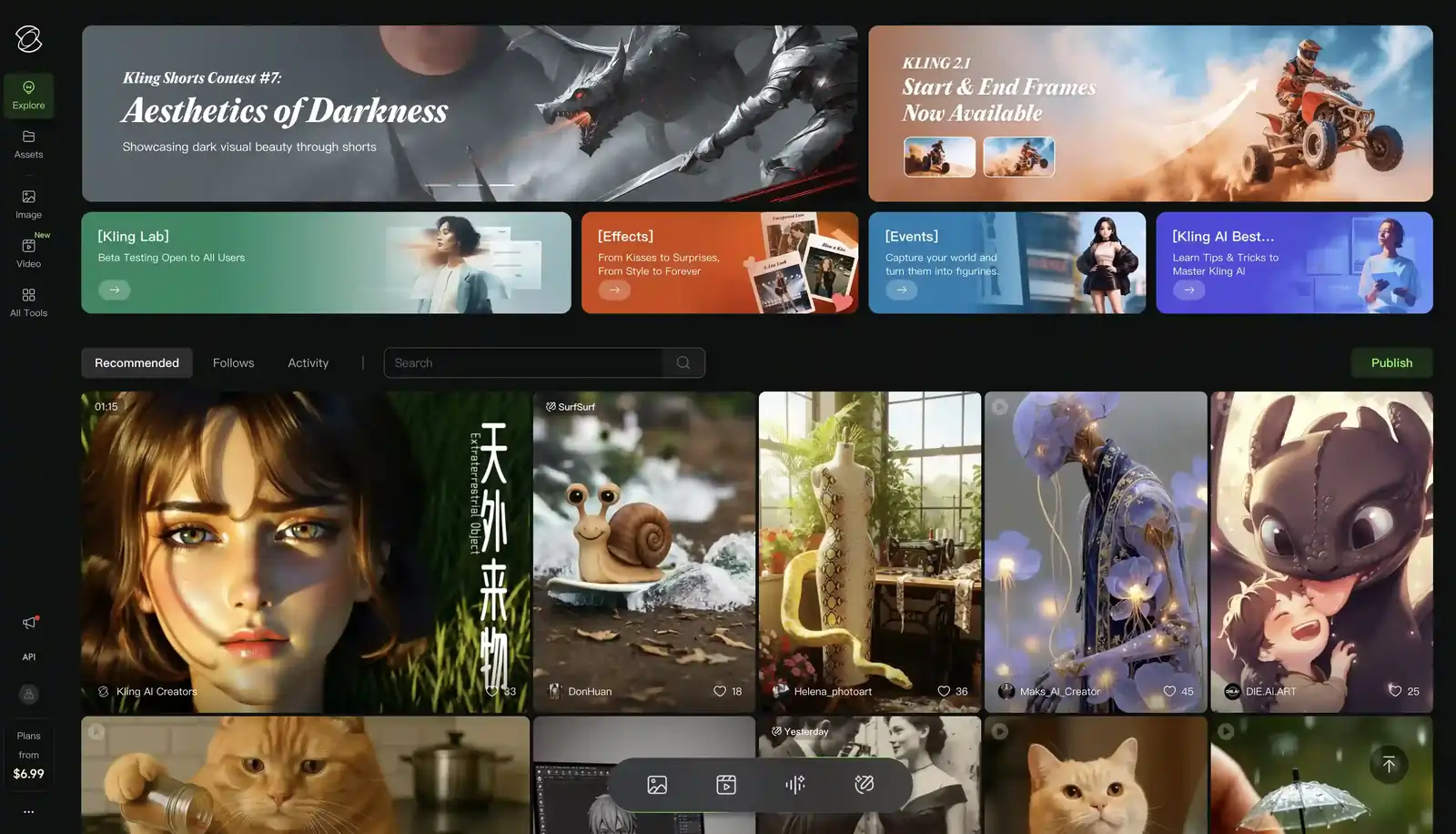
Kling AI
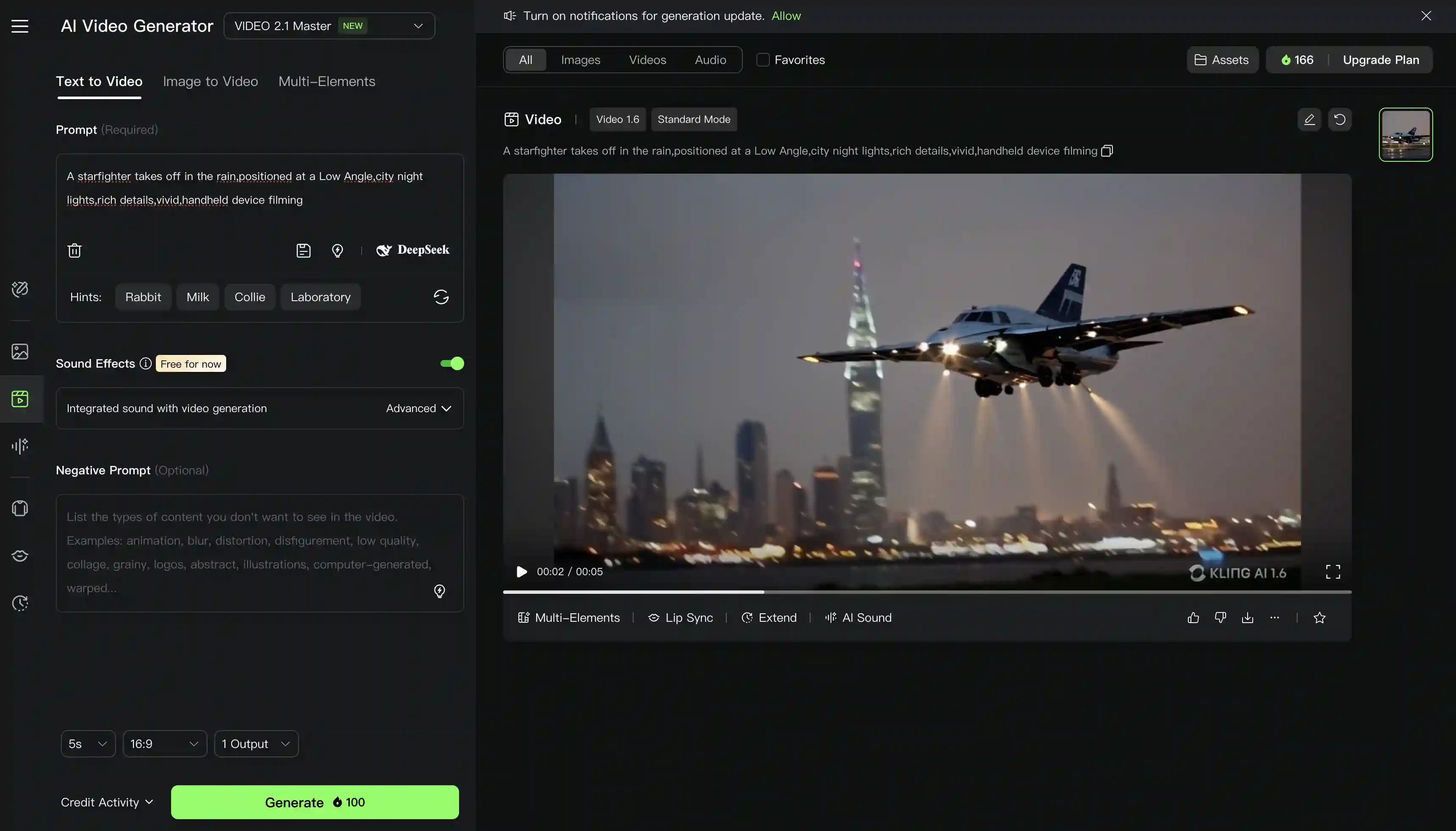
Kling AI from Kuaishou has become one of the most versatile platforms, and it offers not one but two flagship models:
Kling O1
Kling O1 is the world's first unified multimodal video model — combining generation and editing in a single platform. Unlike previous tools that separate creation and editing, O1 handles everything in one placewith its multi-elements mode — you can add, swap and delete videos, images, and references and tag them with a @ sign when writing the prompt like this: “Put the @person.png into @video.mp4”
Kling 2.6
Kling O1 has just one weakness — it doesn’t generate sound. Kling 2.6 is the model that fixes this, bringing audio generation to the Kling platform for the first time, along with enhanced motion control — you can upload a motion reference and have your character perfectly replicate that animation or movement.
Standout feature: API access for businesses. Starting at $1,400/month for 10,000 credits. Paid accounts process in minutes with priority queue access.
Pricing: Free tier with limited credits. Standard at $6.99/month (660 credits). Pro at $25.99/month (3,000 credits). Premier at $64.99/month (8,000 credits). API starts at $1,400/month.
Pros:
✅ Very affordable compared to competitors
✅ Excellent physics and lighting in complex scenes
✅ Strong lip-sync matching Google's quality
✅ API access for business integration
✅ Upload custom elements for consistency
Cons:
❌ Free tier has extremely slow generation (3+ hours)
Alibaba's Wan 2.6 series enables creators to appear in AI-generated videos as themselves and in their own voices, with flexible multi-shot storytelling capabilities.
Key features of Wan 2.6:
Upload a character reference and generate new scenes with them
Split prompts into multiple shots, then glue them together
Videos with sound up to 15 seconds-long
1080p resolution
Pros:
✅ Best multi-shot storytelling
✅ Excellent character consistency across shots
✅ One of the longest videos generated in a single shot
✅ Great dialogue quality from AI characters
✅ Not very expensive per generation
Cons:
❌ Not very well-known compared to Google/OpenAI models
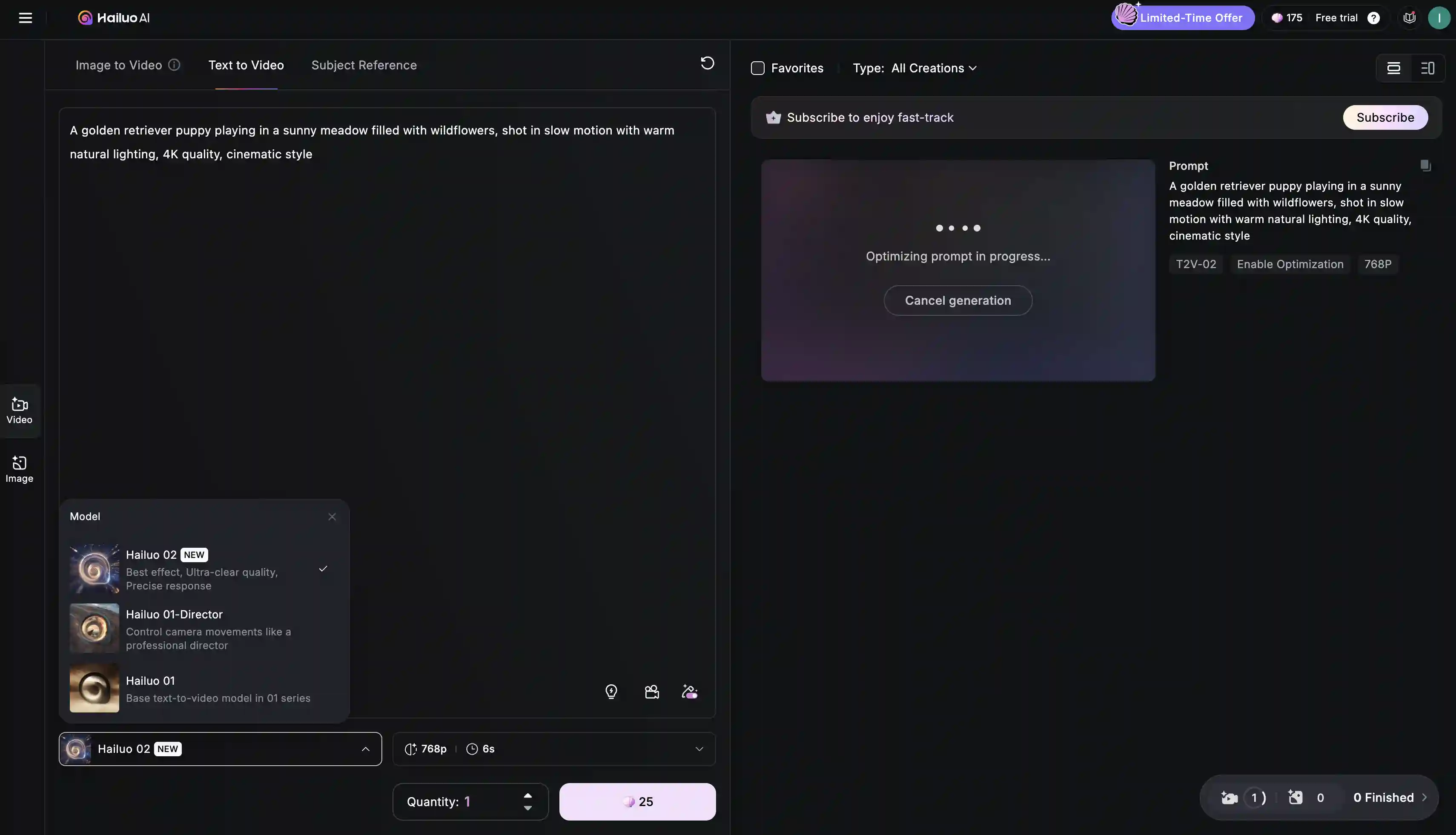
Hailuo 2.3 offers film-grade fidelity, which is among the best of any AI video generator on the list. Creators especially praise it for the lifelike and accurate expressions of its characters. The model lets you choose from anime, illustration, ink wash painting, game CG and other styles via presets. It supports 1080p resolution for six-second clips or 768p for ten seconds.
How is the video quality? Lighting looks natural, textures render realistically, and, most importantly, it follows the prompt — Hailuo usually includes everything you ask for. Talking about the price, the free trial gives you 70 credits to test the platform, with occasional promotions offering 1,000 extra credits for new signups.
Pricing: Free trial with 70 credits. Paid tier at $14.99/month for extended generation capabilities.
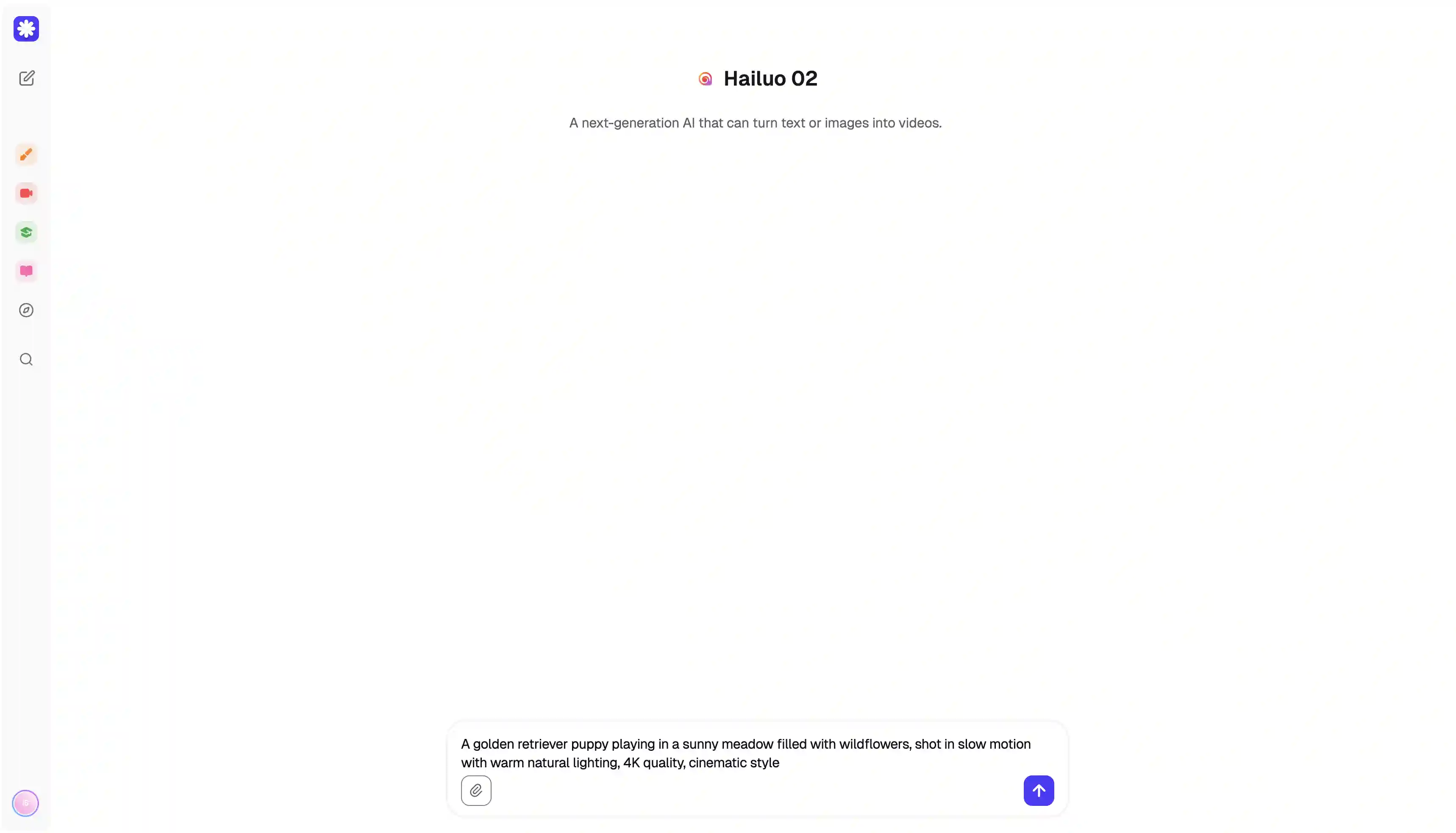
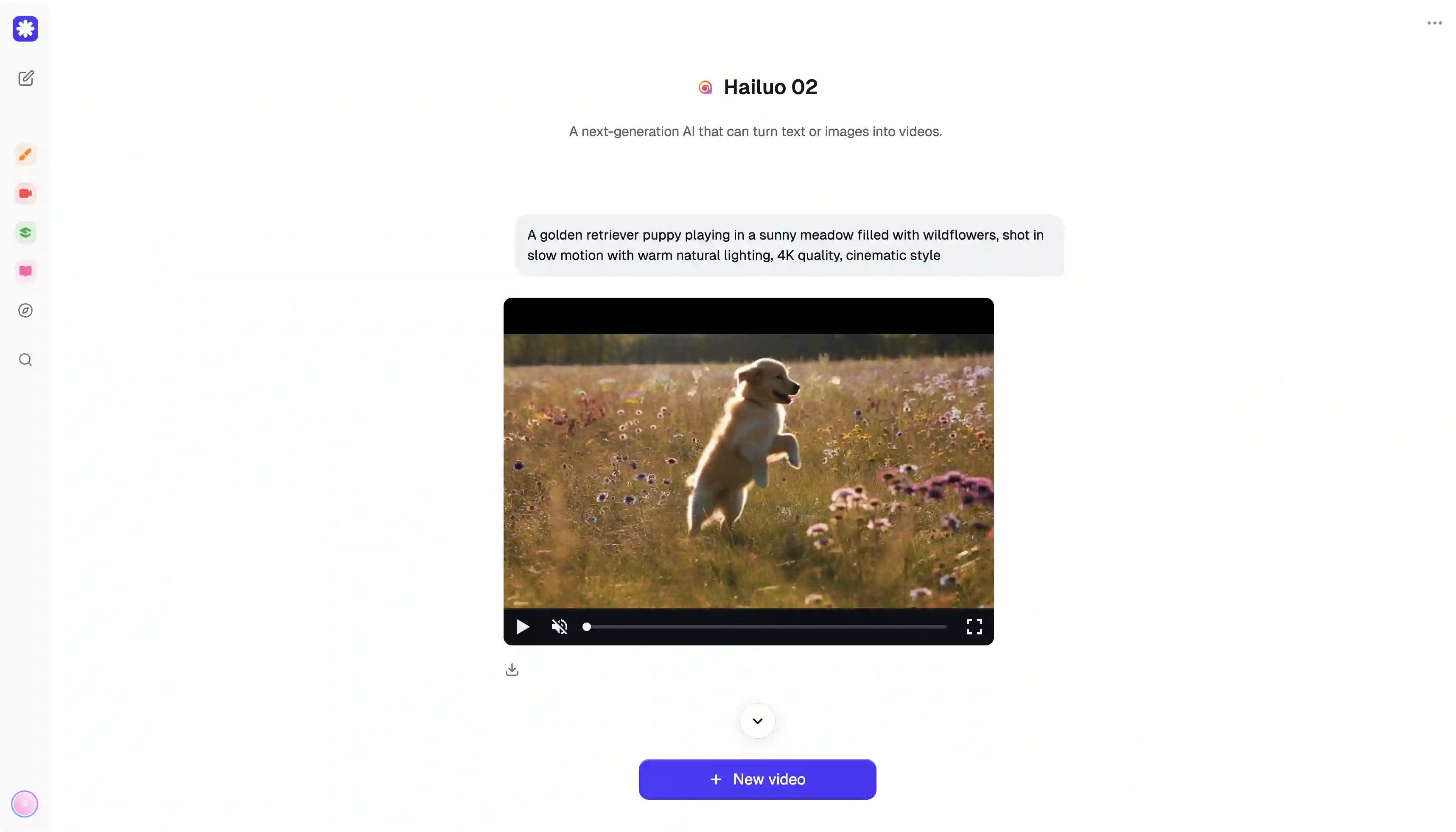
If you're tired of dealing with a lot of subscriptions, try Overchat AI, the best Veo 3 alternative.
Overchat AI puts all the major AI video generators into one platform. Instead of paying for Runway, Kling, Veo, and others separately, you get everything for $4.99/week or $59.99/year.
Let's do the math. If you subscribe to three different platforms, you will pay at least $50 to $70 each month, and even that won’t get you very far in terms of the number of generations, particularly using Veo.
However, Overchat AI gives you access to all of them, plus more, for less than $5 a month when billed once a year.
You can choose the right tool for any situation.
Veo 3 for videos with sound
Runway for special effects
Hailuo AI as a backup
Kling for long videos
Also, with the unified interface, all your credits, projects, and exports are in one place. You can switch between generators without having to log into different accounts or remember multiple passwords.
Pricing: $4.99/week or $59.99/year for access to all integrated platforms.
Pros:
✅ Massive cost savings vs. individual subscriptions
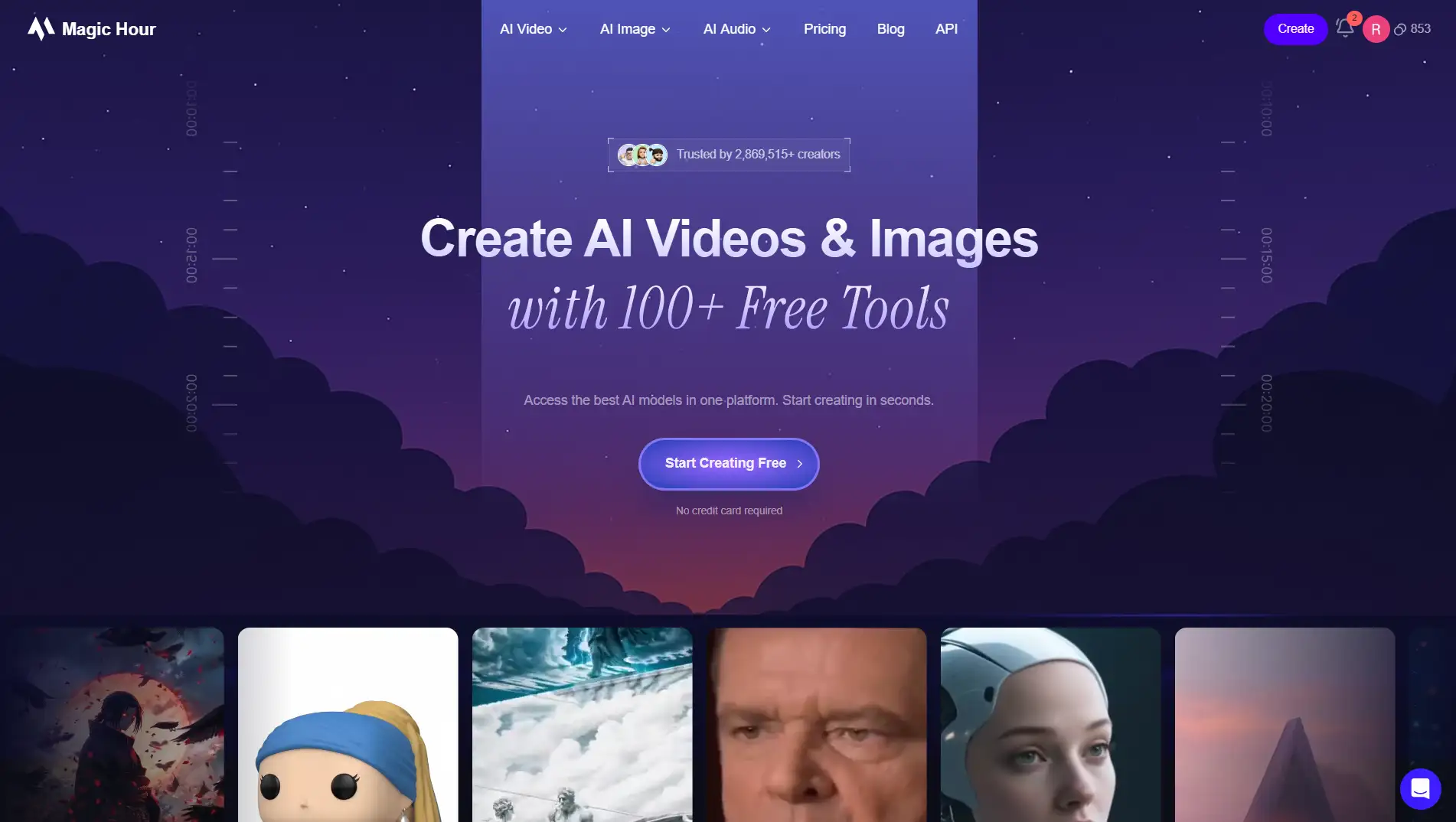
Another alternative you could try is Magic Hour as it offers a wider creative range by giving you multiple top-tier video models inside one streamlined platform.
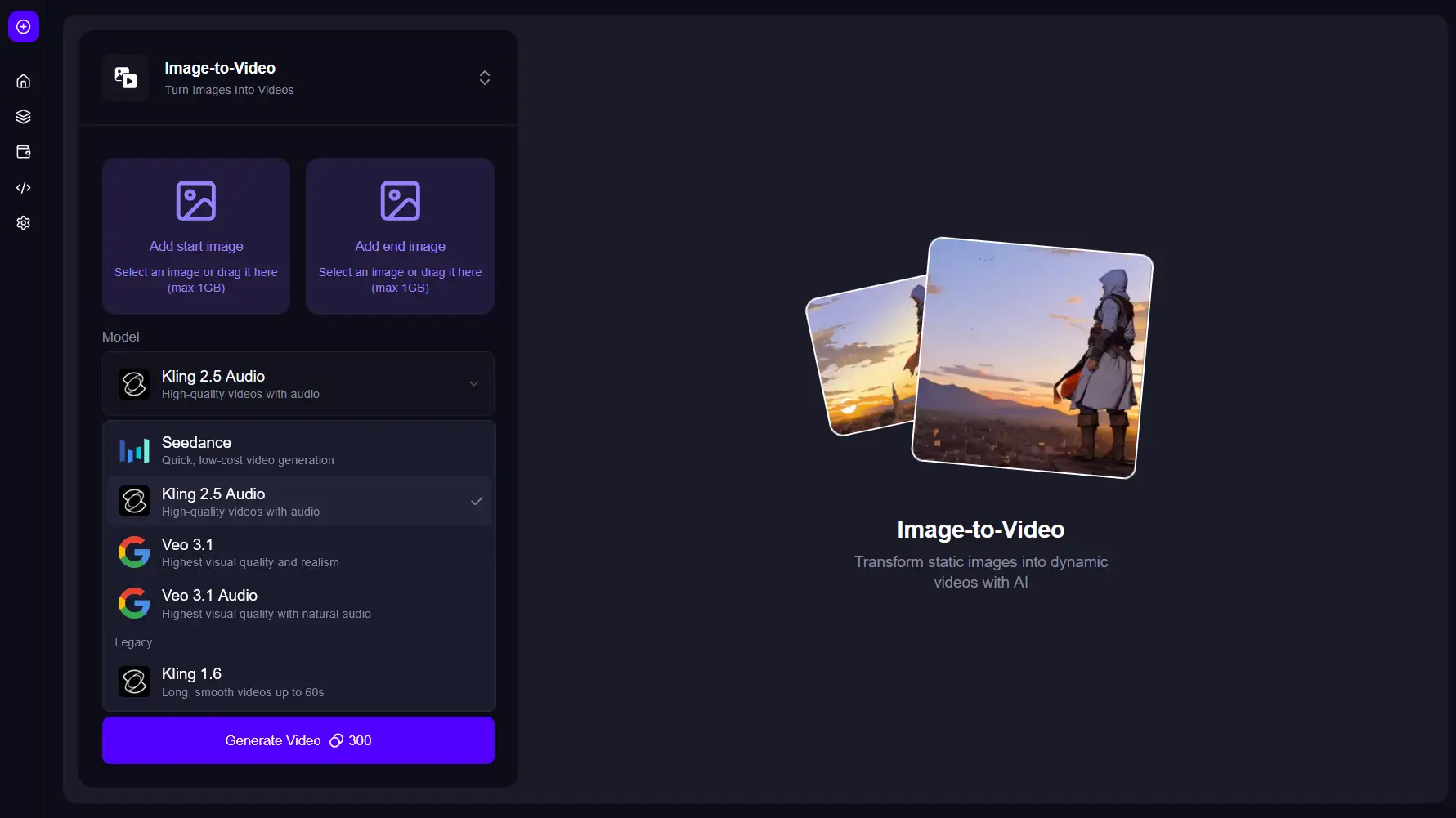
Magic Hour is an all-in-one AI creative suite that brings together leading generators like Veo 3.1 (with and without audio), Kling 1.6, Kling 2.5 with audio, and Seedance for the AI video generators.
This multi-model ecosystem covers realism, cinematic motion, and stylized looks, all inside a centralized workspace. It means your credits, histories, projects, and outputs stay synced in one dashboard, letting you jump between models instantly without juggling separate logins or switching platforms.
Pricing: Free 400 credits upon signup + 100 free daily credits. Paid plans start at $15/month or $144/year.
Pros:
✅ Supports multiple top-tier models in one interface ✅ Strong text-to-video and image-to-video quality ✅ One-click editing tools help speed up creative workflows ✅ Stable rendering and predictable outputs
Cons: ❌ Heavy scenes may require multiple generations for refinement ❌ Only available online through website
Let’s quickly summarize the most important points. Key takeaways:
When choosing a video generator, pay attention to the quality of the output, customization options, and how fast it renders videos.
There are 3 types of video generators — text-to-video transforms prompts into visuals, image-to-video can animate photos, and video-to-video can transform existing footage.
The best AI video generator overall is Sora 2. It can create perfectly synced dialogue and sound effects.
Other notable options include King o1, Runway Gen-4, Kling, and Hailuo.
The best Sora 2 alternative is Overchat AI — it provides access to all aforementioned platforms for just $59.99/year.
If you're looking for the best AI video generator and can only choose one tool, pick Veo if it fits your budget or Hailuo as a cheaper alternative. If a first-party tool is not a must, then Overchat AI is a strong contender because it includes access to all the tools we reviewed in this article.
Ultimately, all of these video generators are extremely capable, so you can't go wrong with any of them.
Note: This article was originally published in 2026 and has been updated to include Sora 2 and Wan 2.6, and to reflect the latest versions of Veo (3.1), Kling (2.6 and O1), and Hailuo (2.3). Pricing and features have been updated throughout.