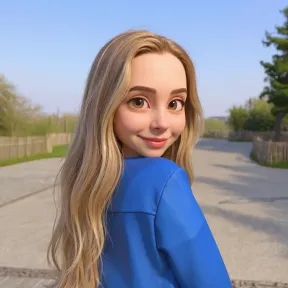
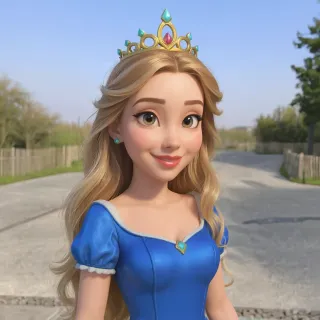
Use Overchat AI image conversion tool to turn any photo into a pixar character — powered by an advanced AI image-generation model.




Drag and drop an image
File size limit: 10MB

The Ghibli style is incredible! My photos look like they're straight out of a movie.

Pro models are worth it. The quality difference is night and day!

So fun to turn my selfies into anime characters. My friends love it!

Amazing results! The Pixar style made my dog look like an actual movie character.

Super fast and easy to use. Love all the different art styles available!

The manga style is perfect! Used it for my entire profile. Highly recommend.
The Ghibli style is incredible! My photos look like they're straight out of a movie.
Pro models are worth it. The quality difference is night and day!
So fun to turn my selfies into anime characters. My friends love it!
Amazing results! The Pixar style made my dog look like an actual movie character.
Super fast and easy to use. Love all the different art styles available!
The manga style is perfect! Used it for my entire profile. Highly recommend.


Get access to premium AI models, higher quality output, and advanced style controls.
Powered by AI style transformation
Just two clicks is all it takes to transform your pictures into stunning 3D illustrations, straight from the renowned Pixar style.
Our picture to Pixar free AI tool uses advanced image-to-image technology to transform any image you upload into a 3D Pixar illustration, while preserving the original details and likeness. It works for humans, pets and landscapes, and is completely free and accessible entirely in your browser.
Our beginner-friendly web interface provides clear instructions for using this simple transfer tool. It doesn't matter if you don't have any design skills, everyone can use it.
Our tool is completely private and secure — only you can see the images you upload, and they are deleted after transformation.
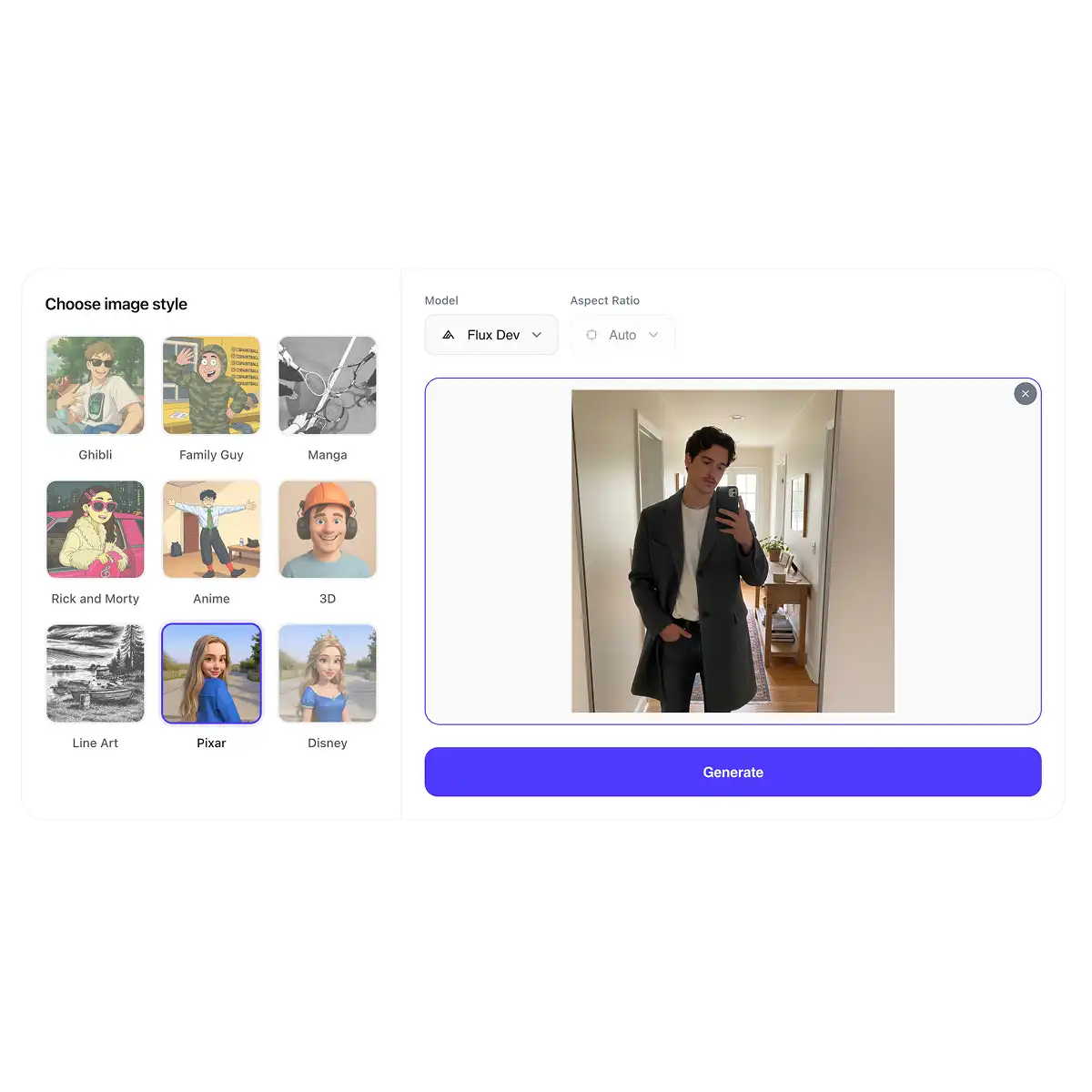
Drag and drop any image into the file upload area, or click or tap to select a file in your browser and begin the style transformation. Tip: You can upload JPG, PNG, WEBP and HEIC files of up to 10 MB. For the best results, use portraits of people or pets.
Optionally, select an image generation model such as Nano Banana Pro or Seedream 4.5 for more advanced controls, then click Generate. The AI will then automatically handle the style conversion process. This typically takes 20–40 seconds.
Done! There are no extra steps now — just download the resulting image or share it directly to social media via the Download and Share buttons. You can also access the result in the gallery. Generate more Pixar images to continue!
TESTIMONIALS
"This is awesome! I love the Pixar animation style, and this tool turns my pictures into illustrations. It's great fun to use!"
 Peter W.
"Unlike some other free tools I tried online, this tool really captures that round, emotive Pixar style. Highly recommended!"
 Sarah S.
"This one is free to use and I didn't have to create an account. There's no catch at all, you can just generate and download as much as you want."
 Casy B.
"Of all the photo converters I've tried, this is one of the easiest to use. I can't believe it's free!"
 Alik K.
USE CASES
Make your profile photos on Facebook, Twitter and LinkedIn stand out by showing up as a Pixar-style avatar.
What would your family look like if they were characters in The Incredibles? It's easy to visualise this and see yourself as a Pixar movie hero.
Transform your four-legged friends into recognisable versions of Pixar characters like Bolt, in a 3D animation style.
Do you know someone who loves Pixar films? Surprise them with a fun gift: an image of them in the style of their favourite film.
Create posts that will get likes and shares on TikTok, Instagram and Threads by sharing your unique Pixar-inspired creations based on your own life.
There's no need to overthink it — everything looks cool when it's turned into a 3D animation. Make everyday life fun by turning it into a Pixar animated feature scene.
Join thousands of users already transforming their photos on Overchat AI.
Overchat AI brings you the power of the world's top AI models: GPT, Claude, Gemini, Mistral, and more.

It's extremely easy and only takes a few clicks. First, upload your photo. Then, select Pixar as your style. Finally, click 'Generate'. Done! After a short generation period, you'll see your transformed image, which you can then download and share.
Any picture will work, but you'll see the effect most clearly if it features a recognisable object, such as a toy, household item, or character, like yourself or your pet, since the style transfer and transformation will be most evident in these.
By default, Overchat AI Photo to Pixar uses the Flux Dev image generation model, which is optimized for cost efficiency. This allows us to keep the tool free and unlimited while delivering high-quality downloads with no watermarks. If you’d like more advanced results, you can optionally switch to our Pro models using the model selector. These models are not available in the free version. We support Nano Banana Pro, GPT Image 1.5, Flux 2, Qwen Image, Seedream 4.5, and other leading AI image generation models. Pro models offer higher quality output, more realistic style conversion, and additional controls such as manual aspect ratio selection. In the free version, the aspect ratio is automatically determined based on the input image.

Chinese company Baidu has quietly released a model that's just as good as DeepSeek and ChatGPT — ERNIE 4.5 delivers exceptional performance at a fraction of the cost — and most people outside China have never even heard of it.

If you're wondering: what is DeepSeek AI, the answer is quite simple. DeepSeek AI is a Chinese AI research lab that builds large language models. The company released several models in late 2024 and early 2025 that compete directly with OpenAI's GPT-4 and Anthropic's Claude, but at a fraction of the operating cost.

ChatGPT Plus costs $20 per month plus tax, while the Pro plan costs $200 per month plus tax. Understandably, not everyone is willing to pay that much for a chatbot, especially if the premium features aren’t worth it to them. This raises an obvious question: how can I use ChatGPT for free?
Available on Web, iOS, and Android. Access your AI assistant anywhere, anytime.



.svg)
