
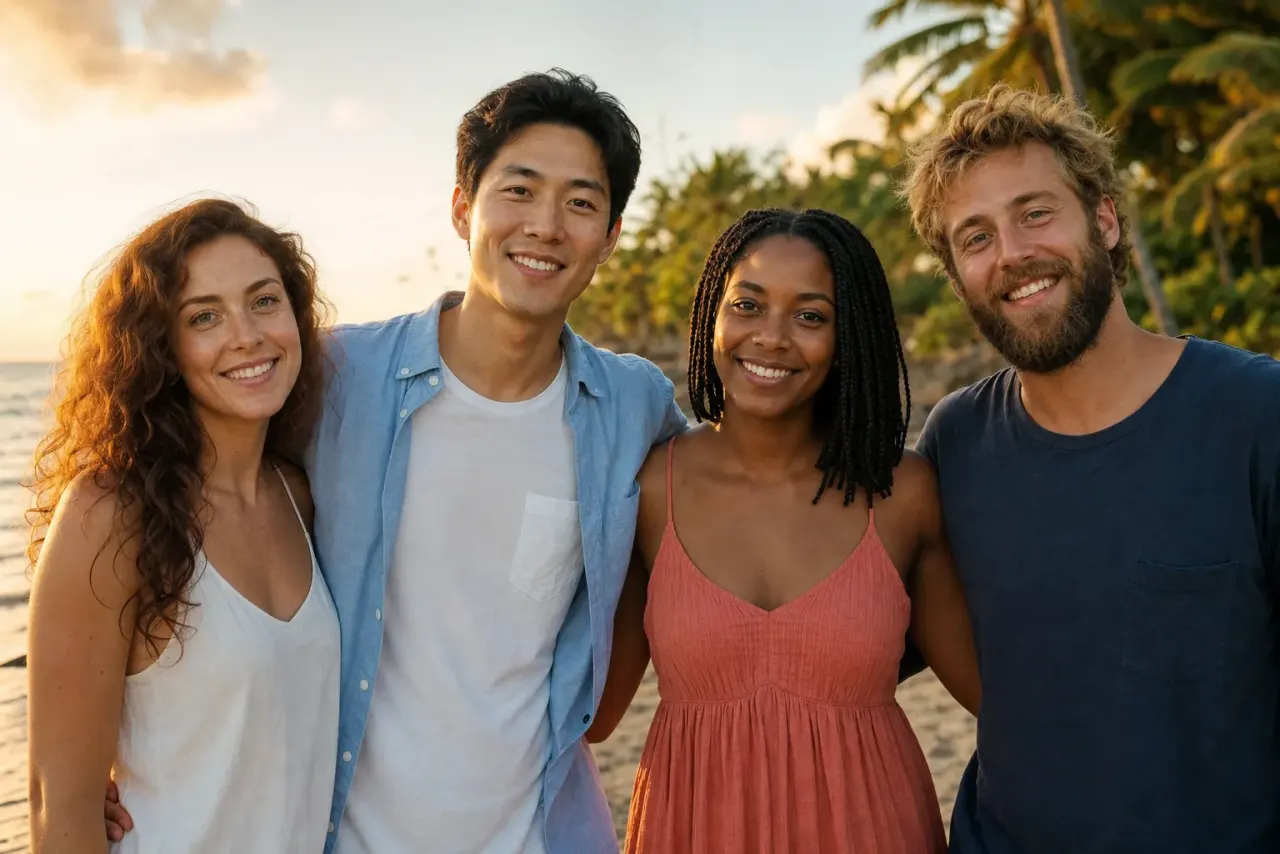
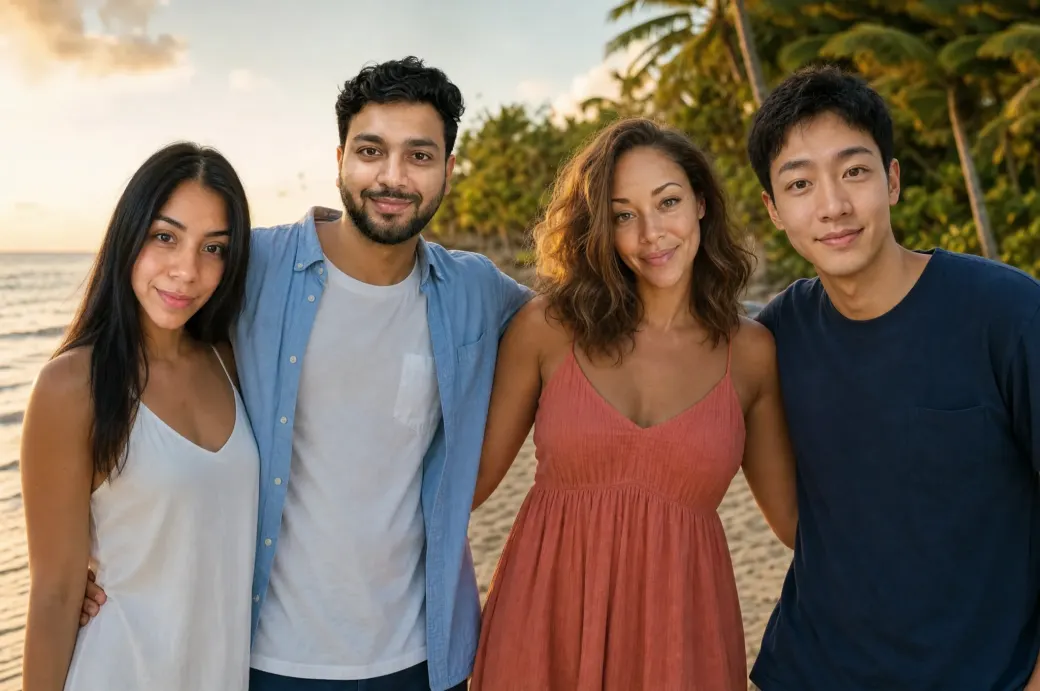
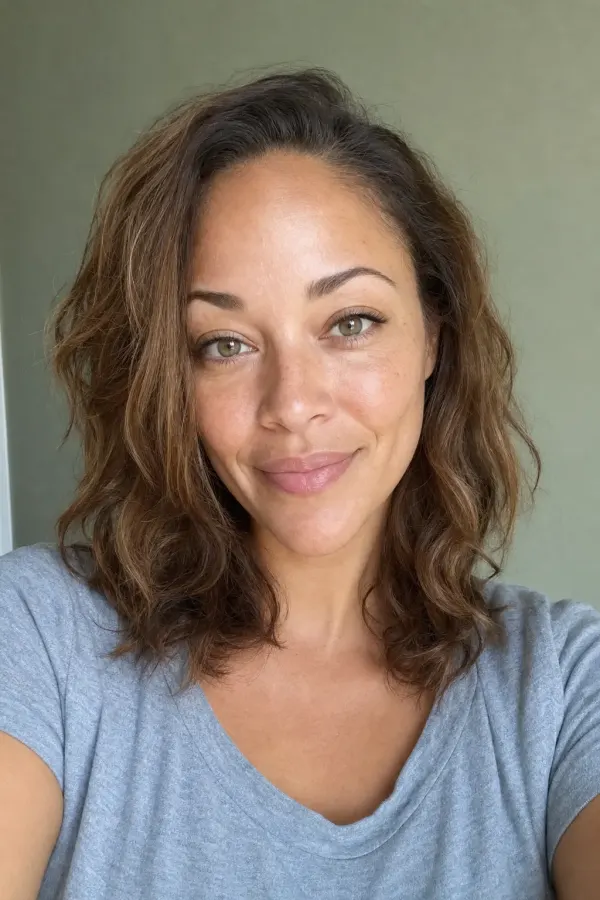
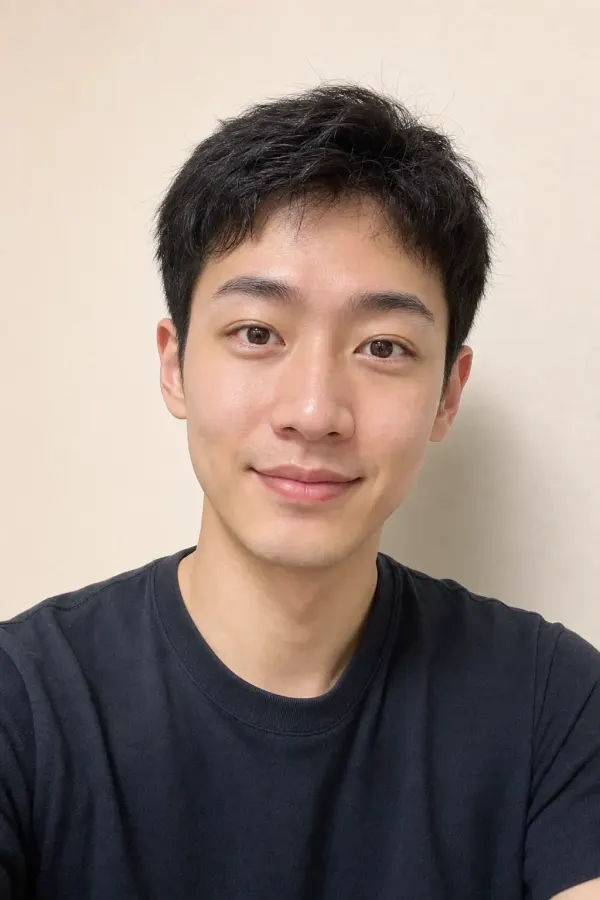
Upload a group photo, then add a new face for each person — our AI swaps every face in one shot while keeping the pose, lighting and scene intact.
Your group photo is ready to generate. Sign in to keep going — your uploaded people and setting are saved.
Drop in a group photo, pick up to five faces, and our AI swaps them all in a single generation — not five separate runs, not a manual pass per face. Lighting, skin tones, and angles stay matched across everyone in the frame.
Most face-swap tools only handle one face per photo and force you to re-run the model for each additional person — which means mismatched skin tones, lighting that doesn't quite agree, and edges that scream "composite." Our multi-face pipeline solves up to five faces in a single pass, so the whole group looks like it was photographed together. Here's how it works in 3 steps.
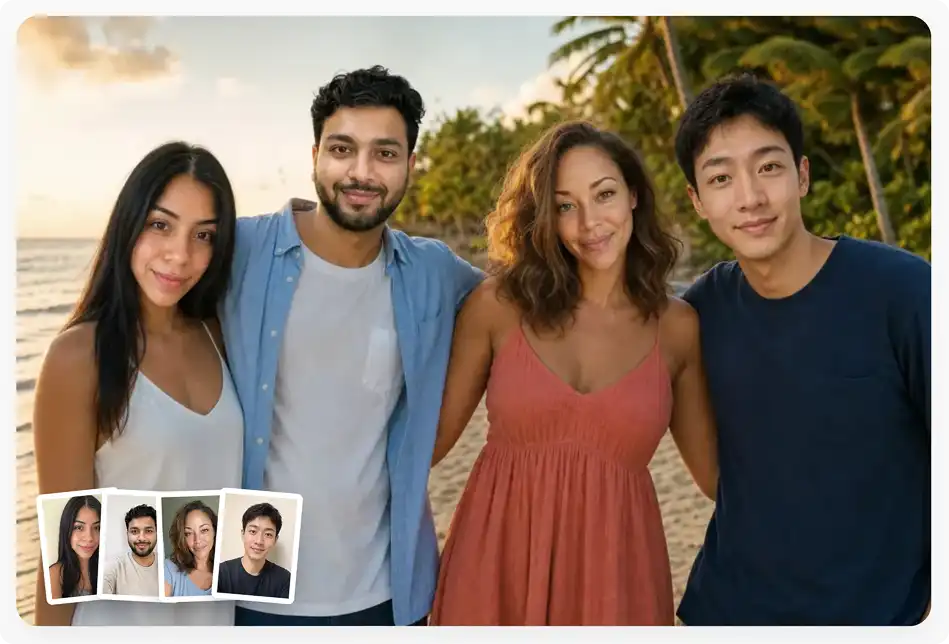
Drop your group photo into the upload zone — selfies, family shots, friend-group lineups, wedding stills, anything with up to five people. HEIC, PNG, JPG, WebP, and TIFF are all supported, including iPhone photos straight from the camera roll.
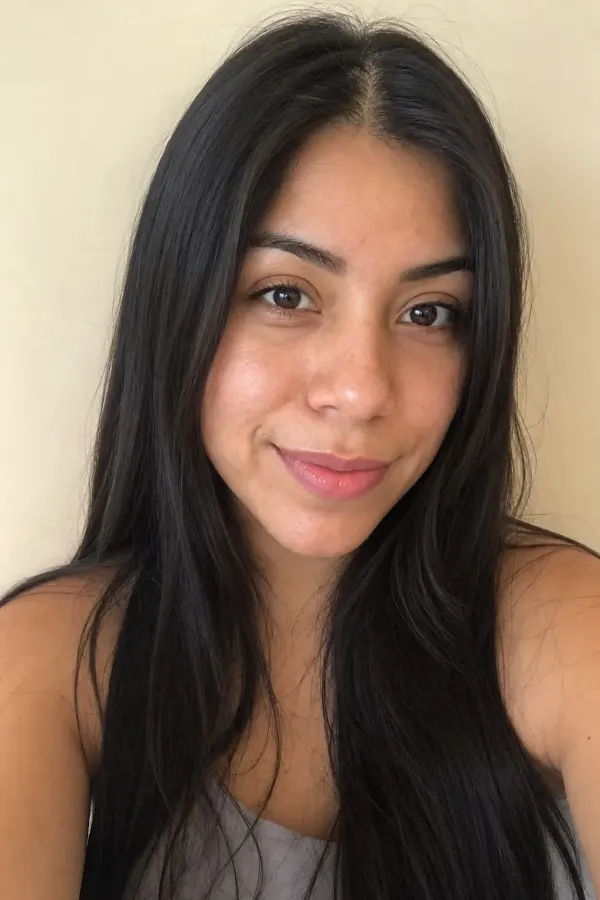
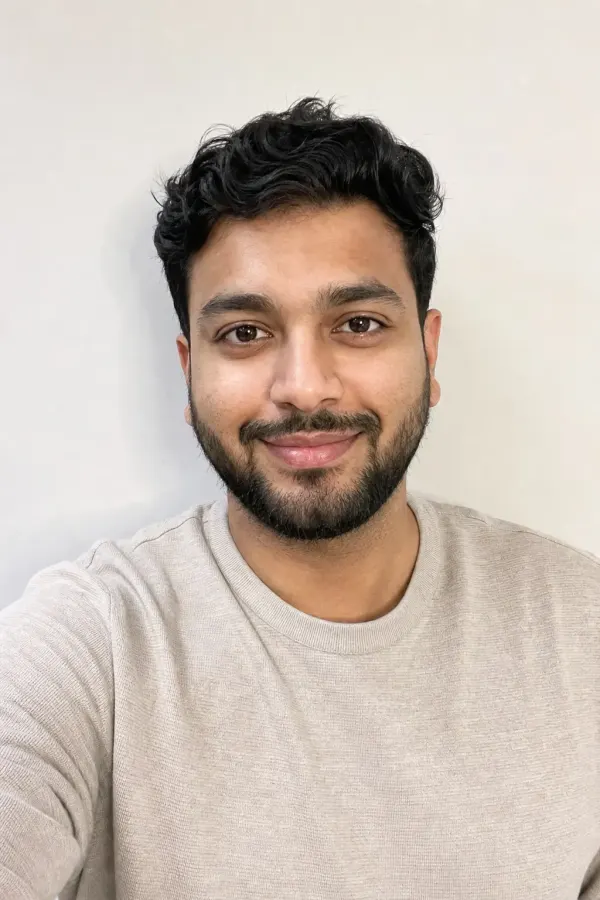
Tap each face you want to replace and upload the source face for each one. You can swap one person, two, all five — mix and match however you like. Each face gets its own source image, so a single generation can put five different people into one shot.
In under a minute you get the finished photo back — HD, with all swapped faces matched to the lighting and skin tones of the original scene. Download, share to your group chat, or post it straight to social.
USE CASES
Swap the whole friend group into a famous movie still, a meme template, or a Renaissance painting in one shot. Everyone keeps the same lighting because the whole frame regenerates together — no obvious stitch lines giving the joke away.
Drop missing family members into a holiday group shot — the sibling who couldn't fly home, grandparents on the other coast, the cousin who skipped the reunion. Up to five additions in a single generation, with skin tones and shadow direction matched to the original frame.
Add guests who couldn't make it to the ceremony into the official group photos. Wedding parties get reshoots that include the bridesmaid stuck on a delayed flight, the grandparent who couldn't travel, the friend who missed by an hour.
Drop your D&D party into a classic fantasy poster, your work team into the Avengers lineup, or your friend group onto a Friends episode still. Five faces means the entire cast can be your people, not just the lead.
Sports teams, school yearbooks, departments at work — fix the lineup when half the team missed picture day. Add the late-joining teammate to the season-opener photo, or rebuild the class shot with the kids who were home sick.
Multi-face swap reveals are TikTok gold — the more people in the original frame, the bigger the reaction. Generate them at scale: drop in a stock group photo, swap five faces, post the comparison. Repeat for the next trend.
Join the people using Overchat AI to put their whole crew into one shot — up to five faces in a single generation.
Overchat AI brings you the power of the world's top AI models: GPT, Claude, Gemini, Mistral, and more.

Because the model regenerates the whole frame in a single inference instead of running a single-face pipeline five separate times. That gives the entire group consistent lighting, consistent depth of field, and a single global noise profile — so the swap reads as one photo, not five composites pasted on top of each other. The five-face cap is where we set the trade-off between quality and how many people most users actually want to swap in a single shot.
Front-facing, well-lit headshots where the face fills a decent portion of the frame. Phone selfies are great. Avoid sunglasses, heavy shadow across one cheek, and side-profile shots where you can only see one ear. The angle of the source face doesn't have to match the target perfectly — the model rotates and re-lights as needed — but the closer it is, the better the result. One clear source image per swapped face.
Yes — that's the whole point of running all five faces in one generation. The AI samples the lighting direction, color temperature, and skin tone profile from the original photo, then re-lights every swapped face to match before placing it in the frame. Edge transitions blend with the surrounding skin so the swap doesn't break under zoom. If the original is harshly lit or low-resolution, results will track that quality — high-quality input gives high-quality output.
Overchat AI Multiple Face Swap is a paid tool because swapping five faces in one pass is a heavy compute job. Overchat AI also includes many free AI tools, including a free AI image generator. Create a free account to get started.

Chinese company Baidu has quietly released a model that's just as good as DeepSeek and ChatGPT — ERNIE 4.5 delivers exceptional performance at a fraction of the cost — and most people outside China have never even heard of it.

If you're wondering: what is DeepSeek AI, the answer is quite simple. DeepSeek AI is a Chinese AI research lab that builds large language models. The company released several models in late 2024 and early 2025 that compete directly with OpenAI's GPT-4 and Anthropic's Claude, but at a fraction of the operating cost.

ChatGPT Plus costs $20 per month plus tax, while the Pro plan costs $200 per month plus tax. Understandably, not everyone is willing to pay that much for a chatbot, especially if the premium features aren’t worth it to them. This raises an obvious question: how can I use ChatGPT for free?
Available on Web, iOS, and Android. Access your AI assistant anywhere, anytime.


.svg)
