


AI Image Translator — Translate Text in Any Image Online
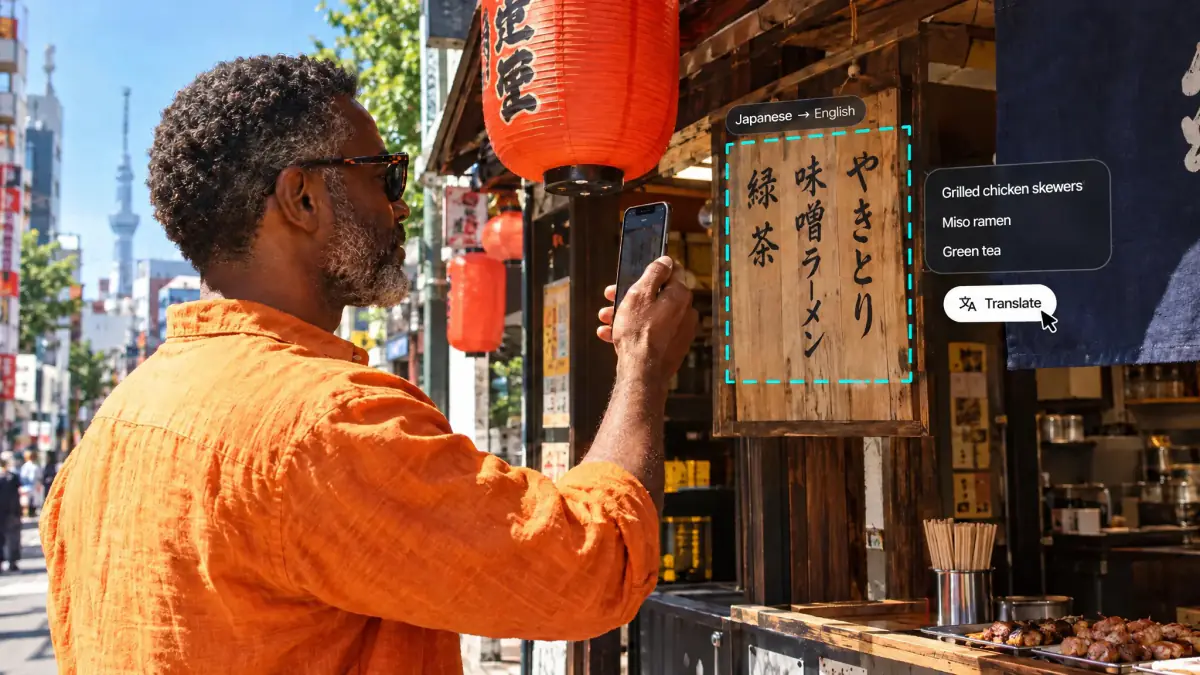
Drop in a photo, screenshot, menu, sign, document, or manga page and Overchat reads the text, translates it into English (or any of 100+ languages), and gives you clean, copy-ready output in seconds. No app install, no sign-up wall.
Why Use Our AI Image Translator
Stop typing words out of a picture by hand or pasting them through three different tools. Upload an image once and our image translator extracts every word, translates it accurately, and lays the result side by side with the original — OCR and translation rolled into one.
Vision AI built to translate text in image
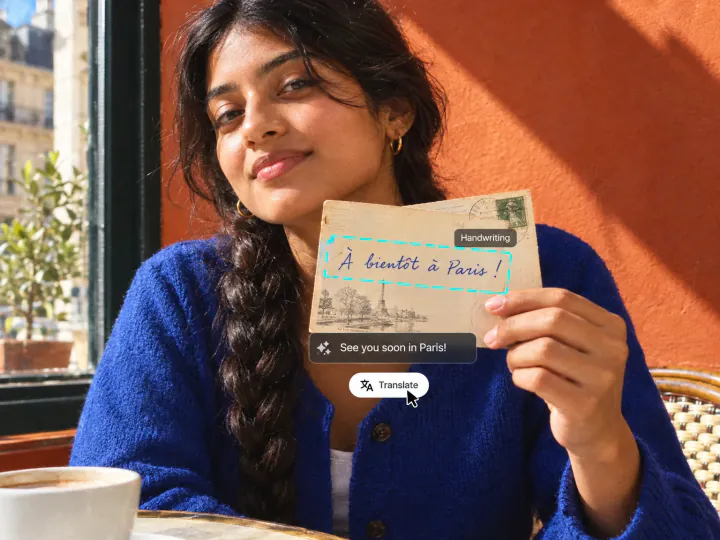
Powered by frontier vision models that read printed text, handwriting, and stylized fonts — the kind of accuracy generic OCR and Google Translate image scans miss on tricky photos and screenshots.
Try it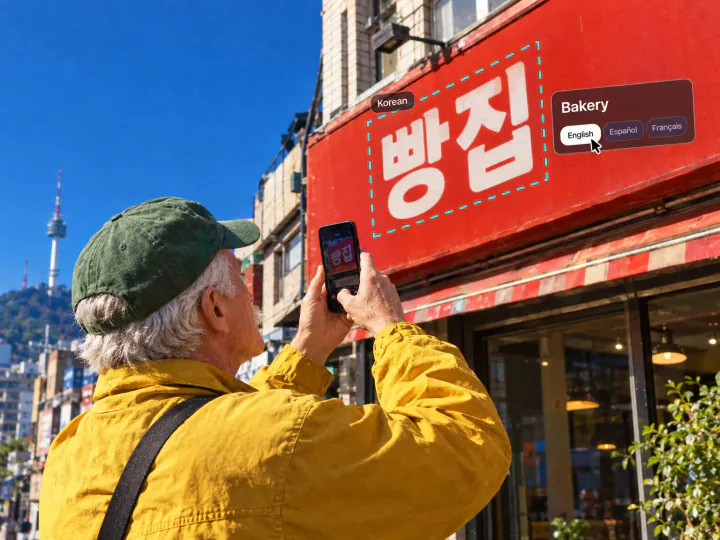
Picture translator for 100+ languages
Translate image to English from Japanese, Chinese, Korean, Spanish, French, German, Arabic, Hebrew, Russian, and more. The same picture translator works the other way too — translate English photos into any supported language.
Try it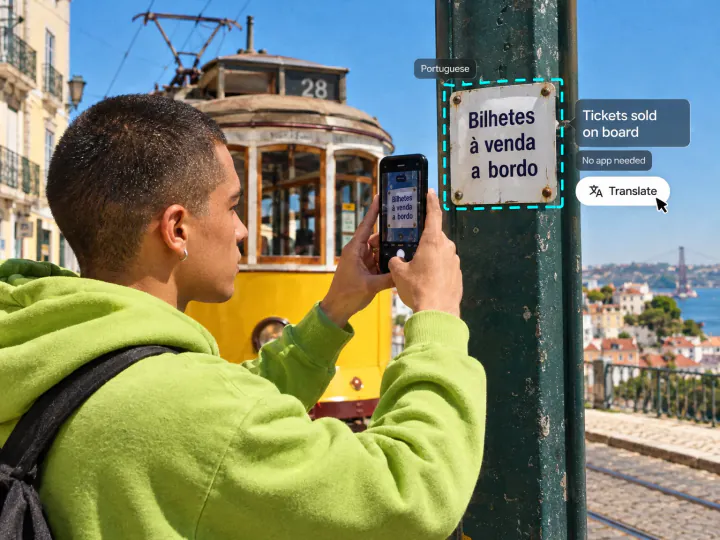
Free, online, no install
Use it as a free AI image translator right in the browser. No download, no extension, no sign-up to try it. Faster than a photo translator app, available on any device with a camera roll.
Try itWhat People Translate With the AI Image Translator
Translate menus, signs & photos abroad
Snap a menu, street sign, or product label and translate the photo on the spot. Handwritten chalkboards, neon signs, and tiny ingredient lists — the kinds of shots where Google Translate's image mode tends to break — come out clean.
Translate screenshots & documents
Drop a screenshot of a chat, contract, error message, or PDF page and translate the text from the image instantly. Great for translating screenshots from apps that block copy-paste, or scanned documents you can't easily OCR.
Translate manga, comics & doujin
Use it as an AI manga translator and comic translator: upload a manga page or comic panel and translate manga to English in seconds. A faster manga image translator than dedicated manga translator apps, with the same accuracy on Korean manhwa and Chinese manhua.
Translate Japanese, Chinese & Korean images
Works as a Japanese, Chinese, and Korean image translator in one tool. Translate Japanese text from a photo, decode kanji on a sign, or pull Chinese and Korean characters out of an image — no separate app needed.
Translate Spanish, Arabic, Hebrew & more
Translate Spanish, Arabic, Hebrew, German, Italian, Polish, or Tagalog text in any photo. Right-to-left scripts and accented Latin alphabets are handled cleanly, so you can translate text from a photo in nearly any European or Middle Eastern language.
Translate text on images for content & study
Researchers, students, and creators use the AI photo translator to translate slides, lecture notes, infographics, social posts, and reference images — then copy the translated text straight into a doc, deck, or essay.
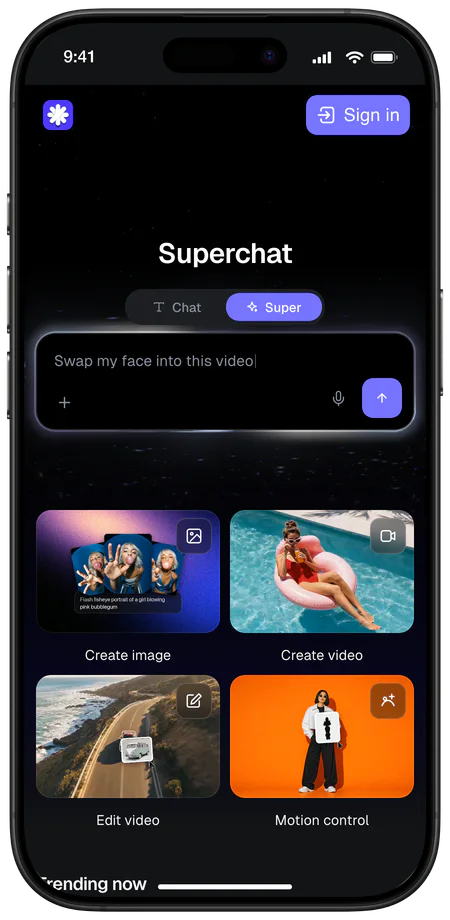
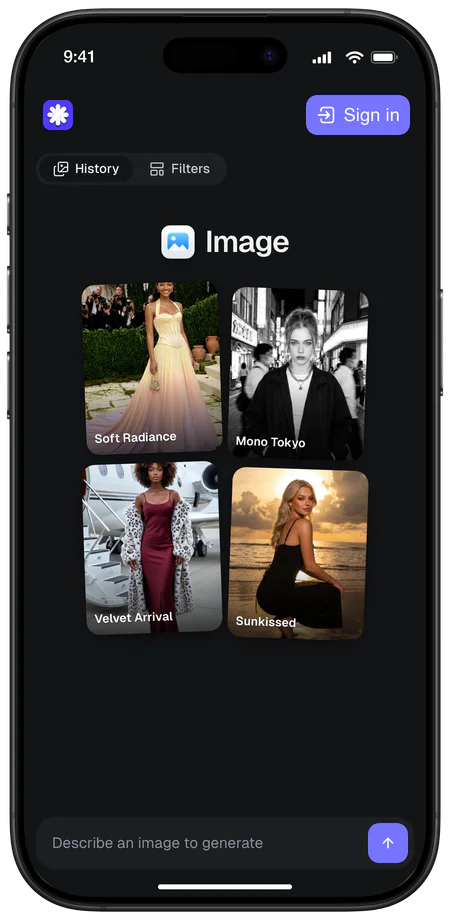
Overchat AI Mobile App For All Platforms
Available on Web, iOS, and Android. Access your AI assistant anywhere, anytime.



About Overchat AI
Overchat AI brings you the power of the world's top AI models: GPT, Claude, Gemini, Mistral, and more.
From The Blog
What is Baidu ERNIE 4.5? A Powerful AI Model From China
Chinese company Baidu has quietly released a model that's just as good as DeepSeek and ChatGPT — ERNIE 4.5 delivers exceptional performance at a fraction of the cost — and most people outside China have never even heard of it.
What Is DeepSeek AI — And How Does It Compare To ChatGPT?
If you're wondering: what is DeepSeek AI, the answer is quite simple. DeepSeek AI is a Chinese AI research lab that builds large language models. The company released several models in late 2024 and early 2025 that compete directly with OpenAI's GPT-4 and Anthropic's Claude, but at a fraction of the operating cost.
How to Use ChatGPT For Free: Three Popular Ways Explained
ChatGPT Plus costs $20 per month plus tax, while the Pro plan costs $200 per month plus tax. Understandably, not everyone is willing to pay that much for a chatbot, especially if the premium features aren’t worth it to them. This raises an obvious question: how can I use ChatGPT for free?
Explore More AI Tools
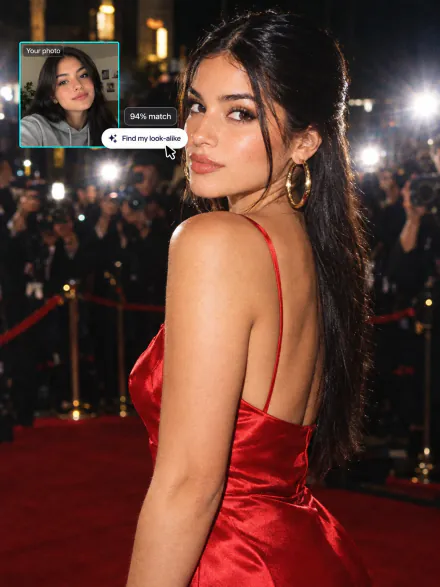
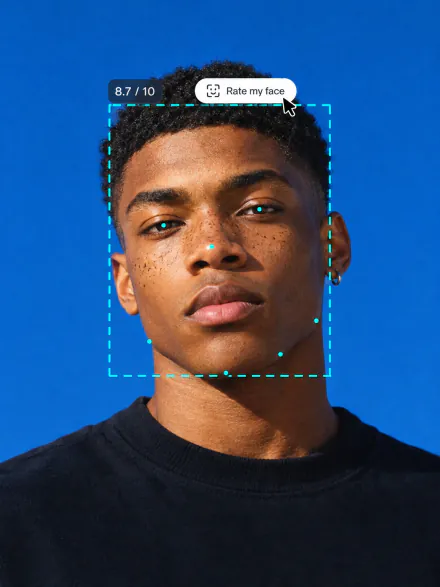
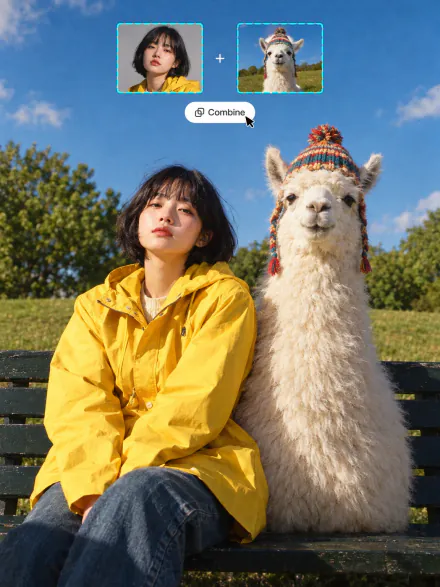
Swap into a movie star, rate your face, merge two photos or see your future baby. Every tool runs on the same subscription.
FAQ
If you have any questions,
reach out to us at hello@overchat.ai
Upload an image — a photo, screenshot, scanned document, or manga page — and our vision model reads every piece of text in it, including handwriting and stylized fonts. It then translates that text into your chosen language and shows the original photo next to the translation, so you can copy, download, or re-translate paragraph by paragraph. The whole flow takes a few seconds and works directly in the browser.
Open the image translator above, drop in or paste your photo (you can also paste from your clipboard or load it from a URL), pick the source and target language, and hit Translate. Within a few seconds you'll see the translated text — no install, no sign-up, no extension. It works as an online image translator on desktop and mobile browsers.
Photos, screenshots, scanned PDFs, restaurant menus, road signs, product labels, manga and comic pages, handwritten notes, slides, and infographics all work — anything up to 20 MB. The clearer the picture, the better the picture translator can read it: avoid heavy blur, glare, and extreme angles where possible. Both printed text and handwriting are supported.
Overchat is one of the best free image translators online. Where Google Translate's image scan stumbles on handwriting, manga panels, or low-light photos, our vision model still extracts and translates the text — with cleaner formatting and a side-by-side view instead of an overlay glued onto the original.
Yes, you can try it for free — no credit card needed. Overchat is a paid platform with many free AI tools (image generator, photo translator, AI writer, and more), so create a free account to keep translating images, screenshots, and manga without limits.


