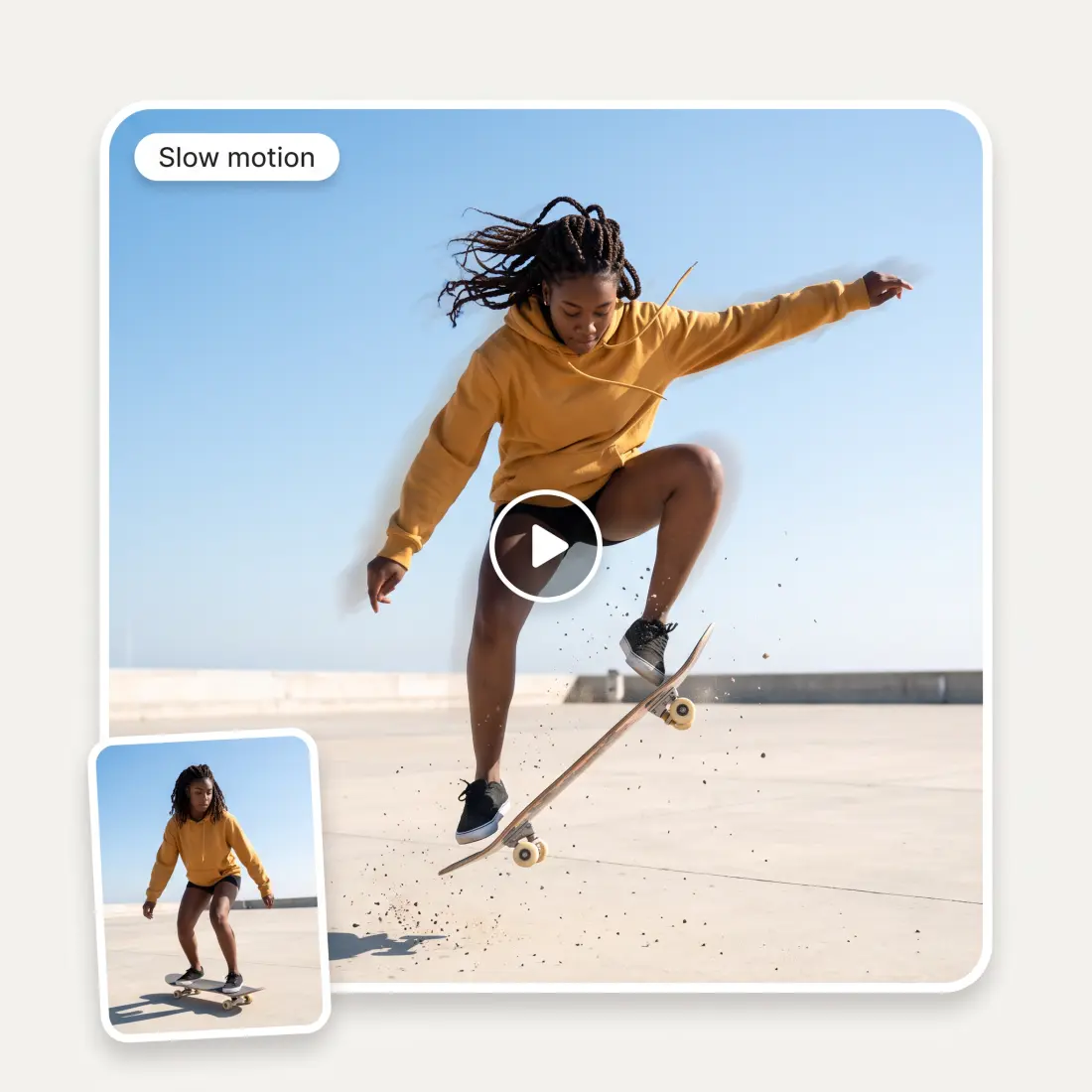
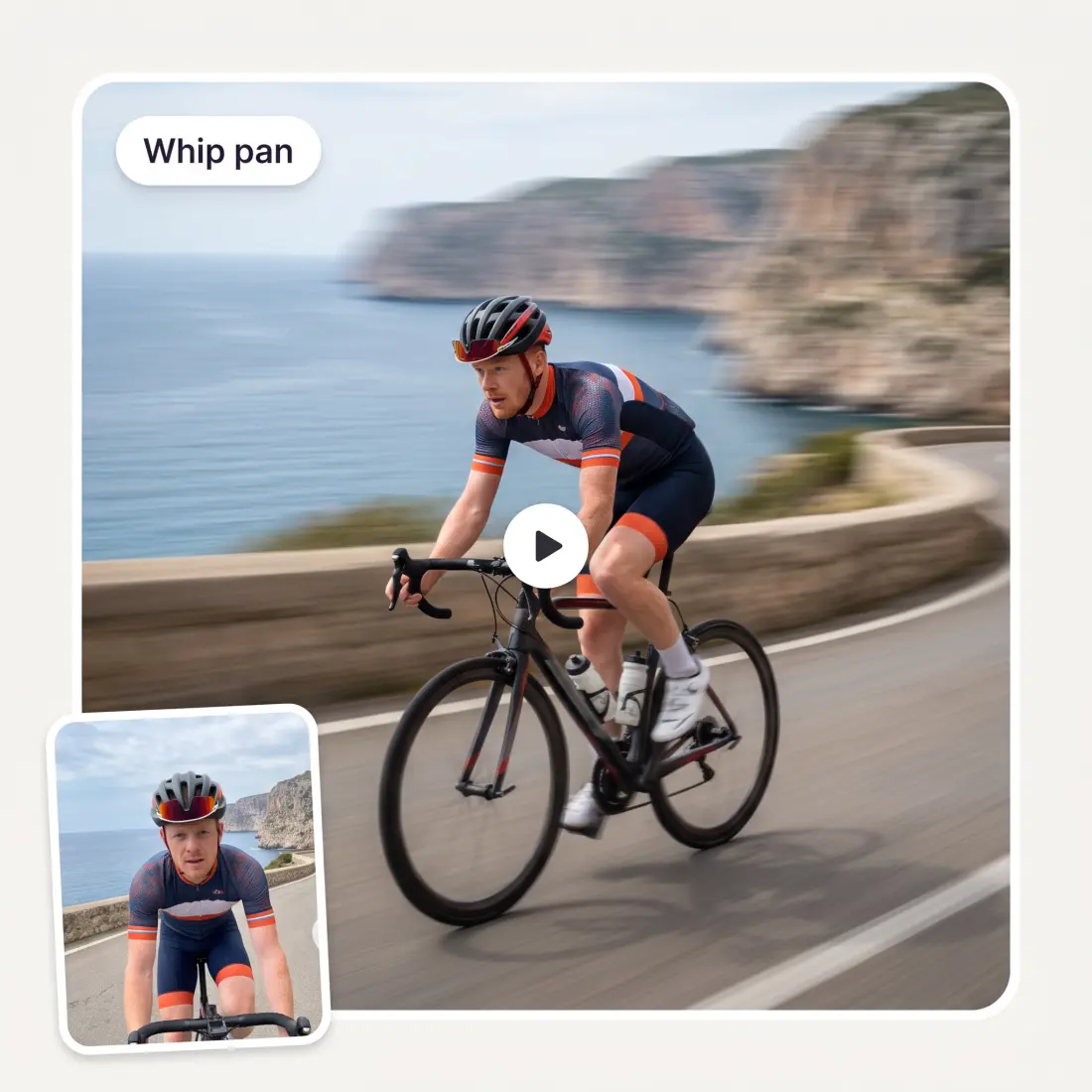
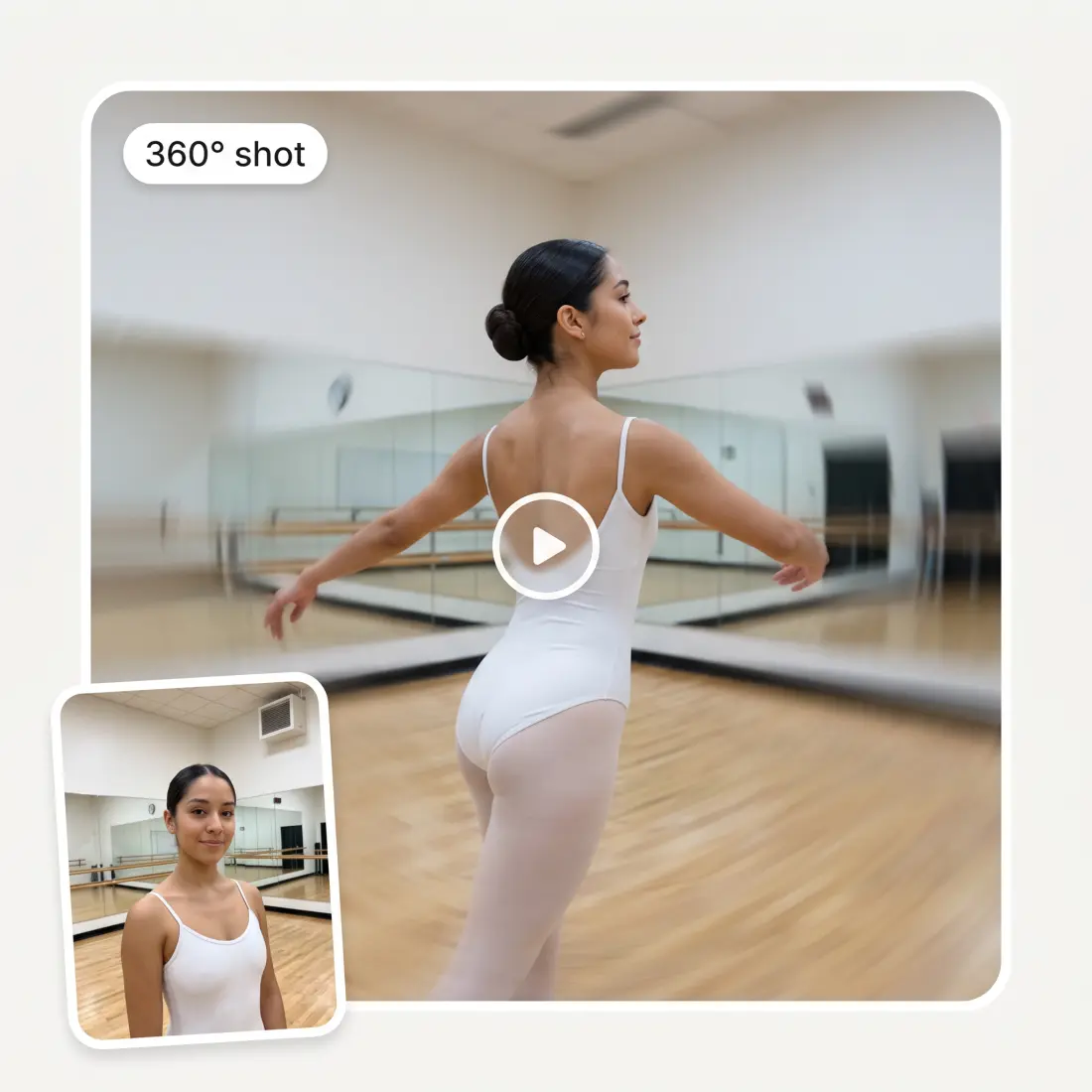
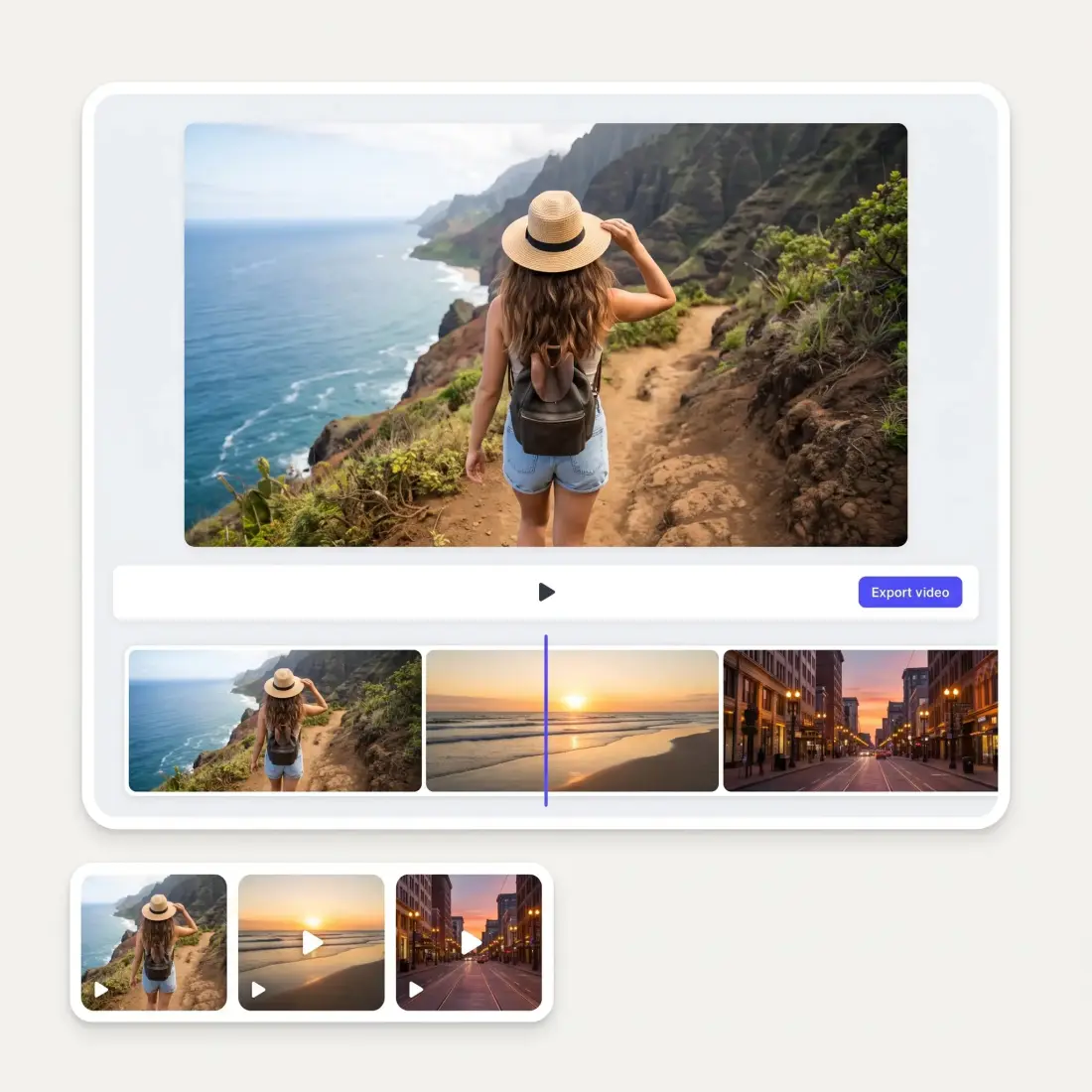
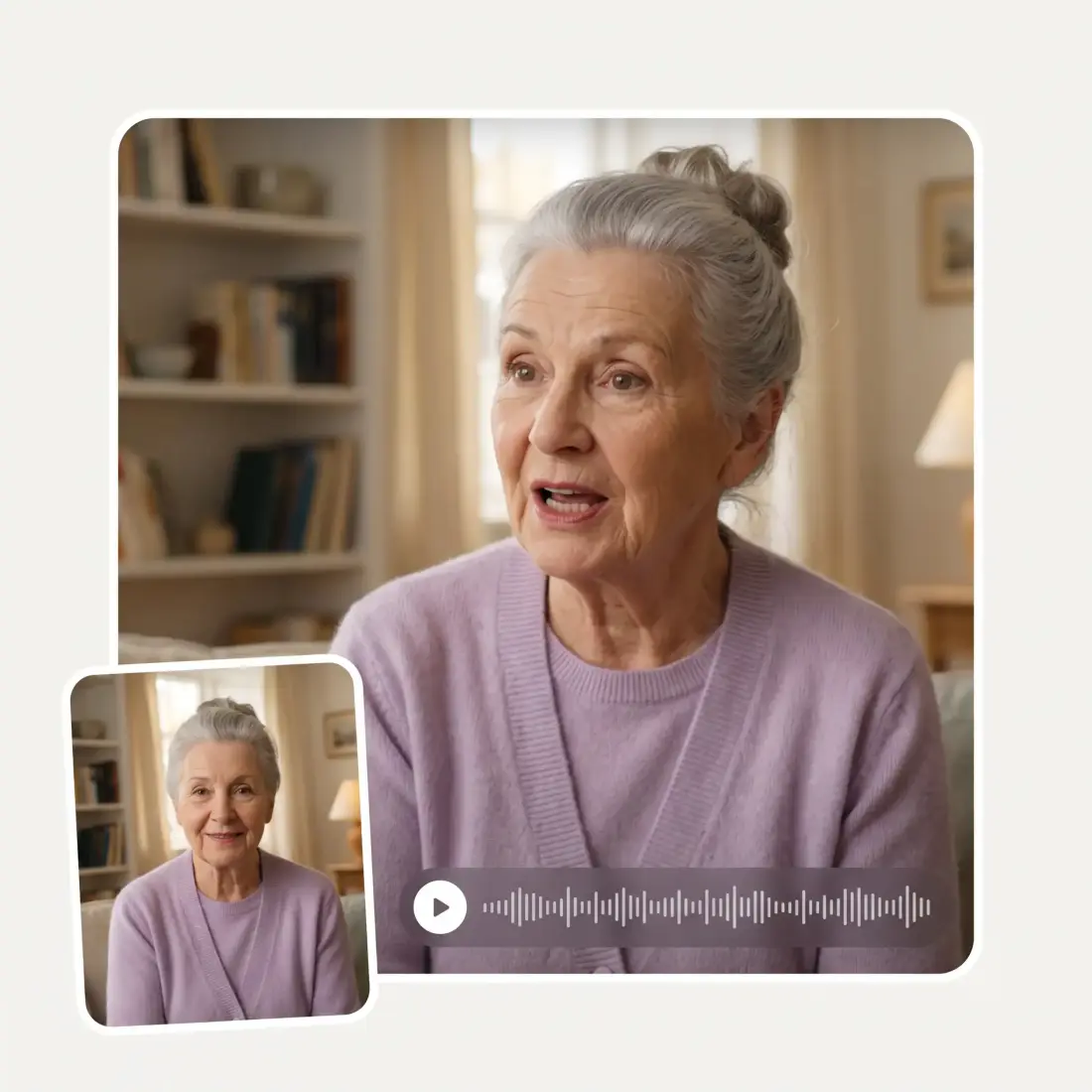
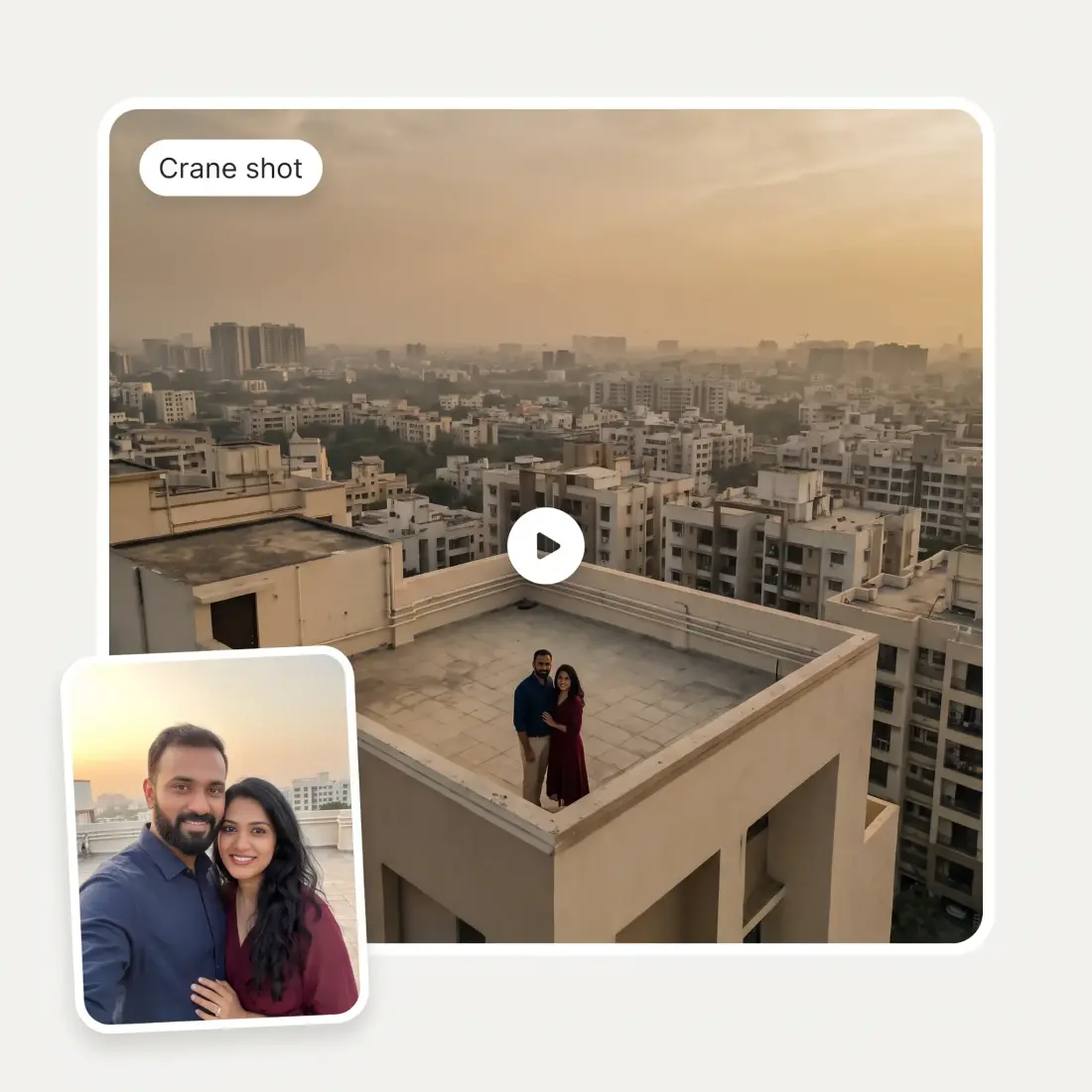
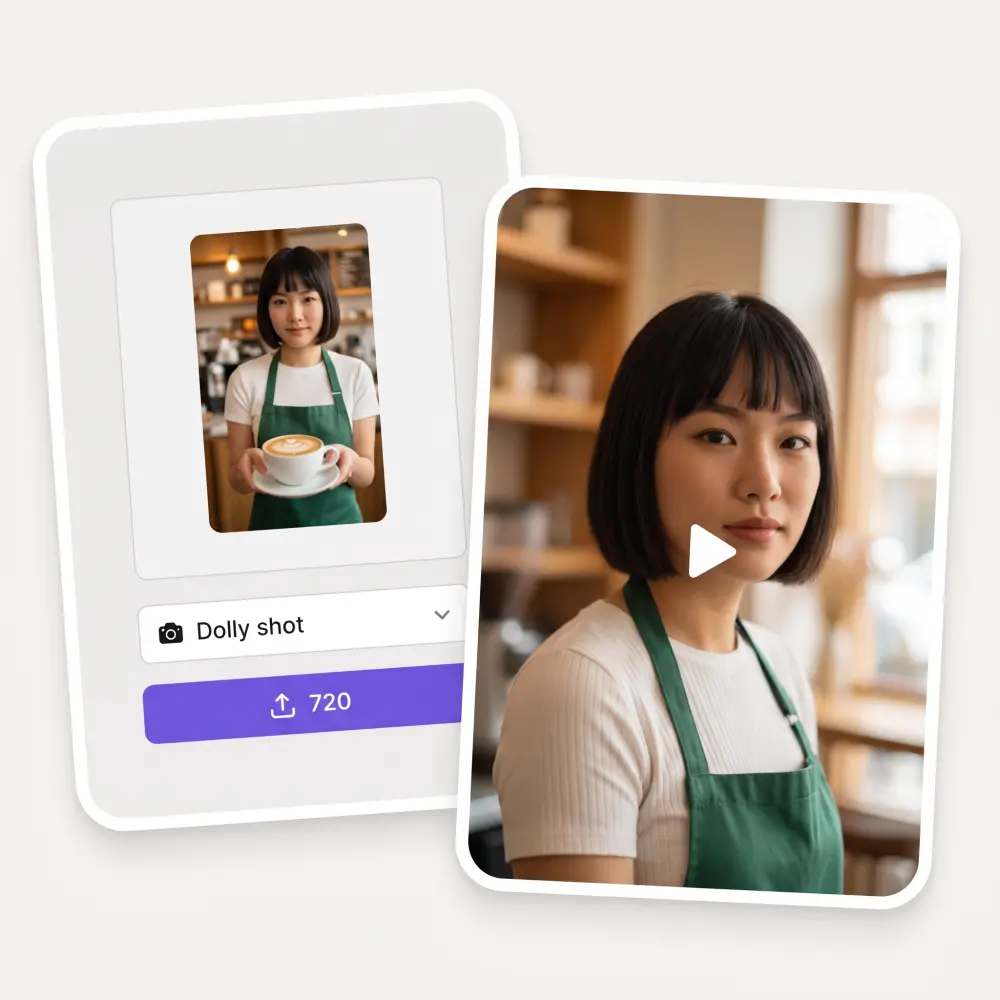
Upload your photo to Overchat AI Dolly Shot generator and animate it with realistic camera movement in seconds.
Preferences
Opening the video studio…
Photo to dolly shot
Upload one JPG, PNG or HEIC up to 20 MB. The camera glides toward your subject at eye level, as if riding a dolly track.
27 camera moves
Dolly shot is preselected. The same picker also has push in, pull out, vertigo effect, crane, tracking shot, 360 shot and 20 more, with a search box.
Pick the AI model
Kling 3 Turbo Pro is the default. Switch to Kling 3, Seedance 2 or 2.5, Veo 3.1, Grok Imagine Video, Wan 2.5, Gemini Omni and others.
Ratio follows the photo
A vertical photo becomes a 9:16 clip, a wide one becomes 16:9. You can override the ratio, duration and resolution before generating.
How to make a dolly shot from a photo
1
Upload a photo
Drag, paste or pick a JPG, PNG or HEIC up to 20 MB. One photo is all the tool needs.
2
Keep Dolly shot or pick another move
Dolly shot is already selected. Open the Camera move picker to switch to push in, vertigo effect or any of the other moves, and add details like mood if you want.
3
Adjust model, ratio and duration
Open Preferences to change the AI video model, aspect ratio, length from 3 to 15 seconds, and resolution where the model offers it.
4
Click the credits button and get the video
The purple button shows the price in credits. Click it, sign in to the Overchat AI Video Generator studio, and preview or download the finished clip there.
Who uses the AI dolly shot tool
🎬
Short-form creators
You post Reels, Shorts or TikToks and need a moving opener from a still photo without renting a dolly.
🏠
Real estate agents
You have one good photo of a living room and want a slow push toward the window for the listing video.
📦
Product sellers
You sell on Shopify or Etsy and want the camera to glide toward a product shot for an ad.
📷
Photographers
You want to show a portrait or landscape as a short clip on your site or in a client reel.
🎵
Music artists
You need a cinematic visualizer for a single and only have the cover art.
🎓
Film students
You are learning camera language and want to see how a dolly, a push in and a zoom differ on the same frame.
What people say about Overchat AI
★★★★★
Easy and convenient!
Jerry Rivers
United States · Trustpilot, 5 Nov 2025
★★★★★
Nice app, everything in one place
An Dy
Serbia · Trustpilot, 28 Nov 2025
★★★★★
Great experience! It helps me able to do my work and respond to questions quickly trusting that the my responses are grammatically correct.
Romanes Yarofaichie
Micronesia · Trustpilot, 30 Jul 2026
★★★★★
Affordable and simple to use. I like that I don't have to pay for several different services anymore.
Dylan Thompson
United States · Trustpilot, 28 Oct 2025
★★★★★
It's a nice place to be. I love it
Fabiyi Oluwakemi Phillips
Nigeria · Trustpilot, 23 Jul 2026
★★★★★
Good and easy to use
Kanan Safarli
United Kingdom · Trustpilot, 23 Jul 2026
Frequently Asked Questions
What is a dolly shot?
A dolly shot is a camera move where the whole camera travels through space, usually on a wheeled cart on rails. It moves toward, away from or alongside the subject, so the perspective changes as it goes. This tool recreates that move from a single photo: the AI model builds the parallax and depth, and the camera appears to glide toward your subject.
What is the difference between a dolly shot and a zoom?
A dolly physically moves the camera, so foreground and background shift at different speeds and the space feels real. A zoom changes the lens focal length from a fixed spot, so the image only magnifies and perspective stays flat. On this page the default move is a true dolly. If you want a zoom feel instead, pick Crash zoom or Push in from the camera move picker.
What is a dolly zoom and can this tool do it?
A dolly zoom moves the camera in while zooming out, or the reverse, so the subject stays the same size and the background stretches or compresses. It is the Vertigo and Jaws effect. Yes, it is in the picker under Vertigo effect. Select it instead of Dolly shot before you click the credits button.
Can I make a dolly shot without a dolly?
Yes. You do not need tracks, a cart or a gimbal. Upload one photo and the AI video model generates the camera travel for you. The result is a short clip of 3 to 15 seconds, depending on the model you choose.
Does it work with a video I already filmed?
No. This tool animates a photo, not a video file. If you have existing footage and want to build on it, use the Overchat AI Video Generator studio, which has other video tools. For a dolly shot, start from your best still frame or any photo.
What is the difference between dolly in and dolly out?
Dolly in moves the camera toward the subject and pulls the viewer into the scene. Dolly out moves it away and reveals more of the surroundings. The default Dolly shot here glides toward the subject. For the opposite direction pick Pull out, and for a faster approach pick Push in.
Which AI video model should I pick?
Kling 3 Turbo Pro is the default and works well for most photos. Kling 3, Seedance 2 and 2.5, Veo 3.1, Grok Imagine Video, Wan 2.5 and Gemini Omni are also available in Preferences. Each model has its own duration and resolution options, and the credit price on the button updates when you switch.
Is the AI dolly shot free and does it have a watermark?
Generation runs on Overchat credits, and the exact price is shown on the purple button before you click it. You sign in to the Overchat AI Video Generator studio, where the video is generated, previewed and downloaded. Paid output has no watermark. Your photo stays inside the Overchat pipeline and is not shared with other services.
{"@context":"https://schema.org","@graph":[{"@type":"WebApplication","@id":"https://overchat.ai/ai-tools/ai-dolly-shot#app","name":"AI Dolly Shot Generator","url":"https://overchat.ai/ai-tools/ai-dolly-shot","applicationCategory":"MultimediaApplication","operatingSystem":"Web","description":"Upload one photo and get a smooth dolly shot video. Pick from 27 camera moves, set the AI model, ratio and duration, then download it in Overchat studio.","offers":{"@type":"Offer","price":"0","priceCurrency":"USD","description":"Free to start; video generation uses Overchat credits."},"publisher":{"@type":"Organization","name":"Overchat AI","url":"https://overchat.ai/"}},{"@type":"BreadcrumbList","@id":"https://overchat.ai/ai-tools/ai-dolly-shot#breadcrumb","itemListElement":[{"@type":"ListItem","position":1,"name":"Overchat AI","item":"https://overchat.ai/"},{"@type":"ListItem","position":2,"name":"Video","item":"https://overchat.ai/video"},{"@type":"ListItem","position":3,"name":"AI Video Generator","item":"https://overchat.ai/video/ai-video-generator"},{"@type":"ListItem","position":4,"name":"AI Dolly Shot","item":"https://overchat.ai/ai-tools/ai-dolly-shot"}]},{"@type":"FAQPage","@id":"https://overchat.ai/ai-tools/ai-dolly-shot#faq","mainEntity":[{"@type":"Question","name":"What is a dolly shot?","acceptedAnswer":{"@type":"Answer","text":"A dolly shot is a camera move where the whole camera travels through space, usually on a wheeled cart on rails. It moves toward, away from or alongside the subject, so the perspective changes as it goes. This tool recreates that move from a single photo: the AI model builds the parallax and depth, and the camera appears to glide toward your subject."}},{"@type":"Question","name":"What is the difference between a dolly shot and a zoom?","acceptedAnswer":{"@type":"Answer","text":"A dolly physically moves the camera, so foreground and background shift at different speeds and the space feels real. A zoom changes the lens focal length from a fixed spot, so the image only magnifies and perspective stays flat. On this page the default move is a true dolly. If you want a zoom feel instead, pick Crash zoom or Push in from the camera move picker."}},{"@type":"Question","name":"What is a dolly zoom and can this tool do it?","acceptedAnswer":{"@type":"Answer","text":"A dolly zoom moves the camera in while zooming out, or the reverse, so the subject stays the same size and the background stretches or compresses. It is the Vertigo and Jaws effect. Yes, it is in the picker under Vertigo effect. Select it instead of Dolly shot before you click the credits button."}},{"@type":"Question","name":"Can I make a dolly shot without a dolly?","acceptedAnswer":{"@type":"Answer","text":"Yes. You do not need tracks, a cart or a gimbal. Upload one photo and the AI video model generates the camera travel for you. The result is a short clip of 3 to 15 seconds, depending on the model you choose."}},{"@type":"Question","name":"Does it work with a video I already filmed?","acceptedAnswer":{"@type":"Answer","text":"No. This tool animates a photo, not a video file. If you have existing footage and want to build on it, use the Overchat AI Video Generator studio, which has other video tools. For a dolly shot, start from your best still frame or any photo."}},{"@type":"Question","name":"What is the difference between dolly in and dolly out?","acceptedAnswer":{"@type":"Answer","text":"Dolly in moves the camera toward the subject and pulls the viewer into the scene. Dolly out moves it away and reveals more of the surroundings. The default Dolly shot here glides toward the subject. For the opposite direction pick Pull out, and for a faster approach pick Push in."}},{"@type":"Question","name":"Which AI video model should I pick?","acceptedAnswer":{"@type":"Answer","text":"Kling 3 Turbo Pro is the default and works well for most photos. Kling 3, Seedance 2 and 2.5, Veo 3.1, Grok Imagine Video, Wan 2.5 and Gemini Omni are also available in Preferences. Each model has its own duration and resolution options, and the credit price on the button updates when you switch."}},{"@type":"Question","name":"Is the AI dolly shot free and does it have a watermark?","acceptedAnswer":{"@type":"Answer","text":"Generation runs on Overchat credits, and the exact price is shown on the purple button before you click it. You sign in to the Overchat AI Video Generator studio, where the video is generated, previewed and downloaded. Paid output has no watermark. Your photo stays inside the Overchat pipeline and is not shared with other services."}}]}]}



.webp)