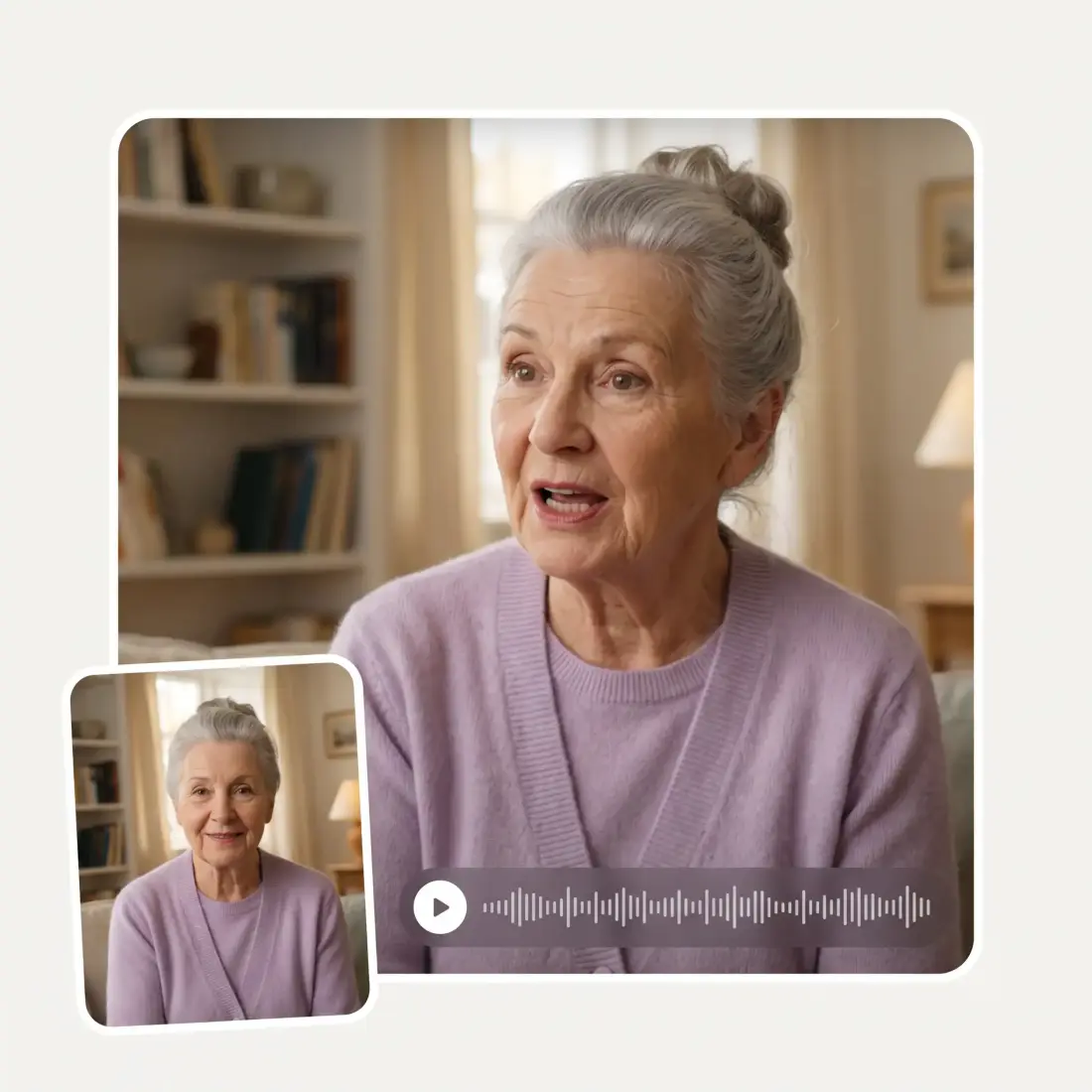
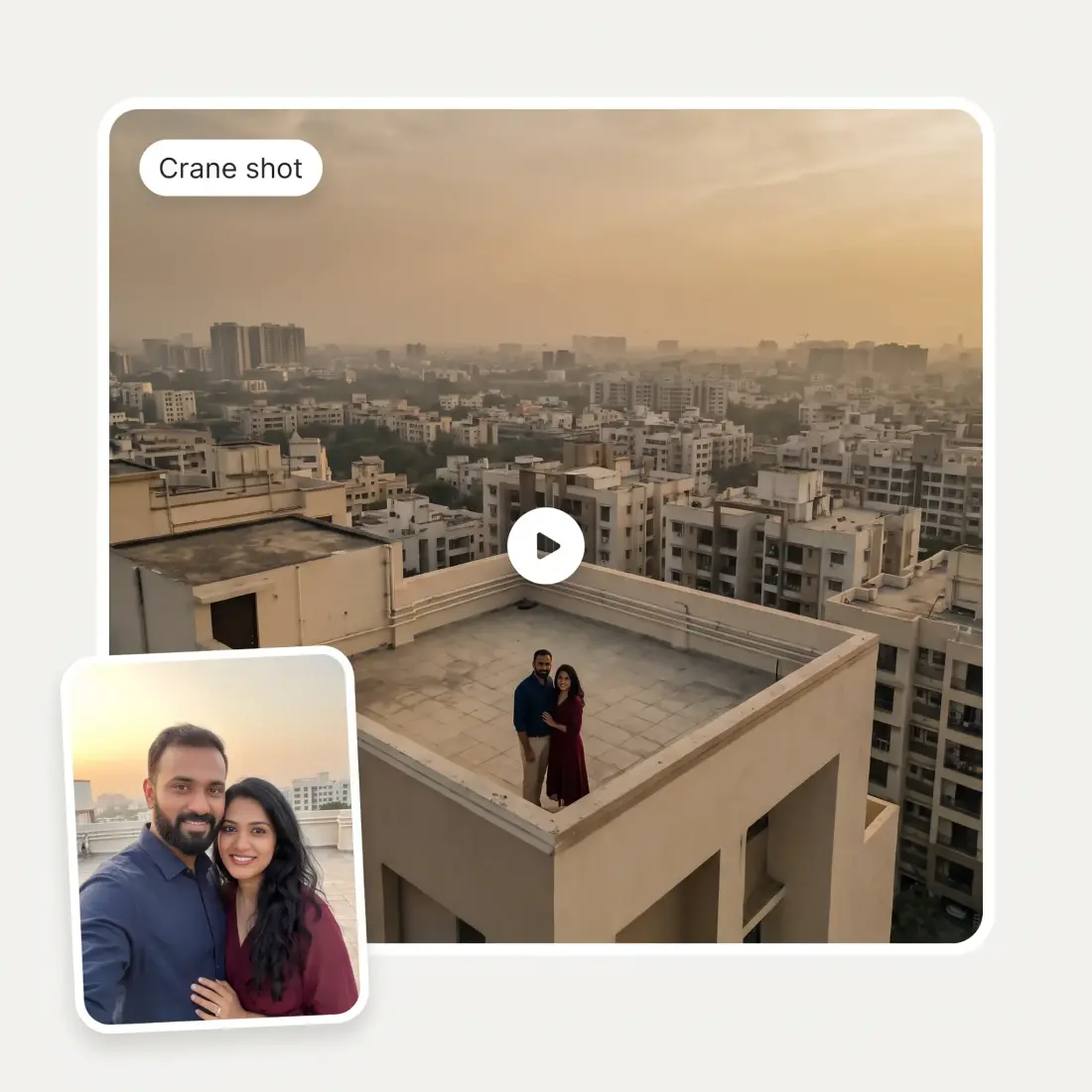
Upload your photo to Overchat AI 360-Degree Shot generator and animate it with realistic camera movement in seconds.
Preferences
Opening the video studio…
One photo, full orbit
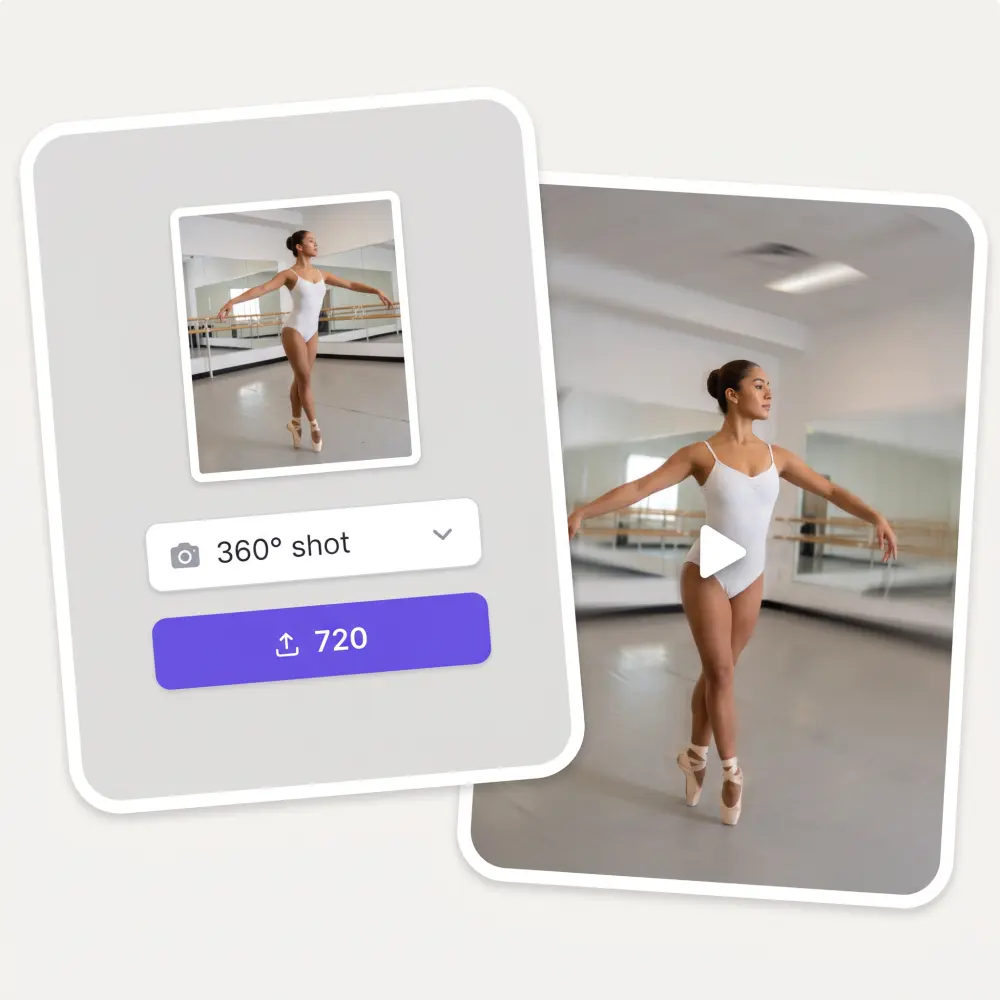
Upload a single JPG, PNG or HEIC up to 20 MB. The AI circles the subject and fills in the sides your photo did not show.
27 camera moves
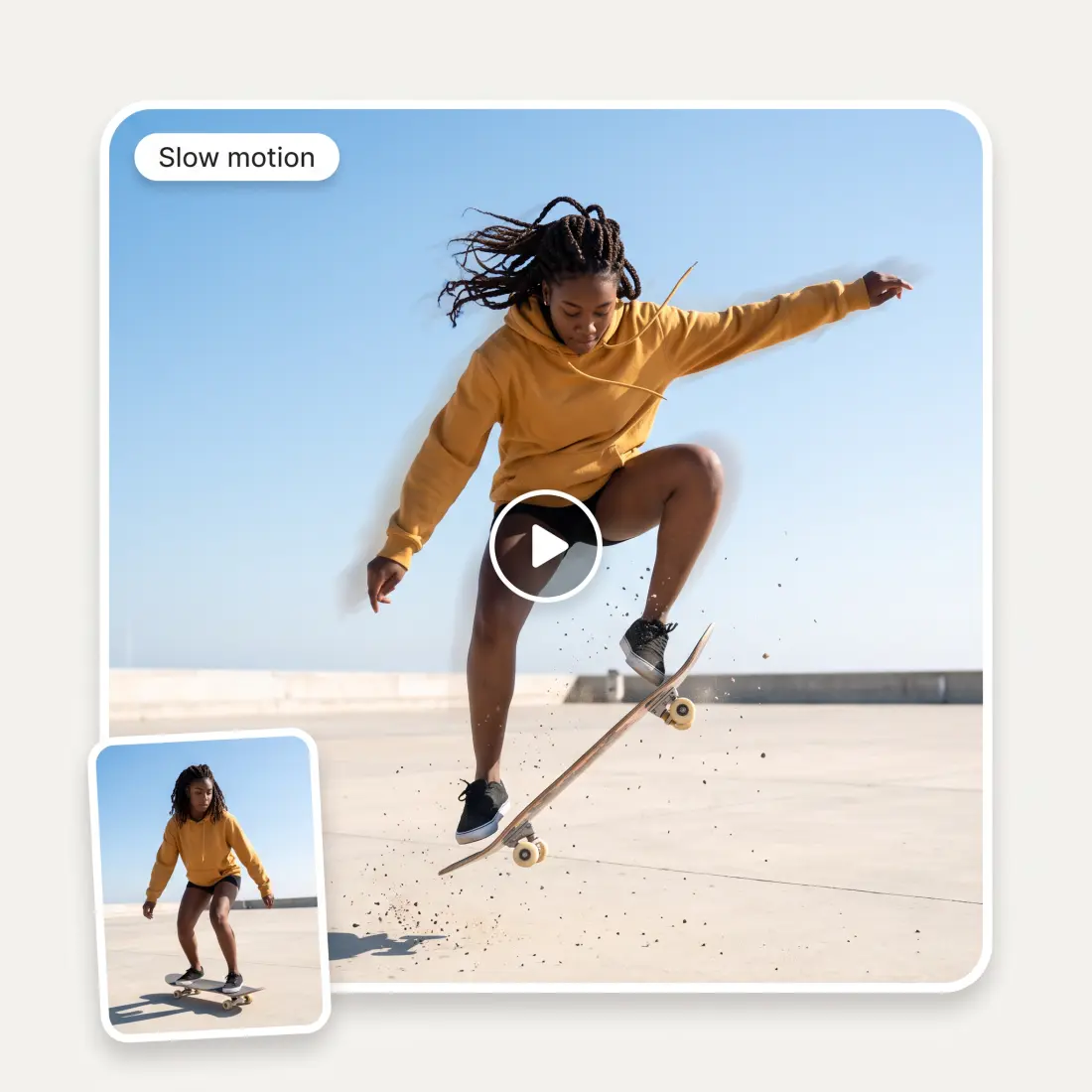
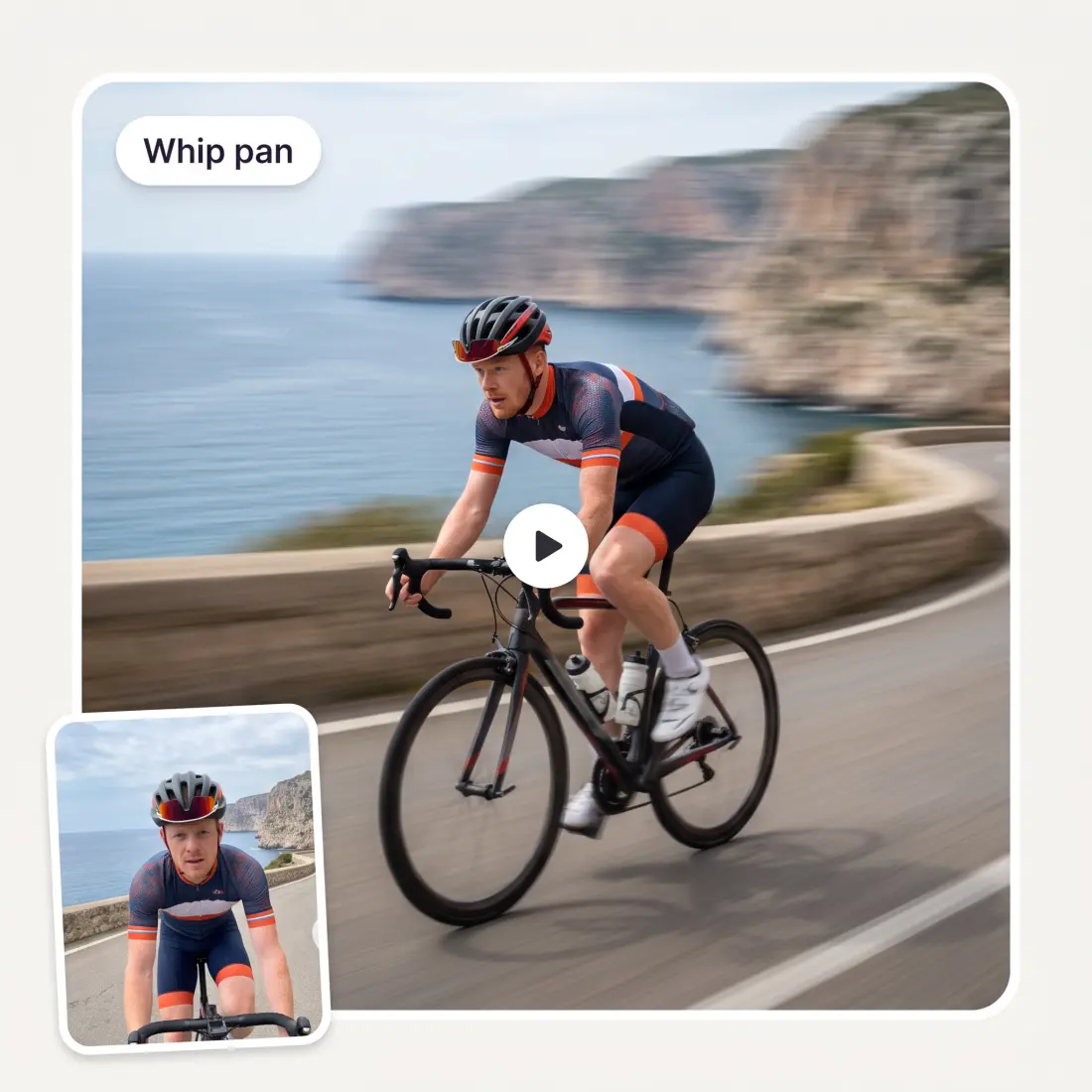
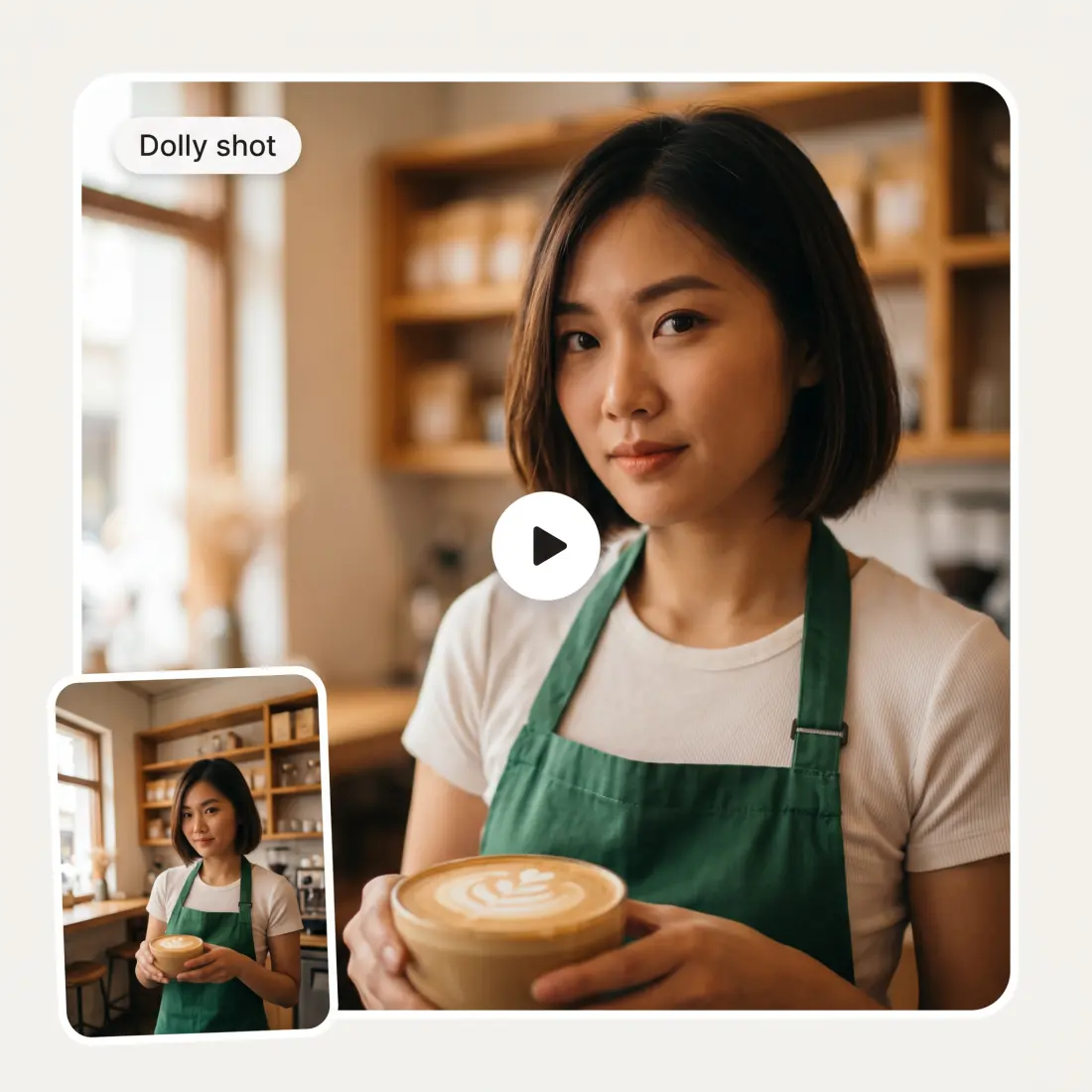
The 360° shot is preselected, but the same picker lists 26 other moves, from dolly and crane to whip pan and vertigo effect. A search box finds them fast.
Choose the AI model
Kling 3 Turbo Pro is the default. You can switch to Kling 3, Seedance 2 or 2.5, Grok Imagine Video, Veo 3.1, Wan 2.5, Gemini Omni and others.
Ratio follows the photo
A vertical photo becomes a 9:16 clip, a landscape photo becomes 16:9, and square stays 1:1. You can override the ratio before you generate.
How to make a 360-degree shot from a photo
1
Upload a photo
Drag, paste or pick one JPG, PNG or HEIC up to 20 MB. A clear subject with some space around it works best.
2
Keep the 360° shot or pick another move
The 360° shot is already selected. Open the Camera move picker to swap it, or add a note about mood or where the camera goes.
3
Adjust model, ratio and duration
In Preferences pick the AI video model, the aspect ratio, a duration from 3 to 15 seconds, and resolution where the model offers it.
4
Click the credits button and get the video
The purple button shows the price in credits. Click it, sign in to Overchat, and the video renders in the AI Video Generator studio, ready to preview and download.
Who uses the AI 360-degree shot
🛒
Online sellers
You have one product photo and want a spinning clip for the listing without a turntable.
🎬
Short-form creators
You need an orbiting reveal for a Reel or TikTok and only have a still photo.
📷
Portrait photographers
You want to turn a client headshot into a slow circling video for their page.
🏠
Real estate agents
You have an exterior photo and want the camera to circle the house for a listing teaser.
🚗
Car and bike owners
You shot your vehicle from one angle and want a walk-around clip for a sale post.
🎓
Film students
You want to preview how a 360-degree shot reads on a scene before renting gear.
What people say about Overchat AI
★★★★★
Great experience! It helps me able to do my work and respond to questions quickly trusting that the my responses are grammatically correct.
Romanes Yarofaichie
Micronesia · Trustpilot, 30 Jul 2026
★★★★★
Affordable and simple to use. I like that I don't have to pay for several different services anymore.
Dylan Thompson
United States · Trustpilot, 28 Oct 2025
★★★★★
It's a nice place to be. I love it
Fabiyi Oluwakemi Phillips
Nigeria · Trustpilot, 23 Jul 2026
★★★★★
Good and easy to use
Kanan Safarli
United Kingdom · Trustpilot, 23 Jul 2026
★★★★★
im really into ai apps and that one is good, helps me with my arts and homework. i draw ai vids for inst and generate images with my characters, many widgets and models! like it
Rita Semenova
Germany · Trustpilot, 14 Aug 2026
★★★★★
I've started to use overchat last week and it feels very promising. Lots of AI models in one place saves a lot of money in comparison if you buy subscriptions for each one.
Georgy P
Armenia · Trustpilot, 14 Jul 2026
Frequently Asked Questions
What is a 360-degree shot?
A 360-degree shot, also called an arc shot or orbit shot, is a camera move where the camera travels in a full circle around a subject. The subject stays in the center of the frame while the background sweeps past. Filmmakers use it to reveal a character, show a product from every side, or build tension. This tool recreates that move from a single still photo.
Can AI make a 360-degree video from one photo?
Yes. You upload one photo, and the AI video model animates a camera orbiting the subject. It reads the shape, lighting and depth in your photo and imagines the sides it cannot see. The result is a short video clip, not a set of real photos from every angle.
Is this the same as a 360° VR or panoramic video?
No. A 360° VR video is a spherical recording you look around inside with a headset or by dragging the view. This tool makes a normal flat video where the camera circles your subject. There is no equirectangular output, no 3D model, and no headset mode. If you need a VR panorama, you need a 360 camera, not this tool.
How does the AI know what the back of the subject looks like?
It does not know. The model predicts the hidden sides from what is visible and from patterns it learned during training. The back of a person or product is a plausible reconstruction, not a capture. Logos, text and fine details on unseen sides may come out different from the real thing, so check the clip before you use it for a listing.
Which AI video model should I pick for a 360-degree shot?
Kling 3 Turbo Pro is the default and a good first choice for a smooth orbit. Kling 3, Seedance 2 and 2.5, Veo 3.1, Wan 2.5, Grok Imagine Video and Gemini Omni are also available in Preferences. Models differ in how they handle faces, motion speed and duration limits, so try a second model if the first result is not what you want. Each model shows its own credit price on the button.
How long is the video and how long does it take?
You can set the duration from 3 to 15 seconds depending on the model, and 5 seconds is the default. Generation happens in the Overchat AI Video Generator studio after you sign in. Most clips are ready within a few minutes, and you can preview and download the file from the studio.
Can I use it for product spin videos on my store?
Yes, that is one of the most common uses. Upload a clean product photo, keep the 360° shot selected, and generate. Keep in mind the AI invents the unseen sides, so it works best for products whose back looks like their front. It is a promo clip, not a substitute for a real multi-photo turntable capture.
Is the AI 360-degree shot free, and is there a watermark?
Uploading a photo and setting up the shot on this page is free. Generating the video costs credits, and the exact price is shown on the button before you click. You need an Overchat account to render the clip. Paid output has no watermark, and your photo stays inside the Overchat pipeline.
{"@context":"https://schema.org","@graph":[{"@type":"WebApplication","@id":"https://overchat.ai/ai-tools/ai-360-degree-shot#app","name":"AI 360-Degree Shot Generator","url":"https://overchat.ai/ai-tools/ai-360-degree-shot","applicationCategory":"MultimediaApplication","operatingSystem":"Web","description":"Upload one photo and get a 360-degree orbiting camera video. Pick from 27 camera moves, choose the AI model, ratio and length, then generate in Overchat.","offers":{"@type":"Offer","price":"0","priceCurrency":"USD","description":"Free to start; video generation uses Overchat credits."},"publisher":{"@type":"Organization","name":"Overchat AI","url":"https://overchat.ai/"}},{"@type":"BreadcrumbList","@id":"https://overchat.ai/ai-tools/ai-360-degree-shot#breadcrumb","itemListElement":[{"@type":"ListItem","position":1,"name":"Overchat AI","item":"https://overchat.ai/"},{"@type":"ListItem","position":2,"name":"Video","item":"https://overchat.ai/video"},{"@type":"ListItem","position":3,"name":"AI Video Generator","item":"https://overchat.ai/video/ai-video-generator"},{"@type":"ListItem","position":4,"name":"AI 360-Degree Shot","item":"https://overchat.ai/ai-tools/ai-360-degree-shot"}]},{"@type":"FAQPage","@id":"https://overchat.ai/ai-tools/ai-360-degree-shot#faq","mainEntity":[{"@type":"Question","name":"What is a 360-degree shot?","acceptedAnswer":{"@type":"Answer","text":"A 360-degree shot, also called an arc shot or orbit shot, is a camera move where the camera travels in a full circle around a subject. The subject stays in the center of the frame while the background sweeps past. Filmmakers use it to reveal a character, show a product from every side, or build tension. This tool recreates that move from a single still photo."}},{"@type":"Question","name":"Can AI make a 360-degree video from one photo?","acceptedAnswer":{"@type":"Answer","text":"Yes. You upload one photo, and the AI video model animates a camera orbiting the subject. It reads the shape, lighting and depth in your photo and imagines the sides it cannot see. The result is a short video clip, not a set of real photos from every angle."}},{"@type":"Question","name":"Is this the same as a 360° VR or panoramic video?","acceptedAnswer":{"@type":"Answer","text":"No. A 360° VR video is a spherical recording you look around inside with a headset or by dragging the view. This tool makes a normal flat video where the camera circles your subject. There is no equirectangular output, no 3D model, and no headset mode. If you need a VR panorama, you need a 360 camera, not this tool."}},{"@type":"Question","name":"How does the AI know what the back of the subject looks like?","acceptedAnswer":{"@type":"Answer","text":"It does not know. The model predicts the hidden sides from what is visible and from patterns it learned during training. The back of a person or product is a plausible reconstruction, not a capture. Logos, text and fine details on unseen sides may come out different from the real thing, so check the clip before you use it for a listing."}},{"@type":"Question","name":"Which AI video model should I pick for a 360-degree shot?","acceptedAnswer":{"@type":"Answer","text":"Kling 3 Turbo Pro is the default and a good first choice for a smooth orbit. Kling 3, Seedance 2 and 2.5, Veo 3.1, Wan 2.5, Grok Imagine Video and Gemini Omni are also available in Preferences. Models differ in how they handle faces, motion speed and duration limits, so try a second model if the first result is not what you want. Each model shows its own credit price on the button."}},{"@type":"Question","name":"How long is the video and how long does it take?","acceptedAnswer":{"@type":"Answer","text":"You can set the duration from 3 to 15 seconds depending on the model, and 5 seconds is the default. Generation happens in the Overchat AI Video Generator studio after you sign in. Most clips are ready within a few minutes, and you can preview and download the file from the studio."}},{"@type":"Question","name":"Can I use it for product spin videos on my store?","acceptedAnswer":{"@type":"Answer","text":"Yes, that is one of the most common uses. Upload a clean product photo, keep the 360° shot selected, and generate. Keep in mind the AI invents the unseen sides, so it works best for products whose back looks like their front. It is a promo clip, not a substitute for a real multi-photo turntable capture."}},{"@type":"Question","name":"Is the AI 360-degree shot free, and is there a watermark?","acceptedAnswer":{"@type":"Answer","text":"Uploading a photo and setting up the shot on this page is free. Generating the video costs credits, and the exact price is shown on the button before you click. You need an Overchat account to render the clip. Paid output has no watermark, and your photo stays inside the Overchat pipeline."}}]}]}




.webp)