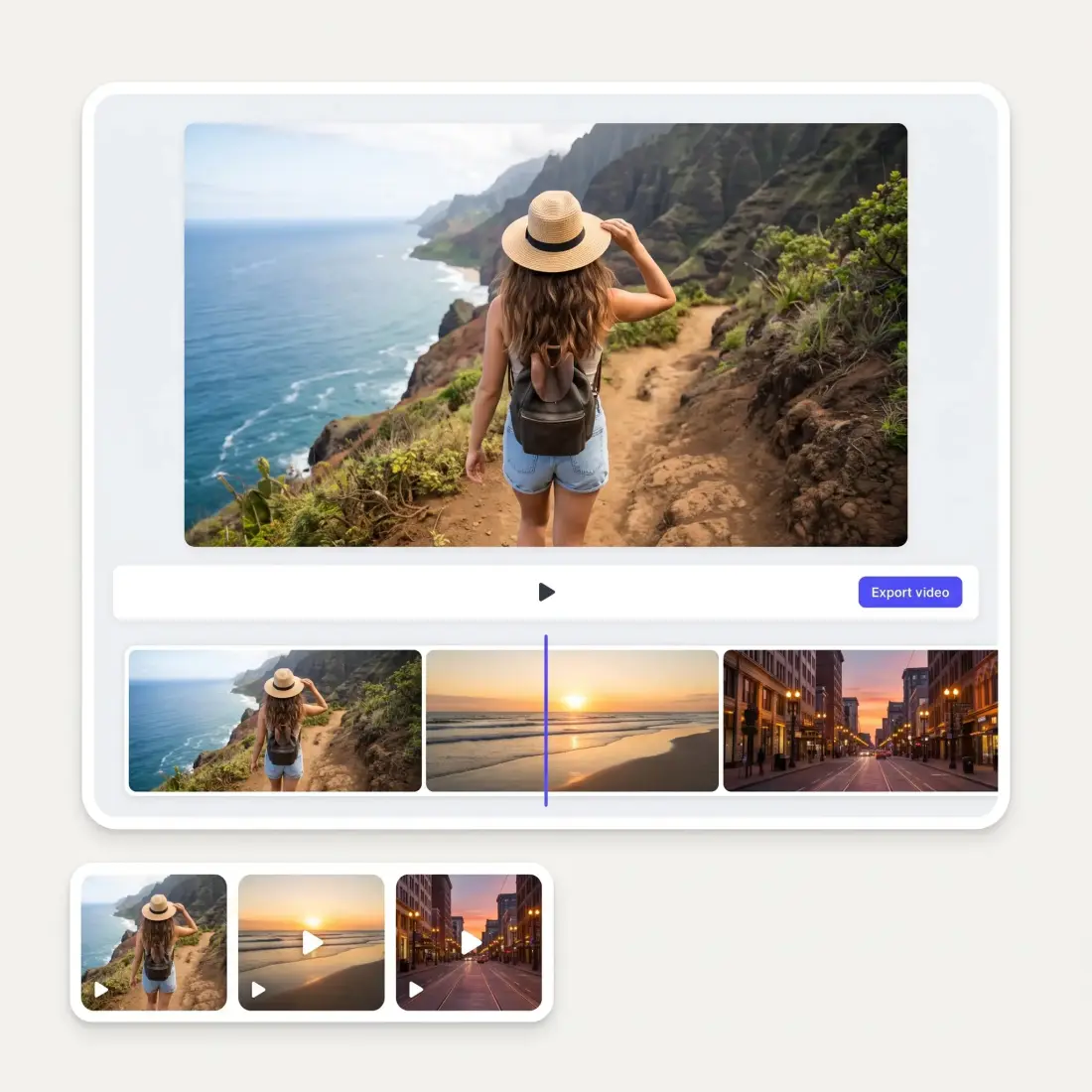
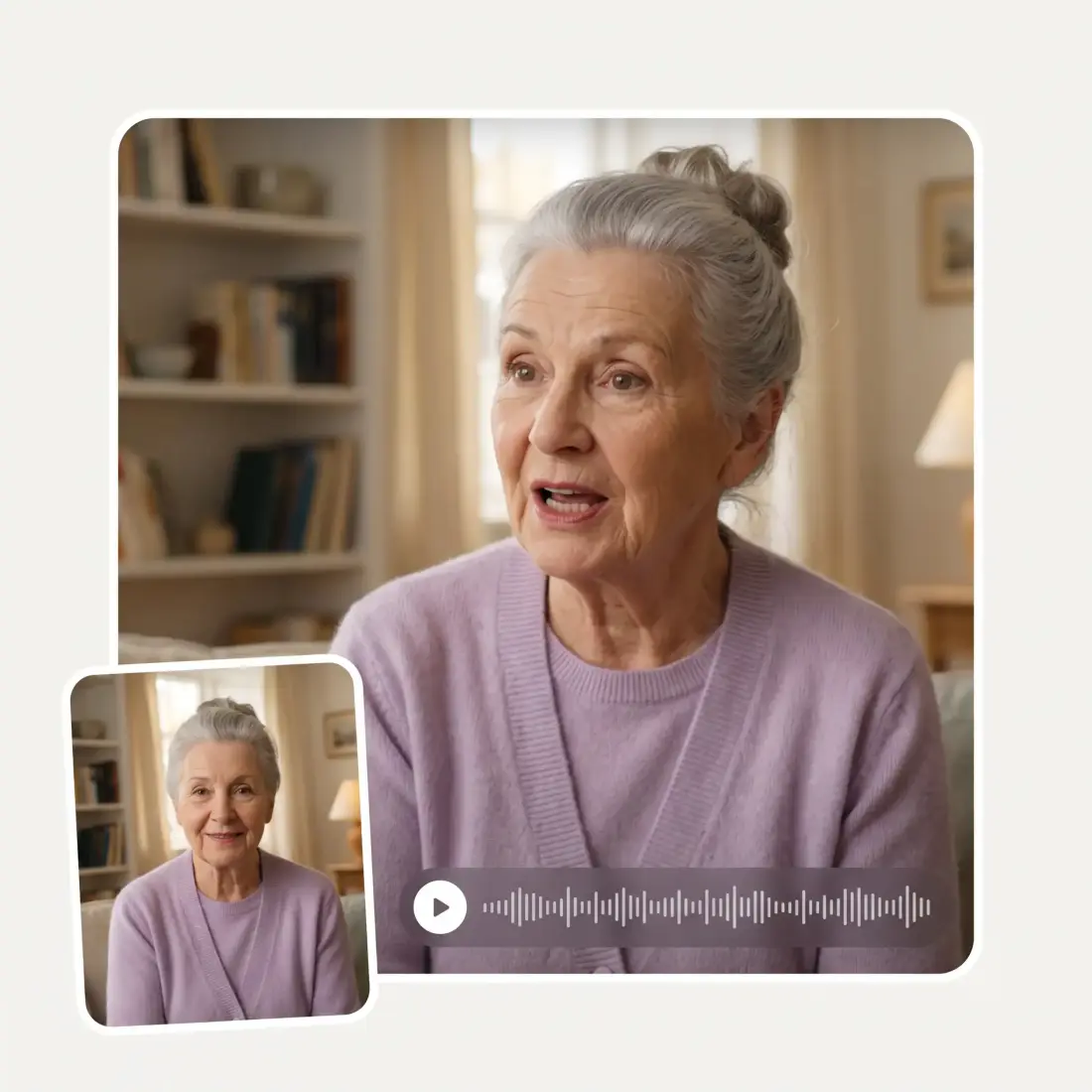
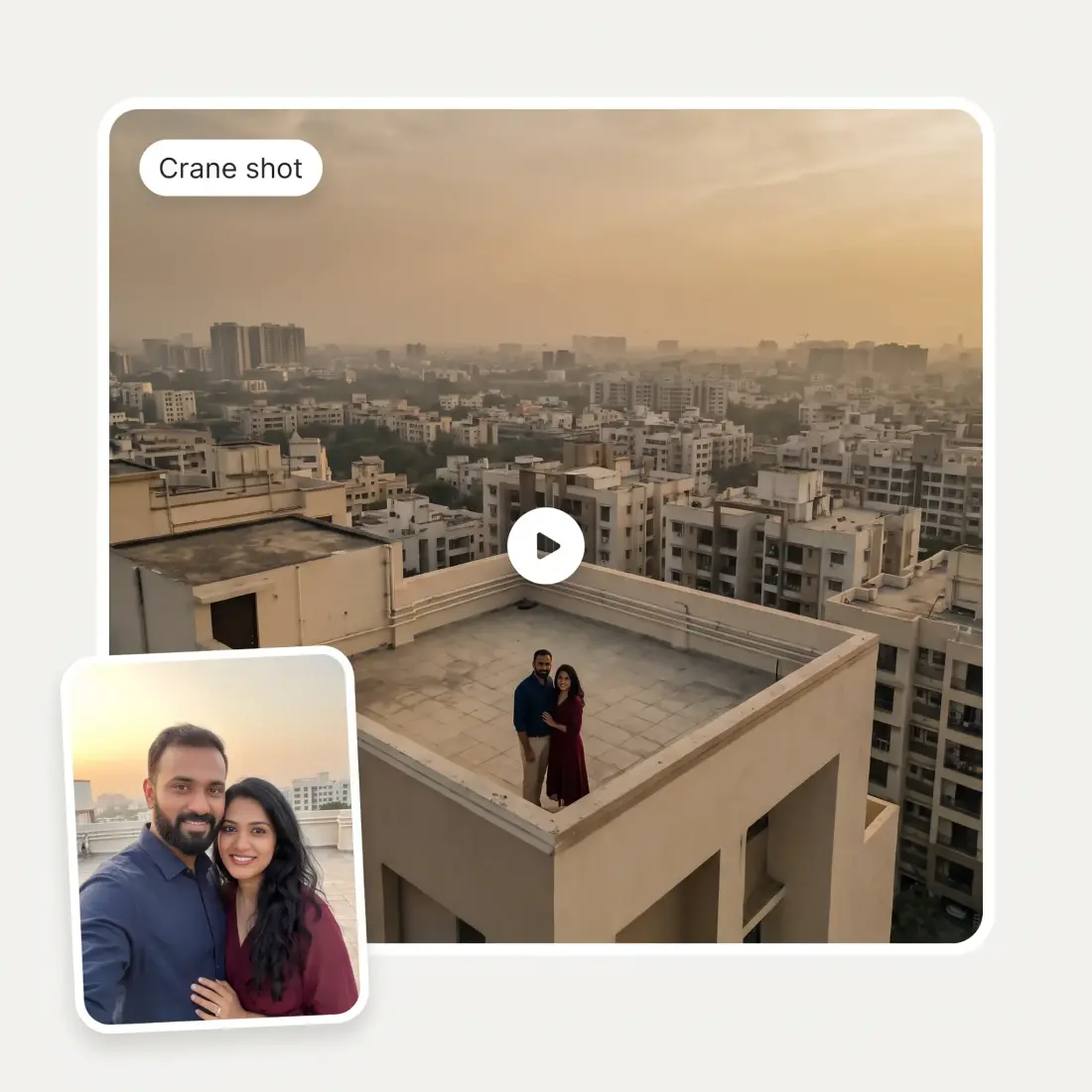
Upload your photo to Overchat AI Slow Motion generator and animate it with realistic camera movement in seconds.
Preferences
Opening the video studio…
Photo to slow motion
Upload one JPG, PNG, or HEIC up to 20 MB. The AI turns it into a stretched, slowed moment with hair, fabric, and particles drifting.
27 camera moves
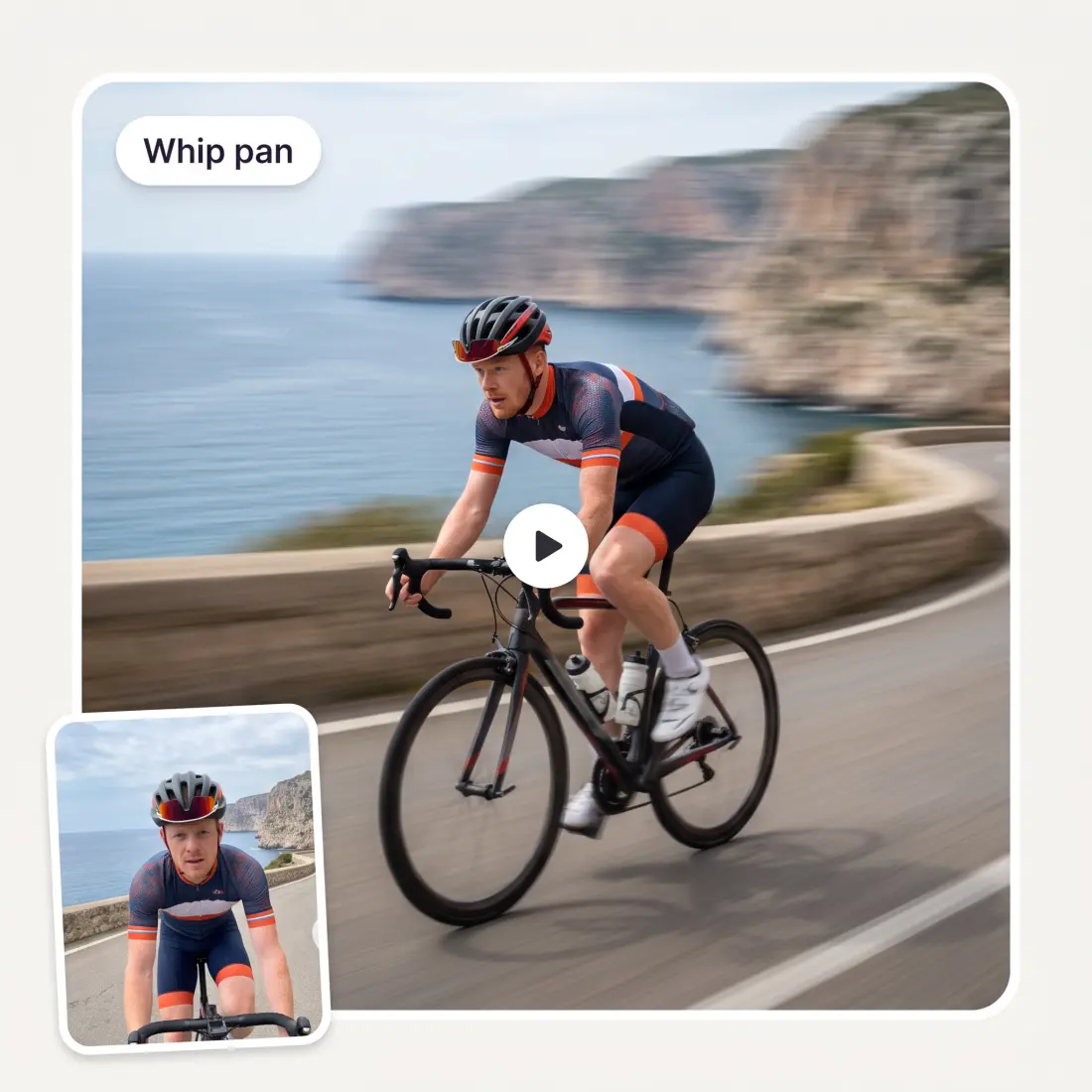
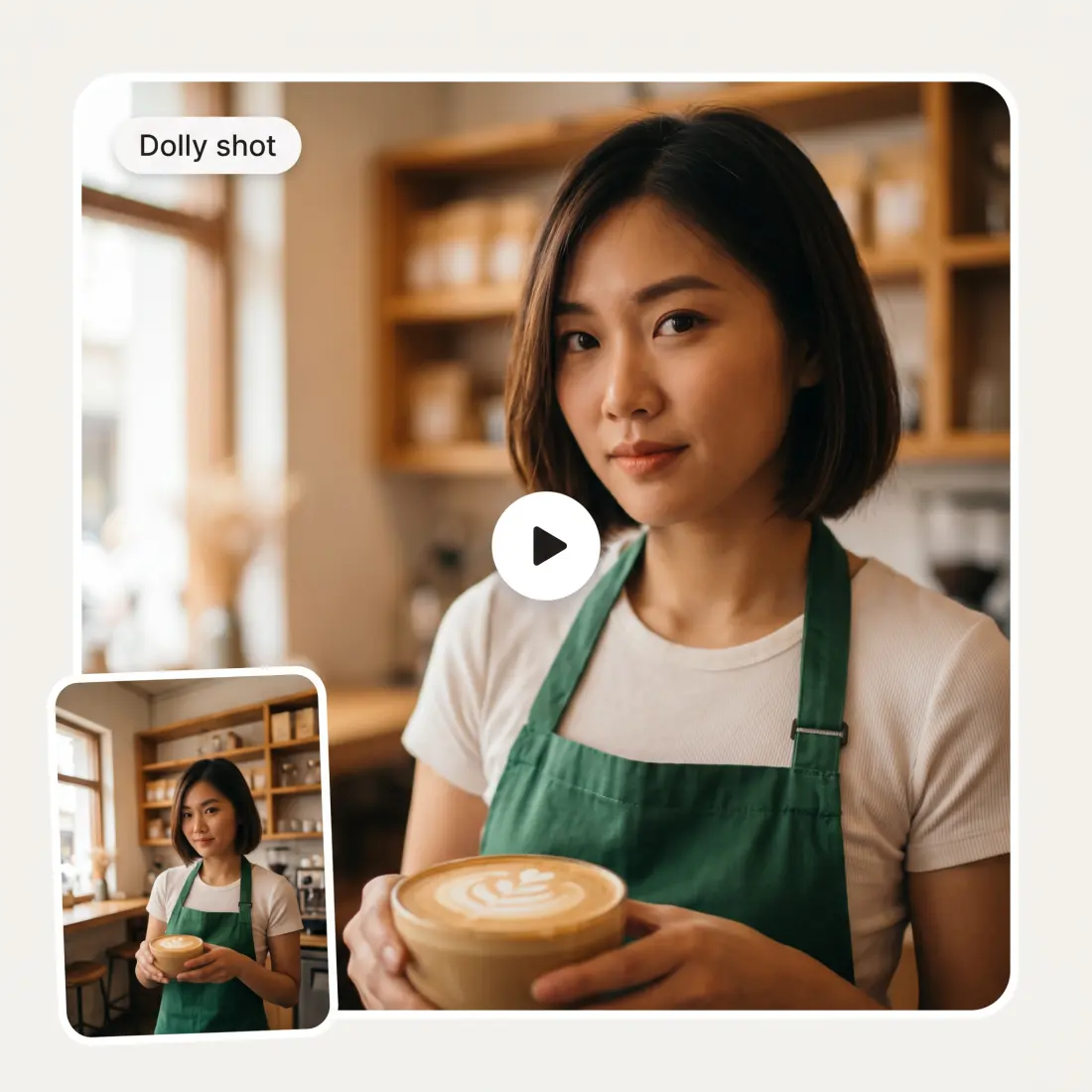
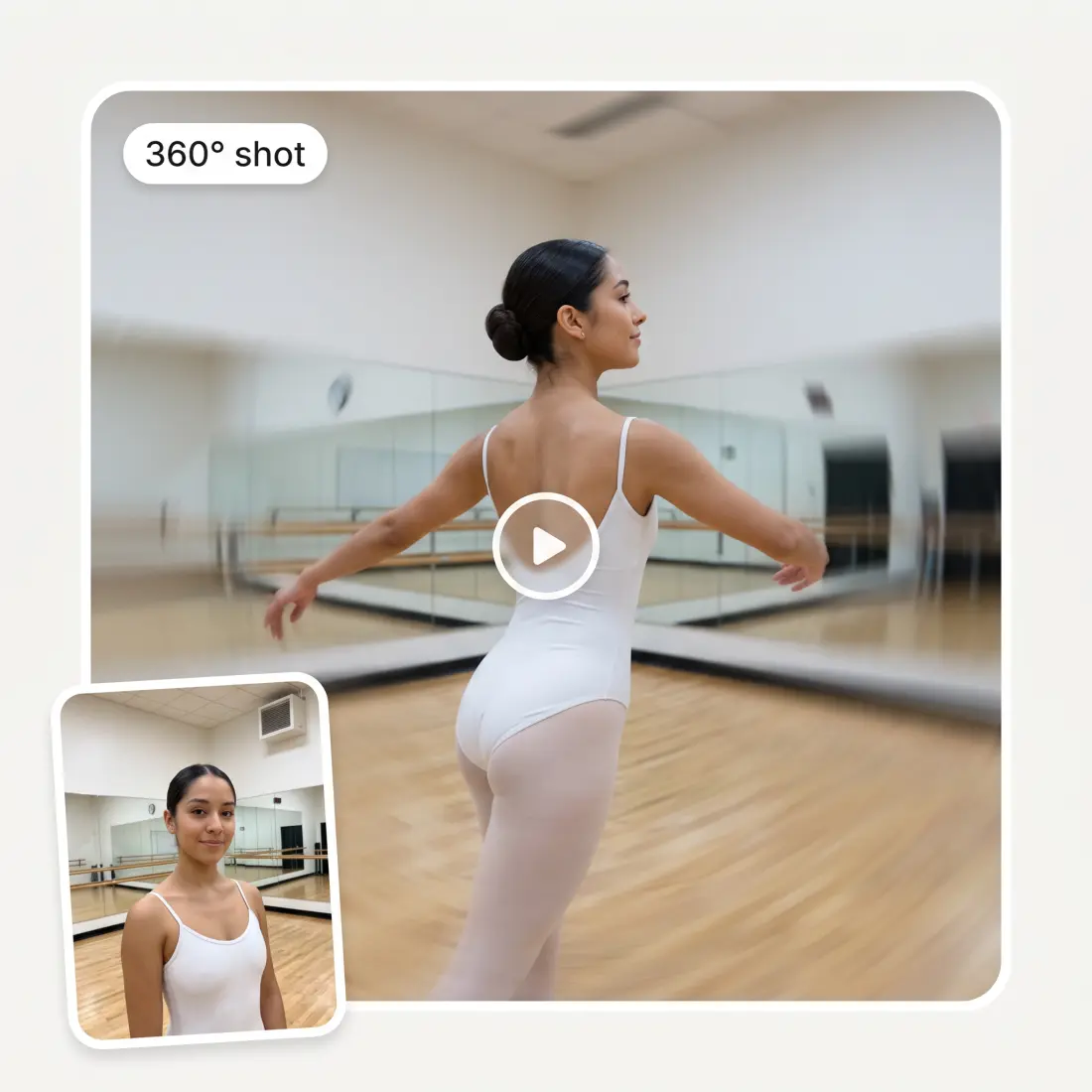
Slow motion is preselected. The same picker holds whip pan, dolly shot, crane shot, 360° shot, vertigo effect, and 21 more, with a search box.
Pick the video model
Kling 3 Turbo Pro runs by default. In Preferences you can switch to Kling 3, Seedance 2, Veo 3.1, Wan 2.5, Grok Imagine Video, and others.
Ratio follows the photo
A vertical photo becomes a 9:16 clip and a landscape photo becomes 16:9. You can still change it to 1:1 or another ratio by hand.
How to make a slow motion video from a photo
1
Upload a photo
Drag, paste, or click to add one JPG, PNG, or HEIC file up to 20 MB.
2
Keep Slow motion or pick another move
Slow motion is already selected. Open the Camera move picker to switch, and add mood or direction details if you want.
3
Adjust model, ratio, and duration
In Preferences, choose the AI video model, the aspect ratio, a duration from 3 to 15 seconds, and resolution where the model offers it.
4
Click the credits button
The purple button shows the price in credits. Sign in, and the Overchat AI Video Generator studio renders the clip for preview and download.
Who uses AI Slow Motion
🎥
Short-form creators
You post reels and shorts and need a slow, dramatic opener made from a single still.
📷
Photographers
You shot a strong portrait and want a moving version for your portfolio or a client preview.
🏀
Athletes and coaches
You have one action photo from a game and want that moment stretched into a highlight clip.
🏪
Small business owners
You sell a product and need a short slow motion ad clip without booking a video shoot.
💍
Wedding and event guests
You caught one perfect photo at a wedding and want it to move like film footage.
🎬
Film students
You are storyboarding a scene and want a quick slow motion reference from one frame.
What people say about Overchat AI
★★★★★
im really into ai apps and that one is good, helps me with my arts and homework. i draw ai vids for inst and generate images with my characters, many widgets and models! like it
Rita Semenova
Germany · Trustpilot, 14 Aug 2026
★★★★★
I've started to use overchat last week and it feels very promising. Lots of AI models in one place saves a lot of money in comparison if you buy subscriptions for each one.
Georgy P
Armenia · Trustpilot, 14 Jul 2026
★★★★★
I like how it keeps everything organized. One subscription is enough for all major AI models, which helps me avoid paying for multiple platforms.
Staria Quinn
United States · Trustpilot, 16 Nov 2025
★★★★★
I ask. CHATGP answers. I check on the answer and it's always been correct.
Dennis Fitch
United States · Trustpilot, 23 Jul 2026
★★★★★
Easy and convenient!
Jerry Rivers
United States · Trustpilot, 5 Nov 2025
★★★★★
Nice app, everything in one place
An Dy
Serbia · Trustpilot, 28 Nov 2025
Frequently Asked Questions
How do I make a slow motion video with AI?
Upload one photo on this page. The Slow motion camera move is already selected, so you only adjust the model, ratio, and duration if you want. Click the credits button, sign in, and the Overchat AI Video Generator renders the clip. You can preview it in the studio and download the result.
Can I slow down an existing video with this tool?
No. This tool animates a single photo, not a video file. It creates a new slow motion clip from that still, so there is no timeline or speed slider. If you need to work with video rather than a photo, try the Overchat AI Video Generator instead.
Do I need a high frame rate camera?
No. The input is a regular photo from any phone or camera, in JPG, PNG, or HEIC. The AI video model generates the slow motion itself, so the frame rate of your original device does not matter.
Will the slow motion look smooth or choppy?
The clip is generated as new video by the model you choose, not by duplicating frames. Motion such as drifting hair, fabric, and particles is created directly in the output. Results vary by model and photo, so if one render looks off, try a different model or a cleaner photo.
Is the AI slow motion generator free?
Uploading a photo and setting up the camera move on this page is free. Rendering the video uses Overchat credits, and the button shows the exact price before you click. The cost depends on the model, duration, and resolution you pick.
Which AI video model should I use?
Kling 3 Turbo Pro is the default and works well for most photos. Kling 3, Seedance 2 and 2.5, Veo 3.1, Wan 2.5, Grok Imagine Video, and Gemini Omni are also available in Preferences. Each model has its own duration and resolution options, and the credit price updates when you switch.
How long can the slow motion video be?
The default is 5 seconds. Depending on the model, you can set a duration from 3 to 15 seconds in Preferences. Longer clips cost more credits, and the button shows the updated price before you generate.
Do I need to download software?
No. Everything runs in the browser on your phone or computer. The photo stays inside the Overchat pipeline, and paid downloads have no watermark.
{"@context":"https://schema.org","@graph":[{"@type":"WebApplication","@id":"https://overchat.ai/ai-tools/ai-slow-motion#app","name":"AI Slow Motion Generator","url":"https://overchat.ai/ai-tools/ai-slow-motion","applicationCategory":"MultimediaApplication","operatingSystem":"Web","description":"Turn one photo into a slow motion video with AI. Pick from 27 camera moves, choose the model and ratio, then render in Overchat's video studio.","offers":{"@type":"Offer","price":"0","priceCurrency":"USD","description":"Free to start; video generation uses Overchat credits."},"publisher":{"@type":"Organization","name":"Overchat AI","url":"https://overchat.ai/"}},{"@type":"BreadcrumbList","@id":"https://overchat.ai/ai-tools/ai-slow-motion#breadcrumb","itemListElement":[{"@type":"ListItem","position":1,"name":"Overchat AI","item":"https://overchat.ai/"},{"@type":"ListItem","position":2,"name":"Video","item":"https://overchat.ai/video"},{"@type":"ListItem","position":3,"name":"AI Video Generator","item":"https://overchat.ai/video/ai-video-generator"},{"@type":"ListItem","position":4,"name":"AI Slow Motion","item":"https://overchat.ai/ai-tools/ai-slow-motion"}]},{"@type":"FAQPage","@id":"https://overchat.ai/ai-tools/ai-slow-motion#faq","mainEntity":[{"@type":"Question","name":"How do I make a slow motion video with AI?","acceptedAnswer":{"@type":"Answer","text":"Upload one photo on this page. The Slow motion camera move is already selected, so you only adjust the model, ratio, and duration if you want. Click the credits button, sign in, and the Overchat AI Video Generator renders the clip. You can preview it in the studio and download the result."}},{"@type":"Question","name":"Can I slow down an existing video with this tool?","acceptedAnswer":{"@type":"Answer","text":"No. This tool animates a single photo, not a video file. It creates a new slow motion clip from that still, so there is no timeline or speed slider. If you need to work with video rather than a photo, try the Overchat AI Video Generator instead."}},{"@type":"Question","name":"Do I need a high frame rate camera?","acceptedAnswer":{"@type":"Answer","text":"No. The input is a regular photo from any phone or camera, in JPG, PNG, or HEIC. The AI video model generates the slow motion itself, so the frame rate of your original device does not matter."}},{"@type":"Question","name":"Will the slow motion look smooth or choppy?","acceptedAnswer":{"@type":"Answer","text":"The clip is generated as new video by the model you choose, not by duplicating frames. Motion such as drifting hair, fabric, and particles is created directly in the output. Results vary by model and photo, so if one render looks off, try a different model or a cleaner photo."}},{"@type":"Question","name":"Is the AI slow motion generator free?","acceptedAnswer":{"@type":"Answer","text":"Uploading a photo and setting up the camera move on this page is free. Rendering the video uses Overchat credits, and the button shows the exact price before you click. The cost depends on the model, duration, and resolution you pick."}},{"@type":"Question","name":"Which AI video model should I use?","acceptedAnswer":{"@type":"Answer","text":"Kling 3 Turbo Pro is the default and works well for most photos. Kling 3, Seedance 2 and 2.5, Veo 3.1, Wan 2.5, Grok Imagine Video, and Gemini Omni are also available in Preferences. Each model has its own duration and resolution options, and the credit price updates when you switch."}},{"@type":"Question","name":"How long can the slow motion video be?","acceptedAnswer":{"@type":"Answer","text":"The default is 5 seconds. Depending on the model, you can set a duration from 3 to 15 seconds in Preferences. Longer clips cost more credits, and the button shows the updated price before you generate."}},{"@type":"Question","name":"Do I need to download software?","acceptedAnswer":{"@type":"Answer","text":"No. Everything runs in the browser on your phone or computer. The photo stays inside the Overchat pipeline, and paid downloads have no watermark."}}]}]}



.webp)