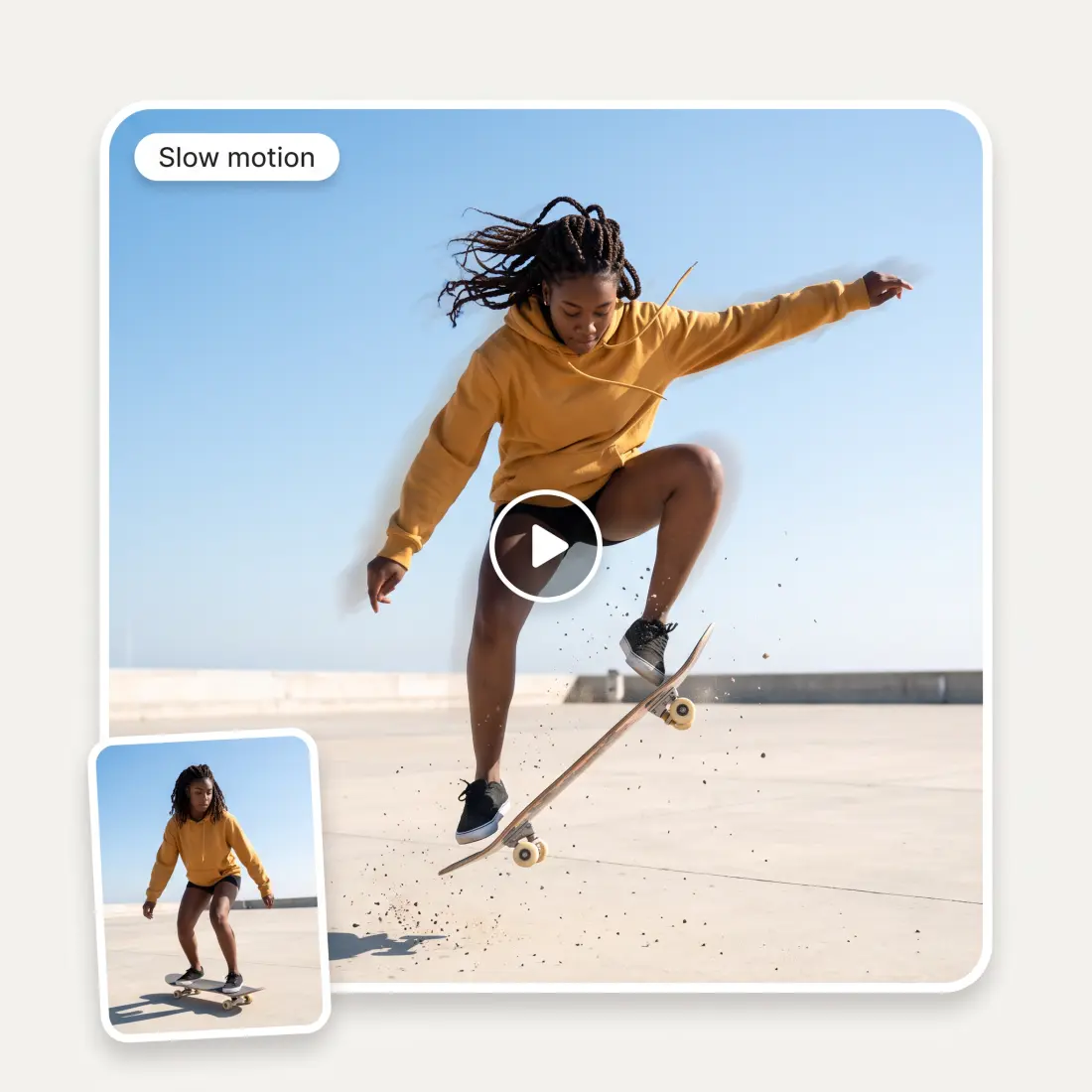
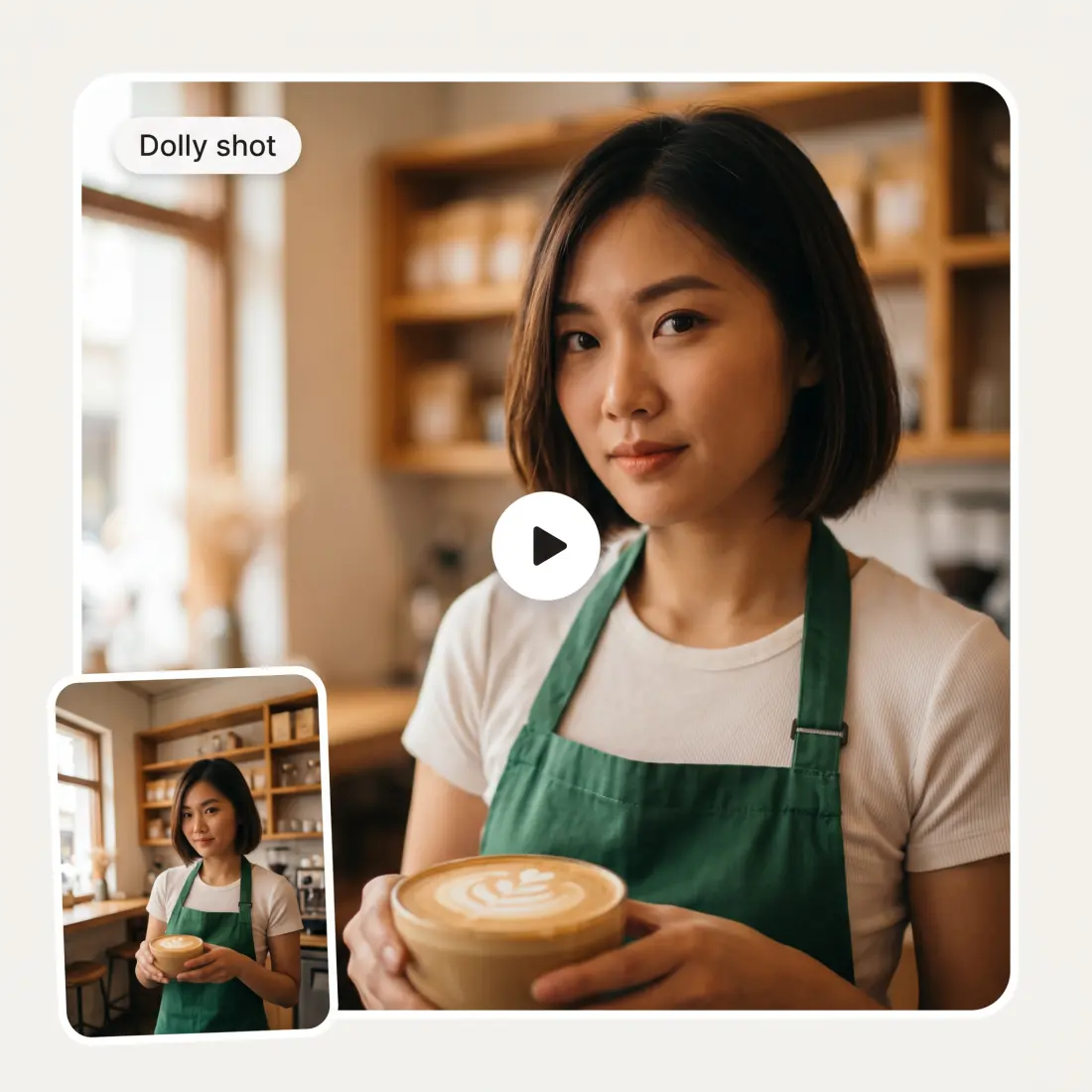
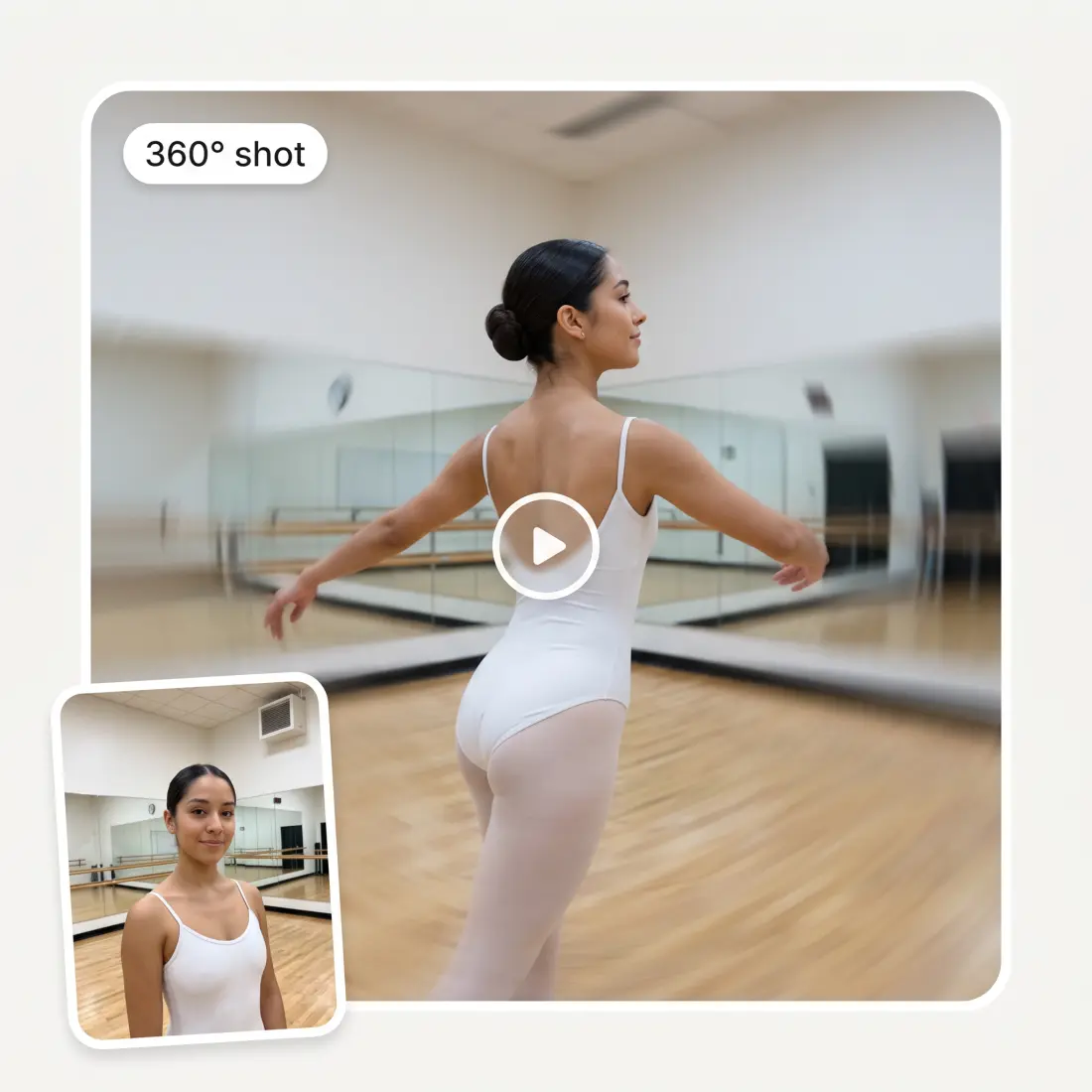
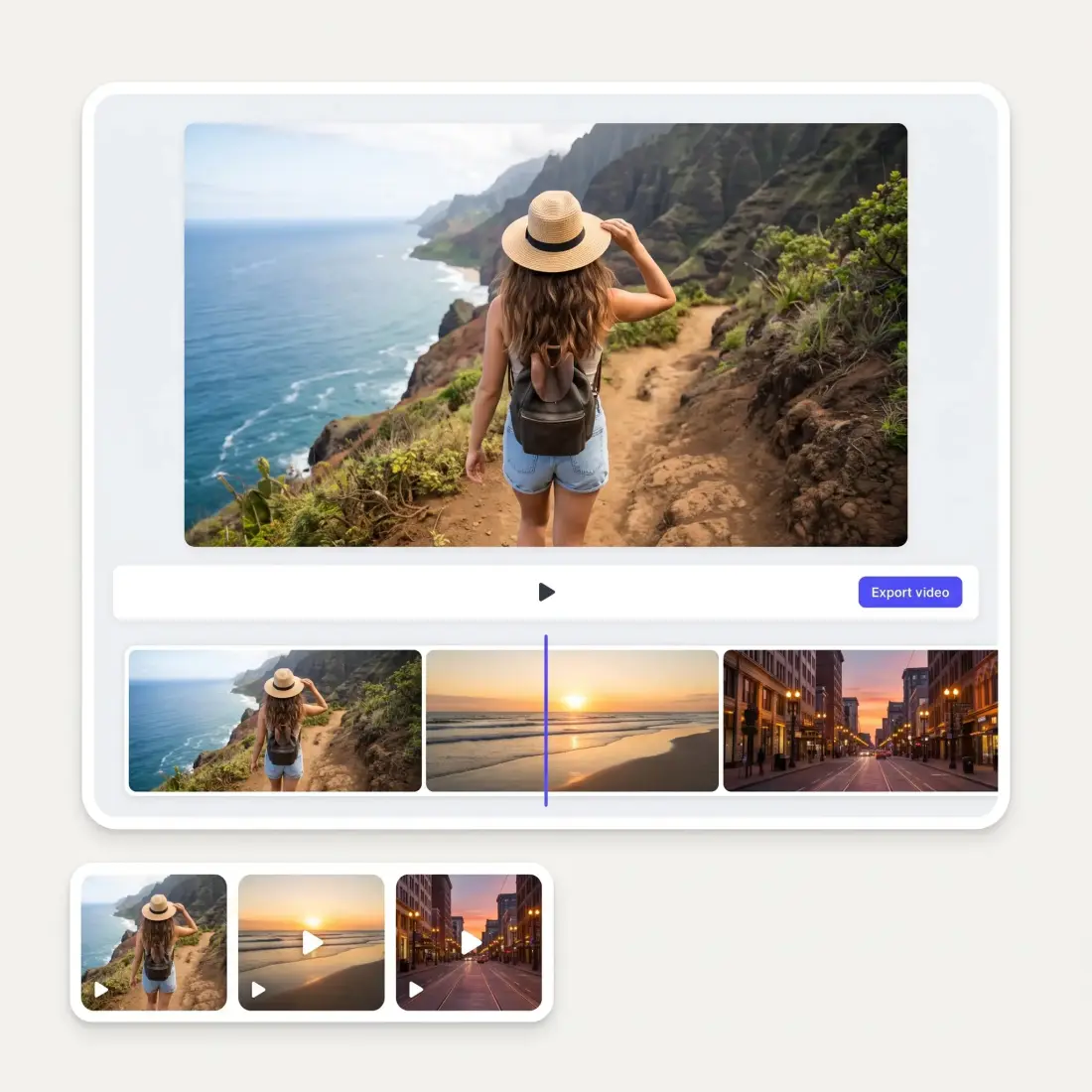
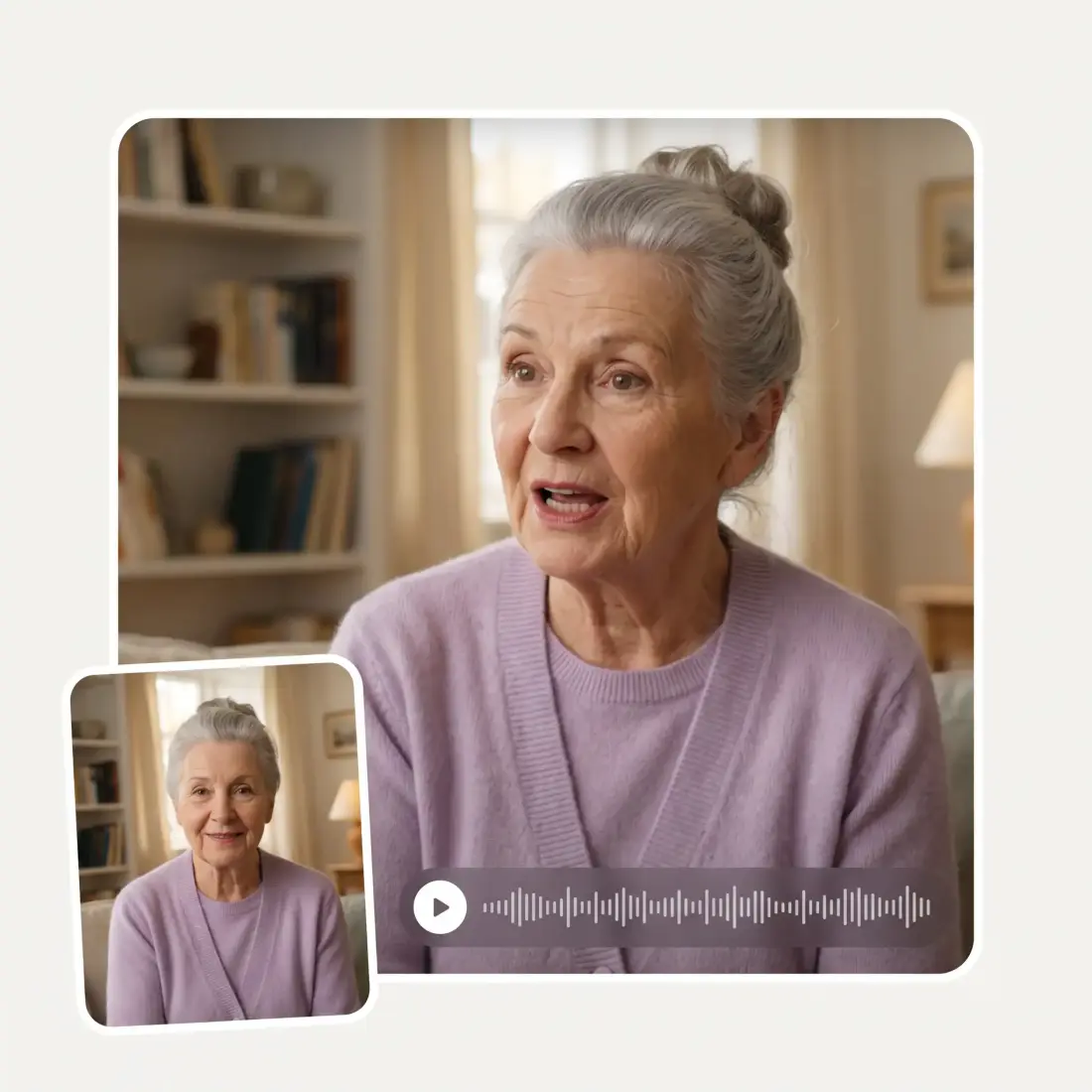
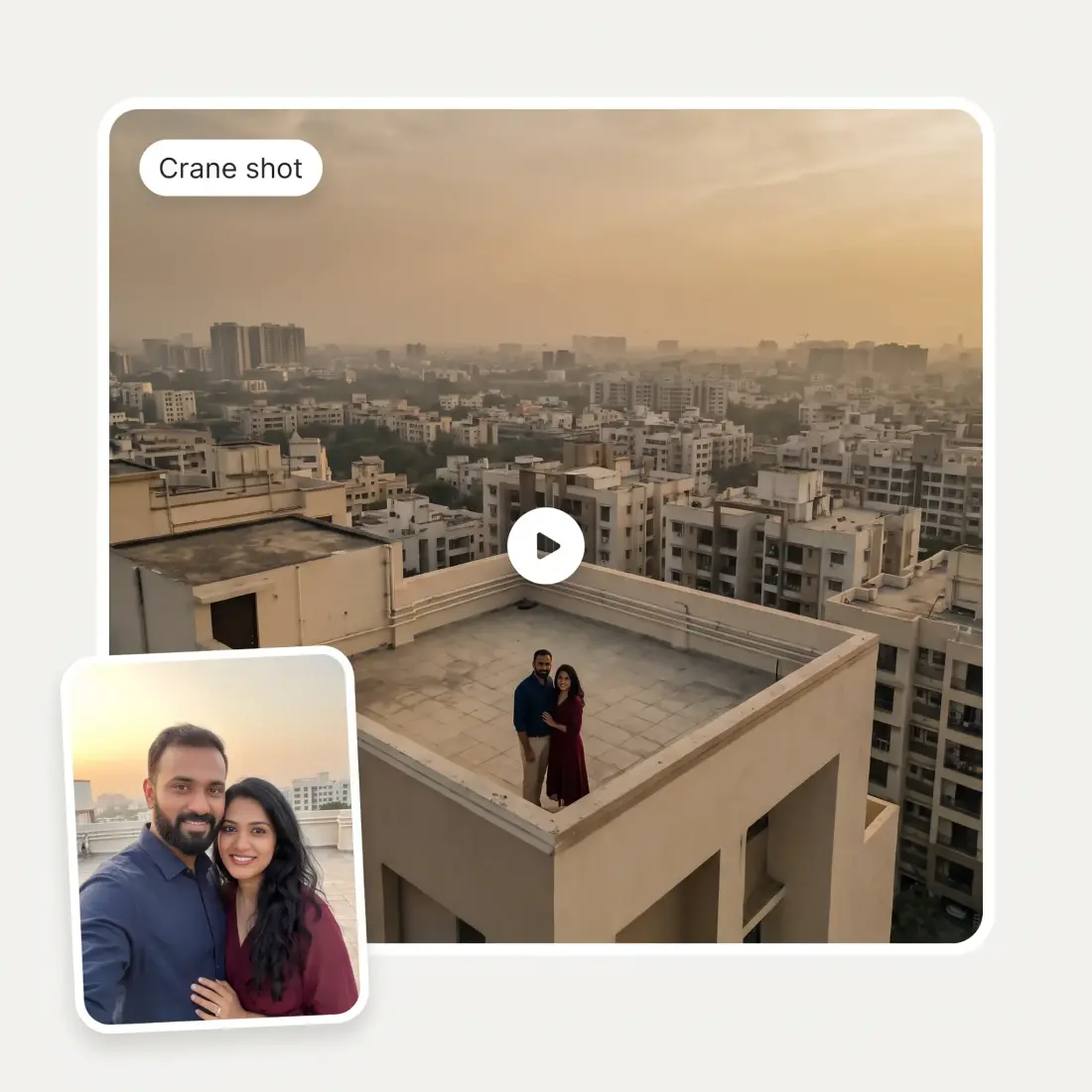
Upload your photo to Overchat AI Whip Pan generator and animate it with realistic camera movement in seconds.
Preferences
Opening the video studio…
Photo to whip pan
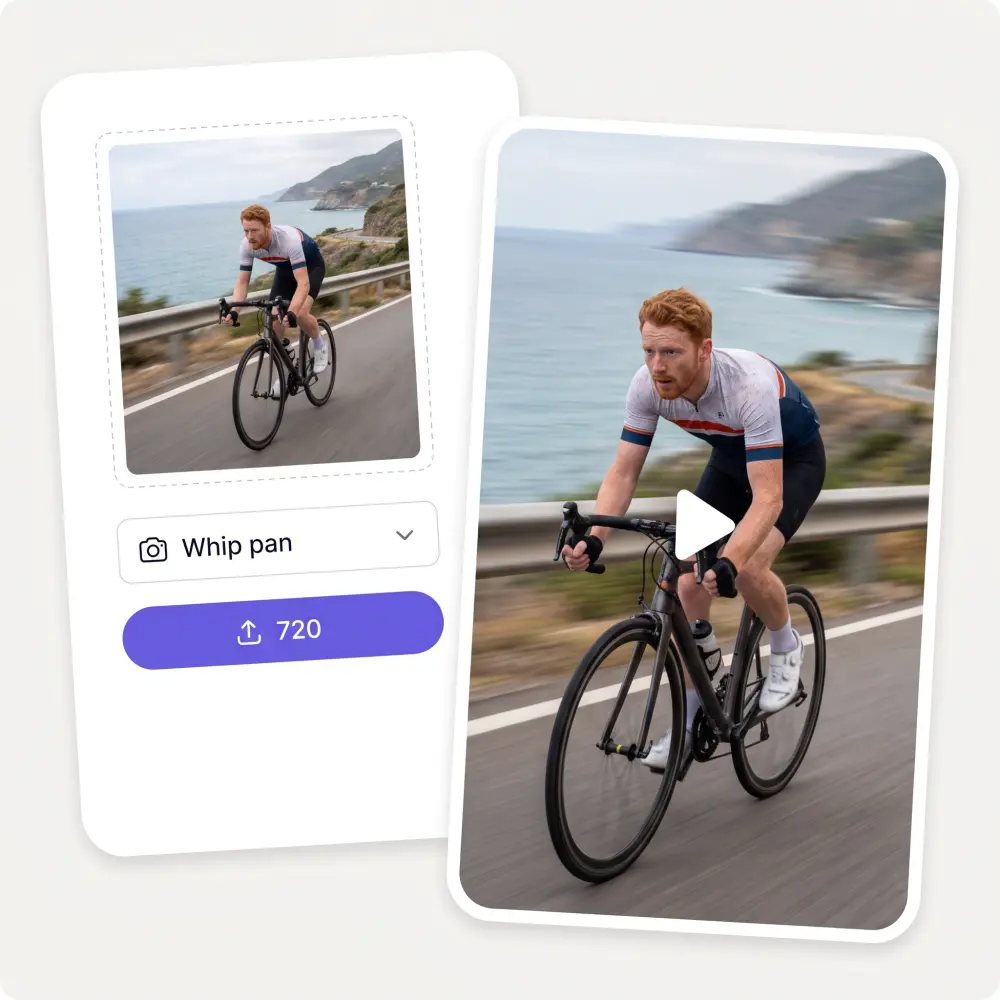
Upload one JPG, PNG or HEIC up to 20 MB. The AI snaps the camera onto your subject with heavy horizontal motion blur, then locks on.
27 camera moves
Whip pan is preselected, but the same picker holds dolly, crane, crash zoom, vertigo, tracking shot, dutch angle and more. Type to search.
Pick the AI model
Kling 3 Turbo Pro is the default. Switch to Kling 3, Seedance 2 or 2.5, Veo 3.1, Grok Imagine Video, Wan 2.5 or Gemini Omni in Preferences.
Ratio follows the photo
A vertical photo becomes a 9:16 clip and a landscape photo becomes 16:9. You can change to 1:1 or any other ratio by hand.
How to make a whip pan video from a photo
1
Upload a photo
Drag and drop, paste, or pick a JPG, PNG or HEIC file up to 20 MB. One photo is all the tool needs.
2
Keep Whip pan or pick another move
Whip pan is already selected in the Camera move picker. Open it to choose one of the other 26 moves, or add a note about mood and where the camera should go.
3
Adjust model, ratio and duration
Open Preferences to change the AI video model, aspect ratio, duration from 3 to 15 seconds, and resolution where the model offers it. Defaults work fine.
4
Click the credits button and get the video
The purple button shows the price in credits. It sends your photo and the whip pan prompt to the Overchat AI Video Generator, where you sign in, generate, preview and download the clip.
Who uses the AI whip pan generator
📱
Short-form creators
You post Reels, Shorts and TikToks and need a fast, punchy opener made from a single photo.
🛍
Product sellers
You have a product shot and want a quick reveal clip for a store page or ad without a film crew.
🎵
Music artists
You are cutting a lyric video or teaser and want a frantic camera snap on your cover art.
🎬
Film students
You want to see how a whip pan reads on a still frame before you shoot it for real.
📣
Marketing teams
You need motion for a campaign visual today and only have the approved still image.
📷
Photographers
You want to turn a portrait or event photo into a short clip with a real camera move.
What people say about Overchat AI
★★★★★
I like how it keeps everything organized. One subscription is enough for all major AI models, which helps me avoid paying for multiple platforms.
Staria Quinn
United States · Trustpilot, 16 Nov 2025
★★★★★
I ask. CHATGP answers. I check on the answer and it's always been correct.
Dennis Fitch
United States · Trustpilot, 23 Jul 2026
★★★★★
Easy and convenient!
Jerry Rivers
United States · Trustpilot, 5 Nov 2025
★★★★★
Nice app, everything in one place
An Dy
Serbia · Trustpilot, 28 Nov 2025
★★★★★
Great experience! It helps me able to do my work and respond to questions quickly trusting that the my responses are grammatically correct.
Romanes Yarofaichie
Micronesia · Trustpilot, 30 Jul 2026
★★★★★
Affordable and simple to use. I like that I don't have to pay for several different services anymore.
Dylan Thompson
United States · Trustpilot, 28 Oct 2025
Frequently Asked Questions
What is a whip pan?
A whip pan is a camera move where the camera turns so fast that the frame blurs into horizontal streaks. Filmmakers use it to add urgency or to hide a cut between two shots. Damien Chazelle, Edgar Wright and Wes Anderson use it often.
What does the AI whip pan generator do?
It turns one photo into a short video with a whip pan camera move. The AI snaps the camera onto your subject, streaks the background with motion blur, and settles on the subject. You get a clip of 3 to 15 seconds, depending on the model you pick.
Can I make a whip pan transition between two videos here?
No. This tool makes a whip pan clip from a single photo, not a transition that stitches two existing videos together. There is no video upload and no editing timeline. If you need to join clips, generate them in the Overchat AI Video Generator and cut them together in your editor.
How do you do a whip pan?
With a real camera, you start on one subject, turn the camera very fast, and stop hard on the second subject. The speed creates the blur. With this tool, you upload a photo and the AI creates the fast turn and the blur for you. You can add details like the mood or the direction the camera should move.
Which AI video models can I use?
The default is Kling 3 Turbo Pro. In Preferences you can switch to Kling 3, Seedance 2 or 2.5, Veo 3.1, Grok Imagine Video, Wan 2.5, Gemini Omni and others. Each model has its own duration range and price in credits, shown on the button before you click.
Is the AI whip pan generator free?
Uploading a photo and setting up the shot on this page is free. Generating the video uses credits in the Overchat AI Video Generator, and the purple button shows the exact price before you start. Paid output has no watermark.
What is the difference between a pan and a whip pan?
A pan turns the camera slowly, so the viewer can follow what passes by. A whip pan turns so fast that the frame becomes a blur, and the viewer only reads the start and end points. Both are in the Camera move picker, so you can try each on the same photo.
Which photo formats and sizes work?
JPG, PNG and HEIC files up to 20 MB. You can drag and drop, paste from the clipboard, or pick a file. The aspect ratio is picked from your photo, so a vertical shot becomes a 9:16 clip and a landscape shot becomes 16:9. Photos stay inside the Overchat pipeline.
{"@context":"https://schema.org","@graph":[{"@type":"WebApplication","@id":"https://overchat.ai/ai-tools/ai-whip-pan#app","name":"AI Whip Pan Generator","url":"https://overchat.ai/ai-tools/ai-whip-pan","applicationCategory":"MultimediaApplication","operatingSystem":"Web","description":"Upload one photo and get a whip pan video with AI camera motion. Choose from 27 camera moves and models like Kling 3 or Veo 3.1. Vertical or widescreen.","offers":{"@type":"Offer","price":"0","priceCurrency":"USD","description":"Free to start; video generation uses Overchat credits."},"publisher":{"@type":"Organization","name":"Overchat AI","url":"https://overchat.ai/"}},{"@type":"BreadcrumbList","@id":"https://overchat.ai/ai-tools/ai-whip-pan#breadcrumb","itemListElement":[{"@type":"ListItem","position":1,"name":"Overchat AI","item":"https://overchat.ai/"},{"@type":"ListItem","position":2,"name":"Video","item":"https://overchat.ai/video"},{"@type":"ListItem","position":3,"name":"AI Video Generator","item":"https://overchat.ai/video/ai-video-generator"},{"@type":"ListItem","position":4,"name":"AI Whip Pan","item":"https://overchat.ai/ai-tools/ai-whip-pan"}]},{"@type":"FAQPage","@id":"https://overchat.ai/ai-tools/ai-whip-pan#faq","mainEntity":[{"@type":"Question","name":"What is a whip pan?","acceptedAnswer":{"@type":"Answer","text":"A whip pan is a camera move where the camera turns so fast that the frame blurs into horizontal streaks. Filmmakers use it to add urgency or to hide a cut between two shots. Damien Chazelle, Edgar Wright and Wes Anderson use it often."}},{"@type":"Question","name":"What does the AI whip pan generator do?","acceptedAnswer":{"@type":"Answer","text":"It turns one photo into a short video with a whip pan camera move. The AI snaps the camera onto your subject, streaks the background with motion blur, and settles on the subject. You get a clip of 3 to 15 seconds, depending on the model you pick."}},{"@type":"Question","name":"Can I make a whip pan transition between two videos here?","acceptedAnswer":{"@type":"Answer","text":"No. This tool makes a whip pan clip from a single photo, not a transition that stitches two existing videos together. There is no video upload and no editing timeline. If you need to join clips, generate them in the Overchat AI Video Generator and cut them together in your editor."}},{"@type":"Question","name":"How do you do a whip pan?","acceptedAnswer":{"@type":"Answer","text":"With a real camera, you start on one subject, turn the camera very fast, and stop hard on the second subject. The speed creates the blur. With this tool, you upload a photo and the AI creates the fast turn and the blur for you. You can add details like the mood or the direction the camera should move."}},{"@type":"Question","name":"Which AI video models can I use?","acceptedAnswer":{"@type":"Answer","text":"The default is Kling 3 Turbo Pro. In Preferences you can switch to Kling 3, Seedance 2 or 2.5, Veo 3.1, Grok Imagine Video, Wan 2.5, Gemini Omni and others. Each model has its own duration range and price in credits, shown on the button before you click."}},{"@type":"Question","name":"Is the AI whip pan generator free?","acceptedAnswer":{"@type":"Answer","text":"Uploading a photo and setting up the shot on this page is free. Generating the video uses credits in the Overchat AI Video Generator, and the purple button shows the exact price before you start. Paid output has no watermark."}},{"@type":"Question","name":"What is the difference between a pan and a whip pan?","acceptedAnswer":{"@type":"Answer","text":"A pan turns the camera slowly, so the viewer can follow what passes by. A whip pan turns so fast that the frame becomes a blur, and the viewer only reads the start and end points. Both are in the Camera move picker, so you can try each on the same photo."}},{"@type":"Question","name":"Which photo formats and sizes work?","acceptedAnswer":{"@type":"Answer","text":"JPG, PNG and HEIC files up to 20 MB. You can drag and drop, paste from the clipboard, or pick a file. The aspect ratio is picked from your photo, so a vertical shot becomes a 9:16 clip and a landscape shot becomes 16:9. Photos stay inside the Overchat pipeline."}}]}]}




.webp)