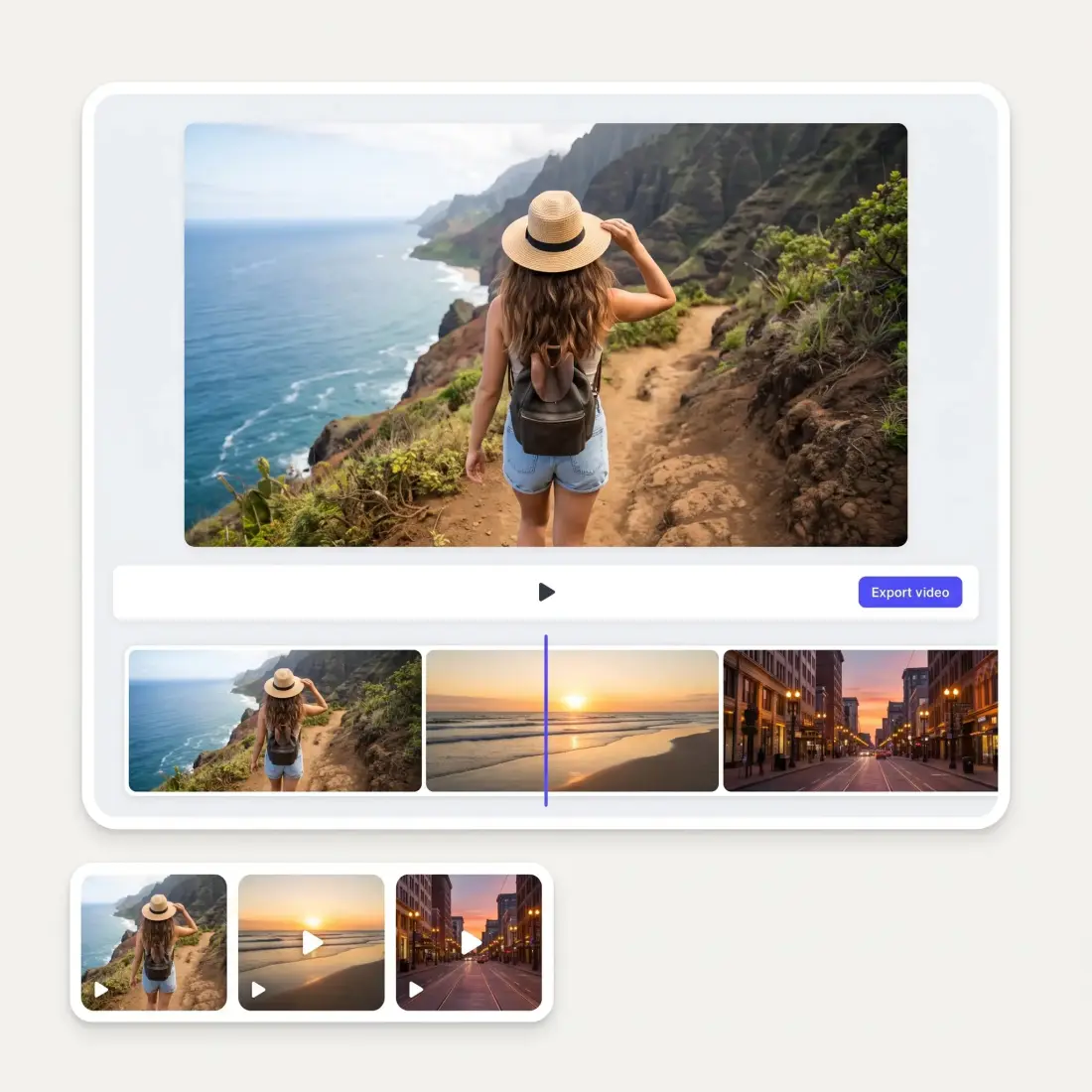
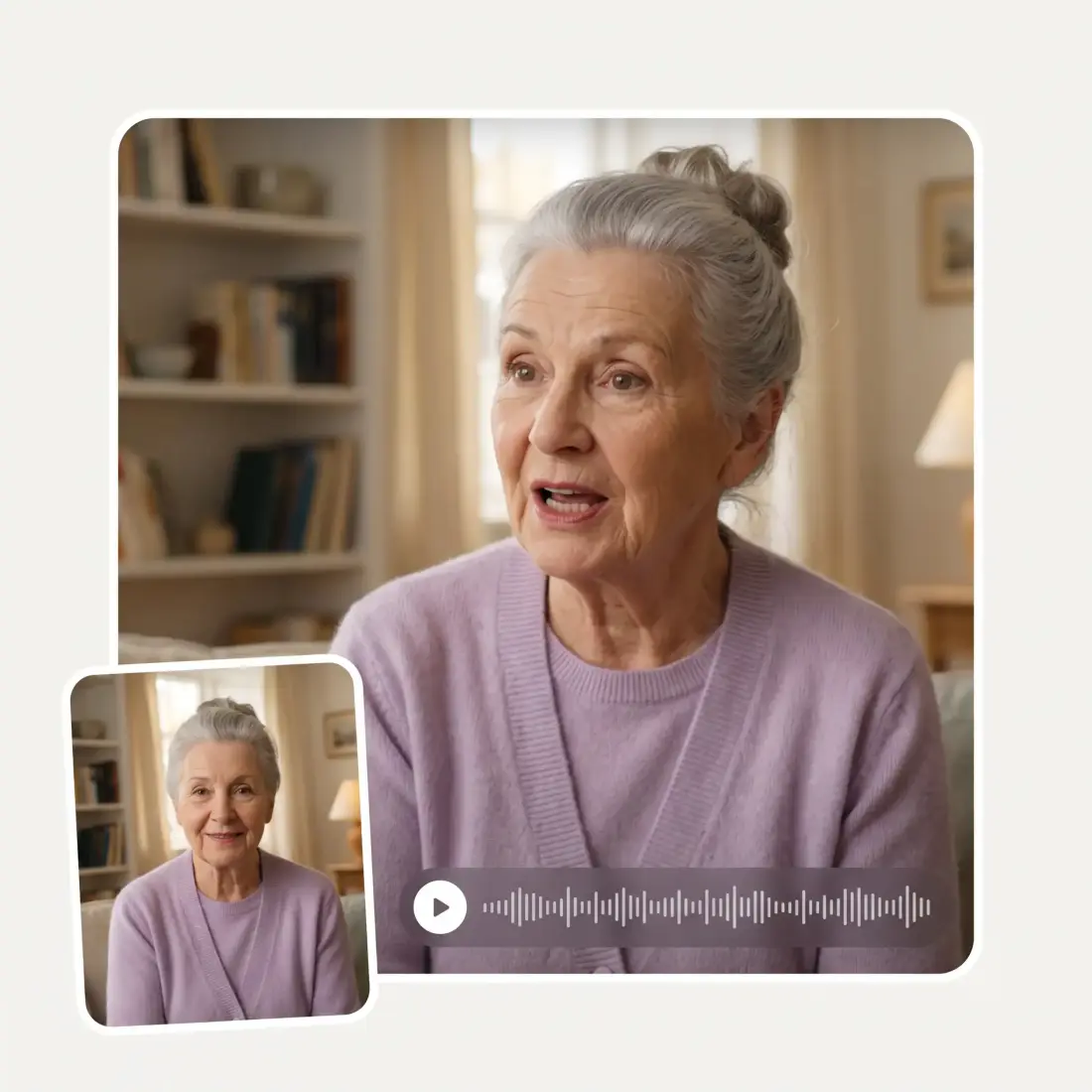
Upload your photo to Overchat AI Crane Shot generator and animate it with realistic camera movement in seconds.
Preferences
Opening the video studio…
Photo to crane shot
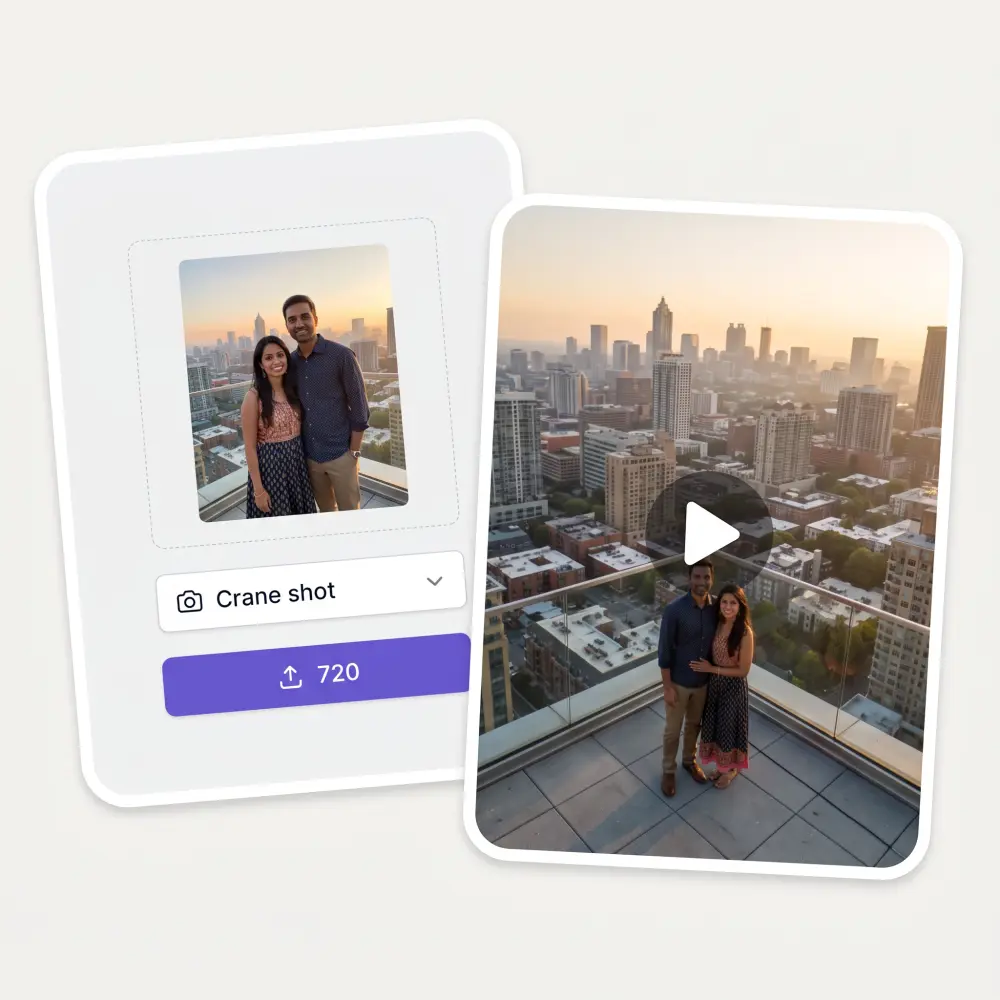
One JPG, PNG or HEIC becomes a short video. The camera starts tight on your subject, then rises and pulls back in an arc to reveal the scene.
27 camera moves
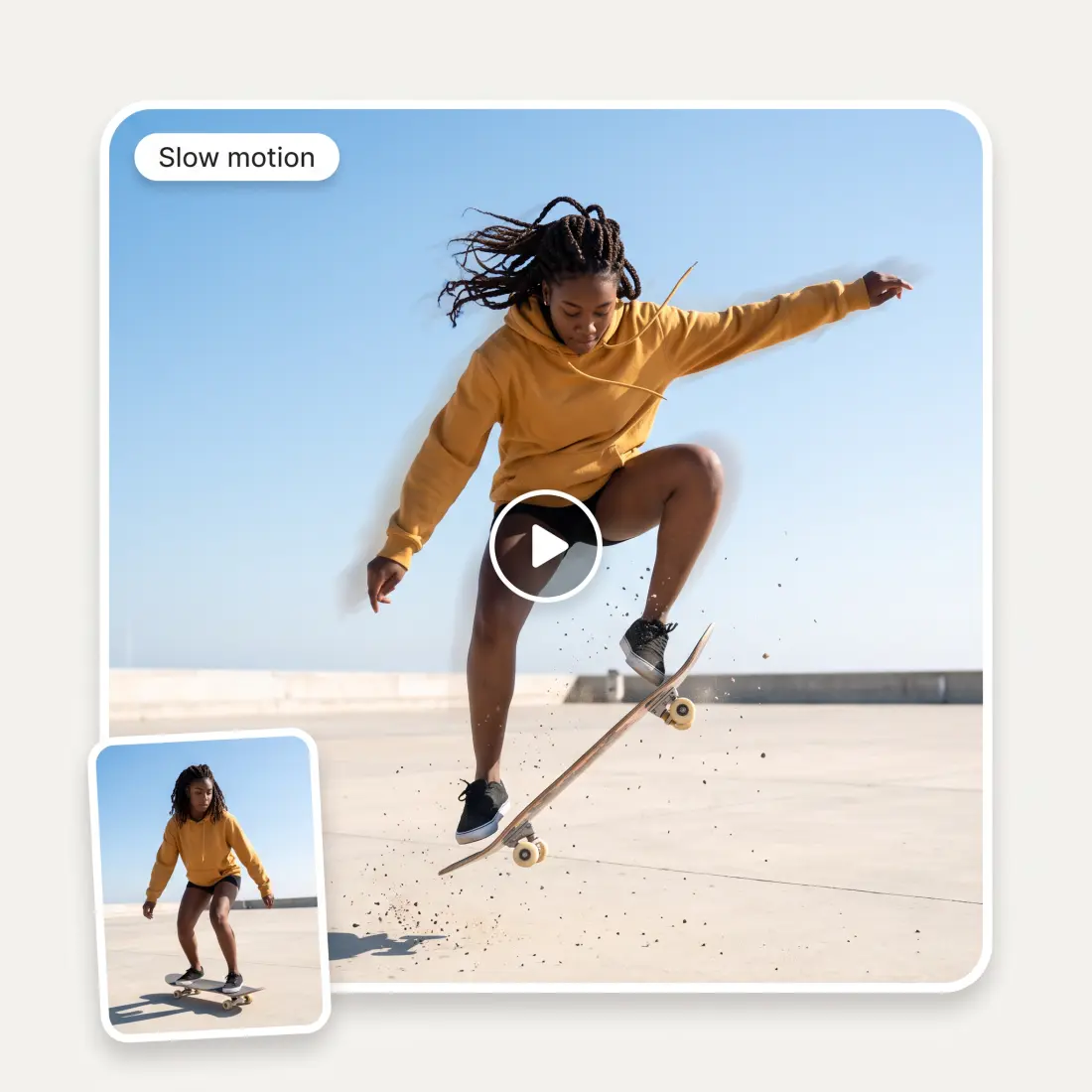
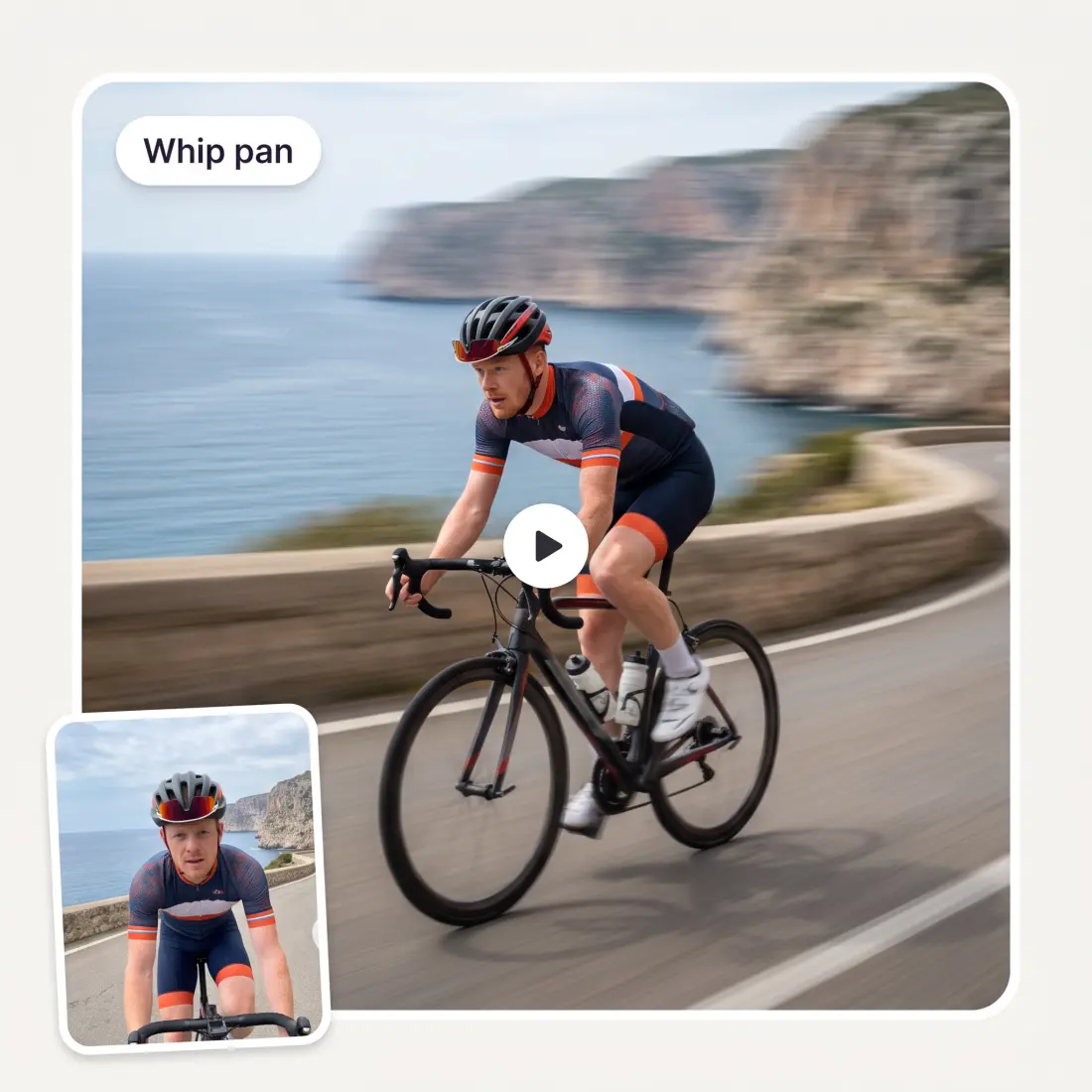
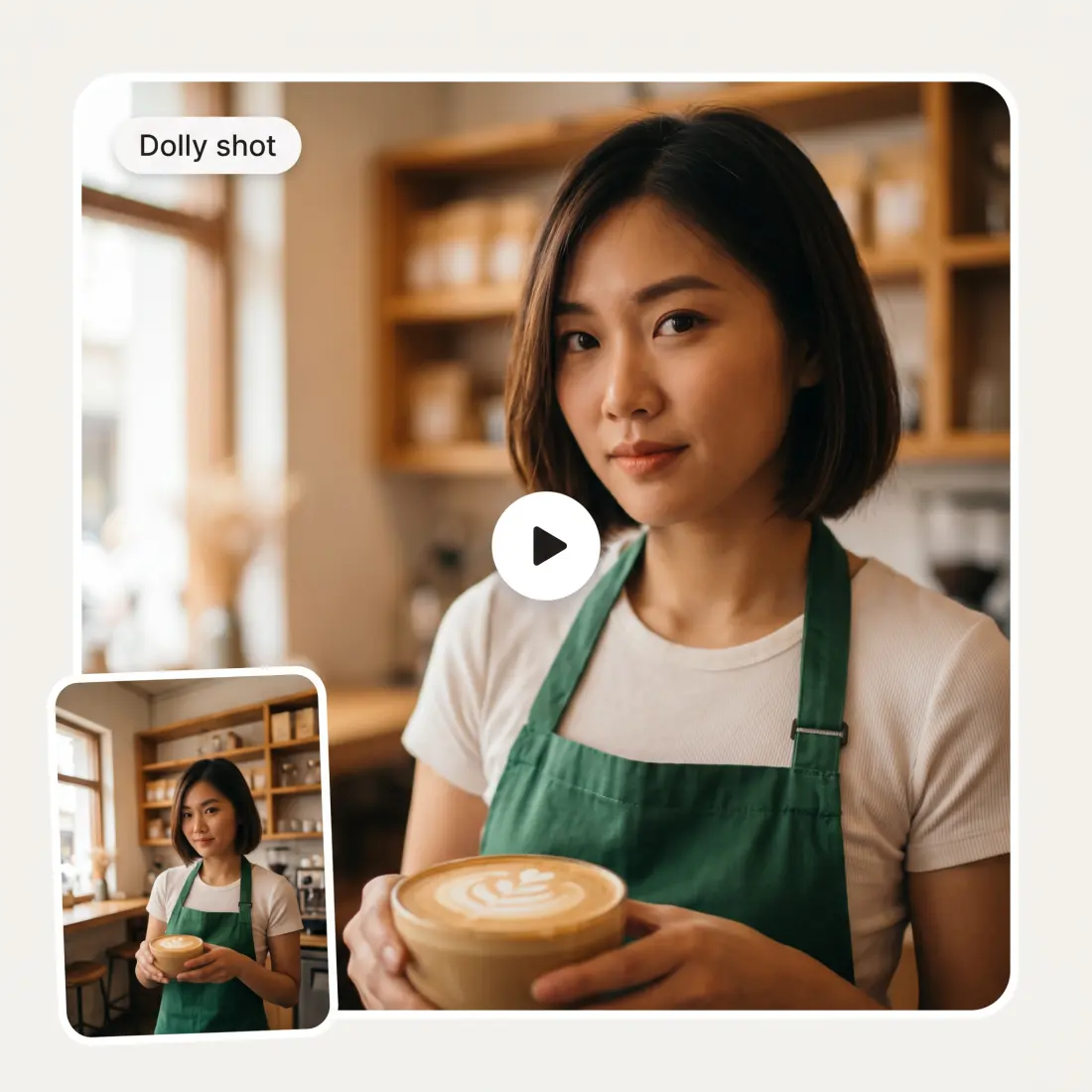
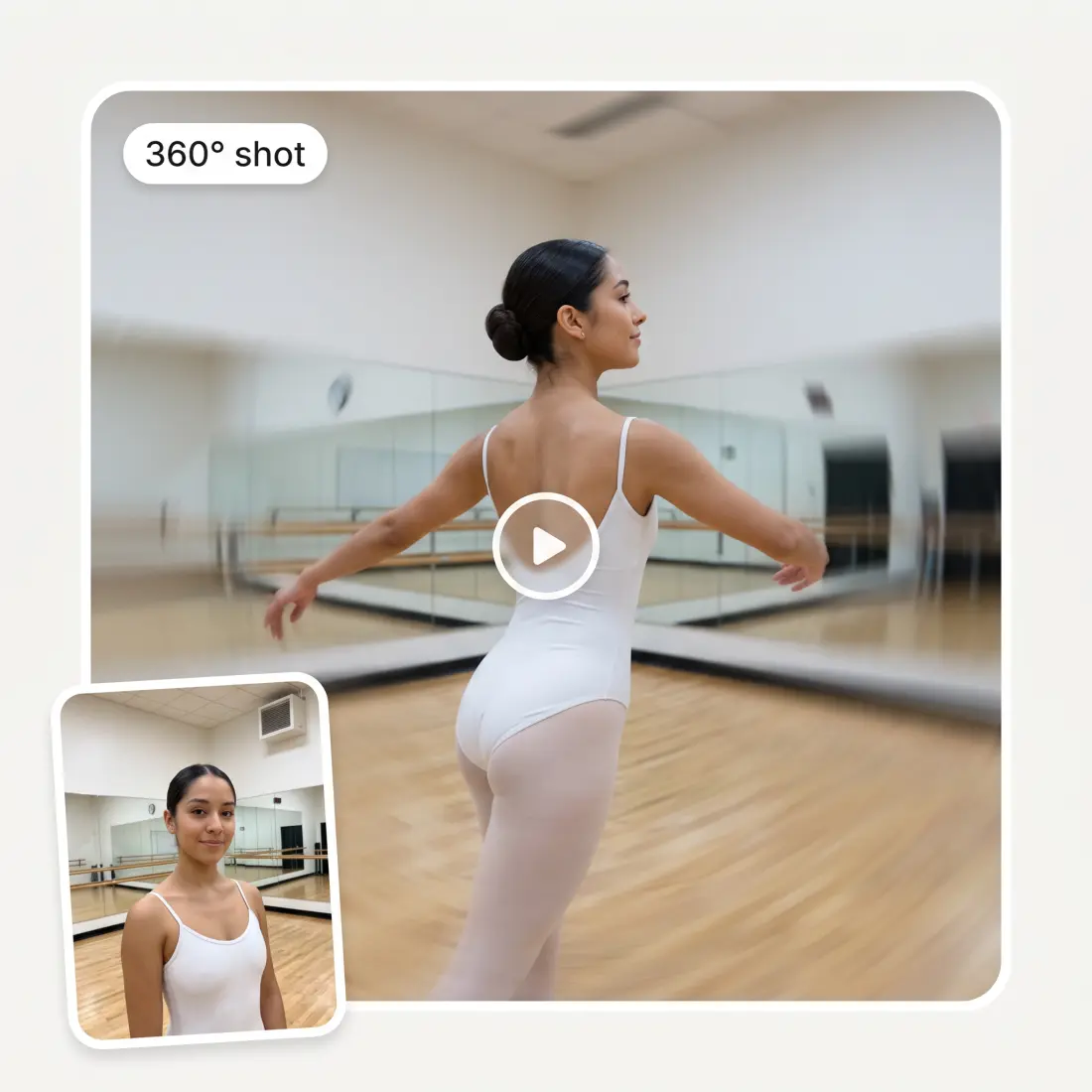
Crane shot is preselected, and the same picker holds 26 other moves. Switch to crane down, aerial, dolly, 360 shot or whip pan without leaving the page.
Pick the video model
Kling 3 Turbo Pro runs by default. Preferences also list Kling 3, Seedance 2 and 2.5, Veo 3.1, Grok Imagine Video, Wan 2.5 and Gemini Omni, plus duration and resolution where a model supports it.
Ratio follows the photo
A portrait photo gets 9:16 for Reels and Shorts, a landscape photo gets 16:9. You can override it to 1:1 or any of the three before you generate.
How to make a crane shot from a photo
1
Upload a photo
Drop, paste or choose one JPG, PNG or HEIC up to 20 MB. Photos with a clear subject and some background work best.
2
Keep Crane shot or switch
Crane shot is already selected in the Camera move picker. Type in the search box to pick one of the 26 other moves, or add a note about mood or where the camera should go.
3
Adjust the settings
Open Preferences to change the AI video model, aspect ratio, duration or resolution. The defaults are Kling 3 Turbo Pro, 5 seconds, and a ratio matched to your photo.
4
Generate in the studio
Click the purple button that shows the credit price and sign in. Your photo and the crane shot prompt open in the Overchat AI Video Generator, where the video renders, plays and downloads.
Who uses the AI crane shot
🎬
Short-form creators
You post Reels, Shorts or TikToks and need a rising reveal shot without renting a crane or flying a drone.
🏠
Real estate agents
You have one exterior photo of a listing and want the camera to lift up and show the whole property.
💍
Wedding and event photographers
You want a slow crane move over the couple or the venue as a teaser clip for the client.
🏔
Travel and landscape shooters
Your best frame is a still, and a crane shot turns it into a scene that opens up from above.
🎓
Music and film students
You are storyboarding a scene and want to see how a crane reveal plays before shooting anything.
🛍
Small brands and shops
You need a cinematic opener for an ad or a product page, and all you have is a product photo.
What people say about Overchat AI
★★★★★
It's a nice place to be. I love it
Fabiyi Oluwakemi Phillips
Nigeria · Trustpilot, 23 Jul 2026
★★★★★
Good and easy to use
Kanan Safarli
United Kingdom · Trustpilot, 23 Jul 2026
★★★★★
im really into ai apps and that one is good, helps me with my arts and homework. i draw ai vids for inst and generate images with my characters, many widgets and models! like it
Rita Semenova
Germany · Trustpilot, 14 Aug 2026
★★★★★
I've started to use overchat last week and it feels very promising. Lots of AI models in one place saves a lot of money in comparison if you buy subscriptions for each one.
Georgy P
Armenia · Trustpilot, 14 Jul 2026
★★★★★
I like how it keeps everything organized. One subscription is enough for all major AI models, which helps me avoid paying for multiple platforms.
Staria Quinn
United States · Trustpilot, 16 Nov 2025
★★★★★
I ask. CHATGP answers. I check on the answer and it's always been correct.
Dennis Fitch
United States · Trustpilot, 23 Jul 2026
Frequently Asked Questions
What is a crane shot?
A crane shot is a camera move where the camera rides a mechanical arm and lifts up, down or in an arc. Filmmakers use it to start close on a person and rise to show the whole location. This tool recreates that move from a single photo. The camera starts tight on your subject, then sweeps upward and backward to reveal the scene from above.
How does an AI crane shot work from one photo?
You upload a photo, and the tool sends it to the Overchat AI Video Generator with a crane shot prompt. The video model animates the camera rising away from your subject. Because the photo does not contain what lies beyond its edges, the AI extends the scene as the camera climbs. The revealed surroundings are a plausible reconstruction, not a recording of the real place.
What is the difference between a crane shot and a drone shot?
A crane shot is bound to an arm, so the move is short, smooth and close to the subject. A drone flies free and can climb hundreds of feet over a wide area. In the picker, Crane shot gives you the grounded rise and pull-back. Aerial and Bird's eye are separate moves for the higher, drone-style view.
Is a crane shot the same as a boom shot or a jib shot?
In practice, yes. Boom, jib and crane shots all describe a camera rising or dropping on an arm. A jib is a smaller arm and a crane is the full rig with a base and counterweights, but the on-screen move looks the same. If you are looking for a jib shot or a boom shot, pick Crane shot here. Crane down is the separate move for a descending camera.
Why do filmmakers use crane shots?
The rising move reveals scale and place. Directors use it to open a scene on a city or a house, to show how big a crowd is, or to end a story by pulling away from a character. In this tool that works well for reveals: a couple in front of the venue, a car on the road, a house on its lot. Add a short note in the details field if you want the camera to rise slowly or end on the horizon.
Can I upload my own drone or crane footage to edit or stabilize it here?
No. This page takes one photo and produces a new short video with a crane move. It does not accept video files, and it does not stabilize or edit existing footage. For other video work, including generating clips from text or a different starting image, open the Overchat AI Video Generator directly.
How long is the video, and what does it cost?
The default is 5 seconds, and the model you pick sets the range, from 3 up to 15 seconds. Generation runs on Overchat credits. The purple button on the page shows the exact price for your current settings before you click. Longer clips and higher resolutions cost more credits.
Is there a watermark, and what happens to my photo?
Paid output has no watermark. Your photo goes to the Overchat AI Video Generator studio after you sign in and stays inside the Overchat pipeline. Nothing is sent to third-party sites, and the landing page itself does not generate or store anything.
{"@context":"https://schema.org","@graph":[{"@type":"WebApplication","@id":"https://overchat.ai/ai-tools/ai-crane-shot#app","name":"AI Crane Shot Generator","url":"https://overchat.ai/ai-tools/ai-crane-shot","applicationCategory":"MultimediaApplication","operatingSystem":"Web","description":"Upload one photo and get a crane shot video: the camera rises and sweeps back to reveal the scene. 27 camera moves, Kling 3, Veo 3.1, Seedance 2 and more.","offers":{"@type":"Offer","price":"0","priceCurrency":"USD","description":"Free to start; video generation uses Overchat credits."},"publisher":{"@type":"Organization","name":"Overchat AI","url":"https://overchat.ai/"}},{"@type":"BreadcrumbList","@id":"https://overchat.ai/ai-tools/ai-crane-shot#breadcrumb","itemListElement":[{"@type":"ListItem","position":1,"name":"Overchat AI","item":"https://overchat.ai/"},{"@type":"ListItem","position":2,"name":"Video","item":"https://overchat.ai/video"},{"@type":"ListItem","position":3,"name":"AI Video Generator","item":"https://overchat.ai/video/ai-video-generator"},{"@type":"ListItem","position":4,"name":"AI Crane Shot","item":"https://overchat.ai/ai-tools/ai-crane-shot"}]},{"@type":"FAQPage","@id":"https://overchat.ai/ai-tools/ai-crane-shot#faq","mainEntity":[{"@type":"Question","name":"What is a crane shot?","acceptedAnswer":{"@type":"Answer","text":"A crane shot is a camera move where the camera rides a mechanical arm and lifts up, down or in an arc. Filmmakers use it to start close on a person and rise to show the whole location. This tool recreates that move from a single photo. The camera starts tight on your subject, then sweeps upward and backward to reveal the scene from above."}},{"@type":"Question","name":"How does an AI crane shot work from one photo?","acceptedAnswer":{"@type":"Answer","text":"You upload a photo, and the tool sends it to the Overchat AI Video Generator with a crane shot prompt. The video model animates the camera rising away from your subject. Because the photo does not contain what lies beyond its edges, the AI extends the scene as the camera climbs. The revealed surroundings are a plausible reconstruction, not a recording of the real place."}},{"@type":"Question","name":"What is the difference between a crane shot and a drone shot?","acceptedAnswer":{"@type":"Answer","text":"A crane shot is bound to an arm, so the move is short, smooth and close to the subject. A drone flies free and can climb hundreds of feet over a wide area. In the picker, Crane shot gives you the grounded rise and pull-back. Aerial and Bird's eye are separate moves for the higher, drone-style view."}},{"@type":"Question","name":"Is a crane shot the same as a boom shot or a jib shot?","acceptedAnswer":{"@type":"Answer","text":"In practice, yes. Boom, jib and crane shots all describe a camera rising or dropping on an arm. A jib is a smaller arm and a crane is the full rig with a base and counterweights, but the on-screen move looks the same. If you are looking for a jib shot or a boom shot, pick Crane shot here. Crane down is the separate move for a descending camera."}},{"@type":"Question","name":"Why do filmmakers use crane shots?","acceptedAnswer":{"@type":"Answer","text":"The rising move reveals scale and place. Directors use it to open a scene on a city or a house, to show how big a crowd is, or to end a story by pulling away from a character. In this tool that works well for reveals: a couple in front of the venue, a car on the road, a house on its lot. Add a short note in the details field if you want the camera to rise slowly or end on the horizon."}},{"@type":"Question","name":"Can I upload my own drone or crane footage to edit or stabilize it here?","acceptedAnswer":{"@type":"Answer","text":"No. This page takes one photo and produces a new short video with a crane move. It does not accept video files, and it does not stabilize or edit existing footage. For other video work, including generating clips from text or a different starting image, open the Overchat AI Video Generator directly."}},{"@type":"Question","name":"How long is the video, and what does it cost?","acceptedAnswer":{"@type":"Answer","text":"The default is 5 seconds, and the model you pick sets the range, from 3 up to 15 seconds. Generation runs on Overchat credits. The purple button on the page shows the exact price for your current settings before you click. Longer clips and higher resolutions cost more credits."}},{"@type":"Question","name":"Is there a watermark, and what happens to my photo?","acceptedAnswer":{"@type":"Answer","text":"Paid output has no watermark. Your photo goes to the Overchat AI Video Generator studio after you sign in and stays inside the Overchat pipeline. Nothing is sent to third-party sites, and the landing page itself does not generate or store anything."}}]}]}

.webp)