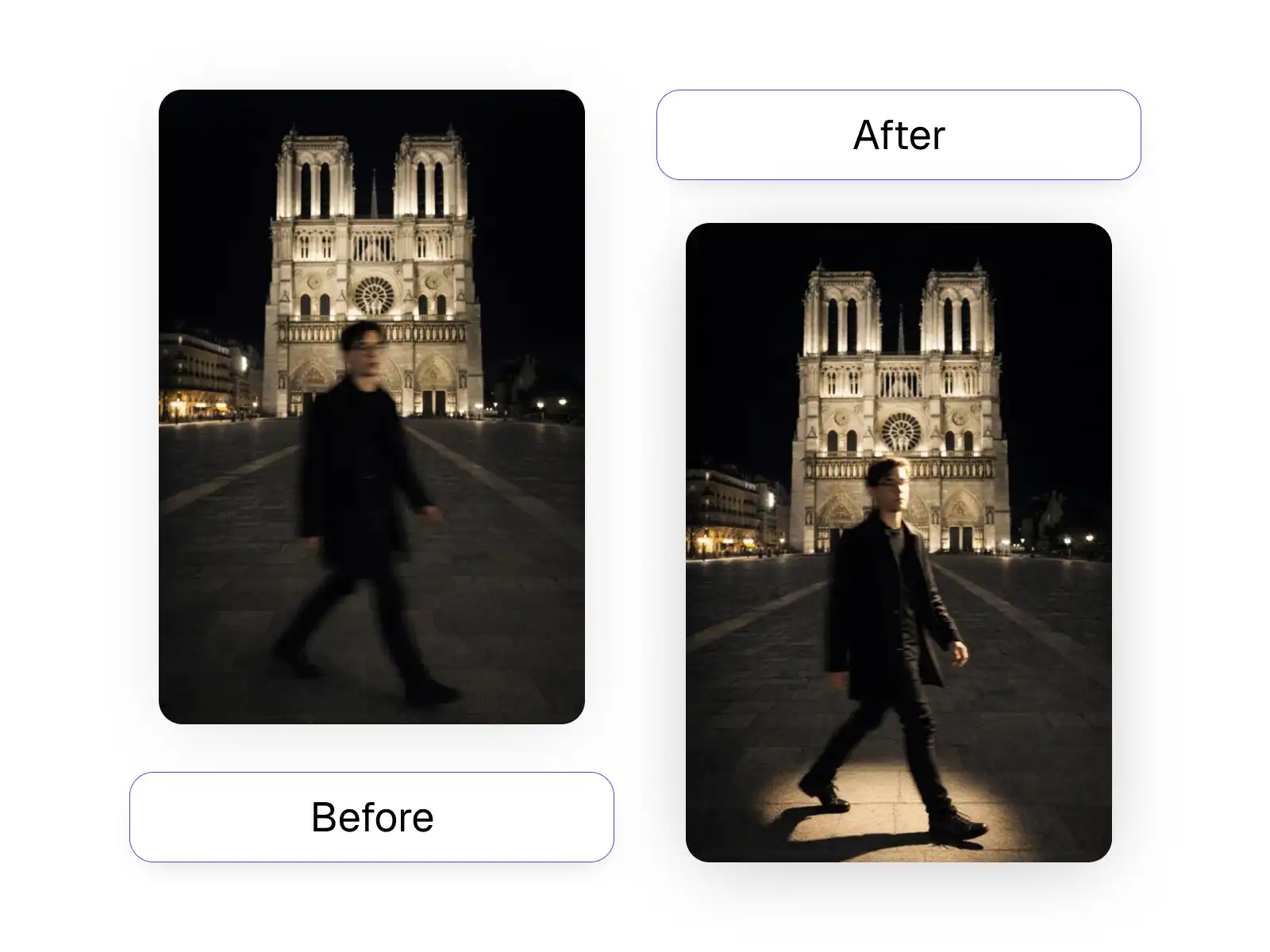
Forget about reshoots — easily change the lighting of any image with AI.
"Quick and easy."
★★★★★
"Amazing results."
★★★★★
"The best AI app!"
★★★★★
"This is incredible."
★★★★★
"Loved this AI app."
★★★★★
"Exceeded my expectations!"
★★★★★
"Professional quality results."
★★★★★
"Fast and reliable."
★★★★★
"Incredible results."
★★★★★
"Quick and easy."
★★★★★
"Amazing results."
★★★★★
"The best AI app!"
★★★★★
"This is incredible."
★★★★★
"Loved this AI app."
★★★★★
"Exceeded my expectations!"
★★★★★
"Professional quality results."
★★★★★
Choose any photo you want to relight - portraits, product shots, or any image with lighting you'd like to change.
Use the interactive pad or quick select buttons to choose where the light should come from - top, front, back, or any angle.
Fine-tune the brightness, light softness/hardness, and color temperature to achieve your desired look.
Download your perfectly relit photo and use it anywhere - social media, e-commerce, portfolios, and more.
No more reshoots needed. Our AI analyzes your image and realistically simulates light from any direction - top, front, back, or sides - giving you complete control over your photo's lighting.
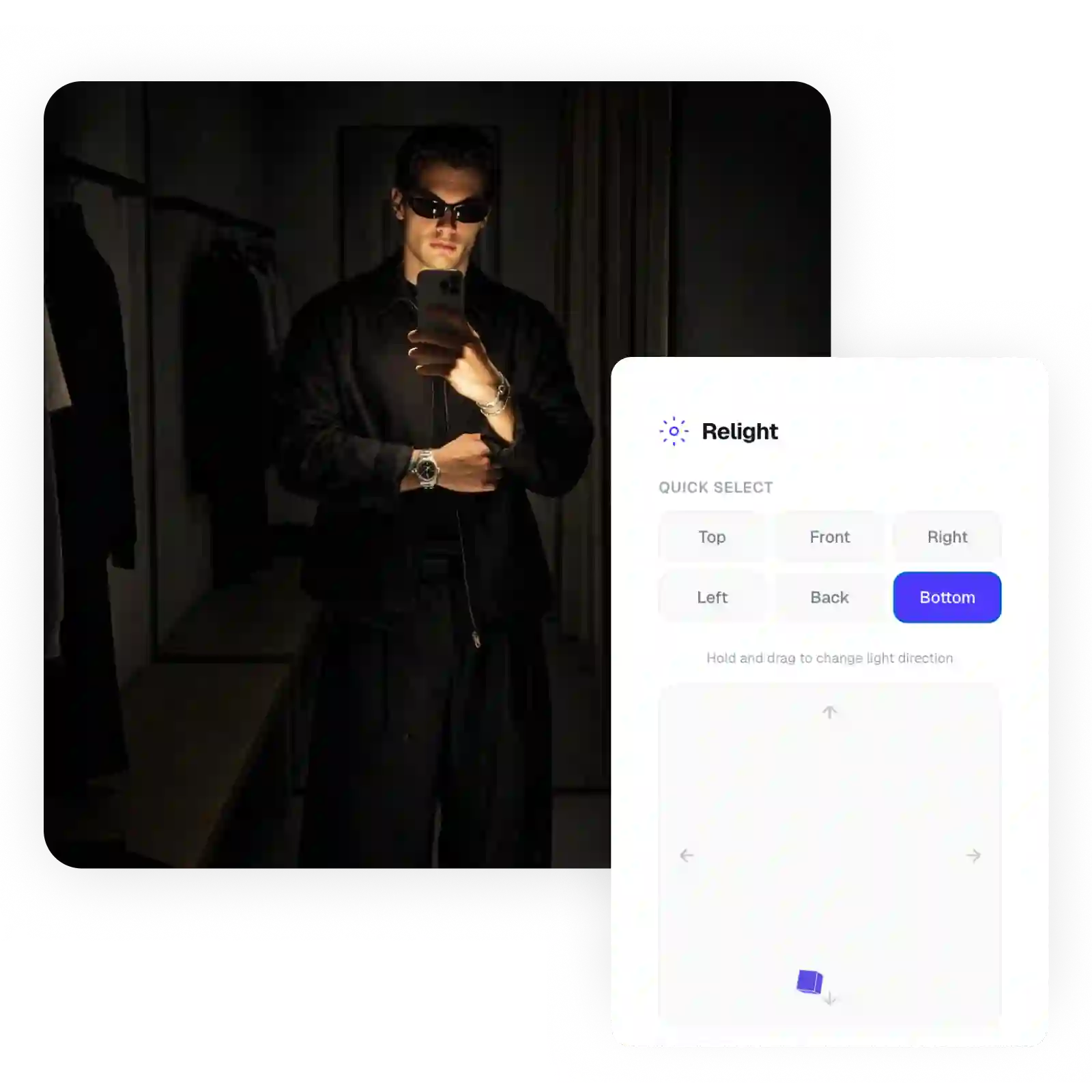
Make your photos pop with perfect lighting. Adjust light direction to highlight characters, create depth, and give your photos that professional studio look without expensive equipment.
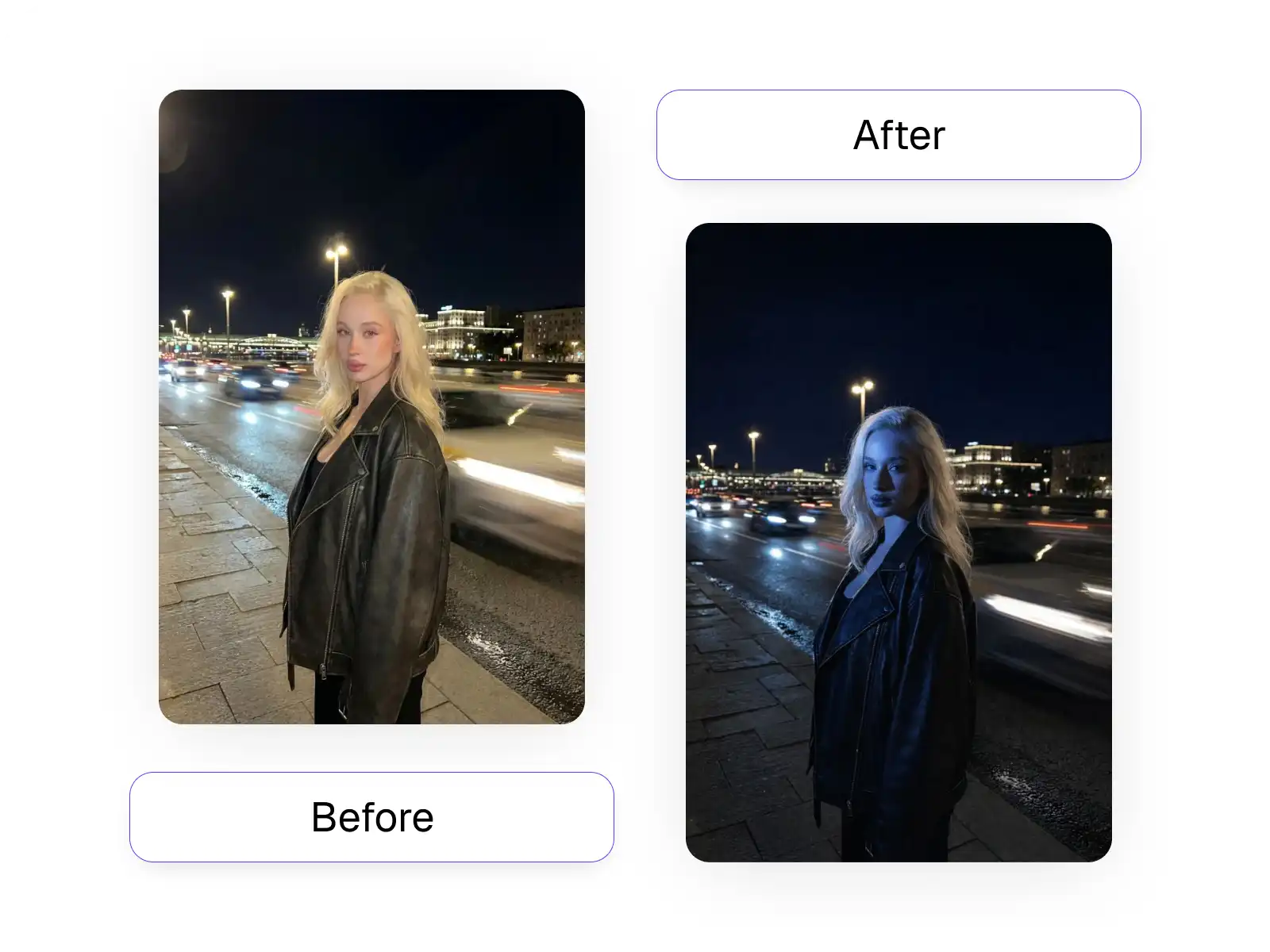
Rescue photos with unflattering shadows or harsh lighting. Our AI relighter can simulate soft studio lighting on portraits taken in any condition, making subjects look their best.
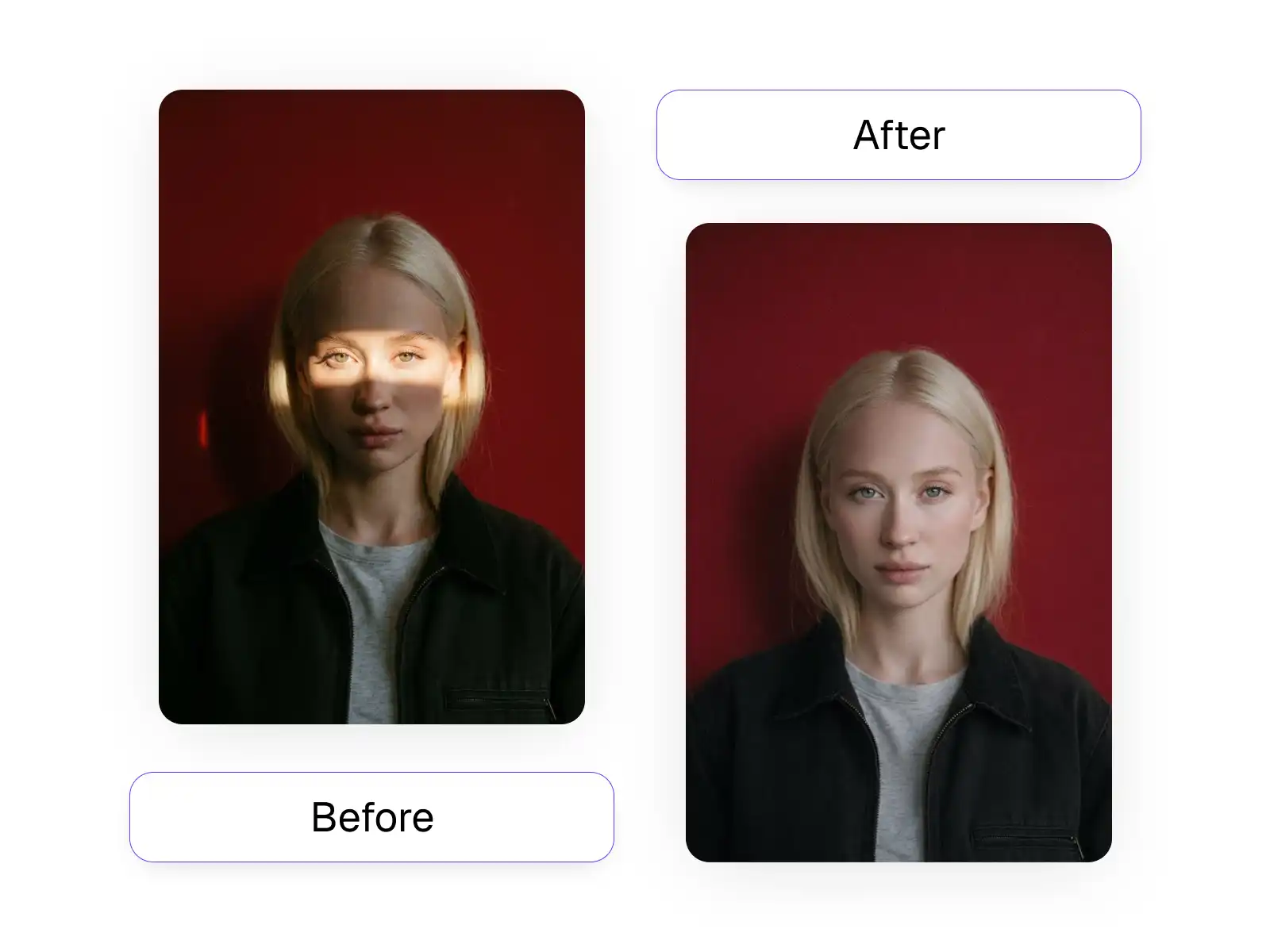
Don't delete those photos with bad lighting. Our AI can realistically change the light source direction, brightness, and color temperature to transform dark or flat images into properly lit masterpieces.
TESTIMONIALS
"As a product photographer, this tool has been a game-changer. I can fix lighting issues in post without reshooting. Saved me hours of studio time!"
 Alex Rivera
"I had old family photos with terrible lighting. This AI relighter made them look like they were taken by a professional. Absolutely amazed!"
 Jennifer Cole
"The ability to change light direction after taking the photo is incredible. My Instagram feed looks so much more professional now."
 Michael Park
"I run an e-commerce store and this relighting tool has transformed my product photos. Everything looks like it was shot in a professional studio!"
 Lisa Zhang
Overchat AI brings you the power of the world's top AI models: GPT, Claude, Gemini, Mistral, and more.

USE CASES
Choose light direction from any angle - top, front, back, left, right, or drag to set custom positions.
Switch between soft diffused lighting and hard dramatic shadows to match your creative vision.
Fine-tune light intensity from subtle to dramatic with our intuitive brightness slider.
Adjust the warmth of your light from cool blue tones to warm golden hues.
Perfect for e-commerce photos that need professional studio lighting.
Fix unflattering shadows and create beautiful portrait lighting in post.
Join thousands of users already using Overchat AI Relighter. Get started today.
Overchat AI Relighter is one of the best AI photo relighting tools available. It lets you change light direction, adjust brightness, and modify color temperature to transform any photo's lighting in seconds.
Our AI analyzes your photo to understand its 3D structure and surfaces, then realistically simulates how light would fall from your chosen direction. This creates natural-looking shadows and highlights as if the photo was taken with different lighting.
Absolutely! AI relighting is perfect for product photography. You can highlight product features, create depth, and achieve professional studio lighting effects on photos taken anywhere.
You can adjust light direction (top, front, back, left, right, bottom, or custom angles), brightness intensity, soft vs hard light quality, and color temperature from cool to warm tones.
Yes! Our AI relighter works on portraits, product shots, food photography, real estate images, and more. Any photo where you want to change or improve the lighting can benefit from this tool.
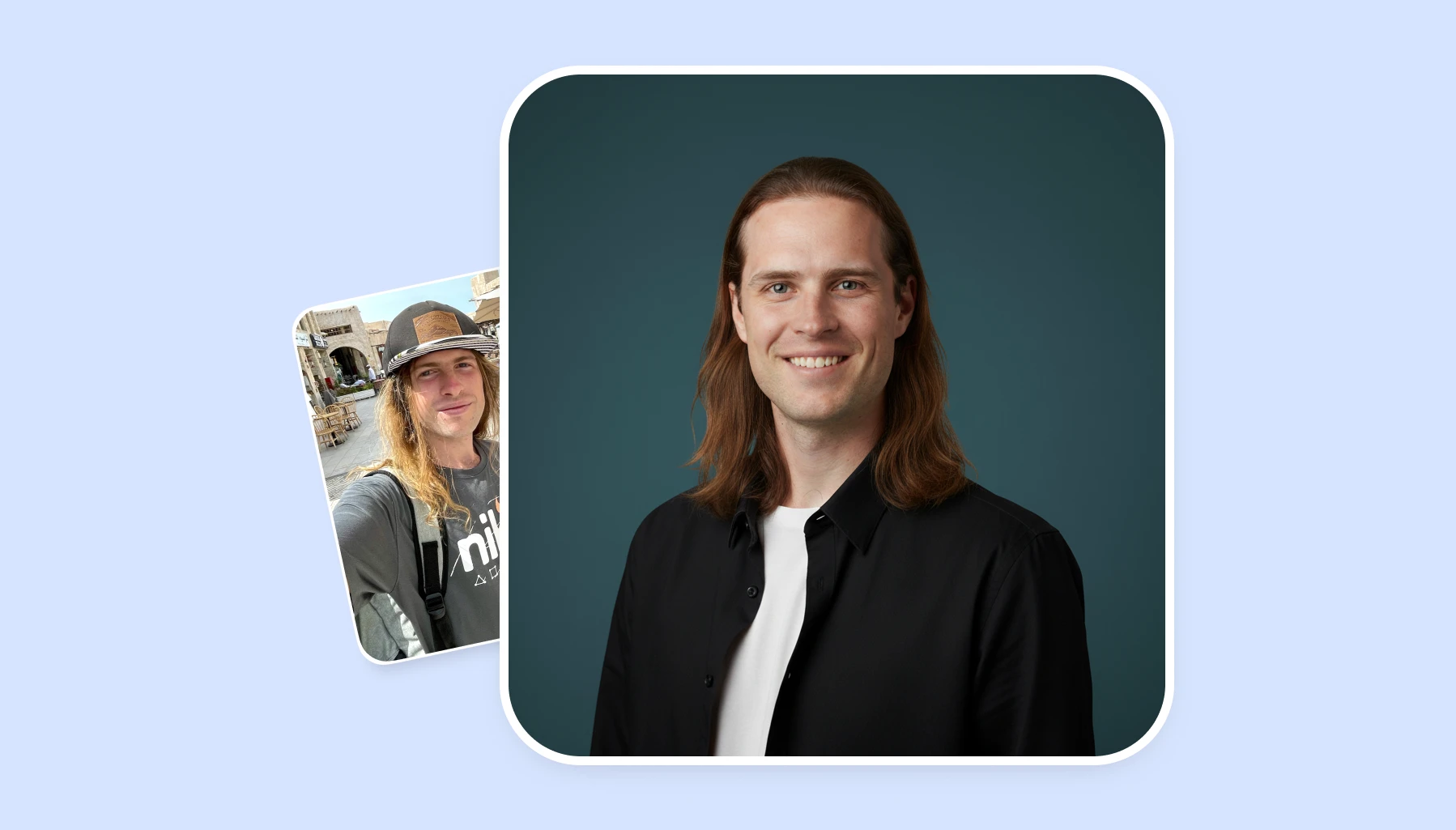
Discover the top AI headshot tools that deliver professional results in minutes. We compare pricing, quality, and features to help you choose the perfect solution for your needs.
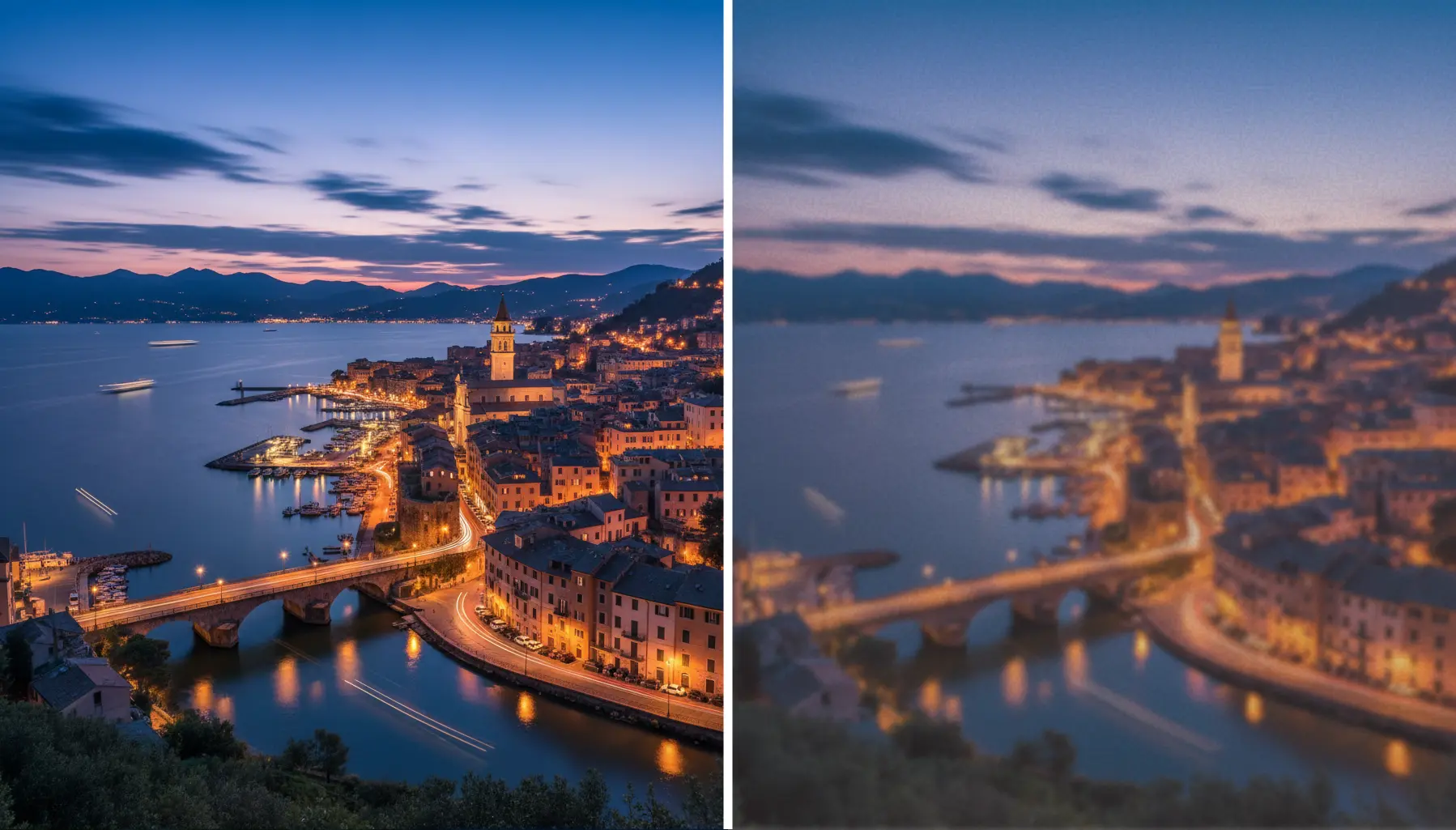
Learn the secrets to upscaling your images without losing quality. From AI-powered tools to best practices, we'll show you how to enhance resolution while preserving every detail.
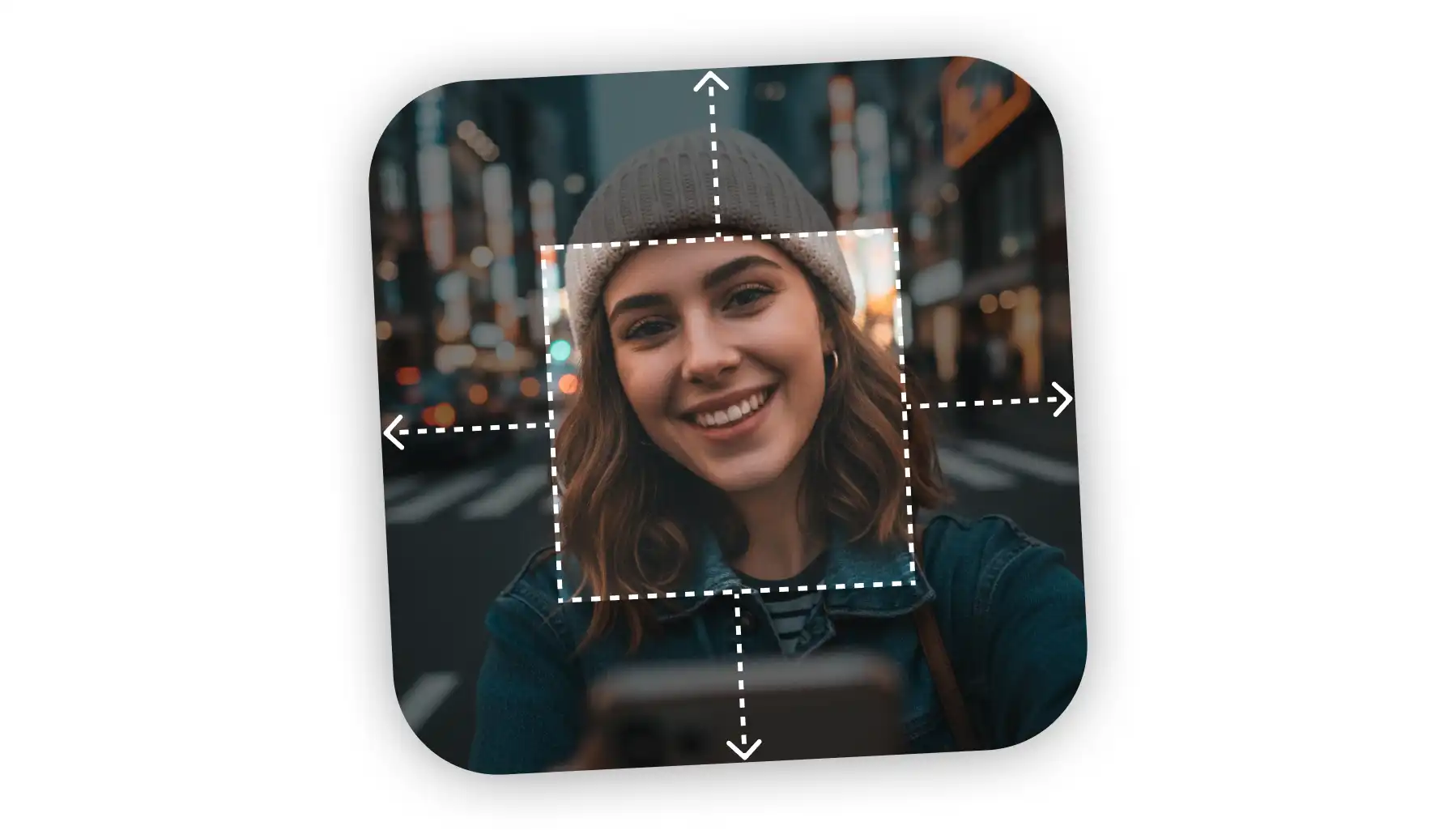
Need to uncrop your photos beyond their original borders? Explore the leading AI image extenders that seamlessly fill in backgrounds and create the perfect composition for any project.
Available on Web, iOS, and Android. Access your AI assistant anywhere, anytime.





.svg)
