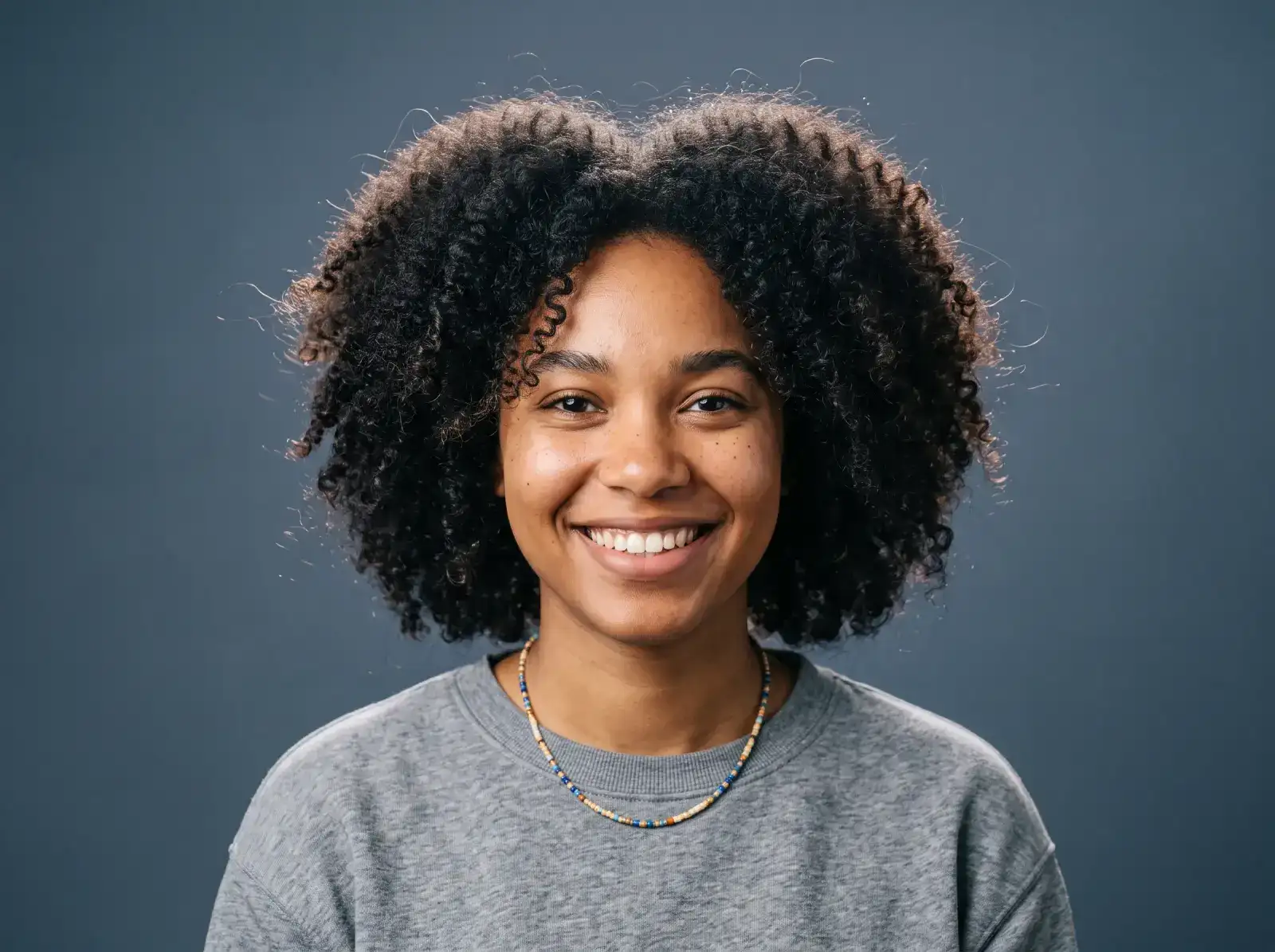
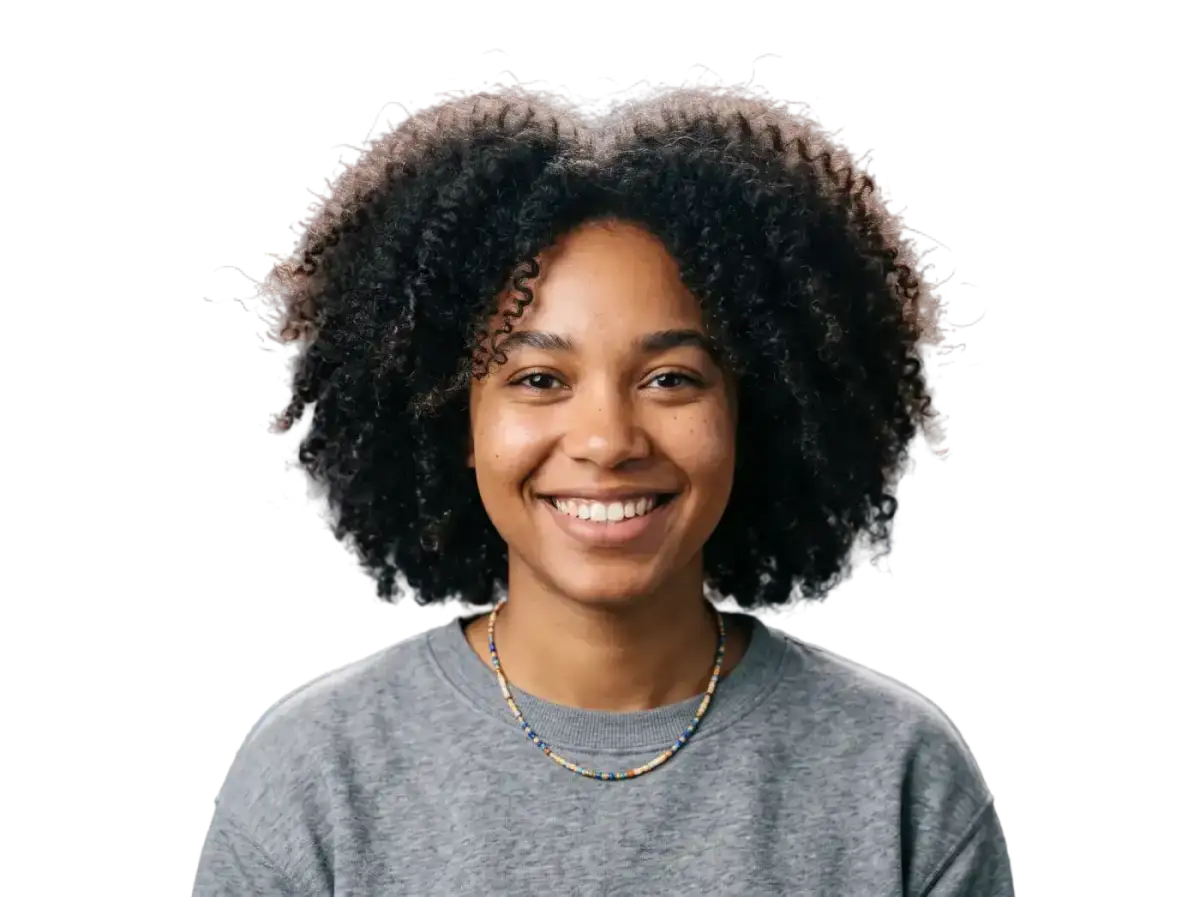
Easily remove busy or distracting backgrounds from photos with the Overchat AI background remover app. Drag the handle to see before and after results.



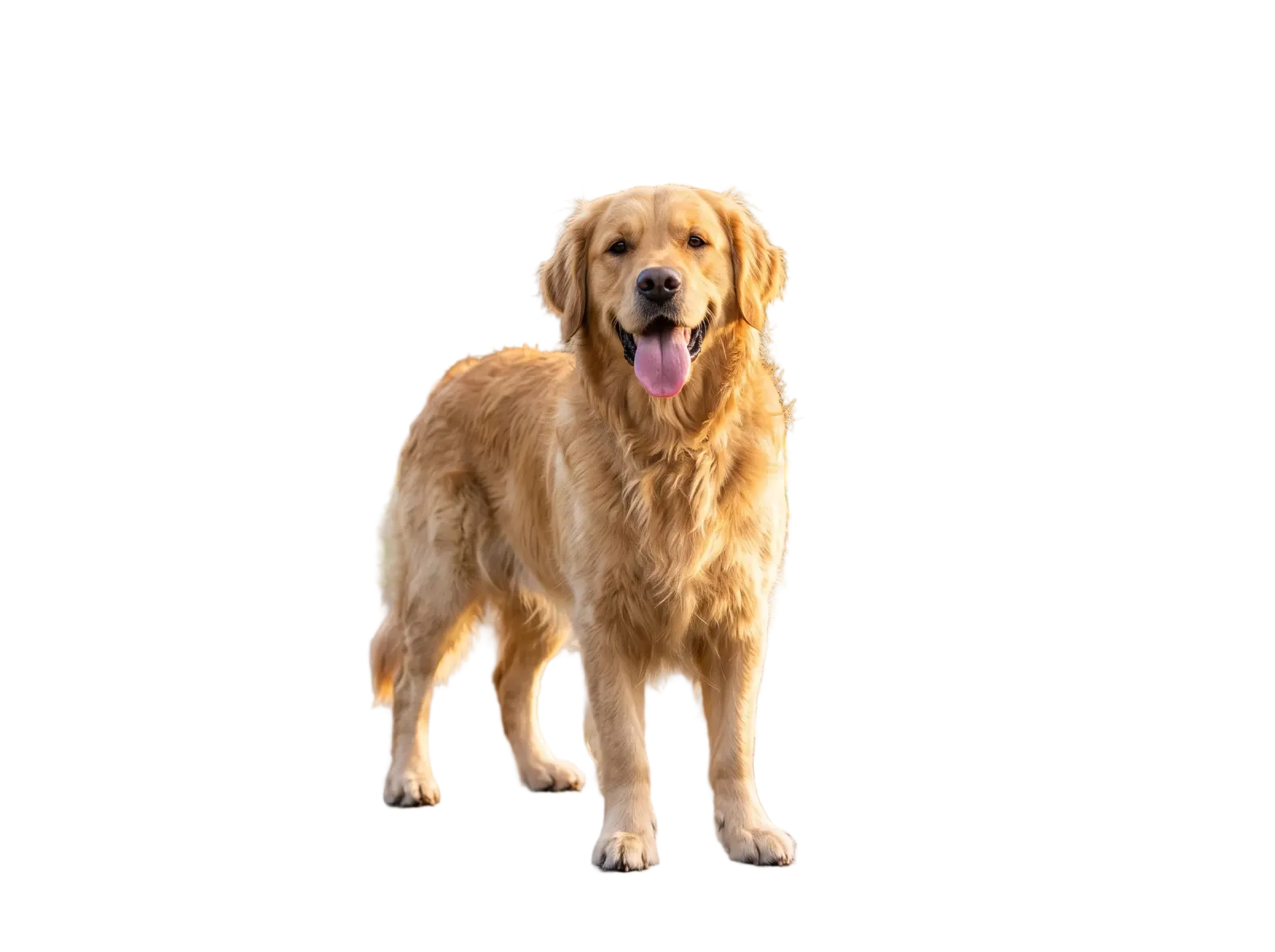




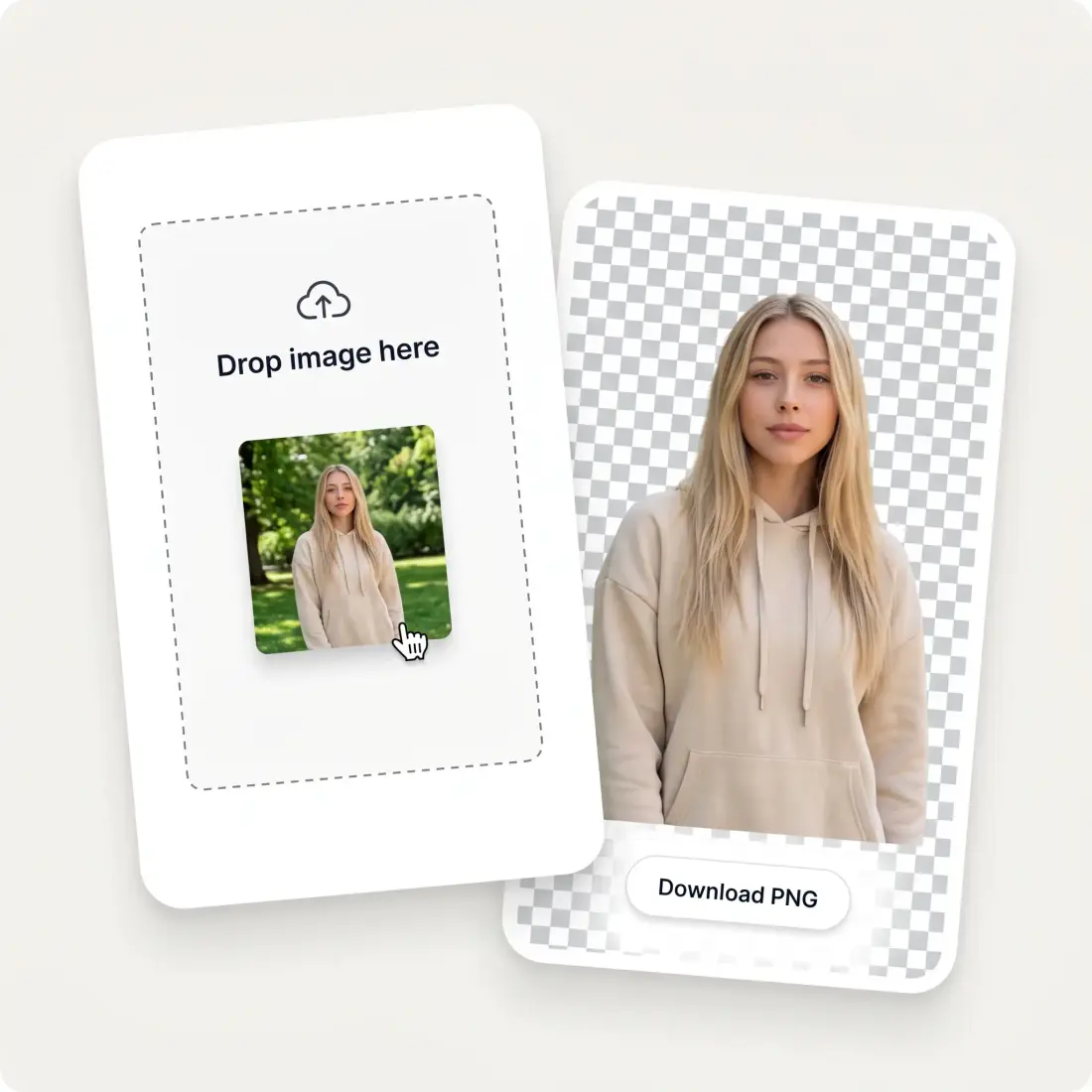
Drag in a JPG, PNG or WEBP up to 10 MB, or paste one straight from your clipboard.
Overchat finds the subject, traces its edge and deletes everything behind it automatically.
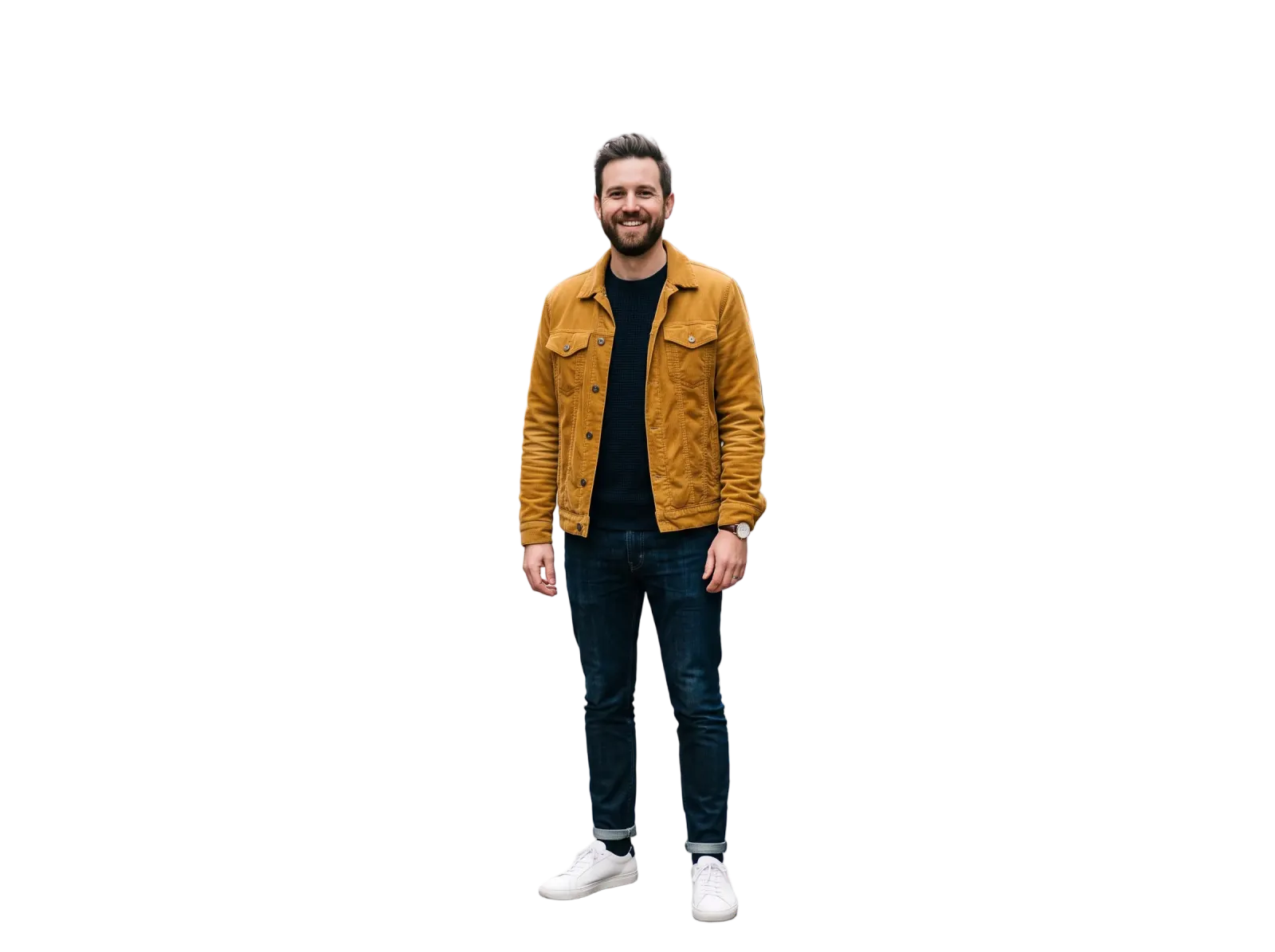
Save a full-resolution transparent PNG.
Get rid of the background with the Overchat AI background remover, and swap it with a custom background. Get perfect PNG cutouts without artifacts, even on complex subjects such as hair or face links — completely automatically, without using Photoshop and doing complex manual masking. The Overchat AI background remover erases backgrounds in 5–15 seconds, using generative AI technology.
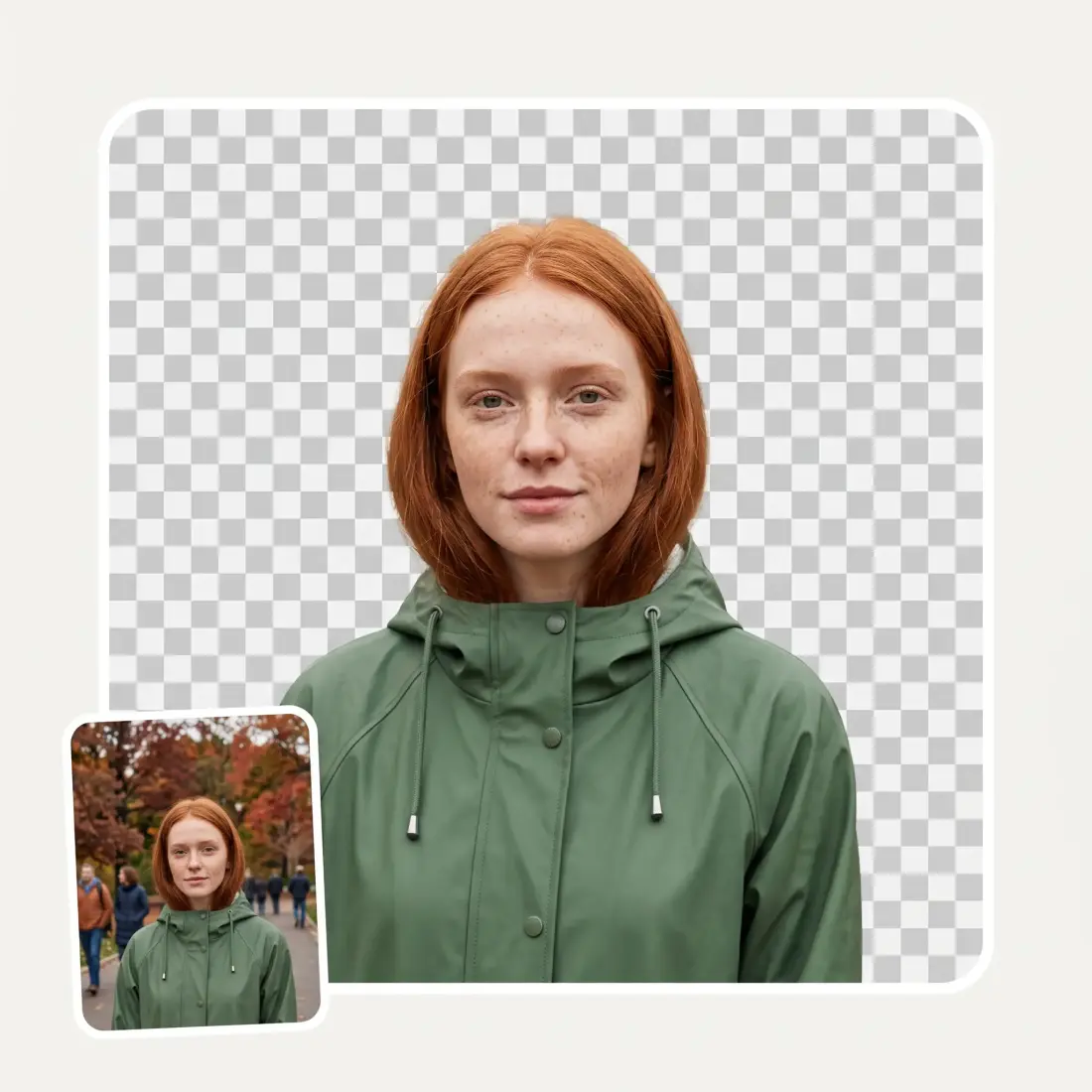
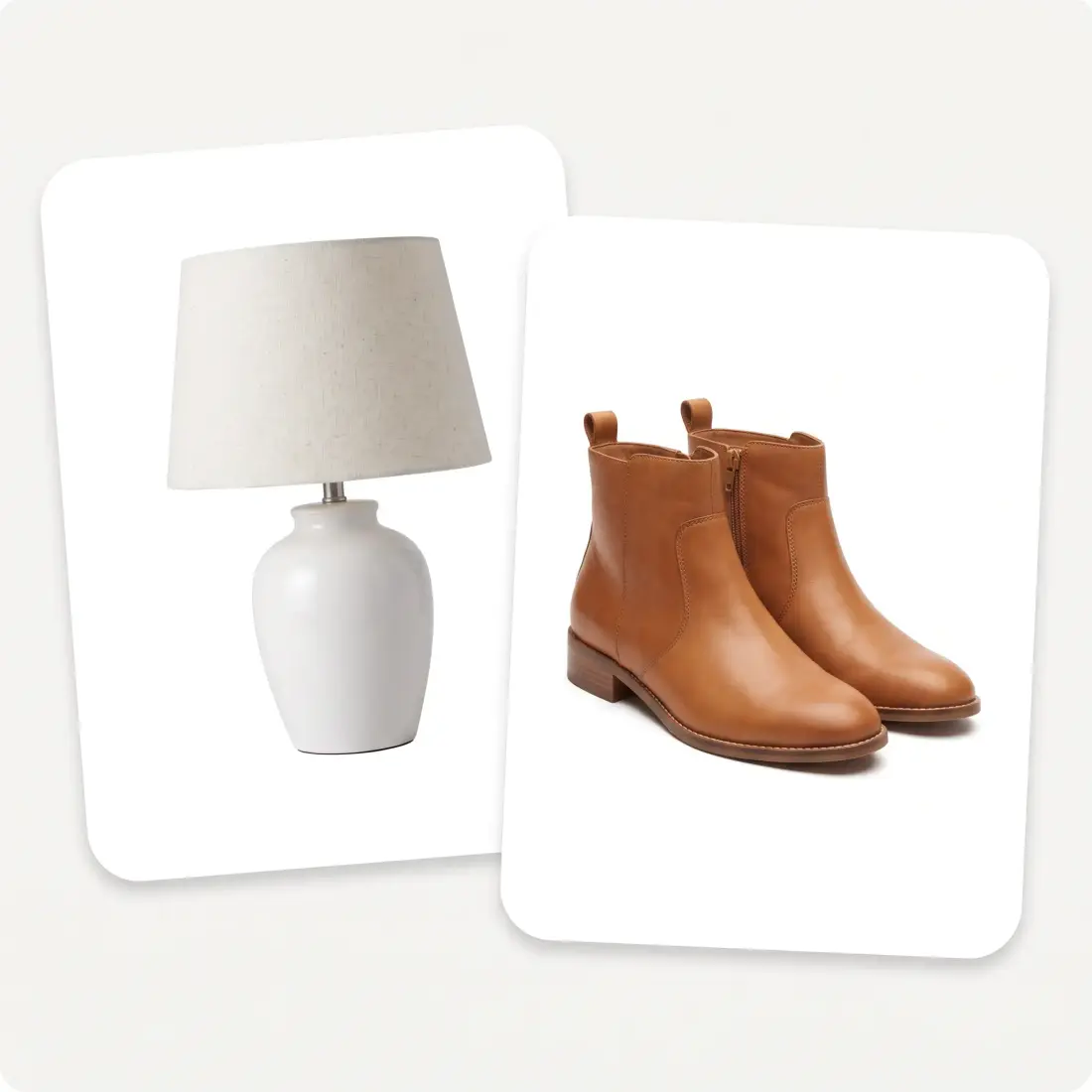
Overchat AI has a fully automated background removal process that includes subject detection, masking, and erasing. To remove the background, simply upload a photograph and tap a button. It works online and on phones or computers.
You can easily replace the transparent background with a solid color, a gradient, or a different photo. You can swap in your own background or use our AI background replacer to generate a new one from a text prompt or another image.

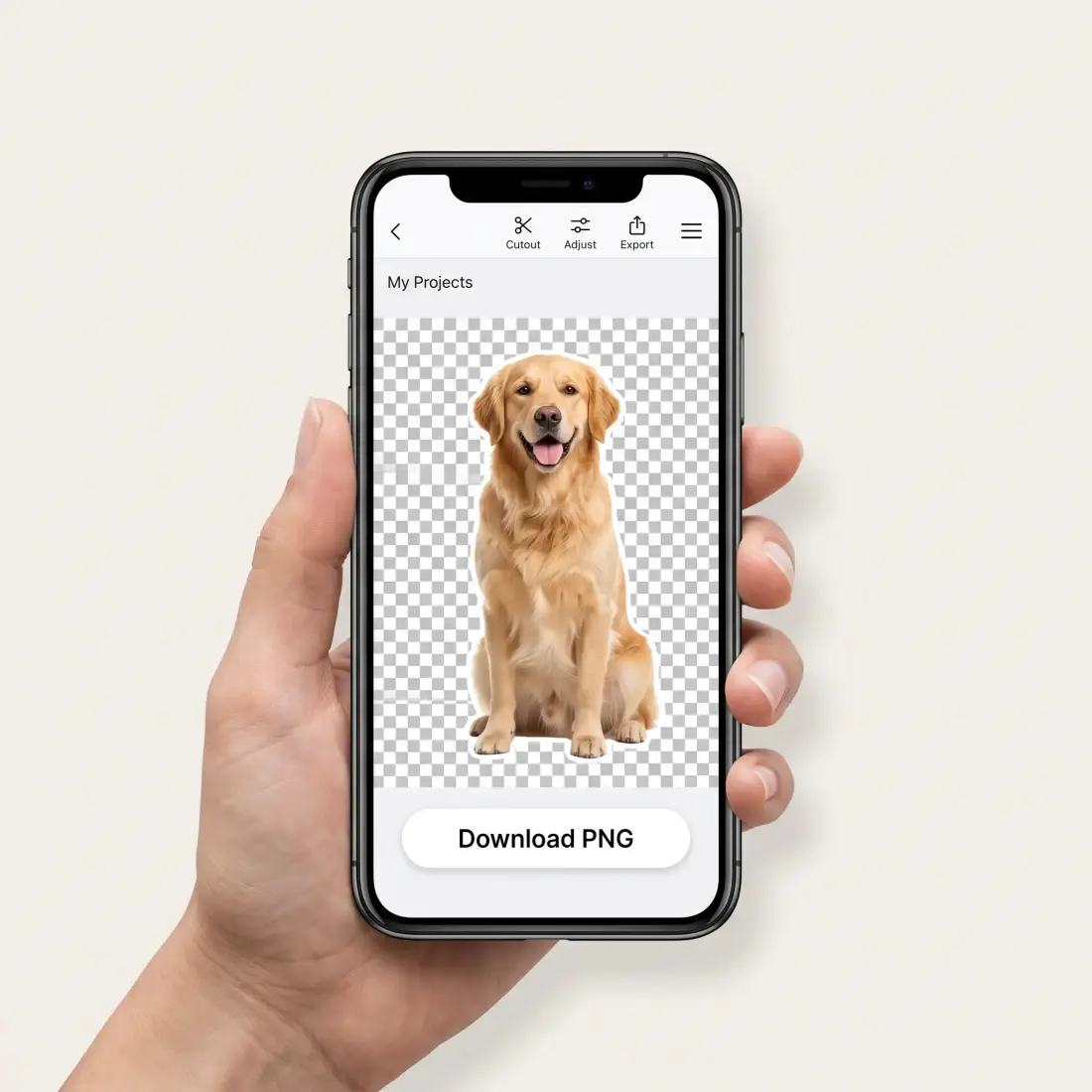
The Overchat AI background eraser works entirely online, so you can use it on any device without installing software. All you need to do is open a web page to erase backgrounds. You can upload photos from an iPhone camera roll, an Android gallery, a tablet, or a desktop. You can also take a new picture with your camera phone and instantly erase the background online.
Every image is transferred and processed over a secure, encrypted connection.
Uploads are automatically deleted after processing.
Your images are never added to public training datasets or used to improve models.
All resulting PNGs are yours forever with full commercial rights.
The Overchat AI Background Remover uses an artificial intelligence model to automatically detect subjects in your photo, create an accurate mask, and erase the background. The output is a high-resolution transparent PNG.
Upload the image to the Overchat AI background remover app, then tap "Remove Background." After processing, download the result as a PNG file.
The AI background remover is a paid tool, but Overchat has plenty of free ones — including a free AI image generator. Create a free account to get started and see what your plan covers.
JPG, PNG and WEBP files up to 10 MB.
Usually 5–15 seconds. Images with intricate detail such as hair or semi-transparent objects can take up to 30 seconds.
Yes. The transparent PNG keeps the resolution of the file you uploaded, with no extra compression.
Yes — smooth edges without jagged lines or a coloured halo. The hard cases, hair, fur and semi-transparent objects, are exactly what the model is trained for. Drag the comparison slider above to judge for yourself.
Yes. Once the background is gone you have a transparent PNG that drops onto any colour, gradient or photo in the editor of your choice. To have a new scene generated for you instead, use the AI background changer.
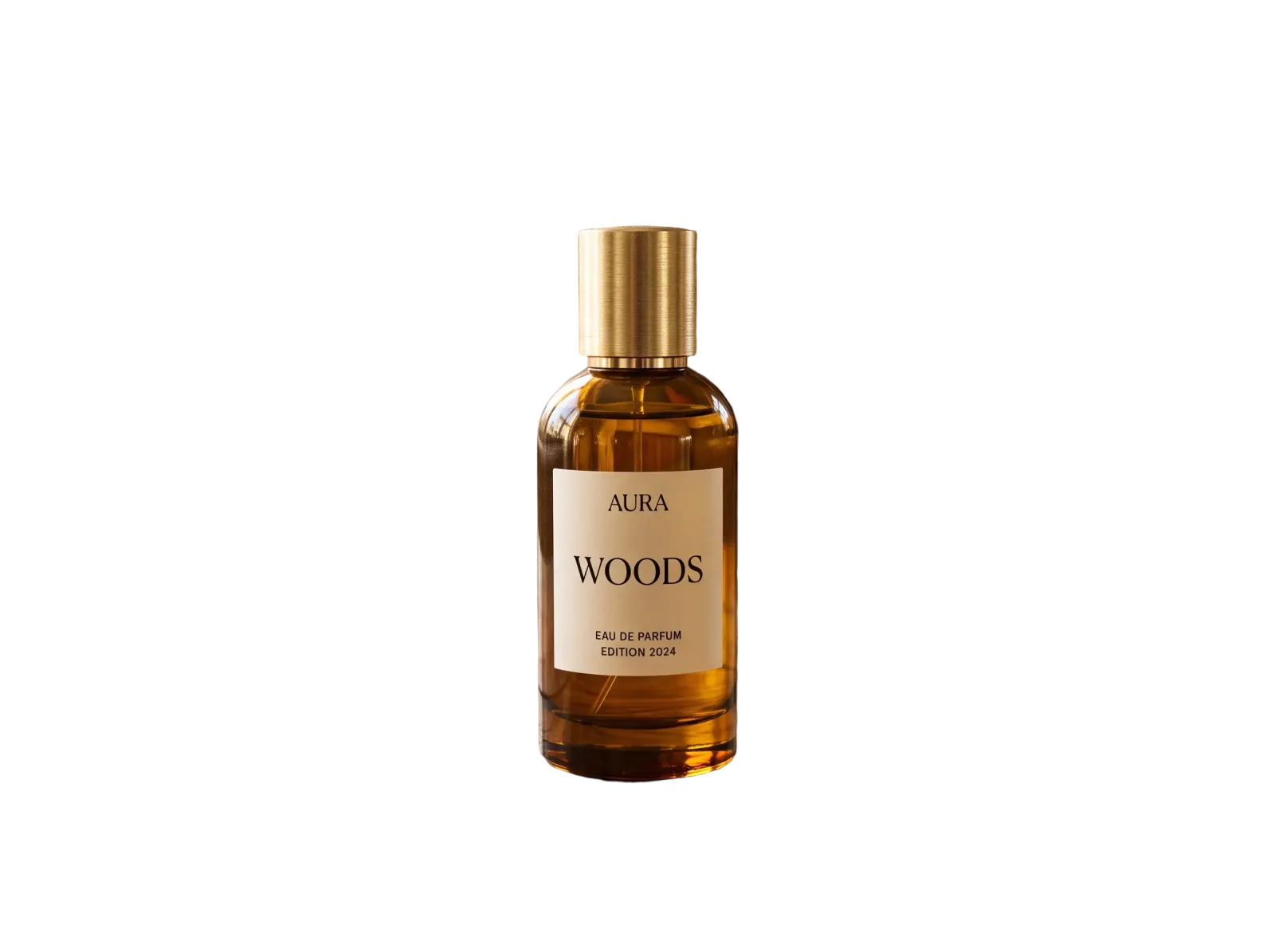
It does. A logo on white, a signature photographed on paper or a flat illustration all come back as transparent PNGs with crisp edges, which is what you need before placing them over a coloured layout.
Yes, since the Overchat AI Background Remover is web-based, you can use it on an iPhone or Android phone or tablet without downloading a local app. You can upload an image from your camera roll or filesystem, or take a new photo with your camera.
Upload a Jpeg image and make it transparent with Overchat AI.
