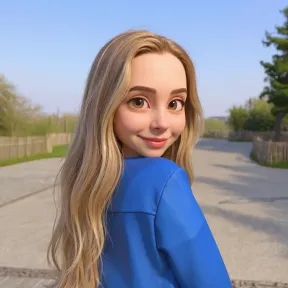
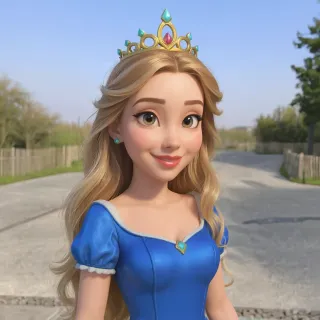
With Overchat AI, you can convert any pictures into stunning illustrations in a variety of styles, ranging from hand-drawn 2D and anime to watercolour and 3D animation.




Drag and drop an image
File size limit: 10MB

The Ghibli style is incredible! My photos look like they're straight out of a movie.

Pro models are worth it. The quality difference is night and day!

So fun to turn my selfies into anime characters. My friends love it!

Amazing results! The Pixar style made my dog look like an actual movie character.

Super fast and easy to use. Love all the different art styles available!

The manga style is perfect! Used it for my entire profile. Highly recommend.
The Ghibli style is incredible! My photos look like they're straight out of a movie.
Pro models are worth it. The quality difference is night and day!
So fun to turn my selfies into anime characters. My friends love it!
Amazing results! The Pixar style made my dog look like an actual movie character.
Super fast and easy to use. Love all the different art styles available!
The manga style is perfect! Used it for my entire profile. Highly recommend.


Get access to premium AI models, higher quality output, and advanced style controls.
Powered by AI style transformation
With Overchat AI, you can transform a photo into a drawing with just two clicks. You can then download the result in HD quality, without watermarks, without creating an account.
Powered by advanced artificial intelligence, our AI image generator can accurately recreate a variety of artistic styles, from cute chibi to realistic 3D. This gives you unparalleled flexibility to transform your images into different types of illustration.
With Overchat AI, you can easily turn images into art, even if you don't know how to draw or have never used digital painting software. There's no manual work involved — just upload your image and choose a style to transform it.
We know that privacy matters, so we designed our web app to be completely private. All user data is encrypted using a secure HTTPS algorithm, and only you can see the images you upload.
The Overchat AI illustration generator can be used on your phone, tablet or desktop computer via web and mobile apps, allowing you to create illustrations at home or on the go.
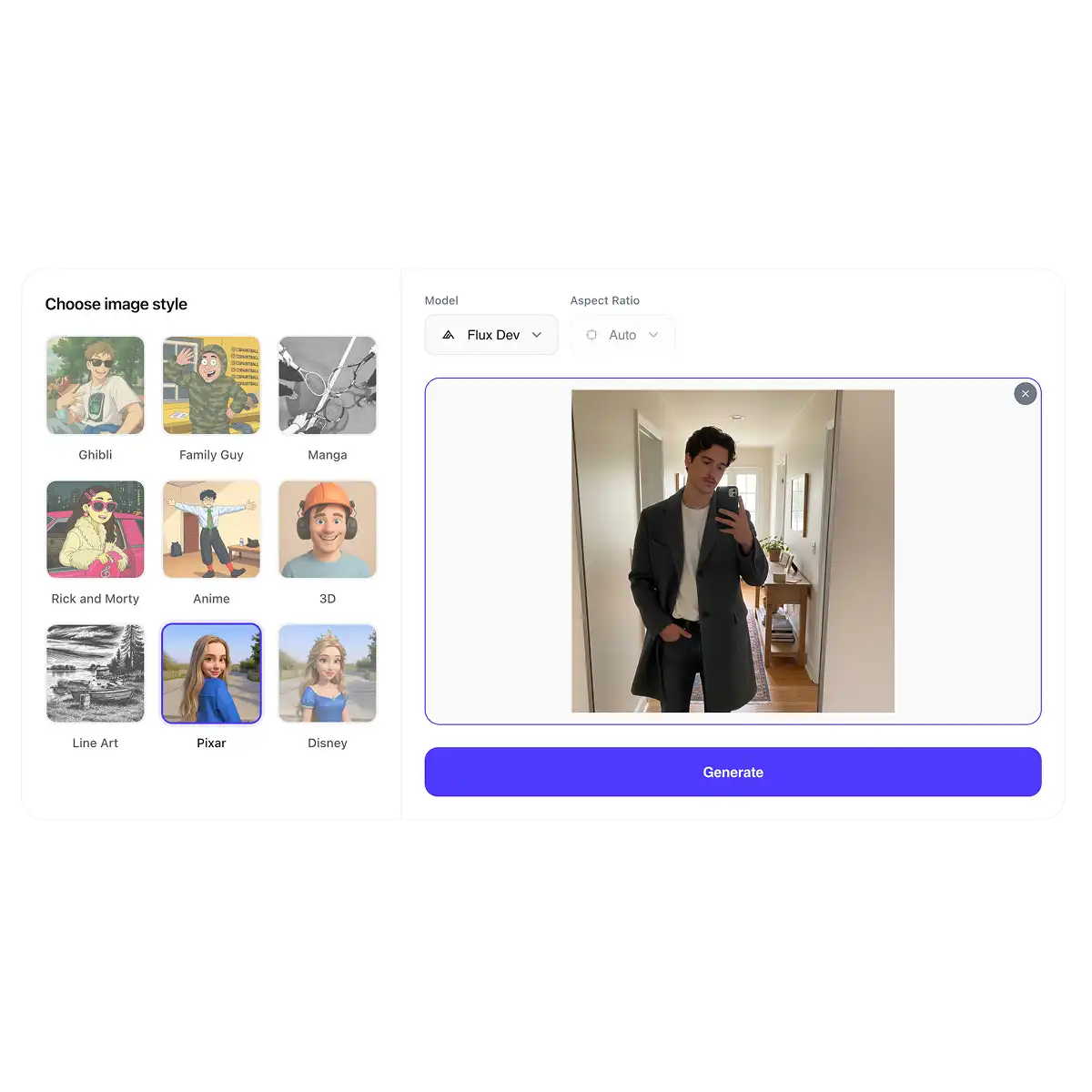
Scroll up to the widget above and upload your image to start the transformation process. Our tool accepts JPG, PNG, WEBP and HEIC files of up to 10 MB. You can choose an image of yourself, your pet or a landscape scene.
Choose from a variety of illustrative styles, including 2D, 3D, Studio Ghibli, Pixar and Disney, using the gallery.
The AI will use an advanced machine learning algorithm to process your image and transform it into an illustration in the selected style while preserving all important details. You can then download it or share it directly to social media.
Benefits
Take a real-life or realistic image and reimagine it as a watercolour painting or motion graphic.
Upload an illustration and change its style by selecting one from the gallery and remixing the original image.
Start with a real photograph and transform it into a sophisticated, professional-looking line drawing.
Transform yourself into a character from an illustration simply by uploading your photo or selfie — no design skills required!
Create illustrations for your website, blog, products or printed business materials — all for free!
See how different photos would look in various art styles and experiment with unlimited AI-generated images.
Join thousands of users already transforming their photos on Overchat AI.
Overchat AI brings you the power of the world's top AI models: GPT, Claude, Gemini, Mistral, and more.

Open the Overchat AI photo to illustration tool, upload the picture you want to convert, select Ghibli from the styles gallery, then hit 'Generate'. Once the AI has processed your image, which usually takes around 30 seconds, you can download your Ghibli-style illustration or share it directly on social media.
You can convert photos into illustrations using a generative AI image-to-image converter. These tools generate new images from scratch based on your input — in this case, a photo that you want to convert. Overchat AI Photo to Illustration is one such tool.
The difference comes down to consistency and image quality. You can use the Free model without signing up and with no generation limits. However, Pro models like Nano Banana 2 tend to produce more realistic results, stay closer to the selected style, and preserve fine details more accurately. There are also a few practical differences: Pro models let you choose the aspect ratio, while free models derive the aspect ratio from the uploaded image. That said, using a Pro model is entirely optional. The tool is fully functional with the free model.

Chinese company Baidu has quietly released a model that's just as good as DeepSeek and ChatGPT — ERNIE 4.5 delivers exceptional performance at a fraction of the cost — and most people outside China have never even heard of it.

If you're wondering: what is DeepSeek AI, the answer is quite simple. DeepSeek AI is a Chinese AI research lab that builds large language models. The company released several models in late 2024 and early 2025 that compete directly with OpenAI's GPT-4 and Anthropic's Claude, but at a fraction of the operating cost.

ChatGPT Plus costs $20 per month plus tax, while the Pro plan costs $200 per month plus tax. Understandably, not everyone is willing to pay that much for a chatbot, especially if the premium features aren’t worth it to them. This raises an obvious question: how can I use ChatGPT for free?
Available on Web, iOS, and Android. Access your AI assistant anywhere, anytime.



.svg)
