See how clothes look on you. Upload your photo or pick a model, add the clothes and get your new look in seconds.
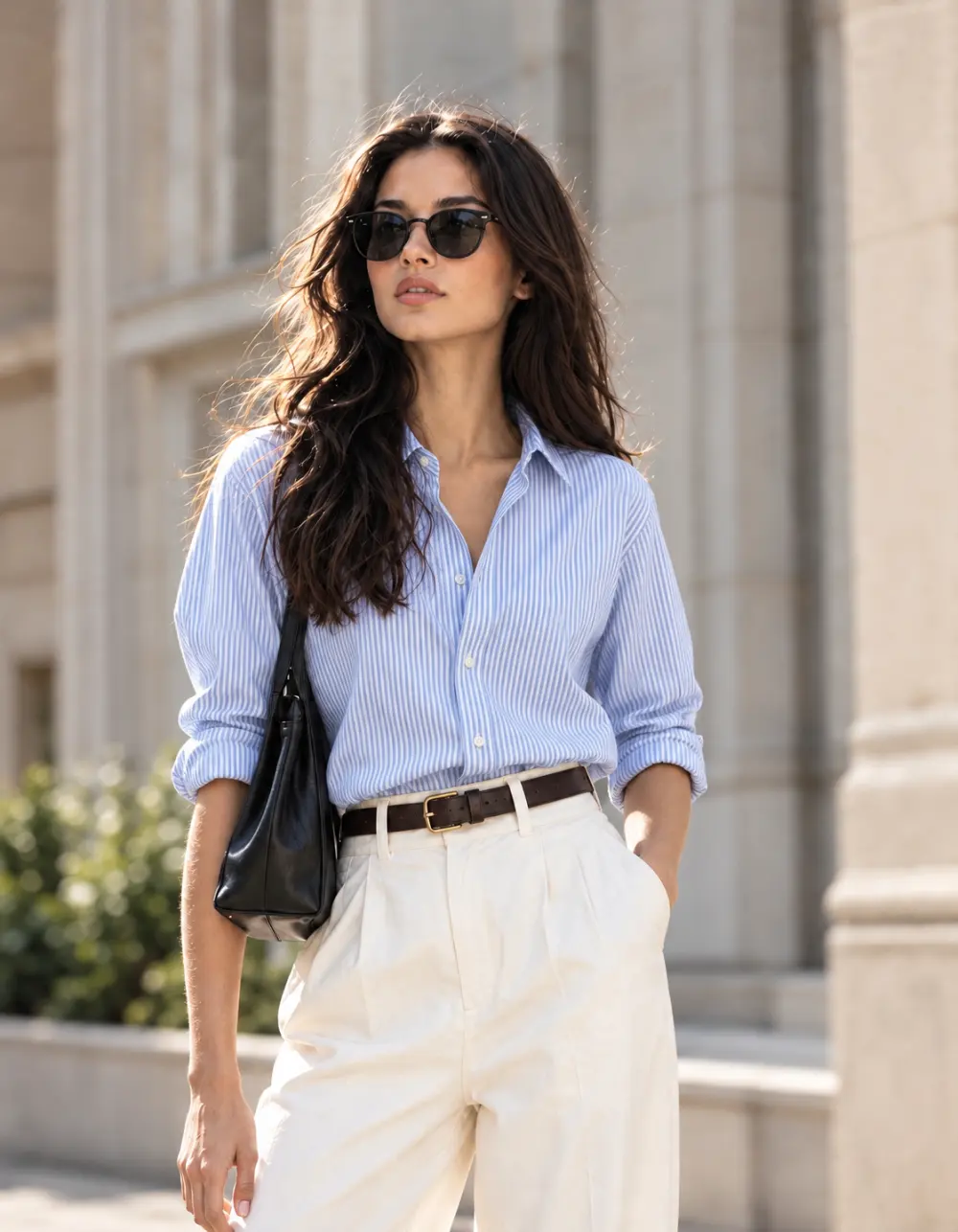
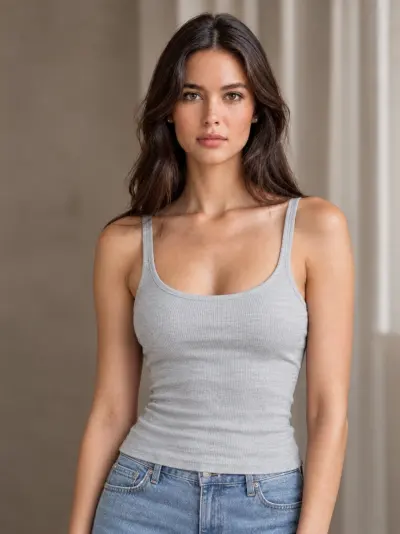
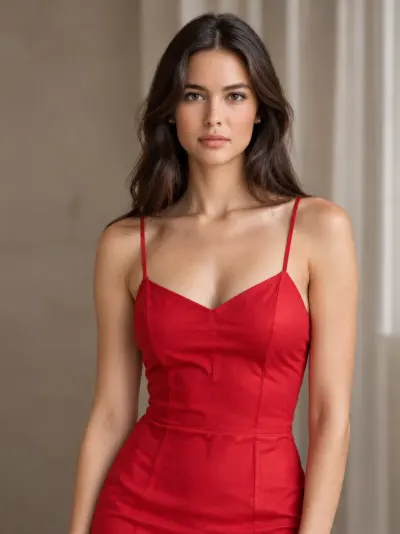
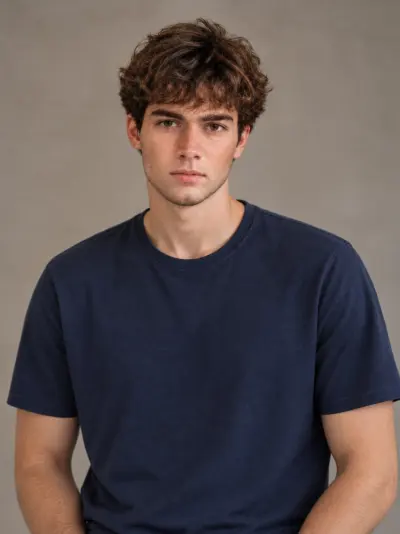
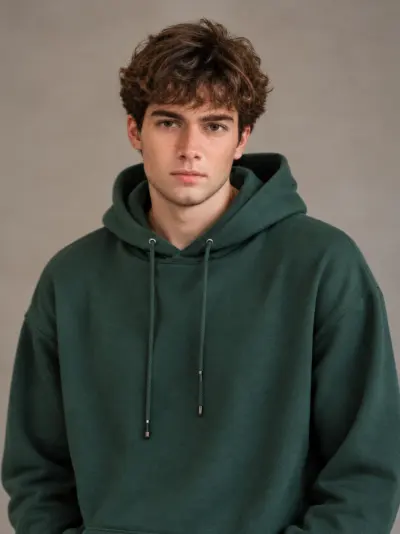
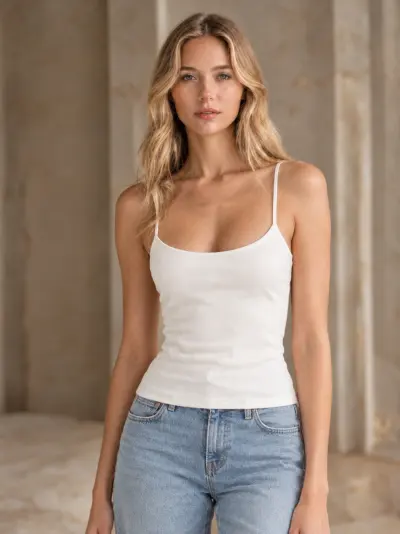
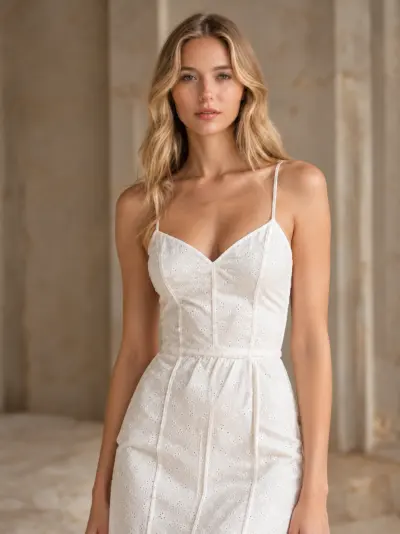
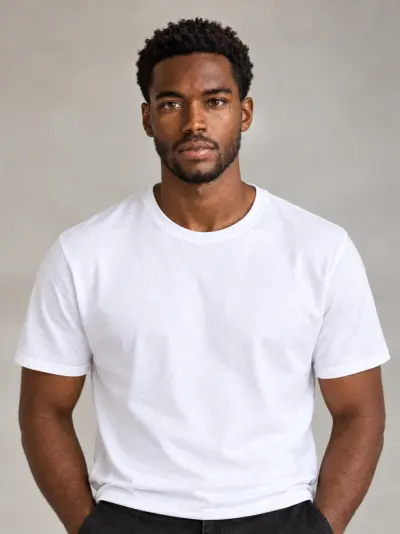
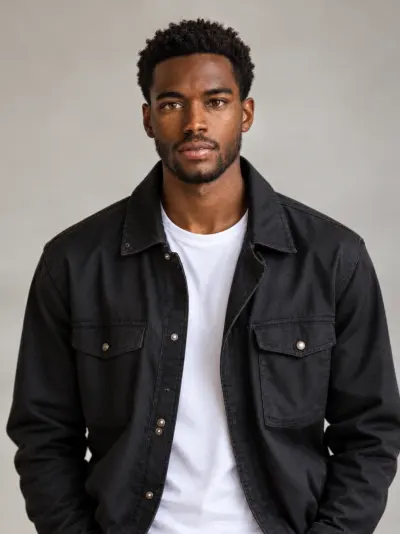
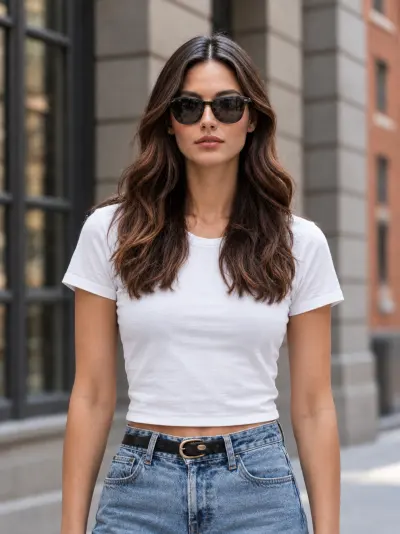
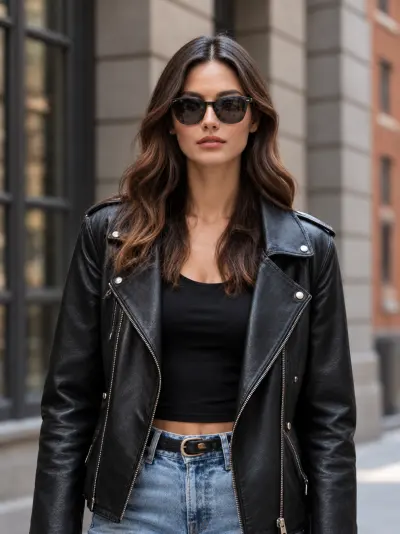
Try clothes on your own photo before you buy them, or dress AI models in your products for store listings.
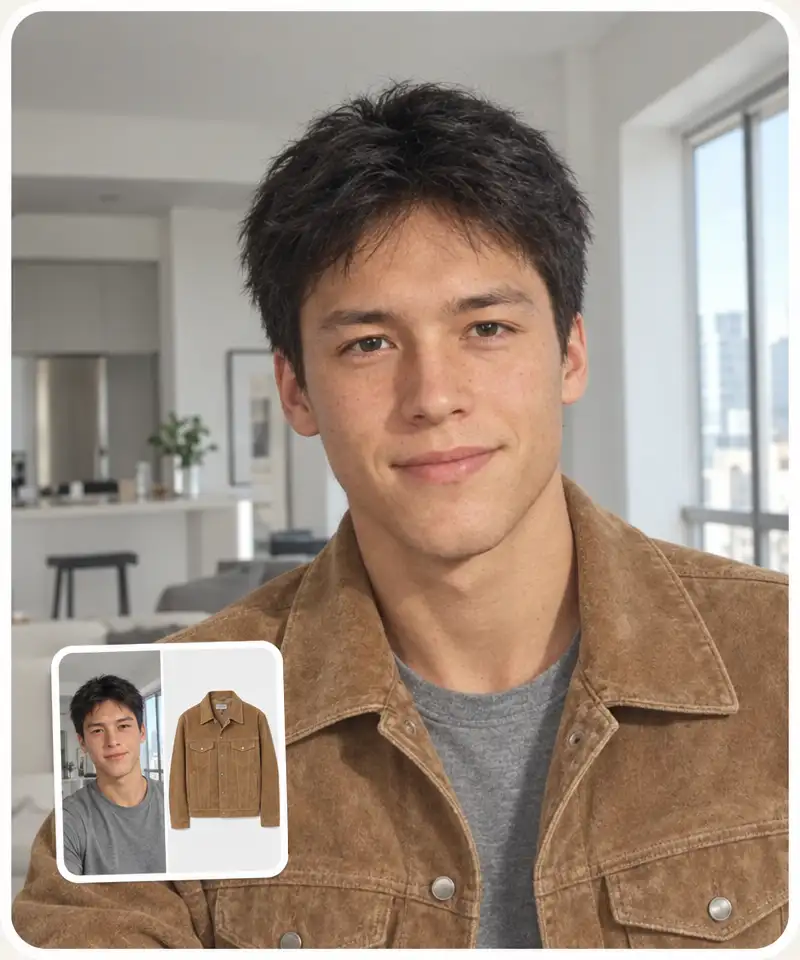
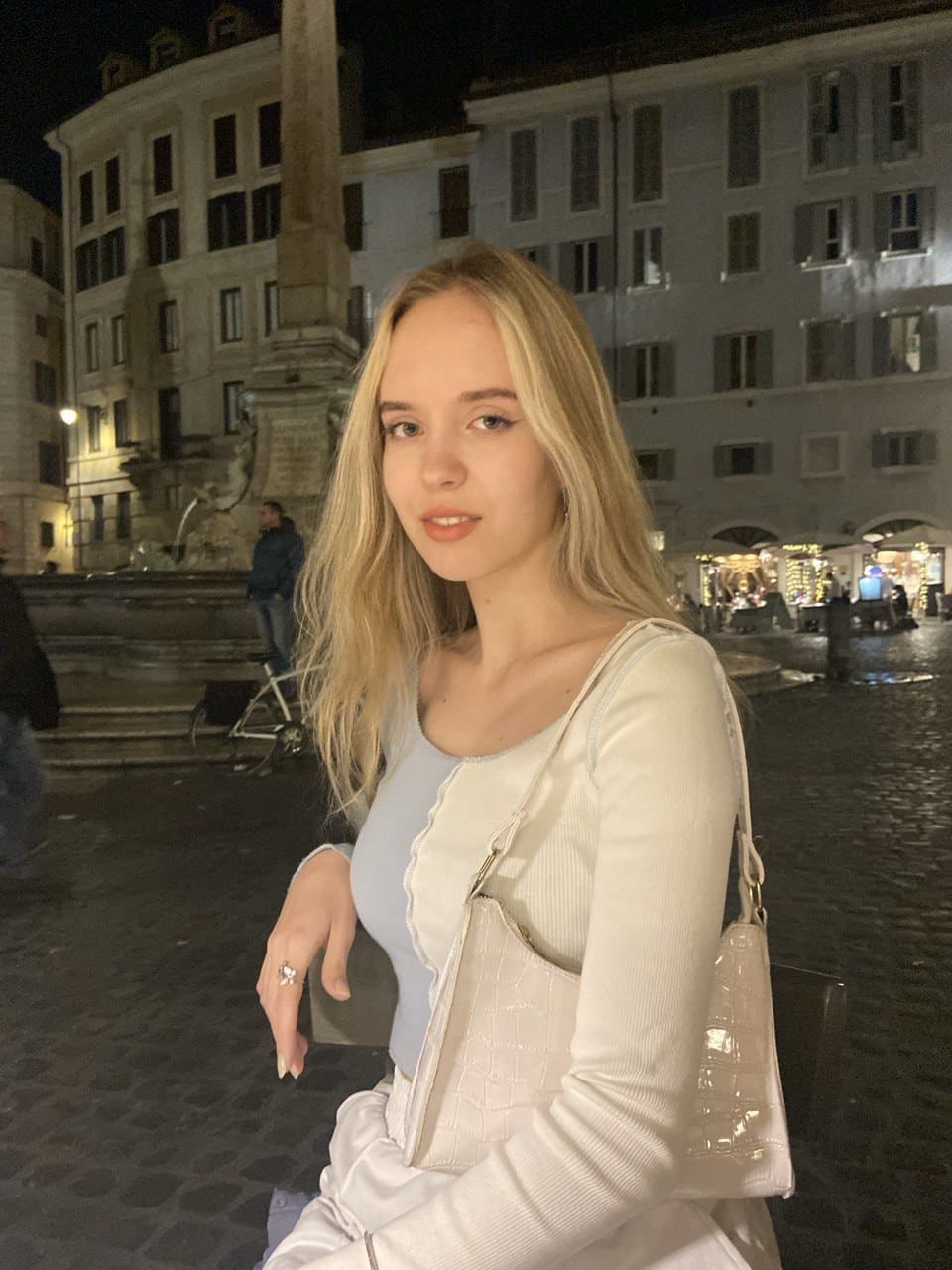
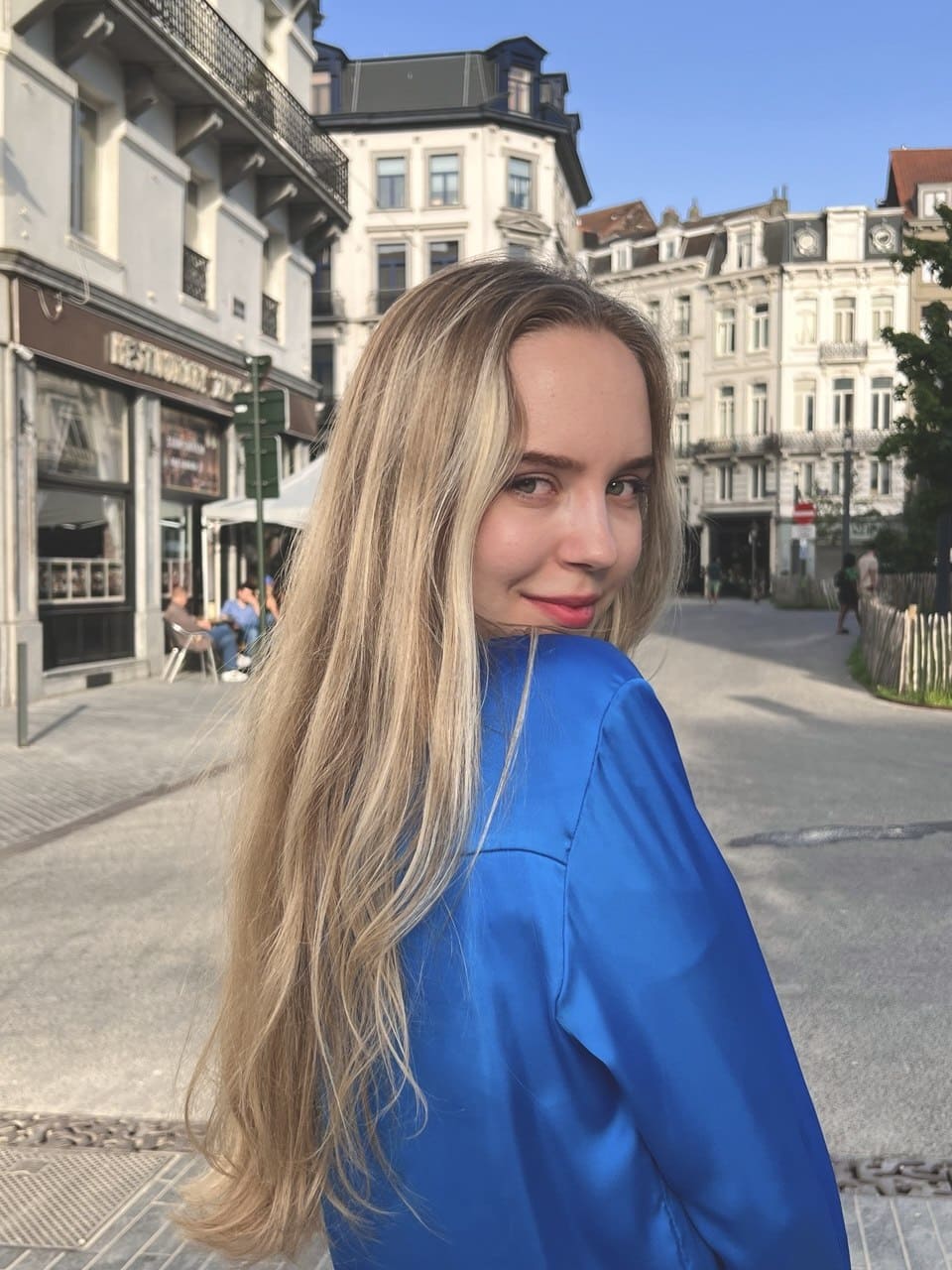
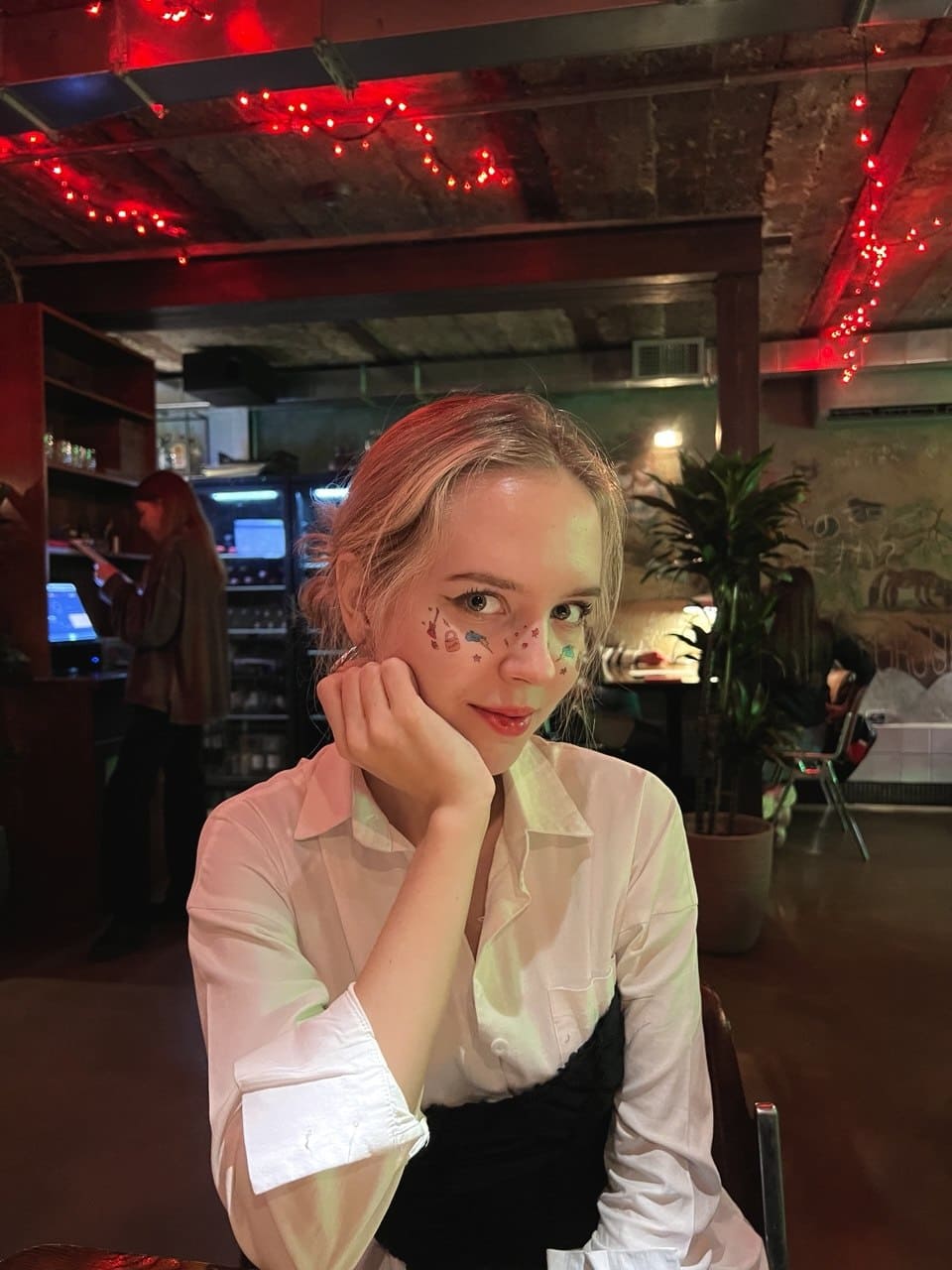
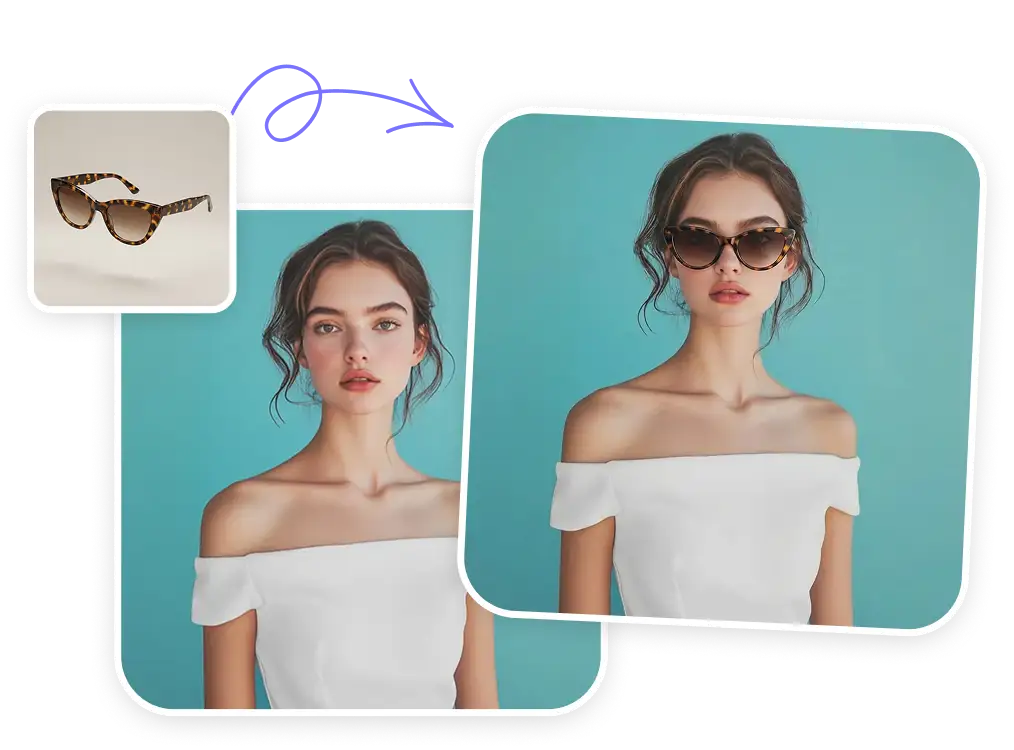
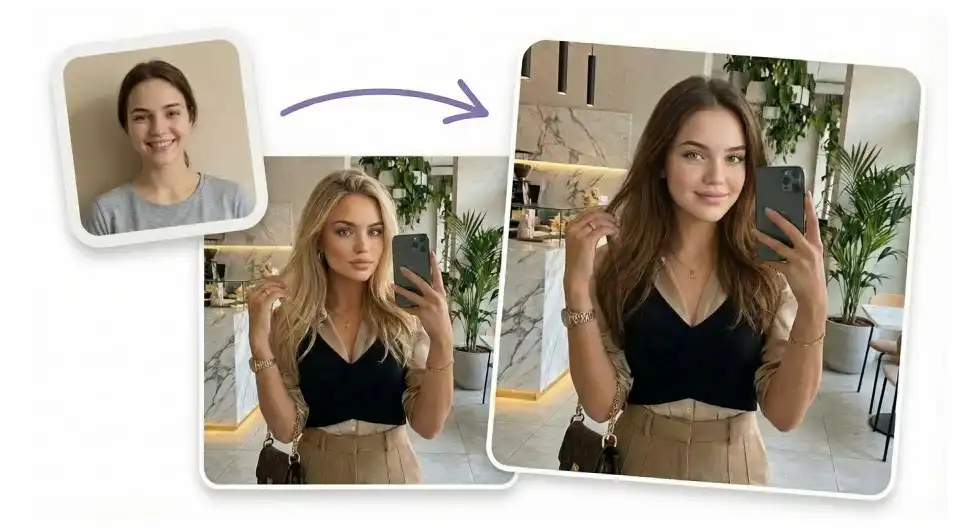
Upload a photo of yourself and pick a garment. The AI clothes changer dresses you in it and keeps your face, hair, pose and background, so the result looks like a real photo of you in new clothes. It works like a virtual fitting room on your phone.
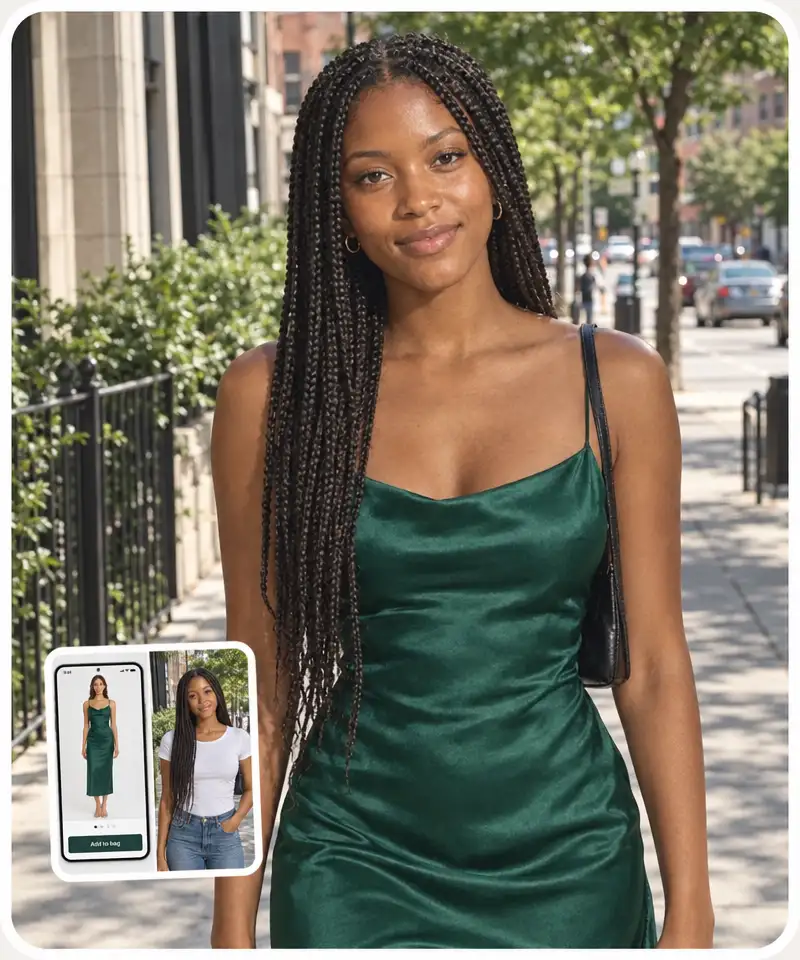
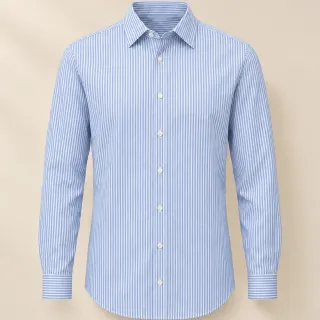
Saw a dress on a shopping site? Save a screenshot or the product photo and upload it as the garment. The try-on keeps its color, print and cut, so you can check the style on yourself before you order.
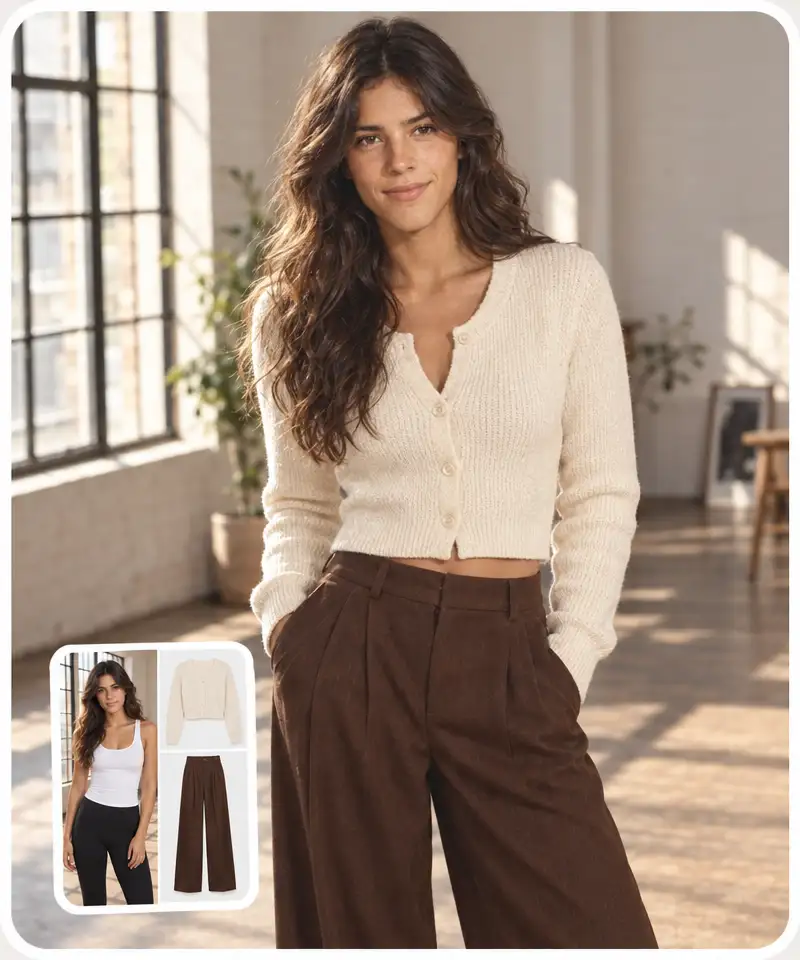
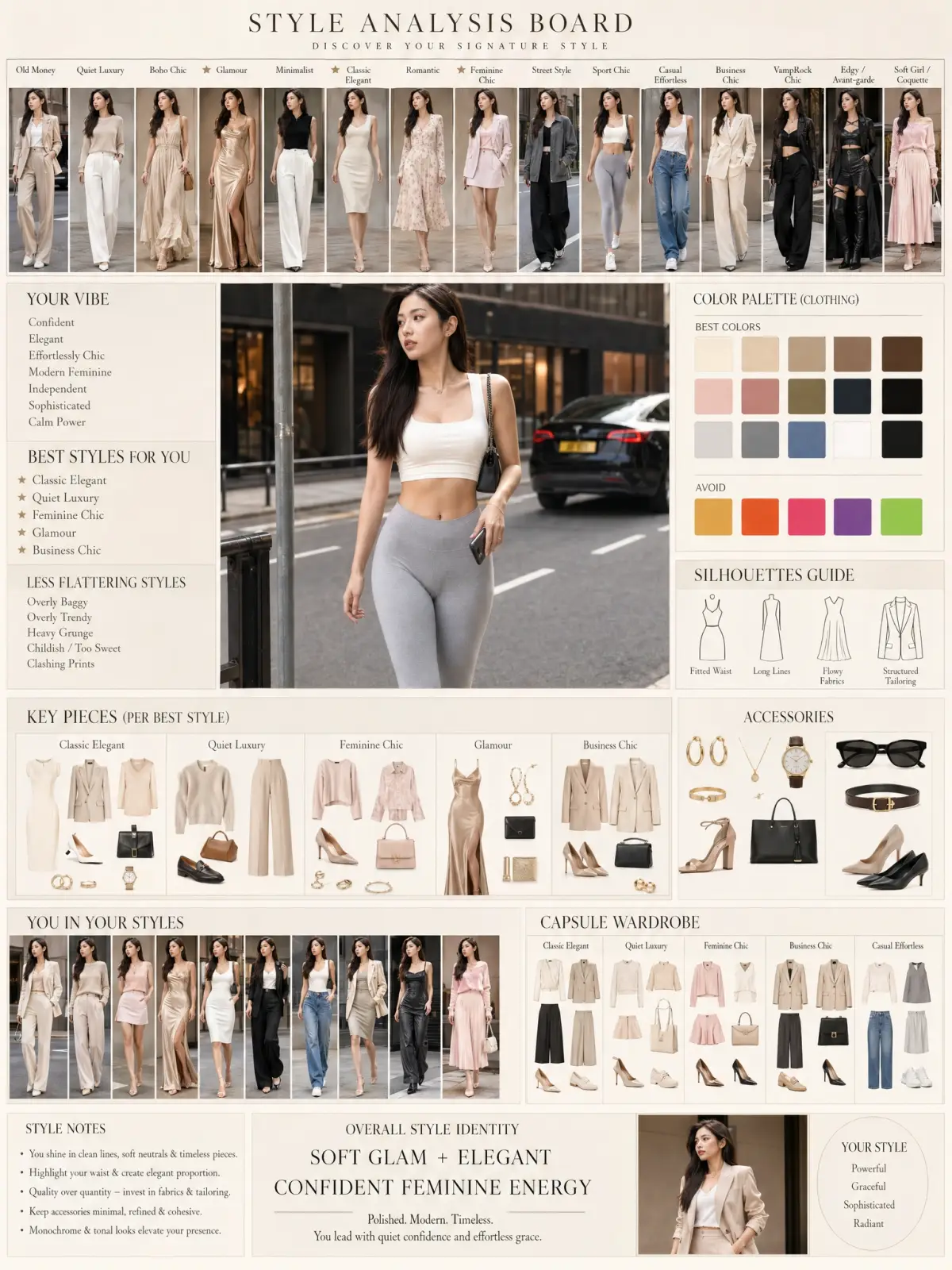
Add a top and a bottom together, such as a cardigan and wide-leg trousers, to see the whole look at once. Dresses and jumpsuits go in as one full outfit. Every try-on is saved, so you can swap pieces and compare the looks.
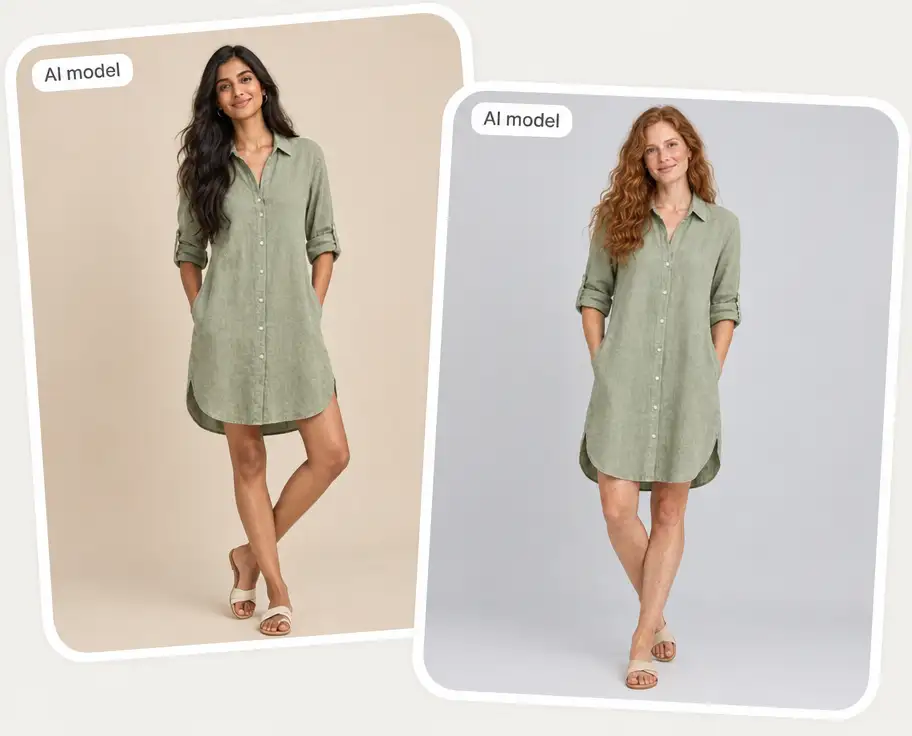
Need on-model photos for a product page? Generate an AI fashion model by gender, age and a short description, then dress the model in your garments. You get catalog-style images for listings, lookbooks and social posts without booking a photoshoot.
Create an AI model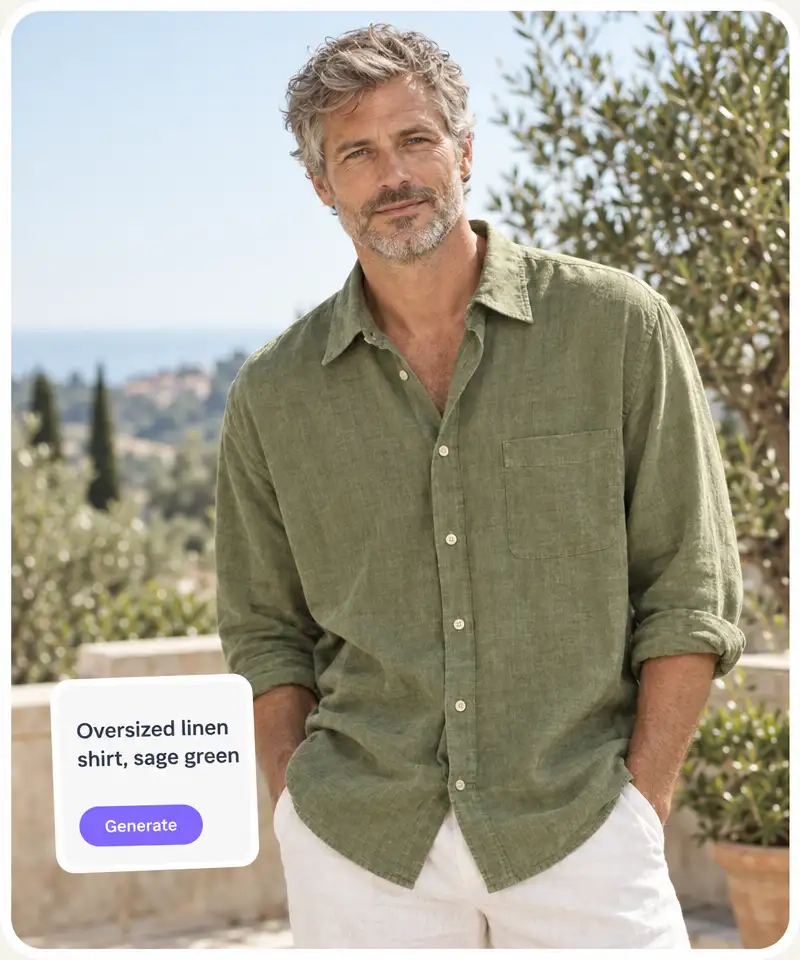
No photo of the piece? Describe it: color, fabric, cut, neckline and sleeve length. The AI draws a clean product image that you can try on right away, which helps when you test an outfit idea or a new design.
Describe a garment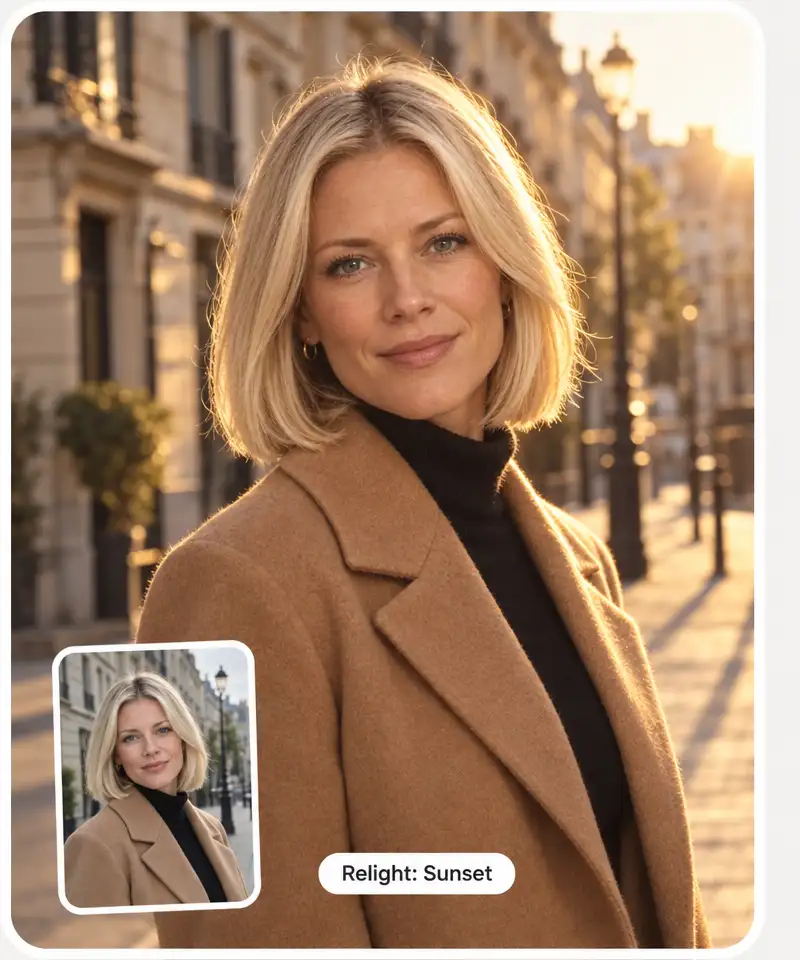
Change the light on a finished try-on: pick the direction or a mood such as sunset, neon or soft daylight. Use it when the photo has to match a feed, a banner or a store page.
Open the try-on studioGet your virtual try-on in three steps, right on this page.
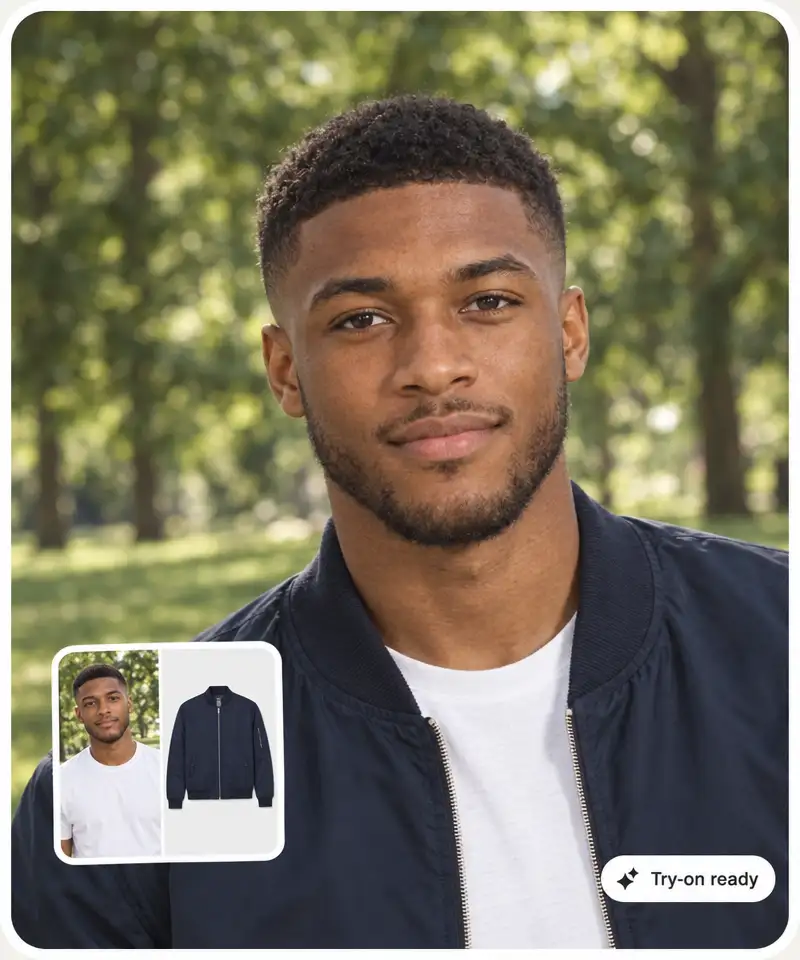
Use a clear, well-lit photo where you face the camera and your body is visible, ideally full-length or from the waist up. You can also pick one of the ready-made models.
Upload a photo or a screenshot of a garment, or pick one from the examples. Add a top and a bottom together, or one dress for a full outfit.
Press Generate: the try-on studio opens and dresses the photo in the clothes you picked. Download the result, share it with friends or try another outfit on the same photo.
Upload a photo, add the clothes and get your try-on in a few clicks.
Here's how the virtual clothes try-on generator helps shoppers, creators and online stores.
See the color, print and style on your own photo before you pay, and skip the pieces that don't suit you.
Try styles you'd never pick up in a store, from streetwear to evening dresses, and keep the ones that work.
Share the try-on with friends and ask them which look to buy.
Rule out the "not my style" orders before they ship. For the size, still check the store's size chart.
Dress AI models in your products for listings, lookbooks and TikTok hauls without a photoshoot.
Try a red-carpet gown, a costume or a wedding dress and share the result with your friends.
Reviews and hands-on tests from the Overchat AI blog.
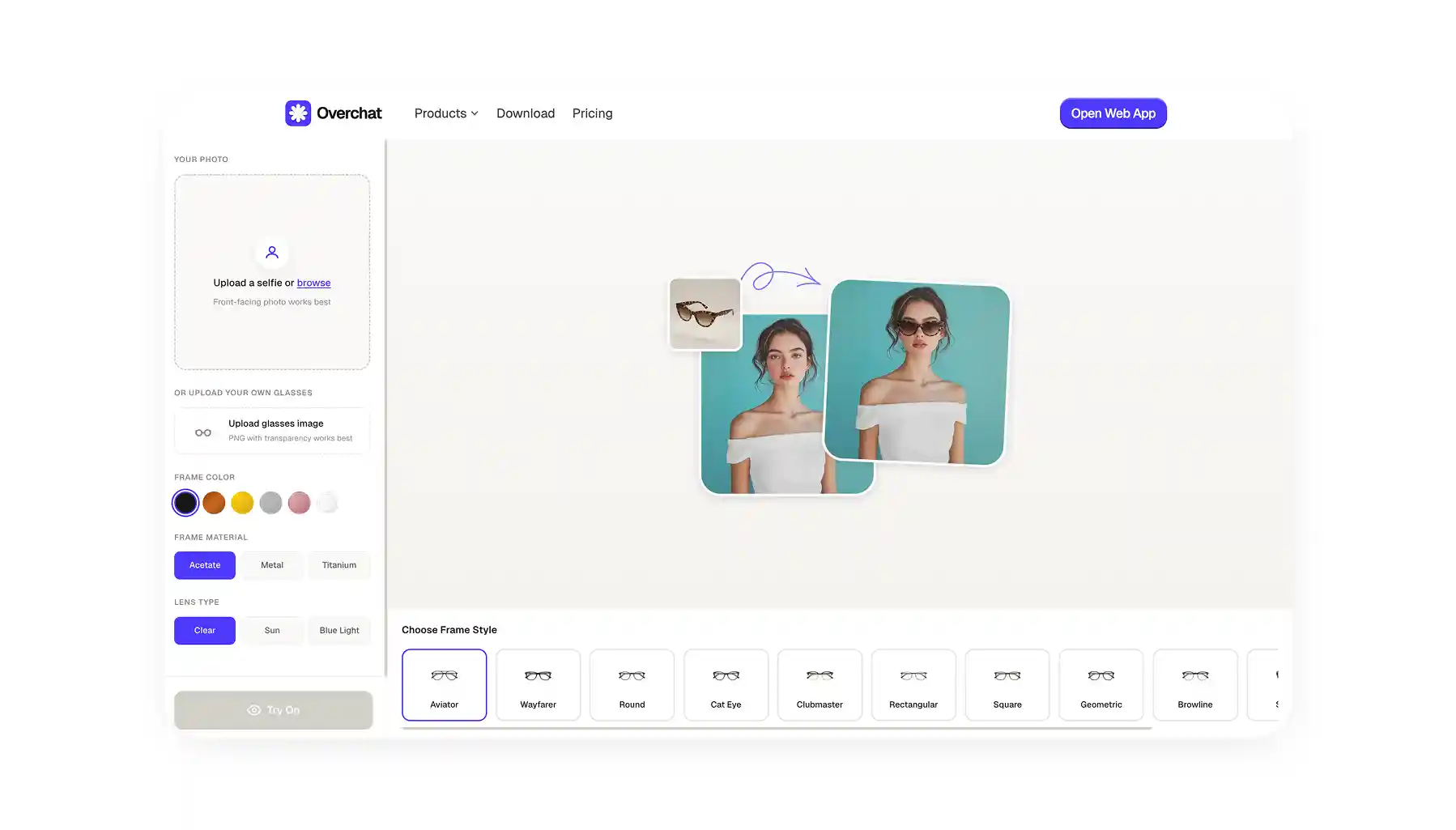 5 Best Virtual Try-On Tools for Glasses
Five virtual try-on tools for glasses, reviewed so you don't have to test them all yourself.
5 Best Virtual Try-On Tools for Glasses
Five virtual try-on tools for glasses, reviewed so you don't have to test them all yourself.
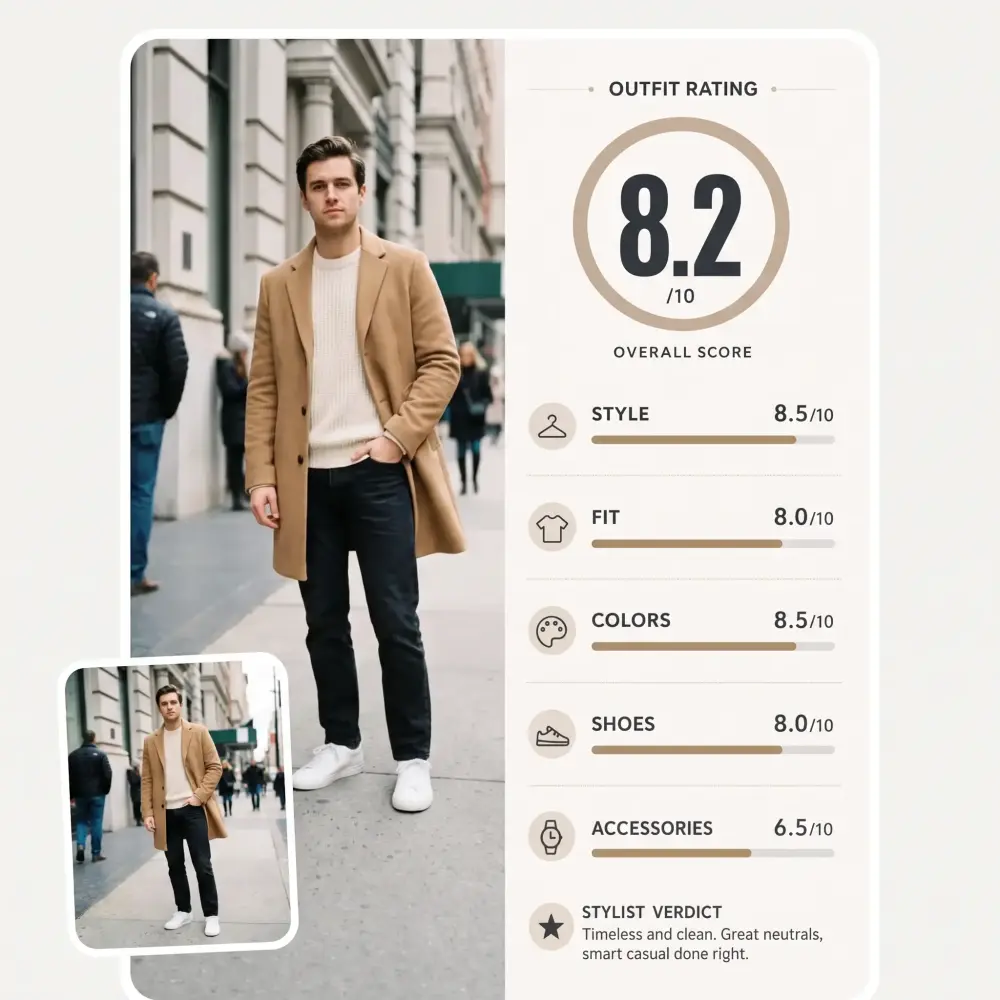
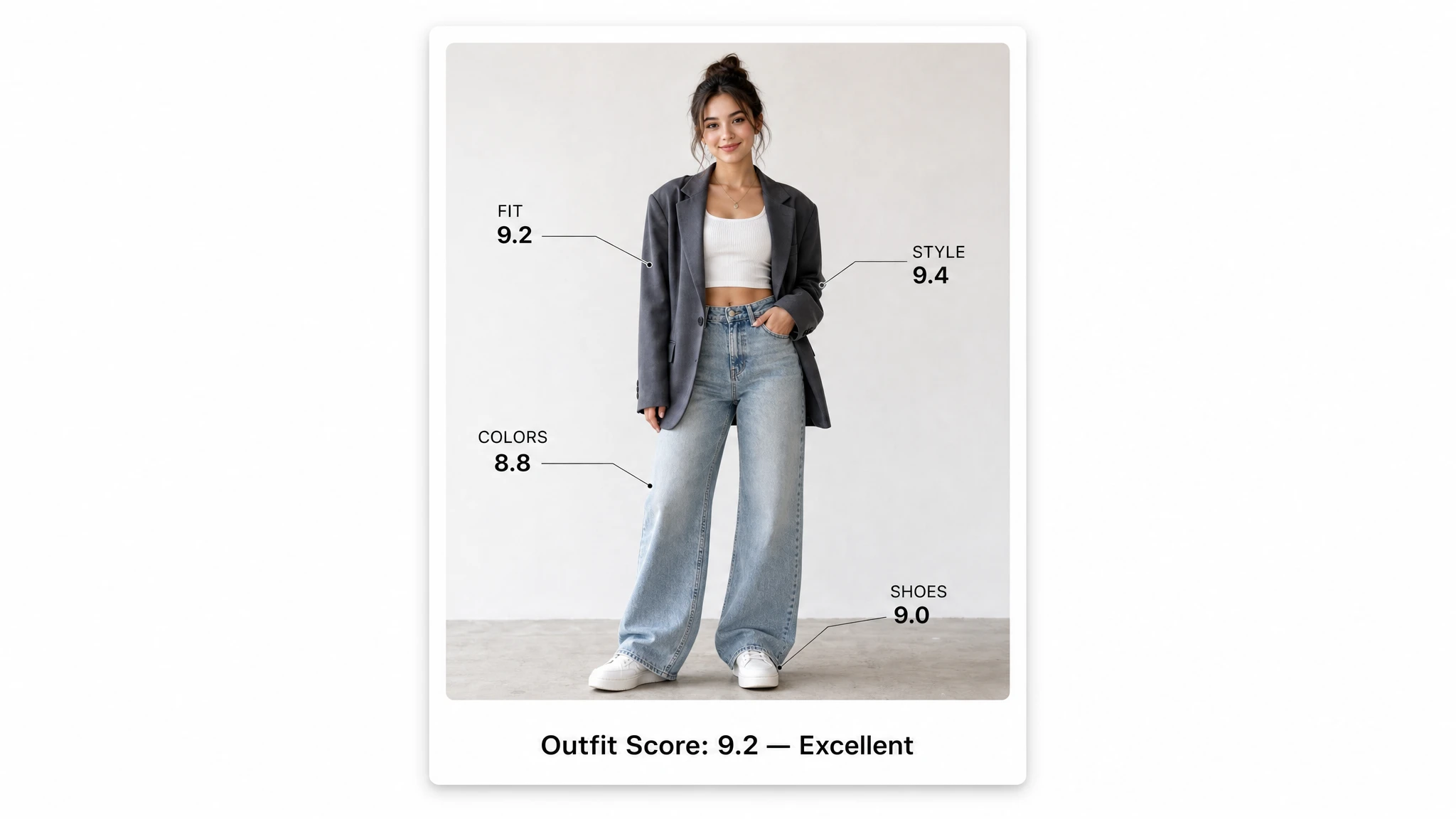 Top 5 AI Outfit Raters: Free Scores and Style Advice
Five AI outfit raters compared on their scores, style advice and pricing.
Top 5 AI Outfit Raters: Free Scores and Style Advice
Five AI outfit raters compared on their scores, style advice and pricing.
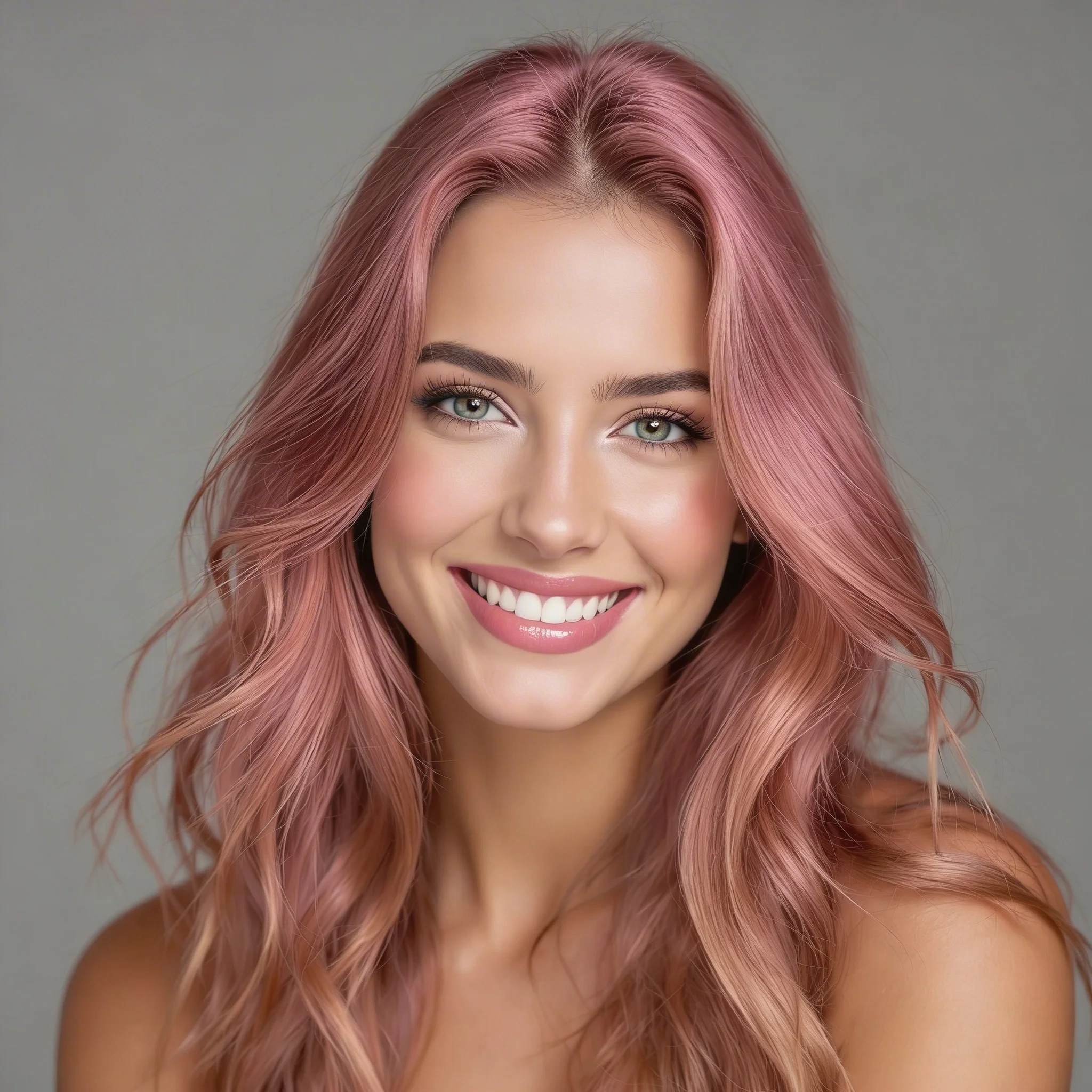
 Top 5 Best AI Hairstyle Changers
Preview a new haircut from a single photo: the five hairstyle changers that did it best.
Top 5 Best AI Hairstyle Changers
Preview a new haircut from a single photo: the five hairstyle changers that did it best.
AI virtual try-on shows how clothes look on a person without putting them on. You upload a photo of yourself and a photo of a garment, and an AI image model creates a new photo of you in that garment, with your face, pose and background kept.
The AI reads the person in your photo and the garment in the product image, then redraws the clothing so the new piece follows your body and pose, with folds, shadows and light that match the scene. Everything outside the clothes stays as it was.
Upload your photo or pick a model, upload a garment photo or pick one from the examples, and press Generate. The try-on studio opens with your selection and creates the image.
You can sign up for free with Google or Apple. Try-ons run on credits, and the price is shown on the Generate button before you start.
A clear, well-lit photo where you face the camera, stand straight and your body is visible from the waist up or full-length. Avoid group photos, heavy shadows and arms crossed over your clothes.
Yes. Upload a screenshot or the product photo of the garment. Crop it so that one piece fills most of the image: a page with several items gives the AI less to work with.
Tops, shirts, sweaters, jackets and coats, trousers, jeans and skirts, plus dresses and jumpsuits as a full outfit. You can try on one piece or a top and a bottom together.
No. The try-on is a styling preview: it shows the color, print and style on your photo, not how a specific size will fit. Check the store's size chart before you order.
Yes. Since October 2026, ChatGPT shows a Try on button on clothing in its shopping results: you add a selfie and get a preview of the item on you. The Overchat AI try-on works with any garment photo or screenshot, lets you combine a top and a bottom, dress AI models and relight the result.
Yes. Generate a model by gender, age and description, or upload a photo of your own model, then dress them in your products to get on-model images for listings, lookbooks and social media.
JPG, PNG, WEBP and iPhone HEIC photos up to 20 MB. Large photos are resized automatically before upload.
Uploads are encrypted, and your photos and try-ons are saved in your own account history.