
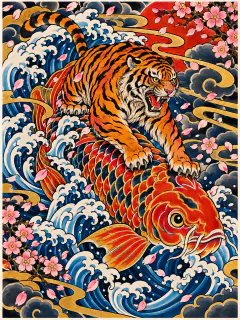
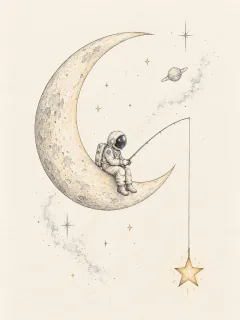
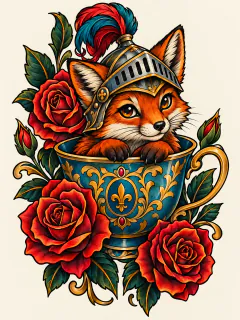
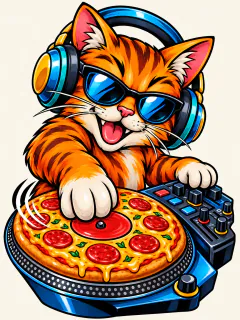
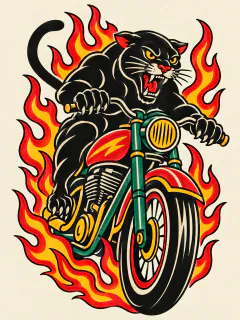


AI tattoo ideas made with Overchat AI
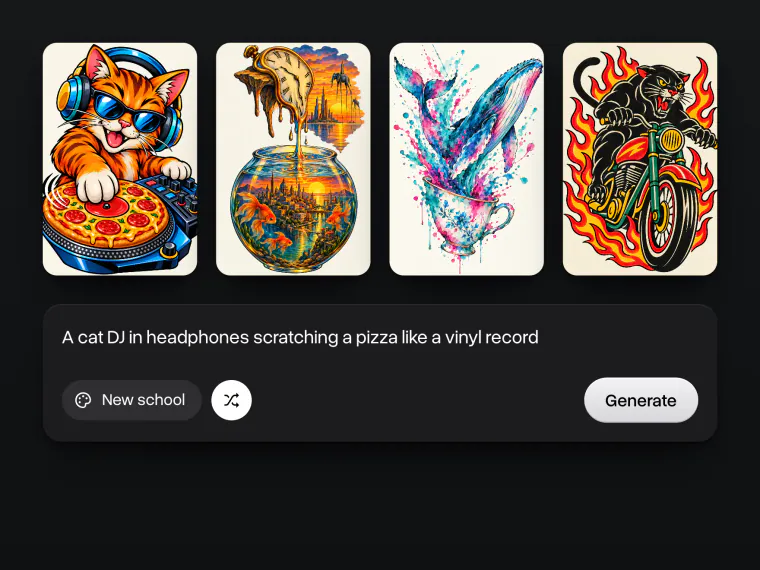
Every tattoo below was generated in Overchat AI from one prompt and a style. Reuse a prompt as it is, or change the subject, style and placement to make the design yours
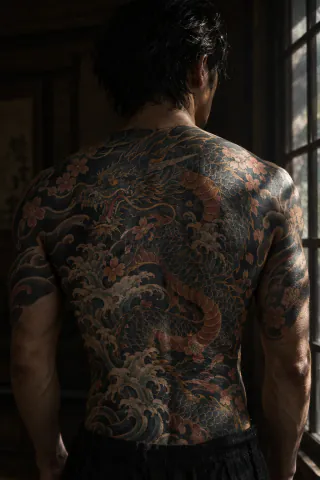
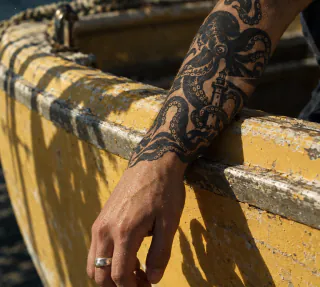
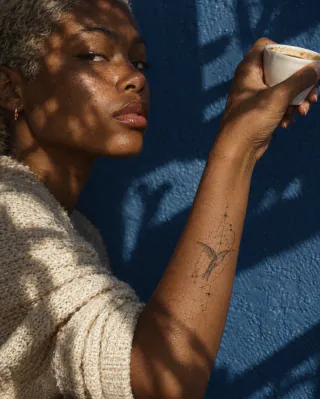
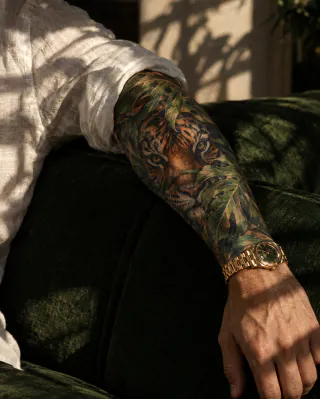
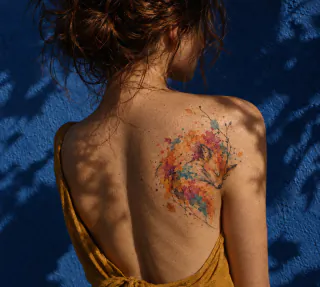

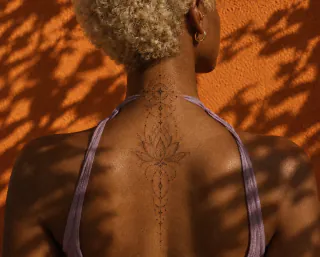
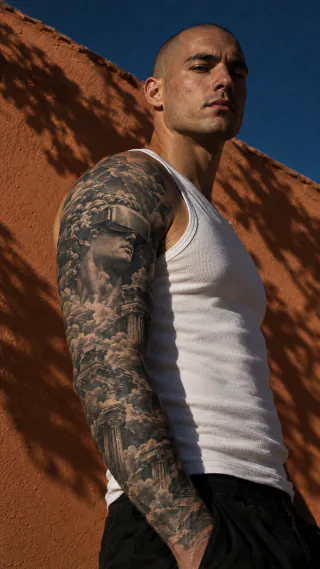
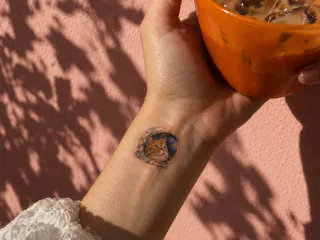
Free AI Tattoo Generator — Create Custom Tattoo Designs Instantly
Use Overchat AI to create stunning tattoo designs in seconds — and try them on virtually. This free online AI tattoo generator lets you describe your idea, choose your preferred style, and create professional-level tattoos in just a few clicks
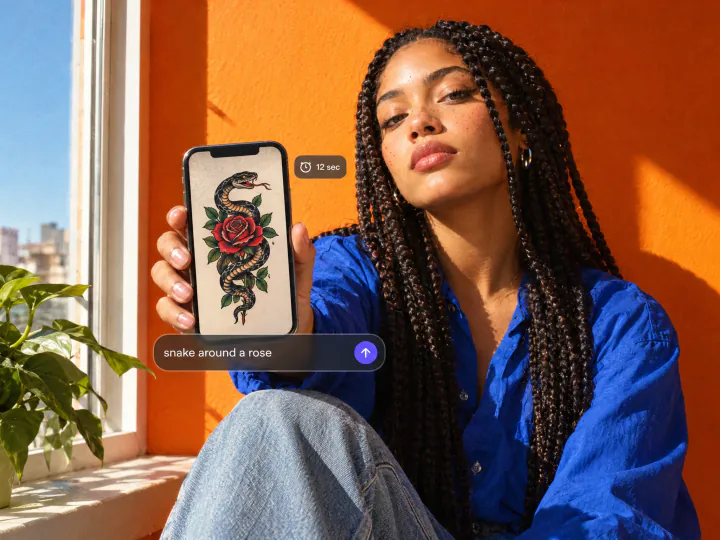
Why Choose Overchat AI Tattoo Generator
There's no need to hire a tattoo artist and pay hundreds or even thousands of dollars for a tattoo design. Now, you can bring any tattoo idea to life with our AI-powered, natural language tattoo generator from text — and make professional designs in seconds rather than weeks
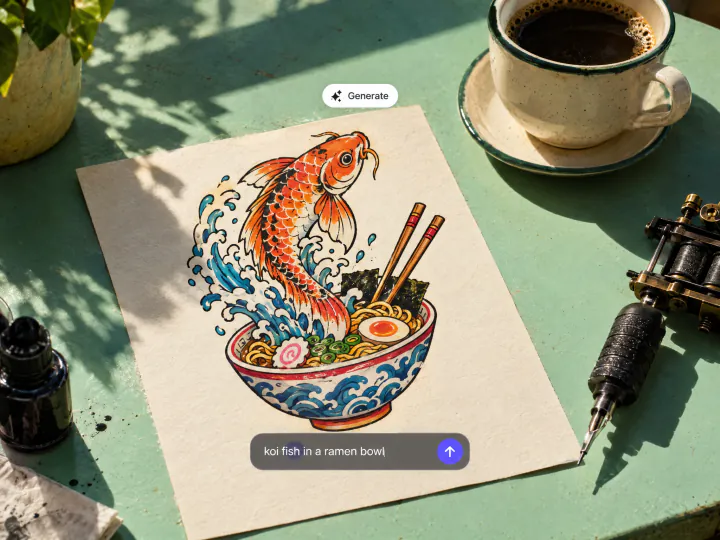
AI-powered tattoo design
Create ink designs that rival the quality of your best local tattoo studio with a sophisticated AI image generator. Every tattoo is unique and tailored to your description — without even picking up the pen
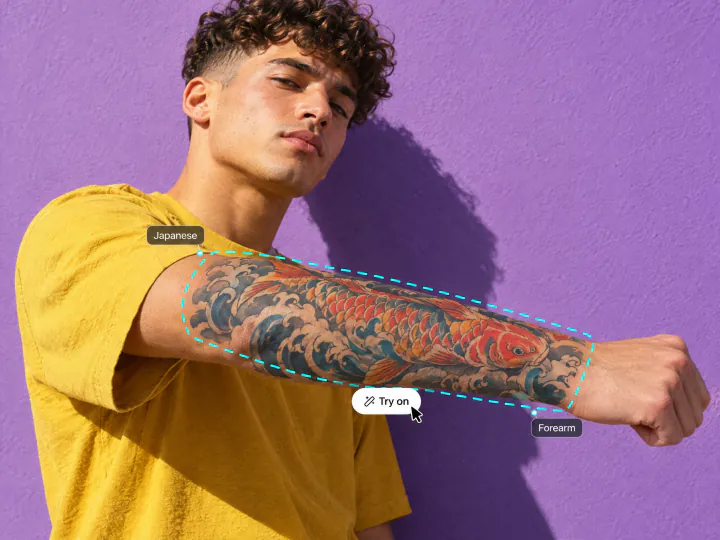
Any style, any placement
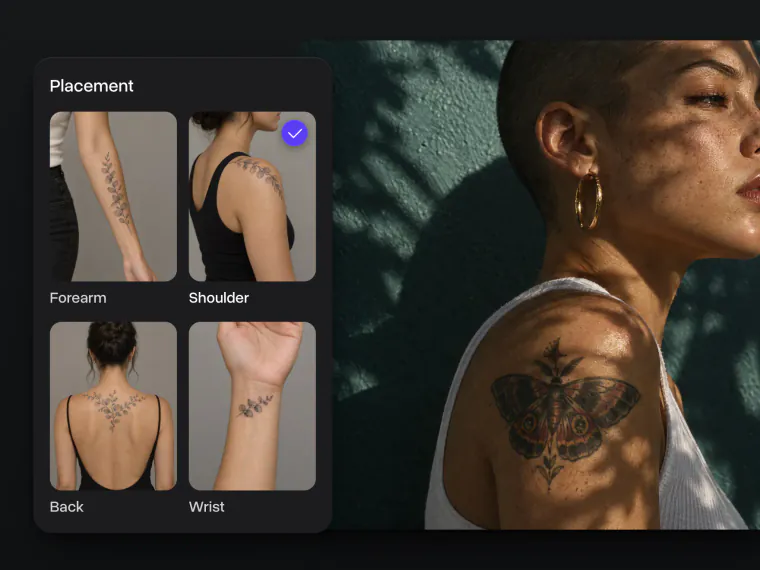
Choose from popular tattoo styles, including minimalist, traditional, Japanese, geometric, watercolor, tribal, blackwork, and neo-traditional. Then, select the body part on which you would like the tattoo. The AI will automatically adjust the design to fit the body part naturally
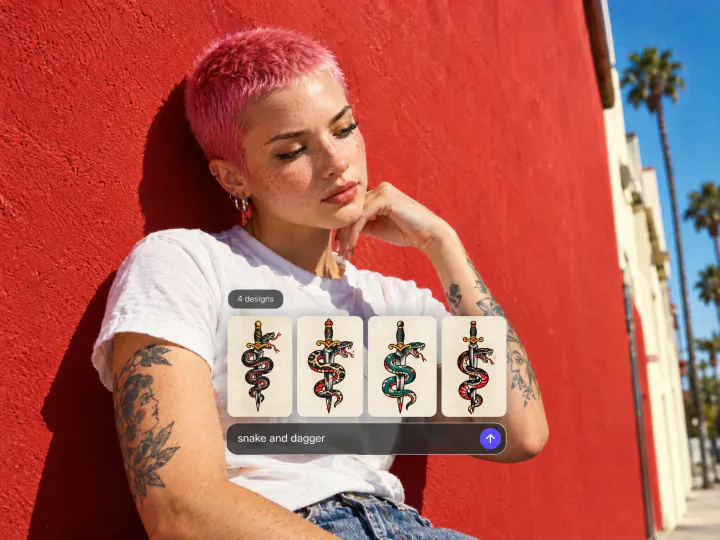
Instant results, completely free
Get your AI-generated tattoo design in under 30 seconds. Generate as many variations as you want at no cost — download in high resolution without watermarks. No account required to start creating
What You Can Create with Our AI Tattoo Generator
Start from a few words, a photo of your skin or a tattoo you already have. Six things people make with the generator before their next session
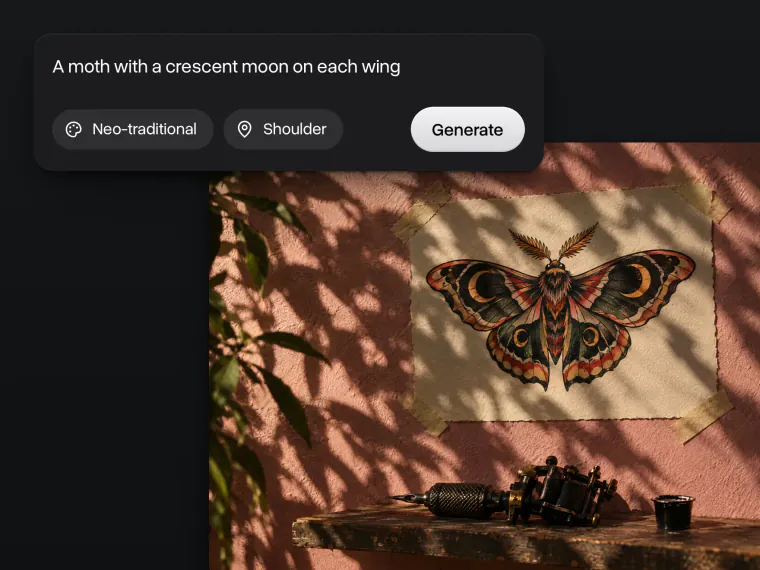
Describe your tattoo idea in plain English and our AI tattoo generator will create it from text in a style you choose — powered by an advanced AI image generator
Select a placement, and the AI will adjust the tattoo design to fit that body part optimally
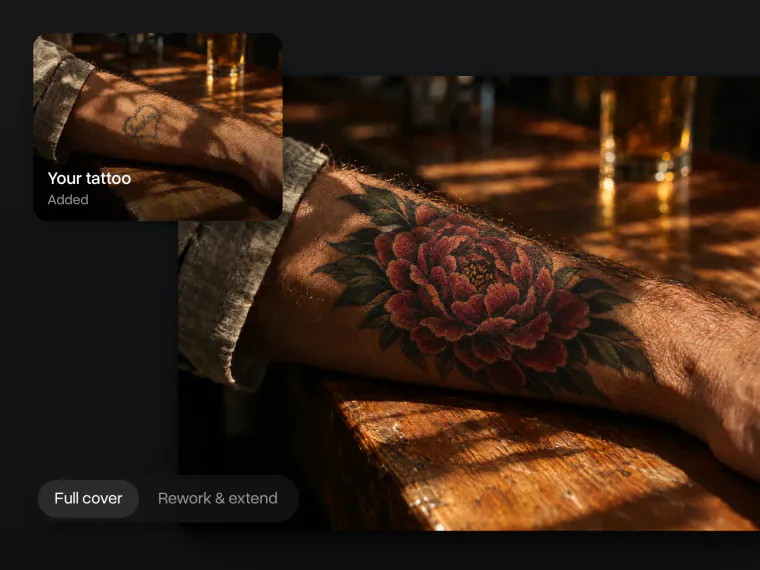
Upload a photo of your existing tattoo and let our AI tattoo cover-up generator create ideas that incorporate or conceal the original design. This AI tattoo generator works from photo references to produce beautiful, ink-ready results
Not sure what you want? Use our tattoo idea generator to brainstorm concepts rapidly until you find a design you love
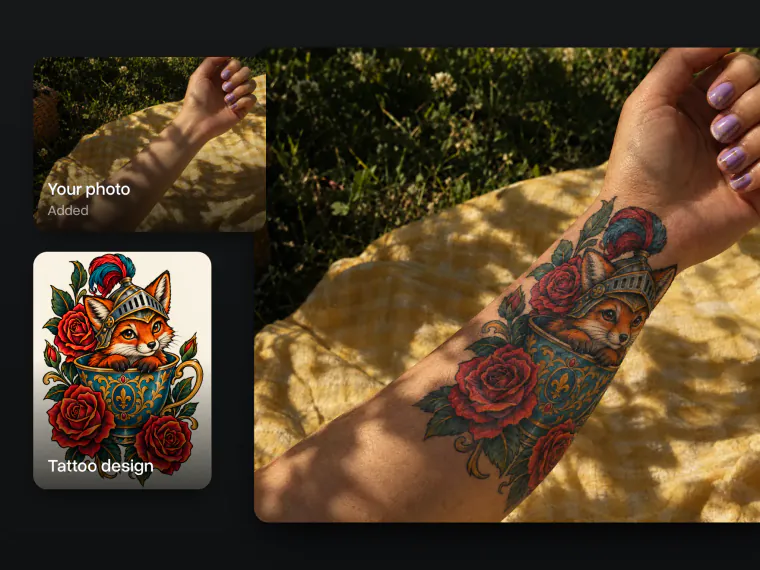
Upload a photo of yourself and see exactly how the tattoo will look on your skin before committing
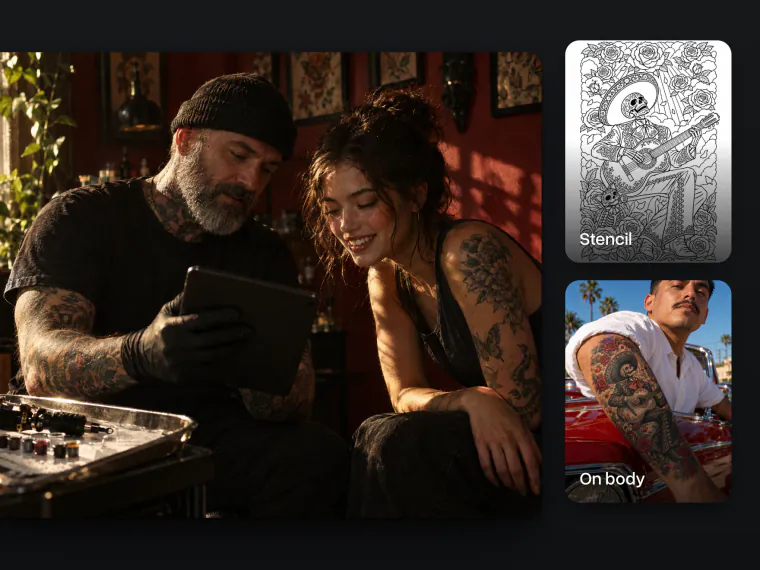
Speed up your design process and show clients realistic mockups during consultations
How to create a tattoo design with AI
Three steps from an idea to a design you can take to the studio, right on this page or in the Overchat AI app
- 01
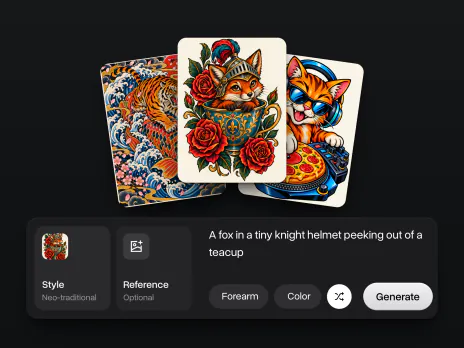
Describe your tattoo idea
Write what the tattoo shows in the box at the top of this page: an animal, a symbol, a name or a short quote. Stuck for an idea? The shuffle button puts a ready one in the box
- 02
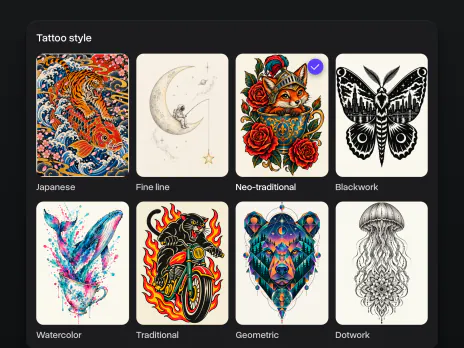
Pick a style and a placement
Choose one of 21 tattoo styles, black and grey or color, and where the tattoo goes: the design takes the shape of a forearm, a sleeve or a chest piece. Switch between Flat, Stencil and On body to get a clean design, linework for transfer paper or a photo of the tattoo on skin
- 03
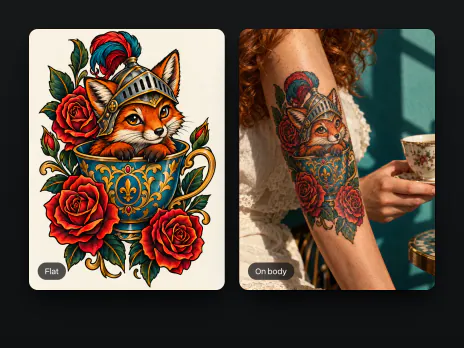
Generate and try it on
Press Generate and get the design in seconds. Try it on a photo of your own arm or back in the Try on tab, then download the high-resolution file for your tattoo artist
Learn more about tattoo design

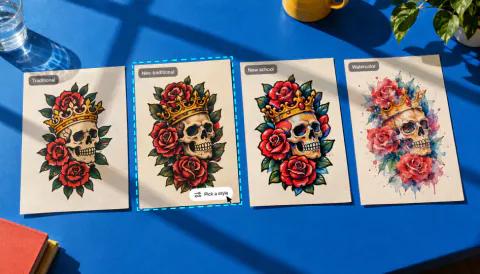
How to design your perfect tattoo with AI
In this guide, we'll cover how to design a great tattoo using the Overchat AI tattoo generator
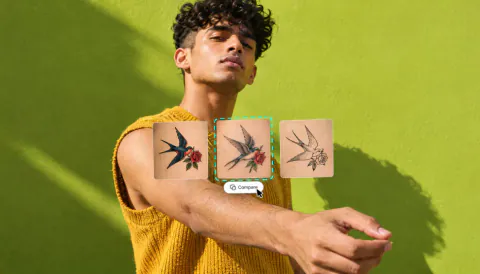
5 best AI tattoo generators to design yours
In this guide, we'll show you the best AI tattoo generators out there — and why they're worth using
Best AI image generators in 2026: 9 tools tested
Nine leading AI image generators tested with one identical prompt, compared on realism, prompt adherence and artistic quality
Explore More AI Tools
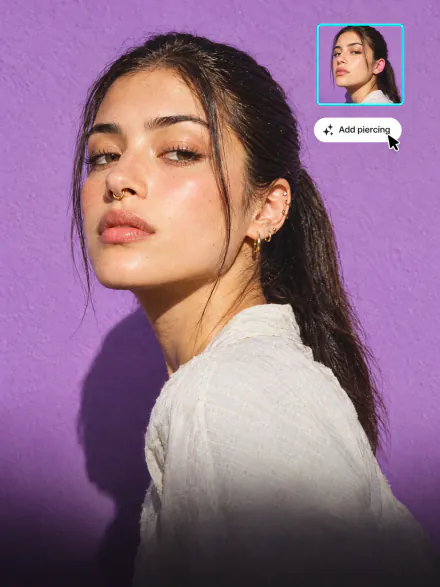
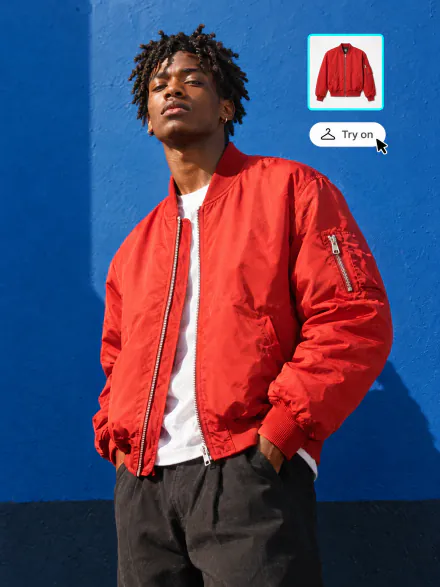
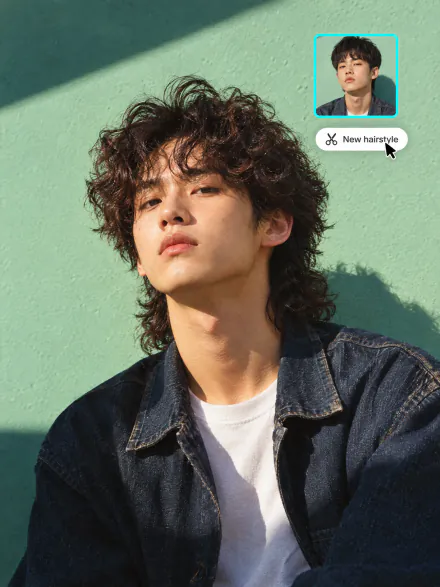
Try a piercing, a new hairstyle or a beard on your own photo. Every tool runs on the same subscription
AI tattoo generator FAQ
If you have any questions,
reach out to us at hello@overchat.ai
An AI tattoo generator is an online tool that uses artificial intelligence text-to-image models to create custom tattoo designs. It has a special interface with features that help you create a tattoo. You can add text, select a style, and even try the tattoo on virtually
The Overchat AI tattoo generator uses advanced image generation models trained on millions of artworks and tattoo designs. You provide a text prompt describing your idea. Then, click "Generate." Wait a few seconds for the AI to do its magic. Finally, you'll get a finished tattoo design
If you're looking for the best AI tattoo generator that's also free, Overchat AI is a great option. It uses one of the best AI image models of 2026. It supports multiple tattoo styles. It lets you preview designs on your body
Yes, the Overchat AI tattoo generator works on any device with a web browser — including iPhone, Android, tablet, and desktop. You can also download the Overchat AI tattoo generator app for iOS for the best mobile experience
For sure — this is a very popular way to use these tools. Many people, for example, use Overchat AI tattoo generator to create a concept and then show their tattoo artist the high-resolution download. The designs are detailed enough to be used as a reference. If you like it, you can use the design as is. Or, you can have your local artist draw a stencil based on the design. You can also use the designs to explain to the artist what kind of drawing you like. This is easier than explaining only verbally
Yes. Switch the result to On body to get a photo of the design on the placement you picked, or open the Try on tab, upload a photo of your arm, back or leg and the tattoo design, and the AI puts the tattoo on your skin
Yes. Pick Stencil under the preview, and the generator returns clean black linework without shading on a white background. Print it on transfer paper or send it to your artist as the base for the stencil
Yes. Add a picture to the Reference tile, such as a tattoo you like, a pet or a sketch, and describe what to change. The generator keeps the subject or the technique from the picture and draws a new design in the style you picked
Yes. In the Cover-up tab, upload a photo of the tattoo you want to hide and describe the new design. Full cover hides the old tattoo under darker, denser areas; Rework & extend keeps it and builds the new piece around it. Show the result to your artist: a cover-up still depends on how dark and old the original ink is
Yes. Type a name, a date or a short quote in Text in tattoo and pick a font: script, gothic, Chicano, calligraphy, old school, typewriter, fine line, Roman numerals or graffiti. GPT Image 2.5 spells short lettering correctly
Overchat AI draws tattoos with GPT Image 2.5, an OpenAI image model, and adds the controls a tattoo needs: styles, placements, stencil and on-body views. You don't need a ChatGPT subscription to use it


