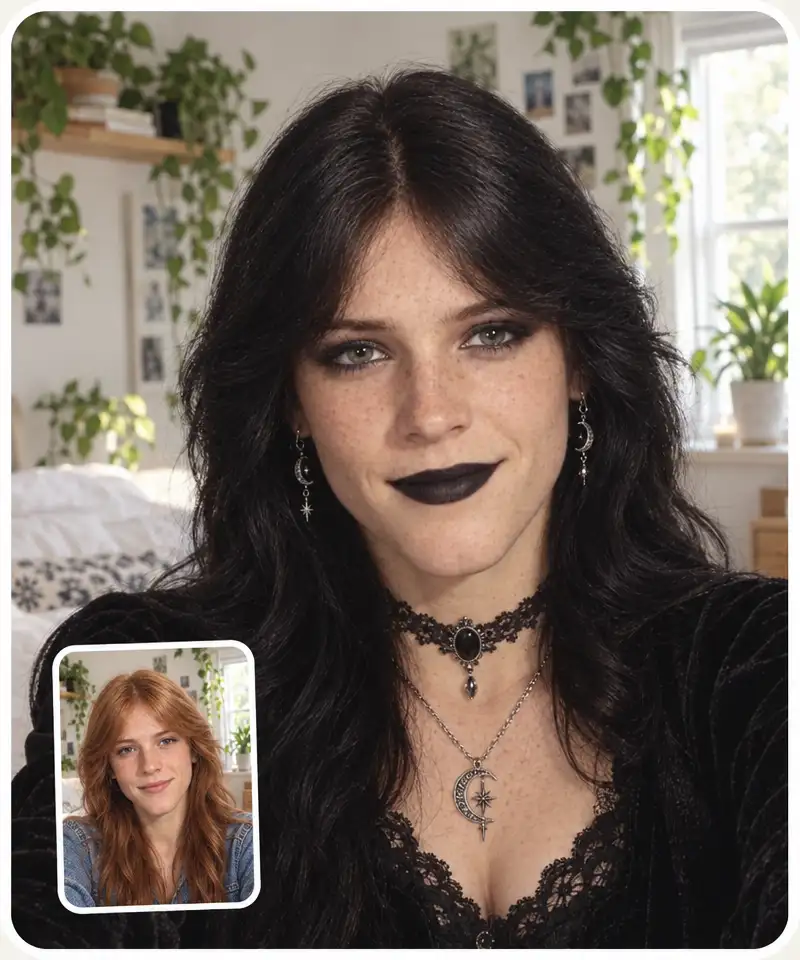
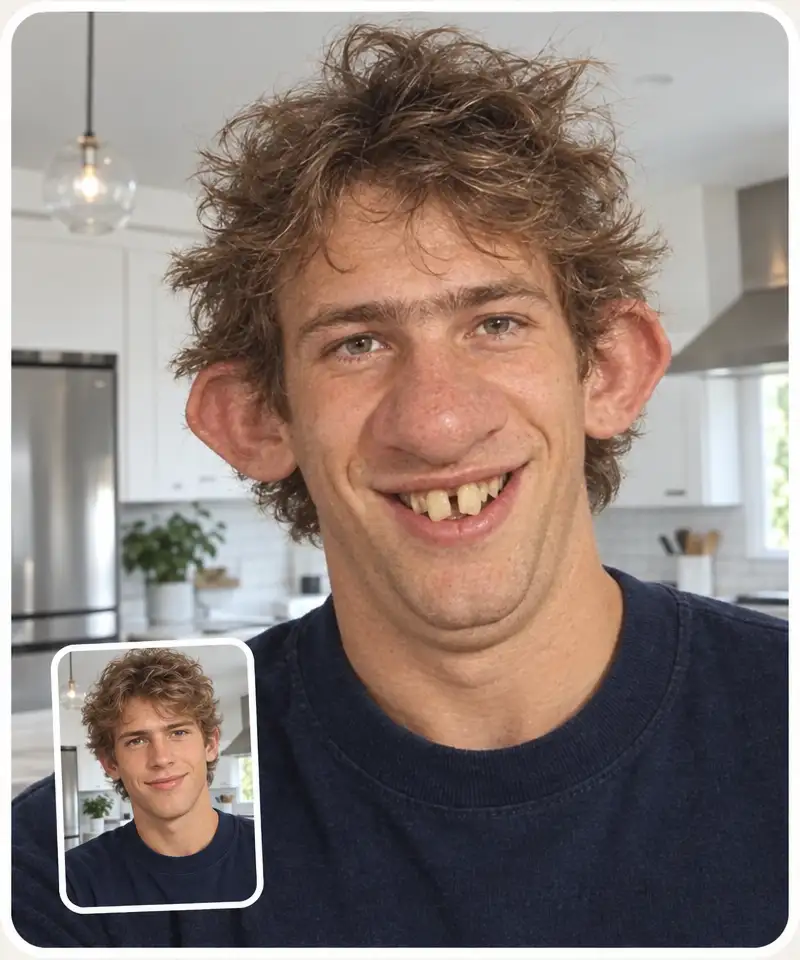
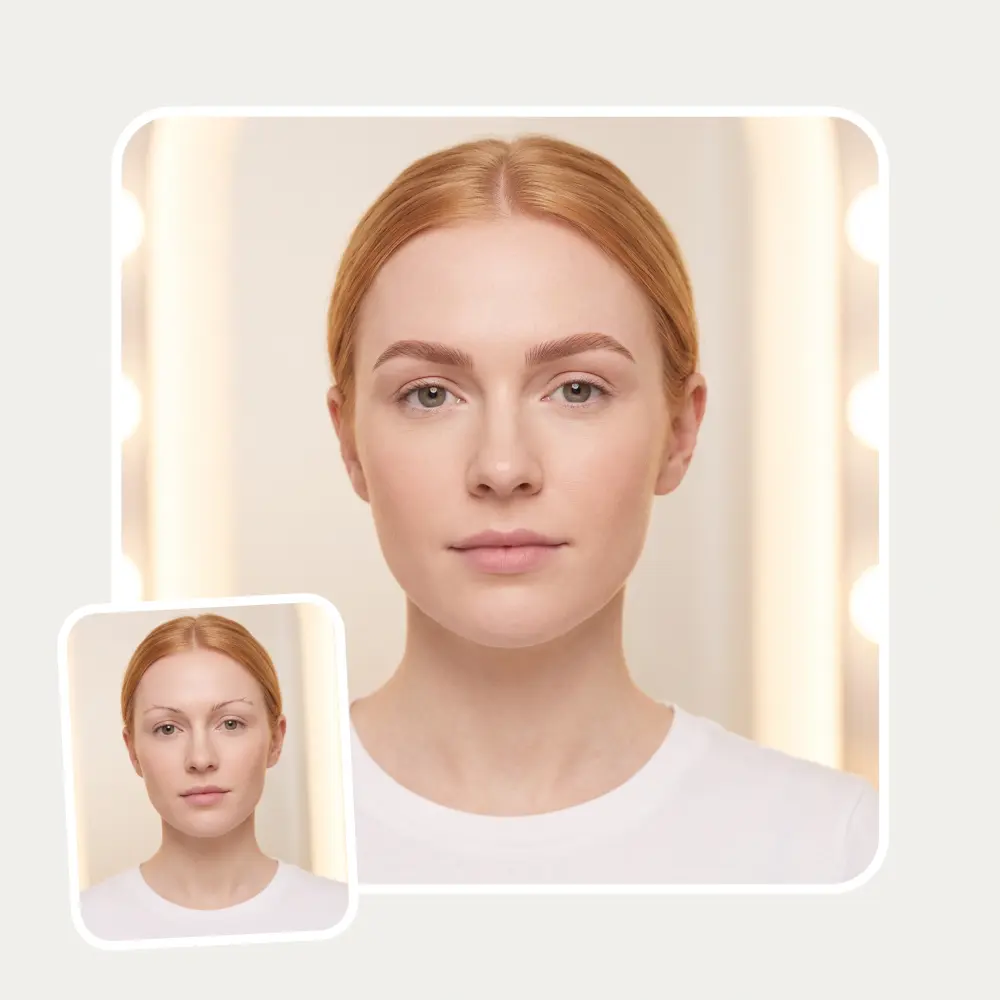
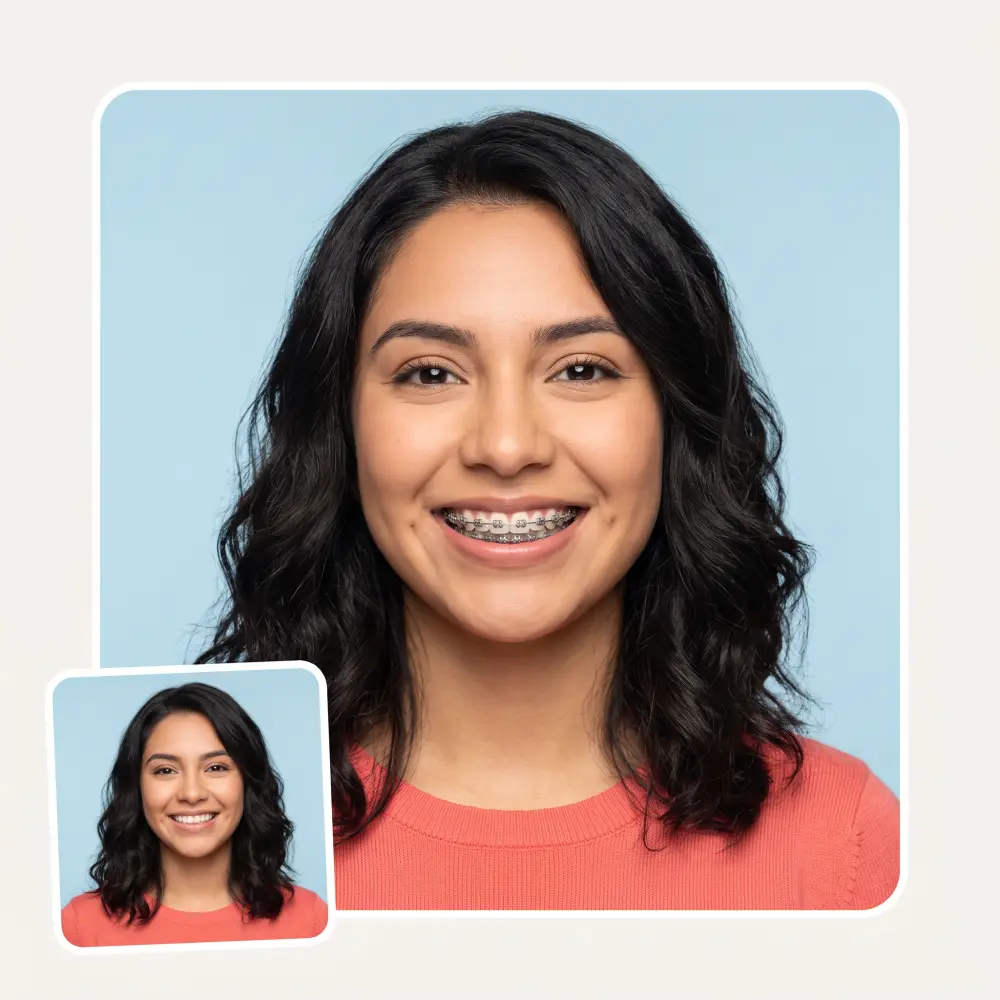
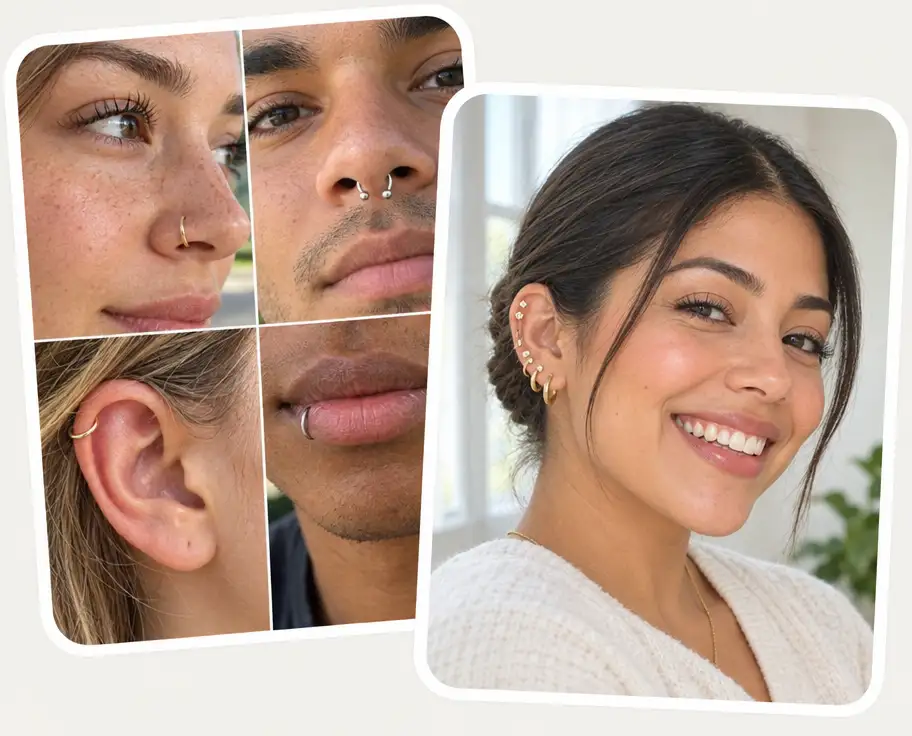
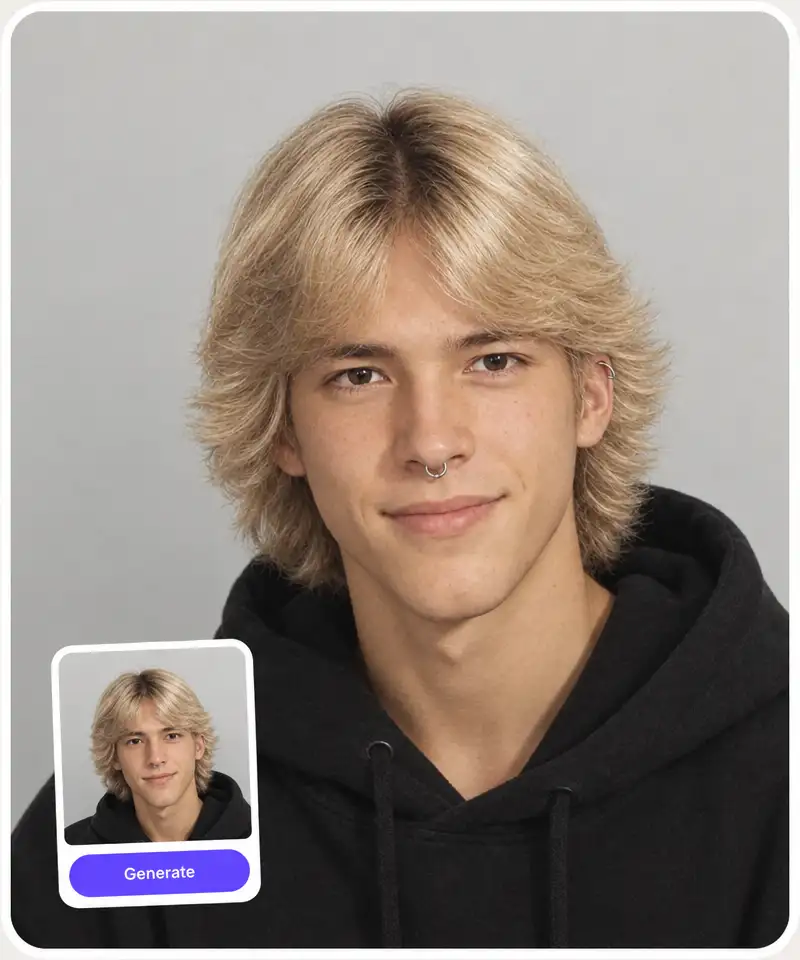
Nose, septum, brow, lip and ear placements — from a tiny nostril stud to industrial, daith and rook — plus eight complete looks like clean girl, punk and gold stack.
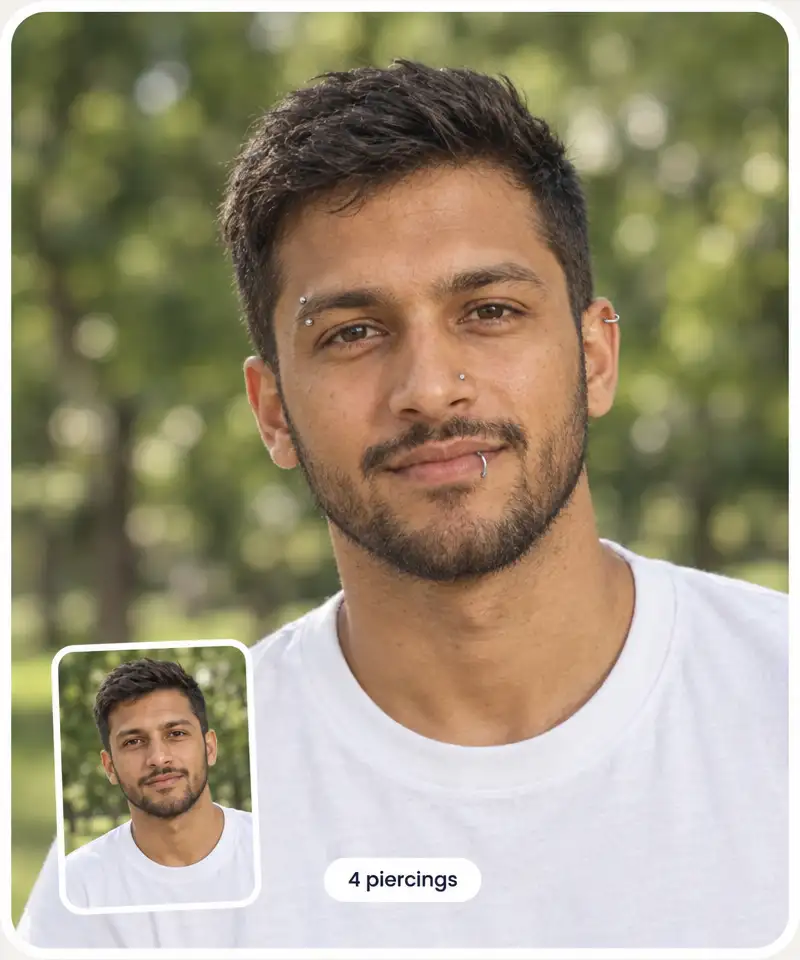
Up to four piercings at once
Combine placements on one photo — a septum with snake bites and a helix — instead of generating them one at a time.
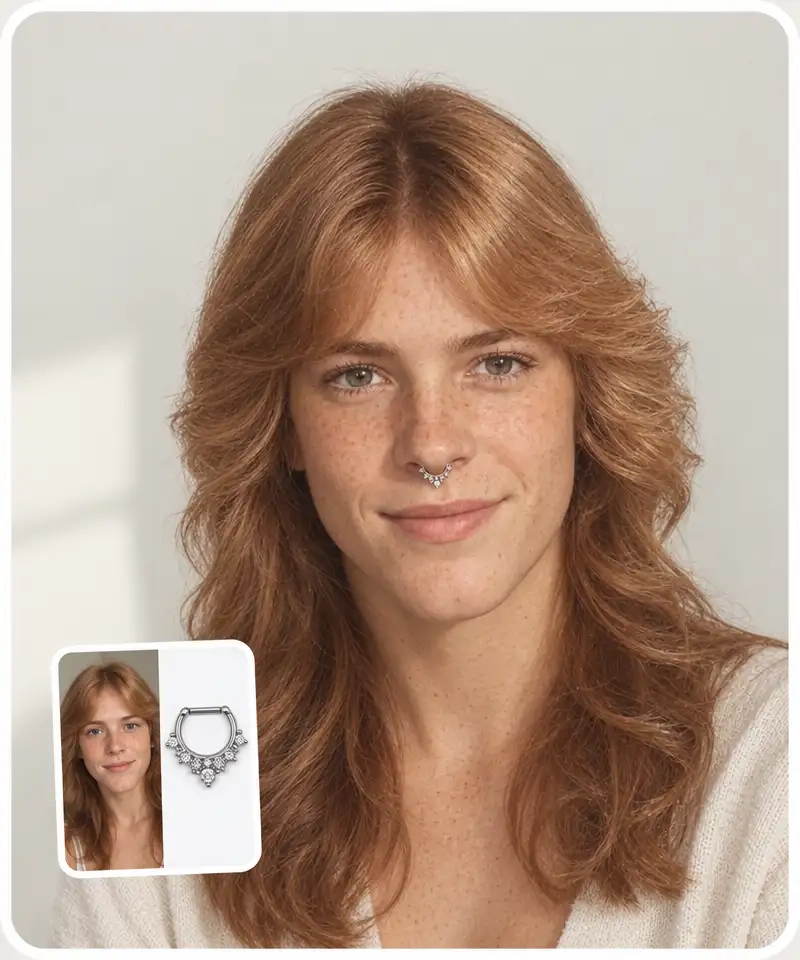
Try on your own jewelry
Upload a photo of a ring, stud or clicker and the filter puts that exact design on you — where it is usually worn, or on the placements you pick.
Your photo stays your photo
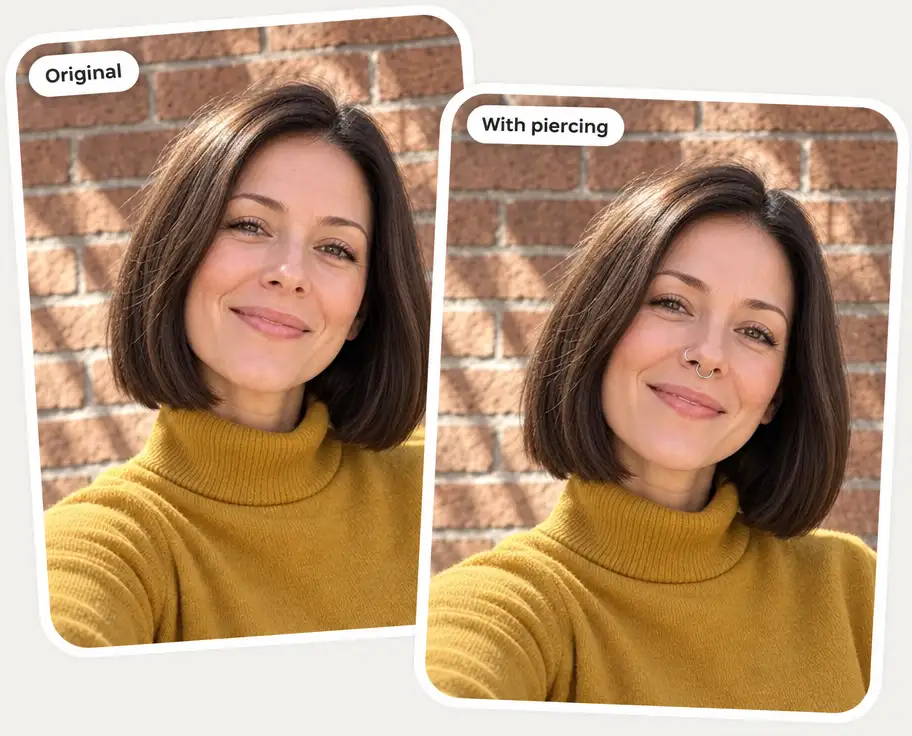
Only the jewelry is added. Your face, hair, background and lighting stay the same, so the preview reads like a real photo of you.
How to try on piercings with AI
1
Upload a selfie
Add a clear, front-facing photo (JPG, PNG or HEIC), or tap one of the sample faces to try it without your own.
2
Pick your piercings
Choose up to four from the row, or open View all for 40+ styles across nose, brows, lips, ear and full looks. Optionally, upload a photo of your own jewelry.
3
Click Generate
The AI adds the jewelry in about 20 seconds and keeps everything else in the photo the same.
4
Compare and download
Drag the slider to compare before and after, then download, copy or share the image. Not quite right? Regenerate or try another piercing.
Who the AI piercing filter is for
💭
Thinking about a first piercing
See a nose stud or a helix on your own face before you book the appointment, not on a stranger in a catalog.
💍
Planning a curated ear
Stack lobe, helix, tragus and conch piercings on one photo and check that the whole ear works together.
🔄
Choosing between two spots
Nose hoop or septum, labret or Monroe — generate both on the same selfie and compare them side by side.
🛍️
Jewelry shoppers
Upload a photo of the ring or clicker you have your eye on and see it worn before you order it.
🎭
Trying a bold look
Snake bites, a bridge bar or the full maximalist set — no needle, no healing time, no commitment.
📱
Creators and friends
Make a pierced version of your selfie for a post, a story or a group-chat dare.
What people say about Overchat AI
★★★★★
I've started to use overchat last week and it feels very promising. Lots of AI models in one place saves a lot of money in comparison if you buy subscriptions for each one.
Georgy P
Armenia · Trustpilot, 14 Jul 2026
★★★★★
im really into ai apps and that one is good, helps me with my arts and homework. i draw ai vids for inst and generate images with my characters, many widgets and models! like it
Rita Semenova
Germany · Trustpilot, 14 Aug 2026
★★★★★
I like how it keeps everything organized. One subscription is enough for all major AI models, which helps me avoid paying for multiple platforms.
Staria Quinn
United States · Trustpilot, 16 Nov 2025
★★★★★
Affordable and simple to use. I like that I don't have to pay for several different services anymore.
Dylan Thompson
United States · Trustpilot, 28 Oct 2025
★★★★★
Good and easy to use
Kanan Safarli
United Kingdom · Trustpilot, 23 Jul 2026
★★★★★
It's a nice place to be. I love it
Fabiyi Oluwakemi Phillips
Nigeria · Trustpilot, 23 Jul 2026
Frequently Asked Questions
What is an AI piercing filter?
An AI piercing filter is a virtual try-on tool: you upload a photo, choose piercings, and the AI adds realistic jewelry to your face so you can see the look before getting pierced. Overchat AI keeps your face, hair, background and lighting as they are and only adds the piercings.
How can I see what a piercing would look like on me?
Upload a clear, front-facing selfie, pick up to four piercings or a complete look, and click Generate. In about 20 seconds you get the same photo with the jewelry added, and a slider to compare it with the original. For ear piercings, use a photo where your ear is visible.
Is the AI piercing filter free?
Yes, you can try it for free right on this page. There is a daily limit on free generations per visitor.
Do I need to download an app or sign up?
No. The filter runs in your browser on a phone or a computer, with no app and no account.
Which piercings can I try on?
Nose (stud, hoop, septum, septum clicker, high nostril, bridge), brows and face (eyebrow, anti-eyebrow, third eye, cheek dimples, dermal, nose-to-ear chain), lips and mouth (labret, vertical labret, Monroe, medusa, snake, spider, angel and dahlia bites, tongue, smiley) and ear (lobe stack, lobe hoop, helix, forward helix, industrial, tragus, conch, daith, rook, stretched lobes, curated ear), plus eight complete looks. Body piercings such as the navel are not included — the filter works on faces and ears.
Can I try on my own jewelry?
Yes. Upload a photo of the piece in the Your own piercing box. On its own, the filter places it where that jewelry is usually worn; together with the piercings you pick, it uses its design for those placements.
Can I combine several piercings?
Yes, up to four individual piercings in one generation. A complete look, such as punk or gold stack, is a full set on its own, so it replaces the individual picks.
How accurate is a virtual piercing try-on?
It is a realistic preview, not a guarantee. The filter does not measure your anatomy or recommend placements by face shape, and some piercings — rook, daith or conch — depend on the shape of your ear. Use the preview to narrow down what you like, then confirm the placement with a professional piercer.
{"@context":"https://schema.org","@graph":[{"@type":"WebApplication","@id":"https://overchat.ai/ai-tools/ai-piercing-filter#app","name":"AI Piercing Filter","url":"https://overchat.ai/ai-tools/ai-piercing-filter","description":"Upload a selfie and try on 40+ piercings — nose, septum, lips, brows and ear — or your own jewelry. Up to four at once, free, no sign-up.","applicationCategory":"MultimediaApplication","operatingSystem":"Web","browserRequirements":"Requires JavaScript","offers":{"@type":"Offer","price":"0","priceCurrency":"USD","availability":"https://schema.org/InStock","url":"https://overchat.ai/ai-tools/ai-piercing-filter"},"publisher":{"@type":"Organization","name":"Overchat AI","url":"https://overchat.ai/"},"image":"https://cdn.prod.website-files.com/673728fe79d73c09073776cb/6acca59a4050bfa4488361c8_ai-piercing-filter-hero-after.webp"},{"@type":"BreadcrumbList","itemListElement":[{"@type":"ListItem","position":1,"name":"Home","item":"https://overchat.ai/"},{"@type":"ListItem","position":2,"name":"AI Tools","item":"https://overchat.ai/tools"},{"@type":"ListItem","position":3,"name":"AI Piercing Filter","item":"https://overchat.ai/ai-tools/ai-piercing-filter"}]},{"@type":"FAQPage","mainEntity":[{"@type":"Question","name":"What is an AI piercing filter?","acceptedAnswer":{"@type":"Answer","text":"An AI piercing filter is a virtual try-on tool: you upload a photo, choose piercings, and the AI adds realistic jewelry to your face so you can see the look before getting pierced. Overchat AI keeps your face, hair, background and lighting as they are and only adds the piercings."}},{"@type":"Question","name":"How can I see what a piercing would look like on me?","acceptedAnswer":{"@type":"Answer","text":"Upload a clear, front-facing selfie, pick up to four piercings or a complete look, and click Generate. In about 20 seconds you get the same photo with the jewelry added, and a slider to compare it with the original. For ear piercings, use a photo where your ear is visible."}},{"@type":"Question","name":"Is the AI piercing filter free?","acceptedAnswer":{"@type":"Answer","text":"Yes, you can try it for free right on this page. There is a daily limit on free generations per visitor."}},{"@type":"Question","name":"Do I need to download an app or sign up?","acceptedAnswer":{"@type":"Answer","text":"No. The filter runs in your browser on a phone or a computer, with no app and no account."}},{"@type":"Question","name":"Which piercings can I try on?","acceptedAnswer":{"@type":"Answer","text":"Nose (stud, hoop, septum, septum clicker, high nostril, bridge), brows and face (eyebrow, anti-eyebrow, third eye, cheek dimples, dermal, nose-to-ear chain), lips and mouth (labret, vertical labret, Monroe, medusa, snake, spider, angel and dahlia bites, tongue, smiley) and ear (lobe stack, lobe hoop, helix, forward helix, industrial, tragus, conch, daith, rook, stretched lobes, curated ear), plus eight complete looks. Body piercings such as the navel are not included — the filter works on faces and ears."}},{"@type":"Question","name":"Can I try on my own jewelry?","acceptedAnswer":{"@type":"Answer","text":"Yes. Upload a photo of the piece in the Your own piercing box. On its own, the filter places it where that jewelry is usually worn; together with the piercings you pick, it uses its design for those placements."}},{"@type":"Question","name":"Can I combine several piercings?","acceptedAnswer":{"@type":"Answer","text":"Yes, up to four individual piercings in one generation. A complete look, such as punk or gold stack, is a full set on its own, so it replaces the individual picks."}},{"@type":"Question","name":"How accurate is a virtual piercing try-on?","acceptedAnswer":{"@type":"Answer","text":"It is a realistic preview, not a guarantee. The filter does not measure your anatomy or recommend placements by face shape, and some piercings — rook, daith or conch — depend on the shape of your ear. Use the preview to narrow down what you like, then confirm the placement with a professional piercer."}}]}]}


 Before
After
Before
After

.webp)