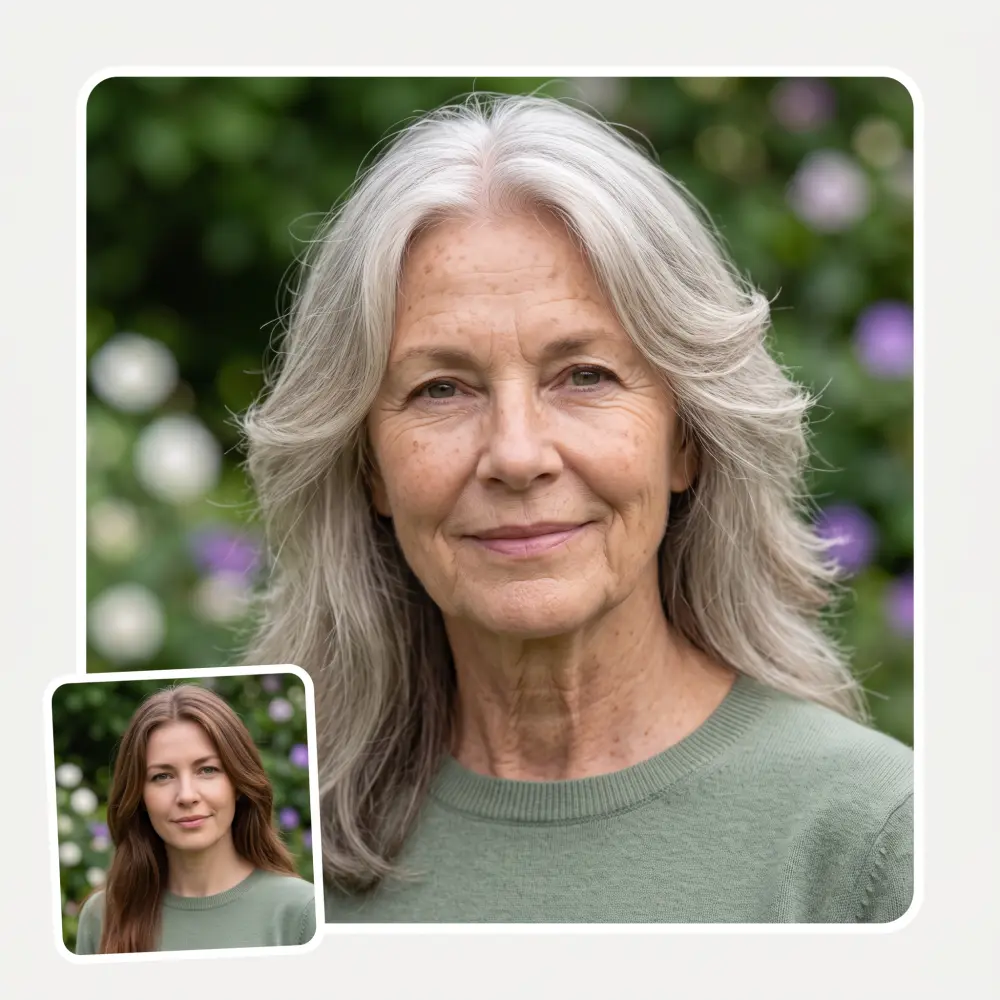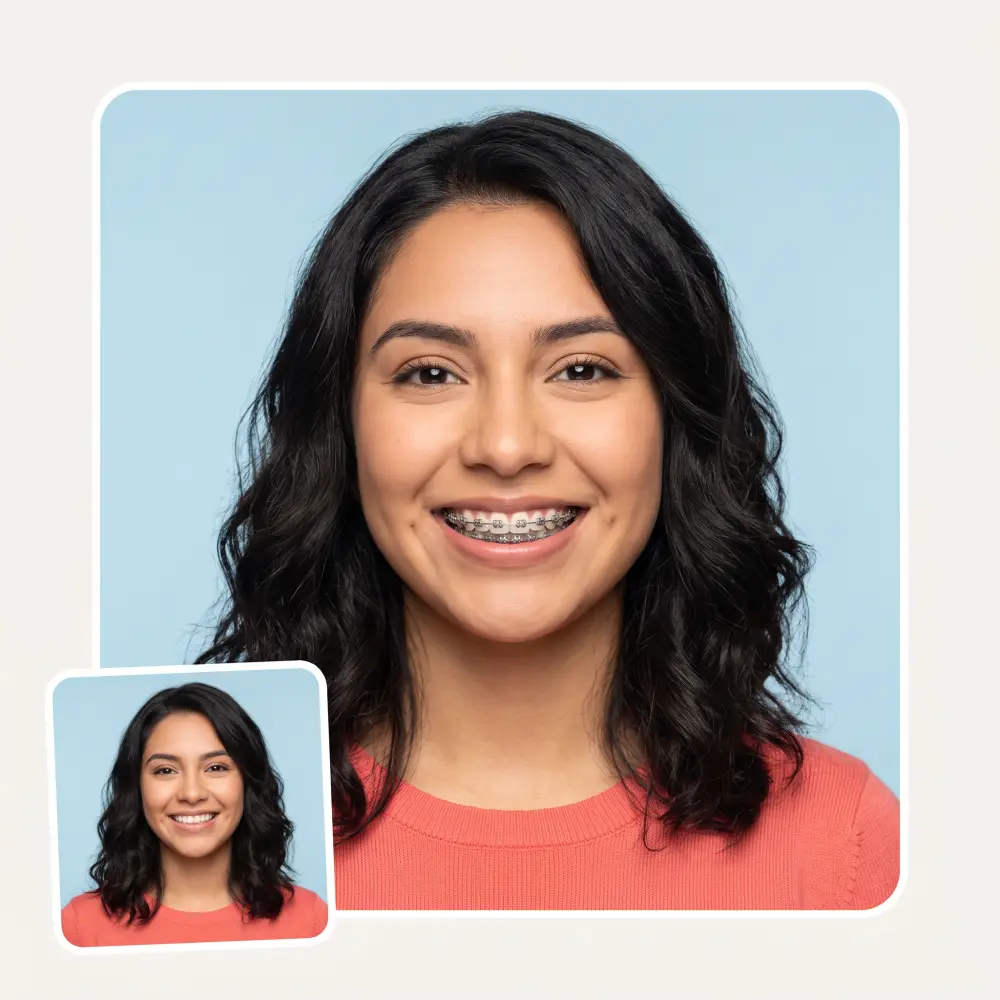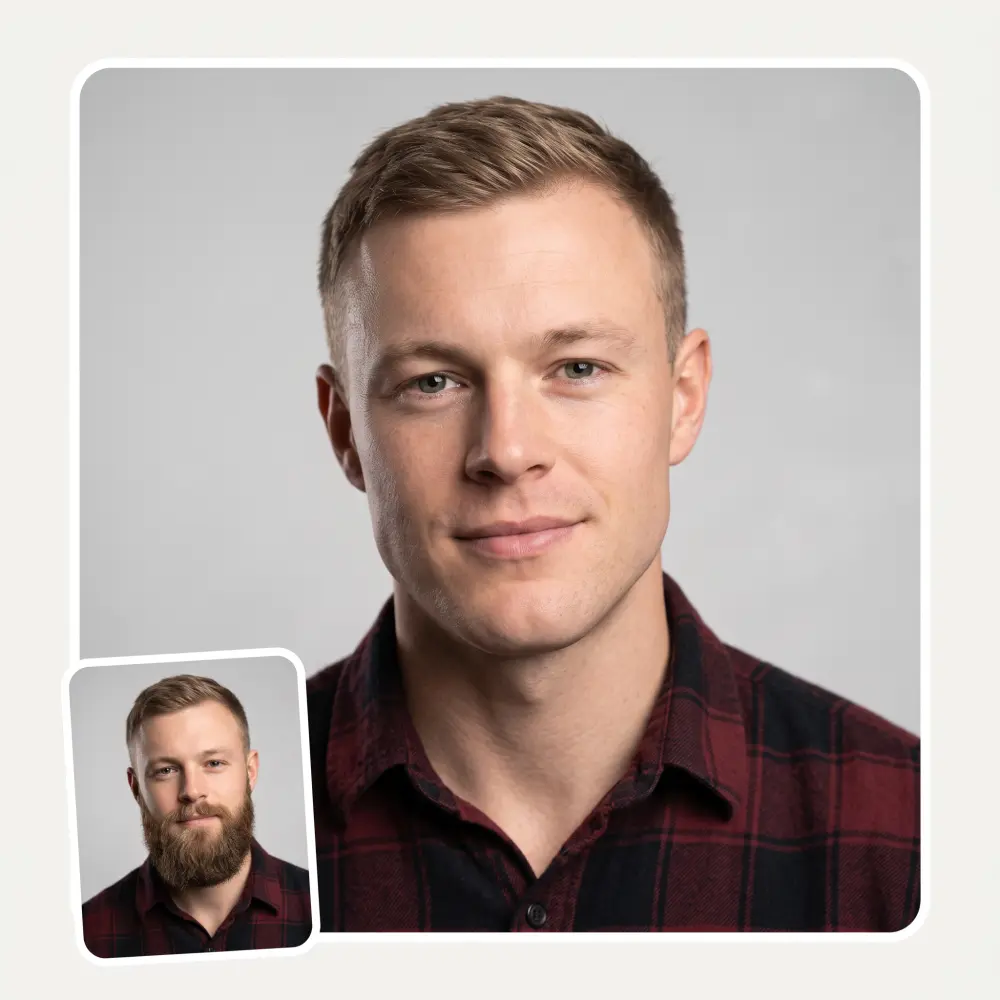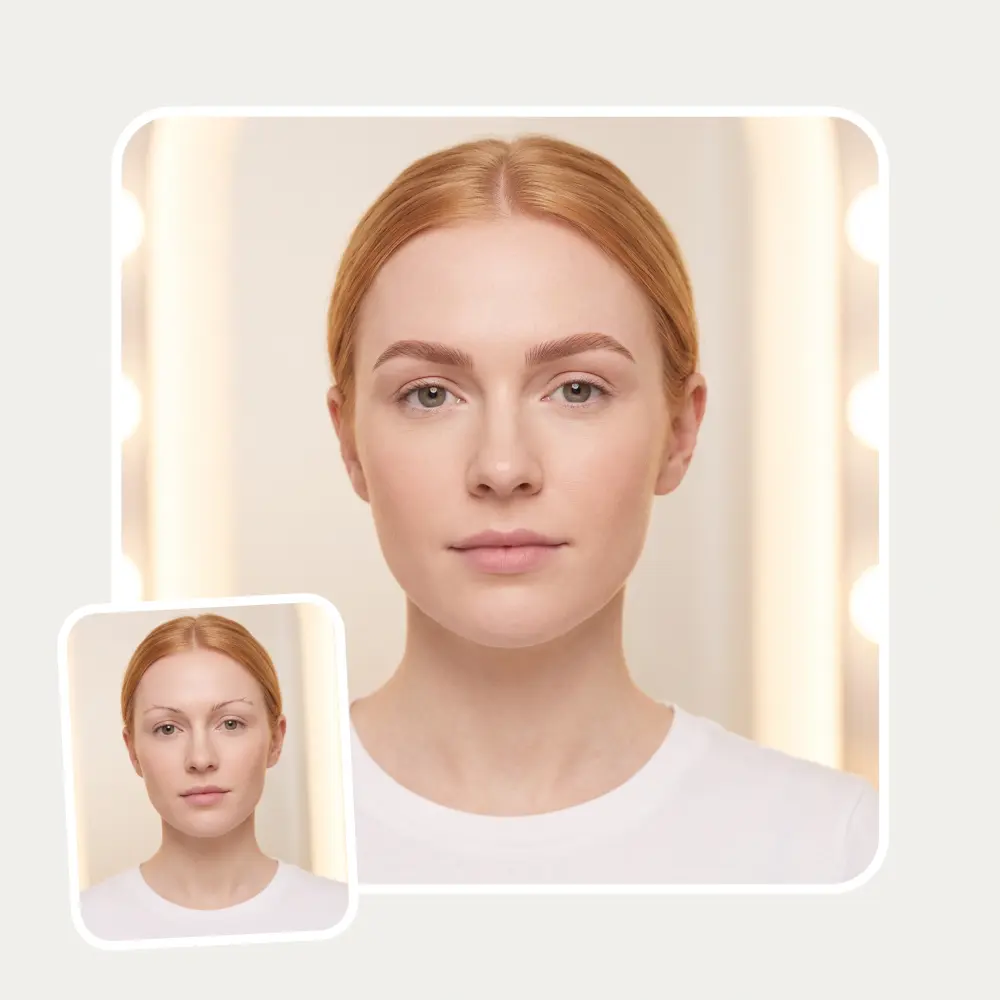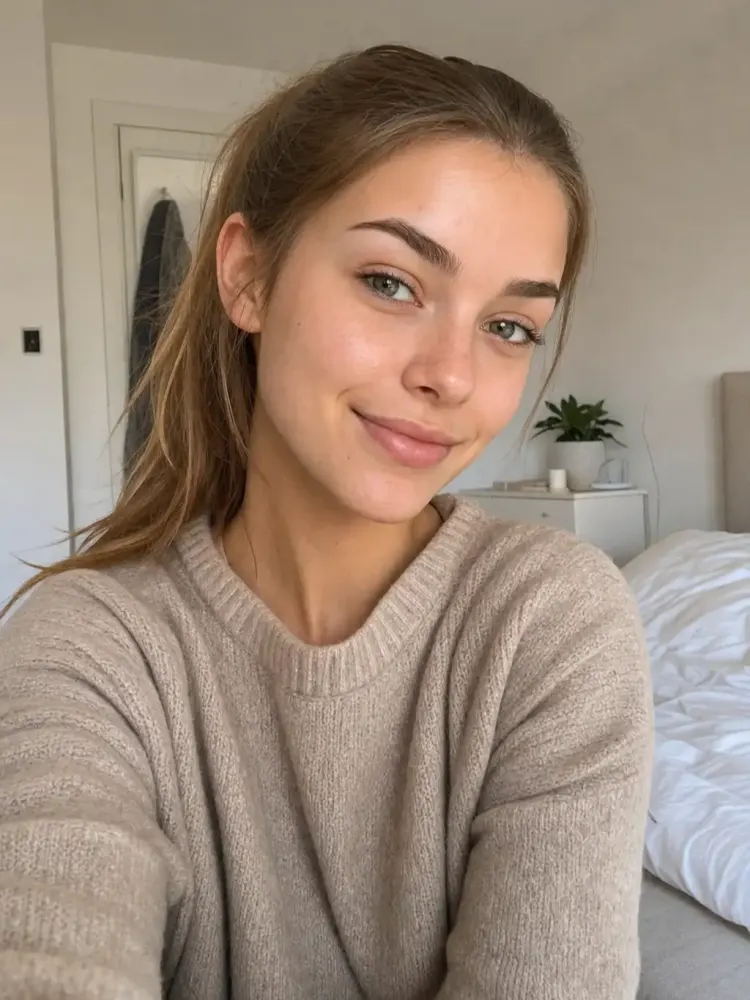
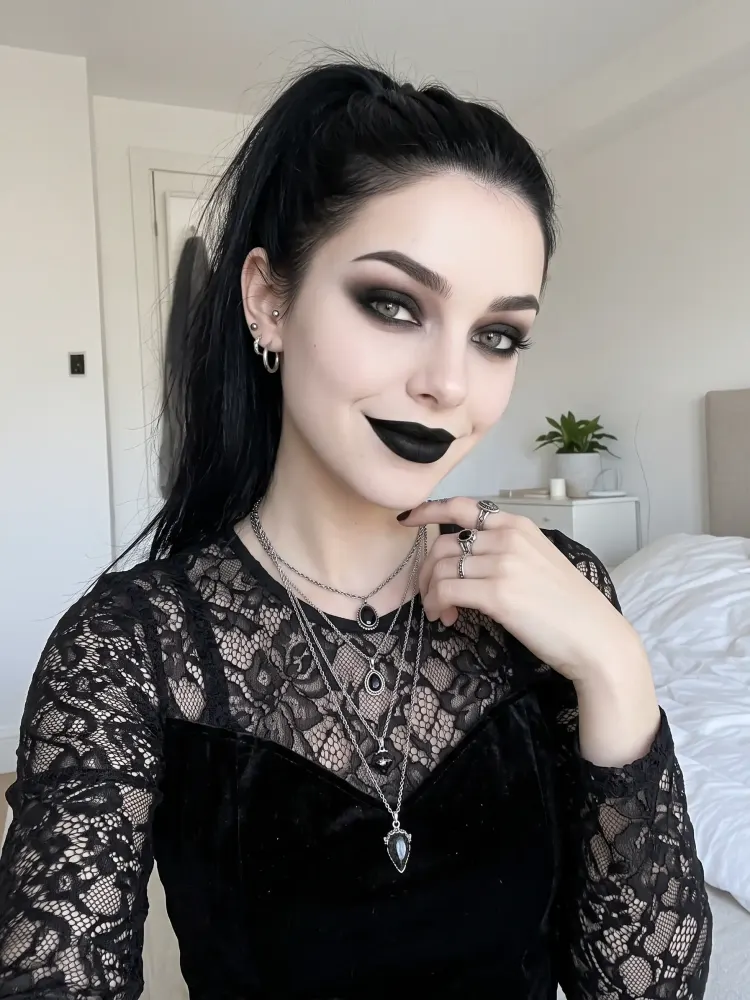
 Before
After
Before
After
Upload a selfie and the AI turns it into a goth portrait — pick Classic, Victorian, Mall Goth or Vampire, or describe your own look. Your face stays yours; only the style changes.
Before
After
Classic, Victorian, Mall Goth and Vampire presets, plus a free-text field for fishnets, chokers, purple streaks — whatever your look needs.
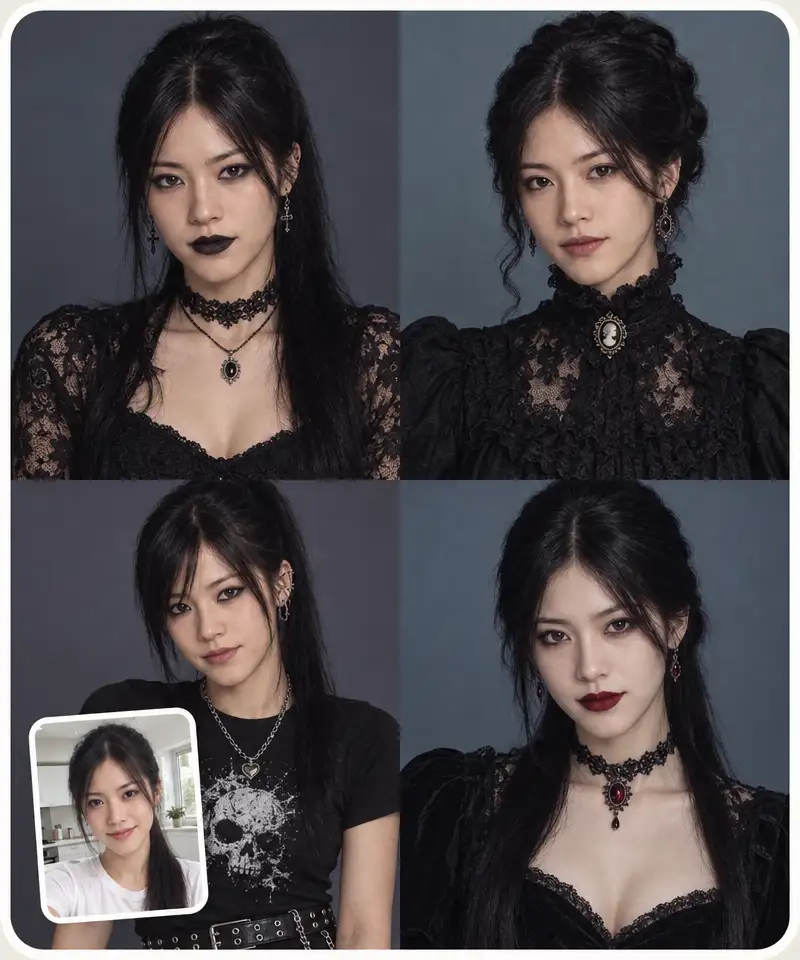
The AI restyles hair, makeup and clothing but keeps your facial features, expression, pose and background exactly as they were.
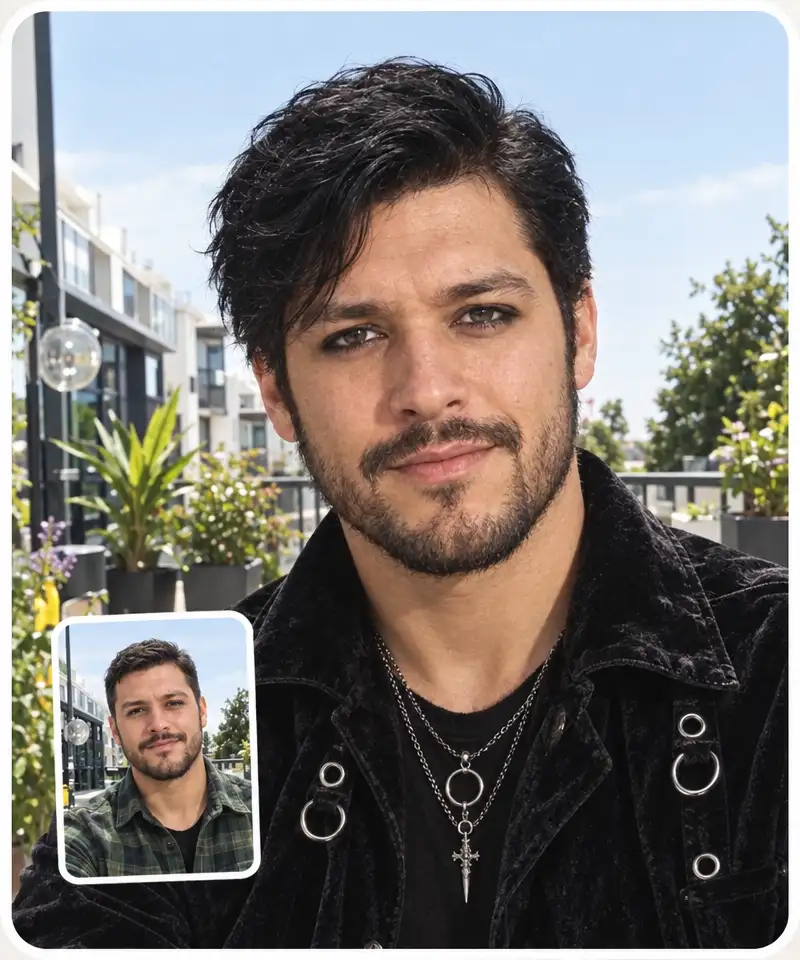
The result is a photorealistic portrait that looks like you actually dressed up — not a stylized drawing or an anime avatar.
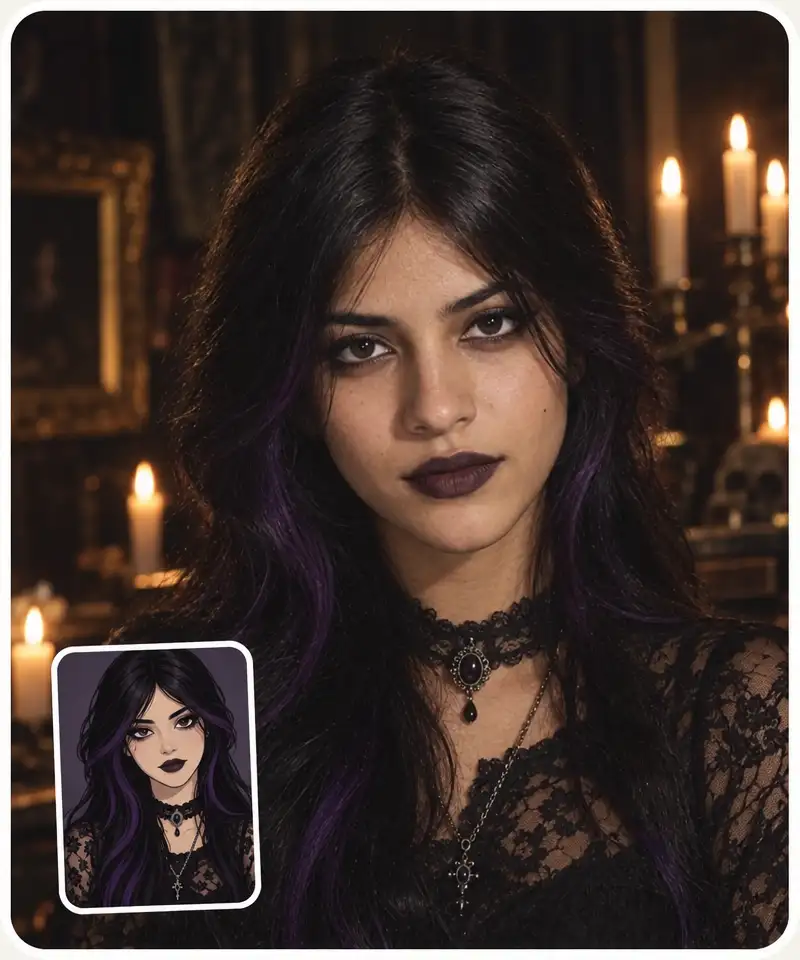
No sign-up, about 30 seconds per generation, and the result downloads in HD without watermarks.
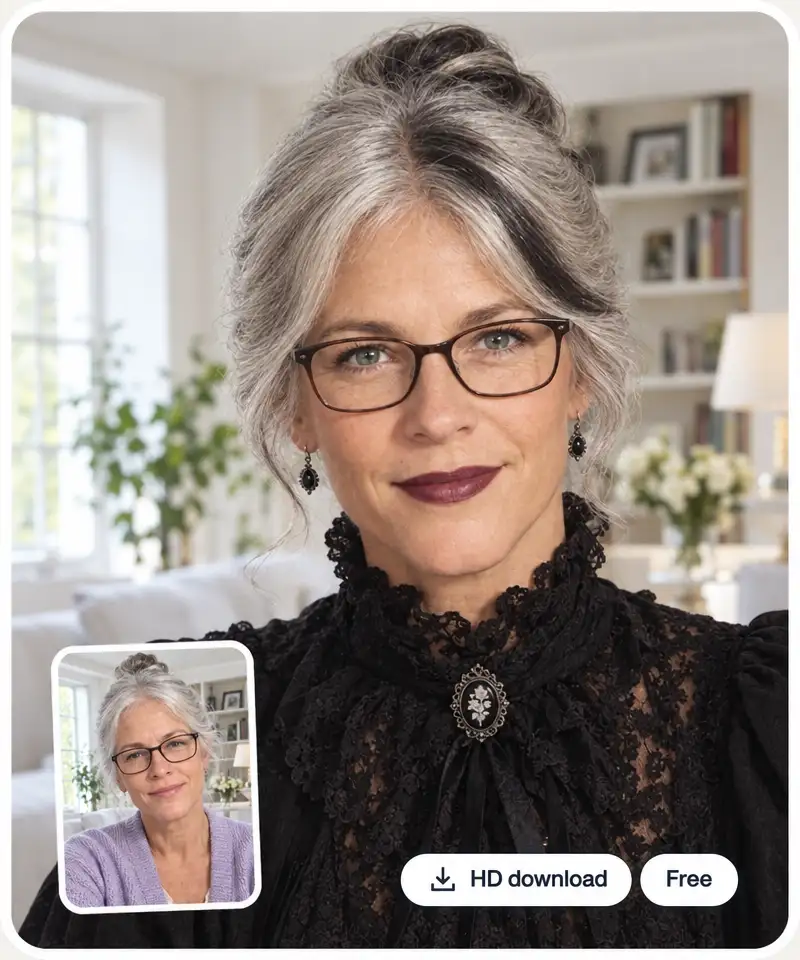
Drag and drop a photo or pick one from your device. A clear, front-facing shot with even lighting works best.
Choose Classic, Victorian, Mall Goth or Vampire — and add extra touches in the optional prompt, like silver rings or purple streaks.
The AI generates your goth portrait right on the page in about 30 seconds.
Save the HD result, copy it, or share it straight from the page. Not dark enough? Regenerate or push it further with the prompt.
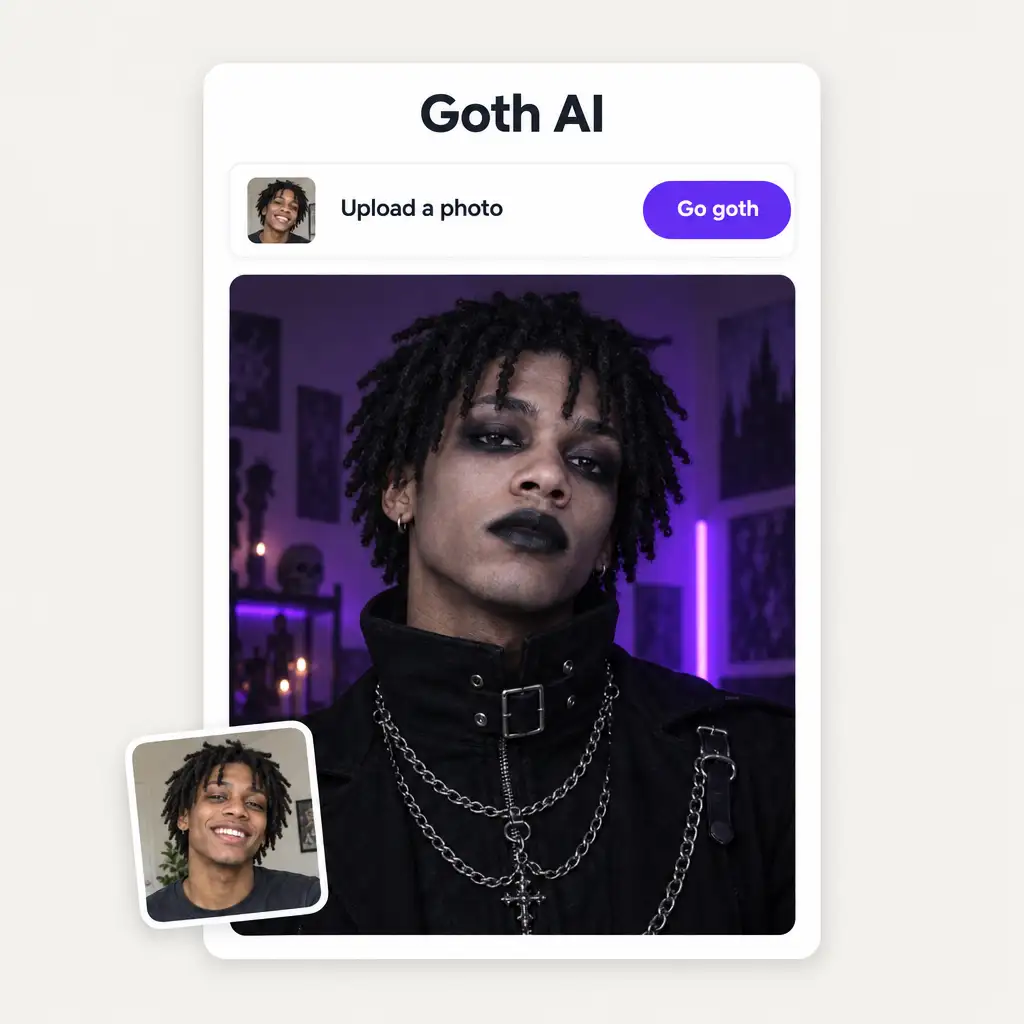
You have wondered for years how you would look in full goth — now you can see it in 30 seconds instead of buying a wardrobe first.
The goth transformation is a reliable before/after format — post your original next to the AI portrait and let the comments argue.
Preview Classic, Victorian or Vampire on your own face before committing to makeup, a wig and a costume that might not suit you.
See yourself in black lace, velvet and silver jewellery before spending on pieces you are not sure you can pull off.
A goth portrait of your actual face makes a darker, more striking avatar than any anime preset or random stock art.
Going to a goth night or a metal festival? Test the look on a selfie first and walk in knowing it works on you.
I've started to use overchat last week and it feels very promising. Lots of AI models in one place saves a lot of money in comparison if you buy subscriptions for each one.
im really into ai apps and that one is good, helps me with my arts and homework. i draw ai vids for inst and generate images with my characters, many widgets and models! like it
I like how it keeps everything organized. One subscription is enough for all major AI models, which helps me avoid paying for multiple platforms.
Affordable and simple to use. I like that I don't have to pay for several different services anymore.
Good and easy to use
It's a nice place to be. I love it
Goth AI is a free photo filter that turns your selfie into a goth portrait. Upload a photo, pick one of four goth styles, and the AI restyles your hair, makeup and outfit while keeping your face recognisably yours.
Upload a selfie on this page, choose Classic, Victorian, Mall Goth or Vampire, and press Go goth. The AI generates the goth version right here in about 30 seconds — no app install, no editing skills needed.
Yes — you can try it on this page for free, with no sign-up. The result downloads in HD without watermarks.
Yes. The AI changes styling — hair colour, makeup, clothing, jewellery — but keeps your facial features, expression, pose and background exactly the same. The point is that it is unmistakably you, gone goth.
Four presets: Classic (jet-black hair, smoky eyes, black lipstick), Victorian (high-collared lace, cameo choker), Mall Goth (band tee, chains, heavy eyeliner) and Vampire (ghost-pale skin, blood-red lips). You can also describe your own touches in the prompt field.
A clear, close-up selfie facing the camera, with even lighting and nothing covering your face. Group shots and blurry or heavily filtered photos give weaker results.
No — a few unrelated apps share the name. This page is a photo tool: it makes goth portraits from selfies and has nothing to do with math homework.
It is used to generate your portrait and is not published anywhere. As a general rule, only upload photos of yourself or ones you have permission to edit.
Available on Web, iOS, and Android. Access your AI assistant anywhere, anytime.

.webp)