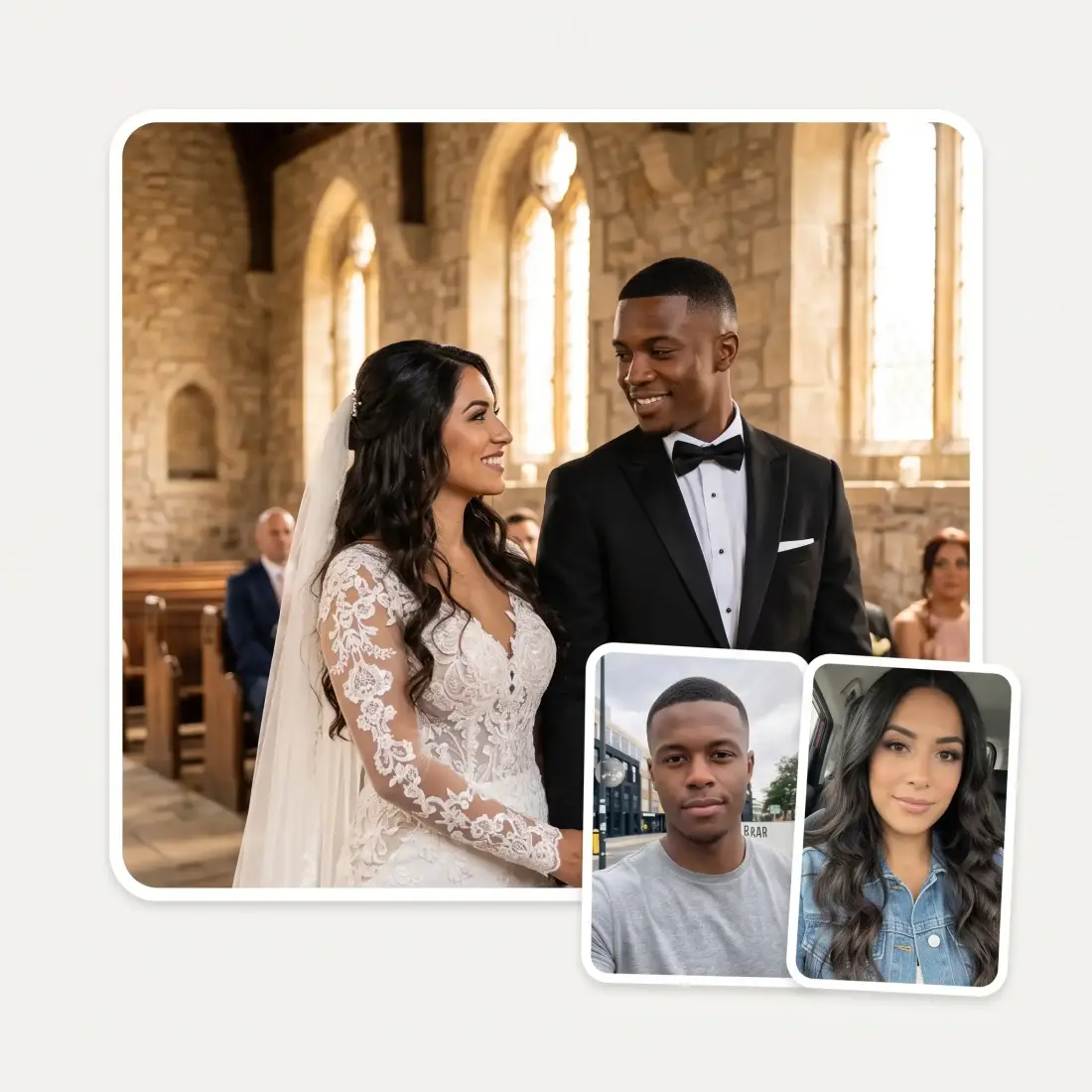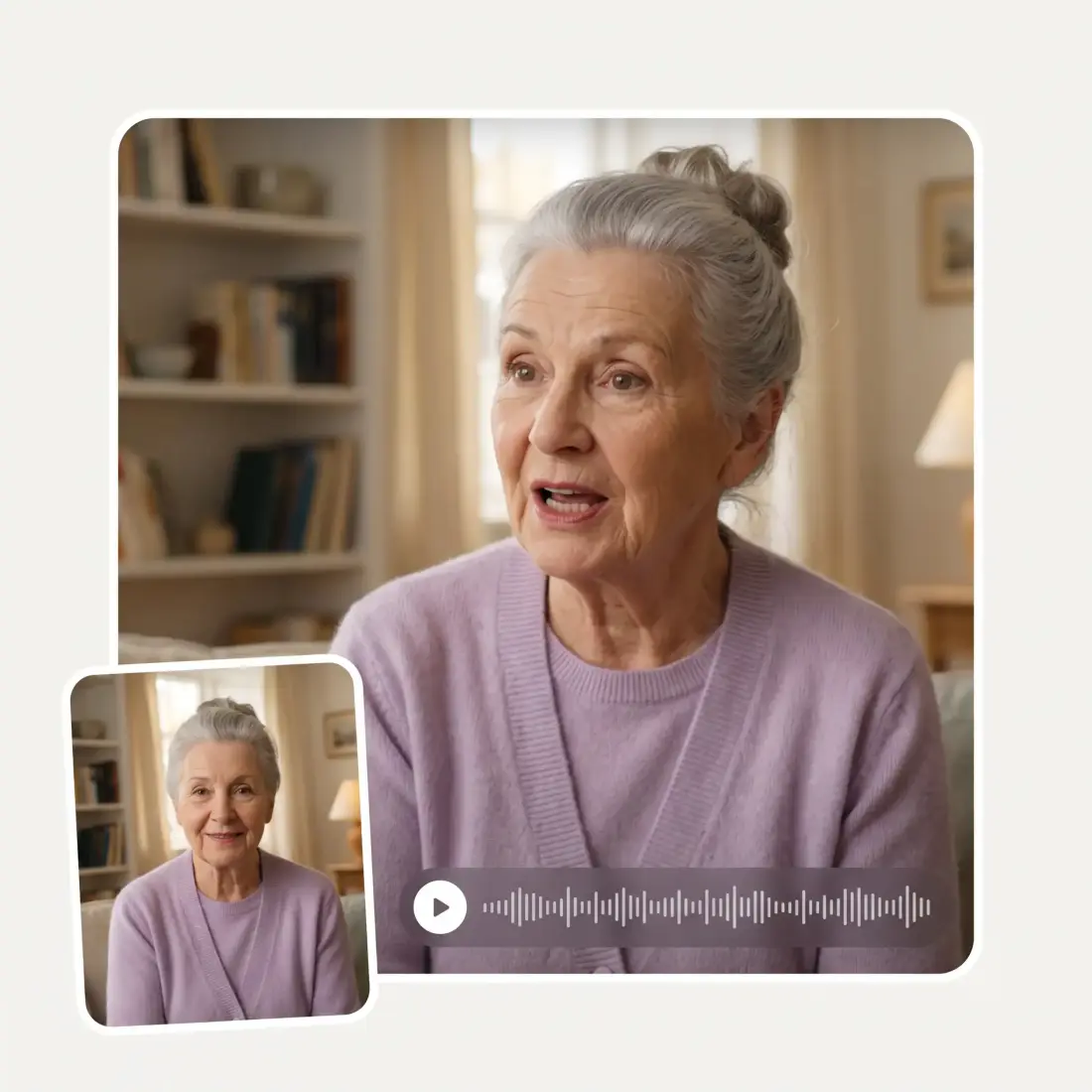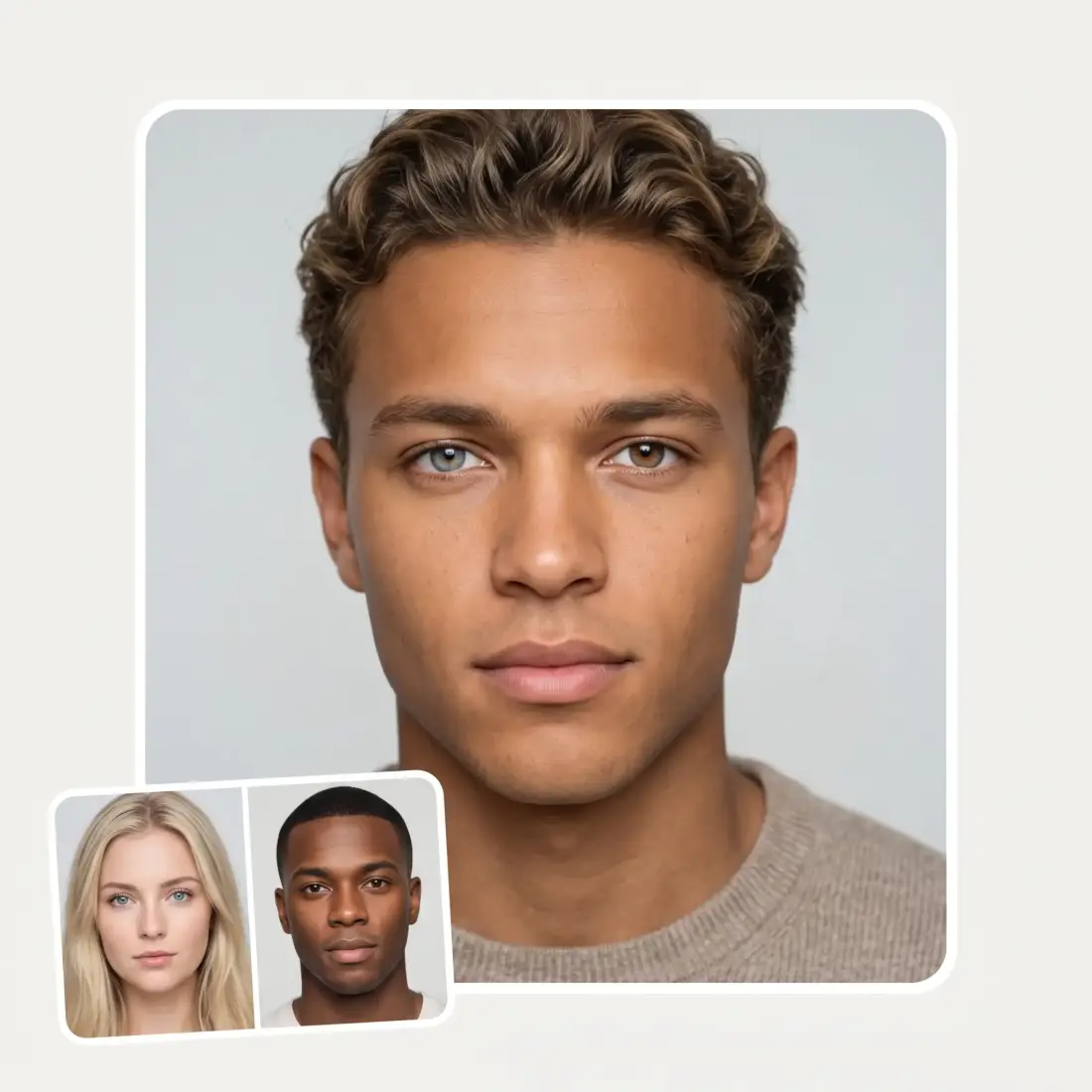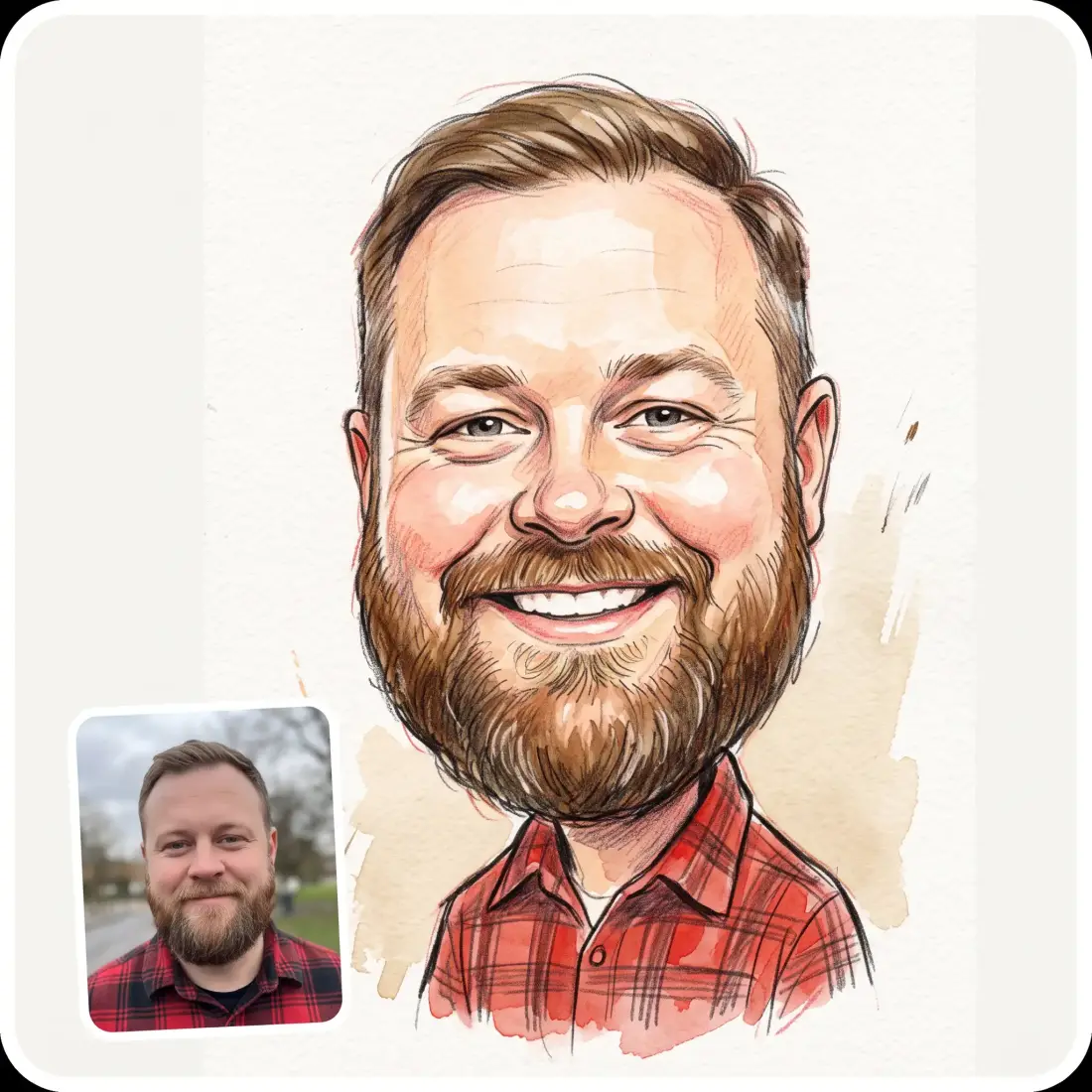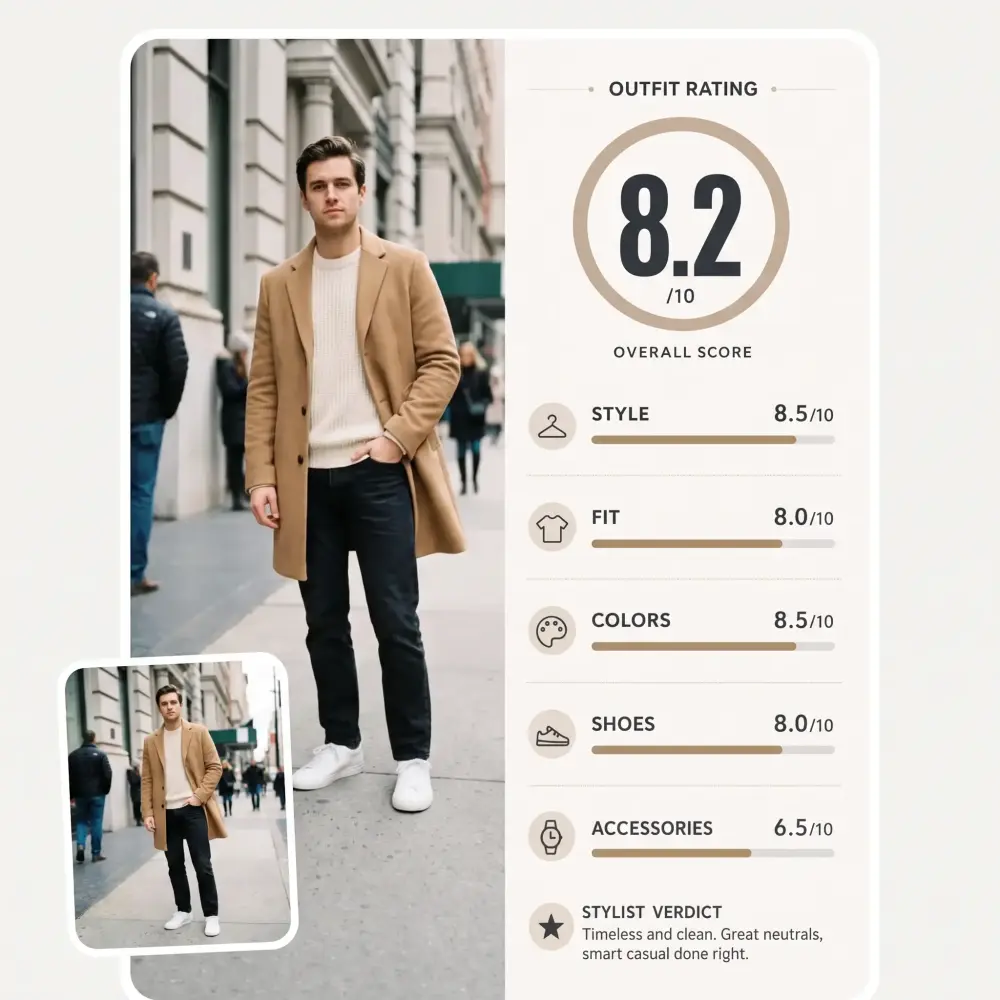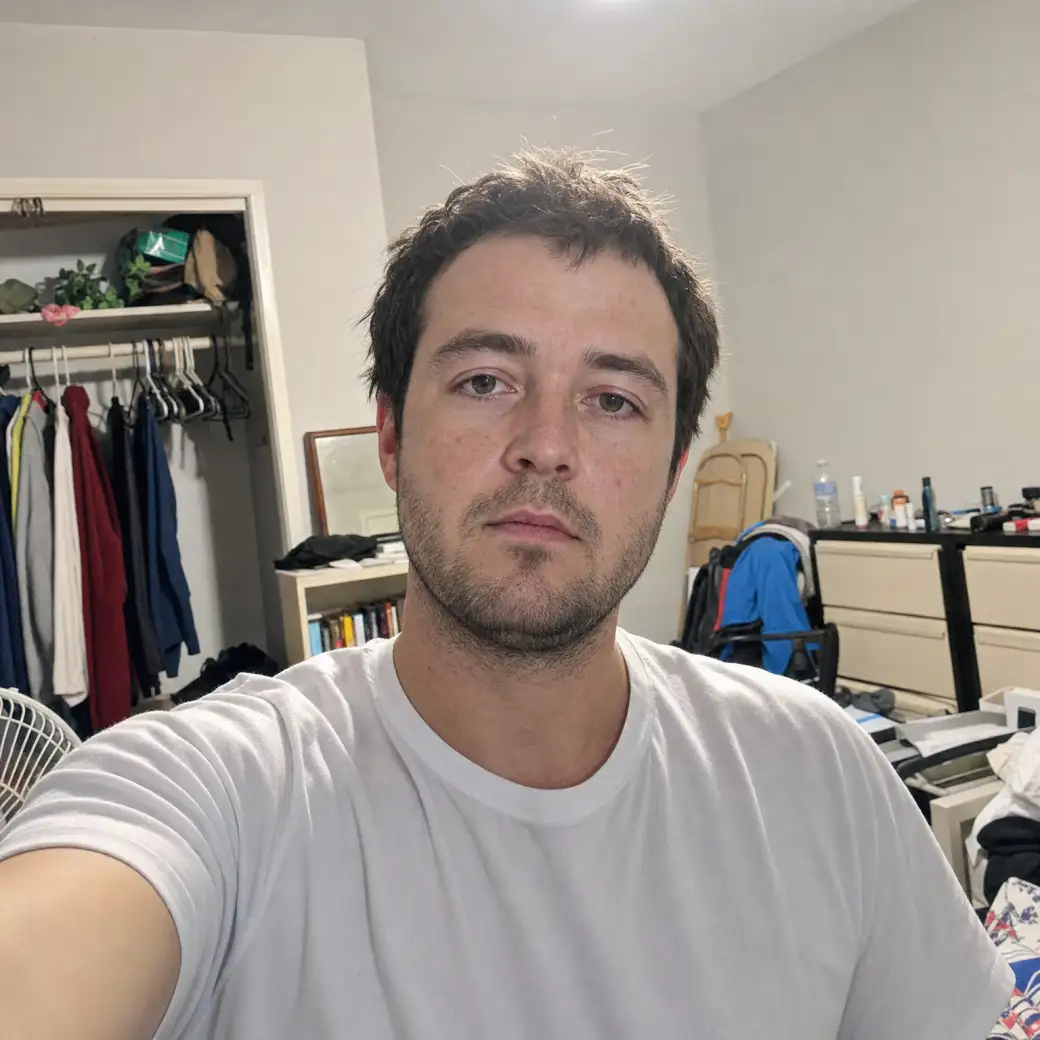
 Before
After
Before
After
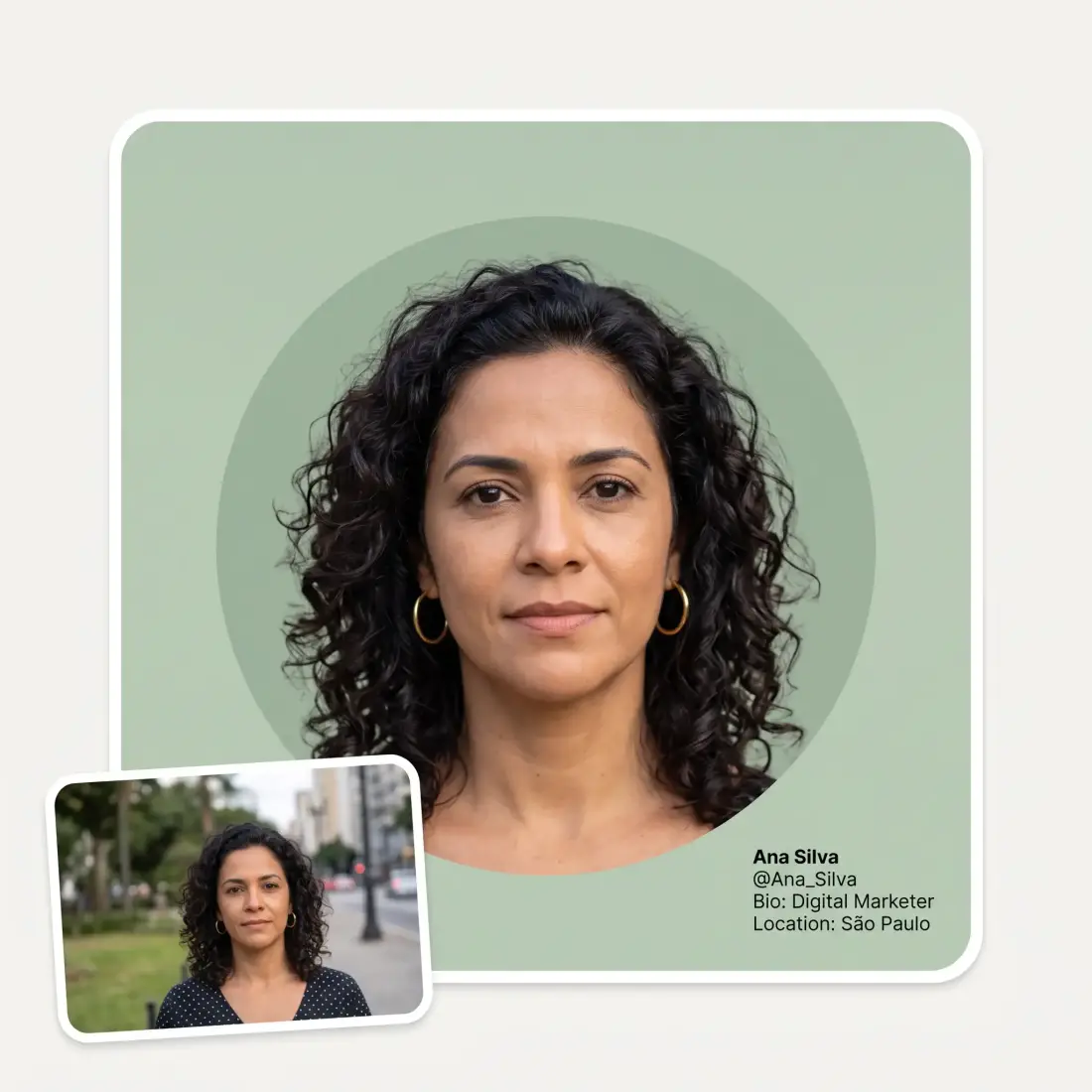
One selfie in, a profile picture out. AI relights it, fixes the background and frames it for a circle crop — and you still look like you, which is the part most PFP tools get wrong.
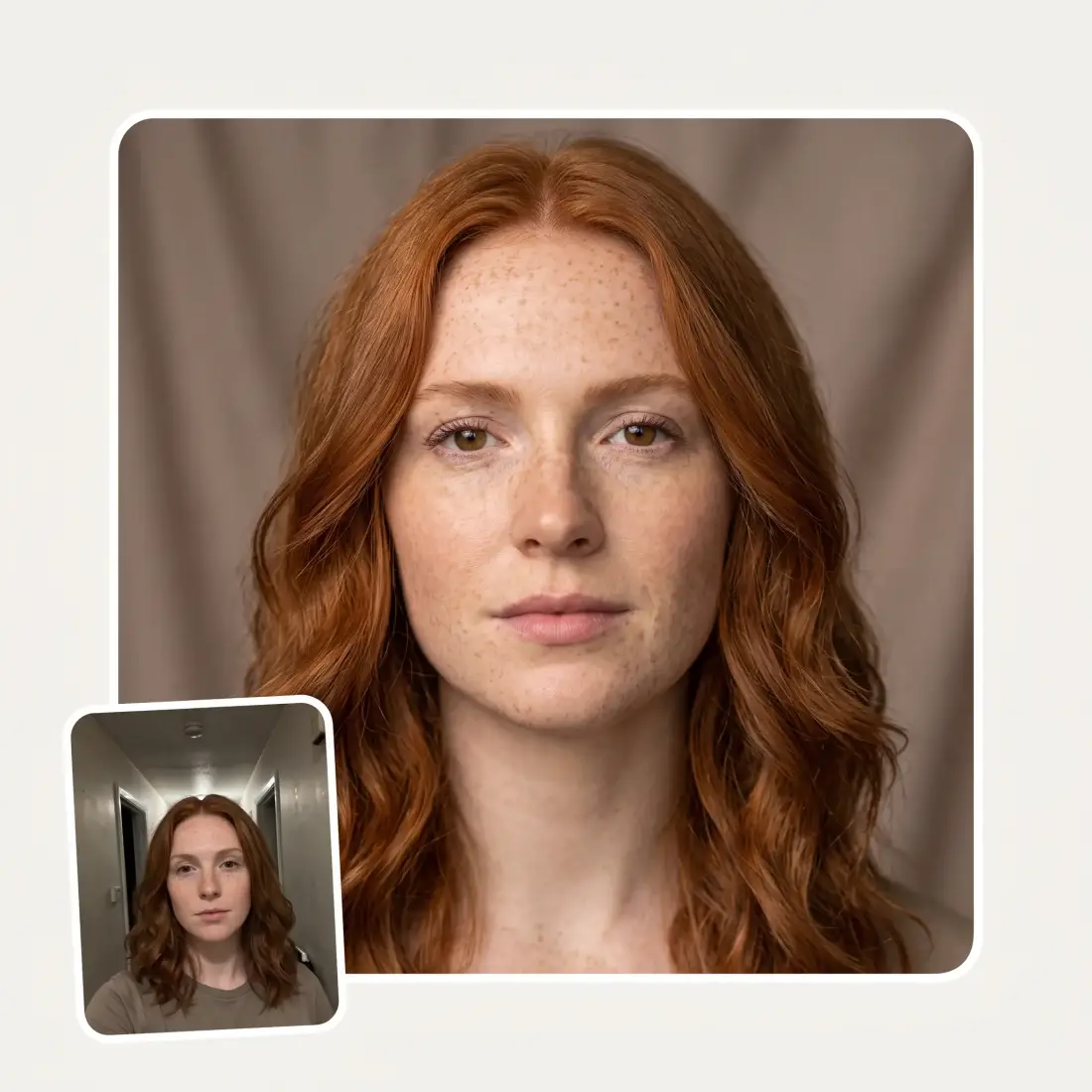
Before
After
This is where most profile picture tools quietly fail: they hand back a better-looking stranger. Here the lighting, the background and the framing change and your face does not — same freckles, same nose, same hair, same age. The point is a photo your colleagues recognise in a Slack sidebar, not an idealised portrait you would be embarrassed to meet someone after.
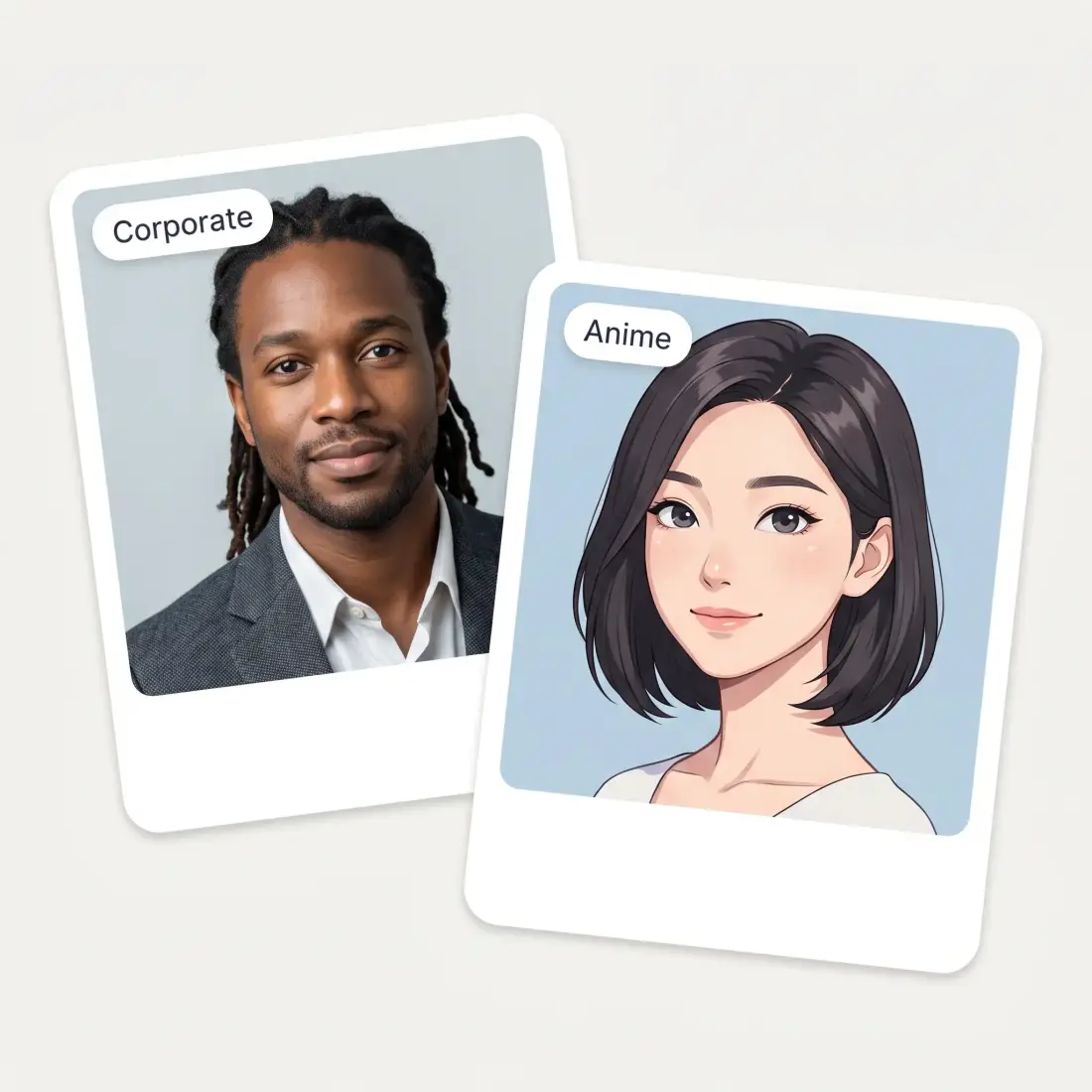
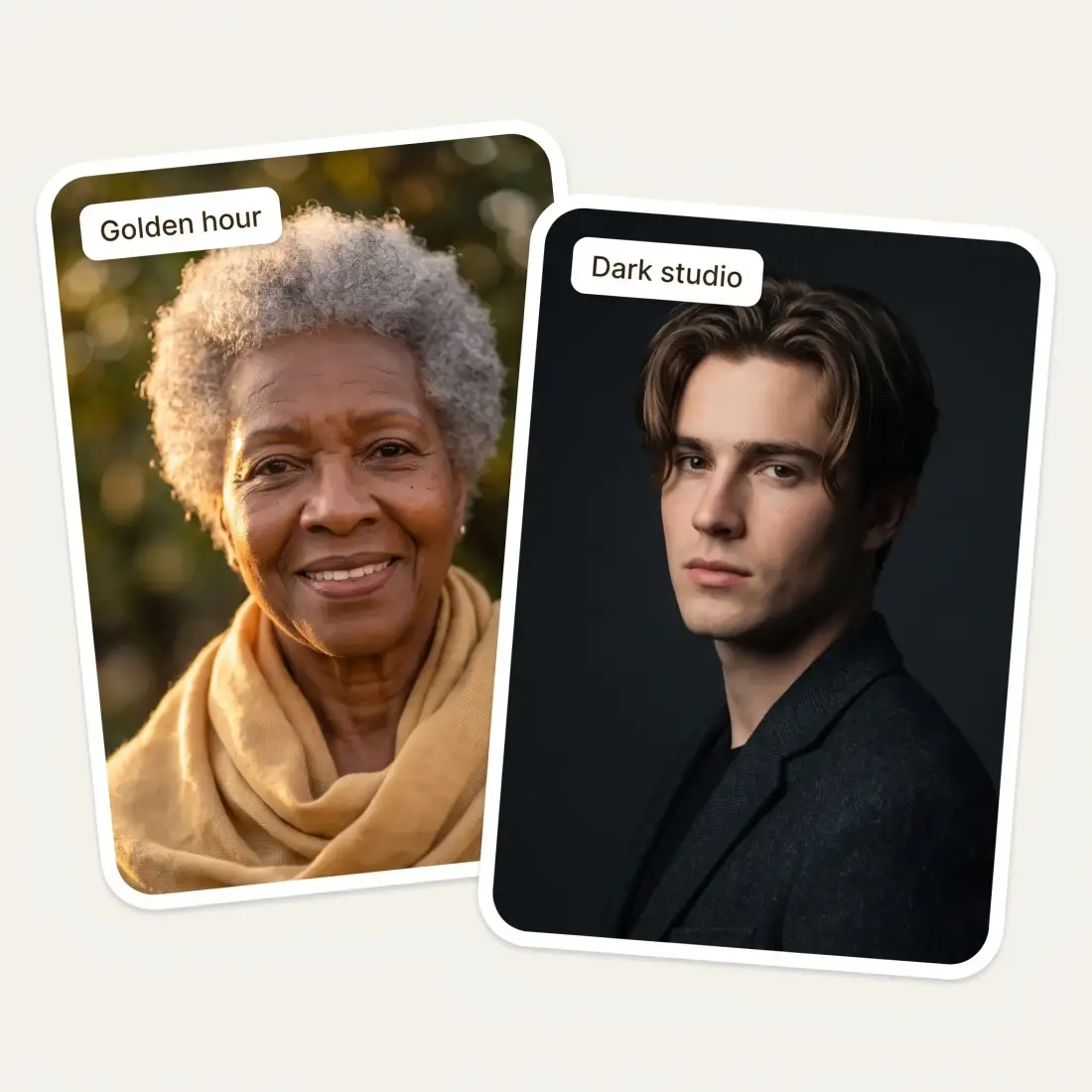
Clean and neutral, corporate headshot, colour gradient, outdoor at golden hour, dark studio, flat illustration, anime, and 3D animated. The first five are photographic and the last three are stylised, so the same upload covers a LinkedIn profile and a Discord avatar without you having to find a second photo.
Platforms cut a circle out of your photo and the corners of your composition disappear with it. The result is composed for that: head centred, enough room above the hair, shoulders in shot, nothing important sitting where the crop will eat it. It also reads correctly at 40 pixels, which is the size most people will actually see it.
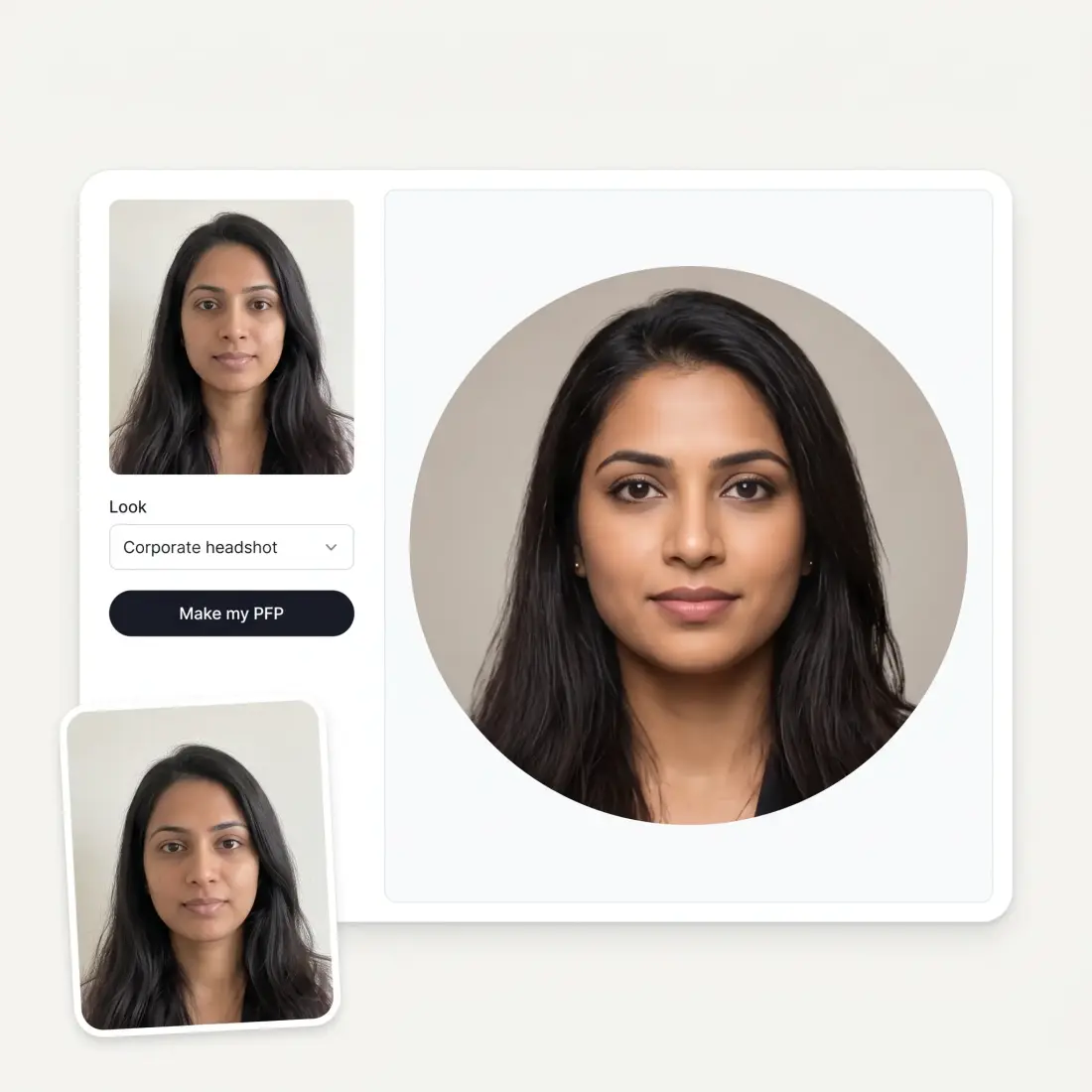
One upload, one look chosen, about half a minute. That is fast enough to try three looks and keep the one you like rather than committing to the first thing that comes back. Downloads are HD with no watermark, and your photo is resized in your own browser before it is sent anywhere.
Drag one in, pick it from your device or paste it from the clipboard. JPG, PNG and HEIC all work, up to 20 MB. Bad lighting is fine — that is what gets fixed.
Choose from eight: clean and neutral, corporate headshot, colour gradient, outdoor golden hour, dark studio, flat illustration, anime or 3D animated.
It takes about thirty seconds. The face stays yours; the light, the background and the framing are what change.
Save the HD file with no watermark, or switch look and run it again from the same upload.
A recruiter sees the photo before the CV. You do not need a studio booking to stop leading with a cropped wedding photo from four years ago.
Anime, flat illustration, 3D animated — some profiles want a character, not a corporate portrait. The same selfie makes both.
Most platforms cut a circle out of whatever you upload and chop off half your head. Framing for that crop is the whole point of this tool.
Slack, LinkedIn, GitHub, the company wiki, the client portal. One good picture used consistently is worth more than six mismatched ones.
You do not have a good photo because you never let anyone take one. Take one bad selfie in bad light and let the relighting do the rest.
Podcast art, a Substack byline, a speaker page. Getting the same face in the same light across all of them is what makes it read as a brand.
Great experience! It helps me able to do my work and respond to questions quickly trusting that the my responses are grammatically correct.
I've started to use overchat last week and it feels very promising. Lots of AI models in one place saves a lot of money in comparison if you buy subscriptions for each one.
Nice app, everything in one place
Easy and convenient!
im really into ai apps and that one is good, helps me with my arts and homework. i draw ai vids for inst and generate images with my characters, many widgets and models! like it
I like how it keeps everything organized. One subscription is enough for all major AI models, which helps me avoid paying for multiple platforms.
Yes — you can upload a selfie and make a profile picture here without paying, and the download comes back in HD with no watermark across it.
That is the design goal. What changes is the lighting, the background and the framing; what stays is your face — bone structure, skin tone, freckles, glasses, hair, age. A profile picture that does not survive meeting you in person is not doing its job.
Anywhere you would use a photo of yourself: LinkedIn, Slack, GitHub, Discord, a company about page, a podcast byline. They are yours to use.
JPG, PNG and HEIC, up to 20 MB. HEIC files straight off an iPhone are converted in your browser, so you do not have to export them first.
Yes. Three of the eight looks are stylised rather than photographic — flat illustration, anime and 3D animated — and they run from the same selfie as the photographic ones.
No. A phone selfie in bad indoor light is a normal input; relighting it is most of what the tool does. What matters more is that your face is unobstructed, reasonably large in the frame and not motion-blurred.
Because most of them crop a circle out of a square upload, and anything near the corners is lost. The results here are composed for that crop — head centred, headroom above the hair, shoulders in frame — so the circle lands where it should.
It is used to generate your profile picture and nothing else. Your photos are not posted anywhere and are not added to any public gallery.
Available on Web, iOS, and Android. Access your AI assistant anywhere, anytime.

.webp)