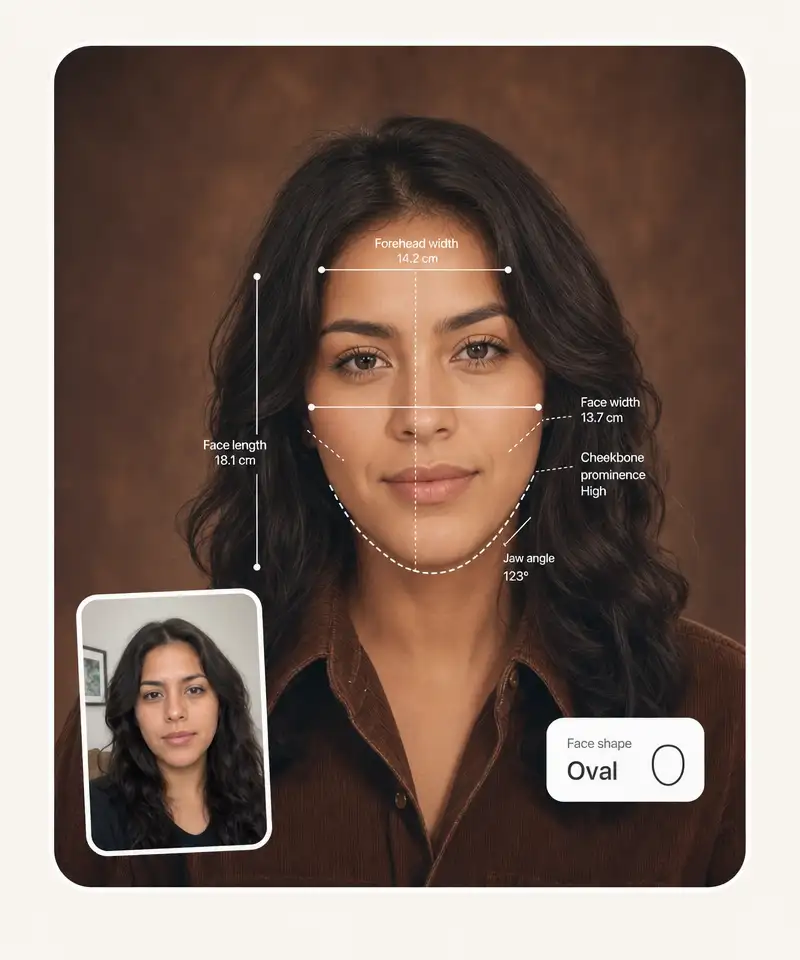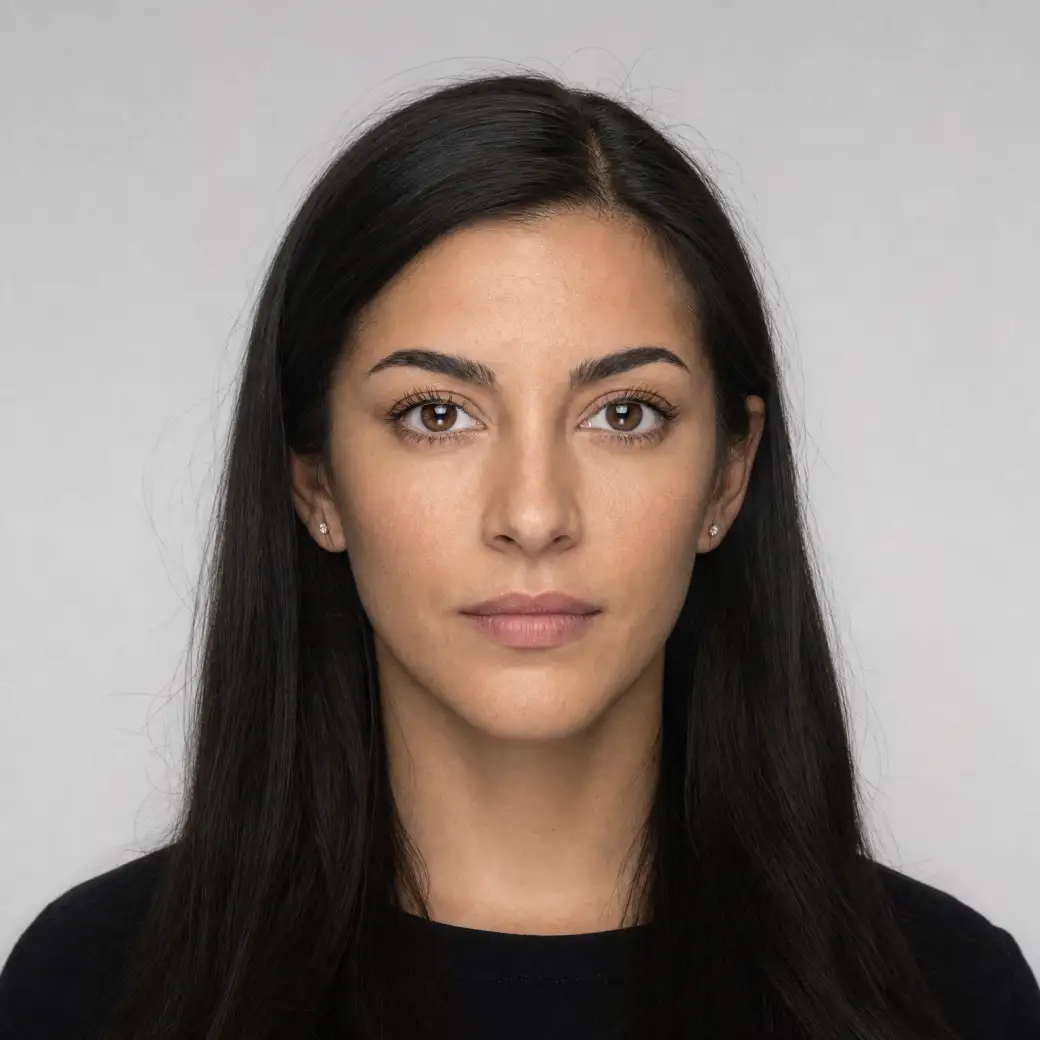
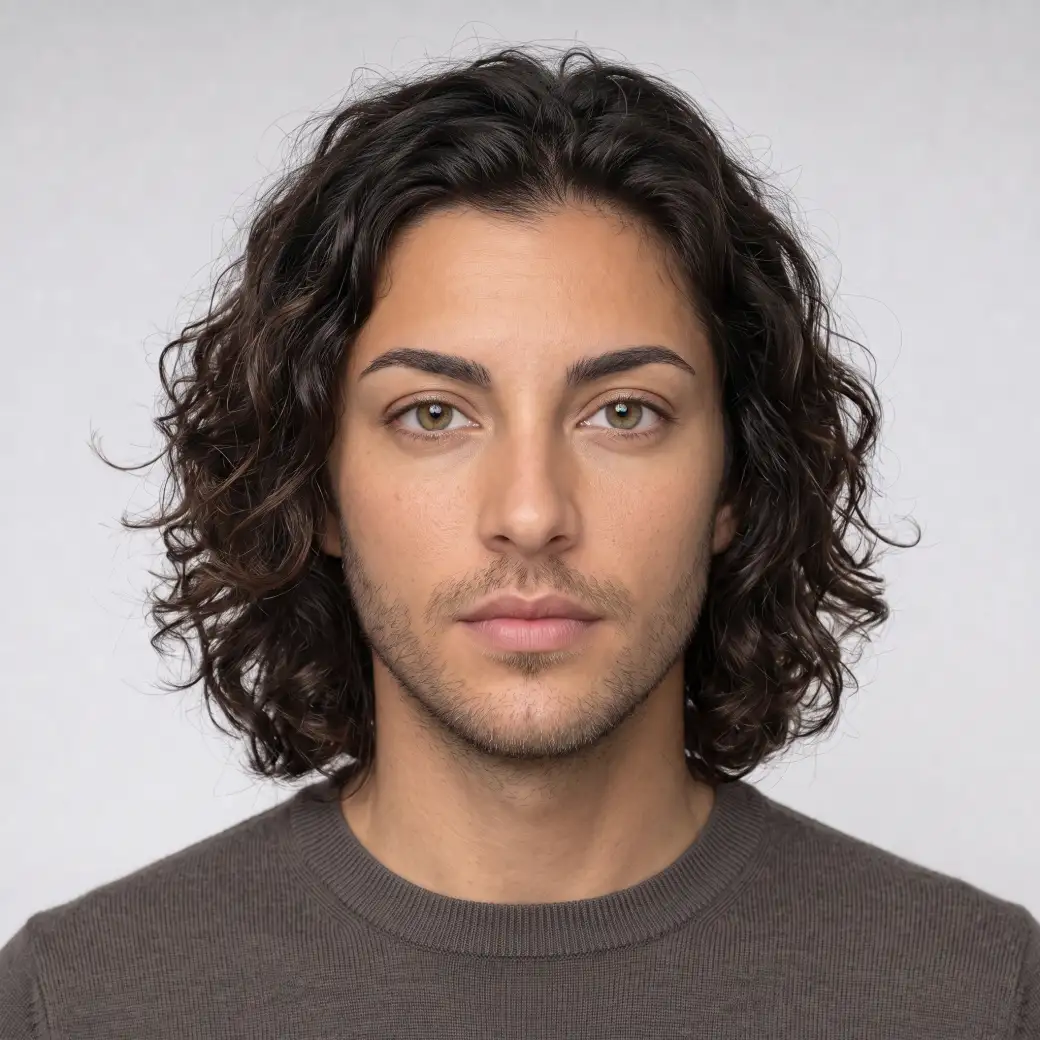
 Before
After
Before
After
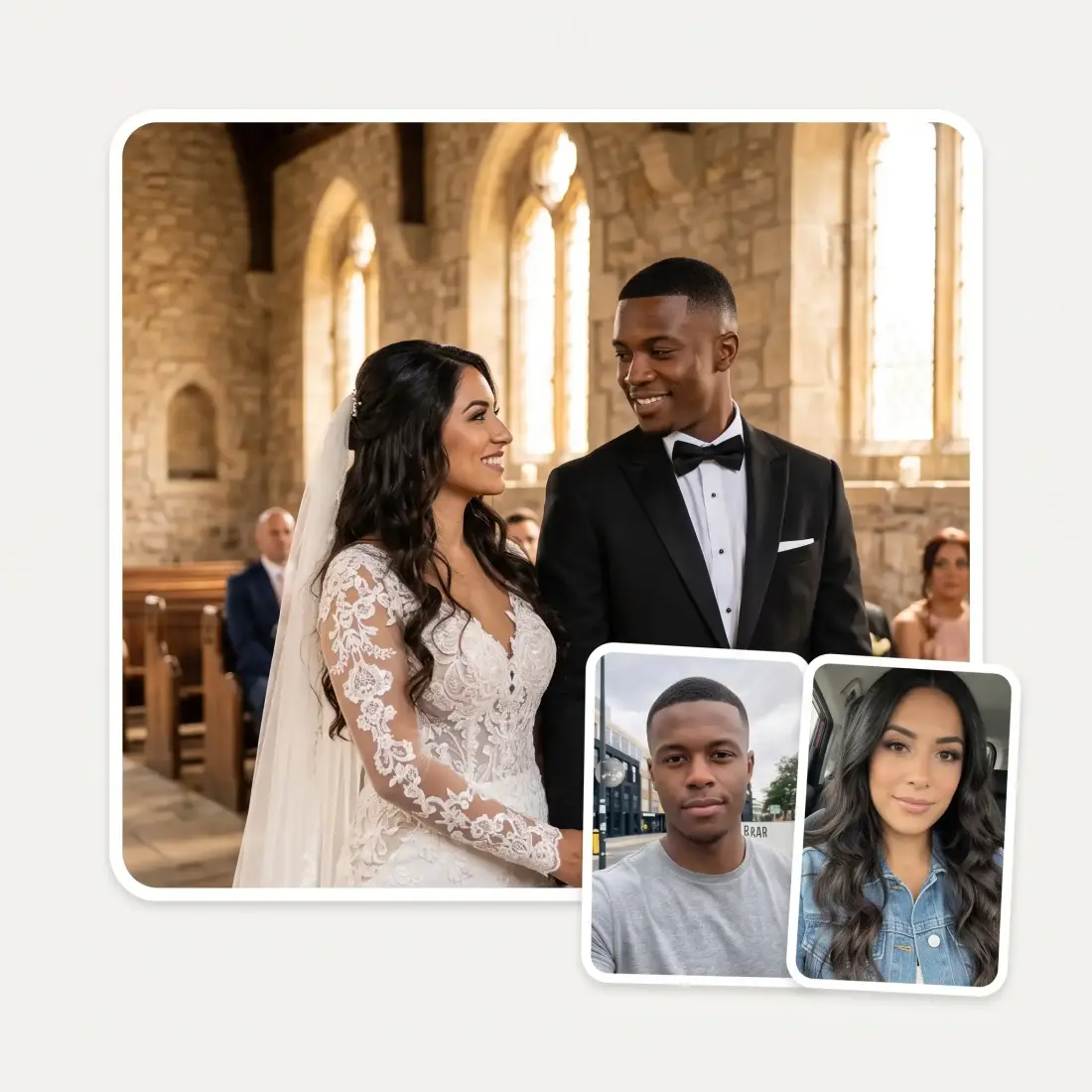
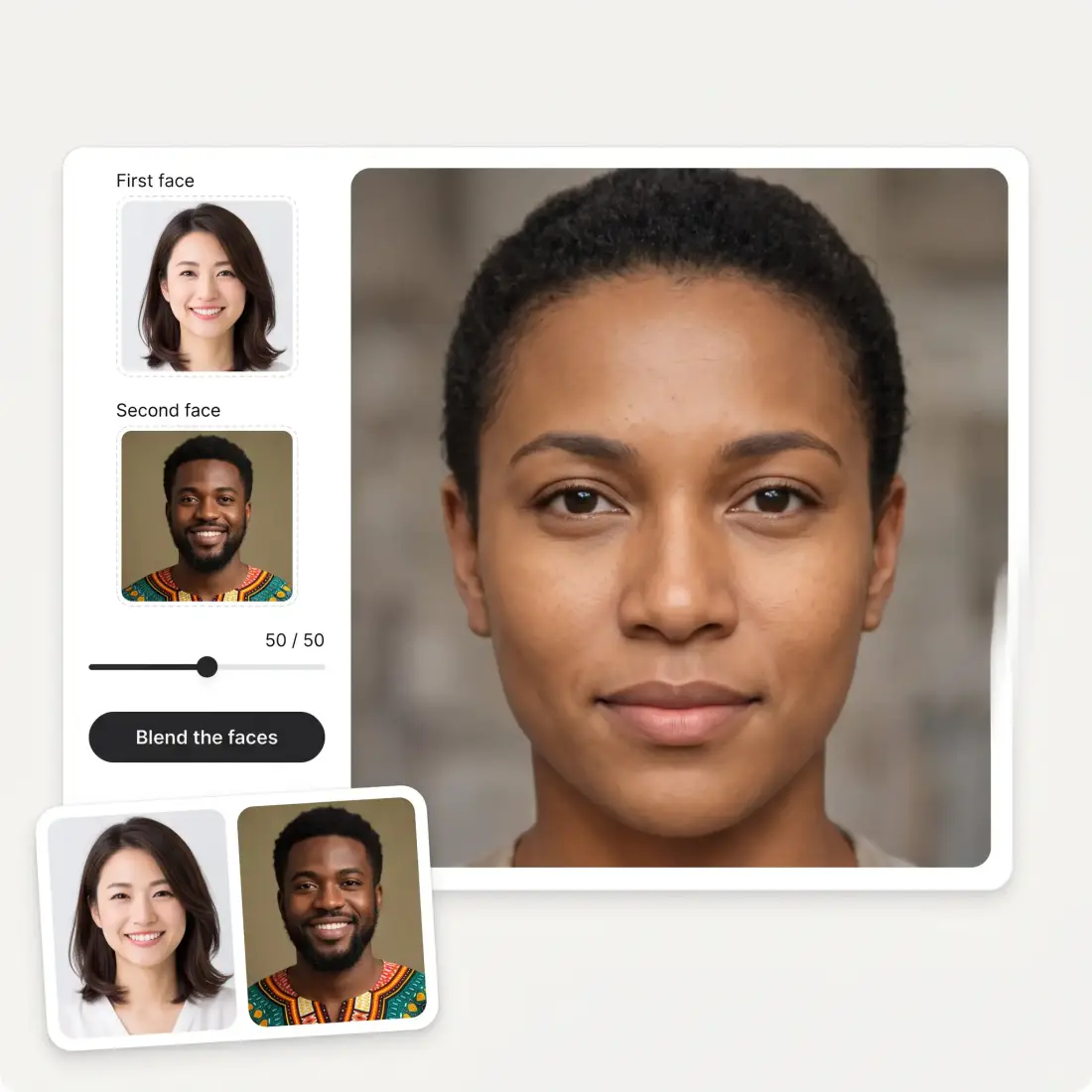
Two faces in, one face out. AI blends the eyes, nose, jaw and hair of both people into a single person who does not exist — and you decide how far the blend leans towards each of them.
Before
After
A split-down-the-middle picture is not a morph, and it always reads as a trick. What you get here is a single photorealistic face: the eyes and their colour, the brow line, the nose, the mouth, the jaw and chin, the cheekbones, the hairline, the hair and the skin tone are each taken to a believable middle of the two people, then rendered as one person on one backdrop.
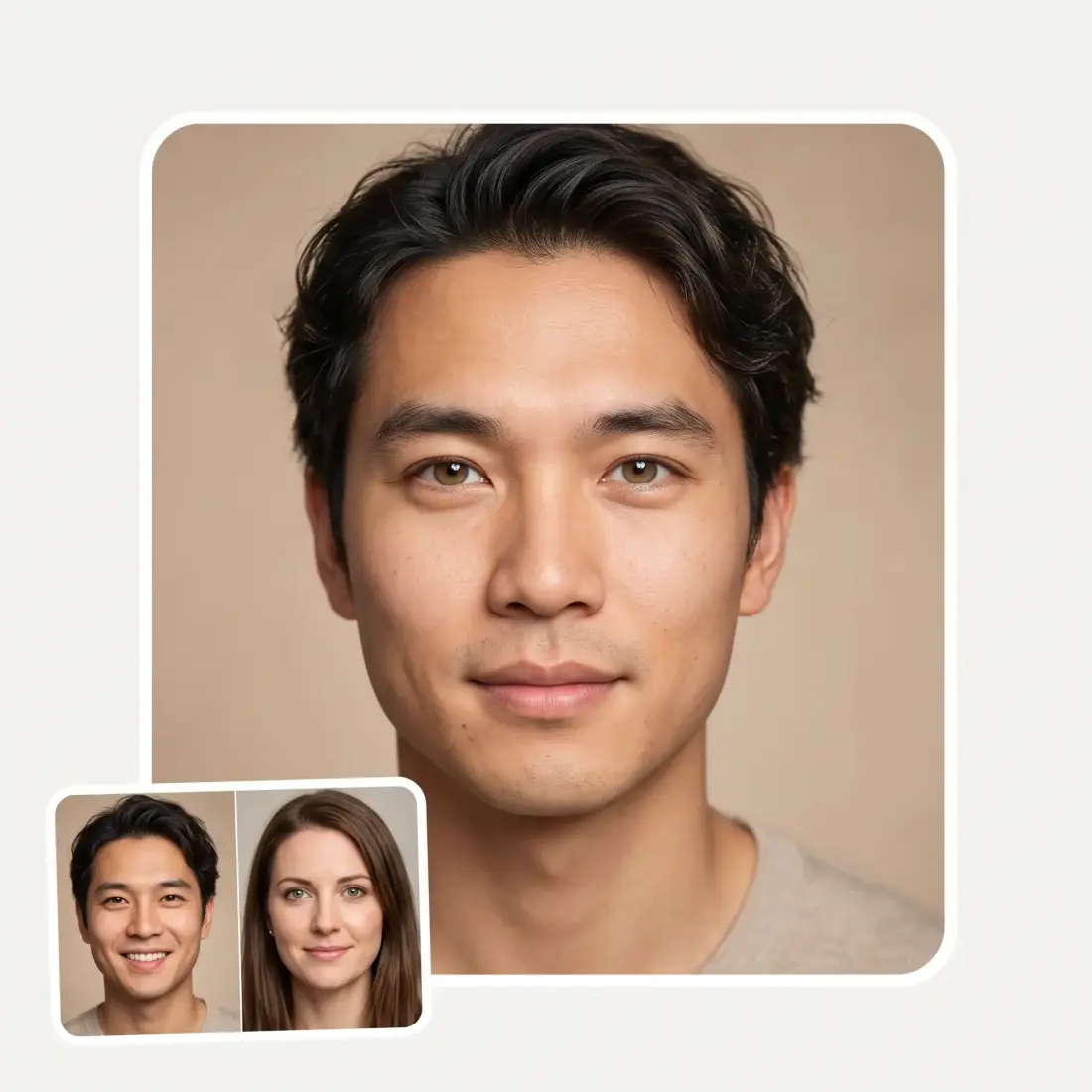
A fixed 50/50 blend is one answer to a question with a hundred answers. The slider runs the whole range, and the instruction sent to the model changes with it: near the middle it asks for an even blend, and towards either end it asks for a face that reads as one person with a hint of the other. Move it and re-run to watch the face walk from one of you to the other.
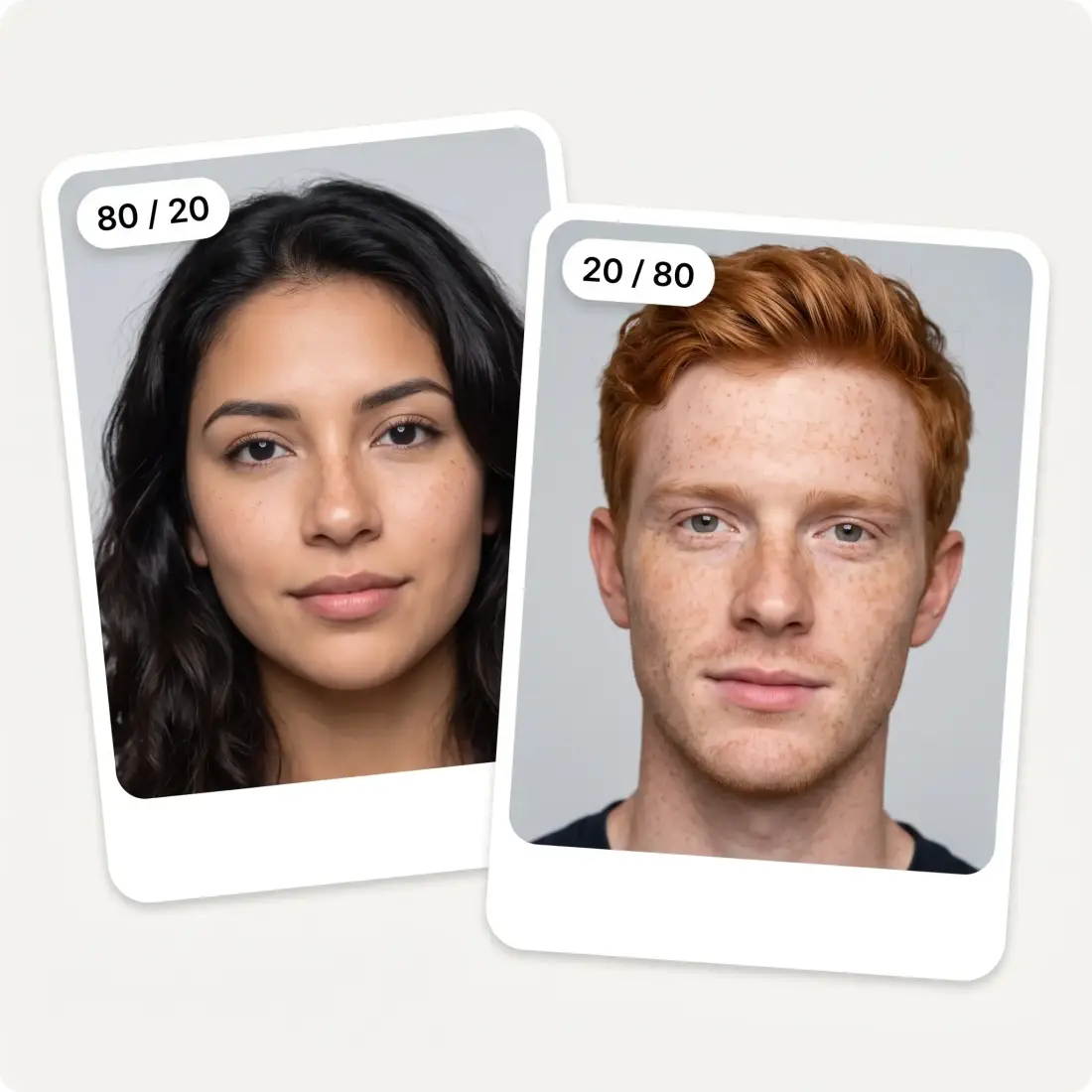
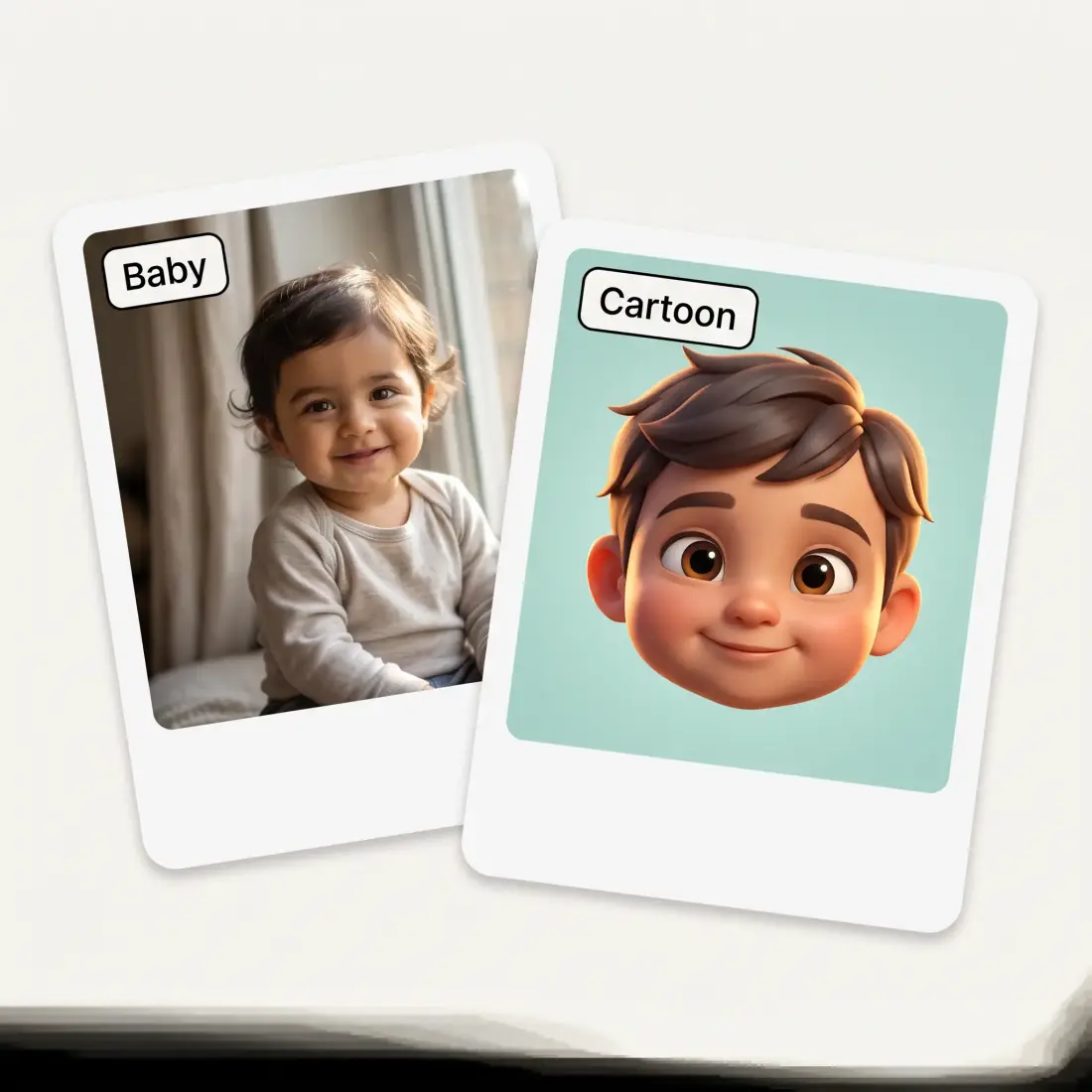
Realistic face gives you a photographic adult. Your future baby returns a genuine toddler face that plausibly came from both of you — a real child’s proportions, not a shrunken adult head, which is where most baby generators fall down. 3D cartoon renders the same blend as an animated-film character. Same two uploads, three very different answers.
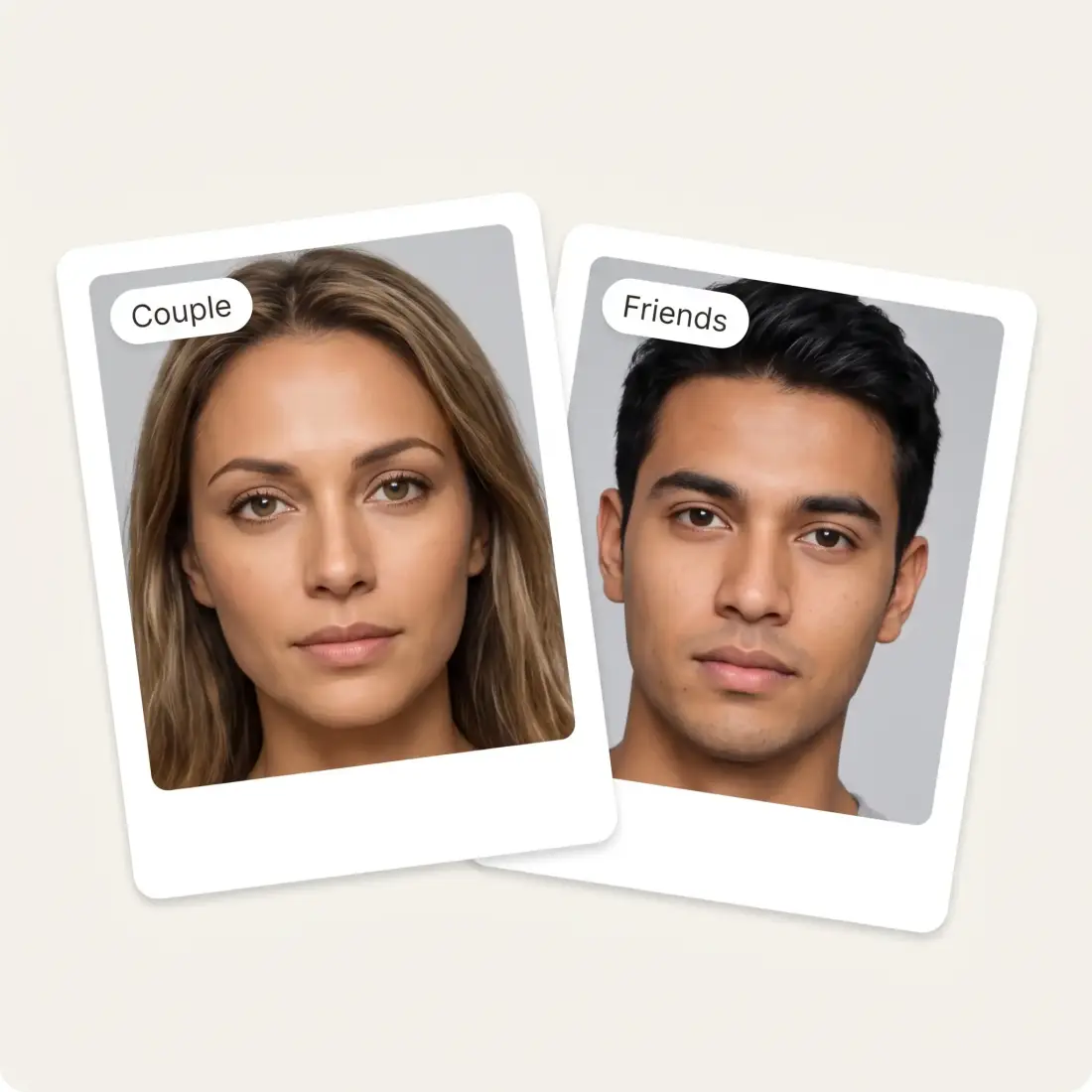
The tool does not care who the two people are or whether they are related — a couple, two friends, a parent and a child, two strangers. Upload two clear front-facing photos, wait about half a minute, and download in HD with no watermark. Both images are resized in your browser before they are sent.
Drag a clear, front-facing portrait into the first slot, or paste it from your clipboard. JPG, PNG and HEIC all work, up to 20 MB each.
Fill the second slot the same way. Both photos work best when the faces are similar in size and are looking towards the camera.
Move the slider to decide how far the result leans towards each person, and pick realistic face, future baby or 3D cartoon.
About thirty seconds later you have one face. Download it in HD, or move the slider and run it again to see the blend shift.
The oldest reason anyone opens a face morpher. Baby mode makes a genuine toddler face out of both of you rather than shrinking an adult head.
Not a side-by-side, not a collage — one face that belongs to neither of you and could only have come from both. It is a strange thing to look at.
Two friends, one face, a group chat that will not recover. The blend slider is what makes it funny: 90/10 is a much better joke than 50/50.
A blended face is a fast way to get a believable person who does not exist — a reference for a character who is not built from one real model.
Blend a parent with a child, or two siblings, and see which features the mix actually keeps. It answers "who do they look like" better than arguing does.
Morphs are the reliable hook for a "who does this look like" post. Two uploads, a slider, and you have the whole clip.
Great experience! It helps me able to do my work and respond to questions quickly trusting that the my responses are grammatically correct.
I've started to use overchat last week and it feels very promising. Lots of AI models in one place saves a lot of money in comparison if you buy subscriptions for each one.
Nice app, everything in one place
Easy and convenient!
im really into ai apps and that one is good, helps me with my arts and homework. i draw ai vids for inst and generate images with my characters, many widgets and models! like it
I like how it keeps everything organized. One subscription is enough for all major AI models, which helps me avoid paying for multiple platforms.
Yes — upload two photos and blend them here without paying. The download is HD with no watermark stamped across it.
Upload one photo into each slot, move the slider to say how far the result should lean towards each person, choose realistic, baby or 3D cartoon, and press Blend the faces. It takes about thirty seconds.
Two clear, front-facing photos where both people are looking roughly towards the camera and their faces are a similar size in the frame. Profiles, sunglasses, heavy shadow and motion blur all pull the blend towards mush.
There is a mode for it, and it returns a real toddler face built from both of your features rather than a shrunken adult. Treat it as entertainment: it is a plausible blend, not a genetic prediction, and a real child could look nothing like it.
No. The output is a face that does not belong to anyone — a synthesised blend of the two people you uploaded. That is the point of the tool.
Yes, that is what the slider does. It runs the full range, and the instruction changes with it: near the centre you get an even blend, and towards either end the result reads as one person carrying a hint of the other.
No. Face morphs are a known attack on identity documents, which is why so much research exists on detecting them, and submitting one is fraud. Keep these for fun, art and family-resemblance curiosity.
They are used to render the blend and nothing else. Your photos are not posted anywhere and are not added to any public gallery.
Available on Web, iOS, and Android. Access your AI assistant anywhere, anytime.

.webp)