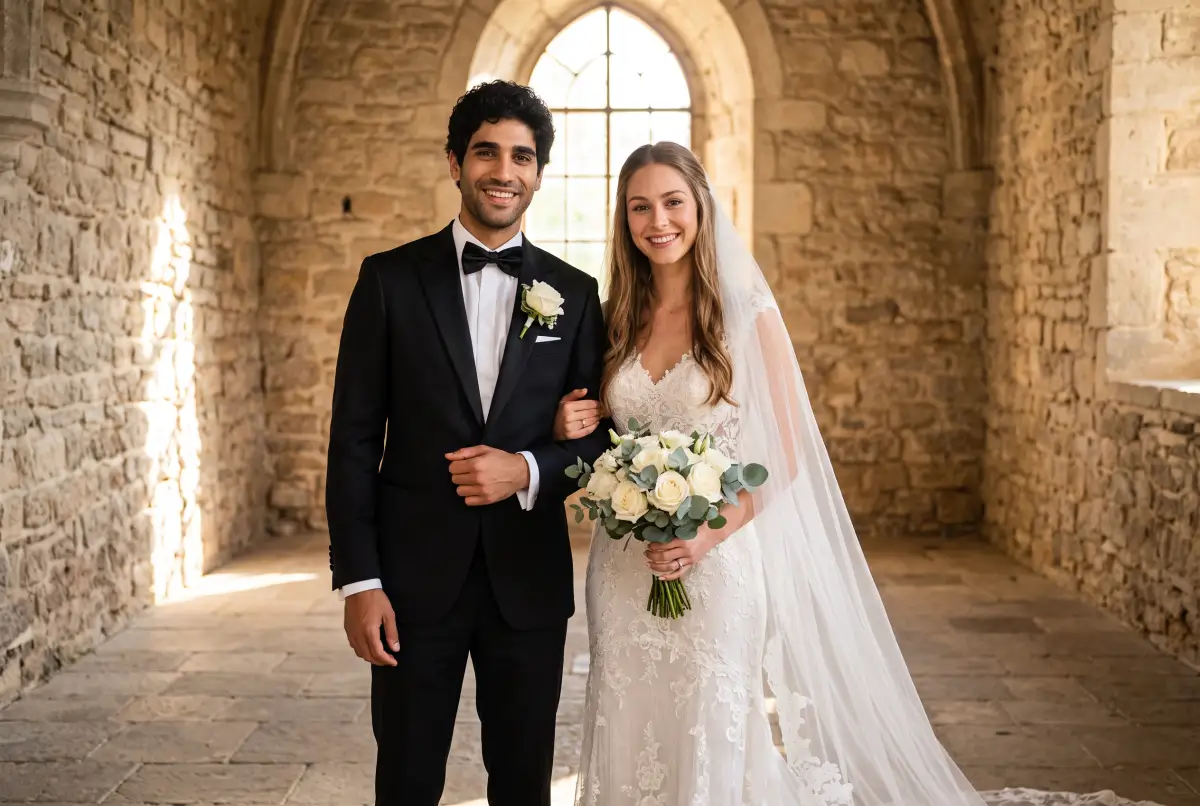
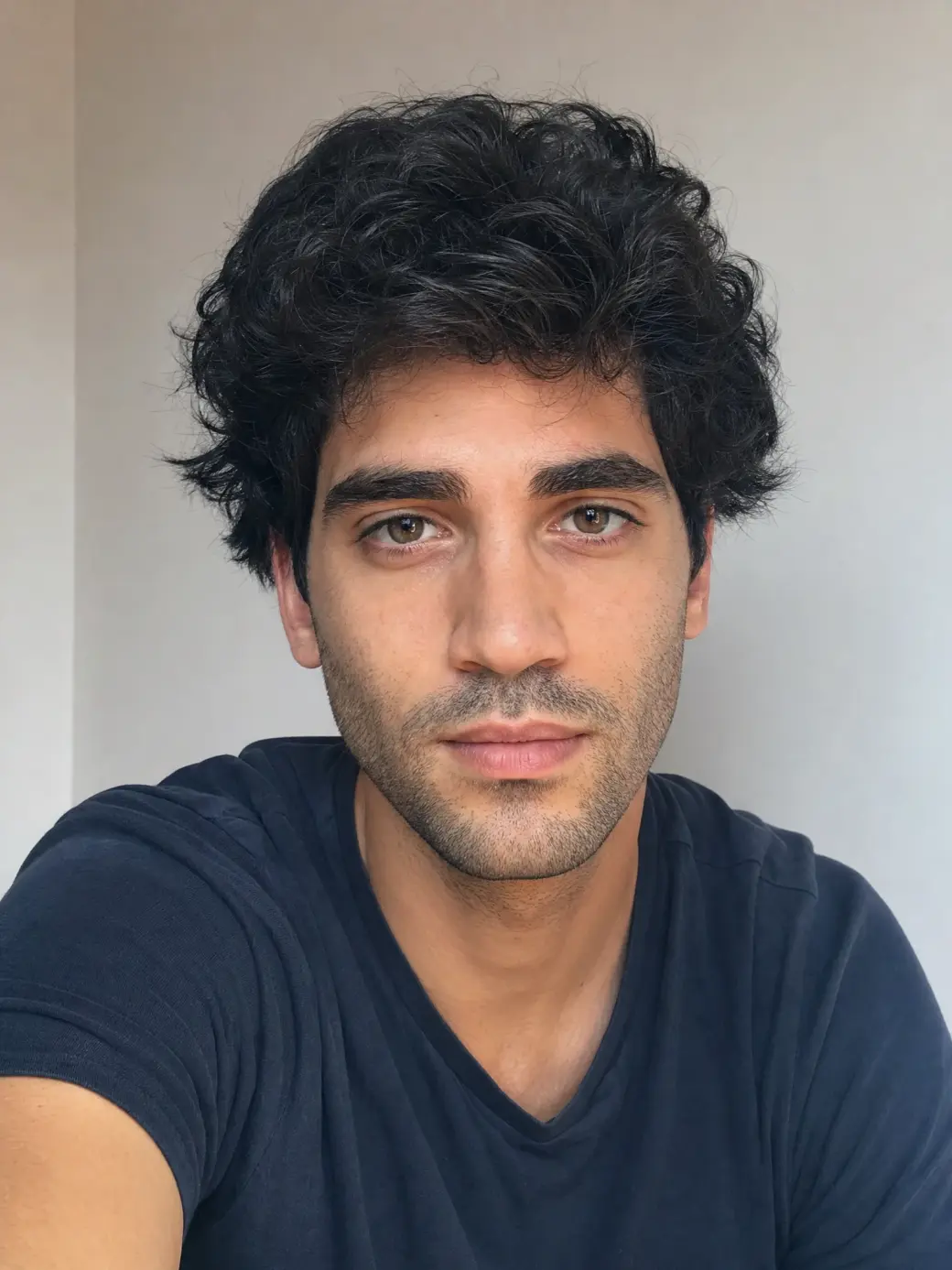
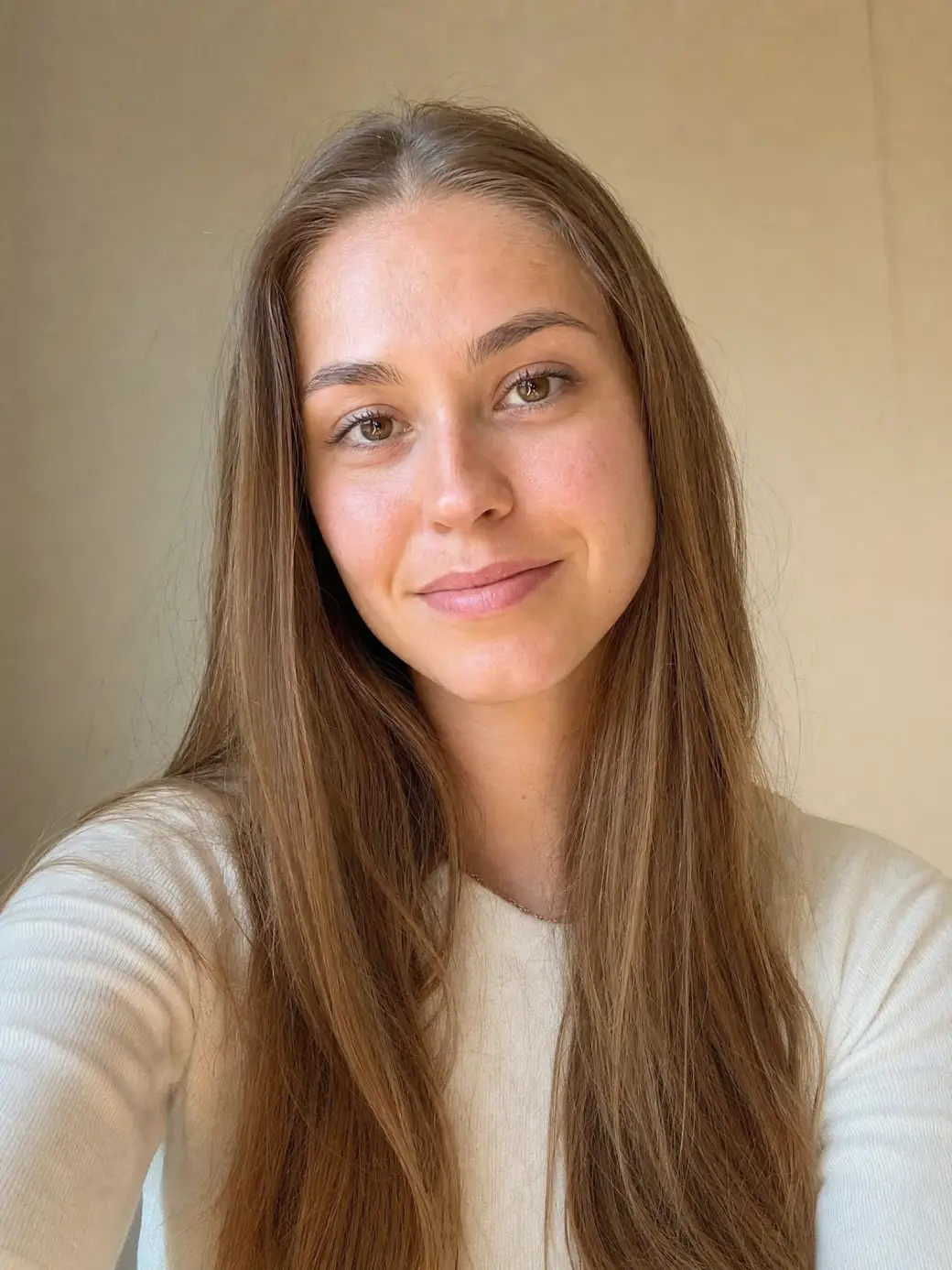
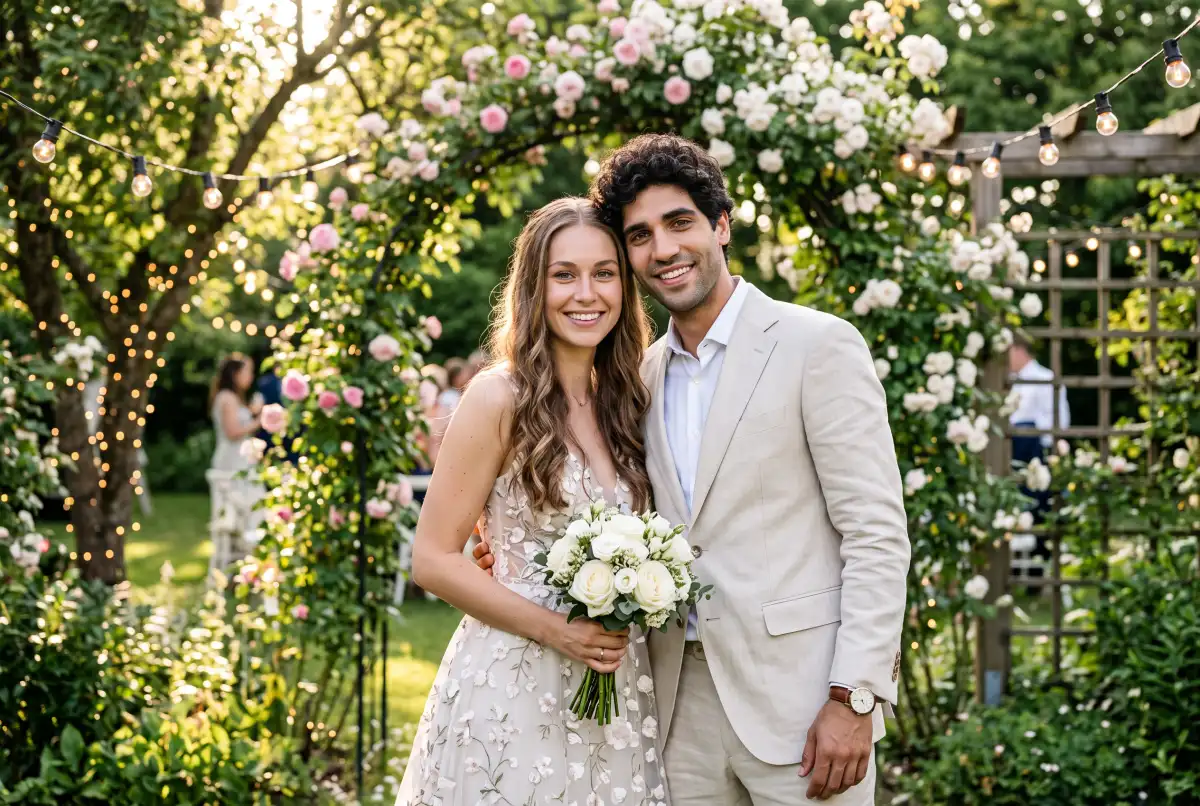
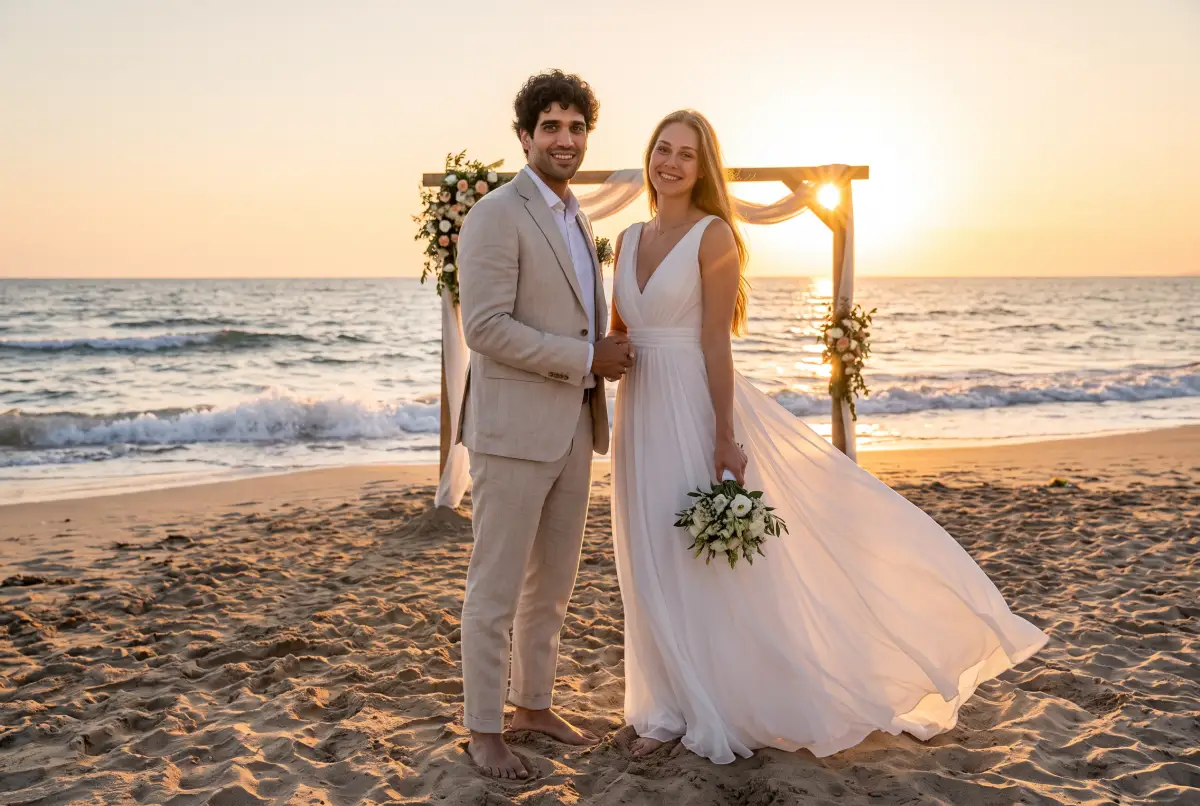
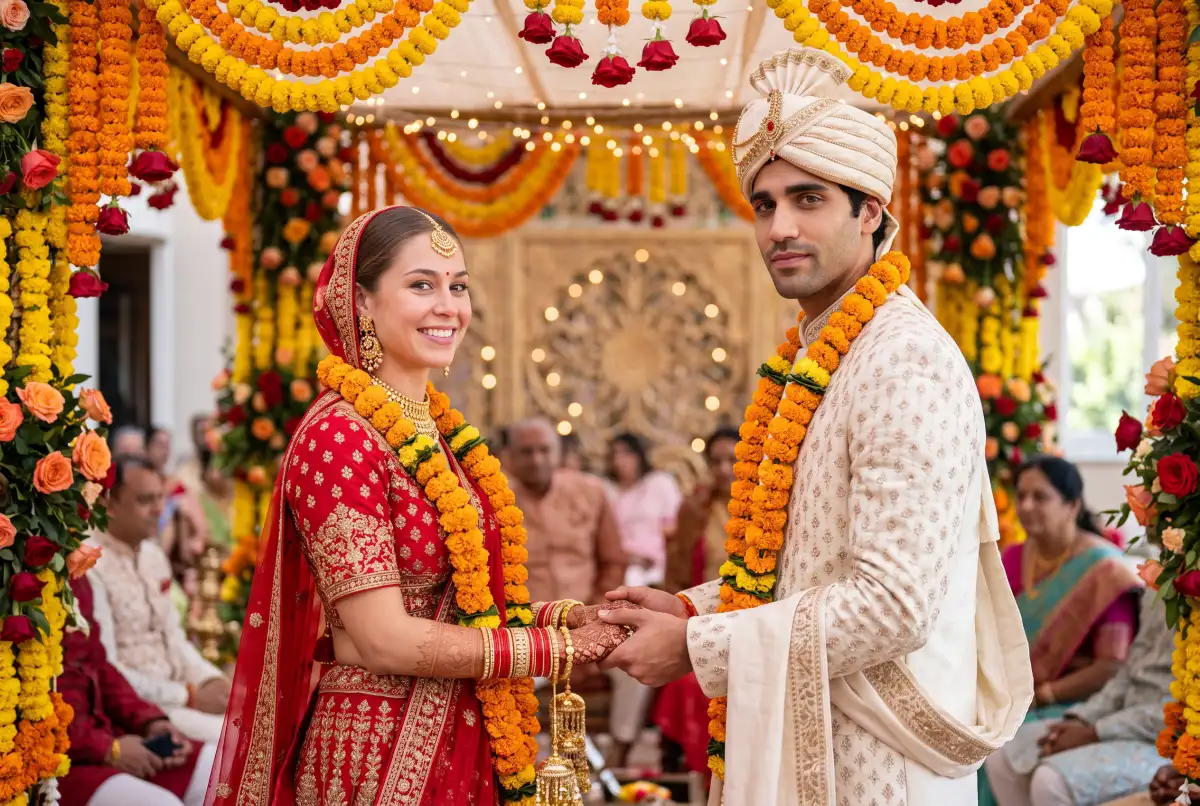
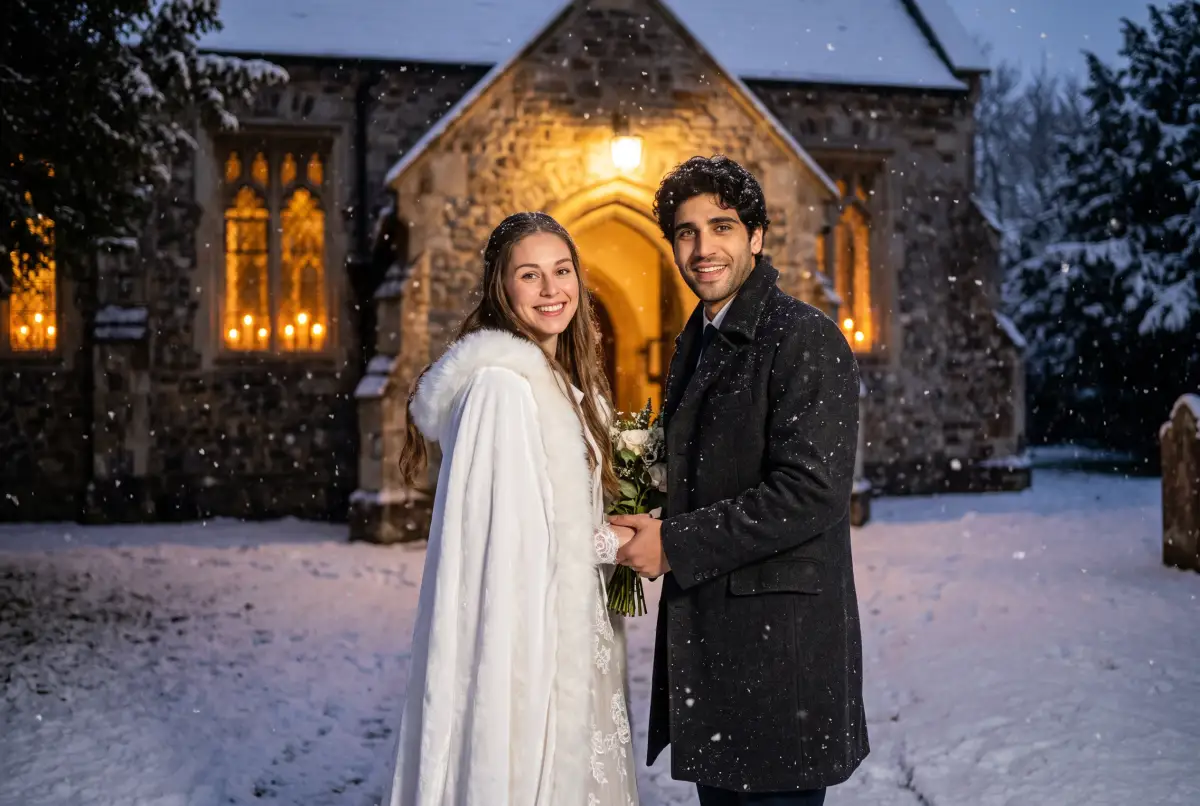
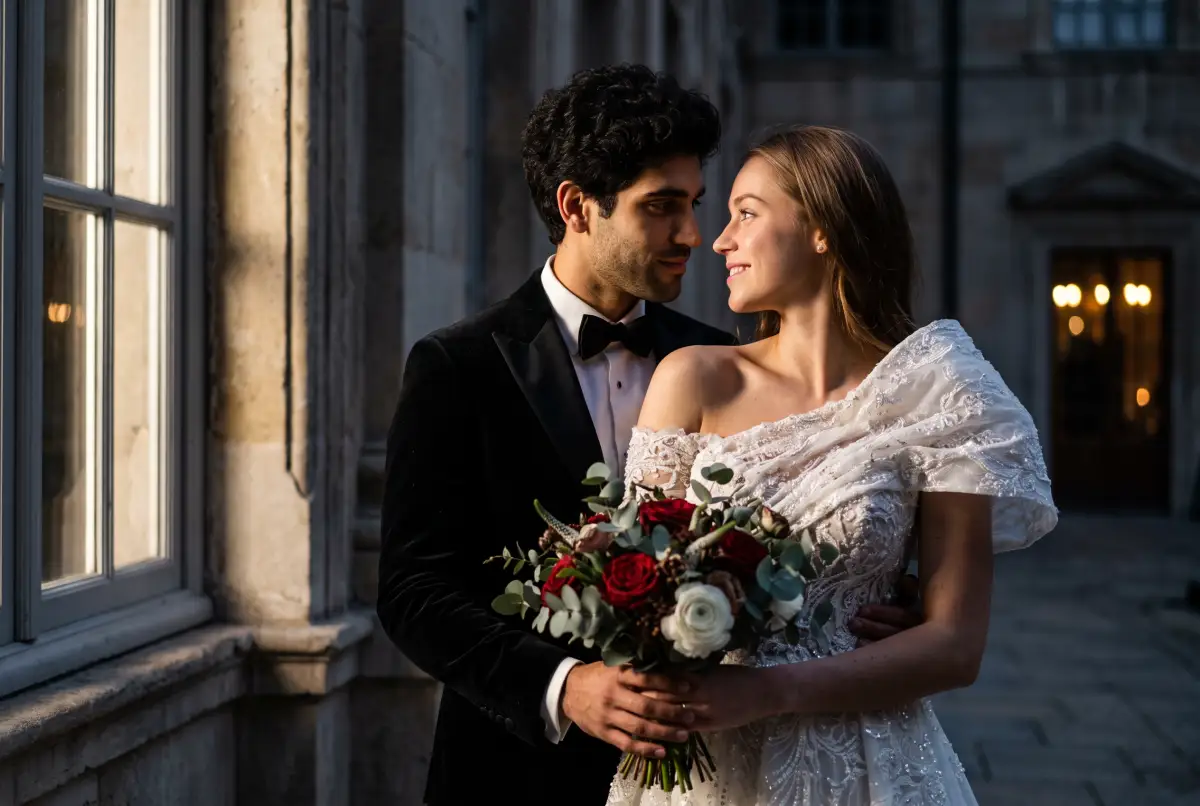
See your wedding photos before the wedding. Upload one photo — or two, and it puts you both in the frame — pick a style, and AI shoots the day: the dress, the venue, the light.
Off — you get one wedding photo in the style you picked.
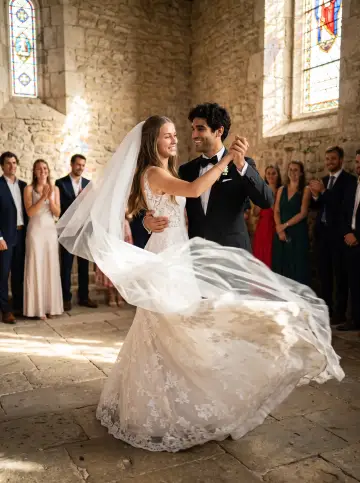
On — AI keeps shooting the same couple: new poses, new angles, new moments, like a photographer working the whole day.
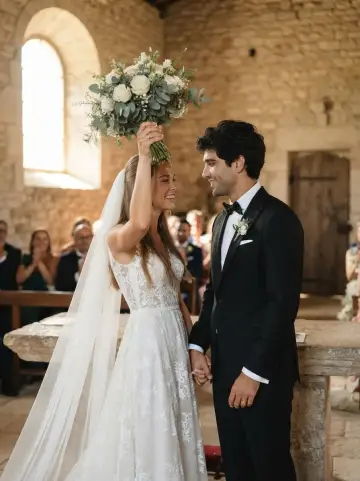
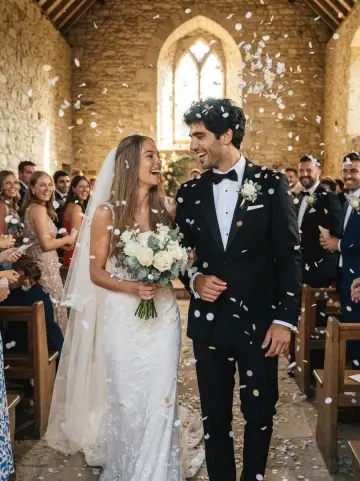
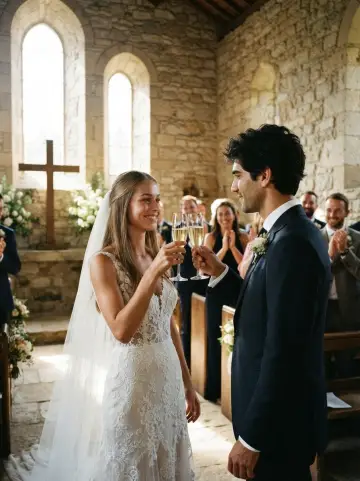
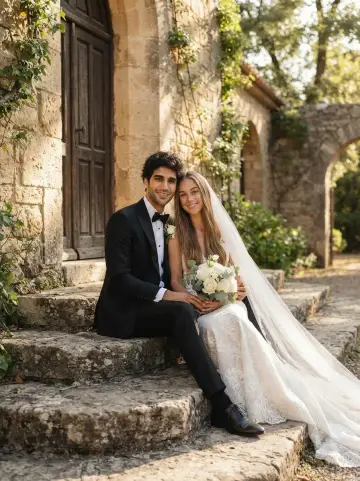
The first frame is yours right away — the rest of the album unlocks in the app.
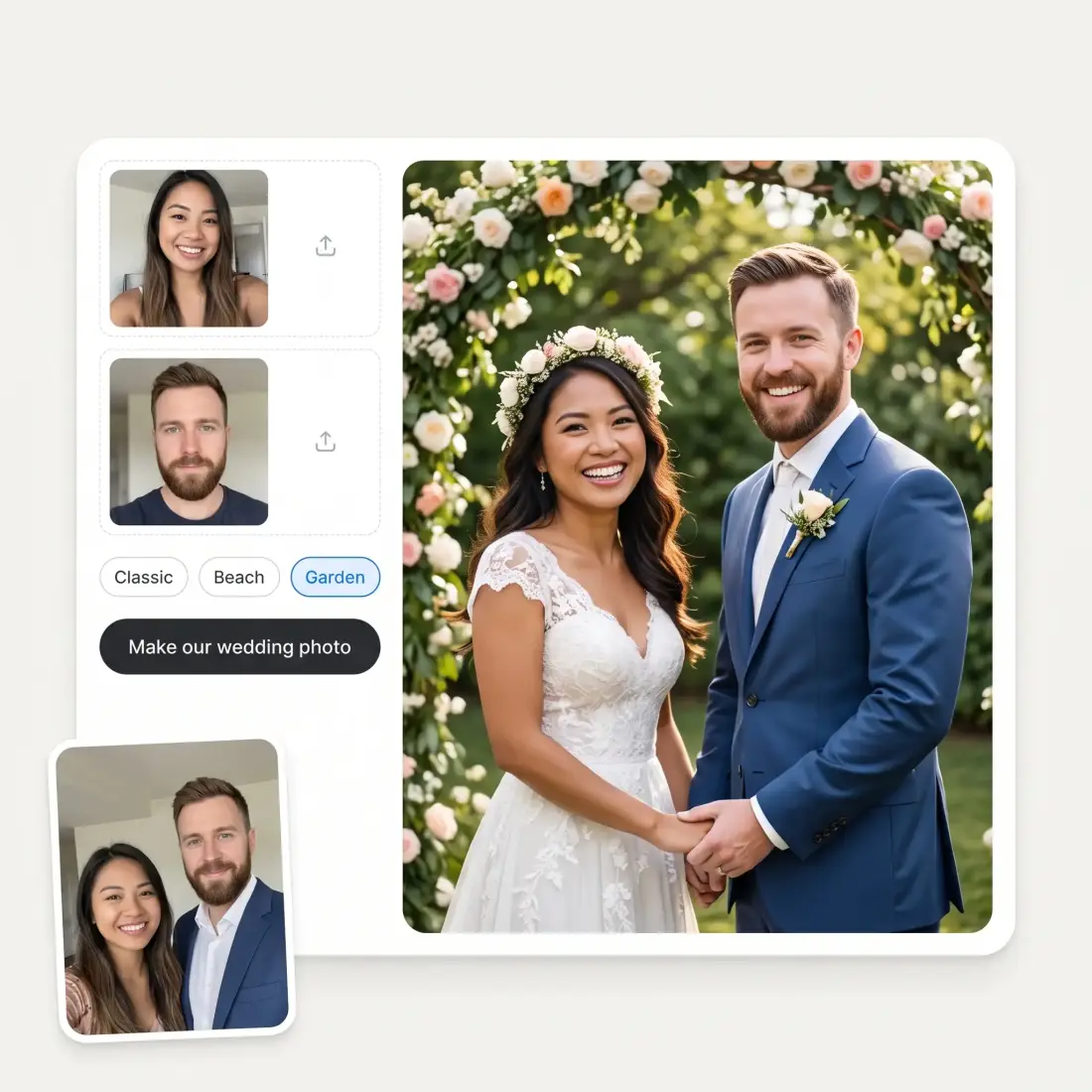
Upload one photo or two, and the people in the wedding photo are the people you uploaded — same face structure, same skin tone, same freckles, glasses and hair. The model is explicitly told not to slim faces, not to make anyone younger and not to swap who is who, because a wedding photo that flatters a stranger is worth nothing. Give it one photo and it invents a plausible partner; give it two and both of you are in the frame.
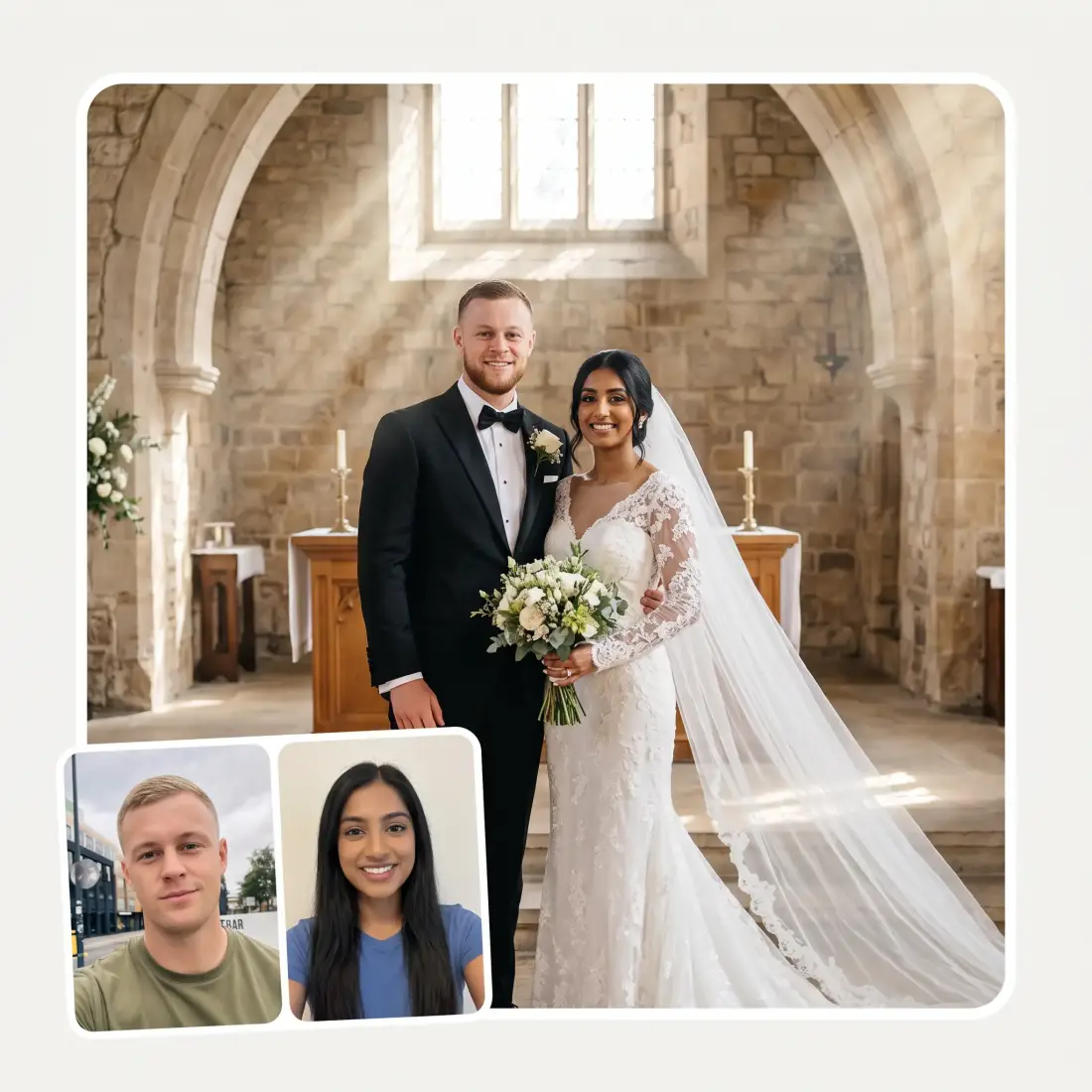
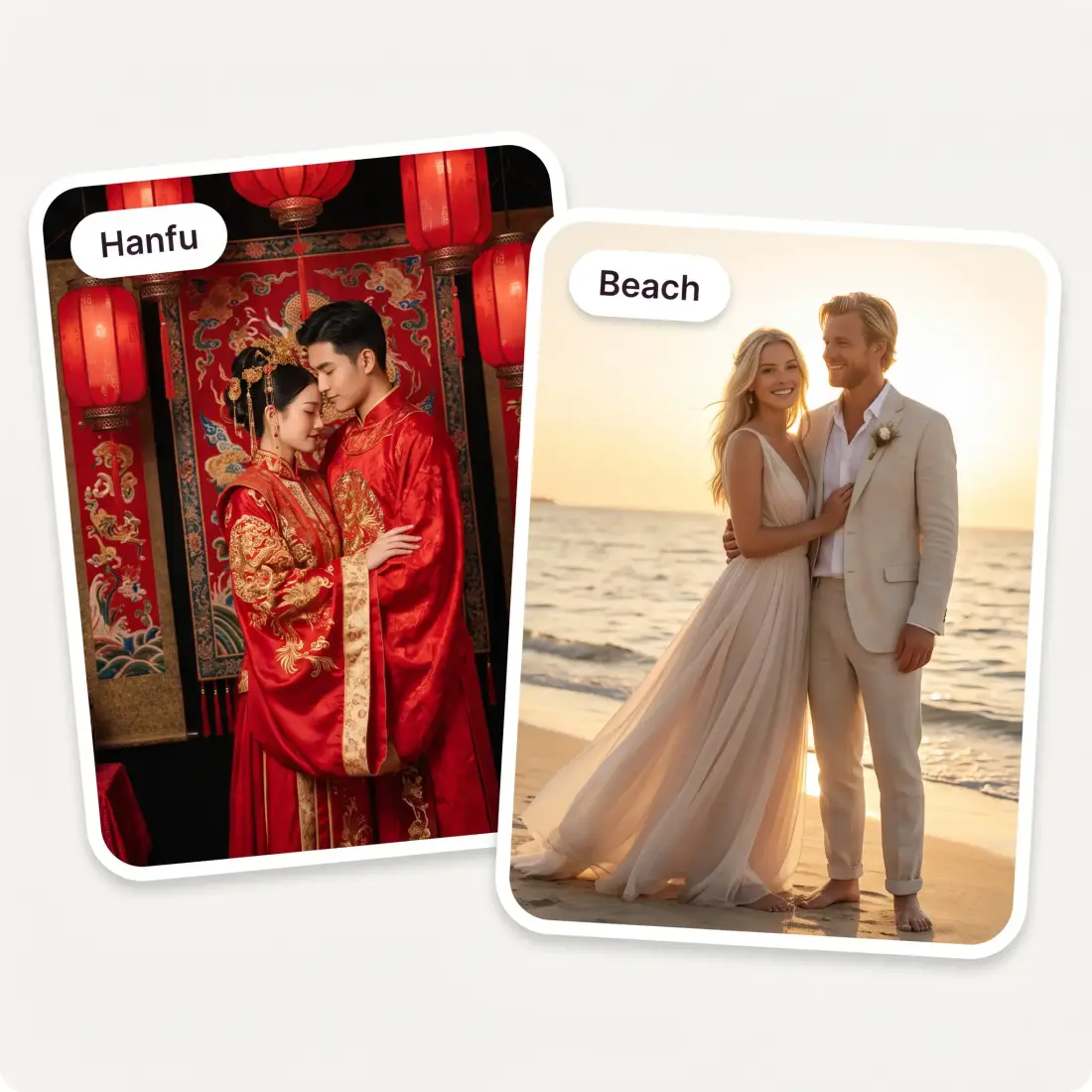
Classic white chapel, beach at golden hour, summer garden, rustic barn, winter snow, Indian, Hanfu, hanbok, 1950s vintage and cinematic editorial. Each style carries its own gown, suit, venue and light, so switching style re-shoots the whole photograph instead of dropping a new backdrop behind you. You can also type a request of your own — a bouquet colour, a season, a detail from the real venue — and it is worked into the same frame.
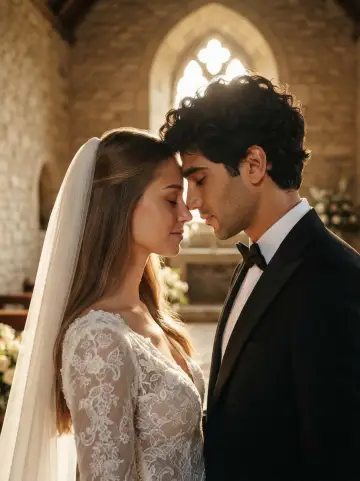
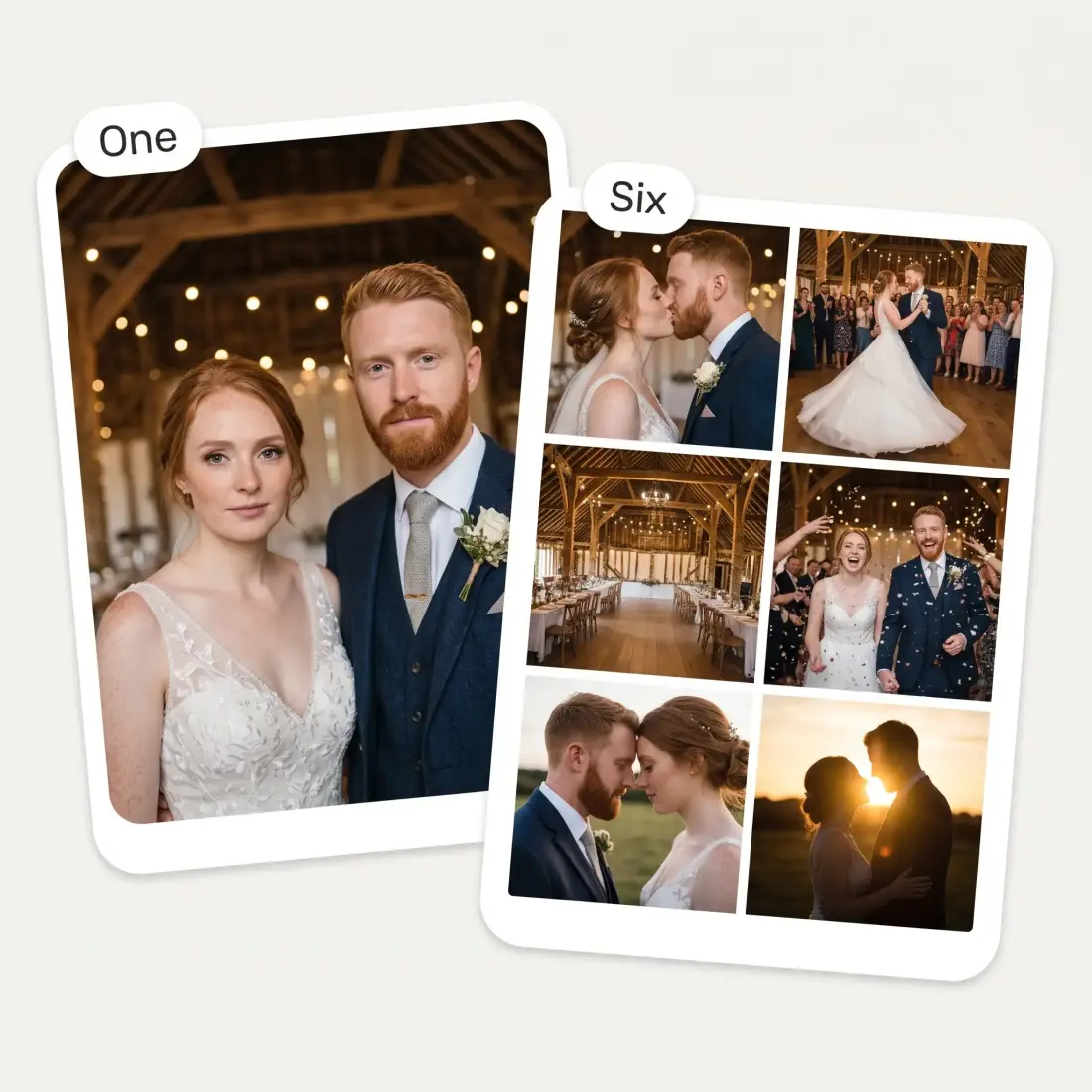
Choose One photo and you get a single frame in the style you picked. Choose Whole photoshoot and the same upload comes back as six different moments — the first kiss, the first dance, a wide shot of the venue, confetti, a quiet forehead-to-forehead portrait, a backlit silhouette at sunset. The couple stays the same across all six; only the moment changes, the way a real photographer works a day.
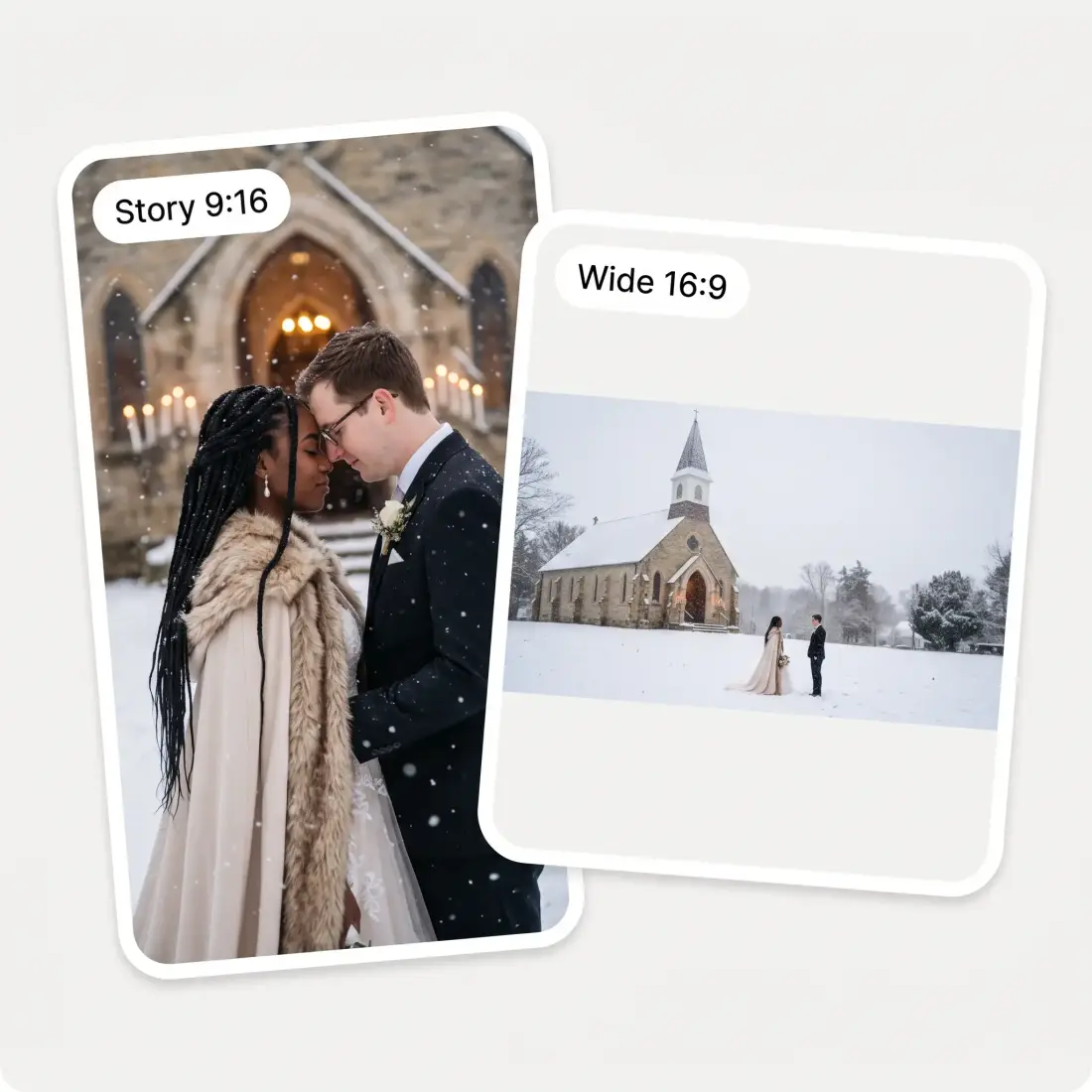
Set the shape before you generate: square 1:1, portrait 4:5 or 3:4, story 9:16, photo 3:2, wide 16:9, or the same crop as the photo you uploaded. A story crop for Instagram and a wide crop for a save-the-date are two different photographs, not one photograph cropped twice. Downloads come back in HD with no watermark.
Drop in one clear photo where your face is easy to see, or paste it from your clipboard. JPG, PNG and HEIC all work, up to 20 MB.
The second slot is optional. Fill it and AI puts both of you in the frame as the couple; leave it empty and it invents a partner around you.
Choose from ten wedding styles, set the aspect ratio, and decide between one photo and a whole six-frame shoot. Add a request of your own if you have one.
It takes about half a minute. Download the result in HD, or change the style, the crop or your request and shoot it again.
You have a venue shortlist, a mood board and not one photo of the two of you inside any of it. Put yourselves in the barn, the chapel and the beach before you put down a deposit.
A gown reads differently on a hanger, on a model and on you. Try a lace gown, a fur-trimmed winter cape or a red-and-gold lehenga before the first fitting.
Stationery deadlines land months before the photographer does. Make a couple portrait that looks like a wedding photo and get the cards to the printer on time.
Hanfu, hanbok, an Indian ceremony, a classic white chapel — run the same two faces through each one and see which version feels like yours.
A registry office, an elopement, a wedding cut short by circumstance. Give yourselves the church, the garden or the beach shoot you never got to have.
Feed in a photo of the two of you and re-shoot it as a cinematic editorial portrait worth printing and framing. Trying five styles costs nothing.
Great experience! It helps me able to do my work and respond to questions quickly trusting that the my responses are grammatically correct.
I've started to use overchat last week and it feels very promising. Lots of AI models in one place saves a lot of money in comparison if you buy subscriptions for each one.
Nice app, everything in one place
Easy and convenient!
im really into ai apps and that one is good, helps me with my arts and homework. i draw ai vids for inst and generate images with my characters, many widgets and models! like it
I like how it keeps everything organized. One subscription is enough for all major AI models, which helps me avoid paying for multiple platforms.
Yes — you can make a wedding photo here without paying and without creating an account first. Downloads come back in HD with no watermark stamped across them.
No. One photo is enough: AI puts you in the frame as one half of the couple and invents a plausible partner around you. If you do add a second photo, both faces are kept and both of you appear in the wedding photograph.
That is the part the tool is built around. The instruction sent with every generation pins face structure, eyes, nose, lips, skin tone, age, hair colour and distinctive features such as freckles, moles, scars and glasses, and forbids slimming faces or making anyone look younger. Your own family should recognise you at a glance. A blurry or heavily filtered upload is the usual reason a result drifts.
Yes. The images are yours to print and post — cards, a wedding website, social posts, an anniversary print. They are AI-generated rather than photographs of a real event, so if you are sharing them somewhere people might mistake them for the real day, it is worth saying so.
Around thirty seconds for a single frame. A whole photoshoot takes longer because it renders six different moments from the same upload.
A clear, well-lit shot where your face is unobstructed and reasonably large in the frame. Sunglasses, heavy shadows across the face, motion blur and group photos where your face is tiny all make the job harder. A plain phone selfie taken indoors is completely fine.
Ten: classic white chapel, beach at golden hour, summer garden, rustic barn, winter snow, Indian, Hanfu, hanbok, 1950s vintage and cinematic editorial. Each one changes the outfits, the venue and the lighting together, not just the background.
It is used to generate your wedding photo and nothing else. Your photos are not posted anywhere and are not published to any public gallery.
Available on Web, iOS, and Android. Access your AI assistant anywhere, anytime.

.webp)