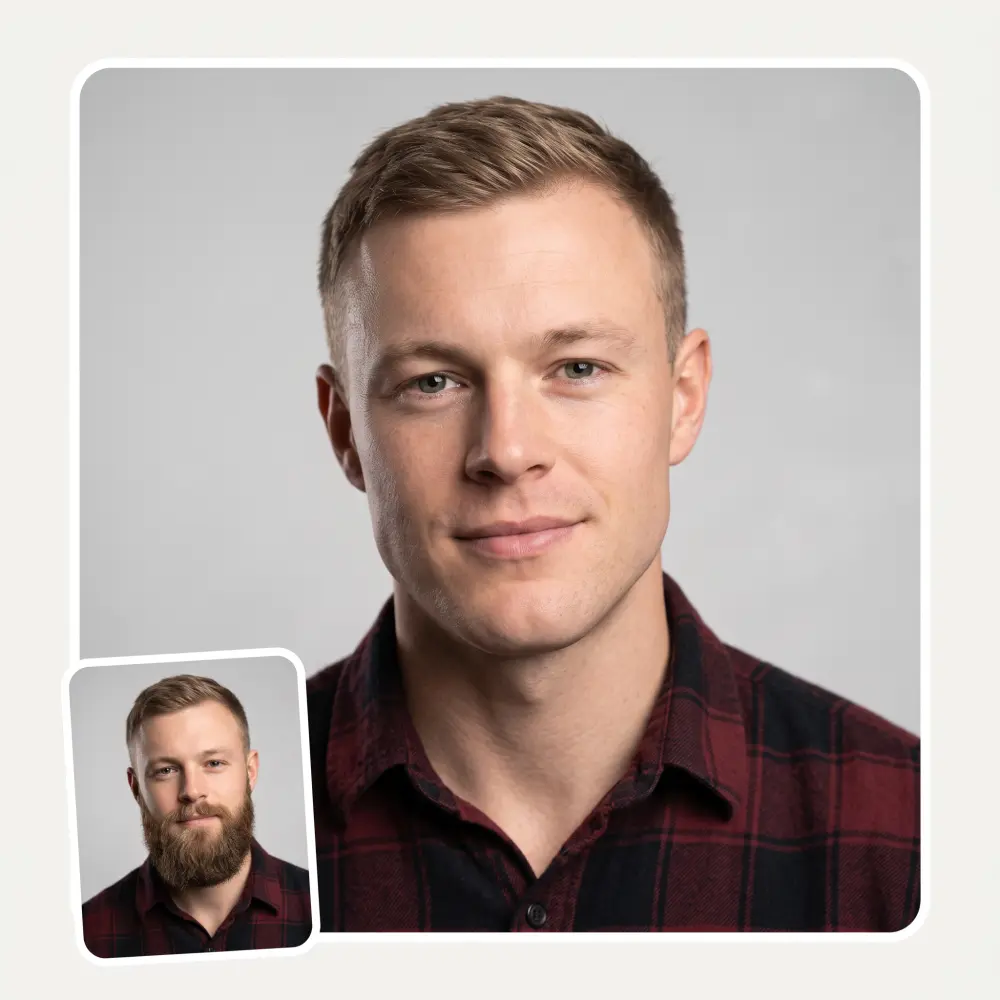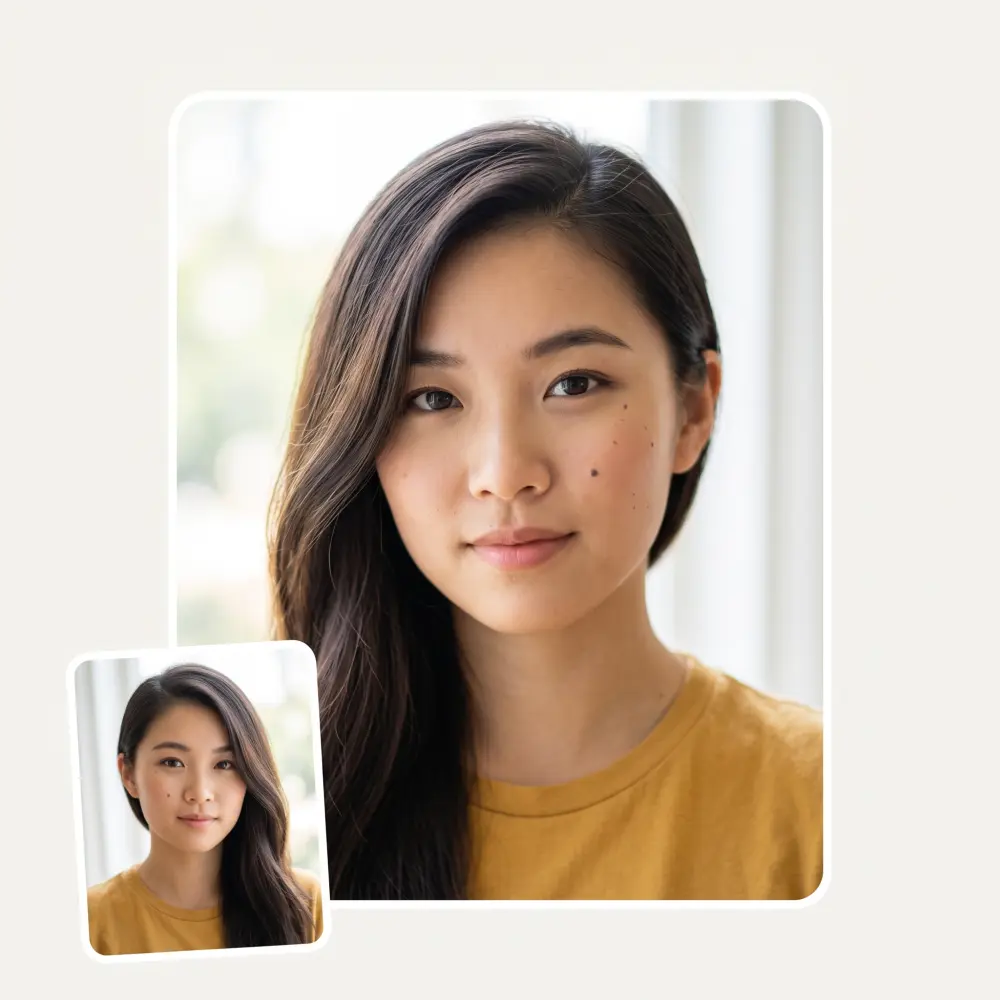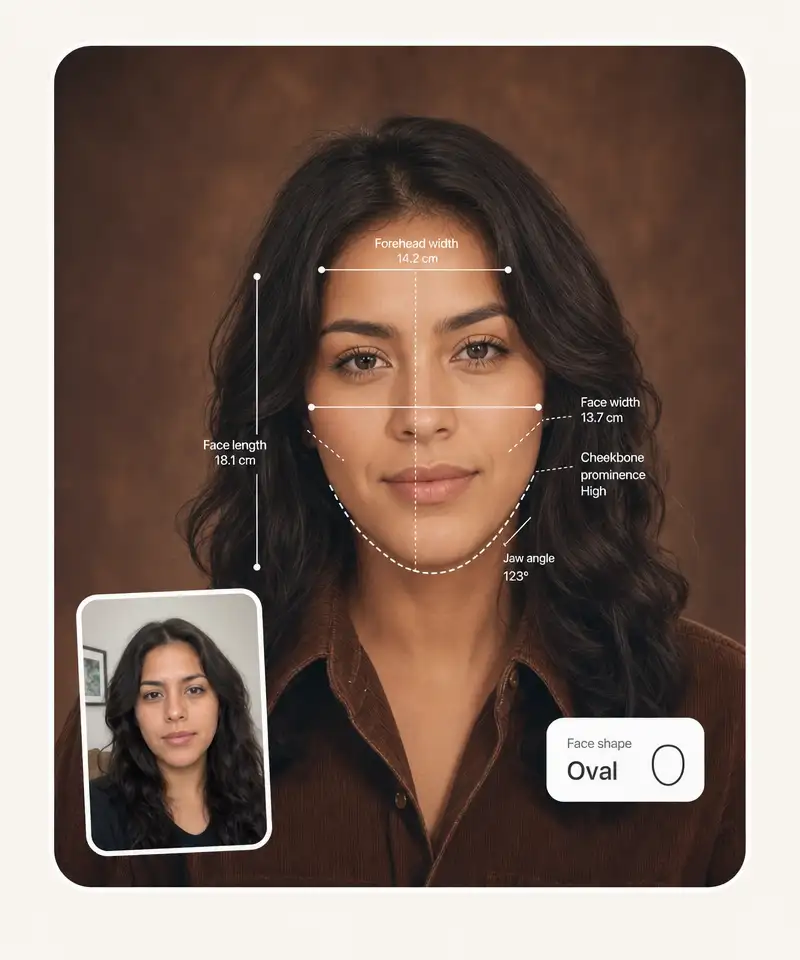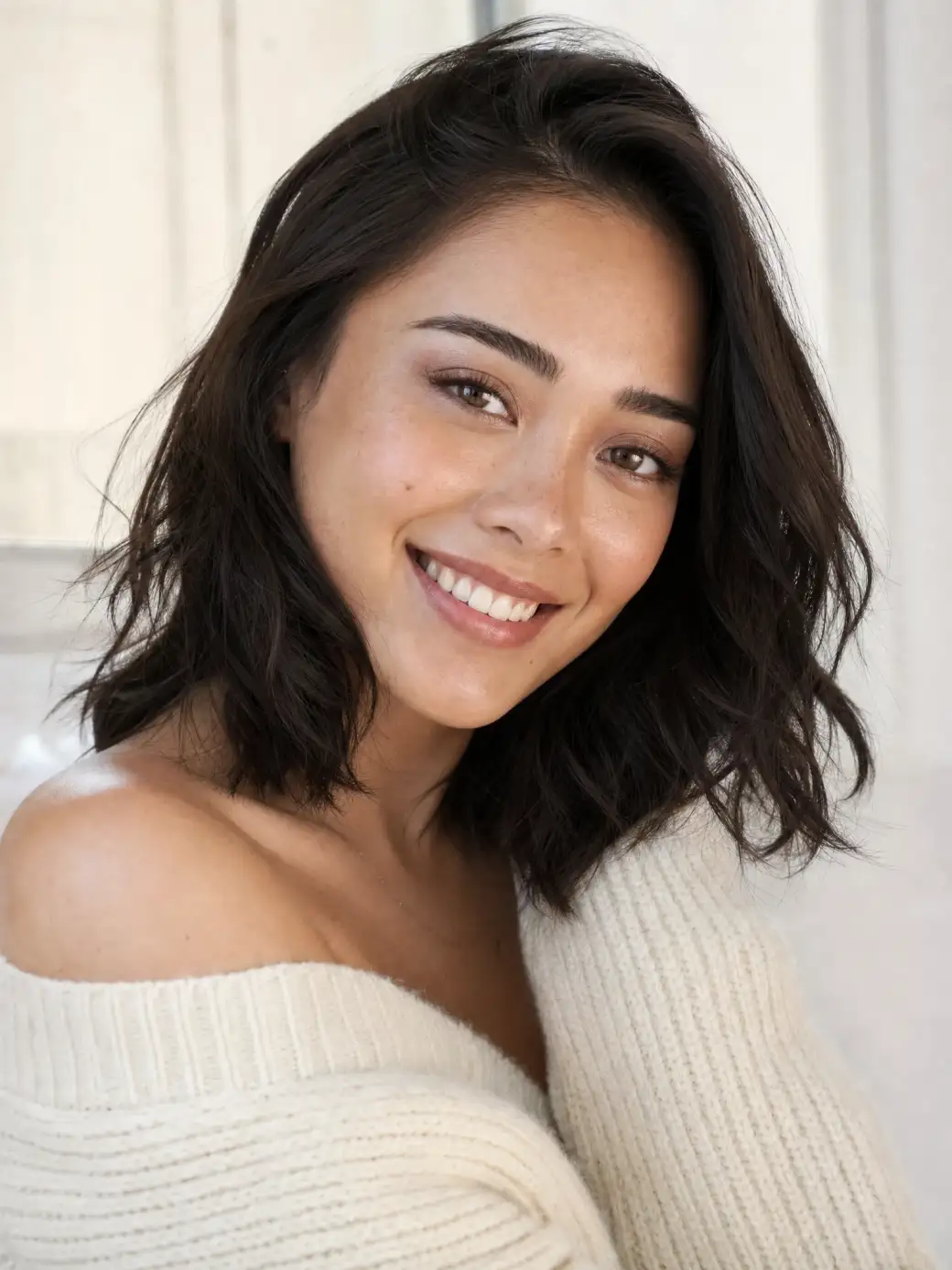
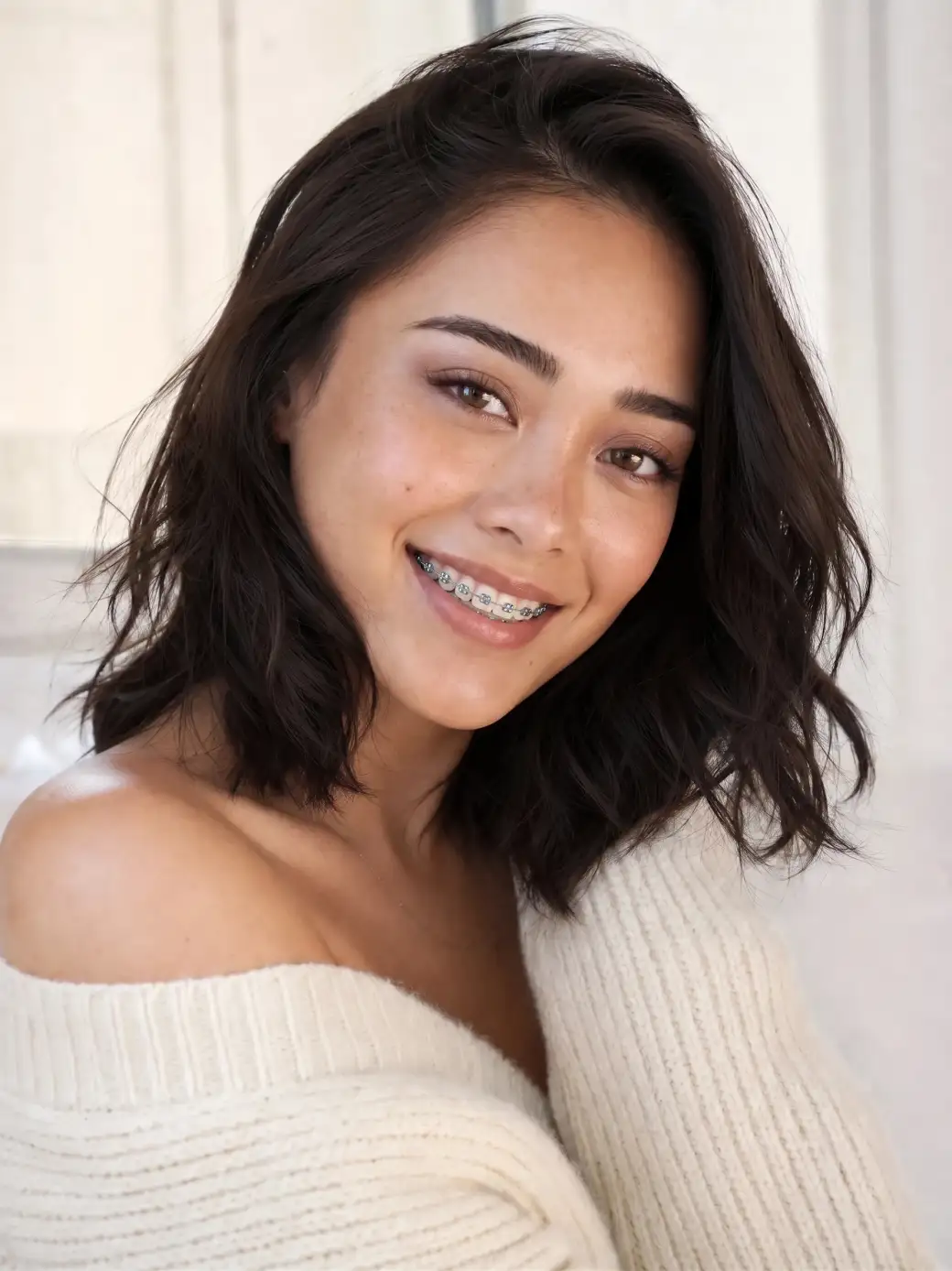
 Before
After
Before
After
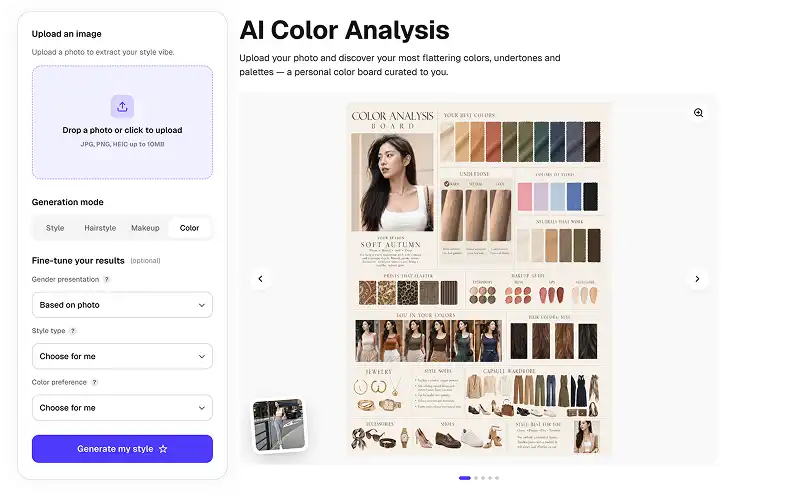
See yourself in braces before the orthodontist glues them on. Upload a photo, press one button — AI puts braces on your teeth and keeps your face, smile and photo exactly the same.
Before
After
Brackets, archwire and the way light catches them — AI renders classic braces that look photographed, not pasted on. Every tooth in your smile gets its bracket.
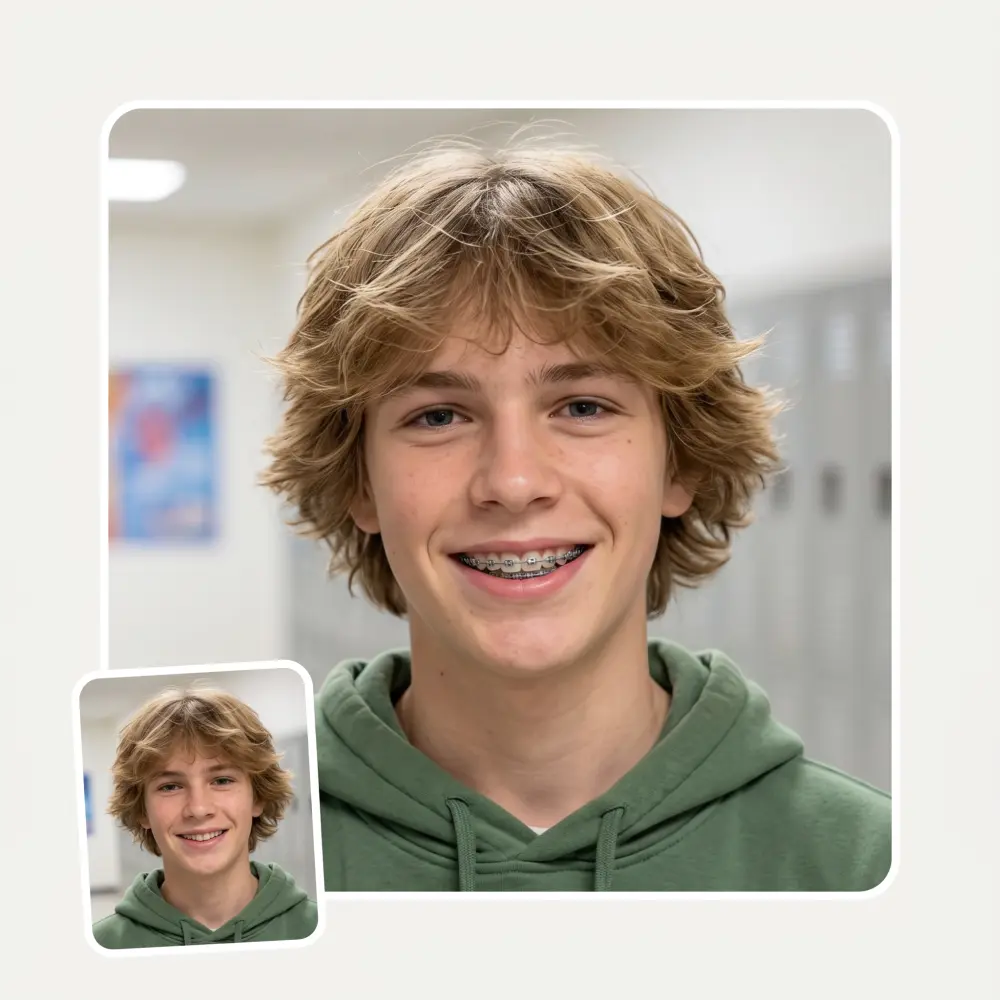
The AI fits braces the way real ones sit — classic metal by default, with believable elastics and wire detail — so the preview reads like a fitting photo, not a sticker.
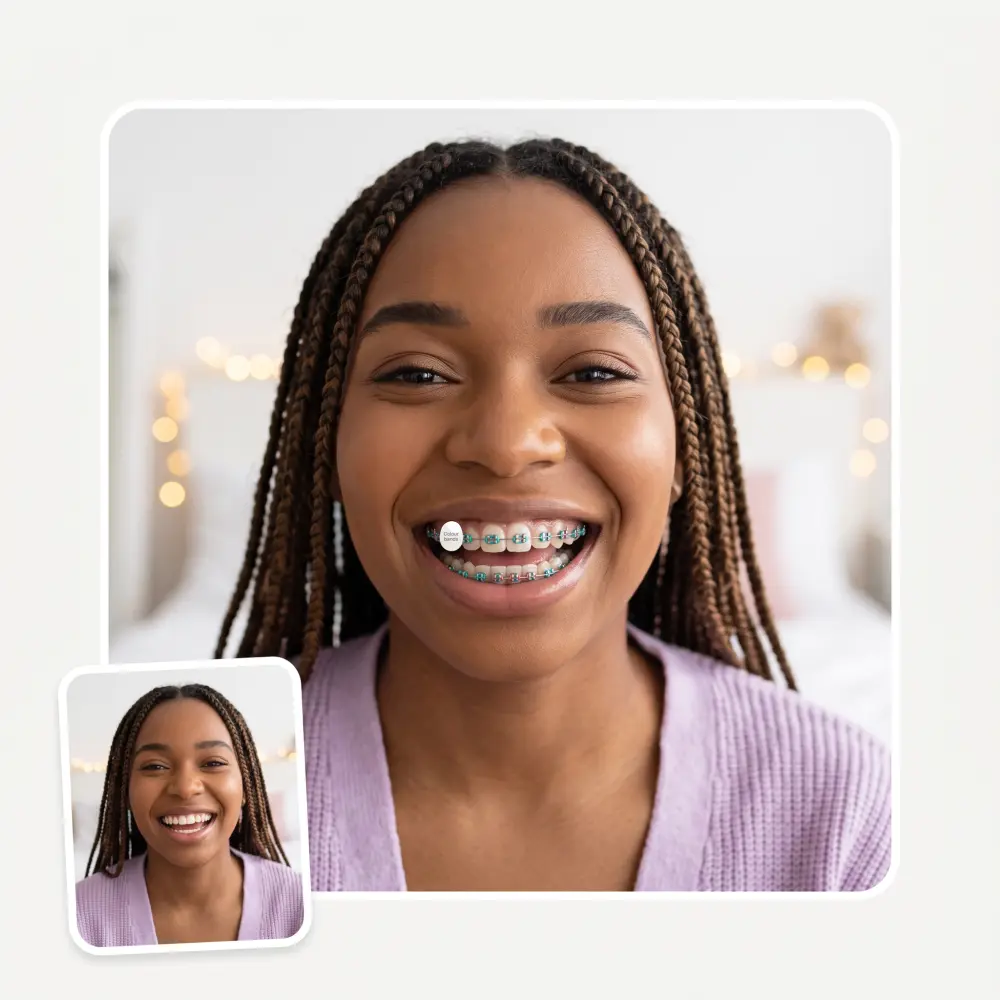
The filter edits only your teeth. Skin, lips, lighting and the rest of the photo are untouched, so the result holds up at full zoom.
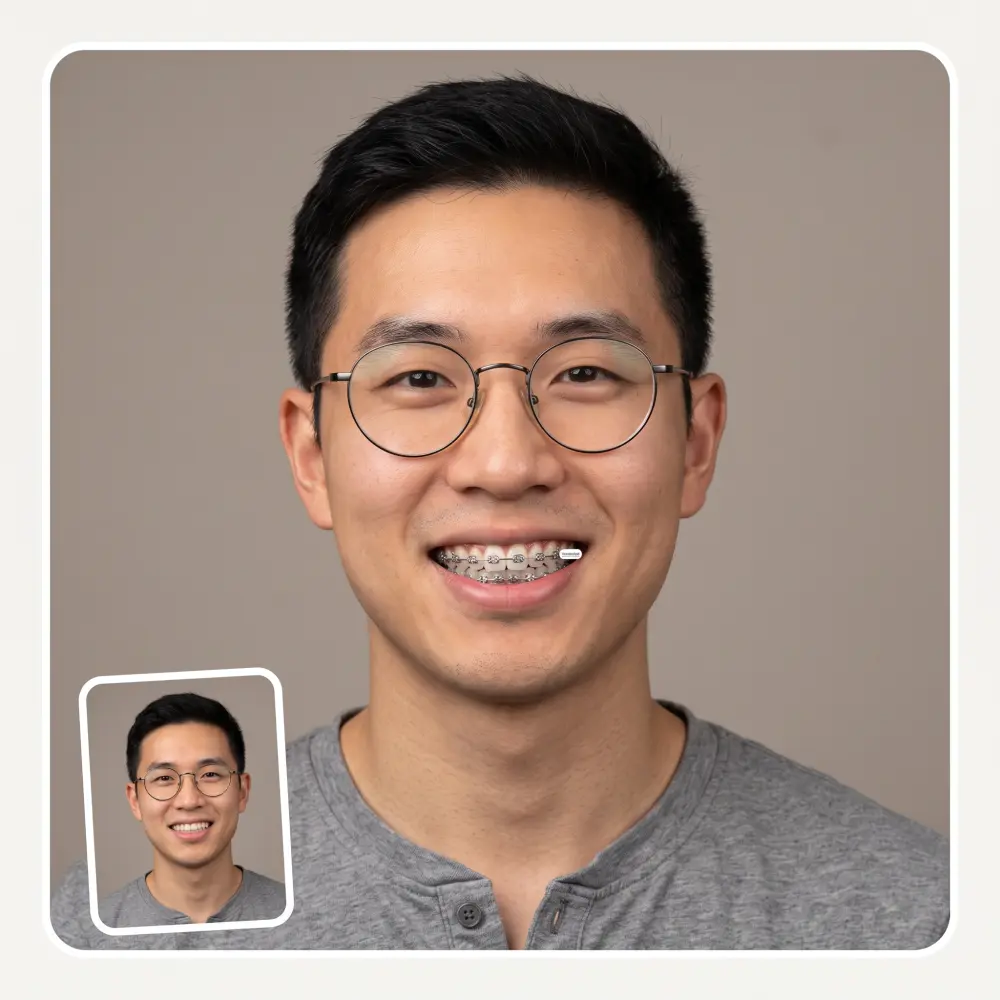
Preview a teen's first braces before the orthodontist visit, or check how subtler ceramic-style braces would read in an office headshot.
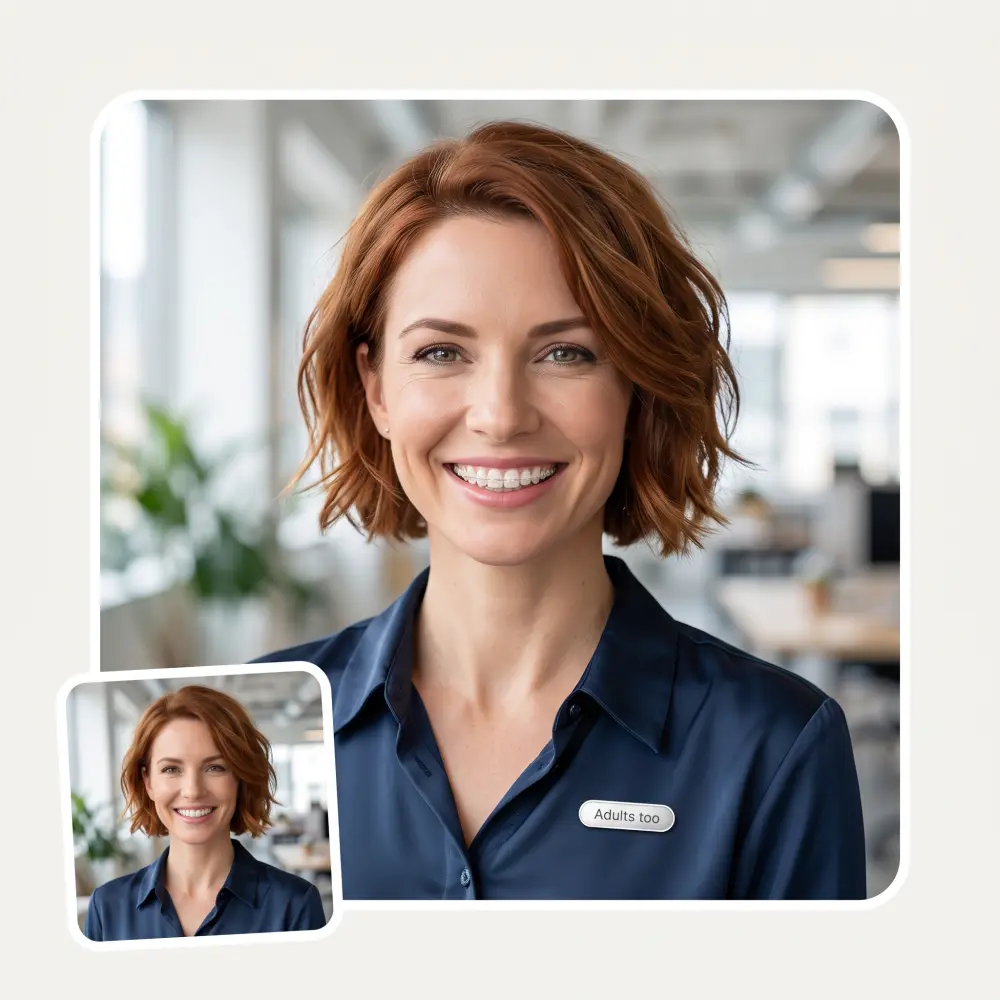
Pick a front-facing photo where your smile shows your teeth — that is where the braces go.
AI finds your teeth and fits brackets and an archwire to them. No masking, no brushing, no settings.
The model redraws only your mouth area and leaves the rest of the photo untouched.
Flip between before and after, then save the HD result with no watermark.
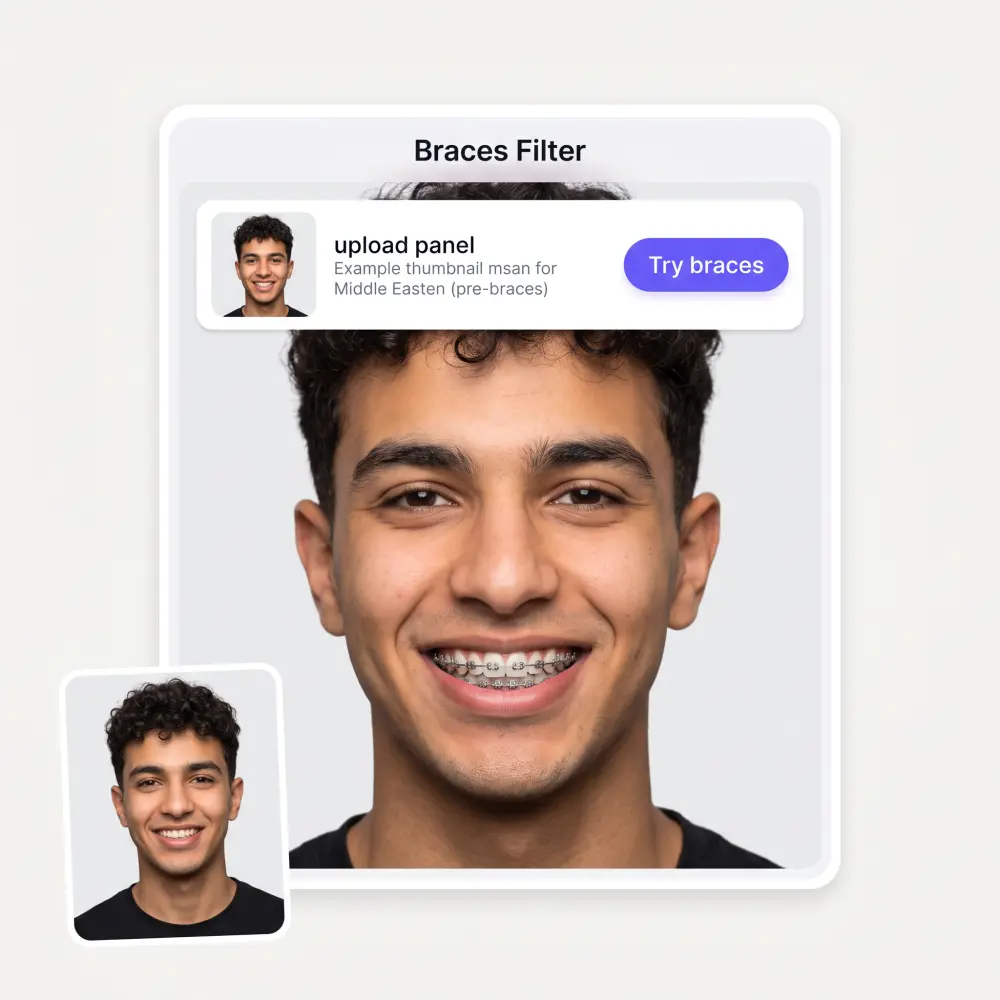
You have a consultation booked and want to walk in knowing what you're signing up for. See the braces before the glue.
Show your kid a photo of themselves in braces before the fitting. It turns a scary unknown into something they've already seen.
Braces or aligners has been on your mind for months. A 30-second preview is cheaper than another month of wondering.
The braces filter is a running trend on TikTok and Snapchat. Make the before/after with your own photo instead of a generic lens.
A large share of orthodontic patients are adults. Check how braces read in your work photos before you commit.
Nineties yearbook look, nerd costume, throwback party — braces sell it, and the filter is faster than props.
It's a nice place to be. I love it
Good and easy to use
I like how it keeps everything organized. One subscription is enough for all major AI models, which helps me avoid paying for multiple platforms.
im really into ai apps and that one is good, helps me with my arts and homework. i draw ai vids for inst and generate images with my characters, many widgets and models! like it
Easy and convenient!
Nice app, everything in one place
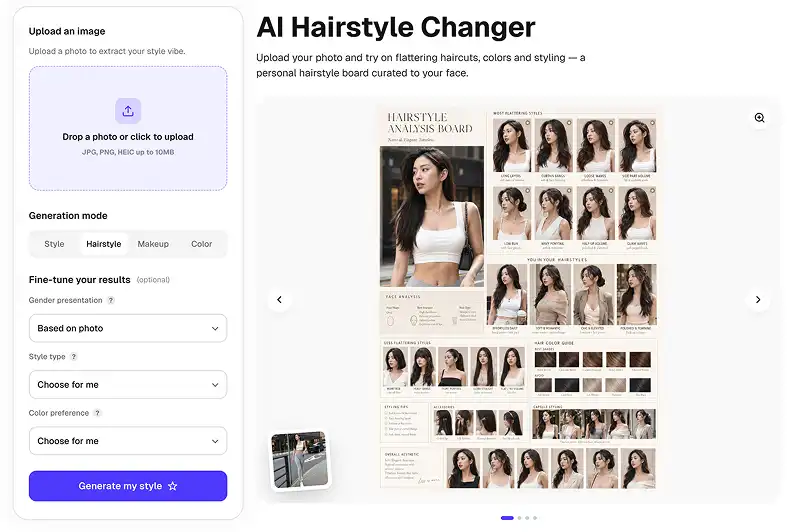
Upload a photo on this page and press Try braces. AI adds realistic braces to your teeth in about 30 seconds while keeping your face exactly the same — no masking or manual editing needed.
Yes — the AI renders individual brackets, the archwire and correct lighting on your actual teeth. Because it edits only the mouth area of your real photo, the result looks like a photograph of you in braces, not an overlay.
Yes — try it on this page for free. Overchat AI also has dozens of other free image tools worth trying.
Yes, and that is one of its most common uses. Seeing themselves in braces beforehand makes the real fitting far less intimidating for kids — it becomes something familiar instead of an unknown.
The AI needs to see your teeth to bracket them, so a smile with visible teeth works best. On a closed-mouth photo there is nothing to attach braces to.
No. The filter edits only your teeth. Your face shape, skin, expression, hair and background all stay exactly as they were in the original photo.
Classic metal braces by default — brackets and an archwire, the way most treatments start. The preview is a visual approximation for curiosity and planning, not a medical prediction of your treatment.
It is used to generate your preview and is not published anywhere. As a general rule, only upload photos of yourself or ones you have permission to edit.
Available on Web, iOS, and Android. Access your AI assistant anywhere, anytime.

.webp)