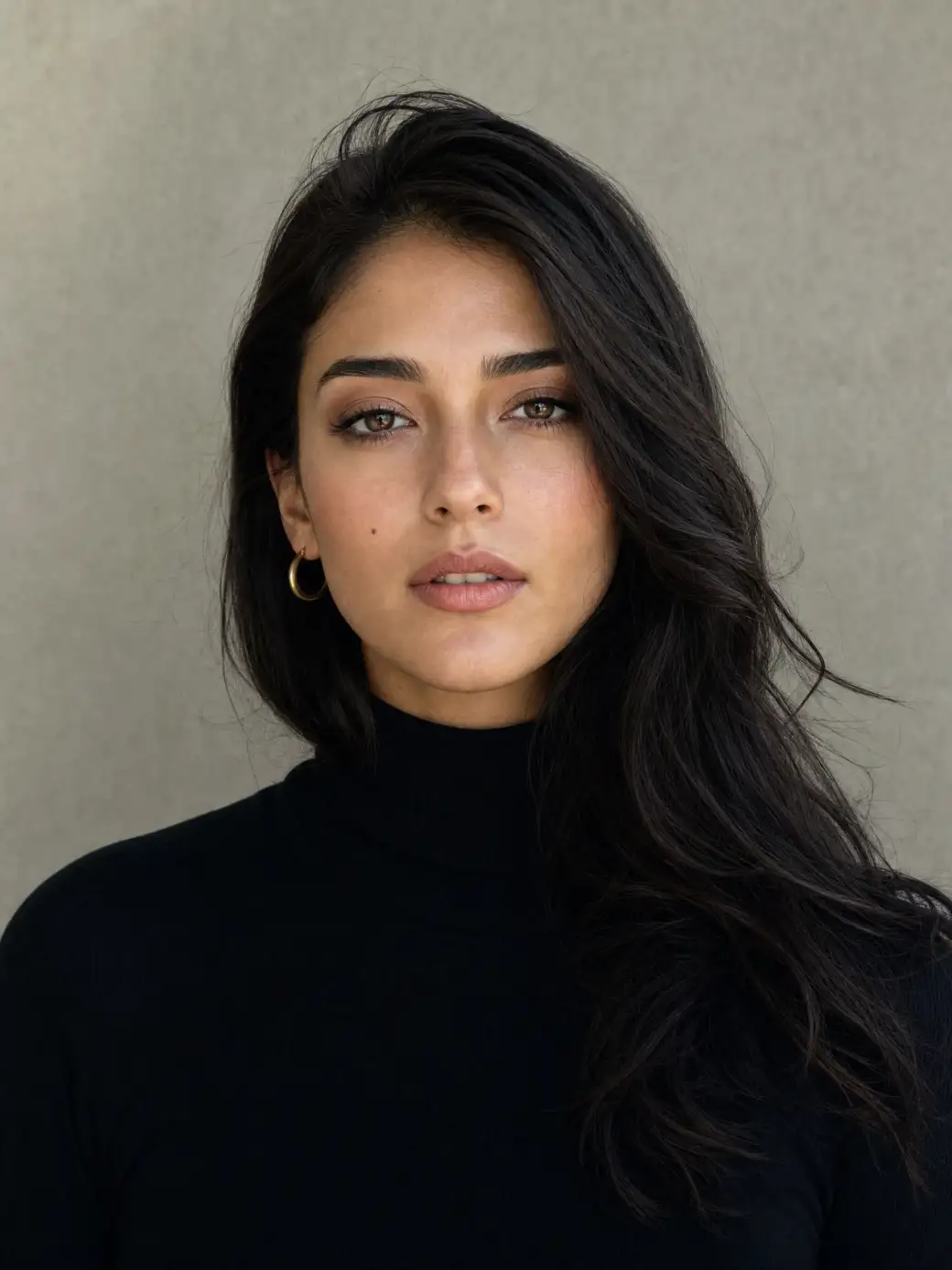
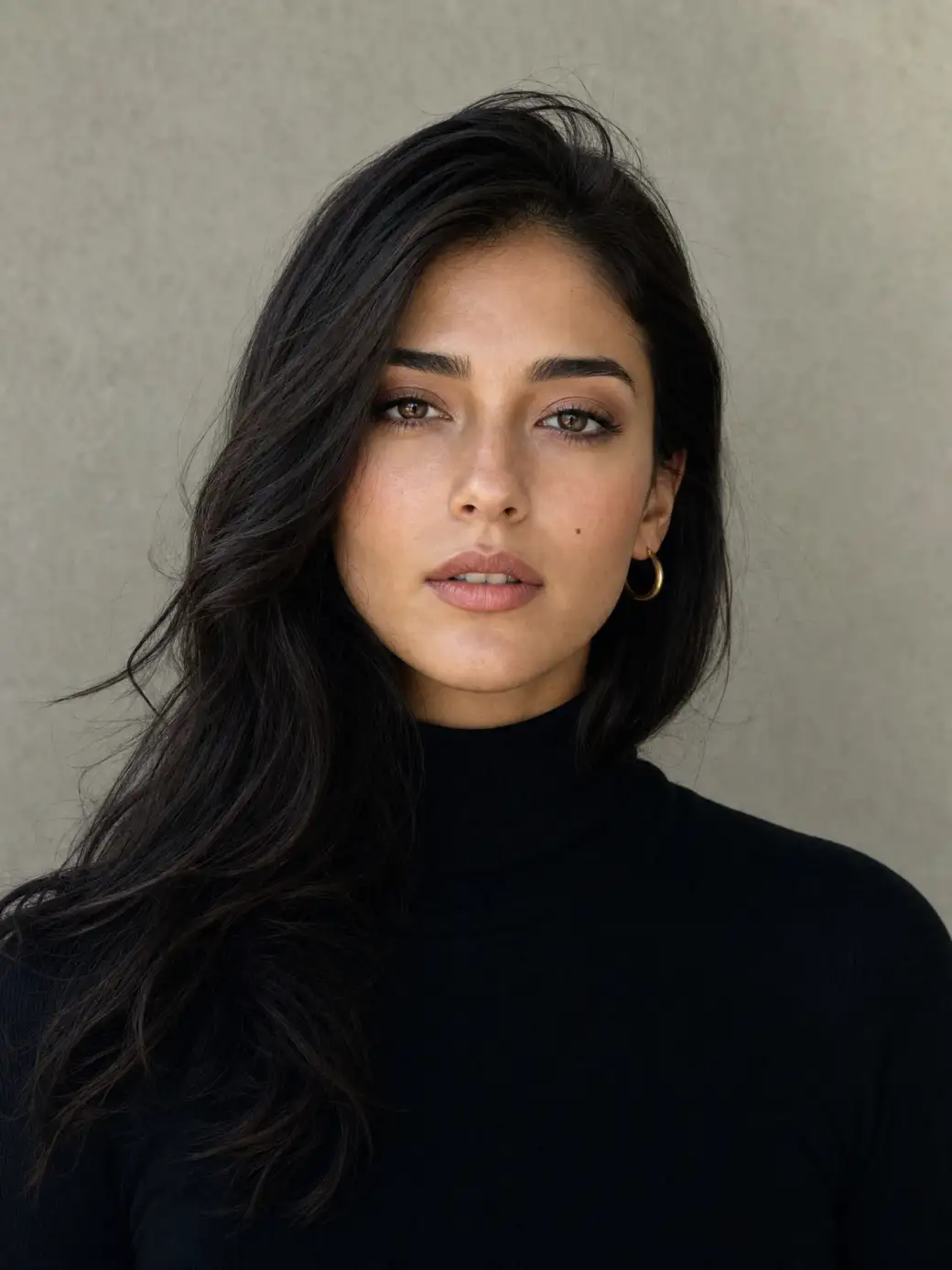
 Before
After
Before
After
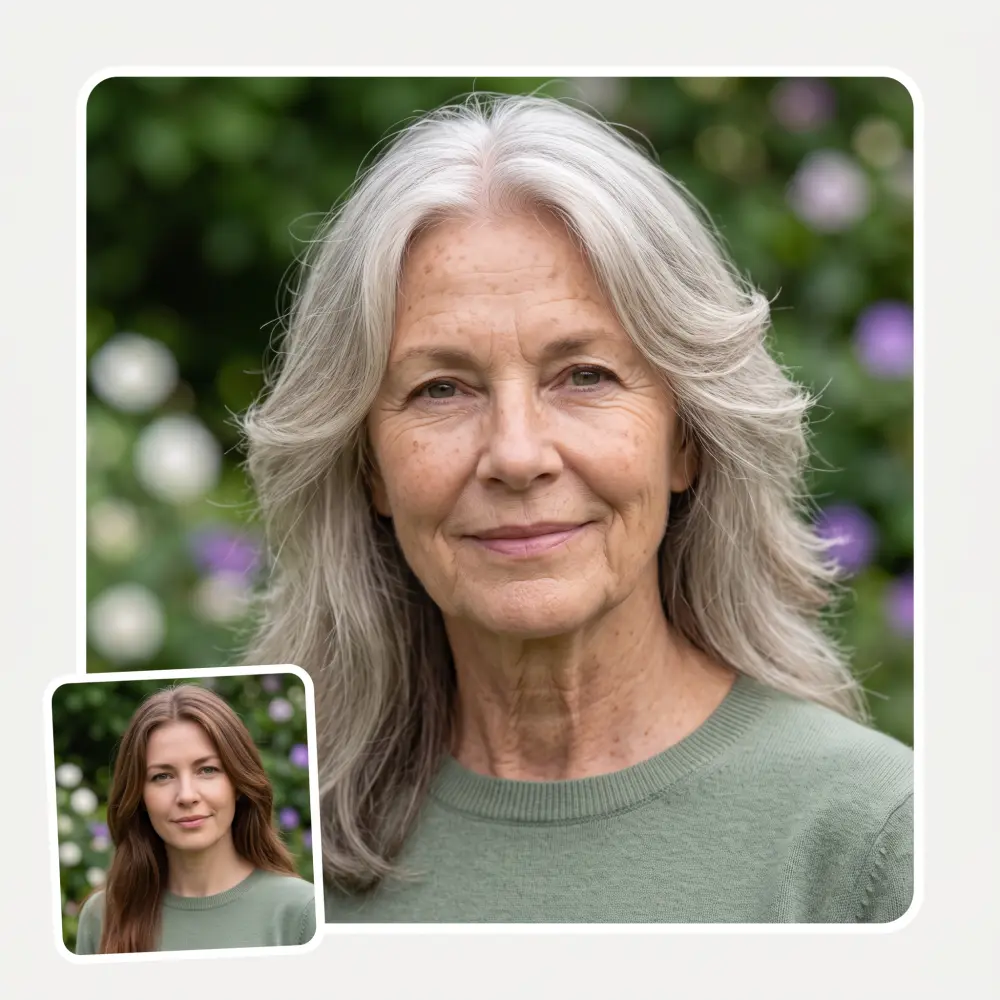
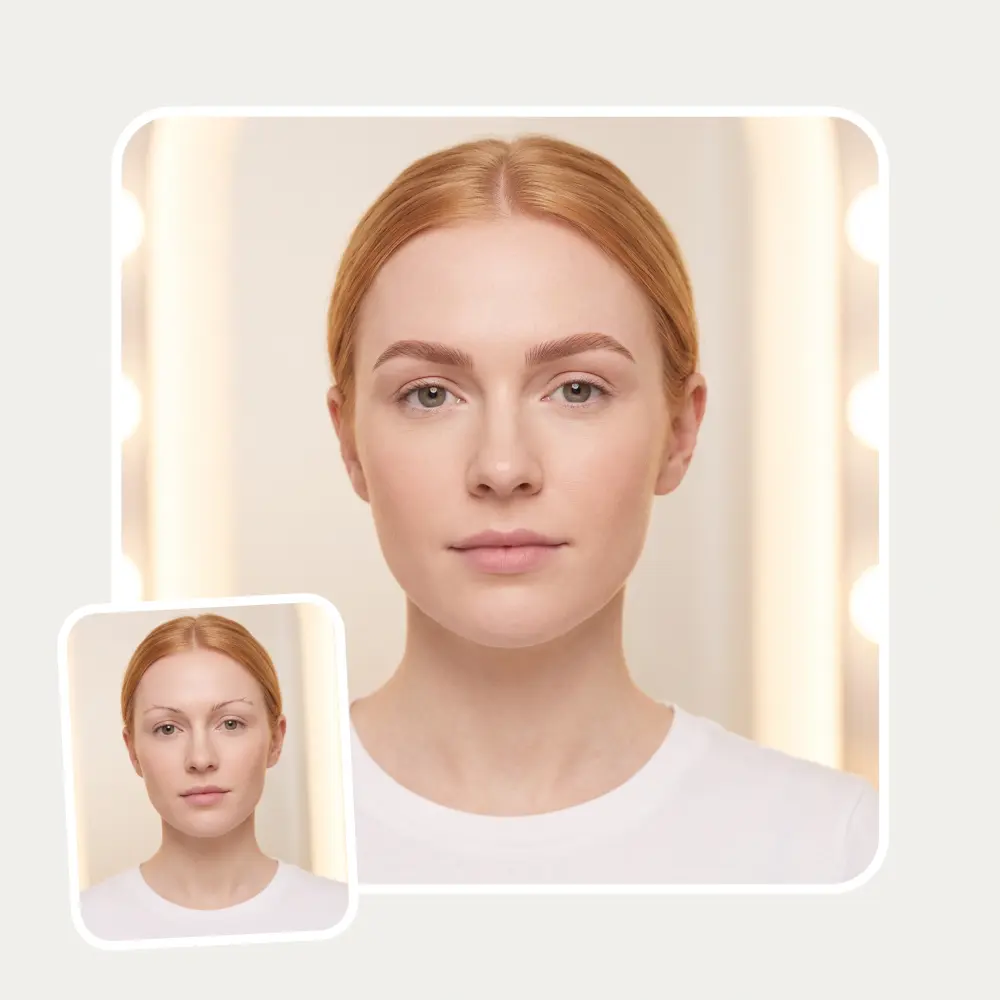
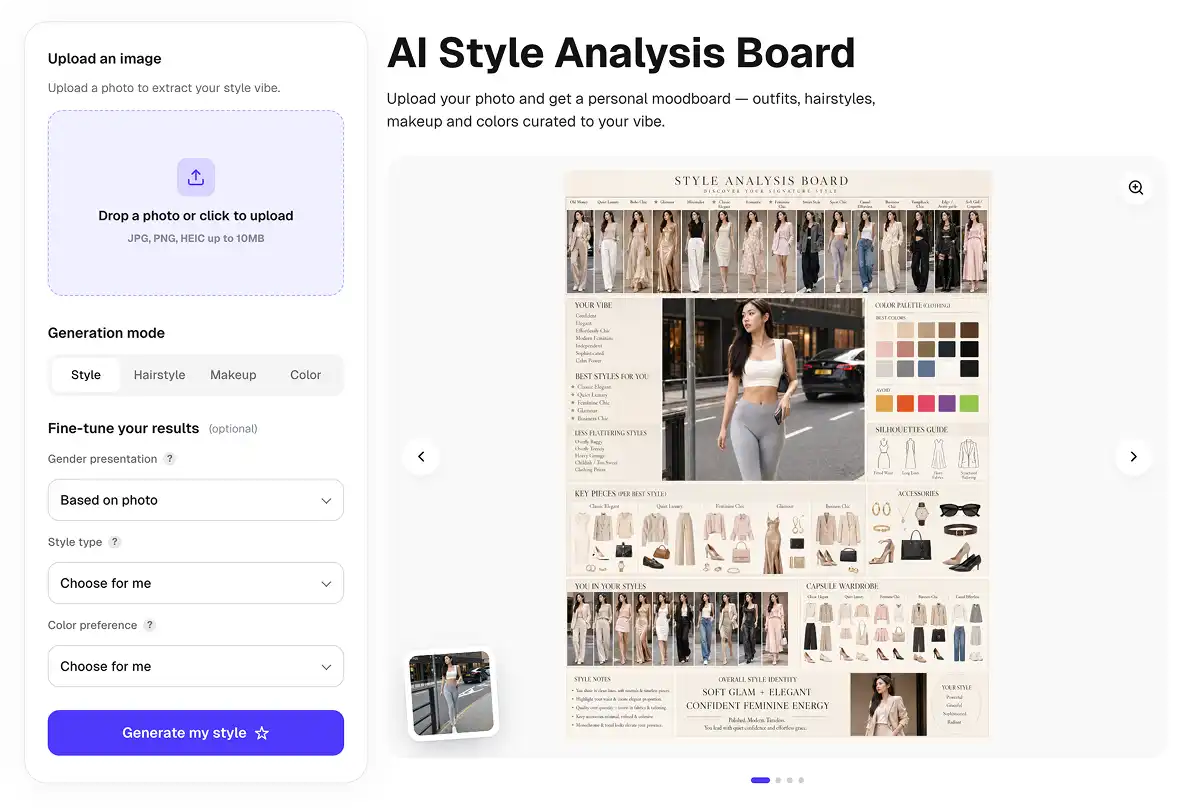
See the face everyone else sees. Upload a photo, press one button — it flips left and right the way a mirror does, so the asymmetry you stopped noticing years ago jumps straight out.
Before
After
One click flips your photo along the vertical axis — a pixel-perfect mirror of the original. Nothing is smoothed, retouched or regenerated, so what you see is your real face, just un-mirrored.
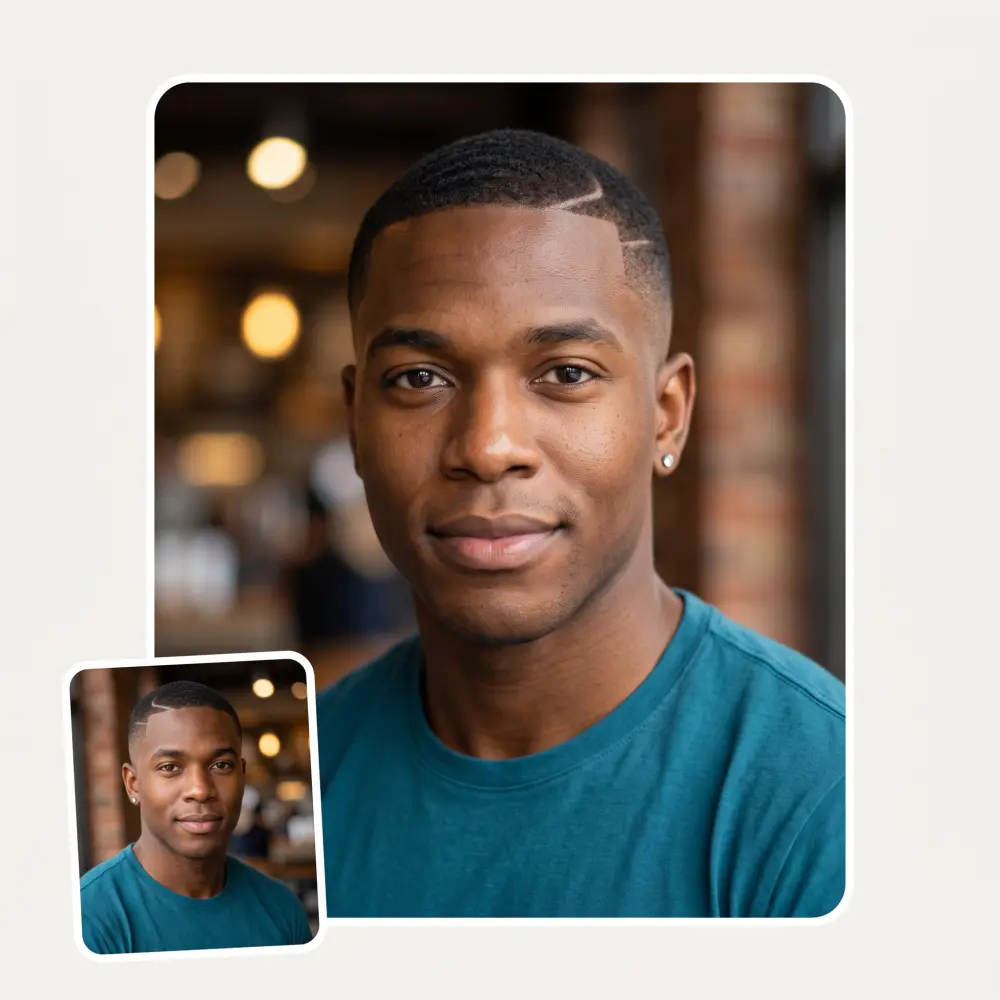
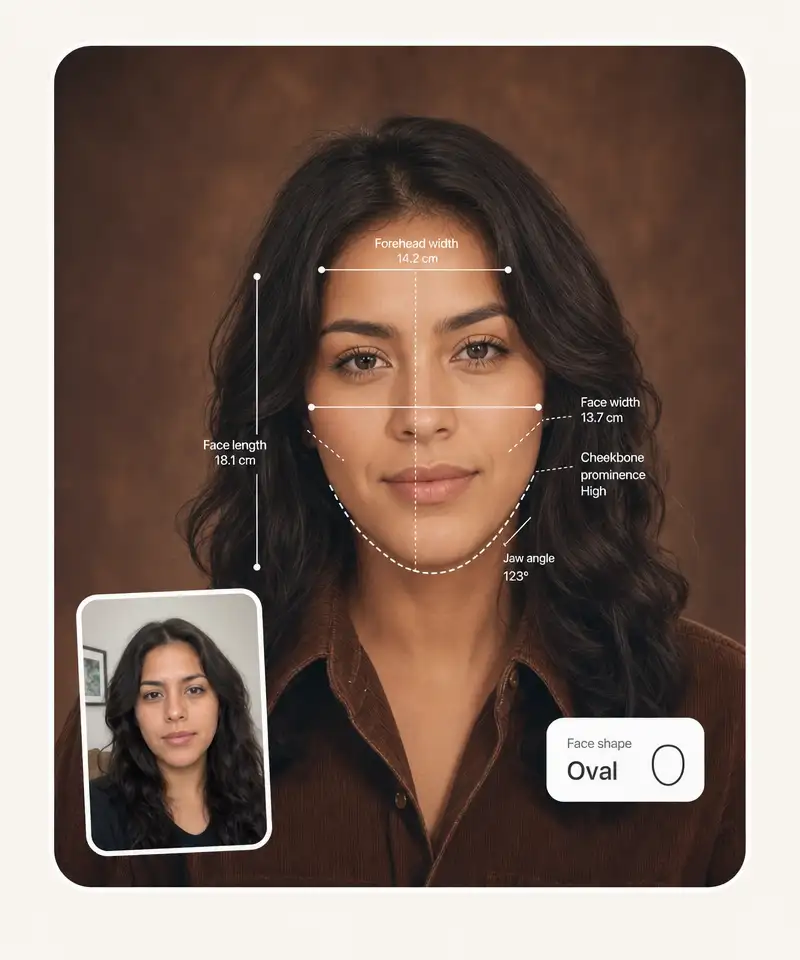
Hair parts, smiles and jawlines are never perfectly even. The flip makes the differences easy to spot, which is exactly why the inverted filter took off on TikTok as a symmetry check.
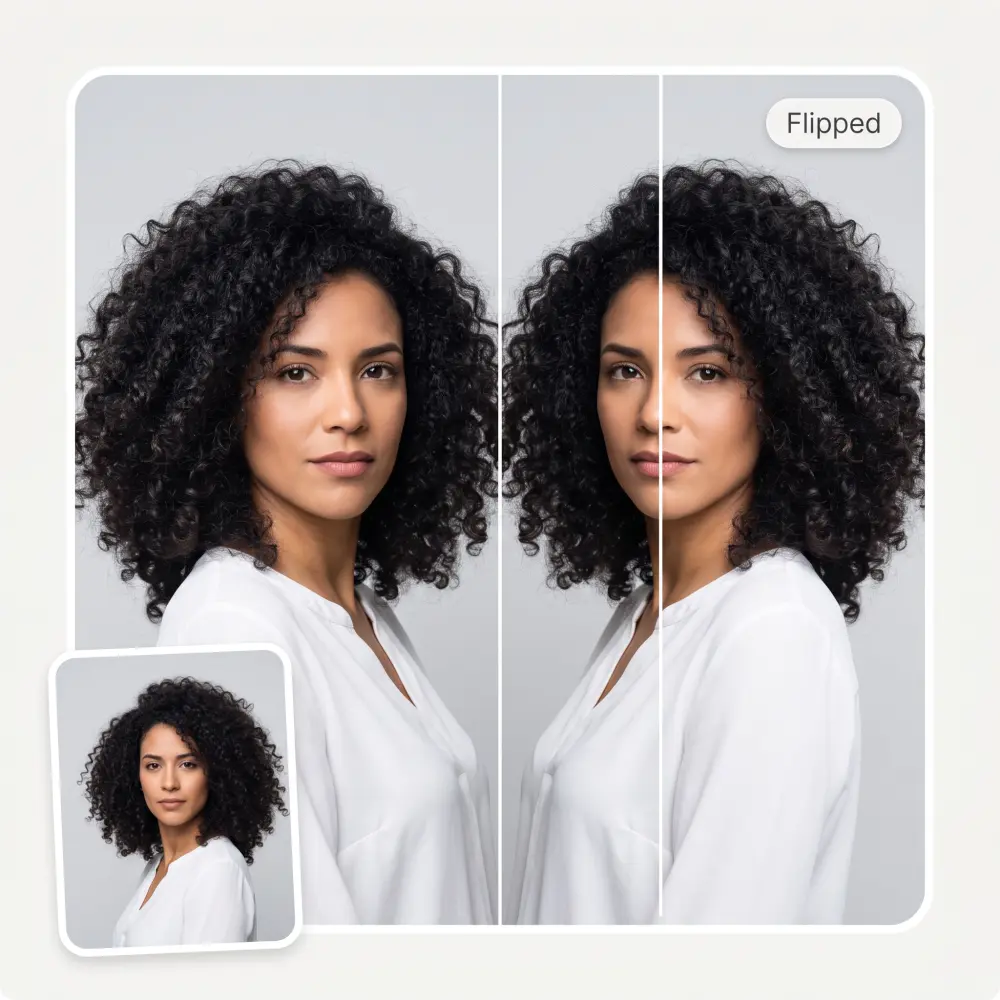
The flip happens on your device — there is no upload, no server and no queue. Close the tab and the photo is gone.
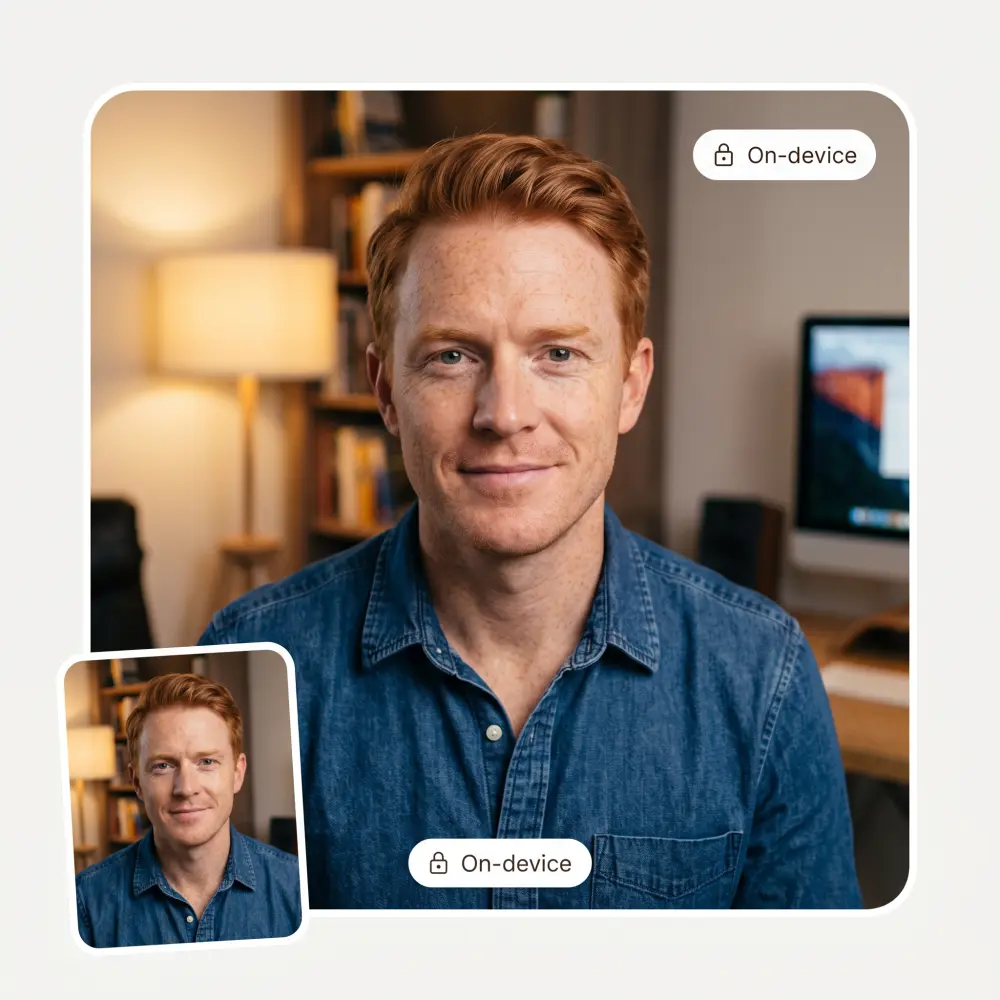
Front cameras show you the mirrored face you know from the bathroom mirror. Invert a selfie to see what followers, dates and interviewers actually see.
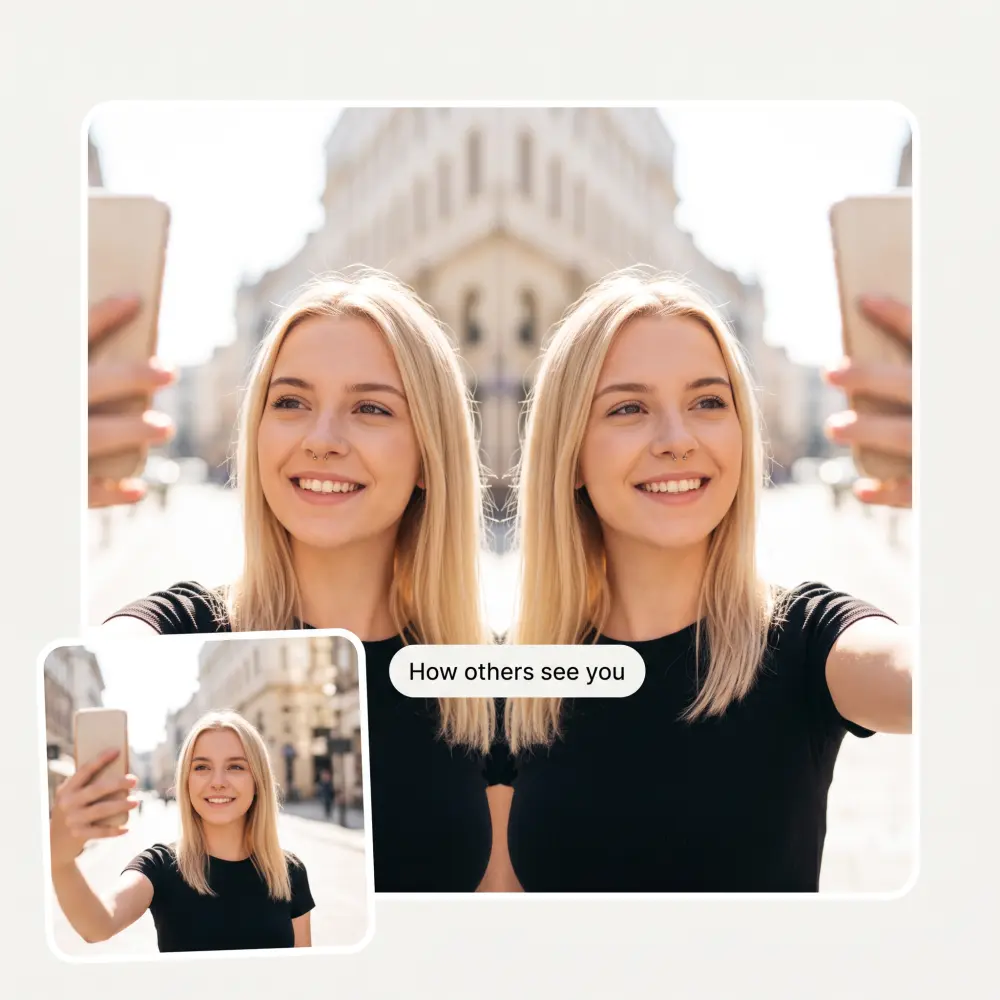
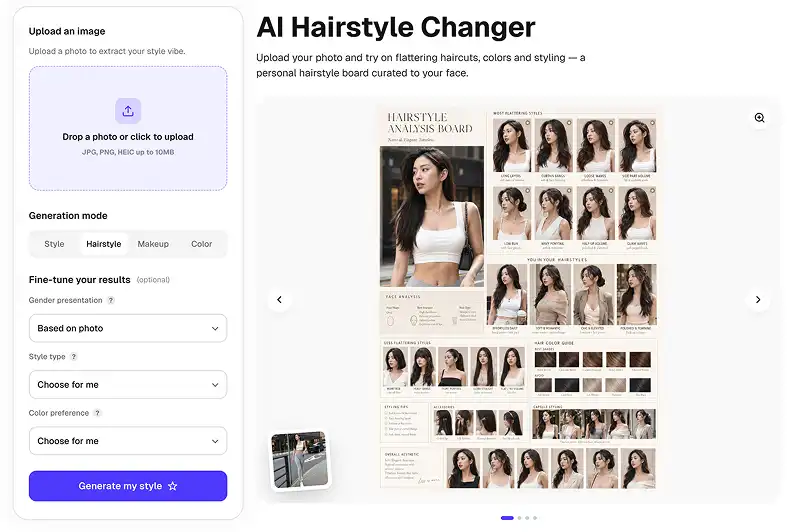
Drag and drop any clear photo — JPG, PNG, WebP or an iPhone HEIC straight from the camera roll.
The flip runs instantly in your browser. There is no upload and no waiting — it is a mirror, not a generation.
Toggle between the original and the flipped version to spot the differences your brain normally edits out.
Save the inverted photo as a full-resolution PNG with no watermark, or share it straight from the page.
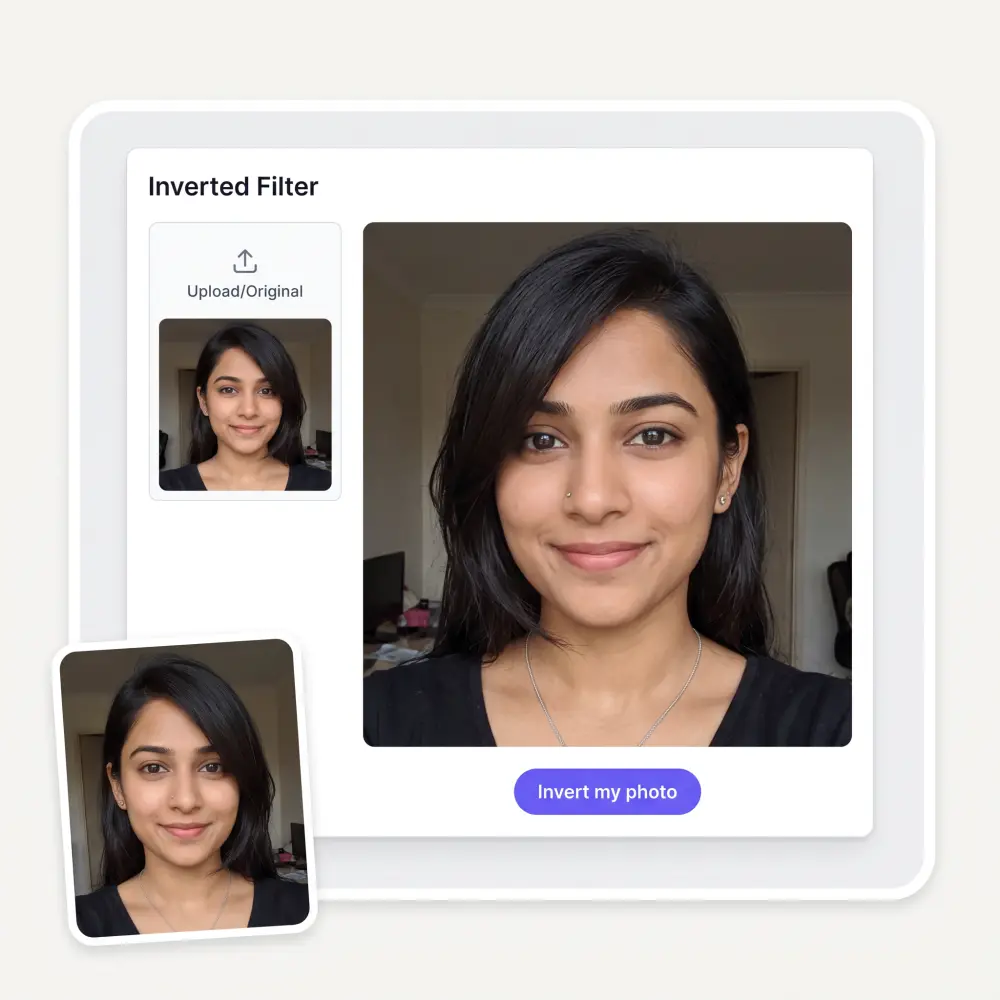
Your camera roll shows the mirror version of you. Flip a few favourites and find out which side of the story other people get.
Symmetry work is easier when you can see the un-mirrored face. Check how even your brows, liner and contour really look.
A part that looks right in the mirror can read differently to everyone else. Flip a photo before you commit to switching sides.
LinkedIn, dating apps and CVs show the un-mirrored you. Preview headshots the way they will actually be seen.
Cameras, thumbnails and stream overlays don't mirror you — your audience sees the flipped version. Check it before you publish.
You watched the inverted filter trend mess with everyone's self-esteem and want the honest answer for your own face. Here it is, free.
Affordable and simple to use. I like that I don't have to pay for several different services anymore.
I ask. CHATGP answers. I check on the answer and it's always been correct.
It's a nice place to be. I love it
Good and easy to use
I like how it keeps everything organized. One subscription is enough for all major AI models, which helps me avoid paying for multiple platforms.
im really into ai apps and that one is good, helps me with my arts and homework. i draw ai vids for inst and generate images with my characters, many widgets and models! like it
Close to it. A normal photo already shows your un-mirrored face; the trick is that you are used to the mirror version. Flipping a mirrored selfie shows the orientation everyone else sees — same face, opposite orientation.
You don't — you look unfamiliar. Faces are slightly asymmetric, and your brain calibrates 'normal' to the mirrored version you see every day. The flip breaks that habit, and the mismatch reads as 'off'. Everyone else has felt the same about their own flip.
No. It flips pixels along the vertical axis and nothing else — no AI regeneration, no smoothing, no colour changes. What comes out is exactly the photo you put in, mirrored.
Yes — flip as many photos as you like on this page. Overchat AI also has dozens of other free image tools worth trying.
No. The flip runs entirely in your browser. The photo never leaves your device, and closing the tab removes every trace of it.
Yes — that is what made the trend explode. Comparing the original and the flipped version makes small asymmetries visible: hair part, eye height, smile tilt. Remember that every face is asymmetric; perfectly mirrored faces look uncanny.
Front cameras usually save the mirrored preview, so selfies match your mirror. Rear cameras and other people's photos show the un-mirrored you. The inverted filter lets you jump between the two views on demand.
A sharp, front-facing photo with even lighting. The flip works on any image, but symmetry differences are easiest to read when you look straight at the camera.
Available on Web, iOS, and Android. Access your AI assistant anywhere, anytime.

.webp)