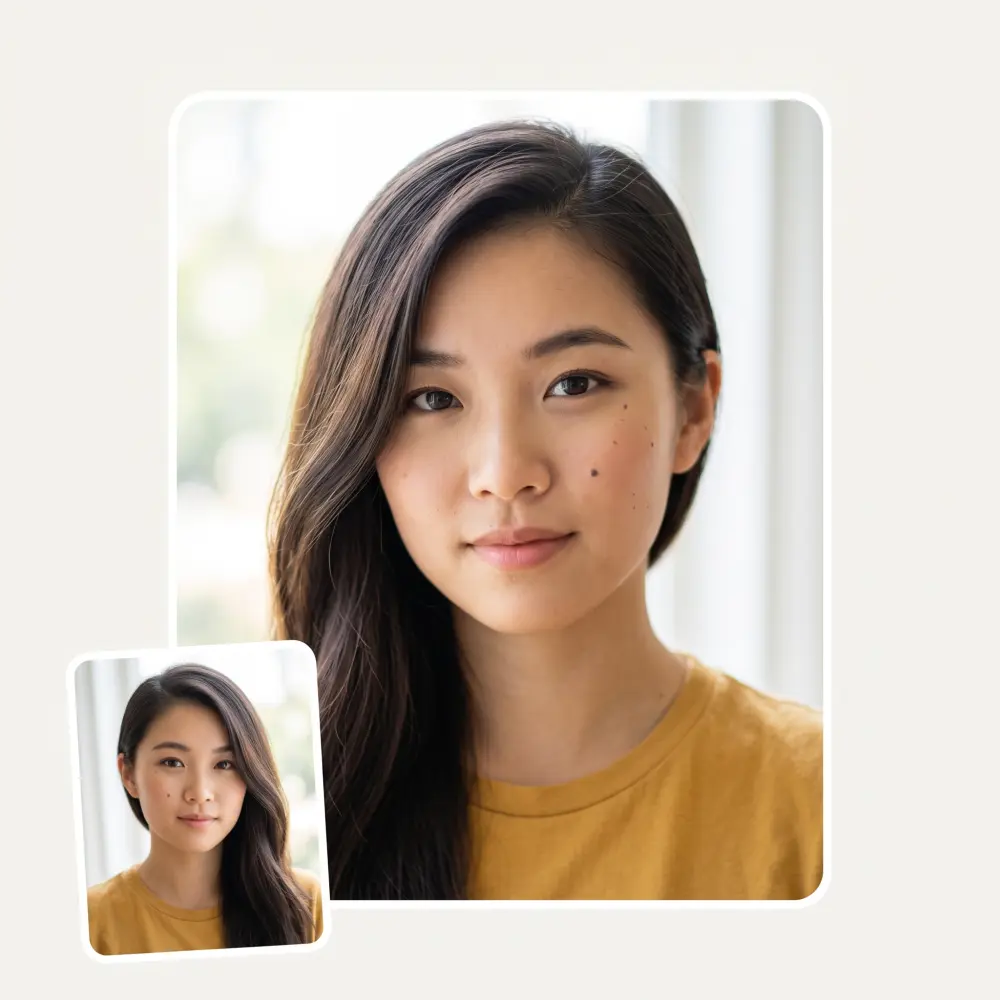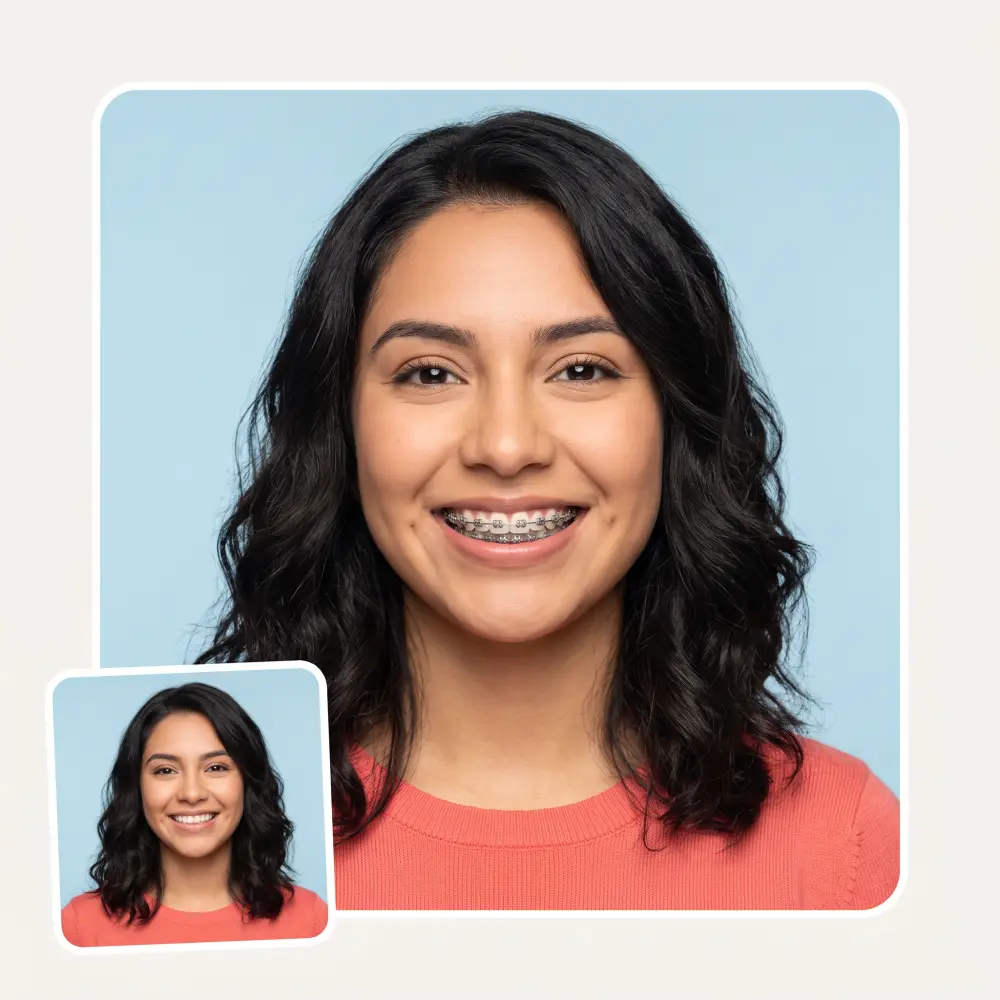
 Before
After
Example
Before
After
Example
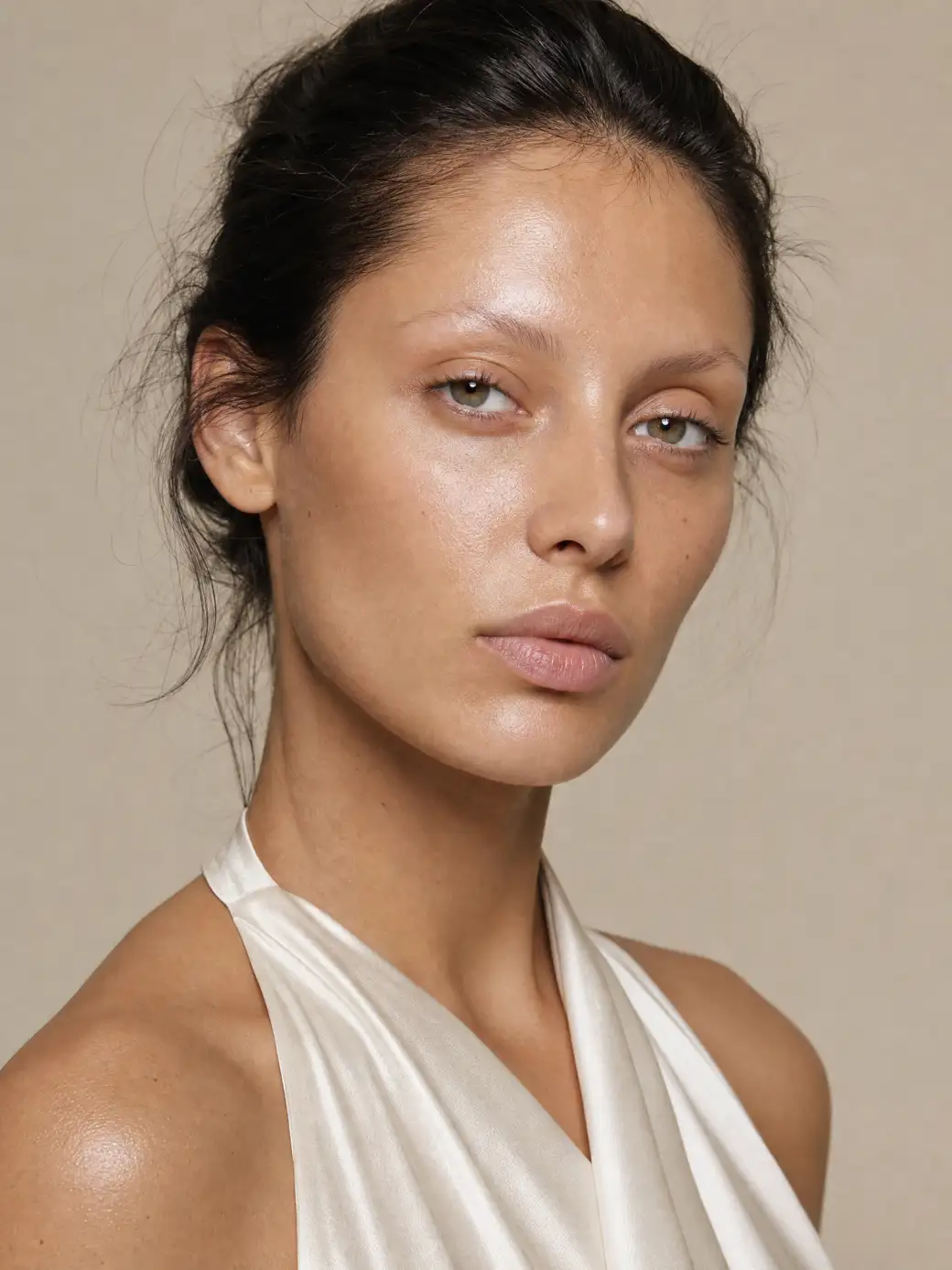
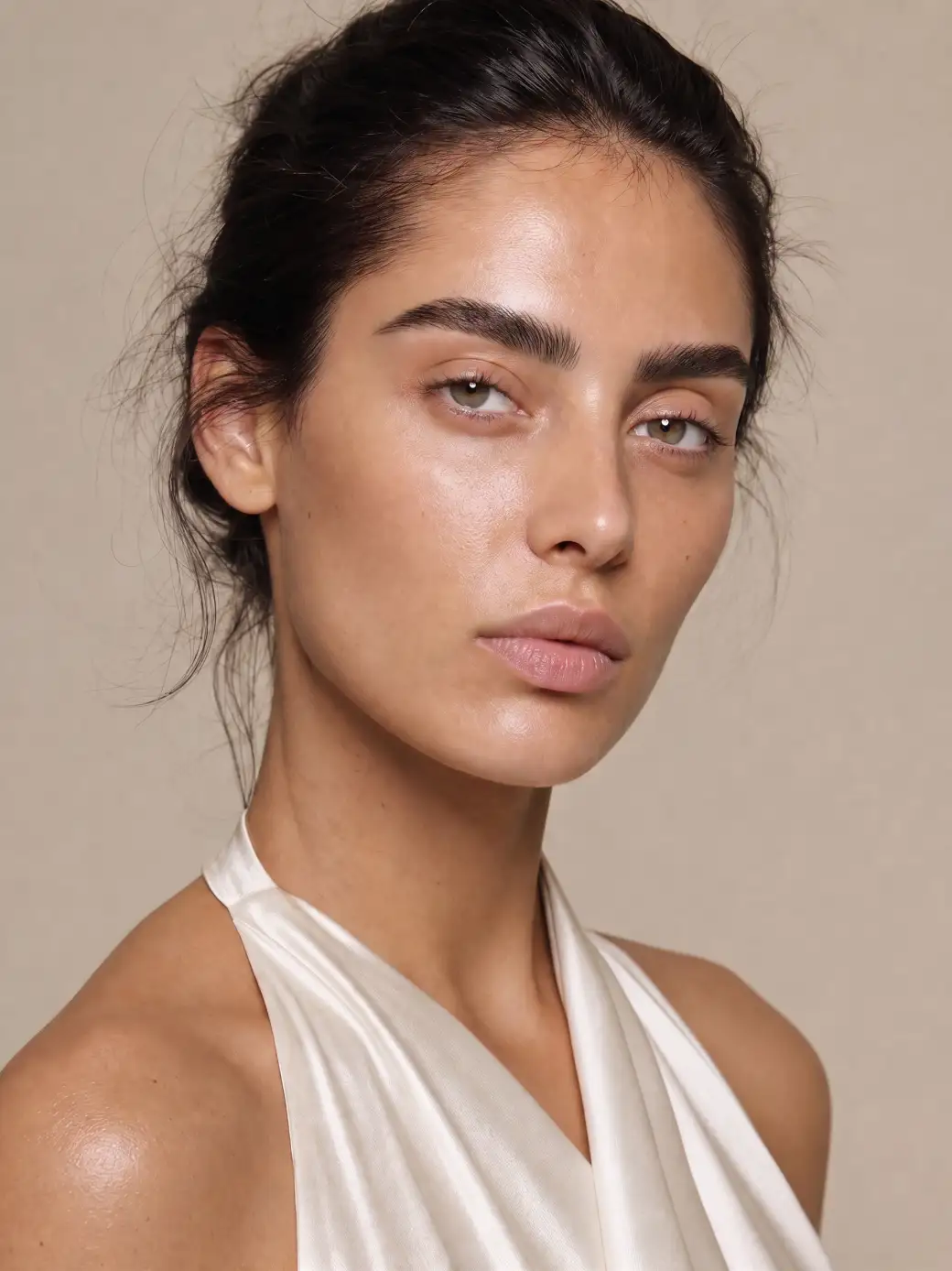
Try a brow shape and colour before a wax strip, a pencil or a bleach kit touches your face. Upload a photo, pick a pair — AI changes only your brows and leaves the rest of you as it is.
Before
After
Example
Arched, straight, laminated, feathered, fox brow, bold — plus joke territory like unibrow and no brows at all. Every shape is fitted to your face, not stamped on.
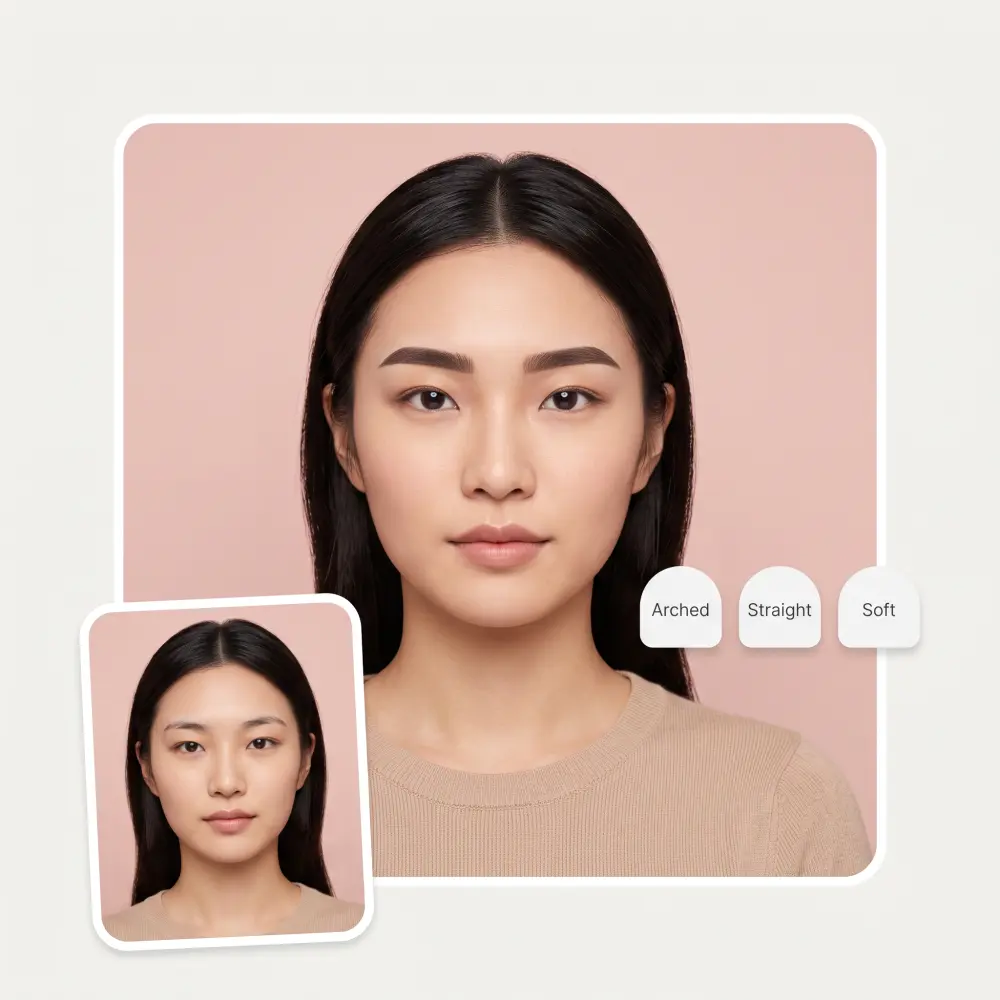
Colour is independent of shape: keep your own, match a new hair colour, or go full lilac. Swap swatches without re-picking the shape.
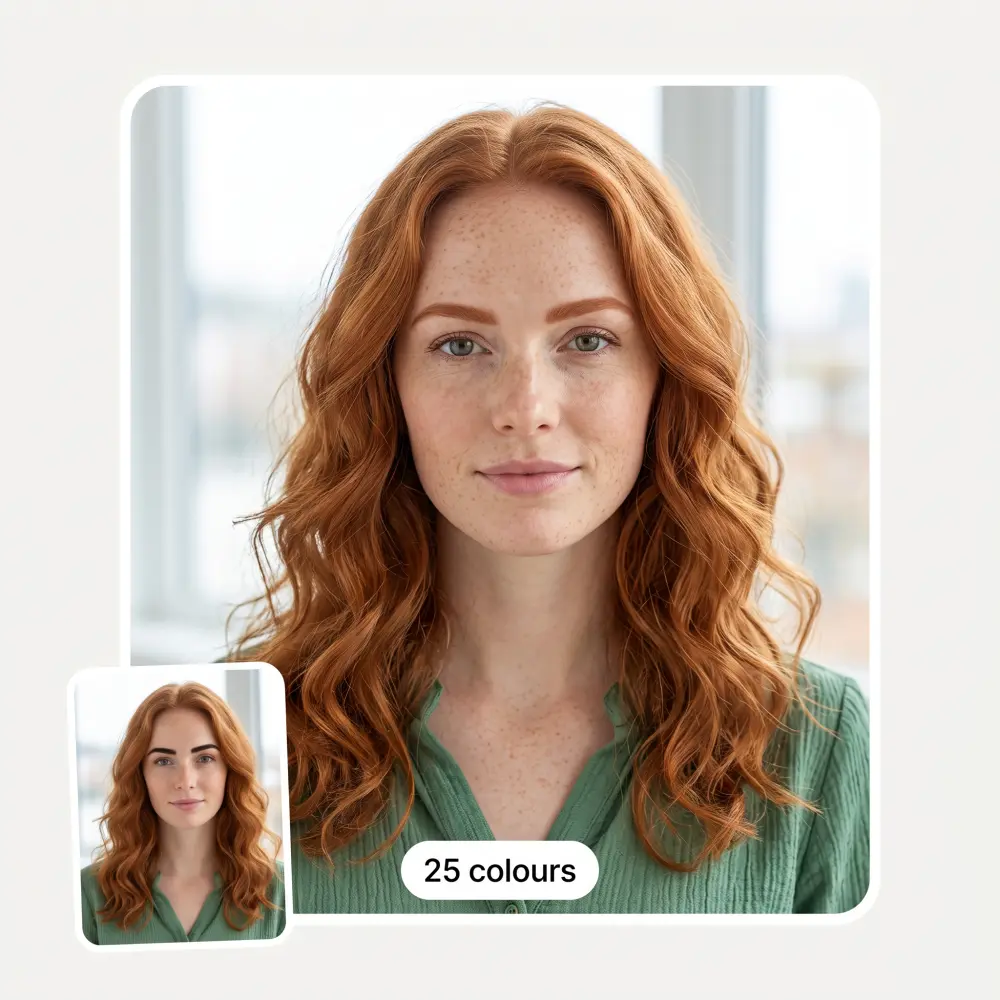
Stop describing the arch with your hands. Bring the generated photo to the salon and point.
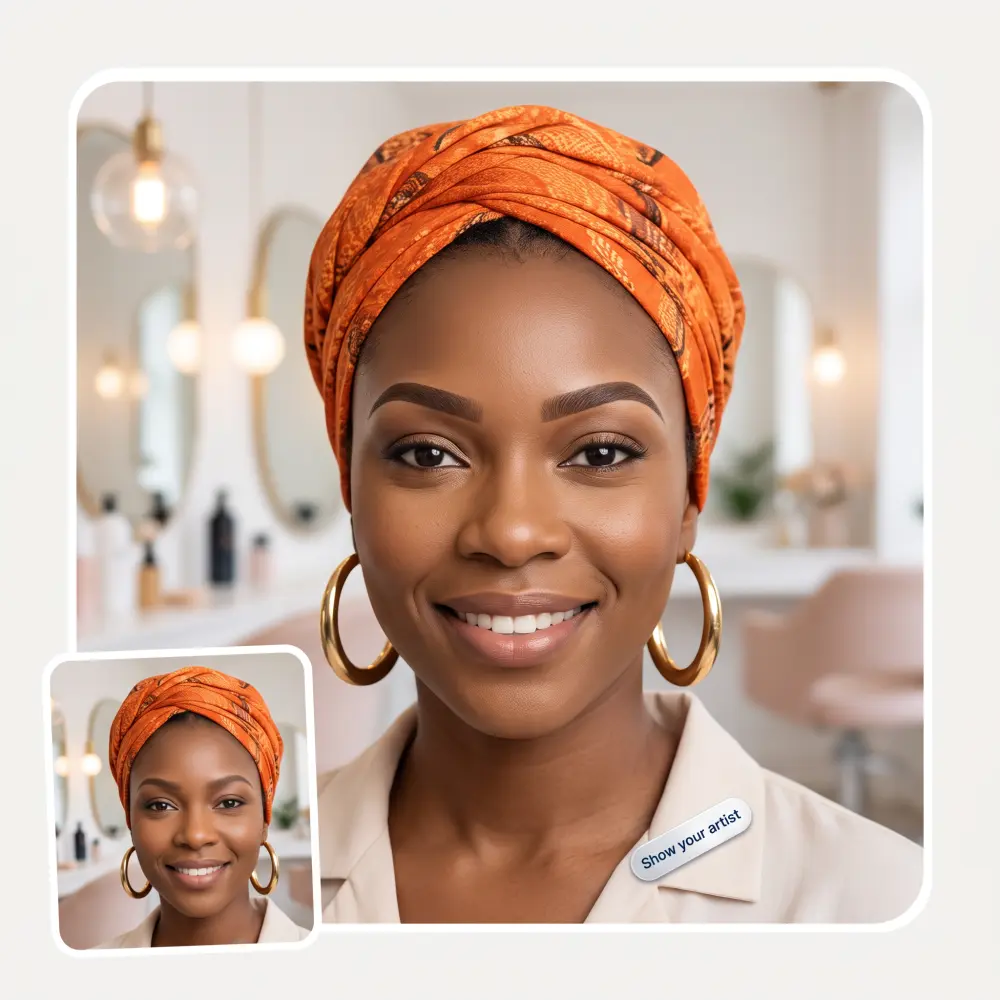
Brow grooming isn't gendered. Preview a tidier, fuller or straighter brow before the trimmer commits you.
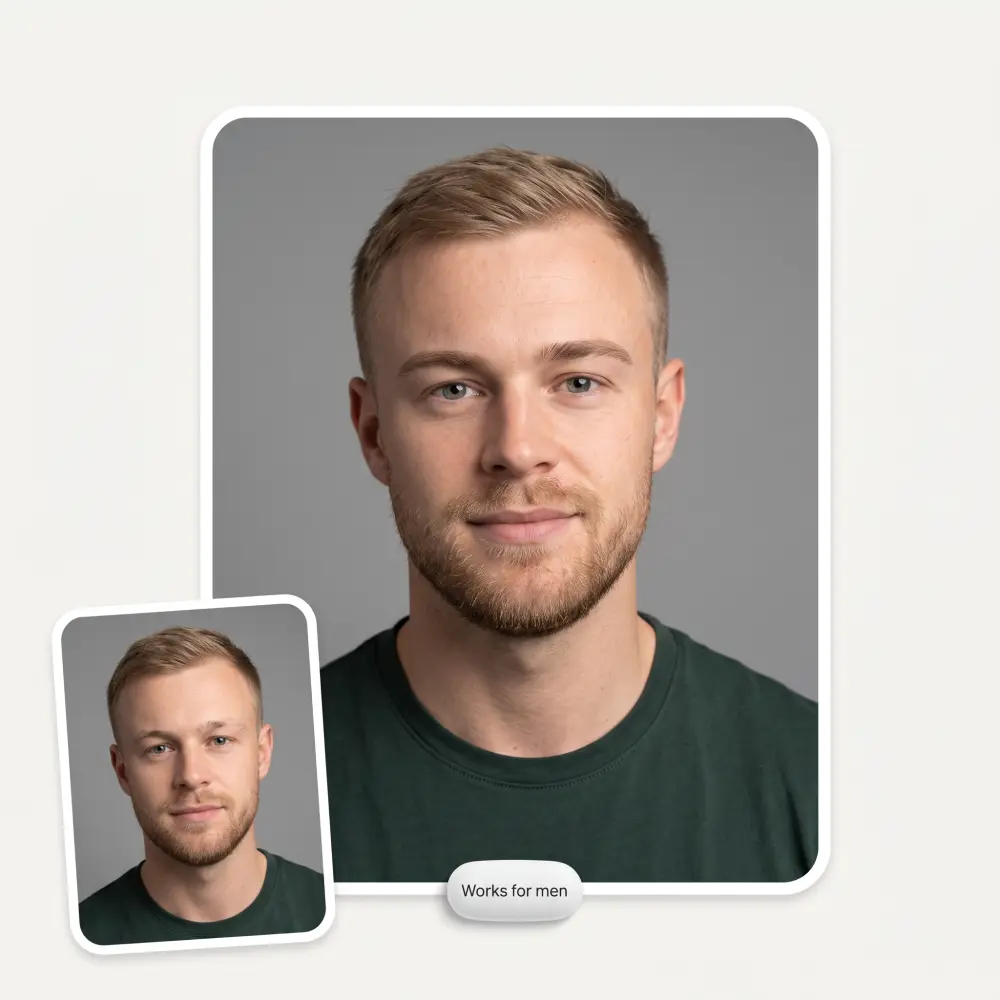
Face the camera with your brows visible — no sunglasses, no heavy fringe over the eyes.
Choose one of 15 shapes from the gallery — hover any card for a bigger preview of the style.
Scroll the 25-swatch row to recolour the brows, or leave 'Your colour' selected to change only the shape.
AI redraws just your brows in seconds. Compare, then save the HD result without a watermark.
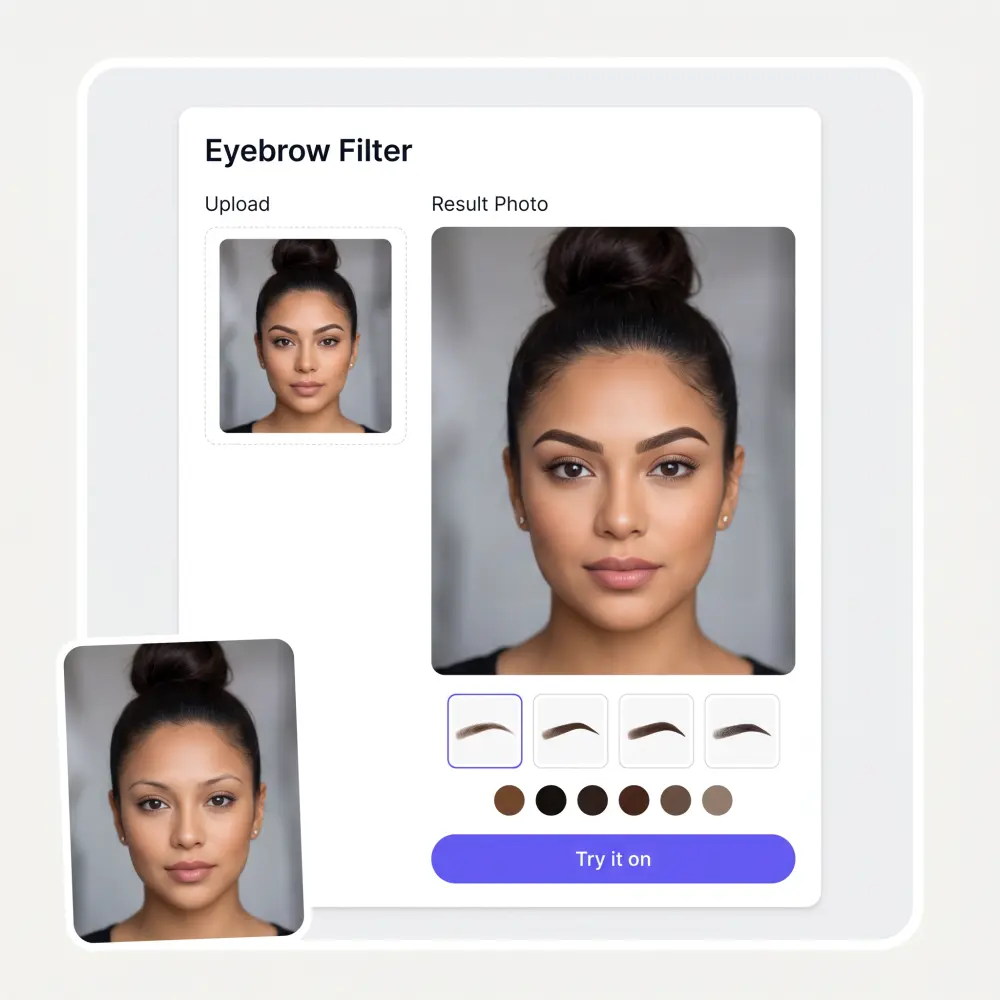
Lamination, microblading and waxing all outlive a bad decision. Preview the shape on your own face first.
Going blonde, red or silver? Check which brow colour carries the new hair before you bleach anything.
Growing them back and not sure what the goal is? Try fuller shapes now and pick the destination.
See a cleaned-up version of your brows before letting anyone near them with wax.
Anime brows, drawn-on brows, the unibrow. Some shapes exist purely for the group chat, and we respect that.
Show clients realistic previews of shapes and colours on their own face instead of a laminated style card.
I've started to use overchat last week and it feels very promising. Lots of AI models in one place saves a lot of money in comparison if you buy subscriptions for each one.
Great experience! It helps me able to do my work and respond to questions quickly trusting that the my responses are grammatically correct.
Affordable and simple to use. I like that I don't have to pay for several different services anymore.
I ask. CHATGP answers. I check on the answer and it's always been correct.
It's a nice place to be. I love it
Good and easy to use
Upload a photo, pick one of 15 shapes and optionally one of 25 colours, then press Try it on. The AI redraws only your brows and keeps the rest of your face exactly as it is.
Natural, arched, straight, laminated, bold, thin, rounded, angled, feathered, fox brow and bushy — plus fun ones like anime, drawn-on, unibrow and no brows at all.
Yes — colour is a separate control with 25 options from soft black and taupe to lilac and neon. You can recolour your existing shape or combine a new shape with a new colour.
Yes — try as many shape and colour combinations as you like on this page. Overchat AI also has dozens of other free image tools worth trying.
No. The edit is limited to the brow area — your eyes, skin, hair and the photo itself stay untouched, which is what makes the preview useful for real decisions.
That is one of the best uses. Download the preview and bring it to the appointment — a photo of the exact shape on your own face beats any verbal description.
Yes. Shapes like natural, straight and bushy preview classic male grooming, and the tool makes no assumptions about who is uploading.
It is used to generate the brow preview and is not published anywhere. Upload photos of yourself or with permission.
Available on Web, iOS, and Android. Access your AI assistant anywhere, anytime.

.webp)