 Before
After
Before
After
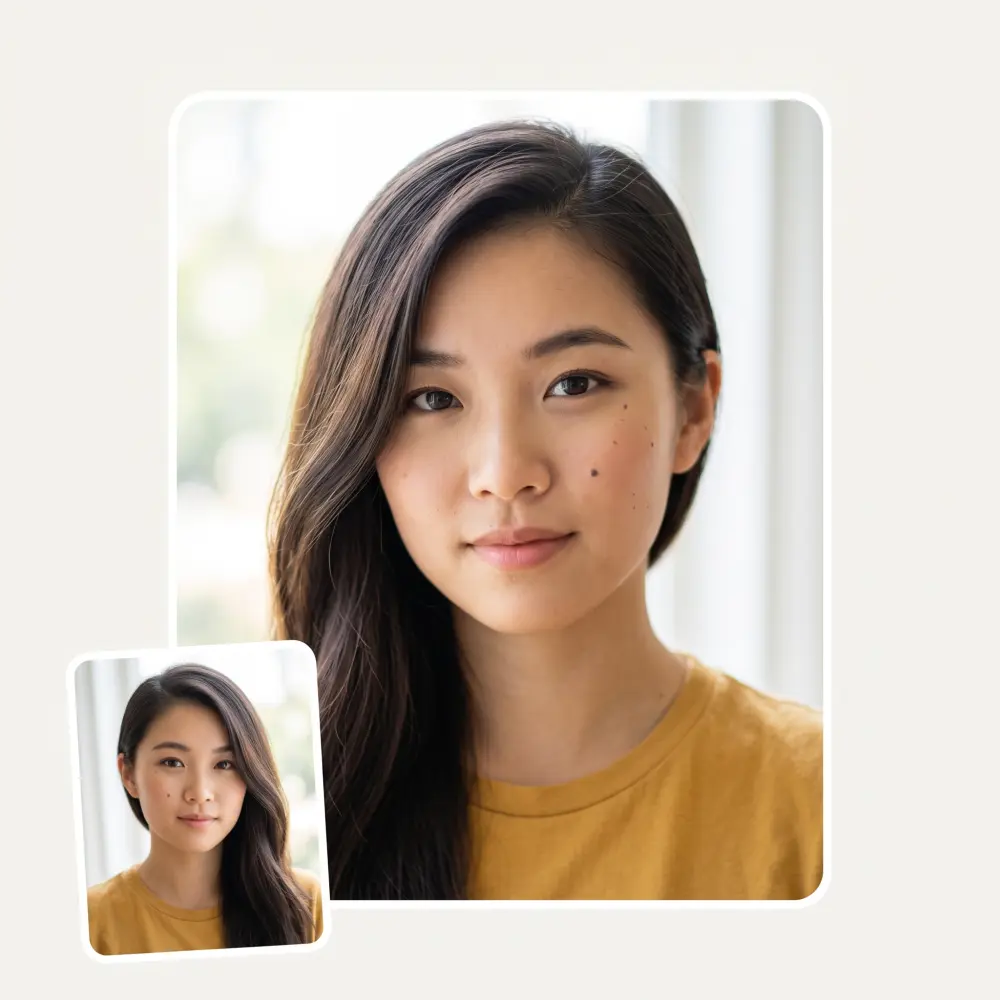
Drag the slider and watch yourself age — a believable fifty years, or three hundred if you would rather come back as a mummy. Your pose, outfit and background stay exactly as they were.
Before
After
A slider from +5 to +300 sets how far time travels. Add a subtle decade or jump straight to great-grandparent territory — the aging scales with the number.
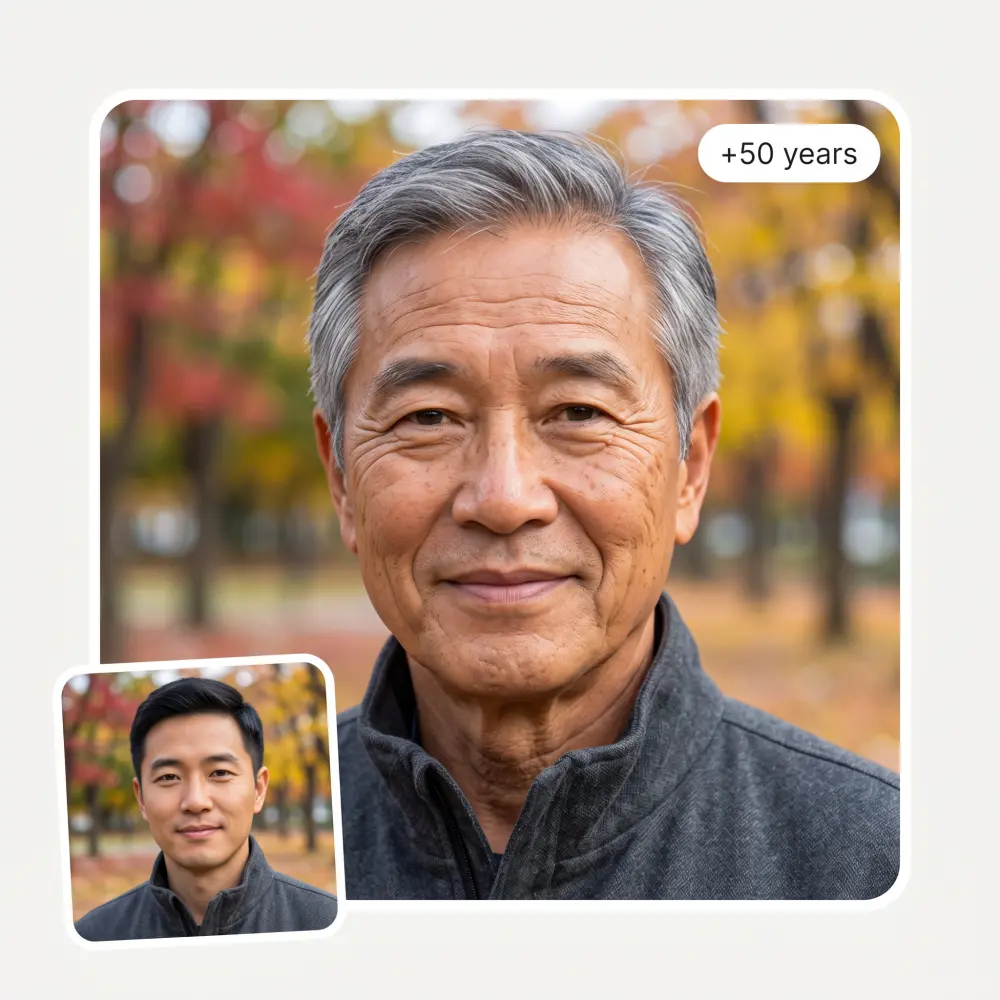
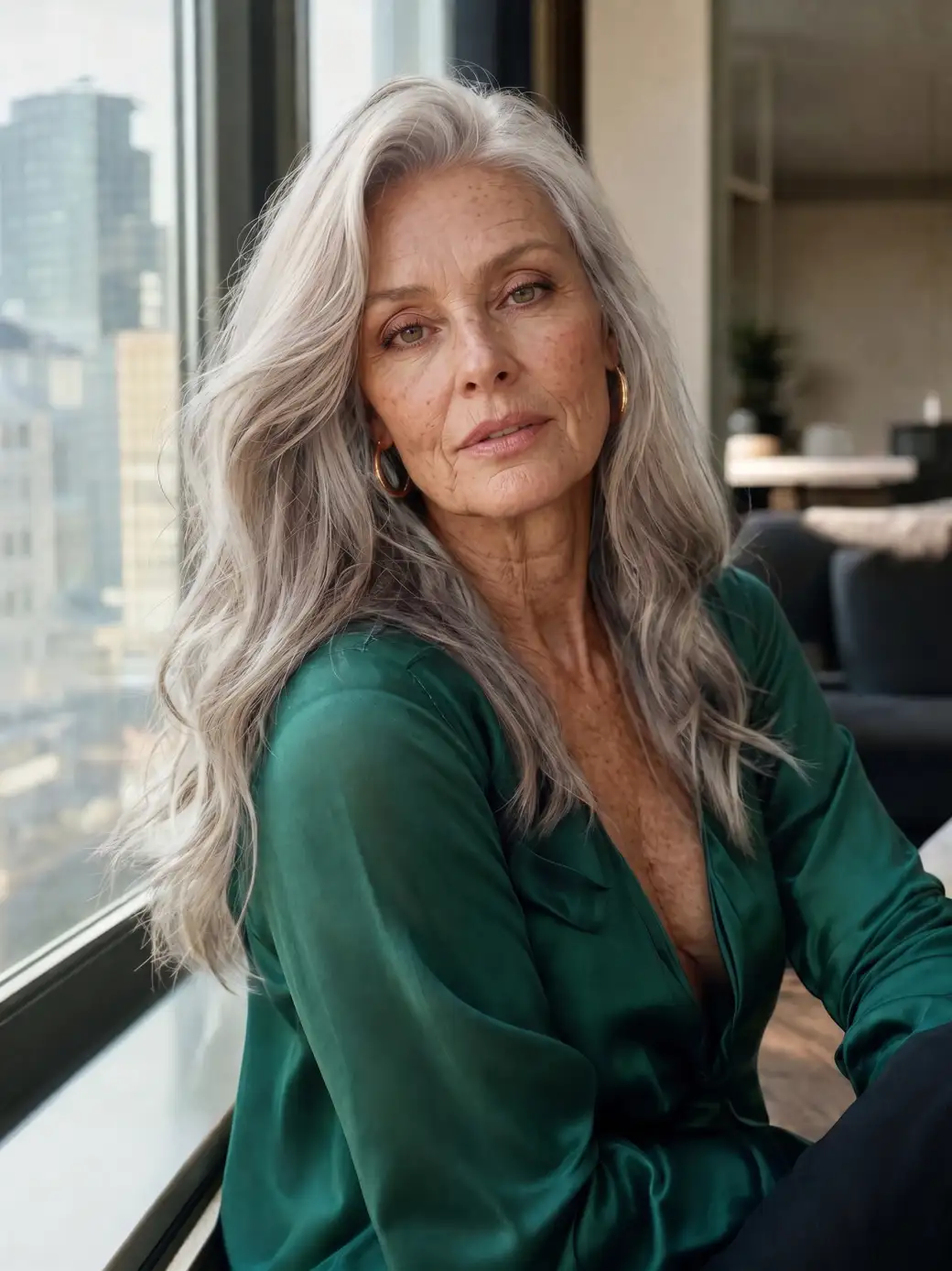
Laugh lines, silver hair, age spots and softened skin — the model ages the face the way time actually does, not by pasting on a wrinkle texture.
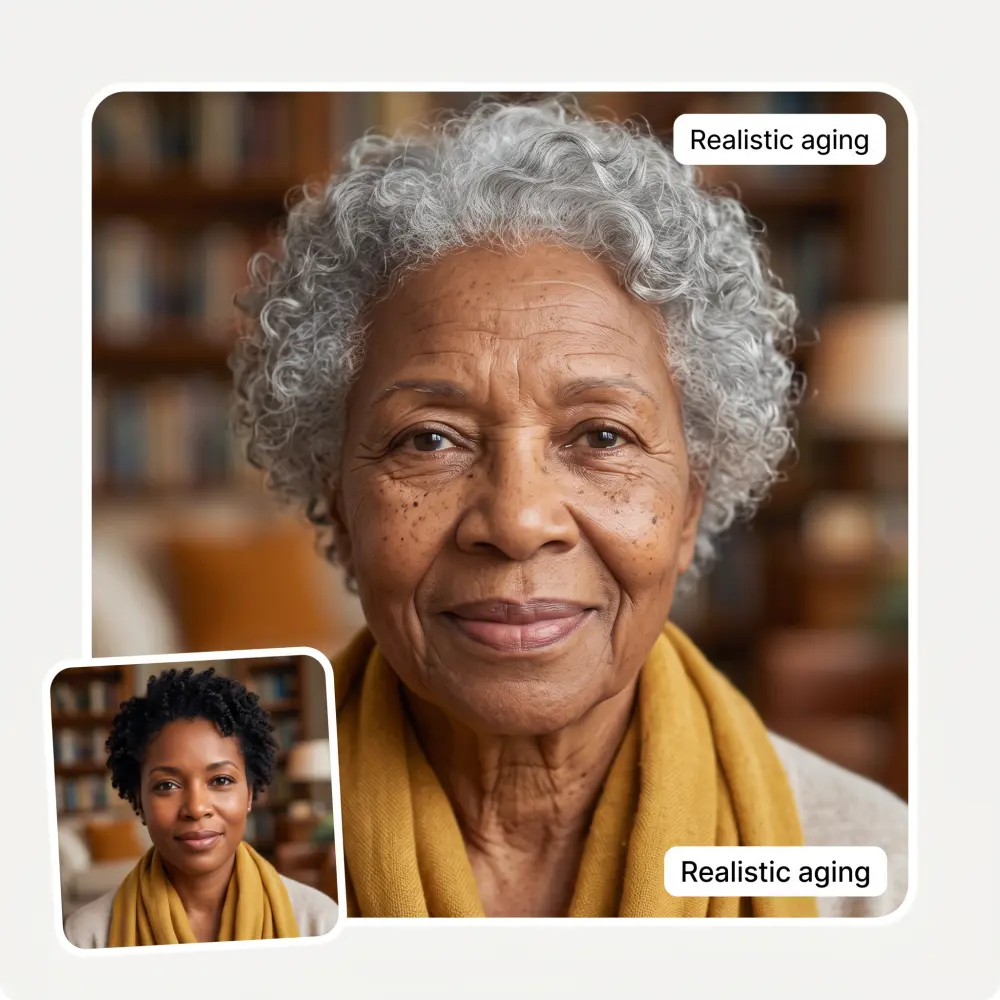
At +300 years the result stops being a prediction and becomes comedy. It's the version you send to the group chat.
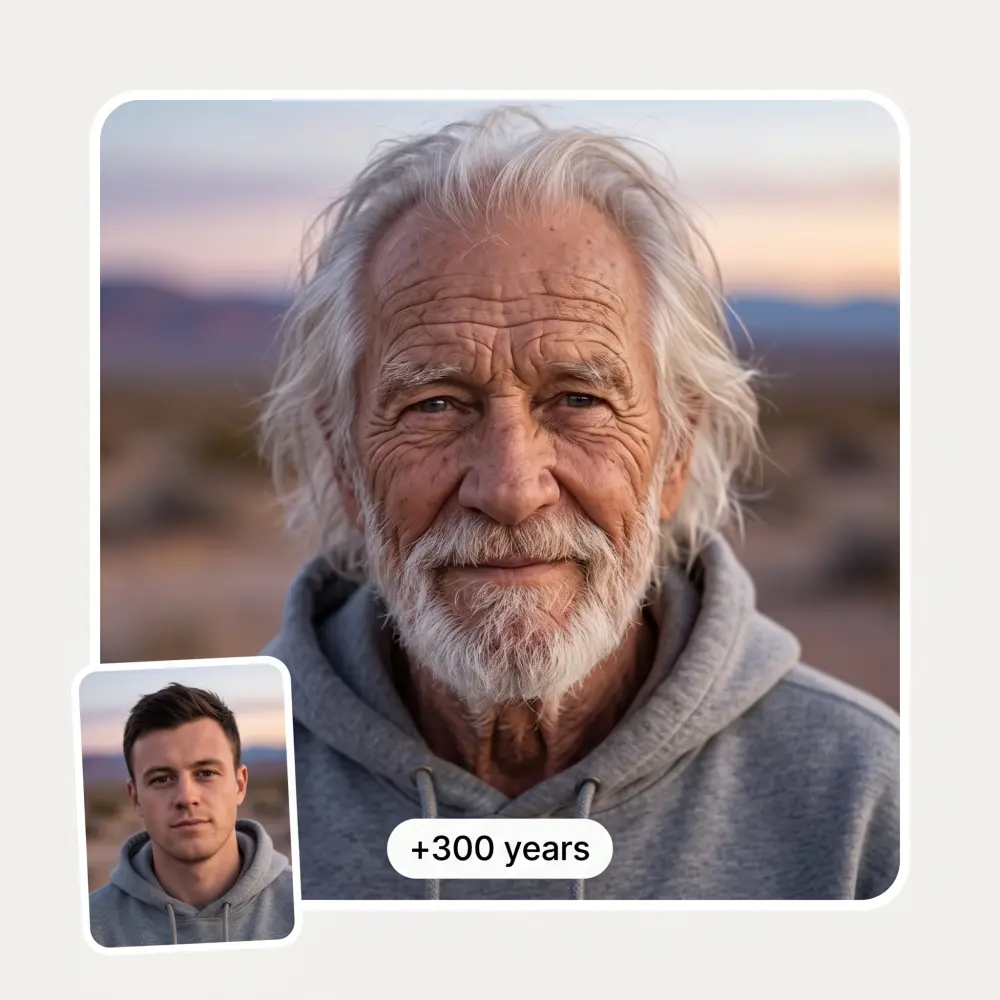
Upload a photo with your partner or friends and age everyone in it at once — same pose, same hug, fifty years later.

A clear, front-facing photo of a face — JPG, PNG, WebP or iPhone HEIC.
Drag the slider anywhere from +5 to +300. Fifty years is a realistic preview; three hundred is pure entertainment.
The optional text field lets you steer the scene — 'still wearing sunglasses' keeps the shades on your older self.
Press See myself old, wait about 30 seconds, compare before and after, and save the HD result.
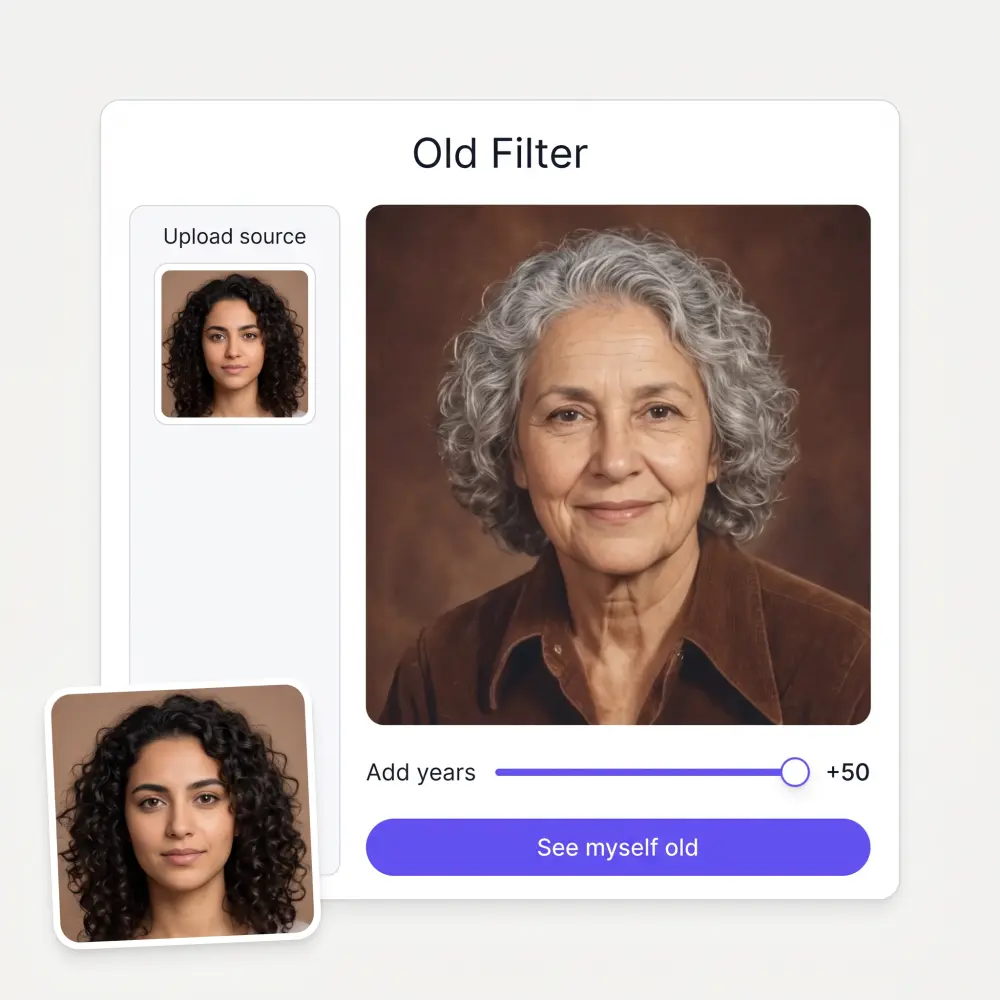
Everyone wonders. Thirty seconds and a slider beat years of waiting for the answer.
Age the two of you together and see the fifty-year version of the relationship. Weirdly romantic, extremely shareable.
The aging filter periodically takes over TikTok and Snapchat. Make yours from a photo you actually like, in HD, without an app install.
A +50 preview of the birthday person is a card, a gift and a roast in one image.
Need a reference of a character — or yourself — decades older? Set the years, keep the outfit, get the reference.
Age yourself and hold the result next to a photo of your parent. The overlap is usually closer than you expect.
Easy and convenient!
Nice app, everything in one place
I've started to use overchat last week and it feels very promising. Lots of AI models in one place saves a lot of money in comparison if you buy subscriptions for each one.
Great experience! It helps me able to do my work and respond to questions quickly trusting that the my responses are grammatically correct.
Affordable and simple to use. I like that I don't have to pay for several different services anymore.
I ask. CHATGP answers. I check on the answer and it's always been correct.
Upload a photo, drag the slider to how many years you want to add and press See myself old. In about 30 seconds AI ages your face — wrinkles, gray hair, softened skin — while your pose and background stay the same.
It is a realistic simulation, not a prediction. The AI ages your actual features the way faces typically age, so the result usually looks plausibly like older you — but genetics, lifestyle and luck will write the real version.
Yes — age yourself as many times as you like on this page. Overchat AI also has dozens of other free image tools worth trying.
Yes — that is the point of the slider. Anywhere from a subtle +5 years to a completely absurd +300. The aging scales with the number you pick.
Comedy. The model pushes far past a normal lifespan into ancient, deeply weathered territory while keeping you recognizable. It is the setting people use for the group chat.
Yes — the filter ages the people in the photo together, same pose and framing. Couple photos and family shots are some of the most-shared results.
An optional instruction that rides along with the aging — 'still wearing sunglasses', 'as a sea captain', 'in the same hoodie'. Leave it empty for a straight aging pass.
It is used to generate the aged preview and is not published anywhere. Upload only photos of yourself or people who are in on the joke.
Available on Web, iOS, and Android. Access your AI assistant anywhere, anytime.

.webp)