

Transform any photo into a beautiful pencil sketch, charcoal drawing, or artistic illustration with AI. Get stunning hand-drawn results in seconds.
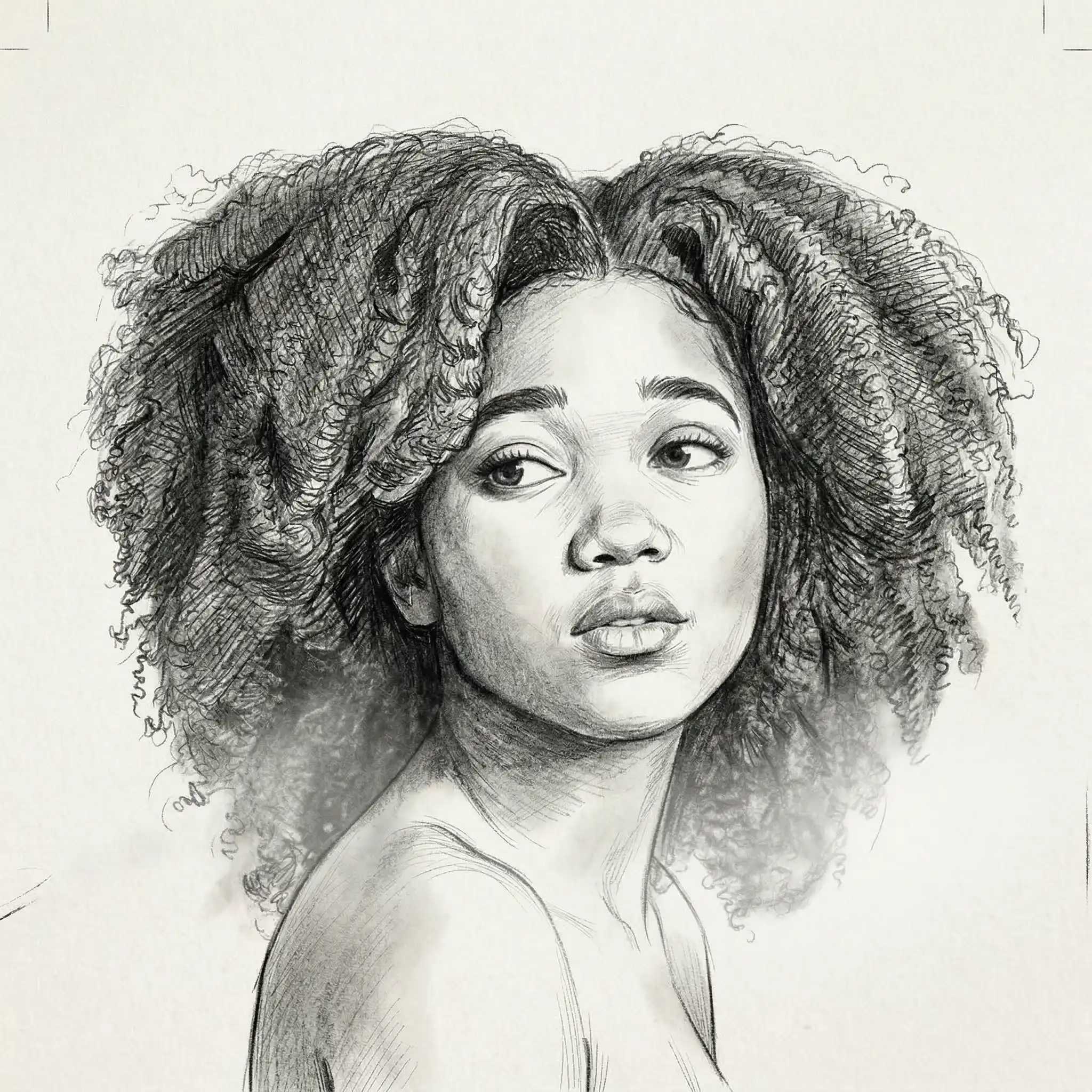
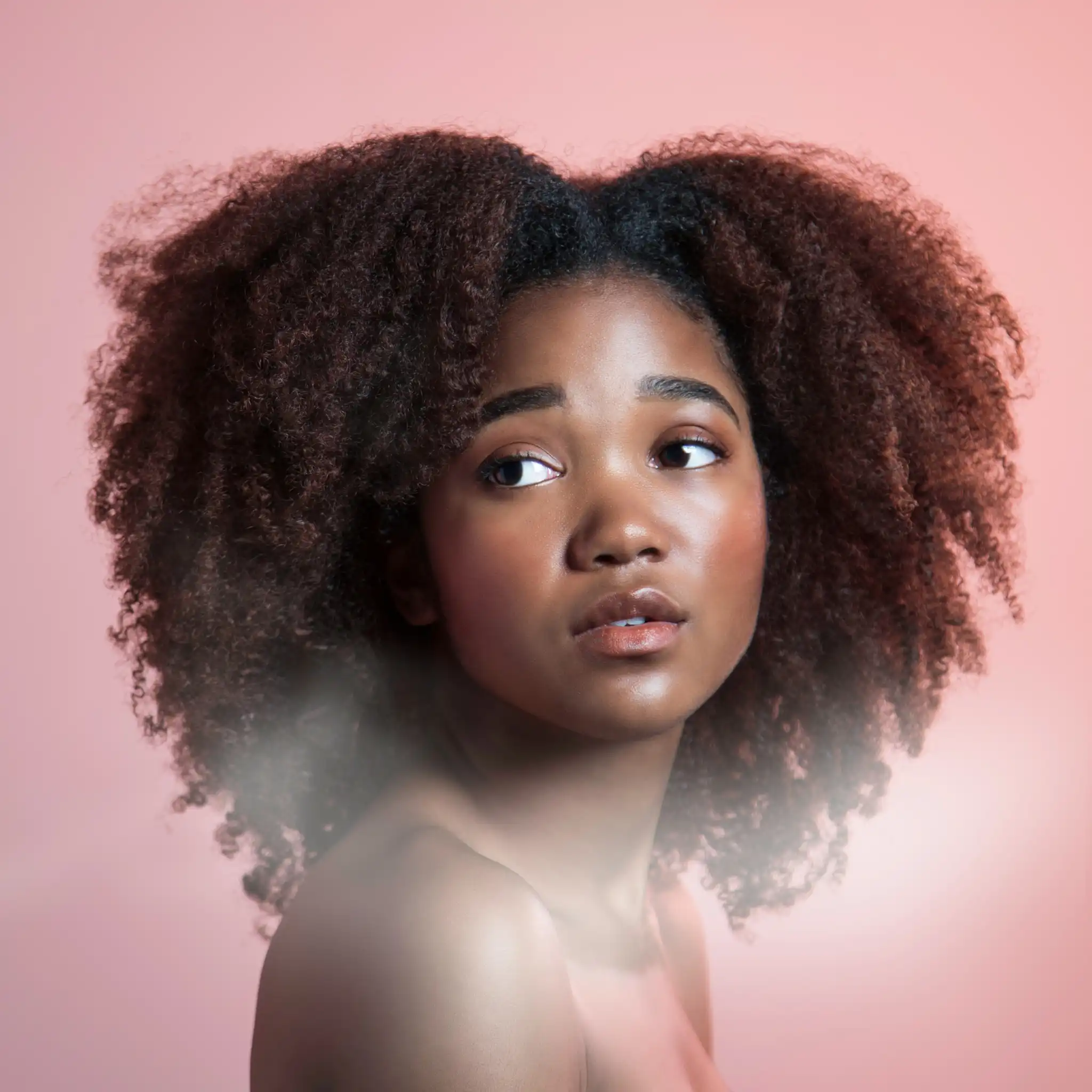

Turned my portrait into a pencil sketch and it looks like a professional artist drew it. Absolutely stunning!

Converted my landscape photos to charcoal drawings. The detail and shading are incredible.

Made sketch versions of family photos as gifts. Everyone thought they were hand-drawn by a real artist!

Pro quality is amazing. The pencil sketch captured every detail of my pet's face perfectly.

So easy! Just uploaded my selfie and got a beautiful sketch in seconds. Printed it and framed it on my wall.

Use this for my art reference workflow. The sketch conversion is spot-on every time. 10/10.
Turned my portrait into a pencil sketch and it looks like a professional artist drew it. Absolutely stunning!
Converted my landscape photos to charcoal drawings. The detail and shading are incredible.
Made sketch versions of family photos as gifts. Everyone thought they were hand-drawn by a real artist!
Pro quality is amazing. The pencil sketch captured every detail of my pet's face perfectly.
So easy! Just uploaded my selfie and got a beautiful sketch in seconds. Printed it and framed it on my wall.
Use this for my art reference workflow. The sketch conversion is spot-on every time. 10/10.
Use our free AI-powered tool to transform any photo into a beautiful hand-drawn sketch. Just upload your image and get a stunning pencil sketch in seconds — no drawing skills or Photoshop required.
No more complex editing software — transform any photo into a professional-looking sketch with our AI tool in just a couple of clicks.

Our AI analyzes your photo and recreates it as a detailed pencil sketch, preserving faces, textures, and fine details for a realistic hand-drawn look.
Choose from pencil sketch, charcoal drawing, ink illustration, and more. Customize the style to get exactly the artistic look you want.
Upload a photo, get a sketch in seconds. Download your result in HD quality without watermarks.
USE CASES
Stand out on Instagram, TikTok, or Pinterest by turning your photos into eye-catching sketches that get more engagement than regular posts.
Turn selfies and portraits into beautiful pencil sketches. Perfect for personalized gifts, profile pictures, or just for fun.
Create one-of-a-kind sketch art from your favorite photos. Print them on canvas, mugs, or cards for a truly unique and thoughtful gift.
Transform your favorite landscape or architecture photos into elegant sketches and use them as wall art or home decorations.
Turn your pet photos into adorable pencil sketches. A great way to capture your furry friend in a timeless artistic style.
Use photo-to-sketch conversions for storyboards, concept art, coloring pages, or illustrations for your creative projects.
Join thousands of people who are already using Overchat AI to turn their photos into stunning sketches.
Overchat AI brings you the power of the world's top AI models: GPT, Claude, Gemini, Mistral, and more.

It's an online tool that uses artificial intelligence to transform any photograph into a hand-drawn sketch. Instead of spending hours drawing by hand, the AI analyzes your photo and recreates it as a pencil sketch, charcoal drawing, or ink illustration in seconds.
Simply upload your photo and the AI will analyze edges, shading, and textures to generate a realistic sketch. The process takes just a few seconds and you can download the result immediately.
Photos with clear subjects, good contrast, and sharp details produce the best sketches. Portraits, pets, landscapes, and architecture all work great. Blurry or very dark images may produce less detailed results, so try to use well-lit, high-resolution photos for the best output.
Overchat AI is one of the best online photo to sketch converters. It's free, easy to use, and produces high-quality results with realistic pencil strokes and shading.
Overchat AI Photo to Sketch is a paid tool, but we have many free AI tools, including a free AI image generator — to get started, just create a free account on Overchat AI.

Chinese company Baidu has quietly released a model that's just as good as DeepSeek and ChatGPT — ERNIE 4.5 delivers exceptional performance at a fraction of the cost — and most people outside China have never even heard of it.

If you're wondering: what is DeepSeek AI, the answer is quite simple. DeepSeek AI is a Chinese AI research lab that builds large language models. The company released several models in late 2024 and early 2025 that compete directly with OpenAI's GPT-4 and Anthropic's Claude, but at a fraction of the operating cost.

ChatGPT Plus costs $20 per month plus tax, while the Pro plan costs $200 per month plus tax. Understandably, not everyone is willing to pay that much for a chatbot, especially if the premium features aren’t worth it to them. This raises an obvious question: how can I use ChatGPT for free?
Available on Web, iOS, and Android. Access your AI assistant anywhere, anytime.



.svg)
