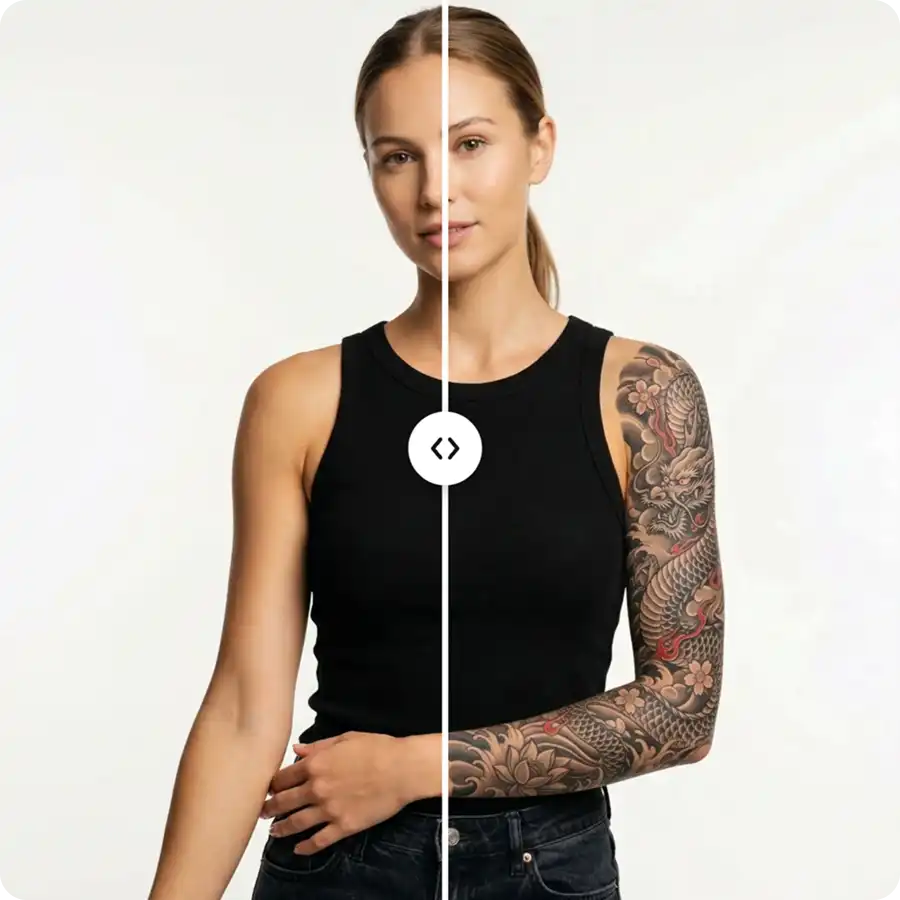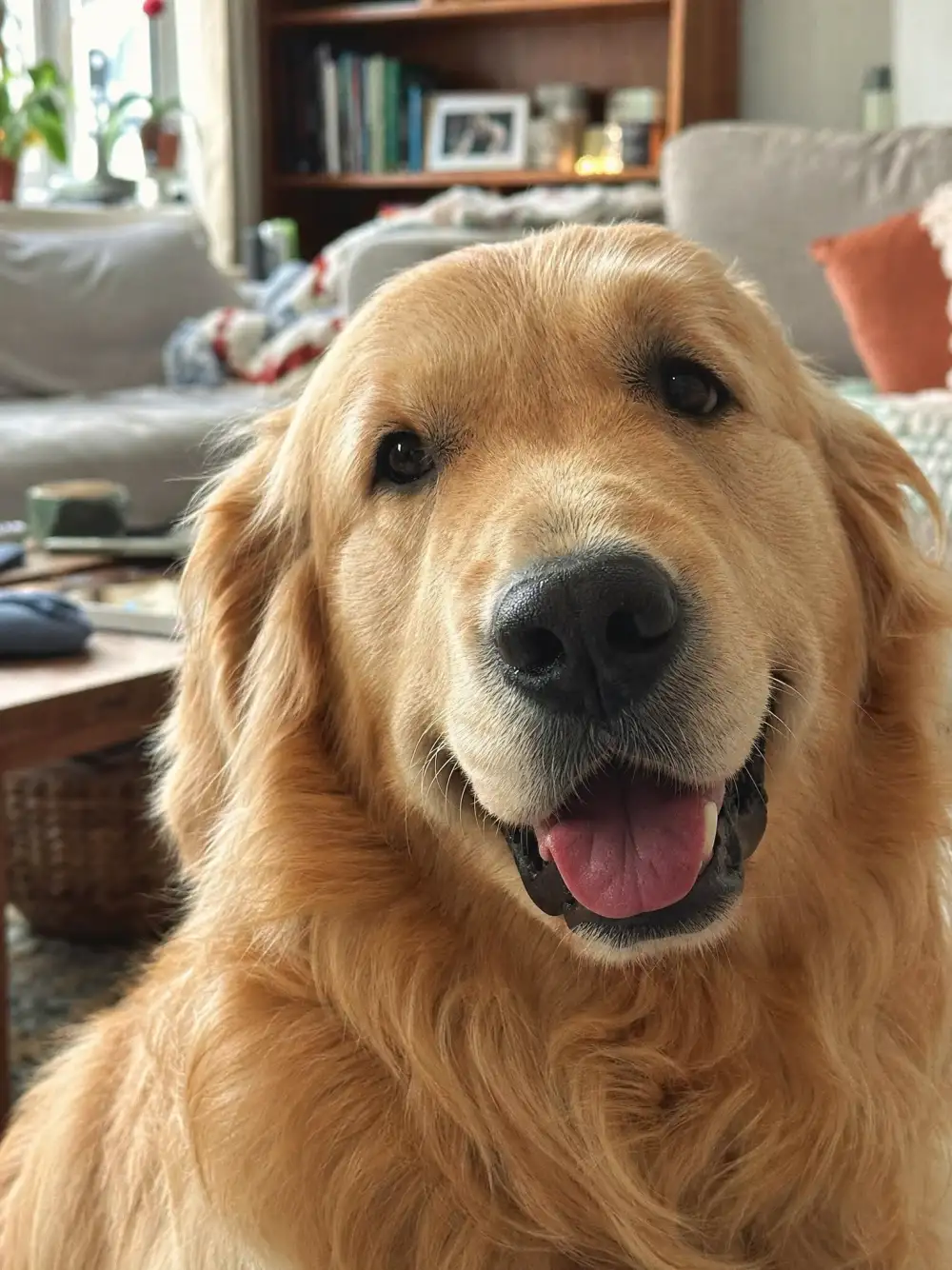
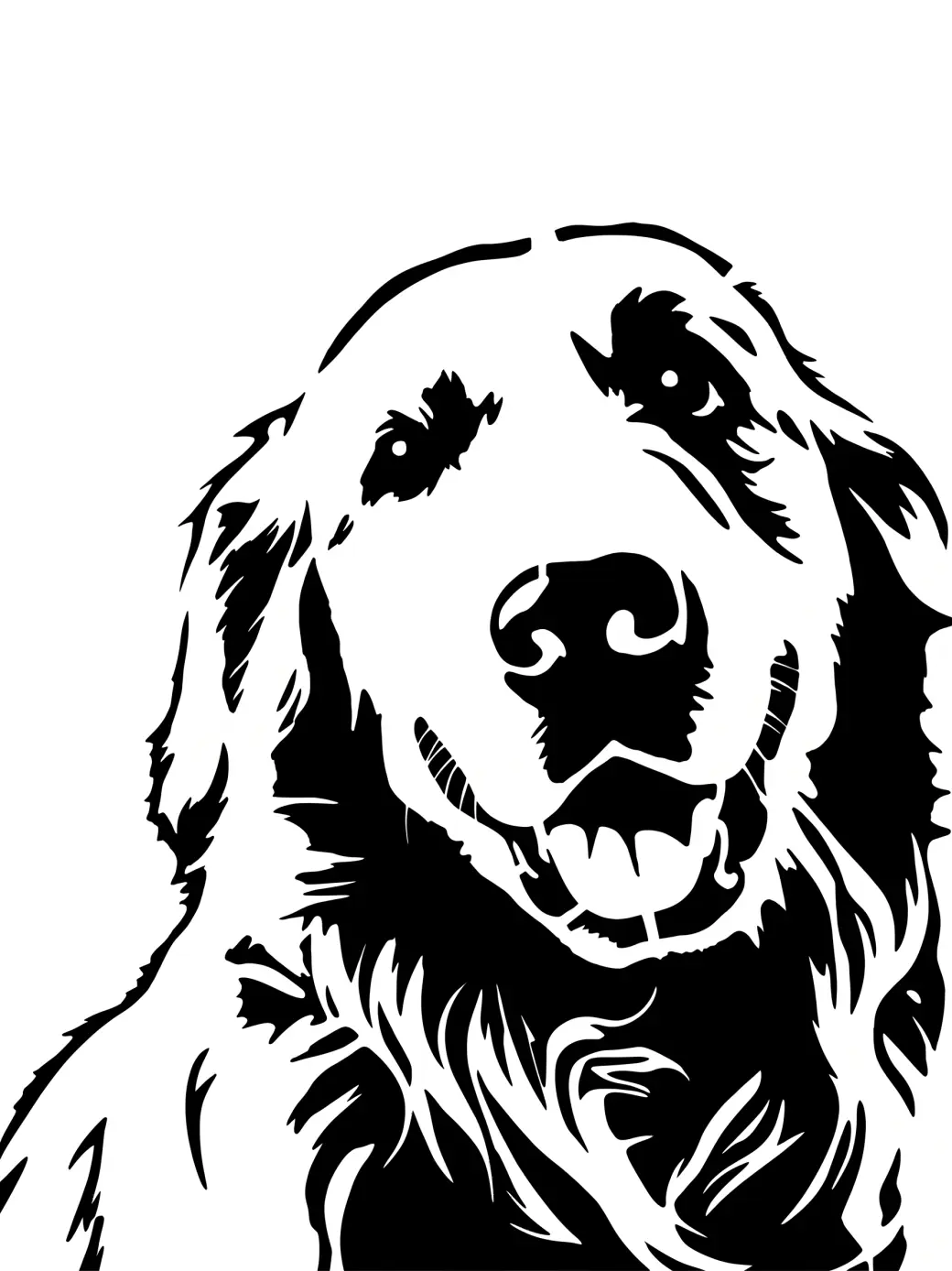
 Before
After
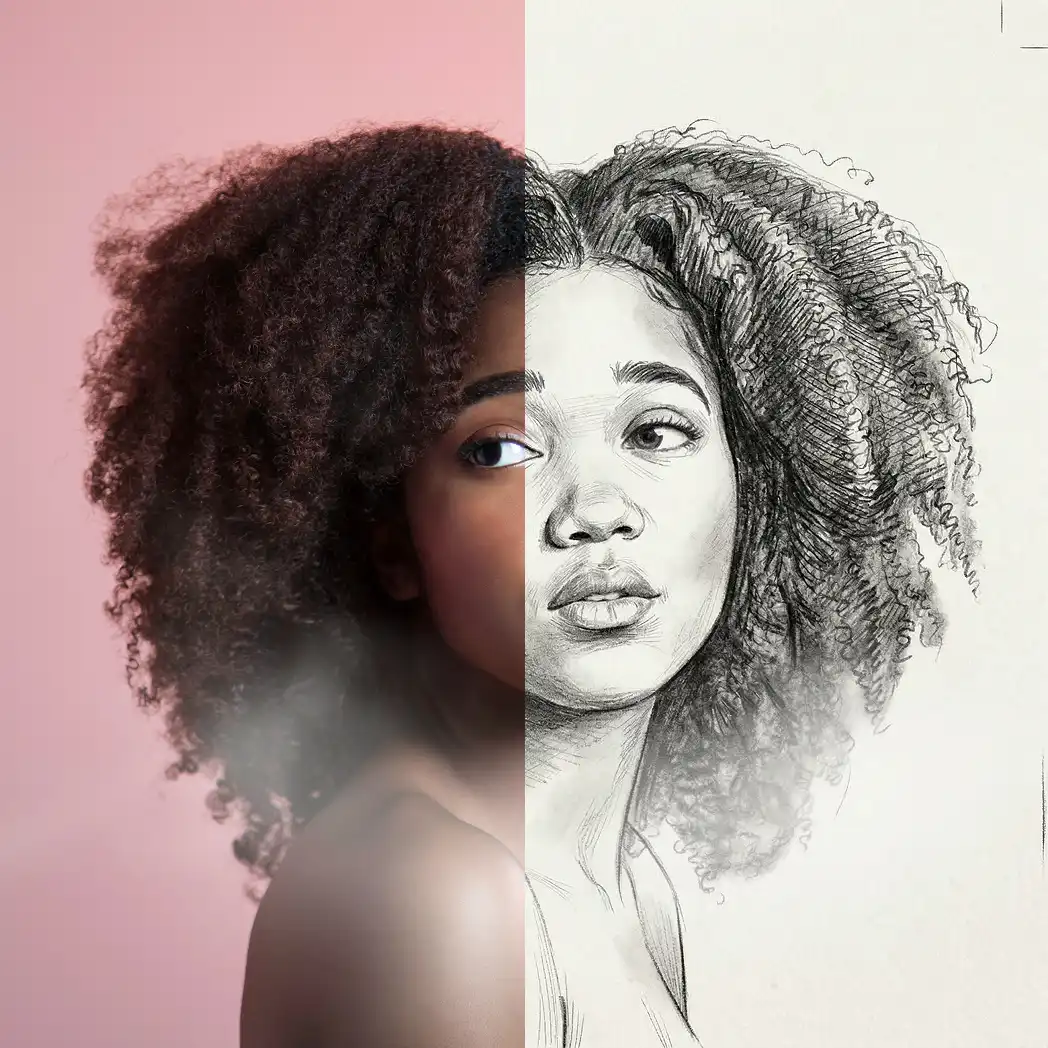
Before
After
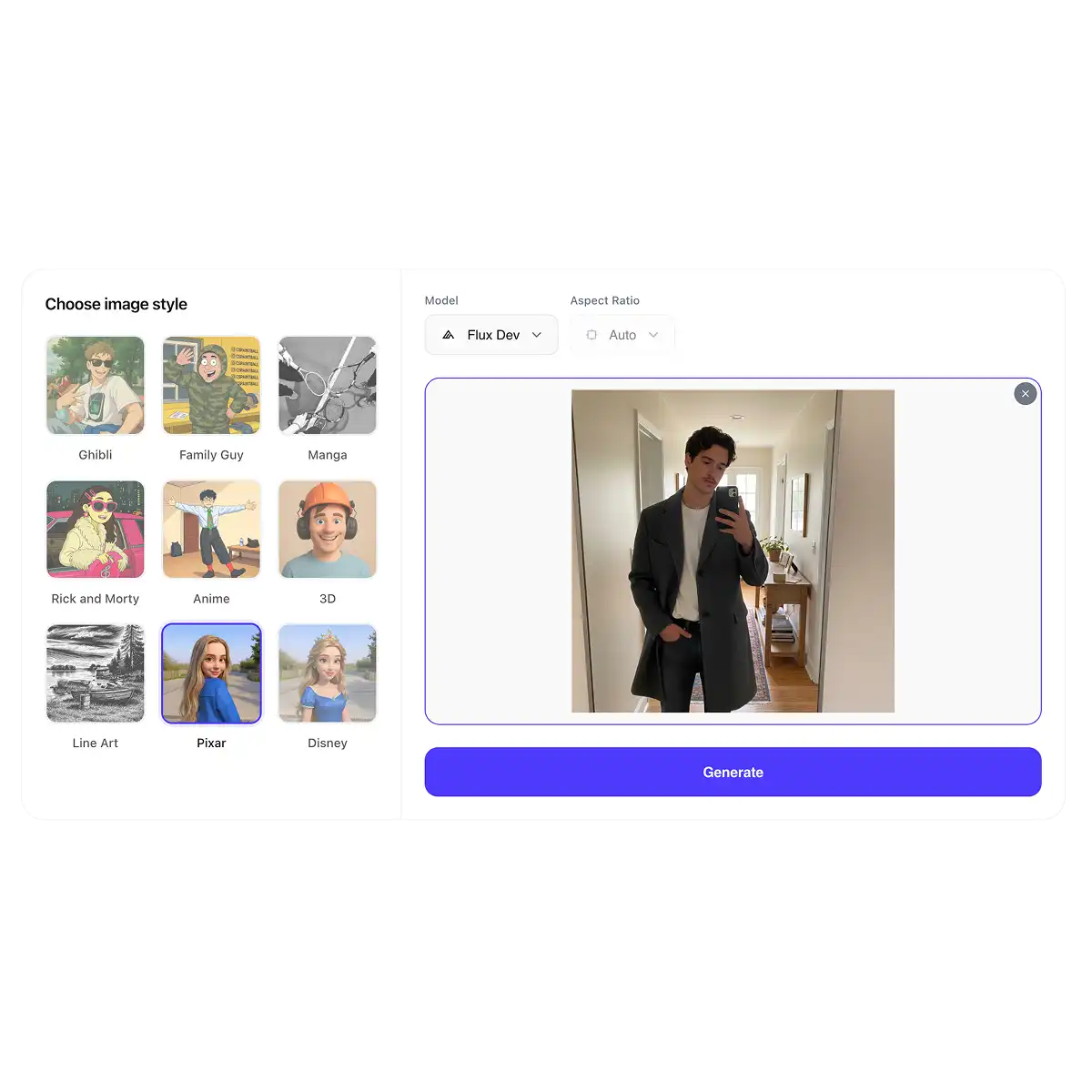
Turn any photo into a clean, printable stencil in seconds. Pure black-and-white, cut-ready shapes — perfect for spray paint, Cricut, tattoos, and crafts.
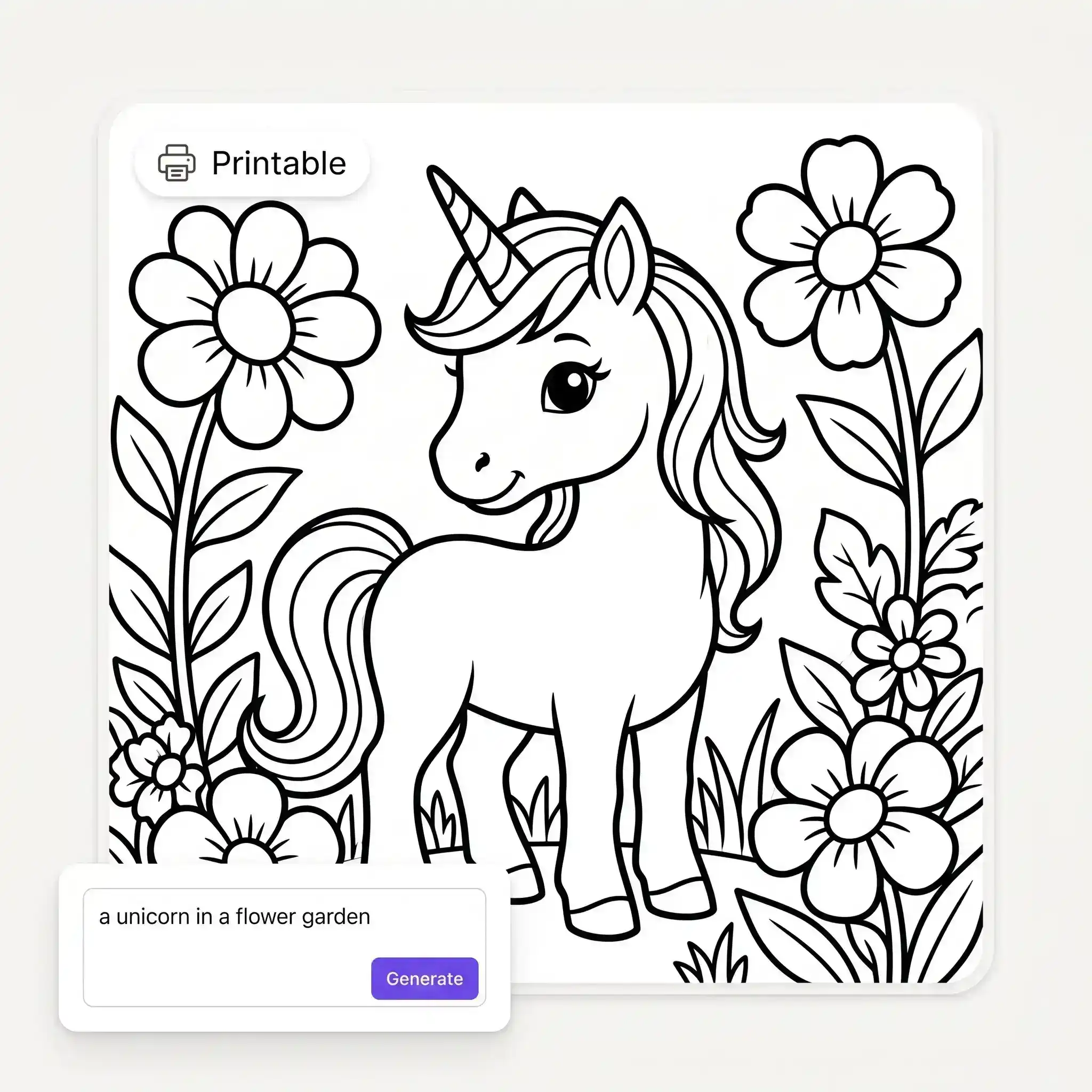
Before
After
Upload any picture — a pet, a face, a plant, a logo sketch — and the AI traces it into a clean, high-contrast stencil. No manual thresholds, layers or path tools like in classic stencil software. One photo in, one printable stencil out.
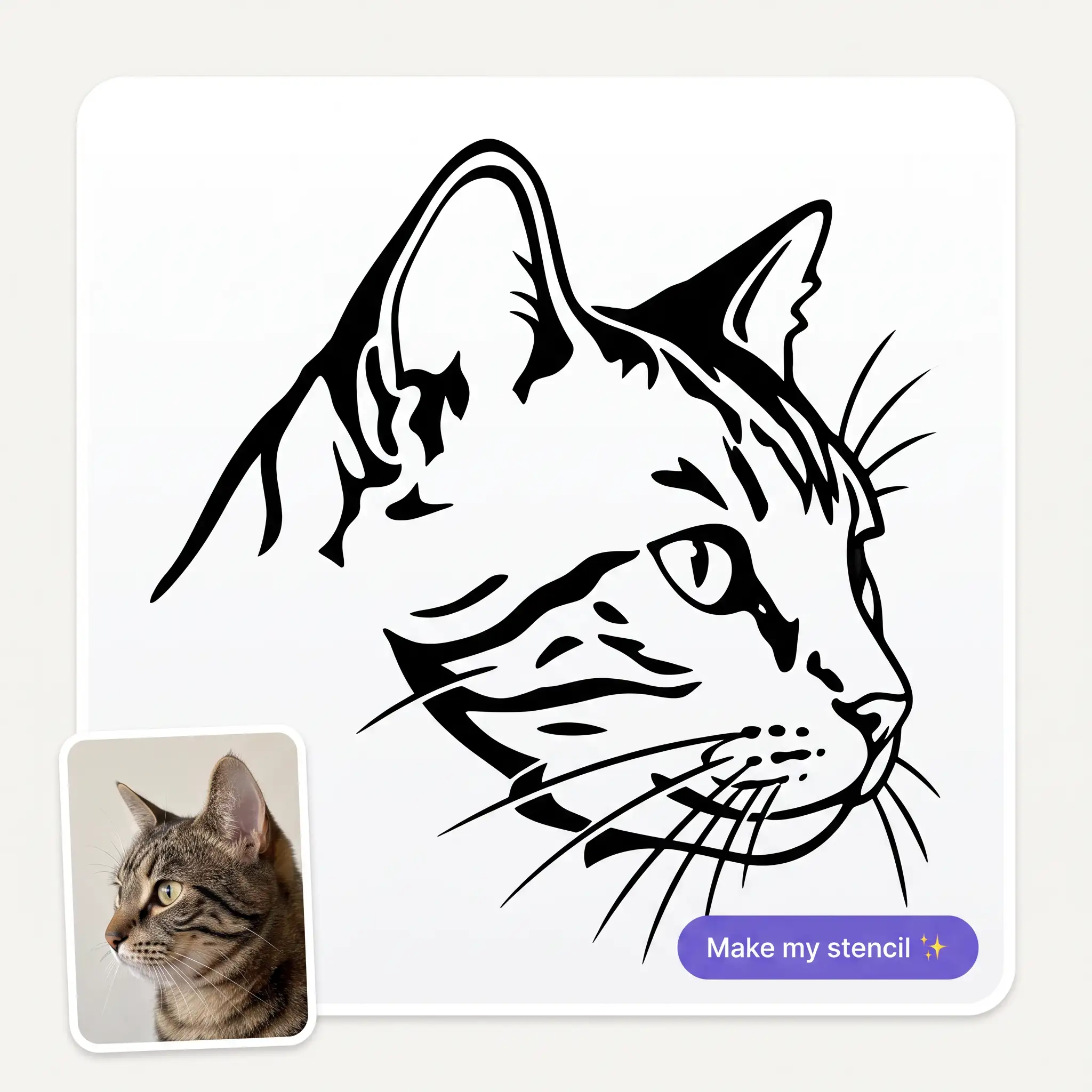
Line art gives a clean single-weight outline, Detailed keeps interior shading for realistic transfers, and Spray builds bold solid shapes made for paint. Same photo, three different reads. Switch styles and regenerate until it fits the job.
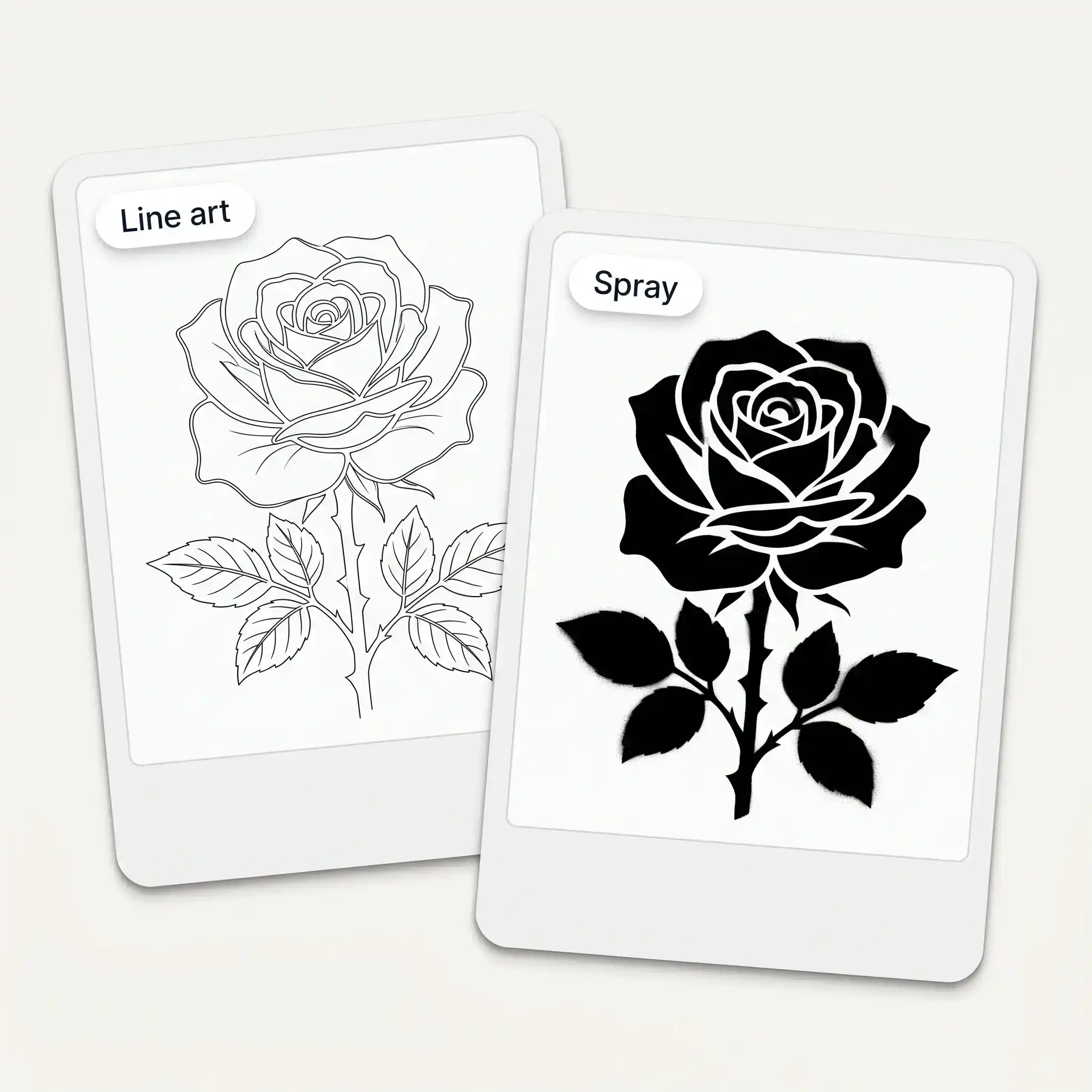
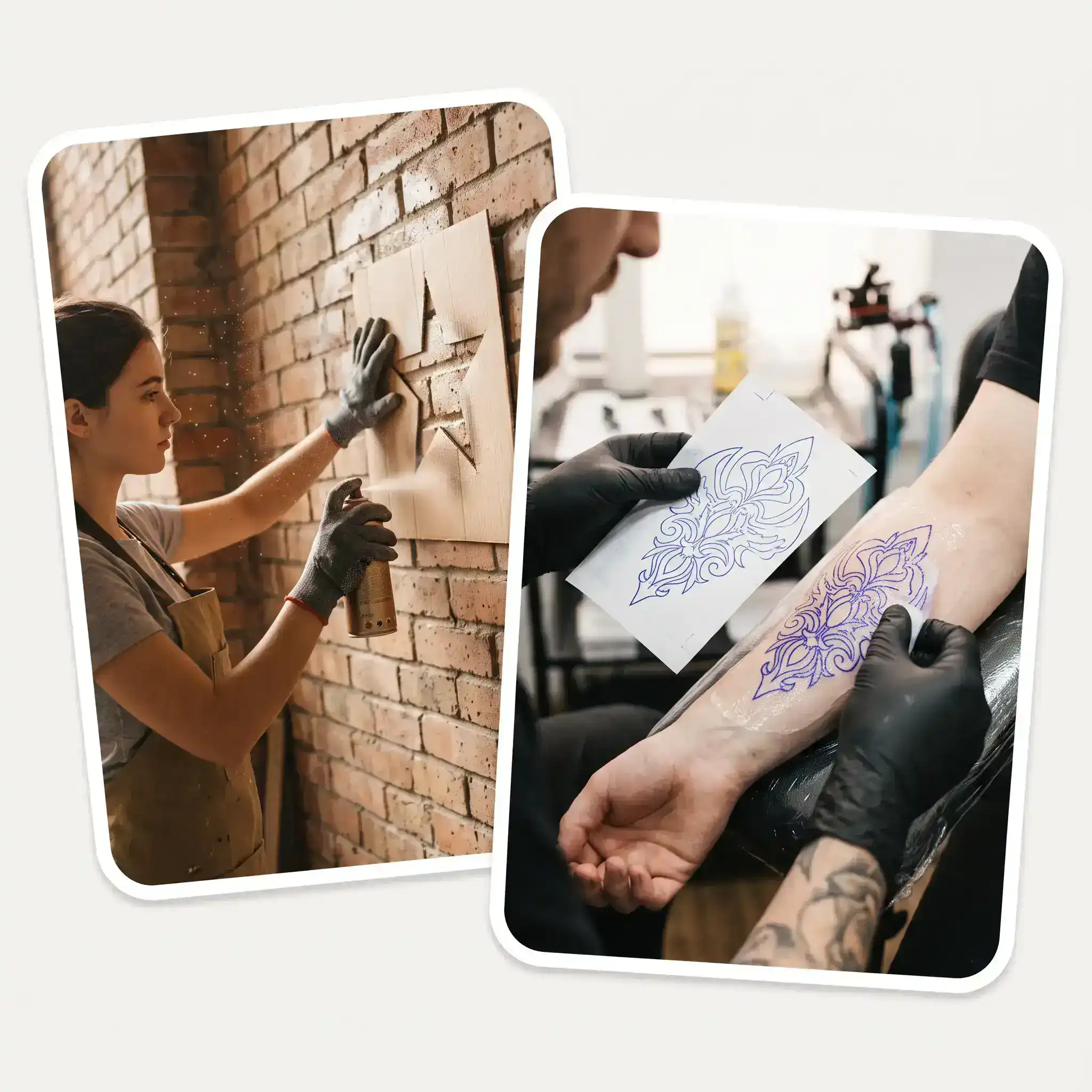
Outline stencils work as tattoo references and transfer drawings, spray style suits murals and fabric, detailed suits woodburning and engraving. The output is pure high-contrast black-and-white — exactly what a stencil needs. Print it at any size.
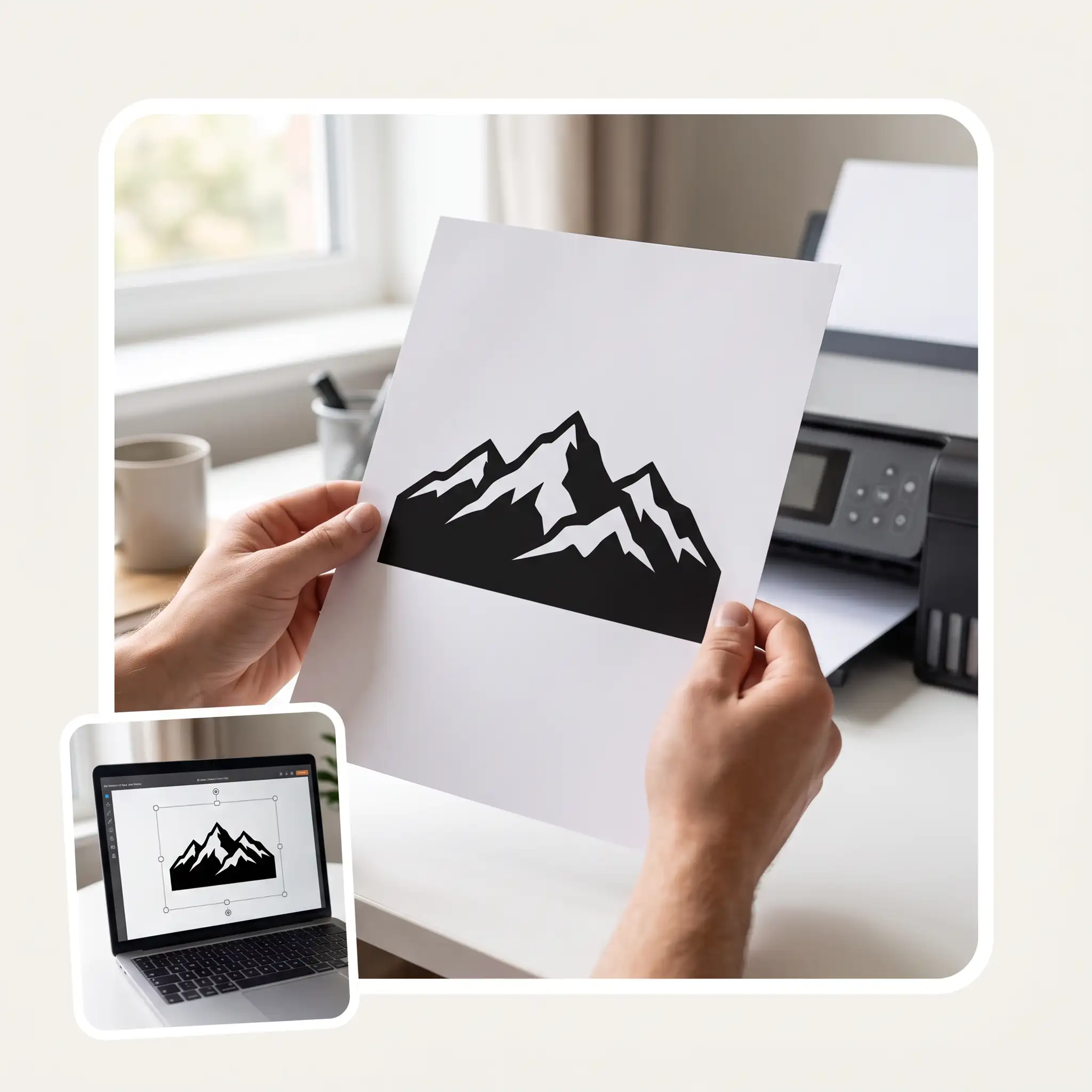
You get a crisp PNG on a white background that prints cleanly on a home printer. Scale it to A4 or poster size without redrawing anything. For cutting machines, trace it to SVG in your cutter software first.
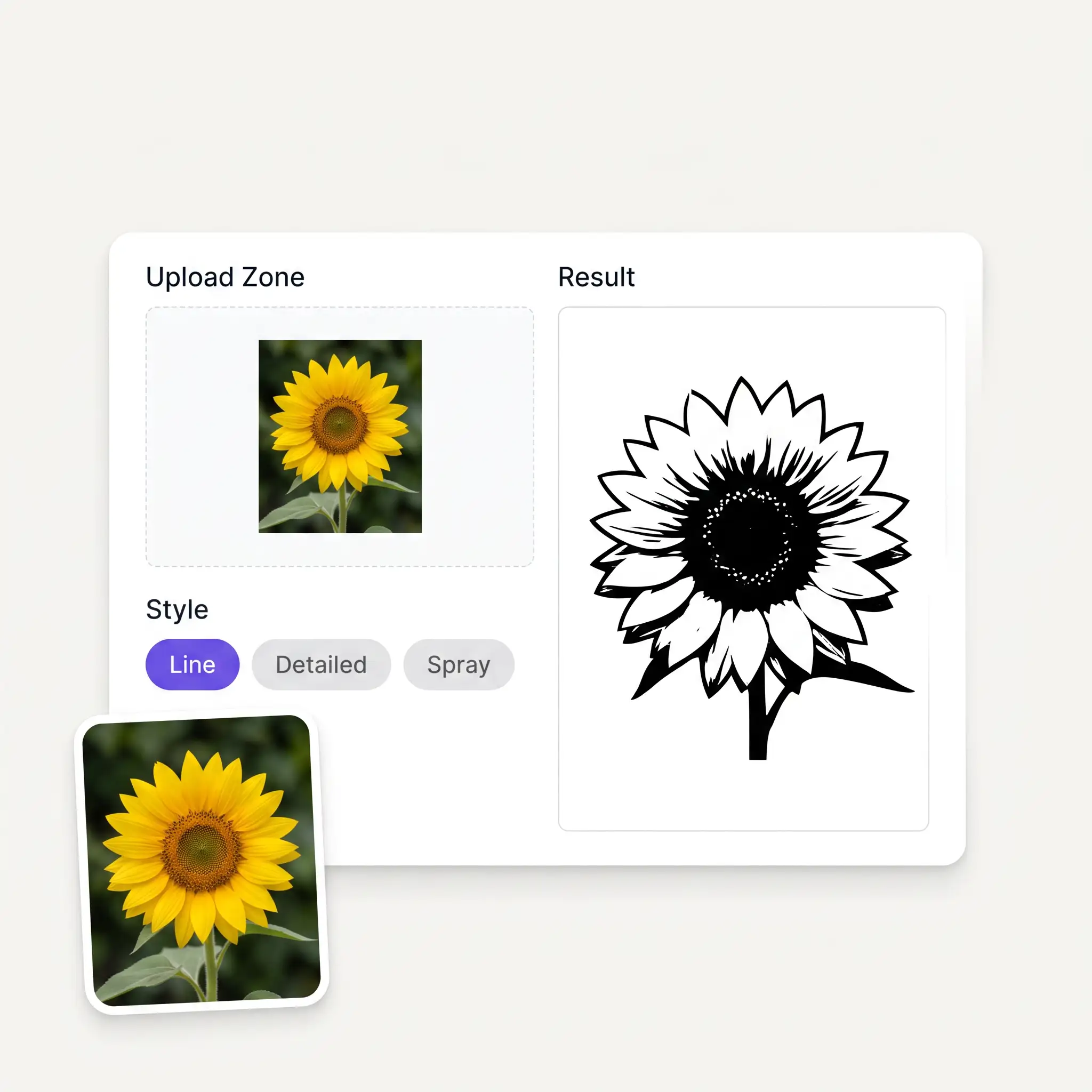
A clear subject on a simple background traces best. JPG, PNG, WebP or HEIC up to 20 MB.
Line art for outlines, Detailed for shading, Spray for bold paint-ready shapes.
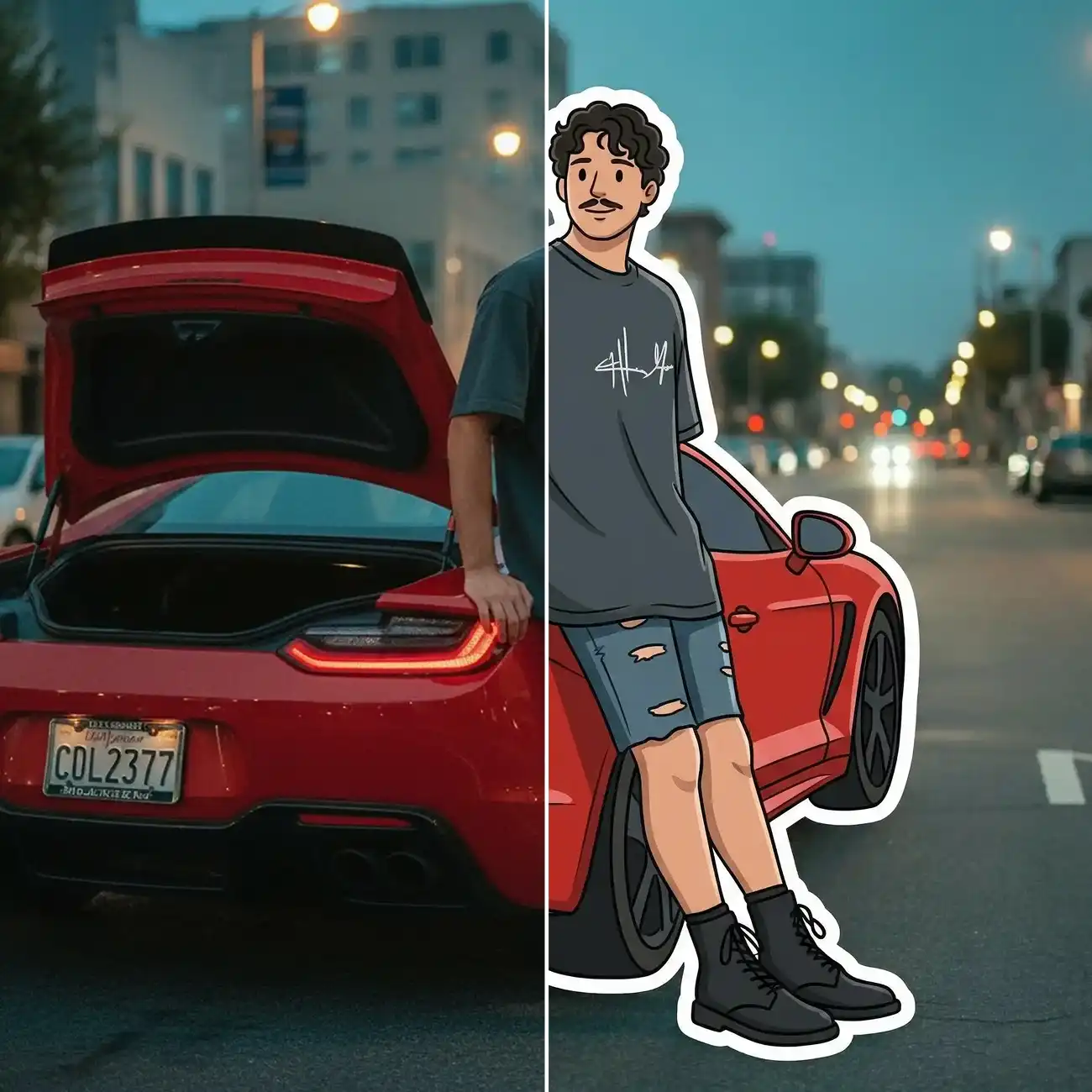
The photo is converted into high-contrast black-and-white stencil artwork in seconds.
Save the PNG and print it at any size — regenerate anytime to try another style.
One photo, three stencil styles — clean line art, detailed shading and bold spray-paint.
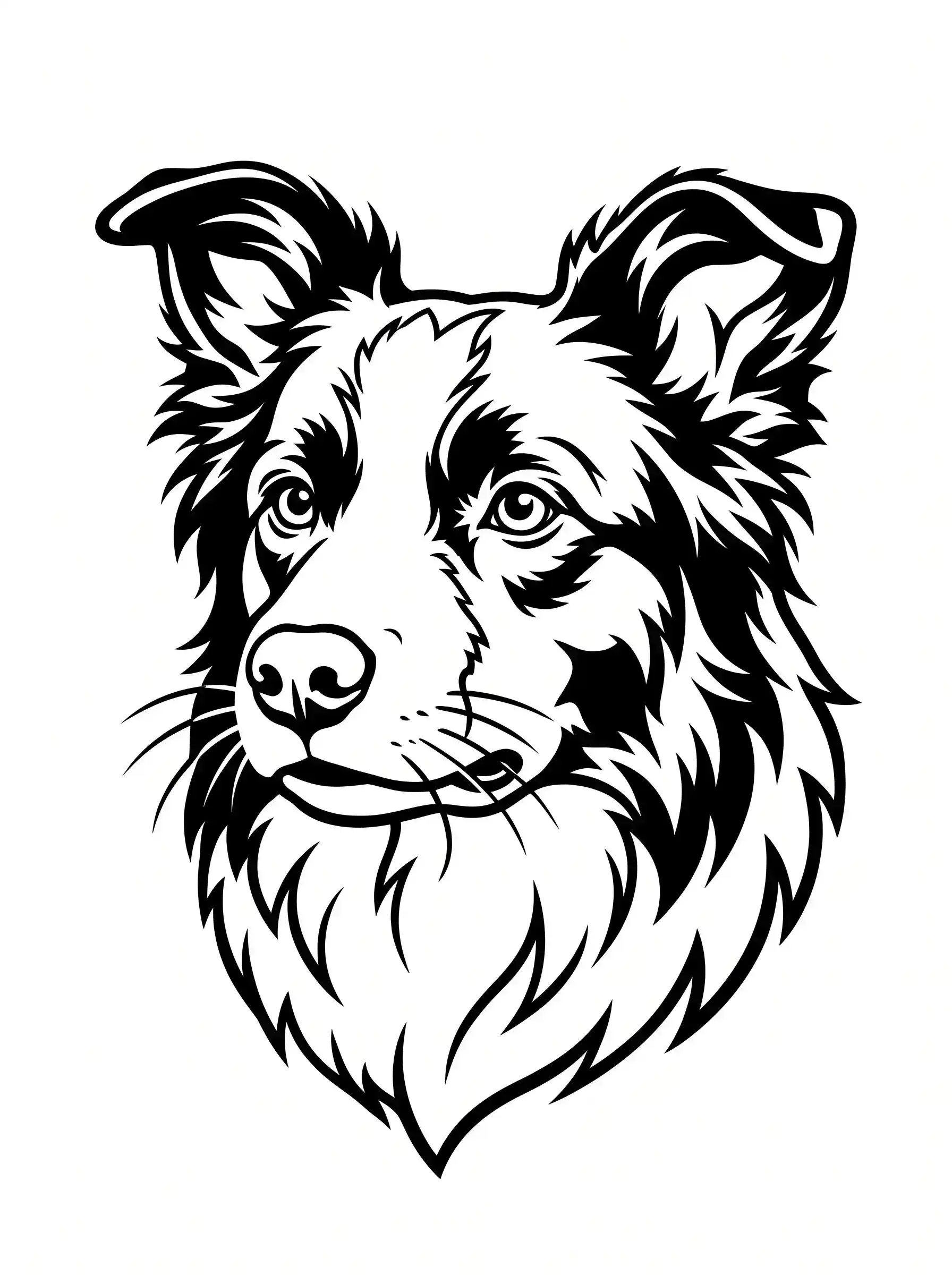
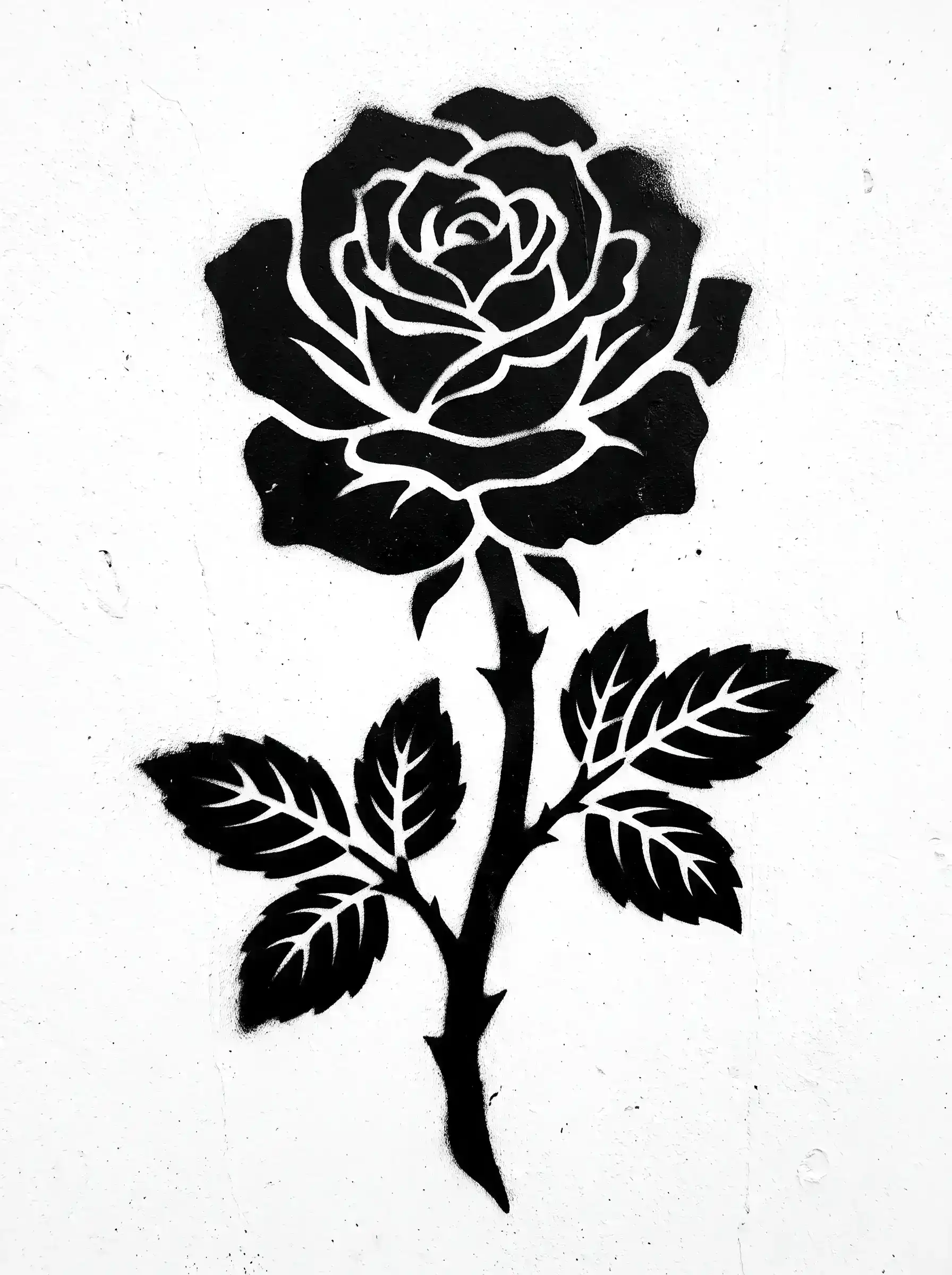
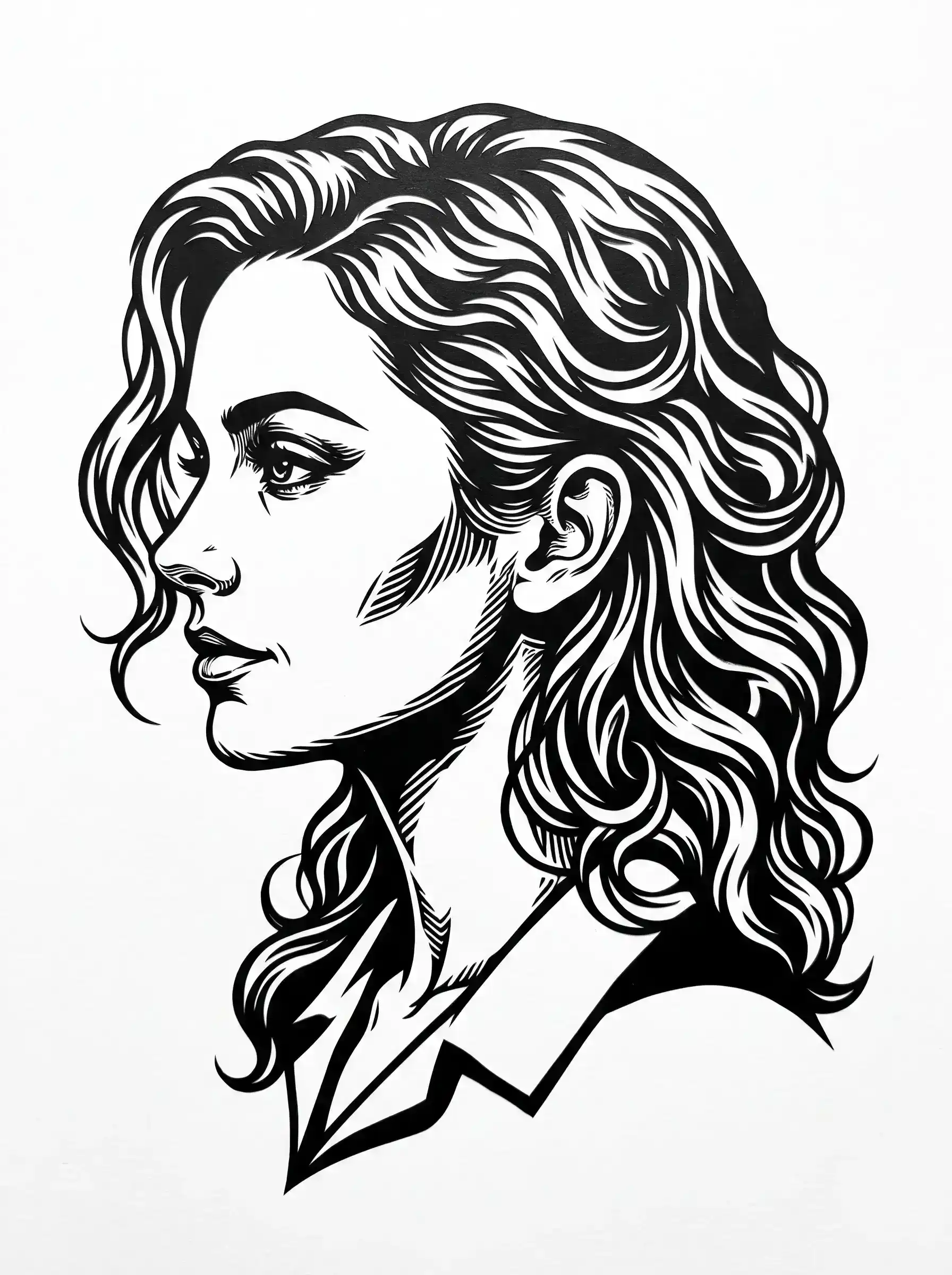
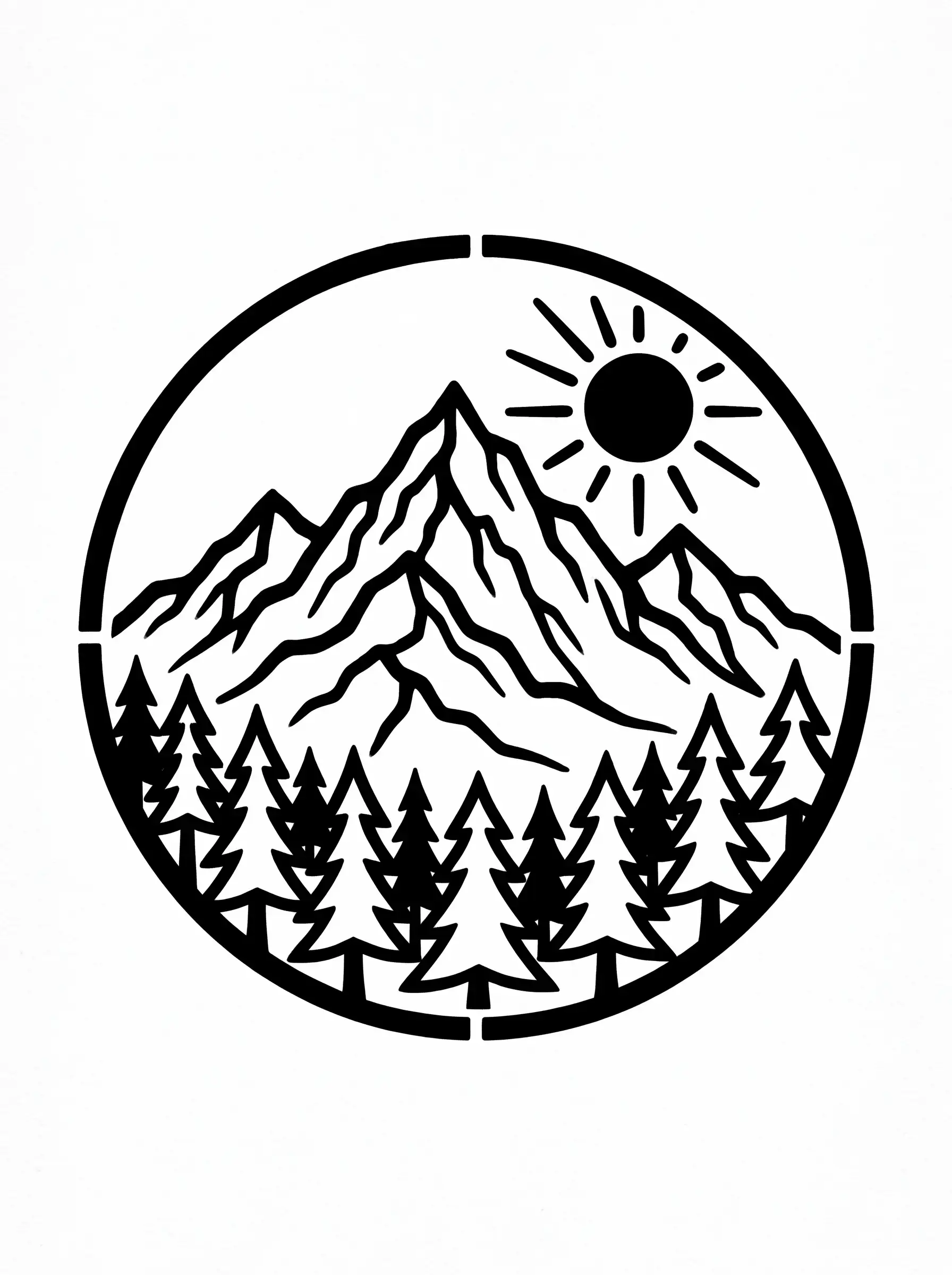
Turn a client's reference photo into a clean outline you can refine and transfer — a first pass in seconds instead of an hour of tracing.
Custom stencils for cards, fabric, furniture and gifts — without learning vector software first.
Bold, solid shapes that survive being cut and sprayed — the Spray style is built for exactly that.
Turn any lesson theme into a craft activity: print a stencil per kid and let them paint.
Patterns for woodburning, engraving and router work — generated from any reference photo.
Start from a photo instead of hunting for cut files — generate the stencil, then trace it to SVG in your cutter software.
It's a nice place to be. I love it
im really into ai apps and that one is good, helps me with my arts and homework. i draw ai vids for inst and generate images with my characters, many widgets and models! like it
I've started to use overchat last week and it feels very promising. Lots of AI models in one place saves a lot of money in comparison if you buy subscriptions for each one.
Nice app, everything in one place
Affordable and simple to use. I like that I don't have to pay for several different services anymore.
Easy and convenient!
Upload the photo on this page, pick one of the three styles and hit generate — the AI traces the subject into a high-contrast stencil you can download as a PNG and print.
Yes — the Line art style produces the clean outline tattoo artists use as a transfer reference. Most artists will refine the trace to their own style before it touches skin, so treat it as a strong starting point.
Line art is a single-weight outline, Detailed keeps interior shading and texture, and Spray produces bold solid shapes with maximum contrast, built for spray paint. Same photo, three different stencils.
The output is a raster PNG, and cutting machines want vectors — so run it through the Trace tool in Cricut Design Space (or Inkscape's Trace Bitmap) to get an SVG first. The high-contrast output traces cleanly.
A single clear subject, decent lighting and a background that doesn't compete. Faces, pets, plants and objects all work — very busy scenes produce busy stencils.
Yes — it's a standard PNG on a white background, so any home printer handles it. Scale it up for posters or down for cards without special tools.
The Spray style leans on bold connected shapes, which cut and hold far better than thin lines. Before physically cutting any stencil, scan it for isolated 'islands' and add small bridges where needed.
Yes — generate stencils free on this page. Overchat AI has plenty of other free art tools worth a look.
Available on Web, iOS, and Android. Access your AI assistant anywhere, anytime.

.webp)