

Turn any photo into a cute cartoon sticker with AI. Add bold outlines, vibrant colors, and white backgrounds — perfect for messaging, printing, or social media.

Turned my cat's photo into the cutest sticker ever! Bold outlines and vibrant colors — now it's my favorite chat sticker.

Made custom stickers of my dog for our group chat. Everyone loves them! So easy to use.

Created stickers from our vacation photos. The cartoon style is adorable — printed them on my laptop!

Pro quality is amazing. The stickers look professional — perfect for my Etsy shop.

So easy! Just uploaded my selfie and got a perfect cartoon sticker in seconds. Love the white background option.

Made a whole sticker pack of my friends' faces. We use them every day in our chat. 10/10.
Turned my cat's photo into the cutest sticker ever! Bold outlines and vibrant colors — now it's my favorite chat sticker.
Made custom stickers of my dog for our group chat. Everyone loves them! So easy to use.
Created stickers from our vacation photos. The cartoon style is adorable — printed them on my laptop!
Pro quality is amazing. The stickers look professional — perfect for my Etsy shop.
So easy! Just uploaded my selfie and got a perfect cartoon sticker in seconds. Love the white background option.
Made a whole sticker pack of my friends' faces. We use them every day in our chat. 10/10.
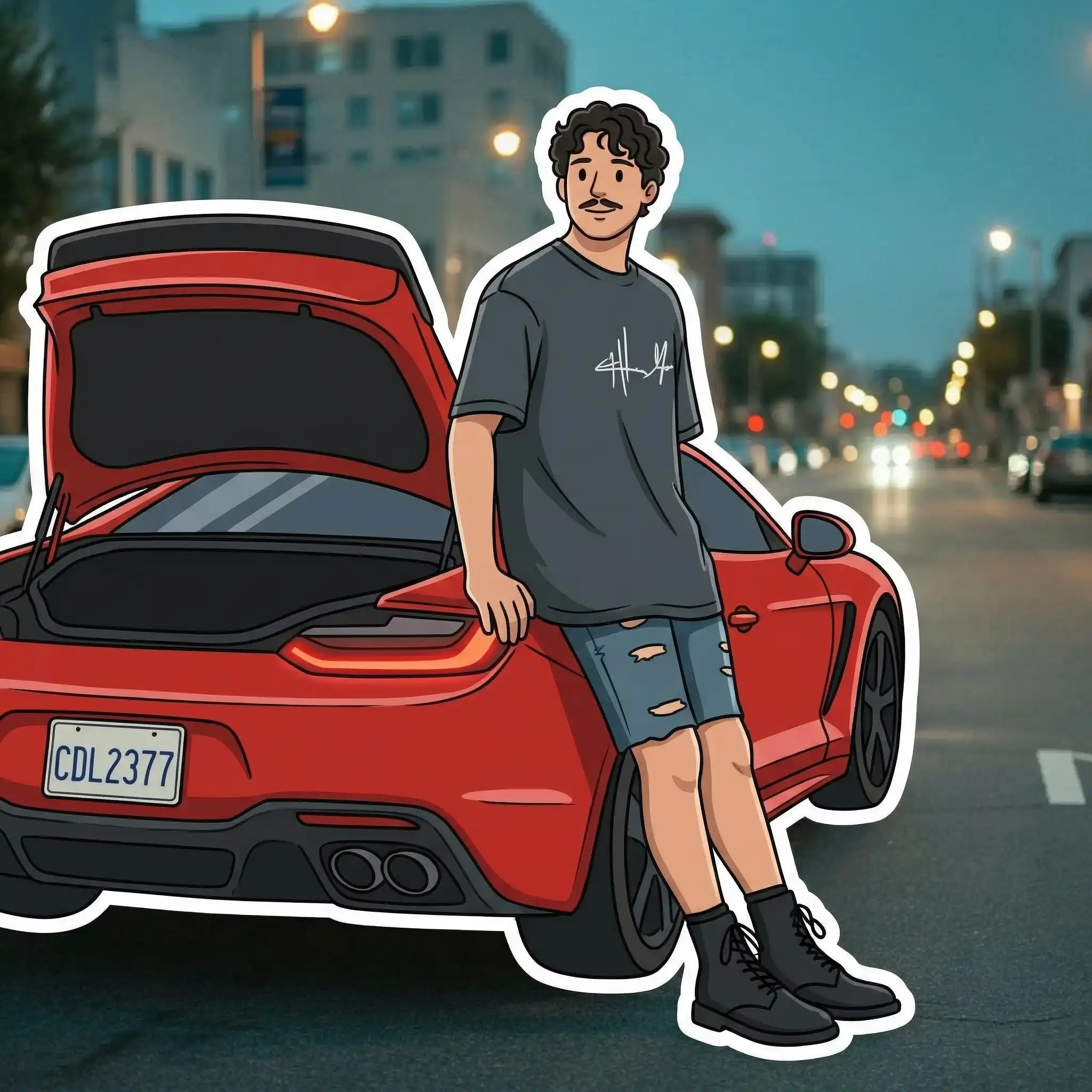
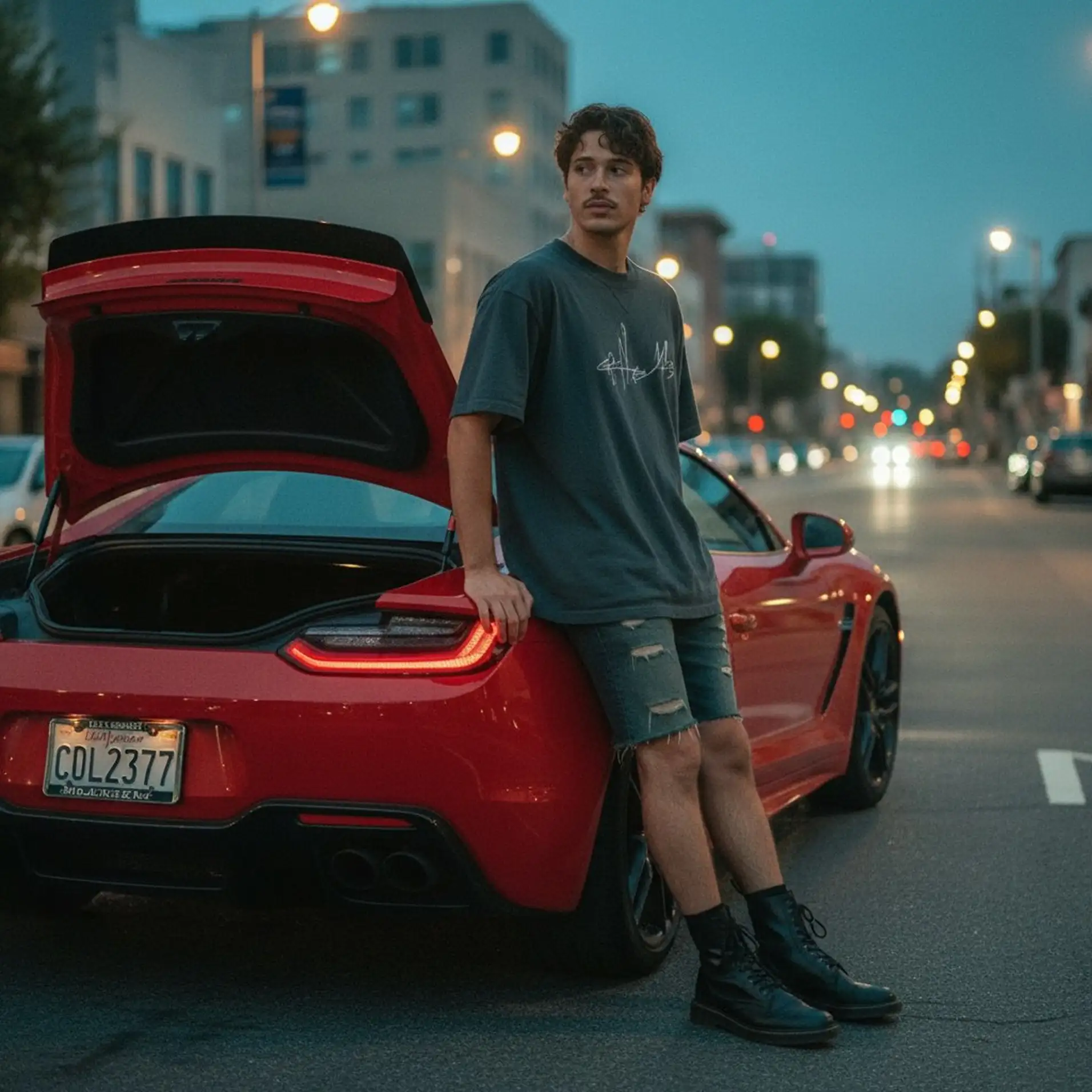
Upload any image and instantly convert it into a cute 2D sticker with bold outlines and flat colors. Choose to preserve or remove the background, and keep the original composition or re-center the subject with white space around it. No design skills needed.
Creating stickers manually requires cutting out subjects, adding outlines, and adjusting colors in Photoshop. With Overchat AI, you simply upload an image and get a polished sticker in seconds. You can preserve the original background or make it pure white, and choose to keep the composition or re-center the subject.
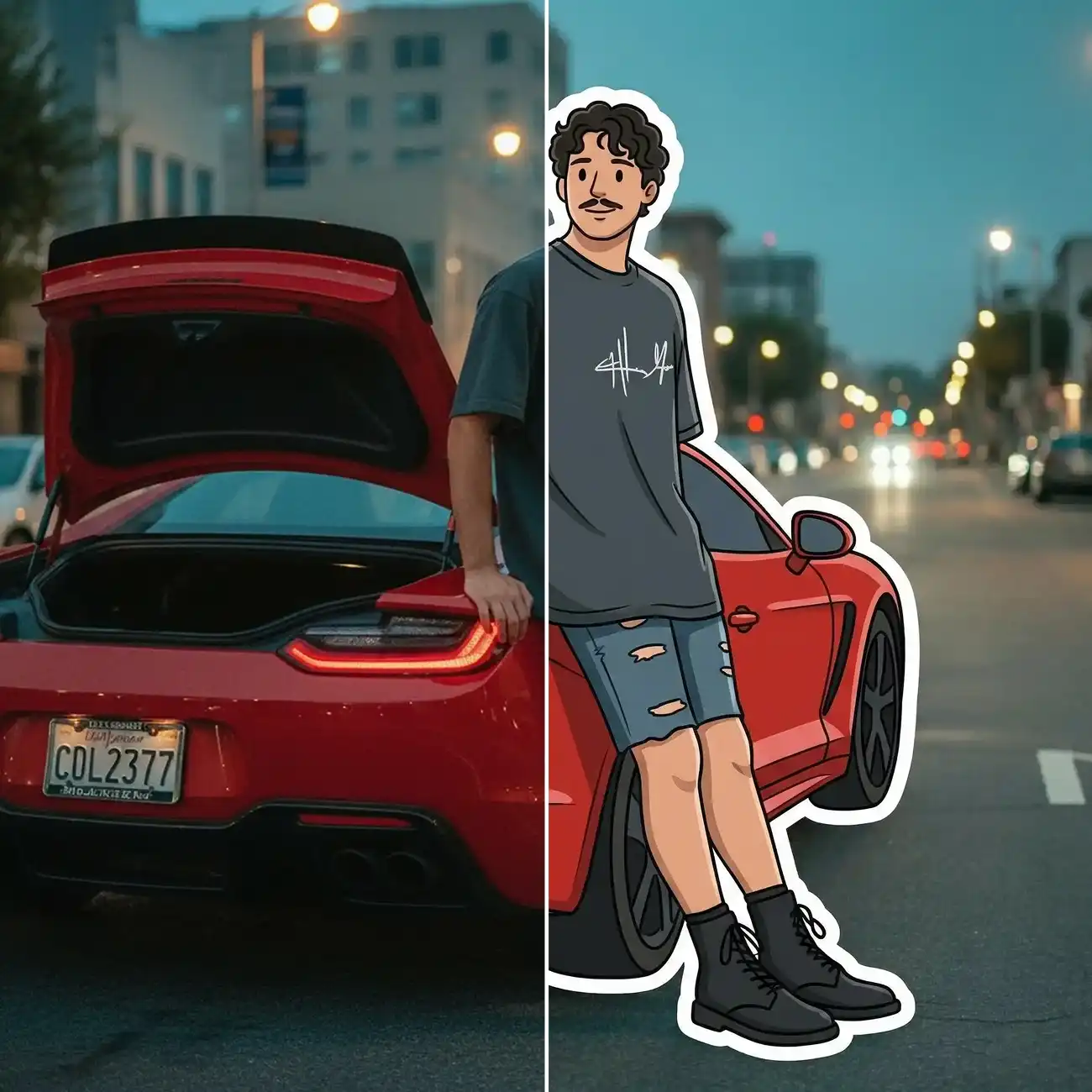
Our sticker generator uses an AI image model that automatically detects subjects, adds bold outlines, and applies flat, vibrant colors to create a clean 2D sticker look from any photo.
Choose to preserve the original background or make it pure white. You can also keep the original composition or re-center the subject with white space around it for a cleaner sticker look.
The Overchat AI sticker generator works almost instantly, delivering your finished sticker in under 30 seconds after upload. Skip hours of manual editing in Photoshop or Illustrator.
USE CASES
Turn photos of your friends, pets, or yourself into fun stickers for WhatsApp, Telegram, iMessage, and other messaging apps.
Create eye-catching sticker-style graphics for Instagram stories, TikTok, and other social platforms to boost engagement.
Turn product photos into cute sticker versions for packaging, labels, or promotional materials that stand out from the crowd.
Download high-quality sticker images with white backgrounds, ready to send to a print service for physical sticker sheets and die-cuts.
Create personalized stickers from photos of loved ones to decorate gifts, cards, scrapbooks, or party supplies with a unique touch.
Are you a designer or marketer? Create branded sticker assets from logos, mascots, or product images to use across digital and print campaigns.
Join thousands of people who are already using Overchat AI.
Overchat AI brings you the power of the world's top AI models: GPT, Claude, Gemini, Mistral, and more.

An AI sticker generator is an online tool that uses artificial intelligence to convert any image into a 2D sticker with bold outlines and flat colors. Overchat AI offers a fully automated, online service, so you can use it without downloading anything.
The sticker generator uses an AI image model to analyze your uploaded photo, detect the main subject, and re-render it in a clean 2D sticker style with bold outlines and flat colors. You can choose whether to preserve or remove the background (making it pure white), and whether to keep the original composition or re-center the subject with white space around it for a classic sticker look.
For quick sticker creation with professional-level results, Overchat AI is an excellent choice. It uses one of the best commercially available AI image models to deliver high-quality stickers in under 30 seconds and is completely free to use.

Chinese company Baidu has quietly released a model that's just as good as DeepSeek and ChatGPT — ERNIE 4.5 delivers exceptional performance at a fraction of the cost — and most people outside China have never even heard of it.

If you're wondering: what is DeepSeek AI, the answer is quite simple. DeepSeek AI is a Chinese AI research lab that builds large language models. The company released several models in late 2024 and early 2025 that compete directly with OpenAI's GPT-4 and Anthropic's Claude, but at a fraction of the operating cost.

ChatGPT Plus costs $20 per month plus tax, while the Pro plan costs $200 per month plus tax. Understandably, not everyone is willing to pay that much for a chatbot, especially if the premium features aren’t worth it to them. This raises an obvious question: how can I use ChatGPT for free?
Available on Web, iOS, and Android. Access your AI assistant anywhere, anytime.



.svg)
