Get perfect skin in any photo in just two clicks — no more waxy looking images and plastic skin. Whether it's for a selfie or an AI avatar, give the skin in your images a professionally retouched look, with stunning micro texture and healthy radiance.
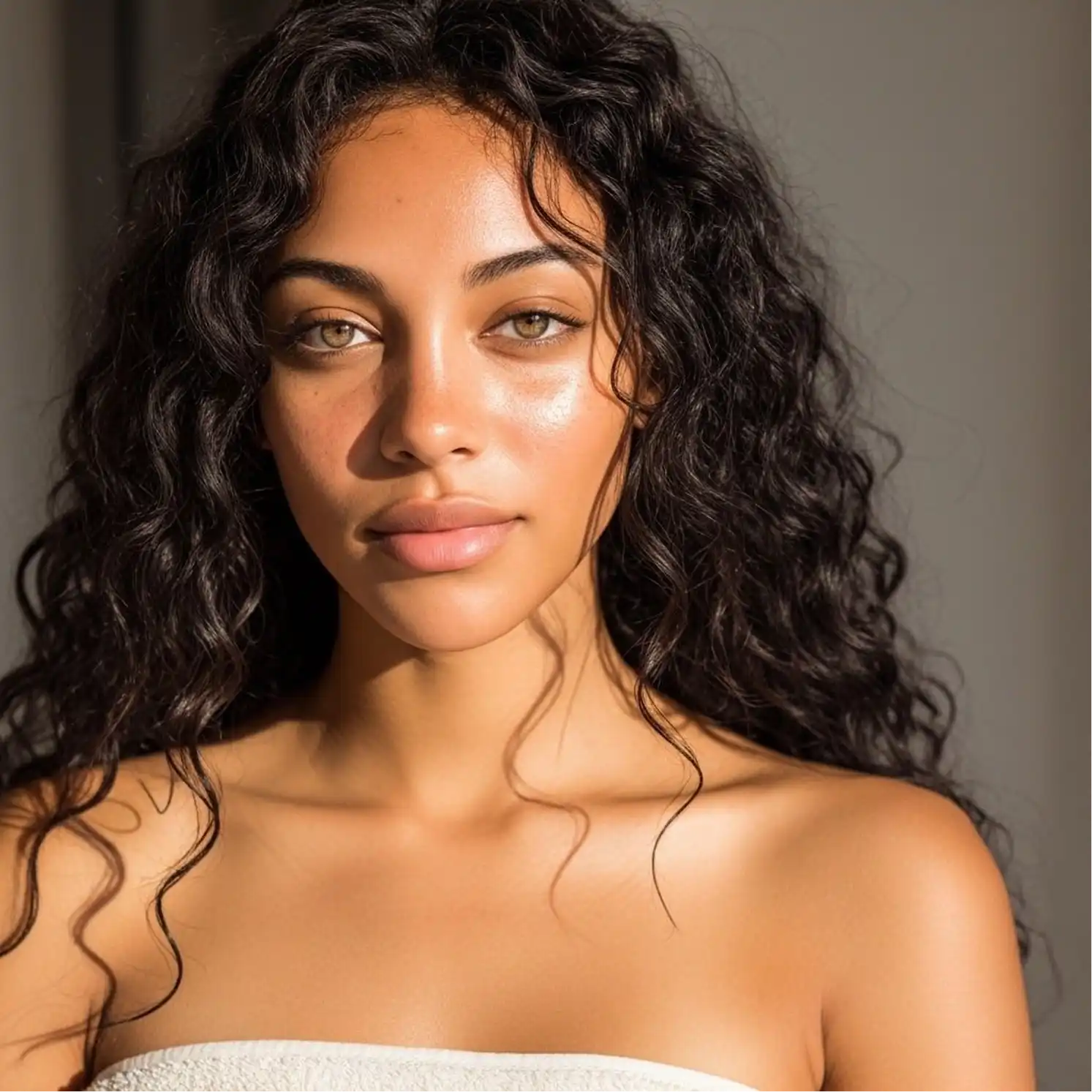
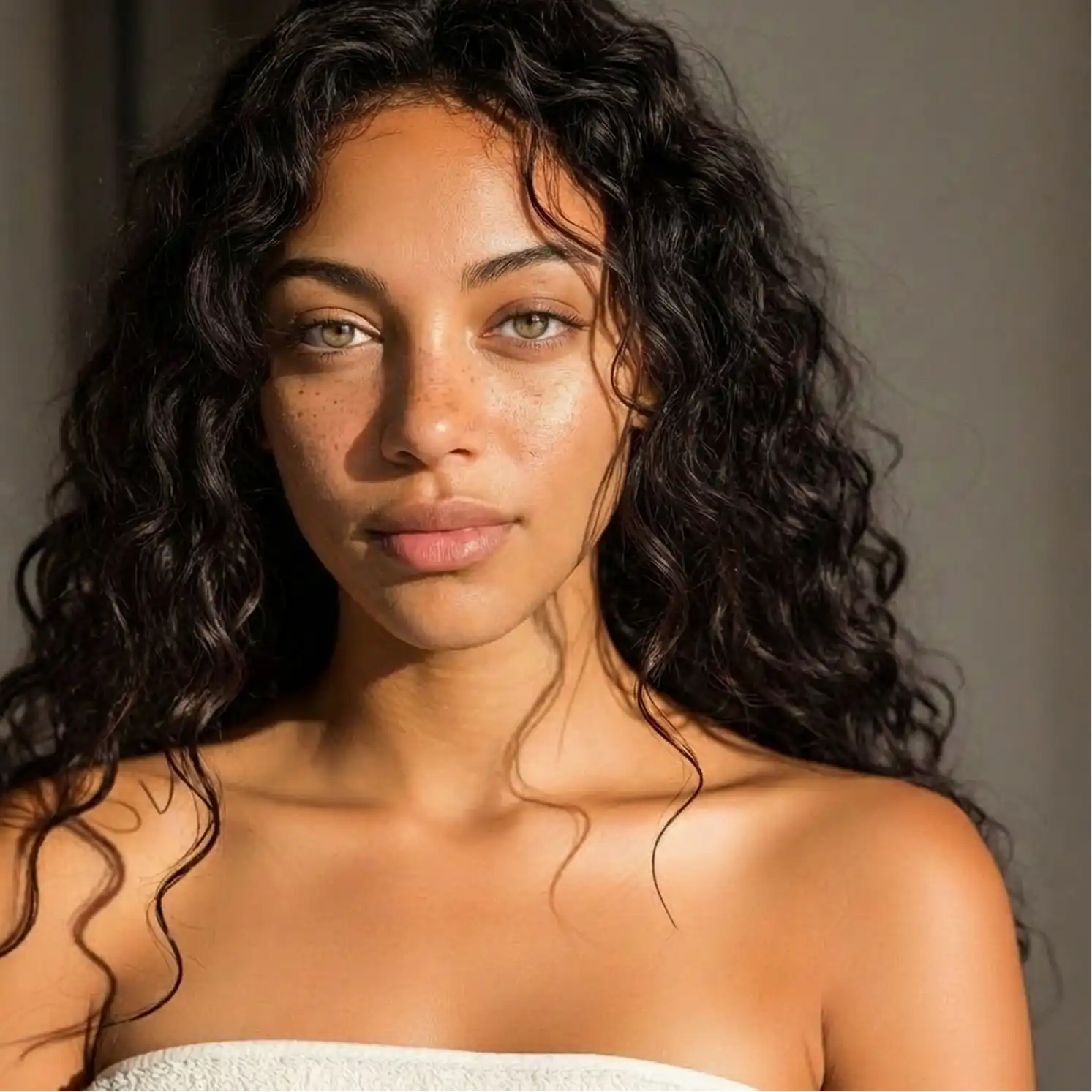
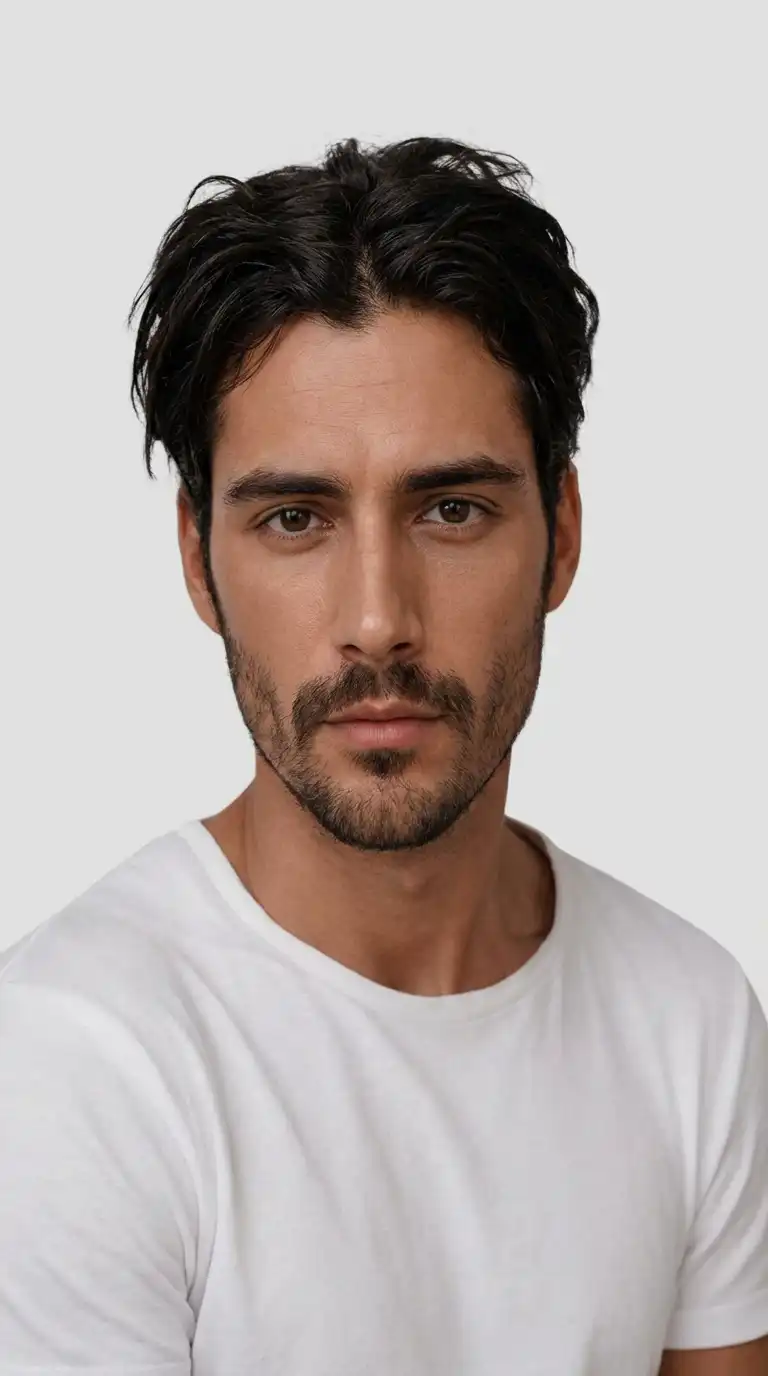
Just upload a photo — our AI will smooth blemishes, upscale the image smartly, and apply professional editing techniques like frequency separation, dodge and burn, for a natural, photorealistic result.
Access the best AI skin enhancer and get flawless, natural-looking skin in seconds.
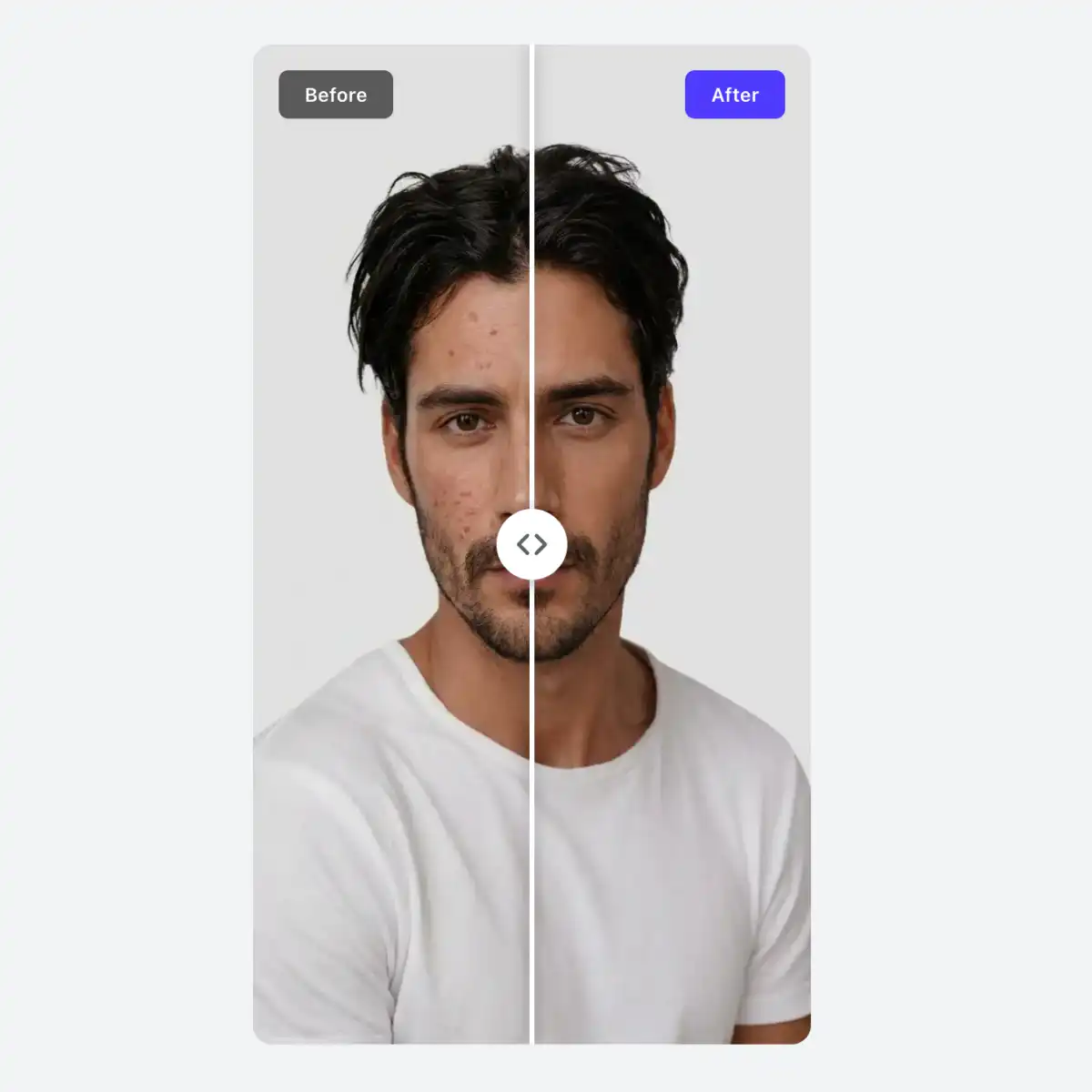
Thanks to advanced image processing powered by artificial intelligence, get results that look like they were professionally retouched rather than simply applying a filter.
Our tool is fully automated, so all you need to do is upload your image and we will handle everything else.
Overchat AI can be used to improve the skin of both AI avatars and selfies. It handles both cases automatically depending on the input image.
USE CASES
A perfect selfie ruined by a pimple? Not to worry — you can smooth out any imperfections afterwards with powerful AI skin enhancement.
Achieve perfect skin in your LinkedIn, CV or team page headshots in two clicks. Look the part with minimal effort.
Created an AI avatar, but it has plastic-looking skin? Just upload the image to Overchat AI and our skin enhancer will make it look realistic.
Edit hundreds of wedding photos in just a couple of clicks instead of wasting hours on manual retouching with selective brushes in Photoshop.
Bring new life to old images by enhancing the fine details of skin texture, and view your favourite memories in a whole new light.
Want to know the secret of all Instagram influencers? They use AI to edit their photos. Achieve that look with professional AI retouching.
Join thousands of people already using Overchat AI to edit their images in seconds.
Overchat AI brings you the power of the world's top AI models: GPT, Claude, Gemini, Mistral, and more.

It uses artificial intelligence to analyze your photo and intelligently smooth blemishes, even out skin tone, and reduce imperfections while preserving natural texture.
For real people, it's acne, pimples, blemishes, wrinkles, dark spots, uneven skin tone, and redness. For AI-generated characters, it removes the waxy, plastic-like skin and adds microtexture and details to make the skin look realistic and upscaled.
Absolutely! You can use it for free. It lets you download high-quality images without having to create an account, log in, or deal with watermarks.
Yes! Overchat AI uses a powerful, fine-tuned AI image generation model designed specifically to enhance skin. Over 300,000 users globally trust it.
To achieve the best results, upload photos that are at least 512 pixels on the longest side and in which the face occupies at least 30% of the image. The tool will also work with full-body shots, but the effect will be harder to see if the character is far away.

Chinese company Baidu has quietly released a model that's just as good as DeepSeek and ChatGPT — ERNIE 4.5 delivers exceptional performance at a fraction of the cost — and most people outside China have never even heard of it.

If you're wondering: what is DeepSeek AI, the answer is quite simple. DeepSeek AI is a Chinese AI research lab that builds large language models. The company released several models in late 2024 and early 2025 that compete directly with OpenAI's GPT-4 and Anthropic's Claude, but at a fraction of the operating cost.

ChatGPT Plus costs $20 per month plus tax, while the Pro plan costs $200 per month plus tax. Understandably, not everyone is willing to pay that much for a chatbot, especially if the premium features aren’t worth it to them. This raises an obvious question: how can I use ChatGPT for free?
Available on Web, iOS, and Android. Access your AI assistant anywhere, anytime.




.svg)
