
In this article, we've put together a list of the 13 best free AI image generators and compared their free plans and features: how many images you can generate for free, whether you need an account, which models are available to use, and more.
In this article, we've put together a list of the 13 best free AI image generators and compared their free plans and features: how many images you can generate for free, whether you need an account, which models are available to use, and more.
Google Gemini is the best free AI image generator overall, because it gives you access to one of the most versatile image generation models — Nano Banana 2. ChatGPT is a close second, since it is powered by GPT Image 2.5, one of the best image generation models, though it is held back by lower usage limits on the free plan and long generation time.
The table below compares the free plans of all 13 tools.
| Tool | Best for | Free allowance | Account needed | Model on free | Paid plans from |
|---|---|---|---|---|---|
| Google Gemini | Consistent characters, real-world detail | Limit resets every 5 hours | Yes | Nano Banana 2 | $4.99/mo |
| Google Flow | Nano Banana Pro for free | 50 credits/day | Yes | Nano Banana Pro | — |
| ChatGPT | Editing by conversation | Usage limit | — | ChatGPT Images 2.5 | $8/mo |
| Overchat AI | All-in-one: several top models | 100 credits/day | Yes | GPT Image 2.5, Nano Banana 2, Grok Imagine, Qwen Image 2 + more | $14.99/mo or $49.99/yr |
| Bing Image Creator | Free volume | 15 fast/day, then up to 200 prompts/24 h | Yes | MAI-Image-2.5-Flash, MAI-Image-2e | None |
| Ideogram | Text in images | Weekly slow credits (amount varies) | Yes | — | $20/mo or $180/yr |
| Adobe Firefly | Commercially safe images | Limited daily generations | — | Firefly + select partner models | $9.99/mo |
| Leonardo AI | Daily tokens with commercial rights | 150 tokens/day | Yes | — | $12/mo |
| Magnific | Widest model menu | 20 images/day | — | Nano Banana, Seedream, Flux, GPT Image + more | $20/mo |
| Perchance | Unlimited, no account | Unlimited | No | — | — |
| FLUX / Stable Diffusion 3.5 (local) | No limits on your GPU | No quota | No | FLUX.1 [schnell], FLUX.2 [klein] 4B, SD 3.5 | None |
| Raphael AI | Unlimited drafts, personal use | Unlimited (basic mode) | No | — | $20/mo or $120/yr |
| Canva | A few images inside Canva | 20 AI uses/month | — | — | $144/yr |
| Craiyon | Quick drafts you can credit | Limited | — | — | $120/yr |
When creating this ranking, we considered the following:
Curious to see a side-by-side quality comparison of the best image generation models? See our hands-on test of the best AI image generators.
You might not know that when you sign up to Google Gemini, you also automatically get access to Nano Banana 2 (Gemini 3.1 Flash Image). And you can start generating images just by switching to the Images tab and asking the AI chatbot to create a visual.
Nano Banana 2 happens to be one of the best AI image generation models. It keeps the same character consistent across several images, works with multiple reference images, renders text and can pull real-world details from the web.
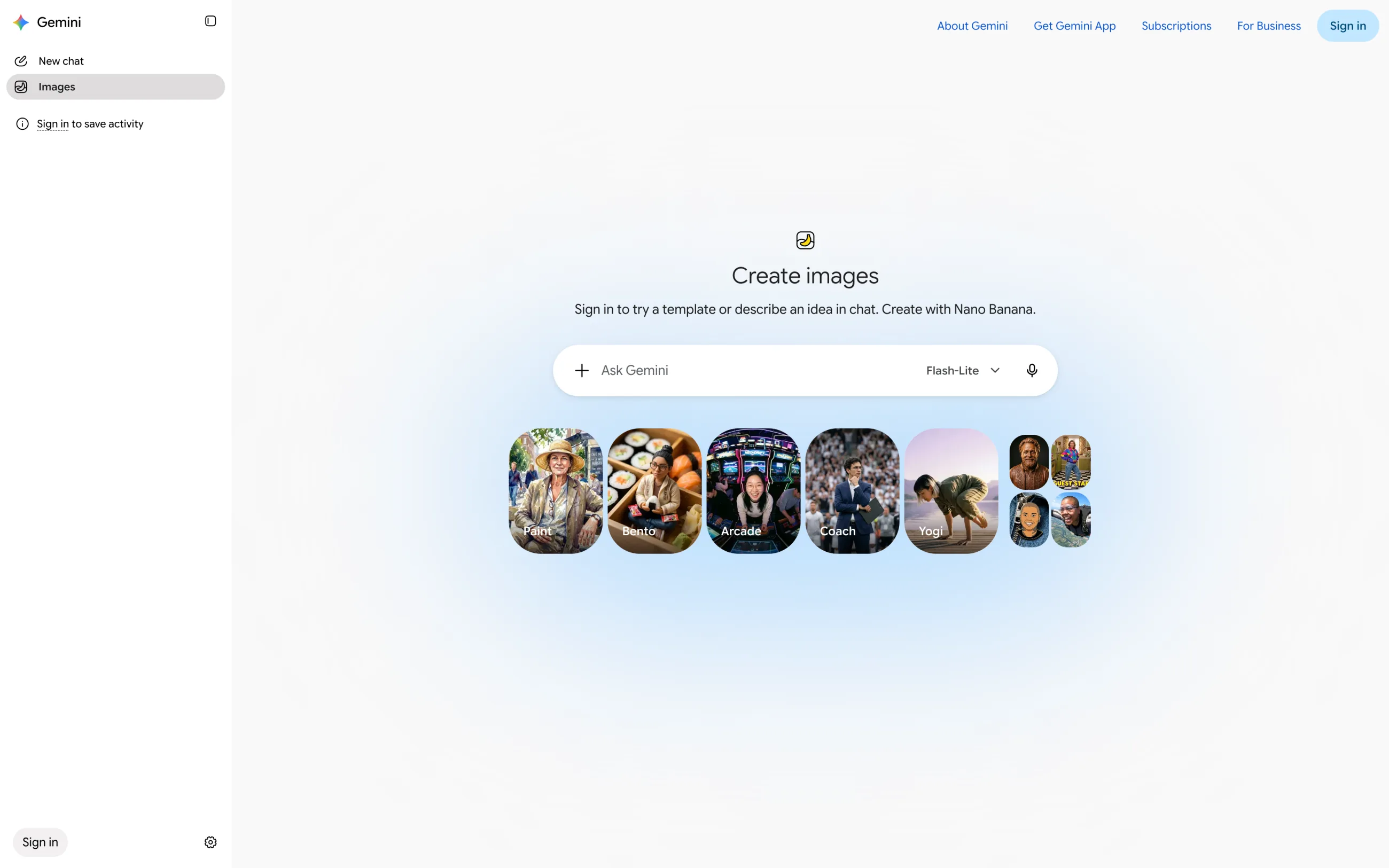
Gemini doesn't have a fixed number of free images. Your limit refreshes every 5 hours until you hit a weekly cap. You need to sign in, and you have to be 13 or older to generate images and 18 or older to edit them. On the free plan, downloads are 1K, and every image has a visible watermark plus Google's invisible SynthID mark.
Google Flow. Google also has a separate free tool, Flow, where a free account gets 50 credits a day, access to Nano Banana Pro and 2K image upscaling. Credits don't roll over, and the daily refresh starts with your first generation. Flow is for users 18 and older, and Google's older ImageFX and Whisk tools now redirect to it.
Free plan: A limit that refreshes every 5 hours; Google Flow adds 50 credits a day
Paid plans from: Google AI Plus, $4.99/month (US)
Pros:
✅ Nano Banana 2 on a free account
✅ Consistent characters, multiple reference images and text rendering
✅ A second free route through Flow with Nano Banana Pro
Cons:
❌ Visible watermark on free images
❌ 1K downloads without a paid plan
❌ No fixed number of free images
On September 8, 2026, OpenAI made ChatGPT Images 2.5 available on all ChatGPT plans, including the free one. With GPT Image 2.5, you can keep refining the same image over several messages, select a region to edit just that part, start from a template or ask for a transparent background. In our opinion, GPT Image 2.5 is probably the most artistic and realistic AI image generation model there is as of this writing, and it's amazing that you can access it with a free account.
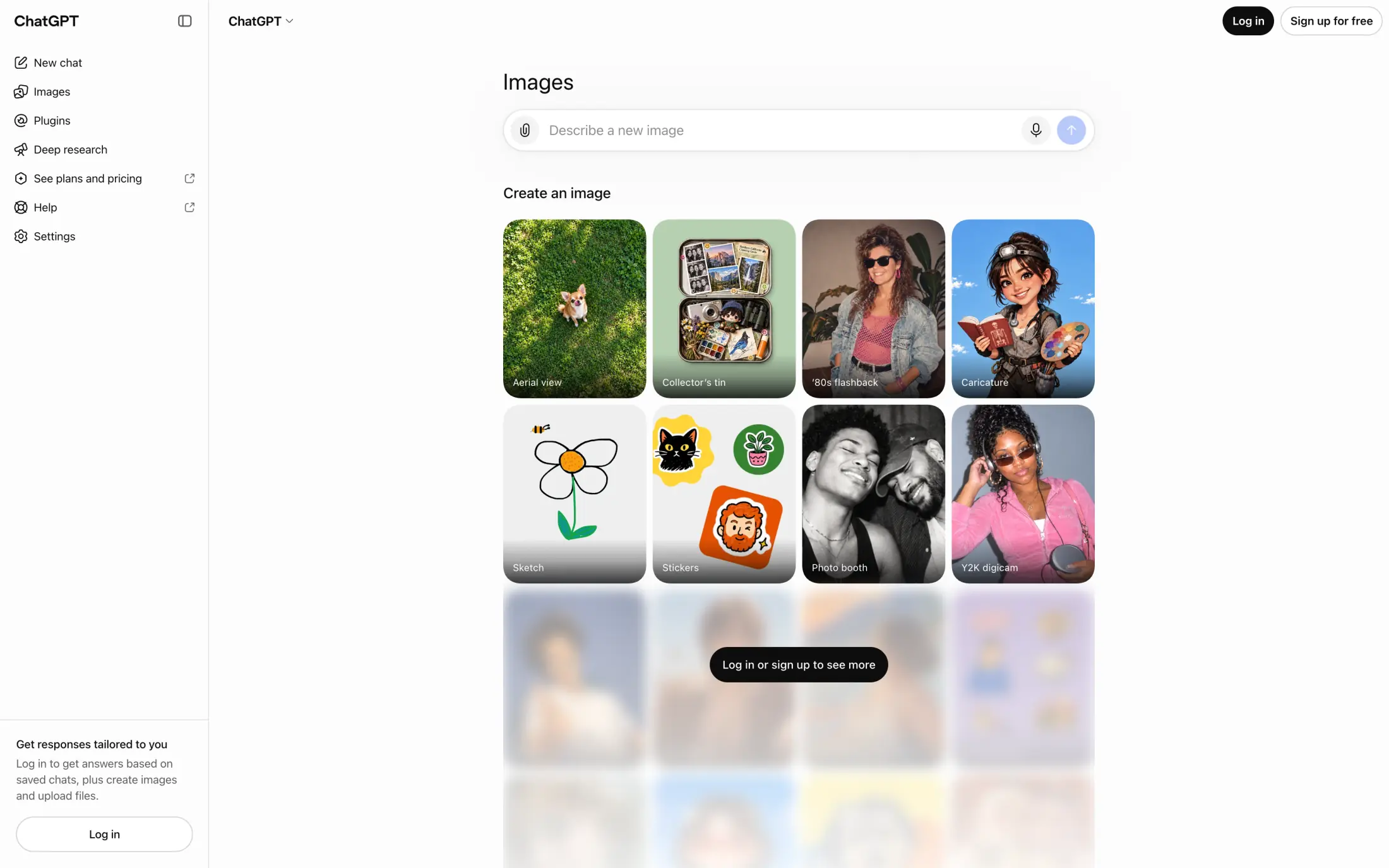
The free plan has a strict usage limit for images, and ChatGPT temporarily cuts you off once you reach it.
You can also make images without a ChatGPT account through WhatsApp at 1-800-CHATGPT, and linking an account raises the limits. In some countries, the free plan shows ads. For more on the free plan, see our guide to using ChatGPT for free.
Free plan: ChatGPT Images 2.5 with a usage limit
Paid plans from: ChatGPT Go, $8/month (US)
Pros:
✅ ChatGPT Images 2.5 on the free plan
✅ Multi-turn editing with region selection
✅ You own the images you generate
Cons:
❌ No fixed number of free images
❌ Images with thinking requires a paid plan
❌ The free plan shows ads in some countries
Overchat AI's free AI image generator puts several model families in one creative all-in-one AI studio: you can access OpenAI's GPT Image 2.5, Google's Nano Banana 2 and Nano Banana, xAI's Grok Imagine models, Qwen Image 2, Seedream 4, and Flux 2 Max for editing.
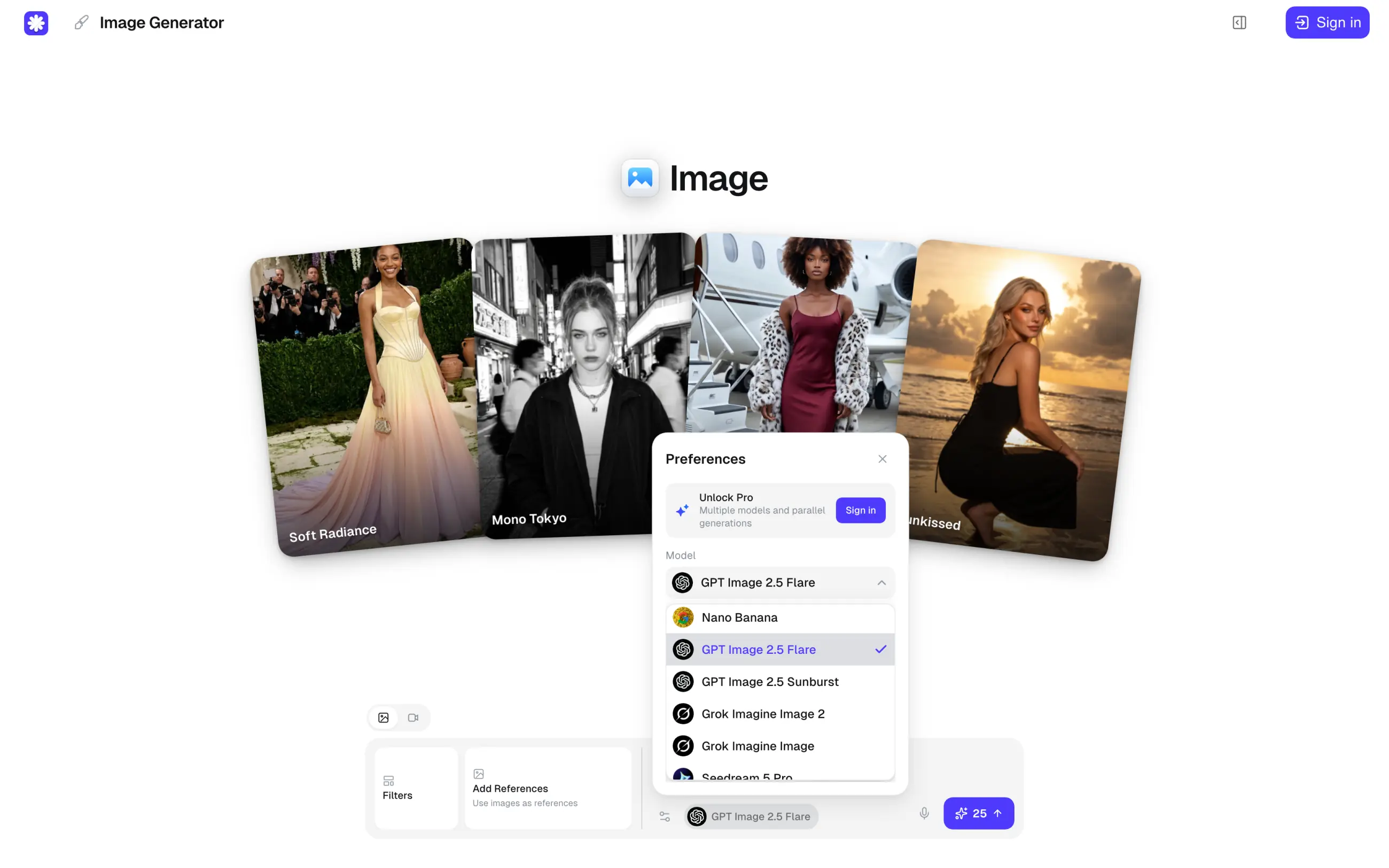
A free account gets 100 credits a day, restored at 04:00 UTC. If you don't spend credits on chat, that's enough for this many images a day:
| Model | Credits per image | Free images a day |
|---|---|---|
| GPT Image 2.5 Flare | 25 | About 4 |
| GPT Image 2.5 Sunburst | 25 | About 4 |
| Grok Imagine Image | 15 | About 6 |
| Nano Banana | 20 | About 5 |
| Qwen Image 2 | 25 | About 4 |
| Flux 2 Max (edits an uploaded image) | 30 | About 3 |
| Seedream 4 | 50 | About 2 |
| Grok Imagine Image 2 | 65 | About 1 |
| Nano Banana 2 | 100 | About 1 (at 1K) |
On the free plan, each run uses one model and makes one image. If you upgrade to Pro, you can also run a prompt on up to 4 models at once, with up to 8 variants per model.
You can pick 1:1, 4:3, 3:4, 16:9 or 9:16, and GPT Image 2.5 outputs 2K images by default. Free images have no watermark, and you can use them commercially. To generate, you need a free account, which you can create with Google, Apple or email. For more platforms that bundle many AI models, see our list of the best all-in-one AI platforms.
Free plan: 100 credits a day, restored at 04:00 UTC; one image per run
Paid plans from: Pro, $14.99/month or $49.99/year (8,000 credits a month)
Pros:
✅ GPT Image 2.5 and Nano Banana 2 on one free account
✅ The credit price of each model is shown before you generate
✅ No watermark, and commercial use is allowed
Cons:
❌ A free account is required
❌ One model and one image per run on the free plan
❌ Nano Banana 2 uses the whole daily allowance
Bing Image Creator gives you 15 fast creations a day. After that, you can keep going at standard speed, up to 200 prompts in 24 hours, and each prompt returns several images. That's the biggest free allowance from any major company in this list.
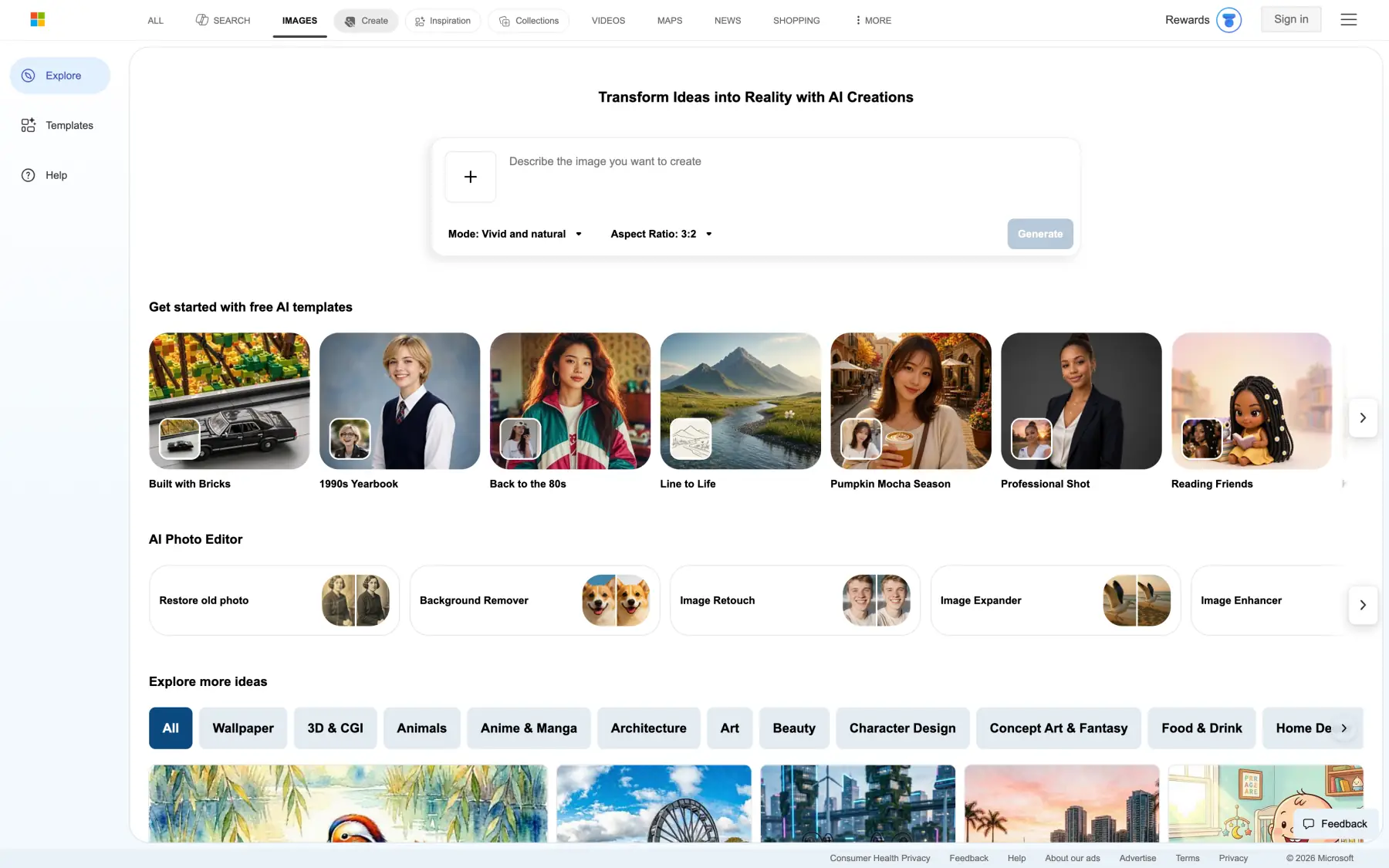
Bing Image Creator runs Microsoft's own MAI-Image-2.5-Flash and MAI-Image-2e models. It supports a text-to-image workflow, and you can also upload an image and edit it.
To use Bing Image Creator, you need a personal Microsoft account — work and school accounts won't work. Microsoft's terms call the service "for entertainment purposes" and give Microsoft a broad license to your images, though you keep ownership. Your creations are stored for up to 90 days, and Image Creator isn't available in every country. There's no paid plan, but you can spend Microsoft Rewards points on extra fast creations.
Free plan: 15 fast creations a day, then up to 200 prompts per 24 hours at standard speed
Paid plans from: No paid plan; Microsoft Rewards points buy extra fast creations
Pros:
✅ The biggest free allowance from a major company
✅ Several images per prompt
✅ Editing of uploaded images
Cons:
❌ Requires a personal Microsoft account
❌ "Entertainment purposes" terms with a broad license to Microsoft
❌ Not available in every region
Powered by the Ideogram 4.0 image generation model, the Ideogram app is built around typography and layout, so it's the best free AI image generator for posters, logos and other images with text.
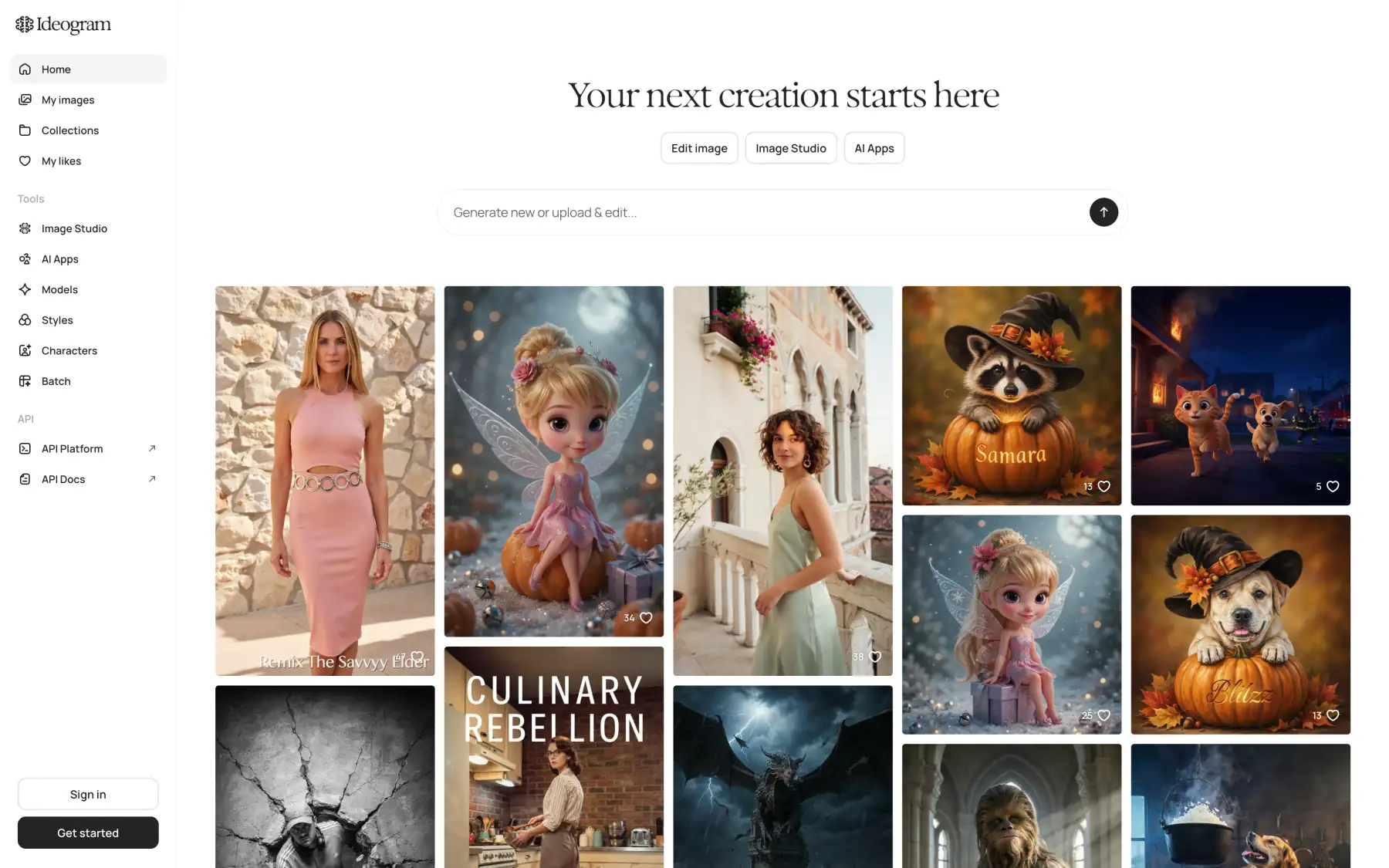
Free accounts get weekly slow credits after signing in with Google, Apple or Microsoft. The amount varies, and the slow queue runs one generation at a time. What are the downsides, then? On the free plan, your images are public, there's no Quality export, and you can't use Editing with AI or Image Reference.
Free plan: Weekly slow credits (the amount varies)
Paid plans from: Plus, $20/month or $180/year (2,400 priority credits a month)
Pros:
✅ Typography and layout control
✅ Commercial use for any purpose
✅ Sign-in with Google, Apple or Microsoft
Cons:
❌ Free generations are public
❌ No AI editing or Image Reference on the free plan
❌ The slow queue runs one generation at a time
Images from Adobe's own Firefly models are safe for commercial use, because they were trained only on licensed stock photos that Adobe had rights to. This makes Firefly the safest choice for commercial projects. Firefly also includes partner models from Google, OpenAI and others, though Adobe's commercial-use promise doesn't cover them.
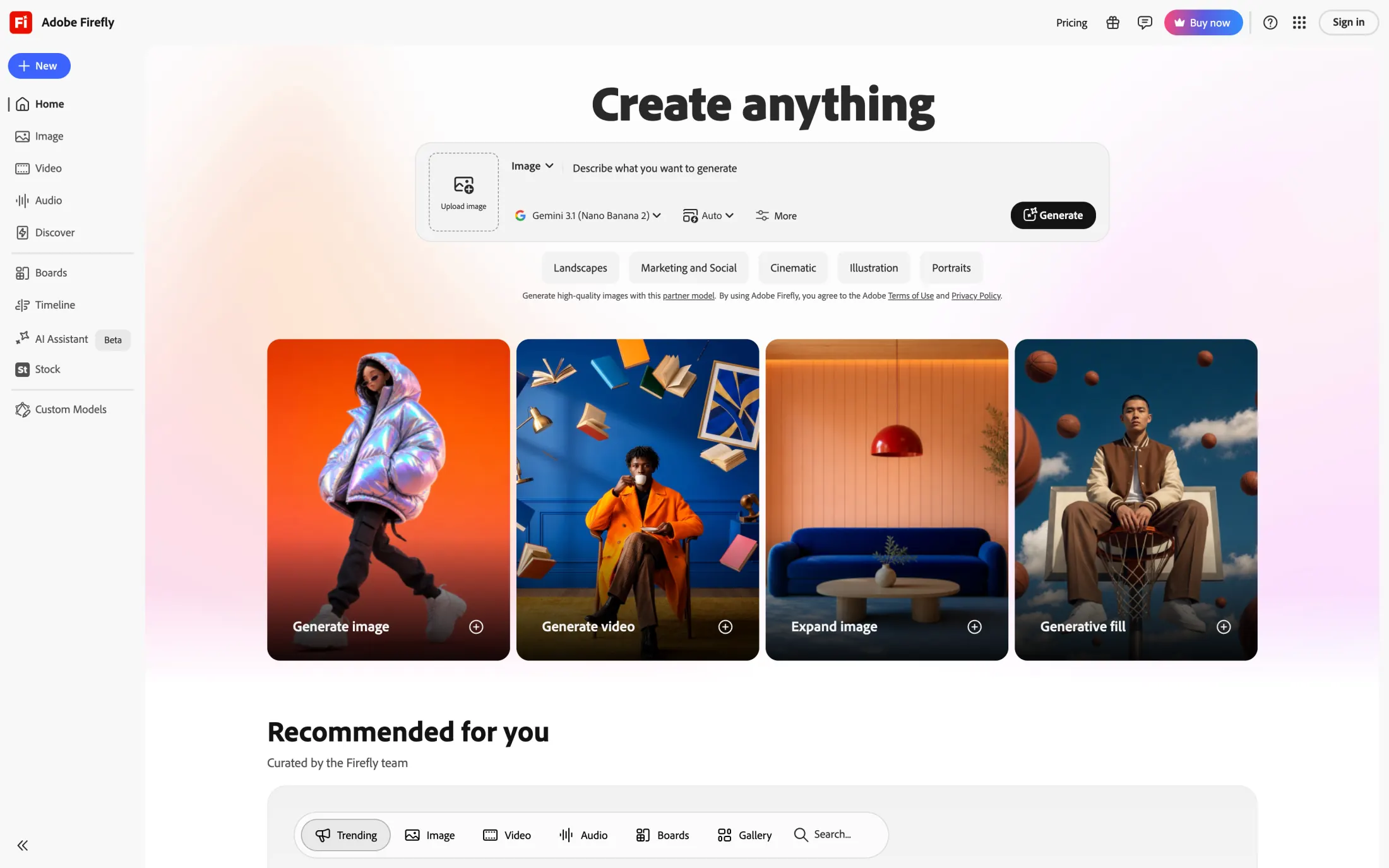
The free plan gives you a limited number of generations every day with select models. Adobe adds Content Credentials to every image, and you can send your images straight to Photoshop or Adobe Express.
Free plan: A limited number of generations a day
Paid plans from: Firefly Standard, $9.99/month (2,000 credits)
Pros:
✅ Firefly models are safe for commercial use
✅ Content Credentials attached automatically
✅ Hand-off to Photoshop and Express
Cons:
❌ No fixed number of free images
❌ Partner models aren't covered for commercial use
❌ IP protection only for enterprise customers
Leonardo is an AI aggregator that gives free users 150 tokens a day, which reset every 24 hours, allowing you to generate multiple images for free using some of the world's best image generation models, though how many images you get depends on the model, reference images, image size and the number of images per run. You can also use your images commercially, even on the free plan.
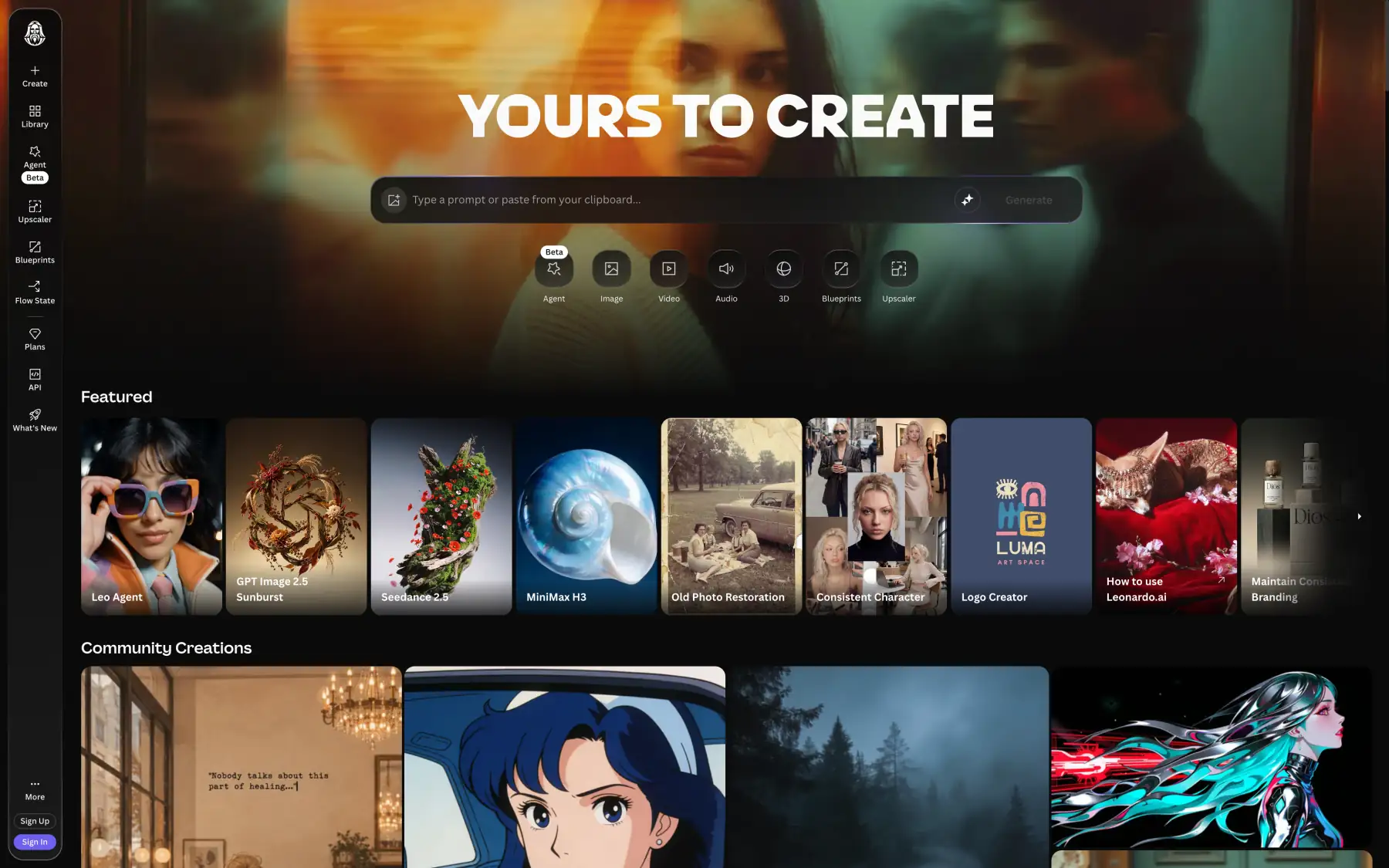
On the free plan, your images are public, and both Leonardo and other users can use them. Generating privately and deleting images require a paid plan. Free users also get stricter content filtering. The Premium and Ultimate plans add unlimited generations on selected models.
Free plan: 150 tokens a day (the number of images depends on the model and settings)
Paid plans from: Essential, $12/month
Pros:
✅ A fixed daily allowance that resets every 24 hours
✅ Commercial use allowed on the free plan
Cons:
❌ Free images are public
❌ Stricter content filtering for free users
❌ The number of images per day depends on the model
Magnific (formerly Freepik) is one of the biggest online image generation platforms. It started as a site for free stock images and vectors before adding AI features and now offers access to several models, as well as specialized image creation tools and workflows. On its free plan, you can create 20 images a day across all of its models, including Nano Banana, Seedream, Flux, GPT Image, Ideogram and Recraft, and you don't need a card to sign up.
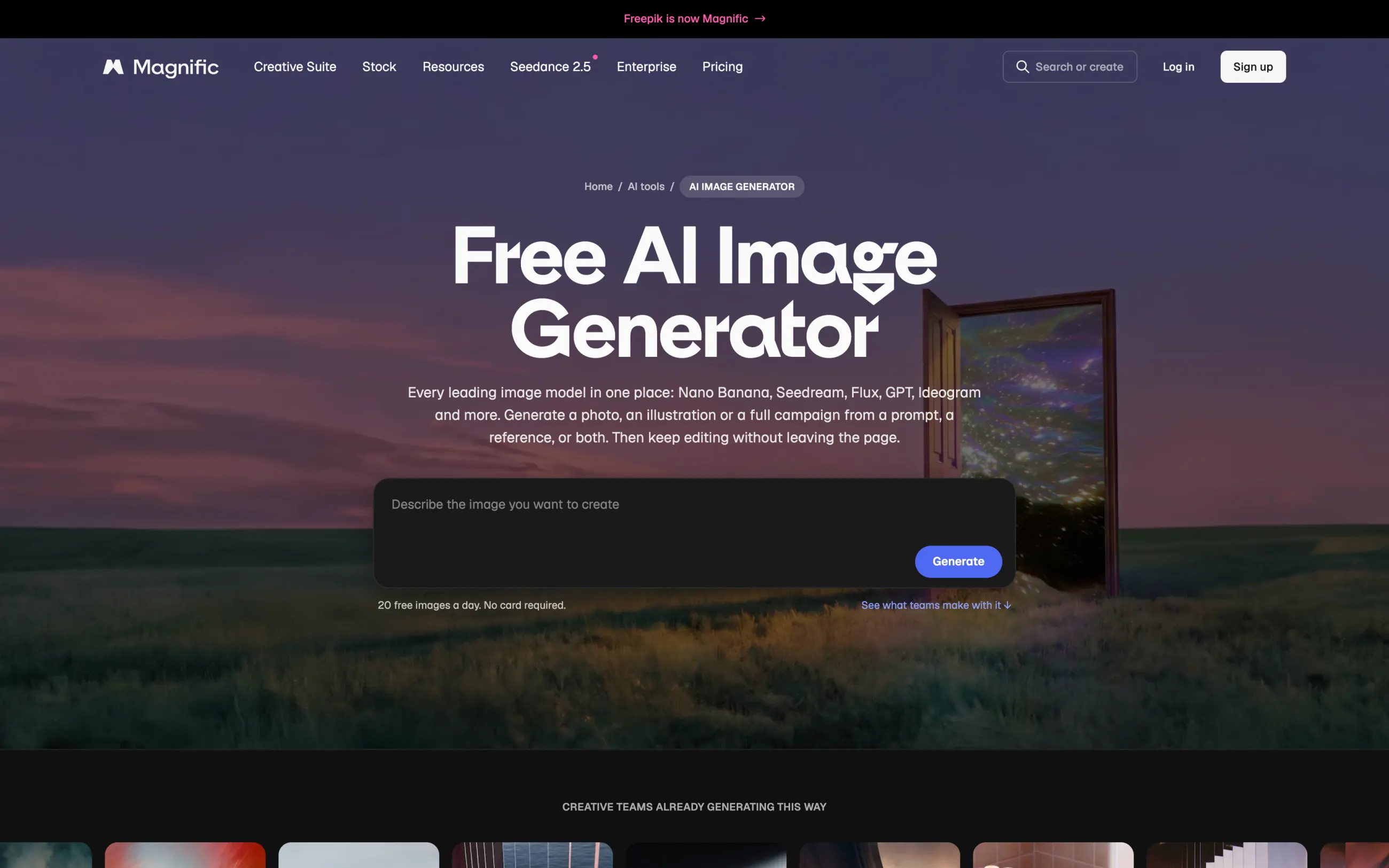
Magnific doesn't train its models on your images on any plan. The commercial license comes only with paid plans.
Free plan: 20 images a day across all models; no card required
Paid plans from: Premium, $20/month or $14.50/month billed annually
Pros:
✅ Many model families on the free plan
✅ No card required
✅ No training on user content
Cons:
❌ The commercial license comes with paid plans
❌ Prices vary by region
Perchance is completely free, with no sign-up, no daily limit and no watermark.
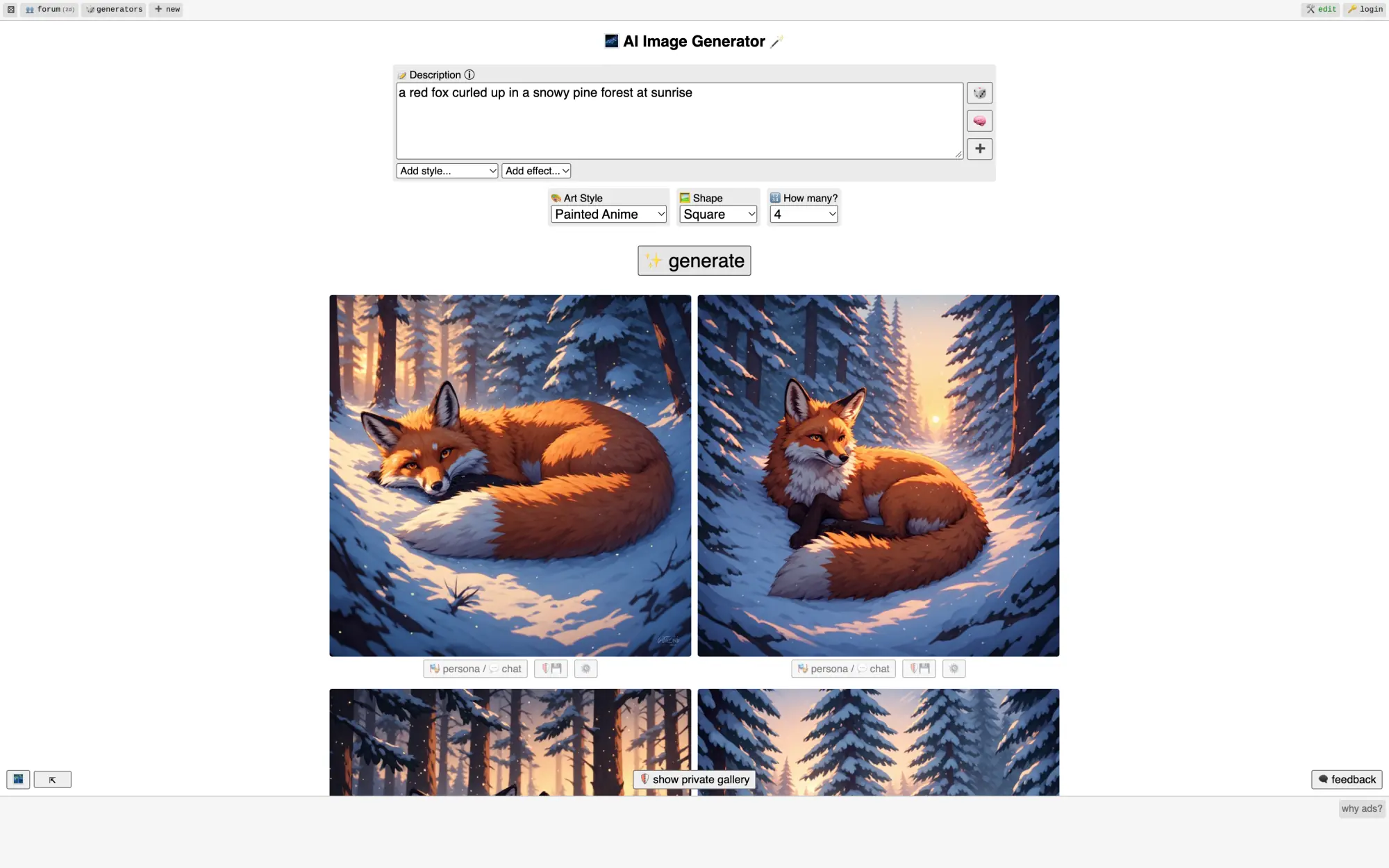
Images max out at 768×768 for square, 512×768 for portrait and 768×512 for landscape. If you need bigger files, run your images through one of these free AI image upscalers. Perchance doesn't name its model and has no commercial-use terms.
Free plan: Unlimited images with no account
Pros:
✅ No account needed
✅ No daily limit
✅ No watermark
Cons:
❌ 768×768 maximum
❌ Unknown model
❌ No commercial-use terms
When you run an open AI image generation model on your own GPU, you can make as many images as you want. The easiest one to start with is FLUX.2 [klein] 4B from Black Forest Labs. It runs on consumer GPUs with about 13 GB of VRAM (RTX 3090/4070 and up), handles text-to-image, editing and multiple reference images, and uses the Apache 2.0 license, so you can use the images commercially.
| Model | License | Commercial use | Hardware | Download gated |
|---|---|---|---|---|
| FLUX.2 [klein] 4B | Apache 2.0 | Yes | About 13 GB VRAM (RTX 3090/4070+) | No |
| FLUX.1 [schnell] | Apache 2.0 | Yes | — | Yes |
| Stable Diffusion 3.5 | Stability AI Community License | Under $1M annual revenue | — | Yes |
FLUX.2 [klein] 9B and FLUX.2 [dev] are two more local AI image generation models worth highlighting, but both use a non-commercial license.
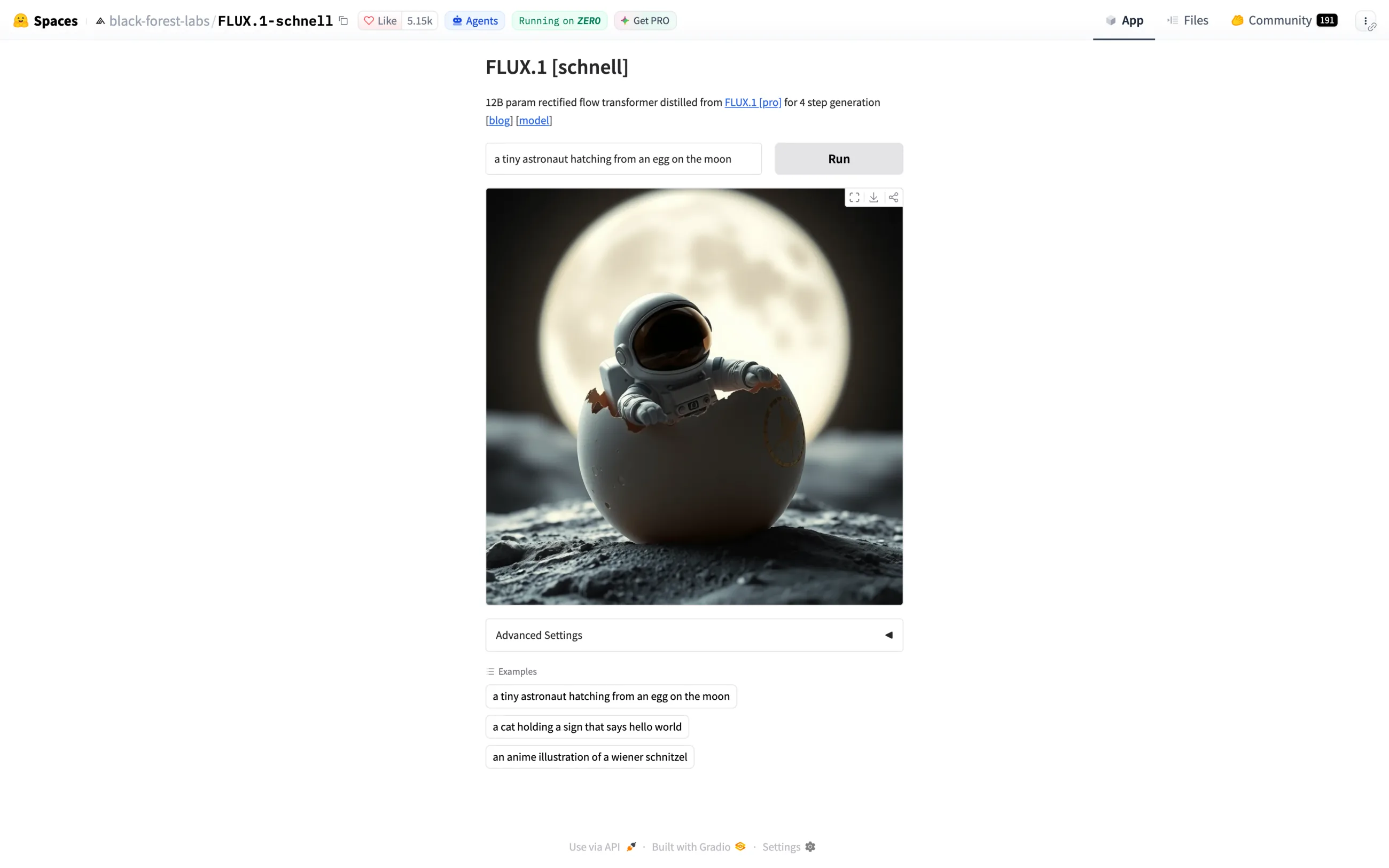
Also worth noting is FLUX.1 [schnell], an older 12B model that generates images in 1 to 4 steps and is licensed for personal, scientific and commercial use.
Last but not least, Stable Diffusion 3.5 uses the Stability AI Community License: it's free for commercial use for individuals and organizations with less than $1M in annual revenue, and you own the outputs.
You can download all of these models by creating a free account on Hugging Face.
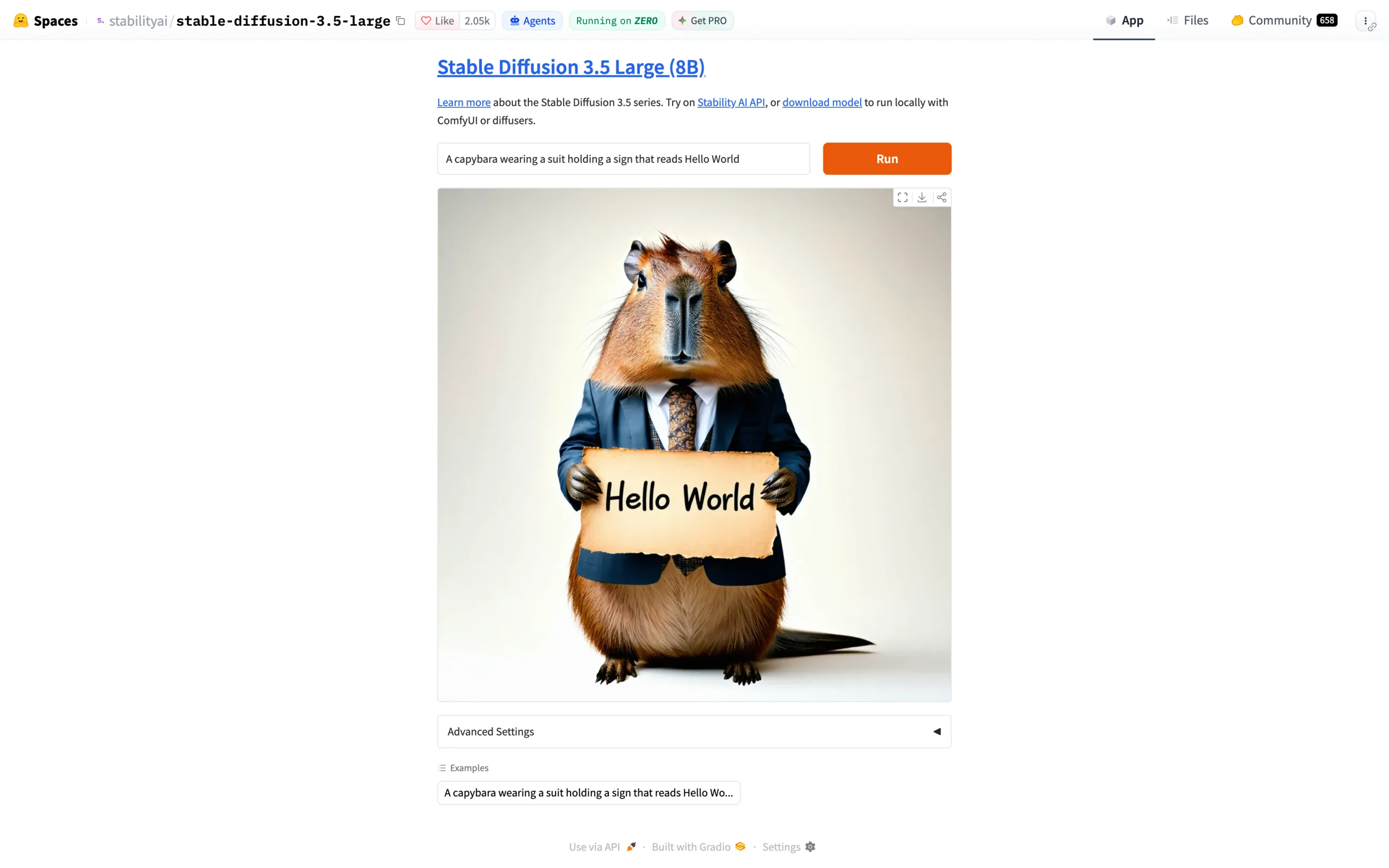
To run these models, you need a capable GPU and a tool like ComfyUI. You can also try FLUX.1 [schnell] and Stable Diffusion 3.5 Large for free in their official demos on Hugging Face without signing up.
Free plan: No quota; you run the model on your own hardware
Paid plans from: None; Stable Diffusion 3.5 needs an Enterprise license above $1M in annual revenue
Pros:
✅ No usage limits
✅ Commercial use under Apache 2.0 for FLUX.2 [klein] 4B and FLUX.1 [schnell]
✅ FLUX.2 [klein] 4B fits in about 13 GB of VRAM
Cons:
❌ Needs a capable GPU and some setup
❌ Gated downloads need a Hugging Face account
❌ Stability's Acceptable Use Policy applies even locally
Raphael AI's basic mode is unlimited and works without a login, but free images have a watermark. It takes about 8 seconds per image and returns up to 4 images per prompt.
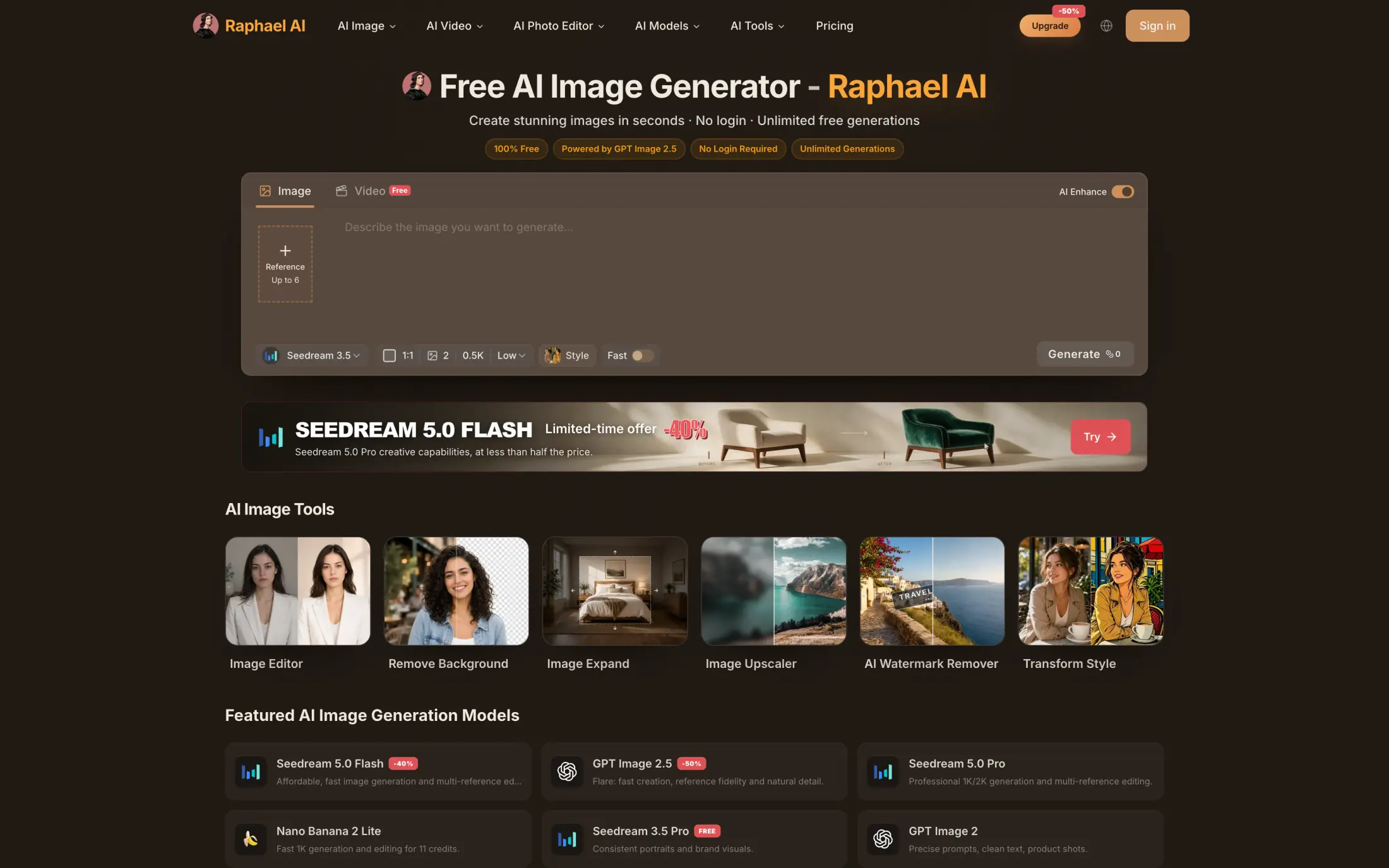
If you sign in, you get free daily credits and access to models up to 2K, including Nano Banana, GPT Image and Seedream. Free images are for personal, non-commercial use only, the free plan has ads, and your images can show up in Raphael's public gallery.
Free plan: Unlimited basic-mode images, watermarked, for personal use
Paid plans from: $20/month or $10/month billed annually (no watermark)
Pros:
✅ No login needed for basic mode
✅ Up to 4 images per prompt
✅ Models up to 2K after signing in
Cons:
❌ Watermark on free images
❌ Personal, non-commercial use only
❌ Ads and a public gallery on the free plan
Canva's free plan includes 20 AI uses a month, shared across all of Canva's AI tools, which is the smallest allowance in this list.
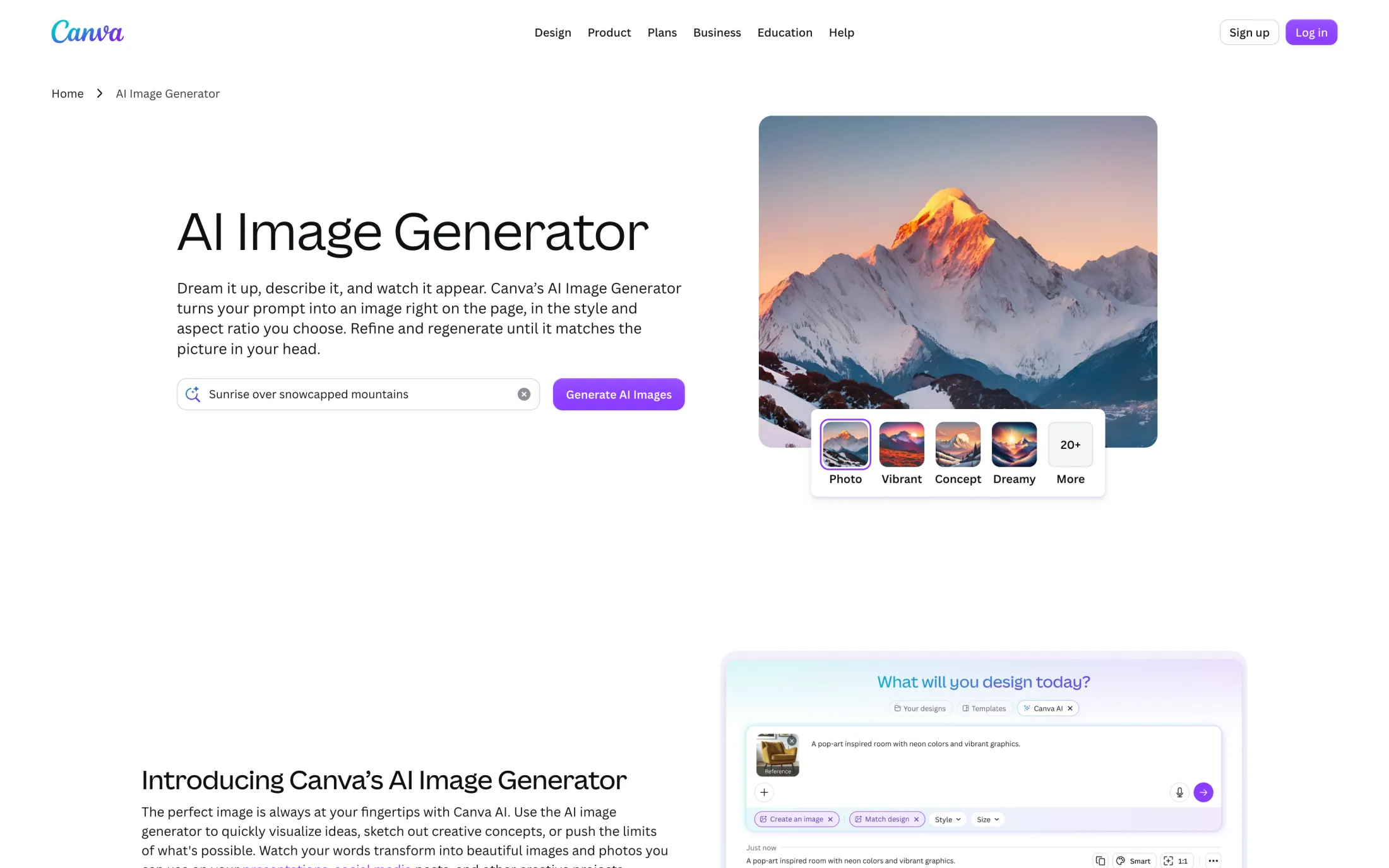
Canva's AI Image Generator places the image right on your design page, in the style and aspect ratio you choose.
Free plan: Up to 20 AI uses a month, shared across Canva's AI tools
Paid plans from: Canva Pro, $144/year for one person
Pros:
✅ Images go straight into your Canva design
✅ Style and aspect-ratio presets
Cons:
❌ The smallest free allowance in this list, shared with other AI tools
Craiyon, formerly DALL·E mini, is the easiest to get started with — as soon as you open the app, the prompt box is right on the homepage front and center. You can use its images commercially on any plan, but free users have to credit Craiyon.
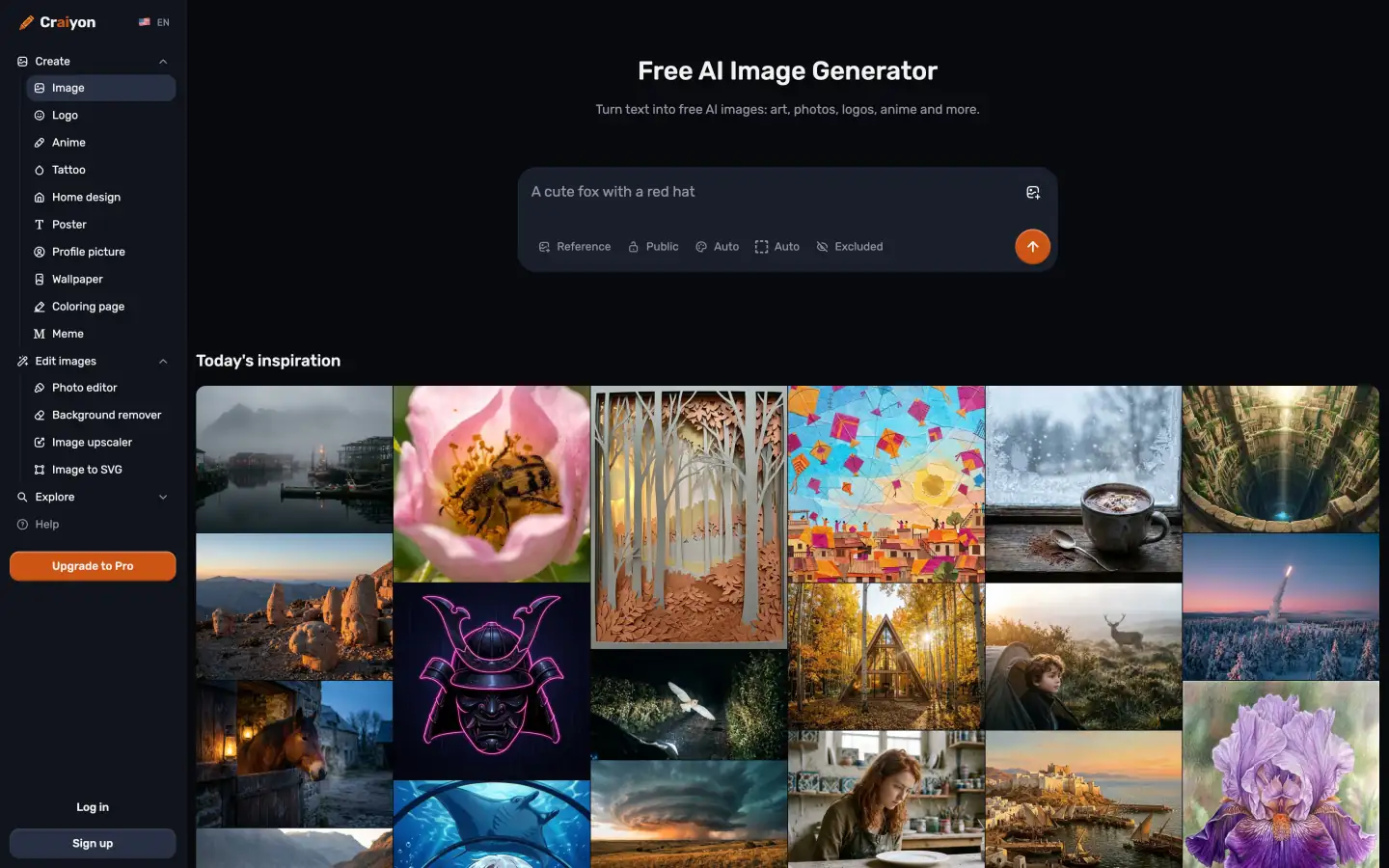
The free plan gives you a limited number of base-quality images with a watermark, and you may have to wait for them. HD downloads, private images and images without a watermark are paid features.
Free plan: A limited number of base-quality, watermarked images
Paid plans from: Supporter, $120/year
Pros:
✅ Commercial use on the free plan if you credit Craiyon
✅ Prompt box right on the homepage
Cons:
❌ Watermarks and base quality on the free plan
❌ A limited number of free images
❌ HD downloads and private images are paid
Perchance and Raphael AI's basic mode work without signing up. ChatGPT can make images without an account through WhatsApp (1-800-CHATGPT), and open models like FLUX.2 [klein] 4B don't need an account once they're on your computer. FLUX.1 [schnell] and Stable Diffusion 3.5 need a Hugging Face account for the download.
Without an account, Perchance limits images to 768×768, and Raphael AI adds a watermark, allows only personal use and shows your images in its public gallery. Overchat AI, Gemini, Google Flow, Bing Image Creator, Ideogram, Leonardo AI and Meta AI all require an account.
Perchance and Raphael AI's basic mode have no limit on how many images you make. NightCafe lets you create unlimited images with its base Stable Diffusion model and gives you 5 free credits a day on top. Bing Image Creator has a cap, but a high one: up to 200 prompts in 24 hours. Open models on your own GPU have no limits at all, so you can generate as much as your hardware allows.
Something to watch out for when generating images with a free plan is that your images might be watermarked, displayed in a public gallery, or come with usage restrictions. This depends on the tool.
Gemini adds a visible watermark and an invisible SynthID mark to free images. Raphael AI and Craiyon add visible watermarks.
Bing Image Creator has an optional visible watermark, and its terms forbid removing content credentials.
ChatGPT adds C2PA metadata and an invisible watermark.
Adobe Firefly attaches Content Credentials.
Overchat AI and Perchance don't watermark free images.
ChatGPT, Ideogram, Leonardo AI, Overchat AI and the Apache 2.0 FLUX models allow commercial use on the free plan. Adobe Firefly allows it for its own models' output, Stable Diffusion 3.5 for individuals and companies under $1M in annual revenue, and Craiyon if you credit it. Raphael AI limits free use to personal projects, Magnific includes its commercial license only with paid plans, and Recraft owns the images made on its free plan. Gemini, Bing Image Creator and Perchance don't explicitly grant commercial use.
| Tool | Commercial use on the free plan | Condition |
|---|---|---|
| Google Gemini / Flow | Not stated | Google claims no ownership of outputs |
| ChatGPT | Yes | OpenAI assigns you the output |
| Overchat AI | Yes | None |
| Bing Image Creator | Not stated | Microsoft gets a broad license; "for entertainment purposes" |
| Ideogram | Yes | Any purpose |
| Adobe Firefly | Yes | Firefly-model outputs only |
| Leonardo AI | Yes | Free images are public |
| Magnific | Not stated | License comes with paid plans |
| Perchance | Not stated | — |
| FLUX.1 [schnell] / FLUX.2 [klein] 4B | Yes | Apache 2.0 |
| Stable Diffusion 3.5 | Yes | Under $1M annual revenue |
| Raphael AI | No | Personal use only |
| Canva | — | — |
| Craiyon | Yes | Credit Craiyon |
| Recraft | No | Recraft owns free-plan images |
On Leonardo AI, Ideogram and Recraft, free images are public by default, and on Leonardo AI other users can use them too. Craiyon and Raphael AI show free images on their public pages unless you pay. Magnific doesn't train its models on your images on any plan.
Free allowances run out fastest when every attempt goes to the most expensive model at the largest size. Here are a few habits to help you stretch your free image generation limit as far as it can go:
For help with the prompts themselves, see our guide to writing better AI art prompts.
The newest image models you can use for free are ChatGPT Images 2.5, available on all ChatGPT plans since September 8, 2026, and Nano Banana 2 in Gemini, released on February 26, 2026. Overchat AI's free plan also includes GPT Image 2.5 and Nano Banana 2. For images with text in them, Ideogram is built around typography. For side-by-side results, see our hands-on test of the best AI image generators.
It depends on the tool. Bing Image Creator gives you 15 fast creations a day, then up to 200 prompts in 24 hours. Magnific gives you 20 free images a day, and Overchat AI's 100 daily credits cover about 1 to 6 images depending on the model. Leonardo AI gives you 150 tokens a day, and Canva gives you 20 AI uses a month. Gemini, ChatGPT and Adobe Firefly don't have a fixed number, and Perchance and Raphael AI's basic mode have no limit.
Free plans are fine for drafts and personal projects, but they fall short for professional work in four places. Gemini downloads are 1K without a paid plan, and Ideogram's Quality export and Craiyon's HD downloads are paid. Raphael AI and Craiyon watermark free images. Leonardo AI and Ideogram make free generations public. Raphael AI is personal-use only on the free plan, Magnific's commercial license comes with paid plans, and Adobe offers IP indemnification only to eligible enterprise customers.
Yes, several free plans include editing. ChatGPT lets you edit an image over several turns and select a region to change. Gemini lets you edit images if you're 18 or older, and Bing Image Creator edits uploaded images with MAI-Image-2.5-Flash. On Overchat AI, Flux 2 Max edits an uploaded image for 30 credits, and you can also use the image-to-image tool. FLUX.2 [klein] 4B supports editing if you run it locally. Ideogram's Editing with AI isn't available on the free plan, and Adobe Firefly sends images to Photoshop and Express for editing.
If you mean content rules, the tools in this list have them: Leonardo AI filters free users more strictly, Gemini follows Google's Prohibited Use Policy, and even Stable Diffusion 3.5 on your own computer falls under Stability's Acceptable Use Policy. If you mean usage limits, Perchance, Raphael AI's basic mode and open models on your own GPU have no cap.


