Best All-in-One AI Platforms in 2026: Why One AI Subscription Beats Many
Last Updated:
2026-09-13
Best All-in-One AI Platforms in 2026: Why One AI Subscription Beats Many
If you're reading this, chances are you're subscribed to more than one AI platform—or you're thinking about adding another subscription because your current one doesn't quite do everything you need.
Before you pull the trigger on that purchase, consider this: there's a more affordable way to access the power of multiple AI services in one place. That's where an all-in-one AI platform comes in.
In this article, we'll show you how to get access to the latest AI tools for text, image, and video generation—including ChatGPT, Claude, Gemini, Grok, Nano Banana 2, Seedance 2, and Grok Imagine—for less than the cost of a ChatGPT Plus subscription.
All-in-one AI platforms provide access to multiple AI models in one place. OpenAI, Anthropic, Google and xAI release their models through an API, so an all-in-one platform serves you the same GPT, Claude and Gemini models you'd get from the first-party apps.
One subscription is cheaper than several. Paying for more than one AI subscription costs more than a single all-in-one plan that covers the same models.
You also get tools for specific media. Beyond chat, these platforms generate images, video and audio—for example with Nano Banana 2, Seedance 2 and Grok Imagine—from the same account.
Overchat AI is the best all-in-one platform overall. It combines every major chat model with image, video and audio tools, plus 100+ purpose-built mini-apps like an image combiner, video generator and homework solver. Plans start at $14.99/month with a free plan to try first.
The problem with multiple AI subscriptions
No single AI tool does everything well, so people end up stacking subscriptions to cover the gaps. Here's what that costs you:
Paying for multiple subscriptions is expensive. For example, ChatGPT Plus costs $20 a month, Claude Pro is also $20 and Perplexity Pro also comes at $20 a month. If you pay for them all, you're at $60, or $720 per year — and that's before you add video or sound generation.
You're paying for the same capability twice. ChatGPT, Claude and Gemini all write and code to a high standard. When you subscribe to each one separately, most of that money buys the same feature again.
Switching between apps is annoying. What's more, when your work is spread through multiple apps, no single AI platform can keep track of everything you do—there's no centralized source of knowledge or shared context.
You're missing out on capabilities. Different models are better at different things. Grok, for example, is good at writing, while Claude is better for coding.
What does all in one AI mean?
An all-in-one AI platform gives you access to many AI models and tools through a single subscription. There are two parts to this: access to models from different providers, and tools that go beyond text. These platforms are also called AI aggregators—if you want the full breakdown of how they connect to each provider, see our guide to what an AI aggregator is.
How do all in one AI platforms work?
A handful of labs (OpenAI, Anthropic, Google, xAI) build their own models and put them behind their apps, so ChatGPT runs OpenAI's models and nothing else.
But these same labs also release their models through an API, which lets other platforms plug into them directly.
An all-in-one platform is a service built on those APIs, so it serves you the same GPT, Claude and Gemini models you'd get from the first-party apps—just through their own interface, where all of these models are accessible in one place.
The advantage of this approach is that you can send the same prompt to multiple models, or quickly switch between them to use the best tool for the job.
Text, image, video, and audio tools
The above is true not only for text-based workflows, but also for generating different media, because most all-in-one platforms also provide access to the latest image, video and audio generation tools from the same account. For example, in our platform, Overchat AI, users can access image generation models from OpenAI, Google DeepMind, and xAI among many others.
Economics of all in one AI tools
If these platforms use the same models, why are they cheaper than paying each lab directly?
The answer is in how you pay for usage. With a first-party app, each $20 subscription only unlocks that one company's models. An all-in-one platform gives you a single pool of tokens that you spend across every model however you like.
Overchat AI, for example, costs $14.99 a month or $49.99 a year and includes 8,000 tokens a week. You decide where those tokens go. Pricing per model varies: lighter text models cost as little as 1 token per message, and some are included with unlimited use.
That's why one subscription can cover GPT, Claude, Gemini and a dozen image and video models for less than a single ChatGPT Plus plan.
How we picked the best all in one AI platforms
We compared platforms on five questions:
How many models does the platform support? The number of providers and models you can use, and whether they're the latest versions.
Does it go beyond text? Whether you can also generate images, video and audio, not just chat.
How much does it cost? The price of one subscription against paying for each model on its own.
Is it easy to use? Whether the models and tools sit in one clean interface or a cluttered menu.
Is there a free plan? Whether you can try it before you pay.
Every platform below is a good fit for a particular type of user. We've noted who each one is best for, and where it falls short.
Best all in one AI platforms compared
Here's how the eight platforms stack up on price, models and what they can generate. We break down each one in detail below the table.
Platform
Best for
Models included
Modalities
Free plan
Starting price
Overchat AI
Overall
GPT, Claude, Gemini, Grok, DeepSeek, Qwen, Llama + more
Text, image, video, audio, tools
✓
$14.99/mo
Monica
Browser assistant
GPT, Claude, Gemini, Llama
Text, image, basic video
✓
$9.90/mo
1minAI
Pay-as-you-go
GPT, Claude, Gemini + more
Text, image, audio, video
✓
$5/mo
Magai
Content teams
50+ models inc. GPT, Claude, Gemini
Text, image, video
✗
$20/mo
Poe
Model variety
GPT, Claude, DeepSeek, ElevenLabs + bots
Text, image, audio
✓
$5/mo
Magica
Budget bundle
GPT-5, Claude, Gemini, Grok + 5,000 tools
Text, image, video, audio, code
✓
$8.25/mo
Perplexity
Research
GPT, Claude, Gemini, Grok
Text, image
✓
$20/mo
Canva AI
Design
In-house + partner models
Text, image, design, video
✓
$15/mo
Prices reflect entry paid plans as of 2026 and change often — check each platform for current rates.
The 8 best all in one AI platforms in 2026
With the intro out of the way, let's look at our favorite all in one AI platforms in detail.
Overchat AI — best all in one AI overall
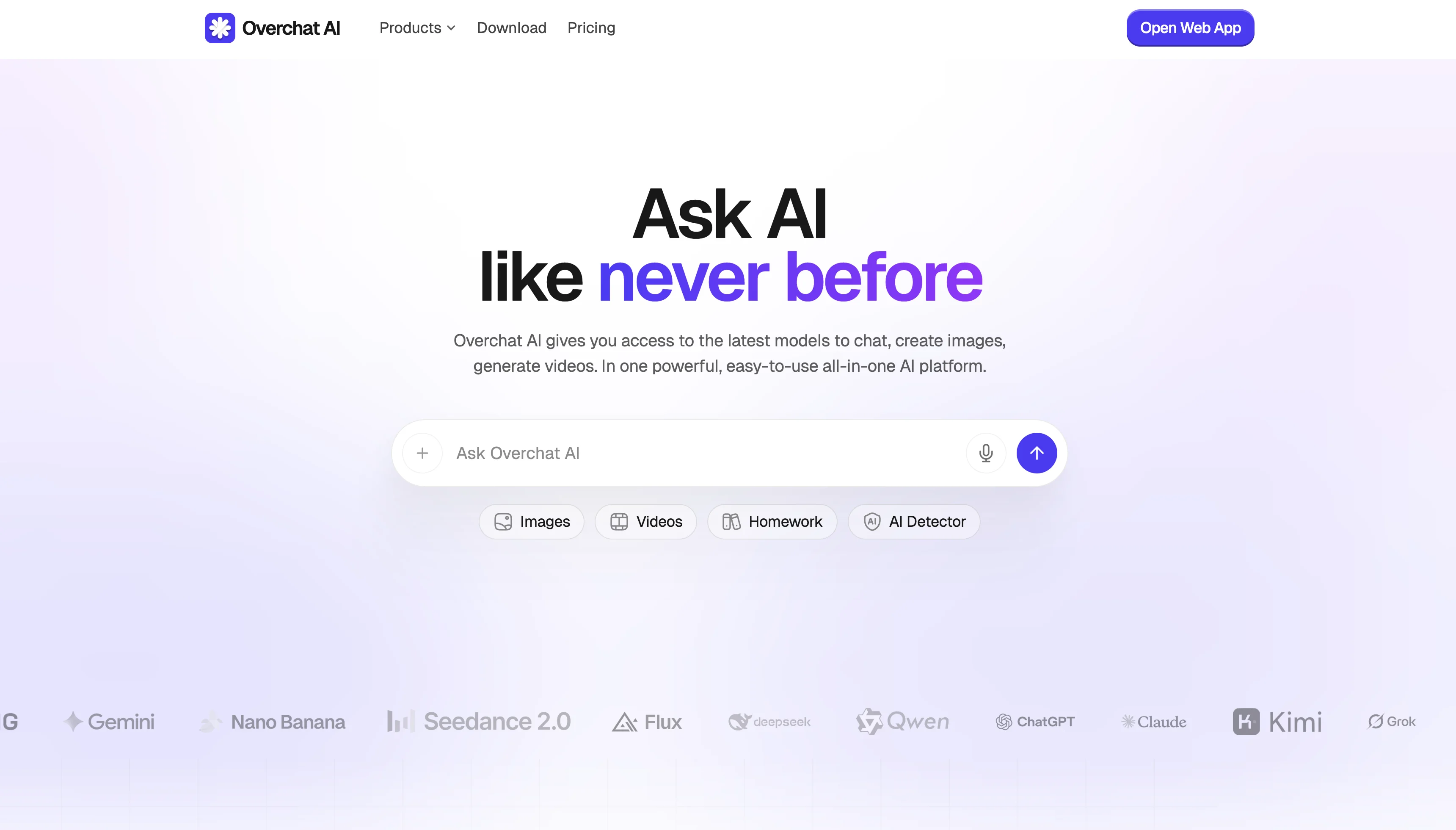
Overchat AI gives you every major model plus image, video and audio tools in one place.
What is it?
Overchat AI is an all in one AI platform that puts every major chat model and a full set of image, video and audio tools behind one subscription, along with over 100 specialized tools for image and video generation.
For example, combine multiple images in one with Overchat AI Image combiner, create videos with Video Generator, or solve homework with Homework Helper tools. Each tool comes with a mini-app designed around solving one specific task.
For text and chats, you also get:
GPT-5.5
Claude Opus 4.8 and Sonnet 4.6
Gemini 3.5
Grok-4.5
Along with DeepSeek, Qwen, Kimi, Llama and Mistral. The conversation context is saved between models, and there's auto routing — Overchat AI can send your request to the model that's most suited to the job.
Price
$14.99/month
$49.99/year
Free plan? Yes.
Pros:
Widest model coverage on this list, spanning text, image, video and audio
One token allowance you can spend across any model
Cheaper than a single ChatGPT Plus subscription
New frontier models are added as the labs release them
Cons:
Very heavy image and video use can run out before the week ends
Why use it?
What sets Overchat AI apart from a plain multi-model chat box is its library of mini-apps—purpose-built tools for specific jobs that sit on top of the raw models.
Instead of writing a prompt from scratch every time, you open a tool made for the task: an AI headshot generator, a logo maker, a homework solver, a PDF chat, a YouTube summarizer, and 100+ more. Each one is tuned for its use case, so you get a usable result without prompt engineering.
You still get the full chat experience with GPT, Claude, Gemini and Grok underneath, so it works for open-ended conversation too.
Best for: People who want both top chat models and ready-made tools for specific tasks, without paying for a different app for each one.
Monica — best browser AI assistant
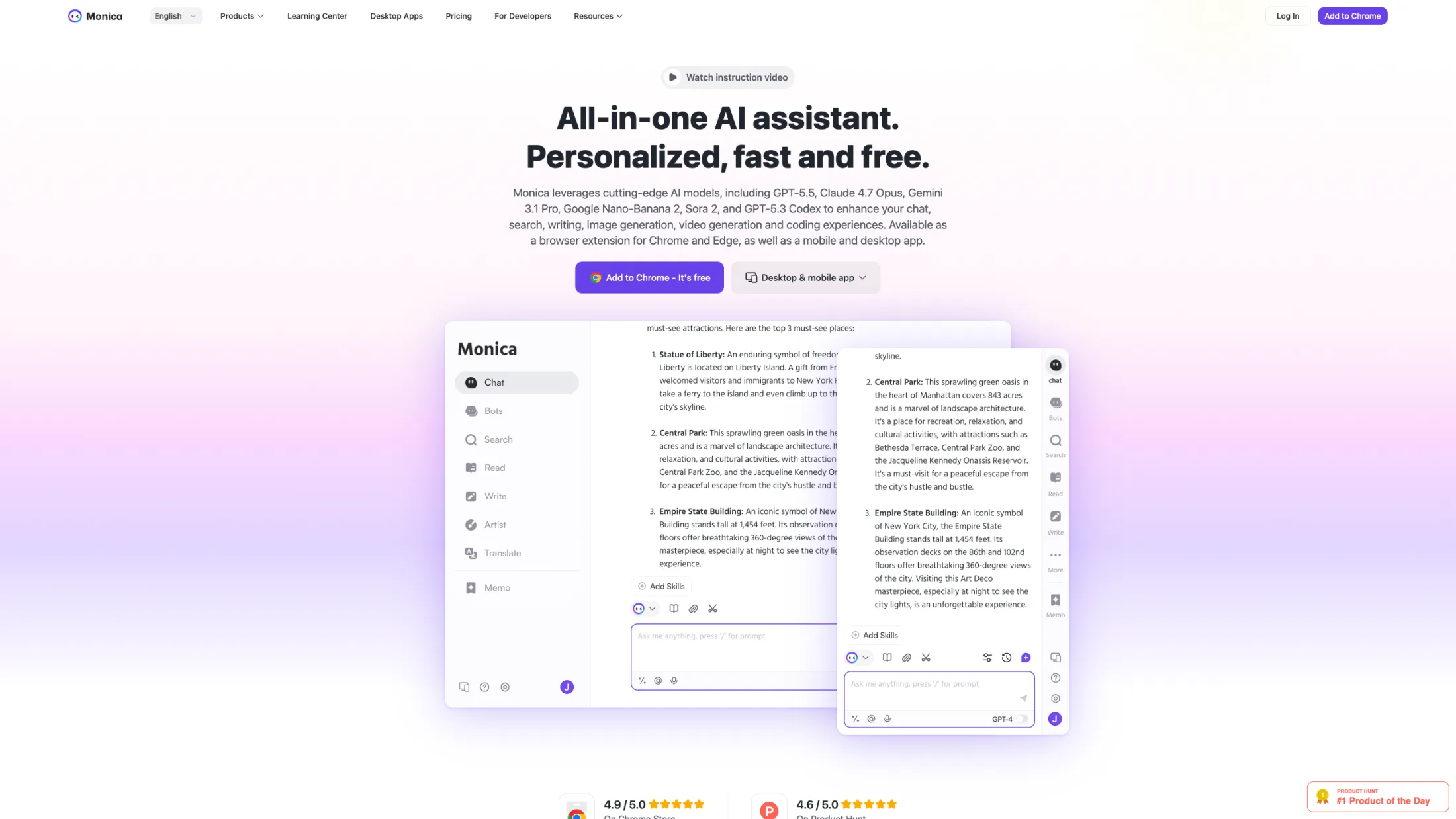
Monica runs as a browser sidebar with GPT, Claude, Gemini and Llama.
What is it?
Monica is an AI assistant that runs as a browser sidebar. It sits next to whatever page you're on, so you can call GPT, Claude, Gemini or Llama without opening a separate tab.
Because it works in context, it's well suited to reading-heavy tasks. You can summarize the article you're on, draft a reply inside your email, or translate a passage in place.
Pros:
Works on any web page without switching tabs
Covers the main chat models in one sidebar
Free plan for light daily use; Pro is $9.90/month
Credits system lets you spread usage across costlier models
Cons:
Image, video and audio coverage is limited compared to a full platform
Built around browsing, so it's less suited to long creative projects
Why use it?
Monica is the right tool if most of your AI use happens while you read or write online. The sidebar removes the copy-paste step between your browser and a separate chat app.
It is not meant to replace an image or video studio. Think of it as an assistant layered over your normal browsing, rather than a place to produce media.
Best for: People who want an AI assistant available on every web page they visit.
1minAI — best for pay-as-you-go pricing
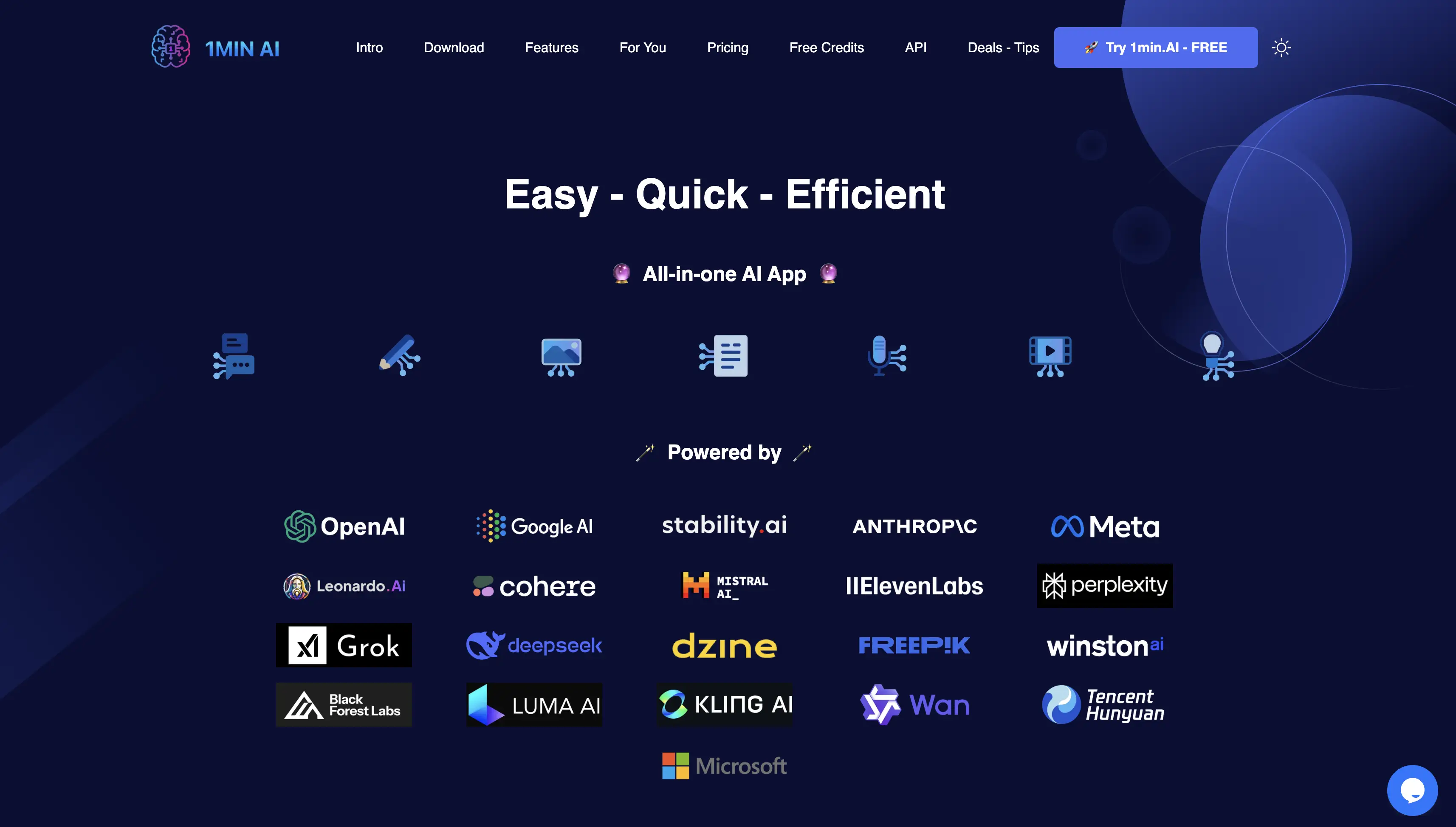
1minAI bundles text, image, audio and video tools on a credit system.
What is it?
An all-in-one platform that bills through credits rather than a fixed monthly seat. You buy a credit balance and spend it across text, image, audio and video tools from the major providers.
The Pro plan starts at $5/month, unused credits roll over to the next period, and you can earn free credits each day by opening the app.
Pros:
Low entry price at $5/month
Credits roll over, so nothing is wasted in a quiet month
Covers text, image, audio and video in one account
Daily free credits for light users
Cons:
Heavy image or video generation uses credits quickly
Cost is less predictable than a flat subscription
Why use it?
In a light month you pay very little, which is harder to achieve on a fixed-seat plan.
The trade-off is predictability. If you generate media heavily, a credit balance can run down faster than expected, so it suits occasional rather than constant use.
Best for: People with uneven, occasional AI usage who don't want a fixed monthly seat.
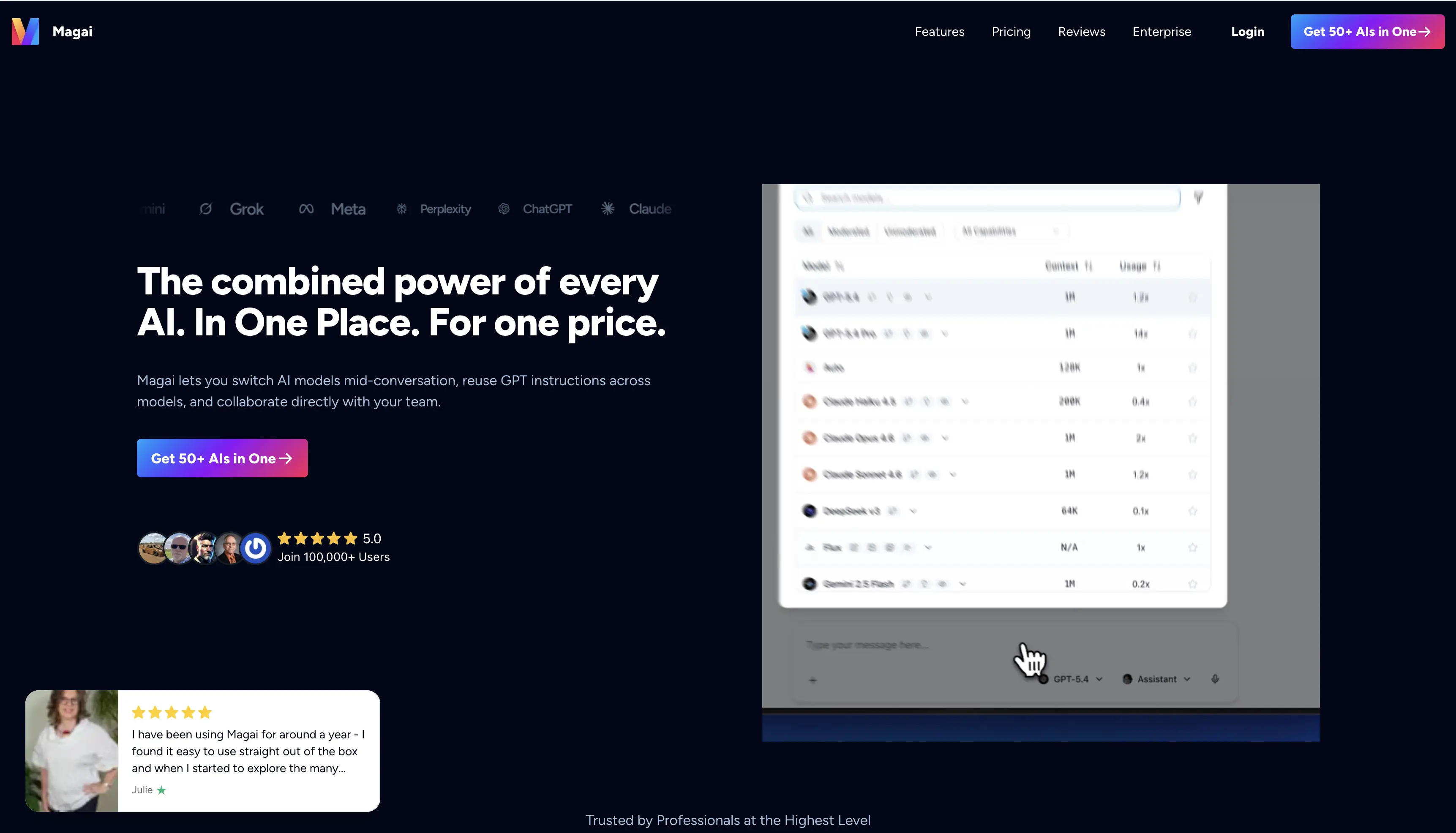
Magai — best for content teams
Magai bundles 50+ models in a workspace built for content teams.
What is it?
Magai bundles 50+ models, including ChatGPT, Claude, Gemini and Llama, plus image and video tools such as Flux, Runway and Kling.
What separates it from a plain chat aggregator is the workspace. Folders, brand voices and prompt libraries are designed for teams producing a steady volume of copy and creative.
Pros:
50+ models in one workspace
Brand voices keep output consistent across a team
Folders and prompt libraries organize ongoing work
Team plan covers five users
Cons:
No free tier to test it
Entry price of $20/month is high for a single casual user
Why use it?
Magai makes sense when several people share an AI workflow. Brand voices and shared libraries keep a team's output consistent, which a single-user chat tool doesn't handle.
For a solo user with light needs, the lack of a free plan and the $20 starting price are hard to justify. The value shows up at team scale.
Best for: Content teams that need shared models, brand voices and an organized workflow.
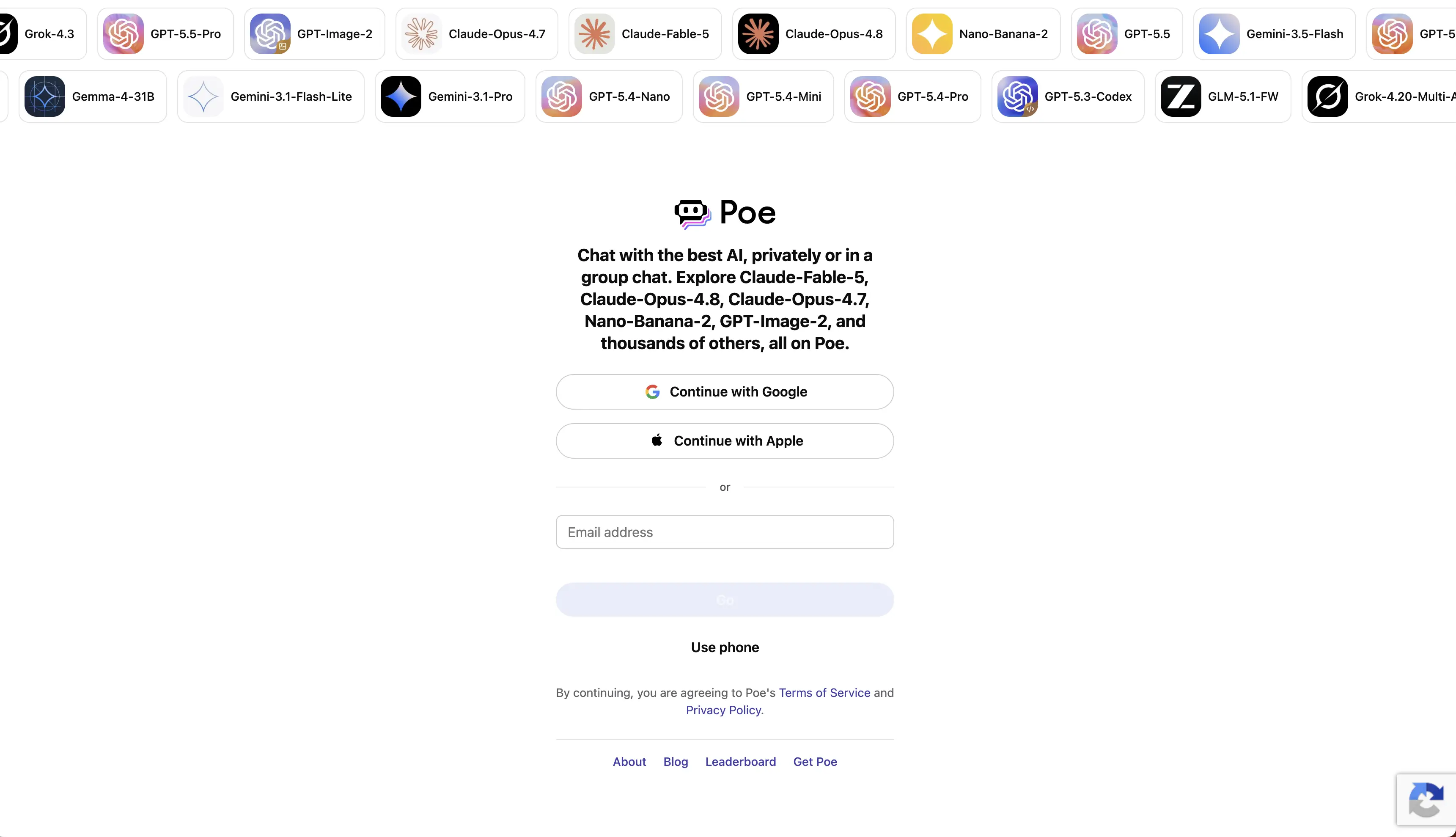
Poe — best for model variety
Poe gives you access to many models and community bots in one place.
What is it?
Made by Quora, Poe is a platform built around access to many models and bots, such as GPT-4o, Claude, DeepSeek-R1, ElevenLabs and dozens more.
Each model costs a set number of points per message, and pricier models cost more. Plans start at $5/month and go up to $249/month for heavy use of expensive models.
Pros:
One of the widest selections of models and community bots
Low $5/month entry point
Points system lets you try many models without separate accounts
Cons:
Focused on chat and audio, with limited image and video tools
Points can be spent quickly on the more expensive models
Why use it?
Poe suits people who want to compare and experiment across as many models as possible. The community bots add specialized options you won't find on most platforms.
It is less suited to full creative production. There's no broad image or video suite, so it works better as a place to test models than to finish media projects.
Best for: People who want to experiment across the widest set of models and bots.
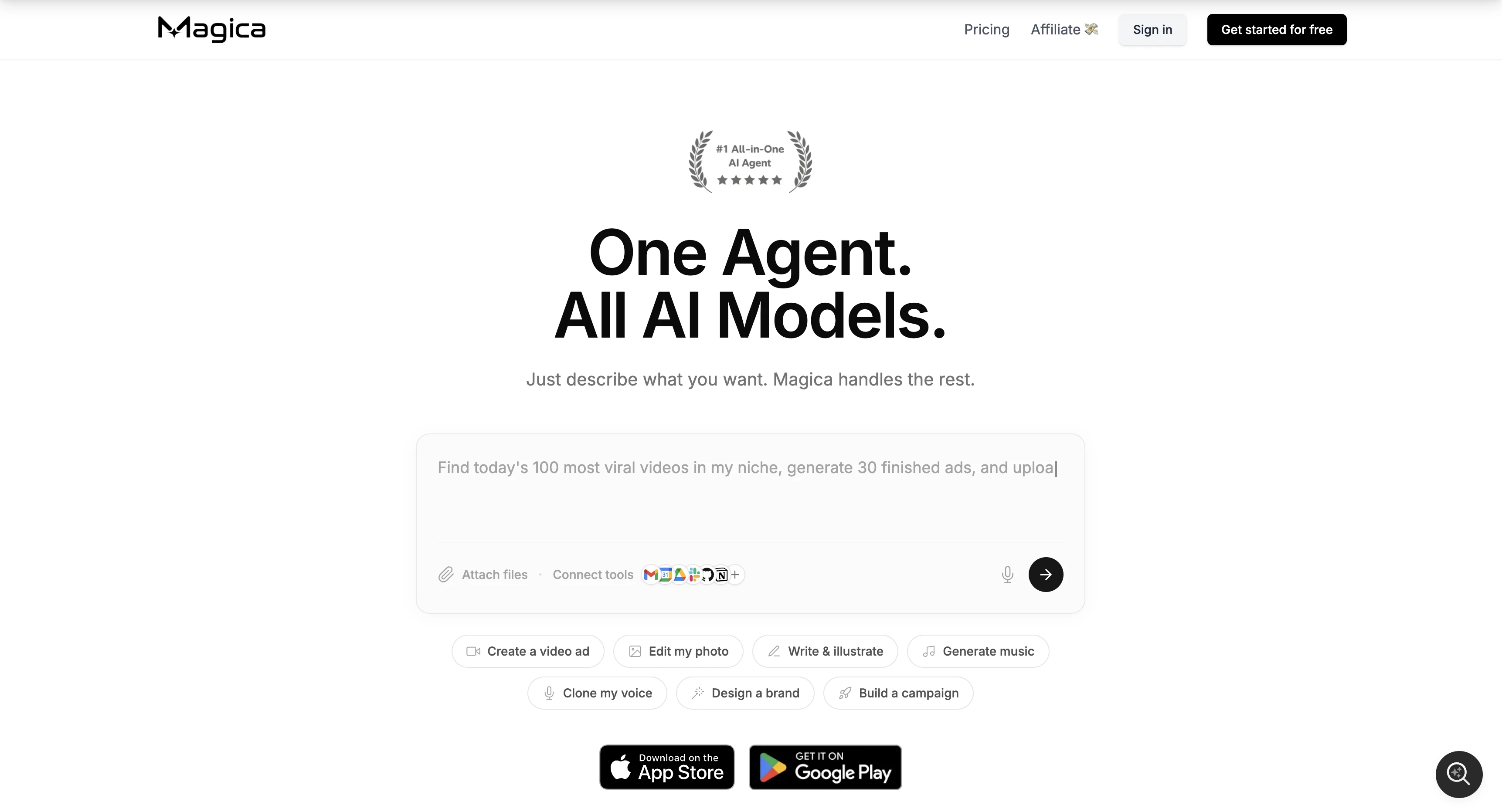
Magica — best budget AI bundle
Magica advertises access to every major model and thousands of tools.
What is it?
Magica (formerly Galaxy.ai) is a budget bundle that advertises access to GPT-5, Claude, Gemini, Grok, Midjourney, Sora 2 and Veo 3, plus thousands of smaller tools, under one subscription. The annual Pro plan works out to around $8.25/month, and there's a $399 lifetime option for heavy users.
Pros:
Very low price for the range it covers
Spans text, image, video, audio and code
Large and growing tool catalog
Lifetime deal available for long-term users
Cons:
The large catalog is uneven; many tools are shallow
You pay for breadth rather than a curated, well-tuned set
Why use it?
Magica is hard to beat purely on cost. For someone who wants access to as many models and tools as possible without paying much, the value is clear.
The catch is depth. With thousands of tools added on a rolling basis, quality varies, so it rewards users who want wide access over a small set of polished tools.
Best for: Budget users who want the widest catalog for the lowest annual price.
Perplexity — best for research
What is it?
Perplexity is an AI platform built for research. It can run deep web searches, answer questions with citations, and summarize complex topics using GPT, Claude, Gemini and Grok, as well as its own model. The Pro tier is $20/month and unlocks the stronger models along with deeper research modes for longer, multi-step questions.
Pros:
Every answer comes with sources you can check
Access to several top models in one place
Strong for fact-finding and literature review
Free plan available before the Pro tier
Cons:
Image generation is basic and video isn't a focus
Not built for creative or media production
Why use it?
For research where you need to verify where each claim came from, the citation-first design saves time.
It is not a creative suite. If you also need image or video generation, Perplexity would sit alongside another tool rather than cover that work itself.
Best for: Researchers and anyone who needs sourced answers over creative output.
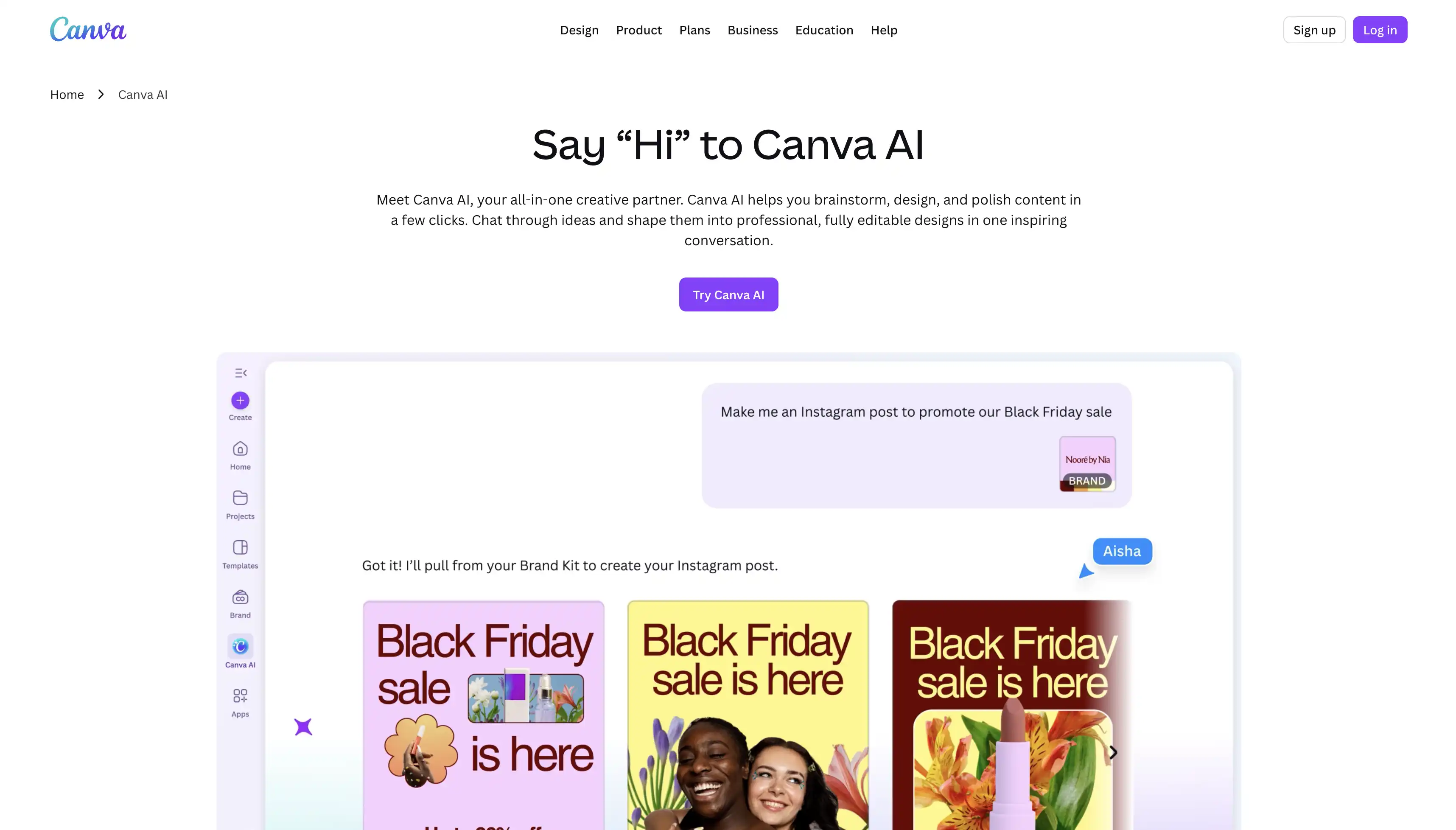
Canva AI — best for design
Canva AI builds text-to-image and Magic Write into the design editor.
What is it?
Canva AI is a set of AI features built into the Canva design editor. Text-to-image, Magic Write, background removal and video tools all sit inside the workspace many people already use for design.
It isn't a multi-model chat platform like the others here. The AI is there to support visual work rather than to let you compare Claude against Grok.
Pros:
AI tools are built into a familiar design editor
Strong image and layout features
No need to learn a separate app
Free plan with paid tiers from $15/month
Cons:
Not a multi-model chat platform
Limited for text or research tasks outside of design
Why use it?
Canva AI fits people whose work is mostly visual and who already design in Canva. The AI features extend the editor instead of adding another tool to manage.
If you need broad chat-model access or research, this isn't the platform for it. Its strength is keeping design and AI in the same place.
Best for: Designers and marketers who want AI built into a design tool they already use.
All in one AI vs single-tool subscriptions: cost comparison
It helps to put the numbers side by side. Say you wanted to cover text, image, video and research with separate tools—a stack might look something like this:
ChatGPT Plus — $20/mo
Claude Pro — $20/mo
A dedicated image generator — ~$10/mo
A video tool — ~$20/mo
A research assistant — $20/mo
That comes to about $90 a month, or over $1,000 a year.
An all-in-one platform gives you the same models for a single subscription, usually in the $5–$20 range. Even at the top of that range, you're paying 70–80% less.
When does a separate subscription still make sense? A separate subscription is worth keeping if you rely on a single tool so heavily that you need its most advanced features. In that case, a dedicated plan can pay off.
How to choose an all in one AI platform
The best platform depends on what you do most. Match your main use to one of these.
For writing and chat
If you mostly write and chat, look for wide model choice and strong writing quality. Overchat AI covers every major model, so you can switch between Claude for long documents and GPT for reasoning. Monica is a good option if you'd rather have that access inside your browser.
For image and video
If you create visuals, what matters most is how many image and video models a platform supports. Overchat AI and Magica both cover a wide range, including Sora, Veo, Kling and Flux, so you can generate and edit without leaving the app. Canva AI is the better choice if your work is design-led.
For teams and business
Teams need shared workspaces and consistent output across people. Magai is built for content teams, with brand voices and shared folders. Overchat AI works well for businesses that want broad model access at a low cost per person.
For a tight budget
On a budget, compare the real monthly cost and the free plans. 1minAI's credits, Magica's annual plan and Poe's $5 tier are the cheapest entry points. Overchat AI's free plan lets you start without paying at all.
FAQ
What is the best all in one AI platform?
Overchat AI is the best all-in-one AI platform overall. It combines the widest range of models — GPT, Claude, Gemini, Grok and more — with image, video and audio tools, at a low single price. The right choice for you depends on your main use: Magai for content teams, Perplexity for research, or Canva AI for design.
Is there a free all in one AI tool?
Yes. Overchat AI, Monica, 1minAI, Poe, Magica and Perplexity all offer free plans. A free plan usually limits how many messages or generations you get each day, but it's enough to test the platform and handle light use.
Can one AI app replace ChatGPT, Claude, and Gemini?
Yes. An all-in-one platform like Overchat AI gives you GPT, Claude and Gemini, plus Grok and others, inside one interface. You can use and compare all of them without separate subscriptions, which for most people replaces paying for each one on its own.
Are all in one AI platforms worth it?
For most people, yes. If you use more than one or two AI tools, an all-in-one platform lowers your cost and saves you from managing several apps and logins. The exception is if you rely on one tool so heavily that you need its most advanced features, in which case a dedicated subscription can still make sense.
What is the cheapest all in one AI subscription?
The cheapest entry points are 1minAI and Poe at $5/month, and Magica at around $8.25/month on an annual plan. Overchat AI also starts low and includes a free plan, which makes it one of the most affordable ways to get every major model in one place.
The best all in one AI platform for 2026
Paying for several separate AI subscriptions rarely makes sense anymore. An all-in-one platform gives you the models and tools you use behind one login, for much less than the combined cost.
On models, media support, ease of use and price, Overchat AI is the best all-in-one AI platform for 2026. It puts every major chat model alongside image, video and audio tools in one interface, starts with a free plan, and costs less than a stack of separate tools. If you want to stop managing multiple subscriptions and keep your AI work in one place, it's where to start.