5 Best AI PDF Summarizers in 2026: Read PDFs in Seconds
Last Updated:
2026-09-26
5 Best AI PDF Summarizers in 2026: Read PDFs in Seconds
What if, instead of just reading a PDF, you could chat with it — ask questions, get clarifications — while the document stays open right in front of you?
That’s where AI PDF summarizers come in. These are smart PDF readers that don’t just display your document, but also include an AI assistant. They make working with PDFs much easier, saving you hours every week that would otherwise be spent on long reading sessions.
In this article, then, we'll look at the best AI for summarizing PDF documents in 2026, and explain why each one stands out. Let’s get started.
A PDF summarizer is an online document reader with a built-in AI chat — upload a file, get an instant summary, and ask follow-up questions in a side panel.
What to look for: accuracy (tied to the underlying model's context window), speed (under 30 seconds), large file support, and useful chat features like select-to-explain and follow-up suggestions.
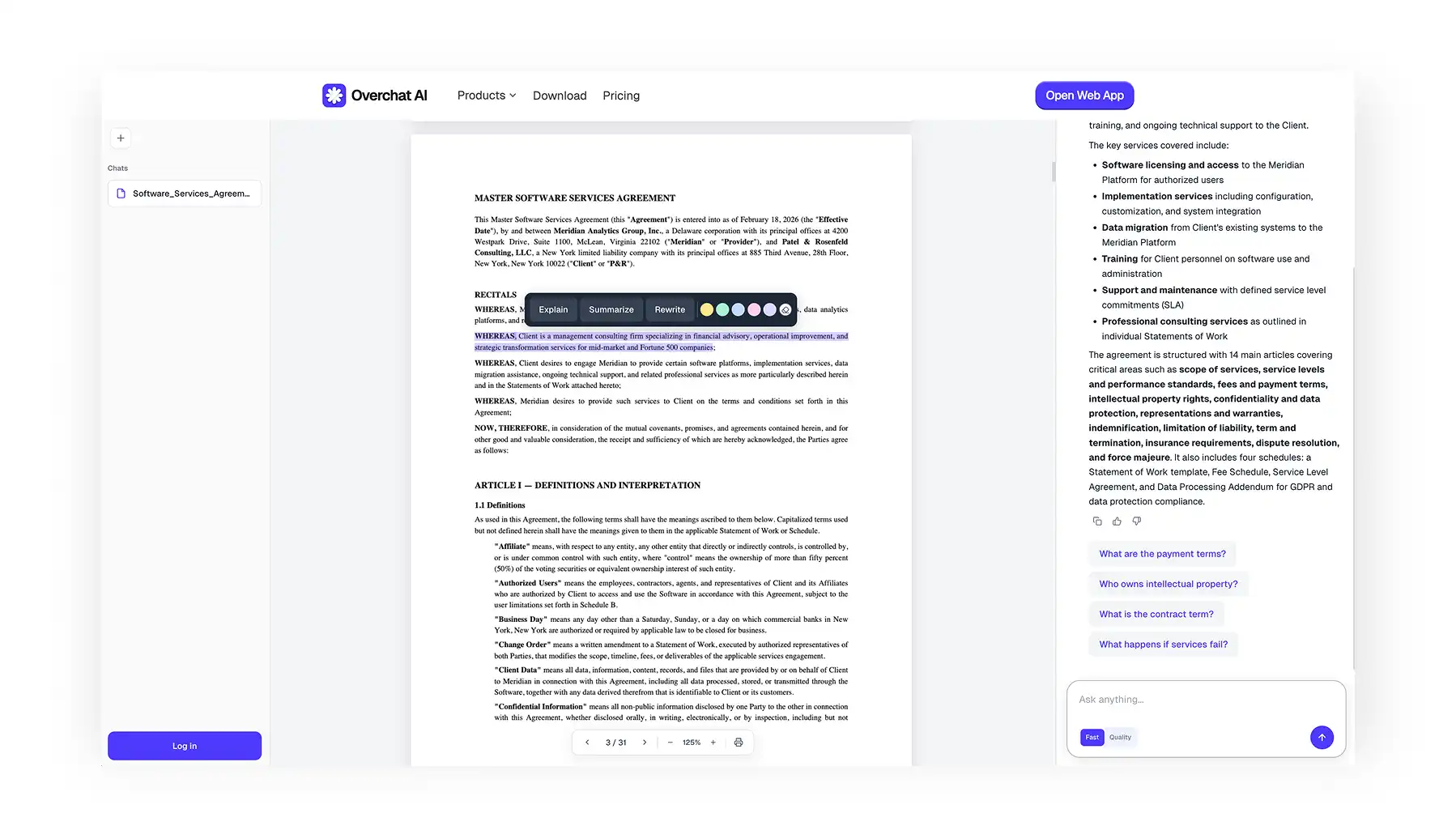
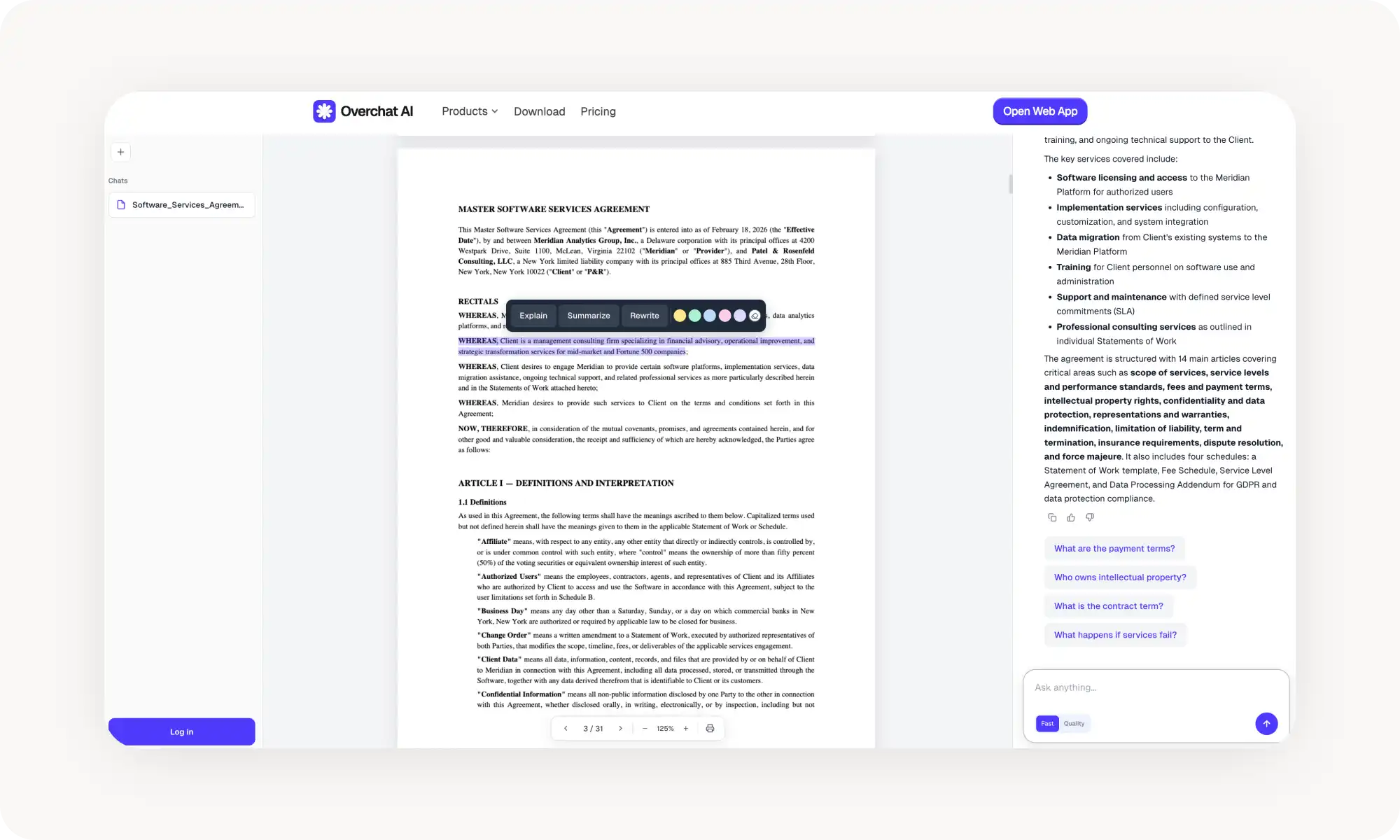
Overchat AI offers multiple AI models including Claude Opus 4.6 and Gemini 3 Pro with up to 1M token context windows, no page limits, no signup required, and a select-to-rewrite/explain feature on any passage. Free basic models; premium from $4.99/week.
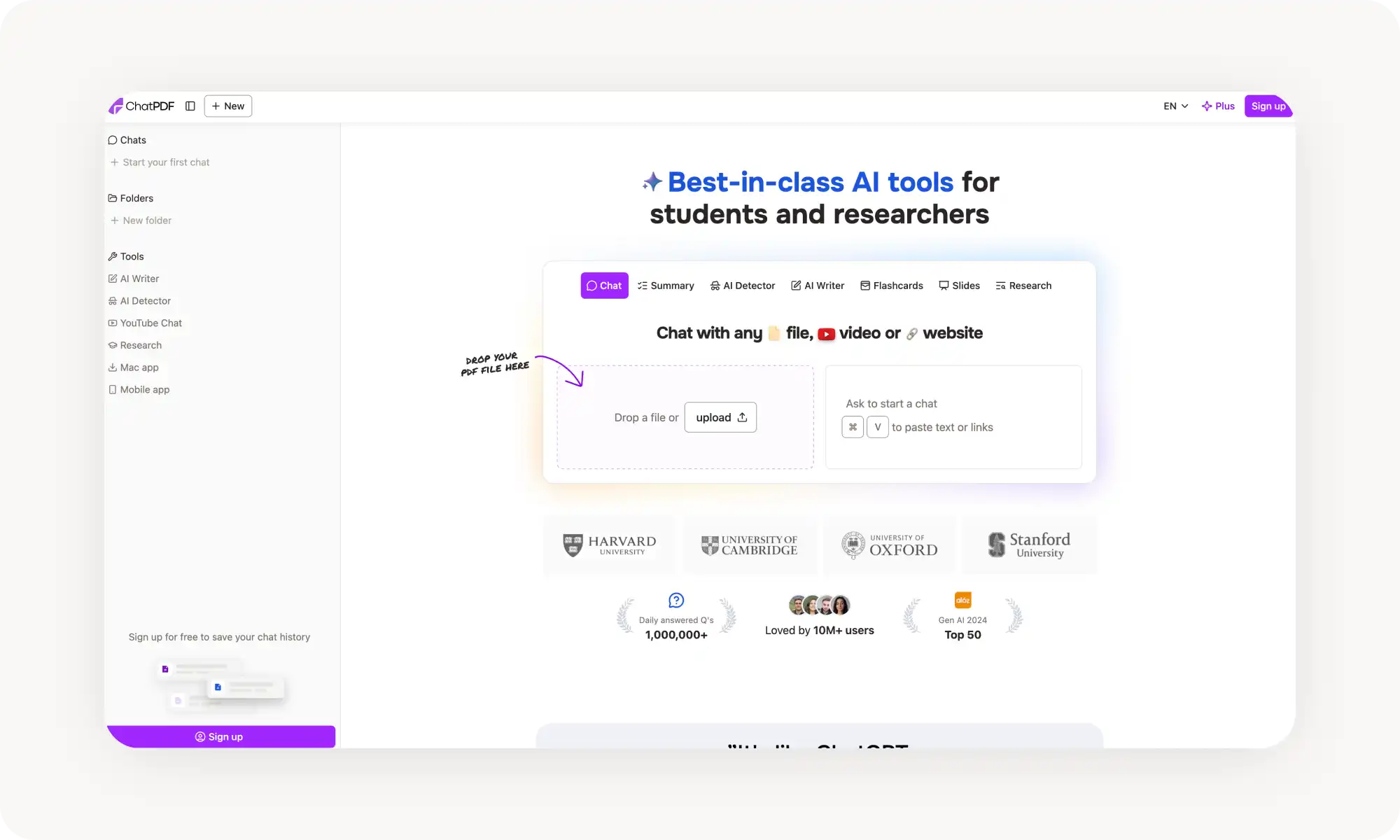
ChatPDF has a simple conversational interface with source citations, free tier limited to 2 PDFs/day at 120 pages each. Struggles with technical documents and complex tables.
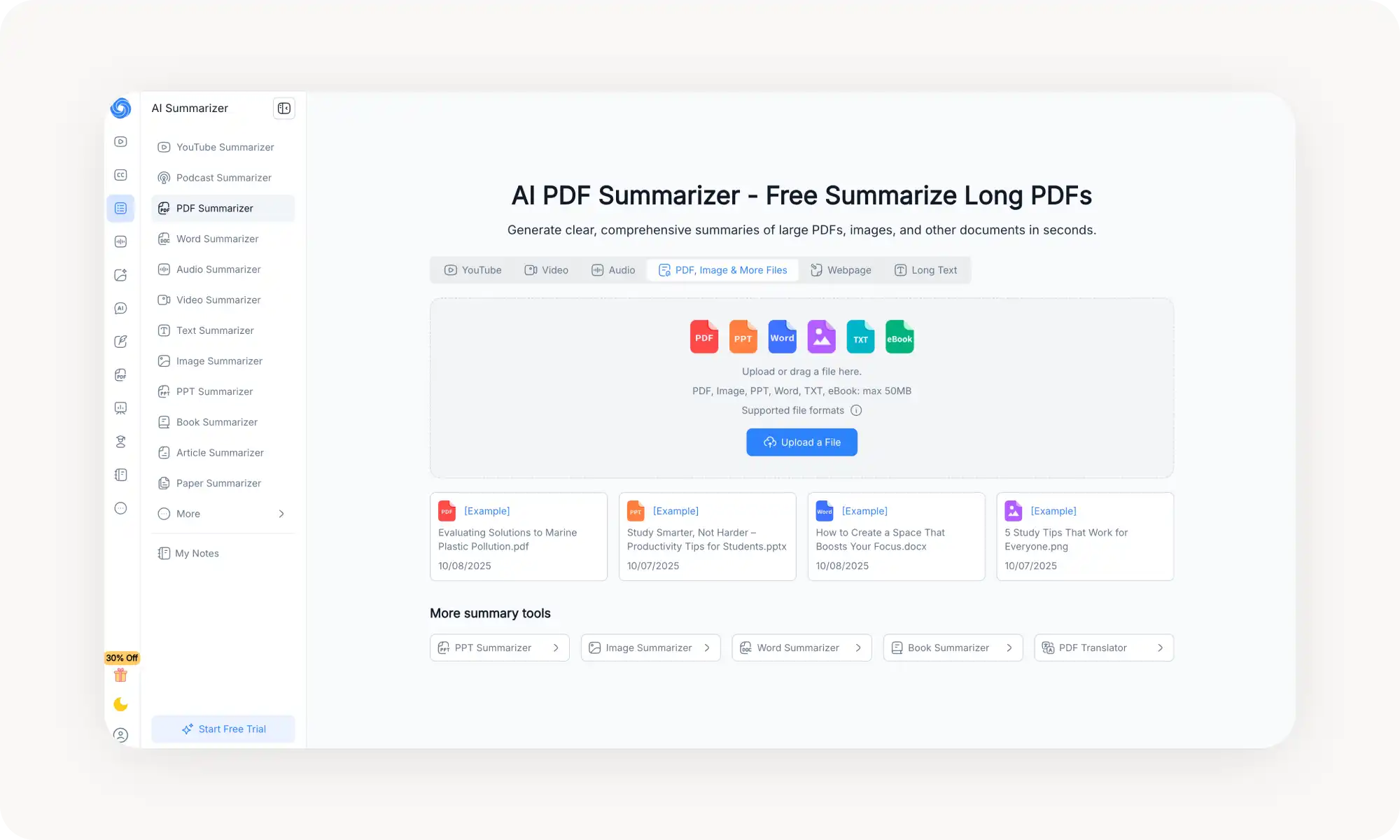
NoteGPT generates mind maps alongside summaries, works on PDFs/videos/web content, and has a Chrome extension. Free tier capped at 15 quotas/month.
Smallpdf prioritizes security (GDPR, ISO certified, files auto-deleted within 1 hour), but most useful features are paywalled behind the ~$12/month Pro plan.
Manus handles scanned PDFs via OCR and can generate slides from summaries, with no page limit — but its future is uncertain following Meta's acquisition.
Real-world benefit from testing: an 18-page contract took 15 minutes to understand manually vs 3 minutes with a summarizer.
What is a PDF Summarizer?
PDF summarizers (often called Chat PDF tools) are smart, online document readers with built-in AI chat assistants.
When you upload a file, it appears on your screen — and at the same time, the AI processes the content and generates an instant summary. You’ll usually see a chat panel next to the document where you can ask follow-up questions and dig deeper into specific sections.
Depending on the tool, you may also get extra features that make things easier to understand, like suggested questions, highlights, markers, mind maps, and more.
So how do you use one? It’s very simple and only takes a few clicks:
Upload a PDF
The AI reads and analyzes the content
You get a summary with key points
In many cases, you can even try it without creating an account.
What Makes a Good PDF Summarizer?
In today’s world, the ability to understand information quickly is a real competitive advantage. Time is your most valuable resource — and that’s exactly why the AI summarizer market has exploded in recent years. People simply don’t want to spend hours reading what they don’t have time for.
After testing more than 15 different tools, I’ve developed a clear sense of which features are essential and which ones you can safely skip. So here’s what to look for when choosing the best AI to summarize PDF documents:
Accuracy. I’m talking about the quality of the initial summary — it should capture the key points accurately, even for long files. This largely depends on the context window of the underlying AI model. Look for tools that clearly state which model they use (like GPT, Claude, or DeepSeek), and be cautious with unbranded options. It’s not always a red flag, but sometimes it means they’re using a cheaper model that can’t handle enough tokens to properly process a long PDF.
Speed. The initial summary should ideally take less than 30 seconds — otherwise, you might as well skim the document yourself. The best tools generate a summary within a few seconds of uploading the file.
Large file support. A good tool should be able to handle PDFs that are hundreds of pages long without slowing down or losing accuracy. Again, this usually comes down to the model behind it.
Chat features. Basic AI chat is a standard feature, so that alone doesn’t differentiate one PDF summarizer from another. But what else can it do? Quote specific passages, rewrite sections, or suggest follow-up questions? All of this makes a big difference in usability, and not all tools offer this.
Now that we’ve covered the basics, let’s look at which AI tool on the market right now does the best job summarizing PDF files.
Best AI PDF Summarizers
After testing more than 15 different platforms on everything from invoices and research papers to legal documents, I narrowed it down to five tools that are truly worth your attention. The table below gives you a quick overview.
Tool
Free Plan
Chat with PDF
Our Rating
Overchat AI
✓
Yes
⭐⭐⭐⭐⭐
ChatPDF
✓
Yes
⭐⭐⭐⭐⭐
NoteGPT
✓
Yes
⭐⭐⭐⭐
Smallpdf
✓
Yes
⭐⭐⭐⭐
Manus
✓
Yes
⭐⭐⭐⭐
1. Overchat AI
Overchat AI PDF summarizer is a free online tool that lets you choose from multiple AI chatbots — from fast GPT-5 Nano to the best, most powerful AI models like Claude Opus 4.6 and Gemini 3 Pro. The latter come with context windows of up to 1 million tokens, which is more than enough to handle even very long documents. Even on the free plan, there’s no hard limit on how large a document you can upload.
Naturally, you chat with your PDF. Select any text and you’ll see a contextual menu. Click the buttons to rewrite, explain, or summarize specific parts. If you want to flag something for later, there’s also a marker feature.
The built-in PDF reader even lets you print documents directly. The basic models are free, and in my testing they were both fast and accurate. The more advanced models are included in a broader subscription plan, which starts at $4.99 per week.
I also liked that you can use the tool without creating an account. As a best AI PDF reader and summarizer, it keeps your chat history saved until you close the browser tab, which makes it easy to upload multiple documents and switch between them. If you want your history to persist across sessions, you can create a free account.
Pros:
✅ Multiple AI models to choose from
✅ An easy way to parts of the PDF
✅ Very fast reply speed
✅ Not just a chat, but also a solid PDF reader
✅ No sign-up required to gest started
Cons:
❌ Premium required for advanced models
2. ChatPDF
ChatPDF is one of the most popular tools for talking to your documents.
The free plan lets you upload 2 PDFs per day, each up to 120 pages. You can ask questions and get summaries without paying anything. The Plus plan ($19.99/month) removes these limits and supports documents up to 2,000 pages.
One limitation: it struggles with heavily technical documents and complex tables. If your PDF contains lots of charts or specialized terminology, the responses might be less accurate.
Pros:
✅ Simple, conversational interface
✅ Cites sources within the document
✅ No account needed to try it
✅ Supports multiple languages
✅ Works with Word and PowerPoint too
Cons:
❌ 2 PDFs/day limit on free plan
❌ Struggles with technical documents
❌ Plus plan is relatively expensive
❌ No batch upload feature
3. NoteGPT
NoteGPT started as a YouTube summarizer but has expanded into a full learning platform. The best features of this PDF summarizer include instant summaries, mind map generation, and an AI chat that answers questions about your documents.
The free plan gives you 15 quotas per month for summarization. Paid plans start at $9.99/month for 1,000 quotas. The tool works directly in your browser and also offers a Chrome extension. Over 12 million users have tried it, which speaks to its reliability.
Pros:
✅ Mind map generation
✅ Handles PDFs, videos, and web content
✅ Chrome extension available
✅ 12 million users (proven reliability)
✅ Page-by-page text extraction
Cons:
❌ Limited free quotas (15/month)
❌ Quota system can be confusing
❌ Paid plans get expensive for heavy use
❌ Technical documents sometimes oversimplified
4. Smallpdf
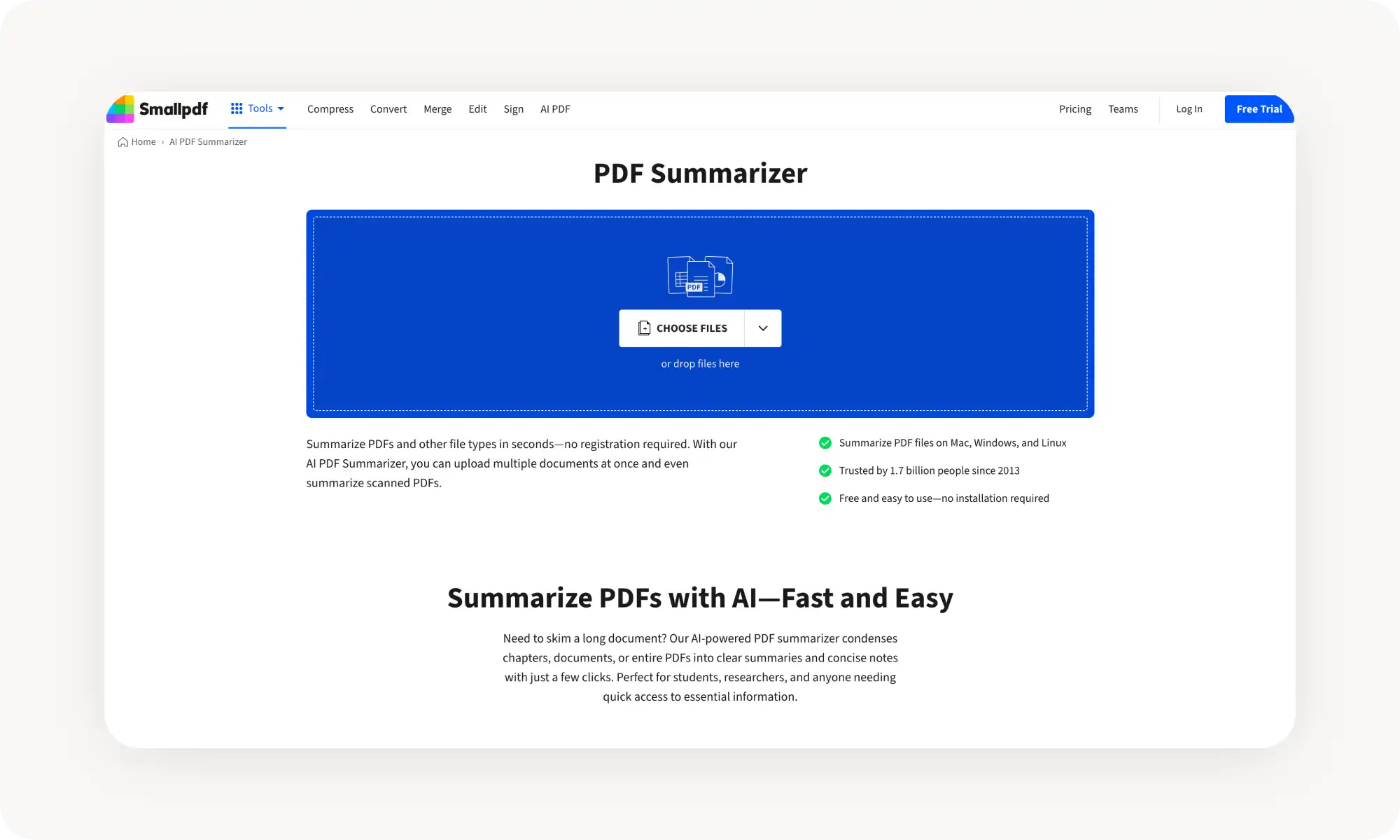
Smallpdf is known for its PDF editing tools, but the AI summarizer deserves attention too. For anyone looking for the best AI for reading and summarizing documents, it condenses files into clear summaries and includes an AI chat for follow-up questions.
Consider this one if security is a top priority for you. Smallpdf is GDPR compliant and ISO/IEC certified. Files are encrypted during transfer and automatically deleted within an hour after processing.
The downside is that many of the key features are heavily paywalled. On the free plan, I kept running into hard limits that other tools simply don’t impose. Realistically, you’ll need to upgrade to the Pro plan to get the full experience, which costs around $12 per month.
Pros:
✅ Strong security (GDPR, ISO certified)
✅ Works with PDFs, Word, PowerPoint, Excel
✅ Files deleted within 1 hour
Cons:
❌ Best features require Pro subscription
❌ Word limit on documents (25–35k free, 100k paid)
5. Manus
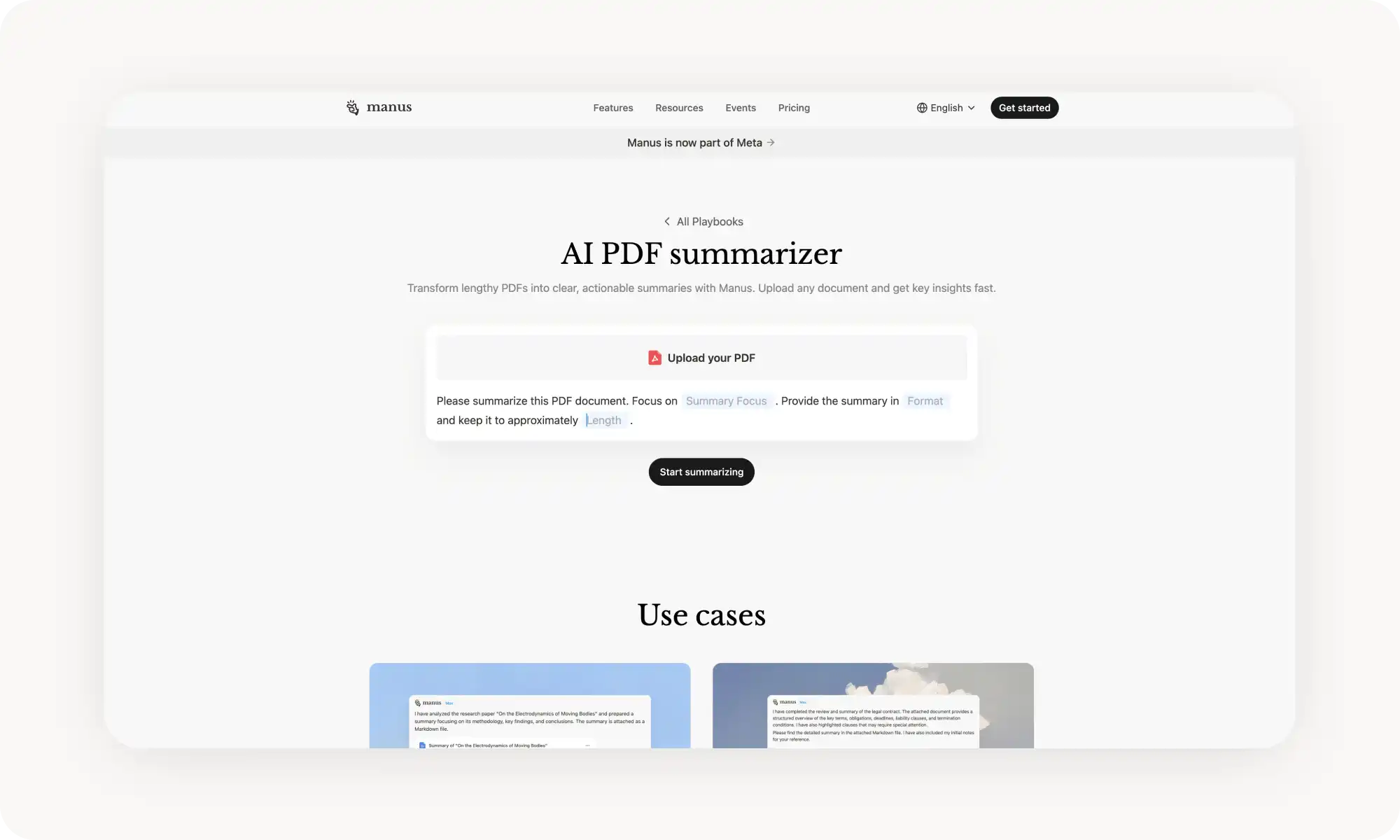
Manus is an AI assistant that also has PDF summarization features —part of its broader tasks. Tell it to summarize a document, and it will read the file, extract key points, and deliver results in whatever format you request.
Manus also works with scanned PDFs using optical character recognition (OCR), which is handy — not all tools support this alternative workflow.
In terms of price, take advantage of free daily credits for new users. If you need more — subscription plans are credit-based, and most PDF summaries cost 50–200 credits depending on length.
Note: Recently, Manus was acquired by Meta, which may affect future pricing and availability. For now, I’d mark this as developing.
Pros:
✅ No page limit on documents
✅ OCR for scanned PDFs
✅ Can generate slides from summaries
✅ Free daily credits
Cons:
❌ Credit-based pricing can add up
❌ Future is a bit uncertain due to recent acquisition by Meta
❌ May be overkill for simple summarization needs
Frequently Asked Questions (FAQs)
What is the best AI to summarize PDF files for free?
Overchat AI. This tool gives you:
Unlimited PDF uploads
Integrated chat with PDF with quotes
An ability to easily rewrite text from the PDF
Message history across documents that persist during session (even without an account)
A great online PDF reader
What's the difference between a PDF summarizer and ChatGPT?
PDF summarizers are built specifically for working with documents, so they come with features that make the process much easier — integrated readers, page citations, mind maps, and “select-and-rewrite” tools that ChatGPT doesn’t offer.
If you upload a PDF into ChatGPT, it will give you a summary — but it may not display the document itself or make it easy to highlight specific passages and ask targeted questions about them. Dedicated PDF summarizers are designed to handle exactly that.
How accurate are AI PDF summaries?
They’re generally very accurate, though it does depend on the specific tool and the length of the PDF. As with any AI, the more of the model’s available context a document takes up, the more likely accuracy is to drop. To minimize this, choose tools that offer very large context windows. For example, Overchat AI includes models with context windows of up to 1 million tokens.
That said, always treat AI summaries as a starting point. If something looks important — like a key date or a critical number in a legal document — double-check it against the original. Since you already have the document open in the reader when using a PDF summarizer, verifying details only takes a few seconds.
Are document summarizing tools secure?
Usually, but it depends on the development. You can tell which tools are secure if they have these features:
SSL/TLS encryption
GDPR or SOC 2 compliance
Automatic file deletion
Clear privacy policies stating they don't train on your data
For example, Smallpdf and Overchat AI both emphasize security, so they're a good place to start.
Can I summarize very long PDFs?
Yes, absolutely, for example, all platforms on this list have generous limits:
Overchat AI: no page limit
ChatPDF free: 120 pages, Plus: 2,000 pages
Manus: No page limit
Smallpdf: 25–100k words depending on your plan
Bottom Line
I think as we use more and more AI tools, the way we process and understand information in 2026 is going to shift fundamentally, and PDF summarizers are part of that bigger change. The workflow of moving from general to specific has always existed — that’s basically what skimming was for — but now AI can automate it.
I tested how long it takes to understand a PDF with and without a summarizer. Without one, it took me about 15 minutes to get a good grasp of an 18-page contract. With a PDF summarizer, I had a solid understanding in just 3 minutes — that’s 12 minutes saved on a single document.
There’s a real, measurable benefit to using these tools. The next step is simple: pick one that works for you and start saving time — time you can put toward whatever really matters to you.