With over 5 billion videos, YouTube is home to a vast library of content. On average, videos are 11 minutes long, while educational videos, podcasts and lectures are over 30 minutes. When you need information quickly or want to learn about a topic, you often have to watch multiple videos to get all the angles, which can waste hours of your time.
However, there is a better solution: AI-powered tools can now extract key points from any video in seconds. In this article, we’ll talk about the best YouTube video summarisers available right now, including what they are, their benefits, and why you should use one to understand videos faster.
Most YouTube videos pack 10–15 minutes of real value into 30–60+ minute runtimes because the algorithm rewards watch time, padding content with B-roll, intros, and sponsor integrations.
A YouTube summarizer pulls the transcript, runs it through an LLM, and outputs a structured summary — letting you scan a video in 30 seconds and decide whether it's worth watching.
What makes a good summarizer: 95%+ accuracy, output in under a minute, adjustable length, export options, and multi-language support.
Overchat AI is free with unlimited usage, works across web/iOS/Android, supports over 100 languages, and includes chat-with-video so you can ask follow-up questions.
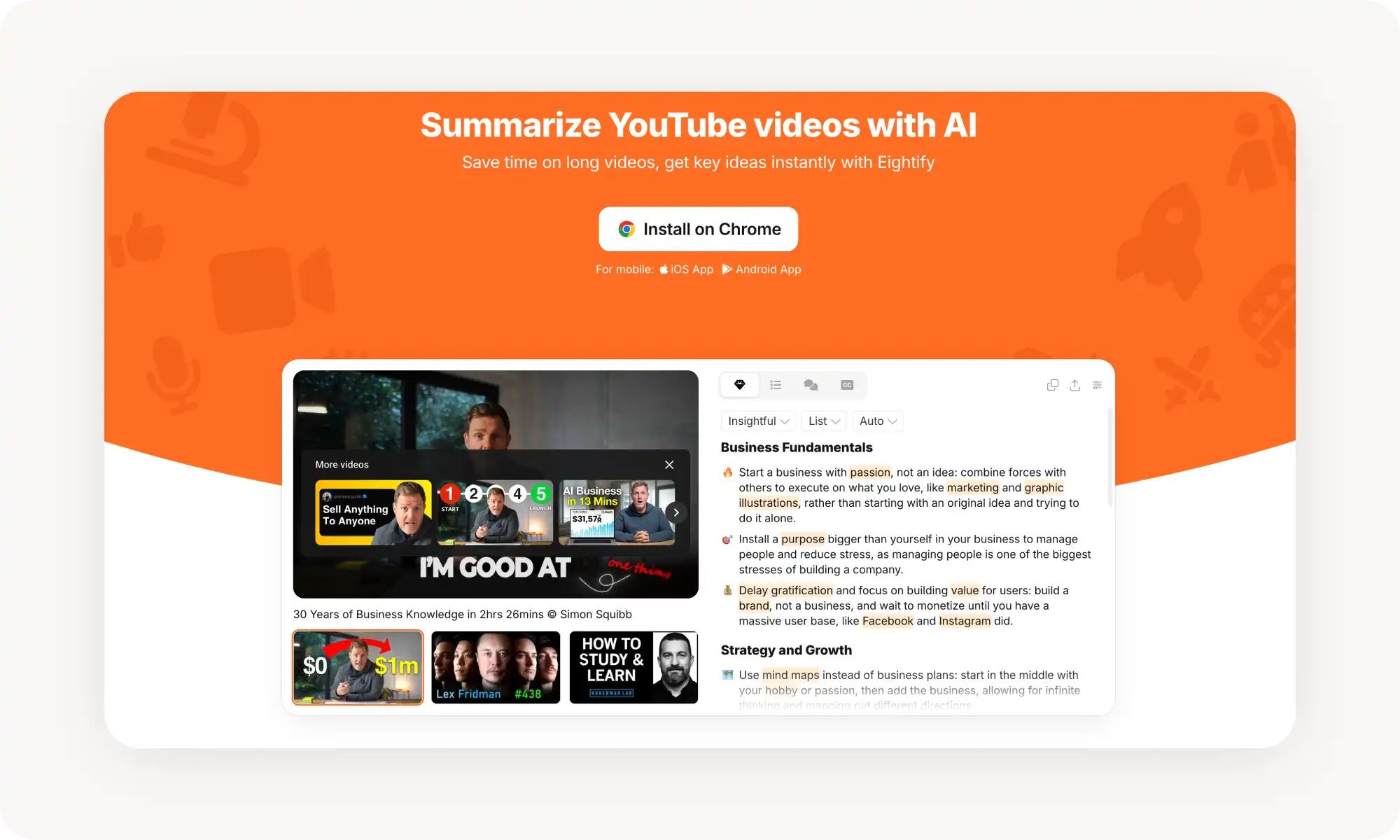
Eightify is a Chrome extension that summarizes directly inside YouTube pages — handles videos up to 12 hours, supports 40+ languages, and analyzes comments for viewer sentiment.
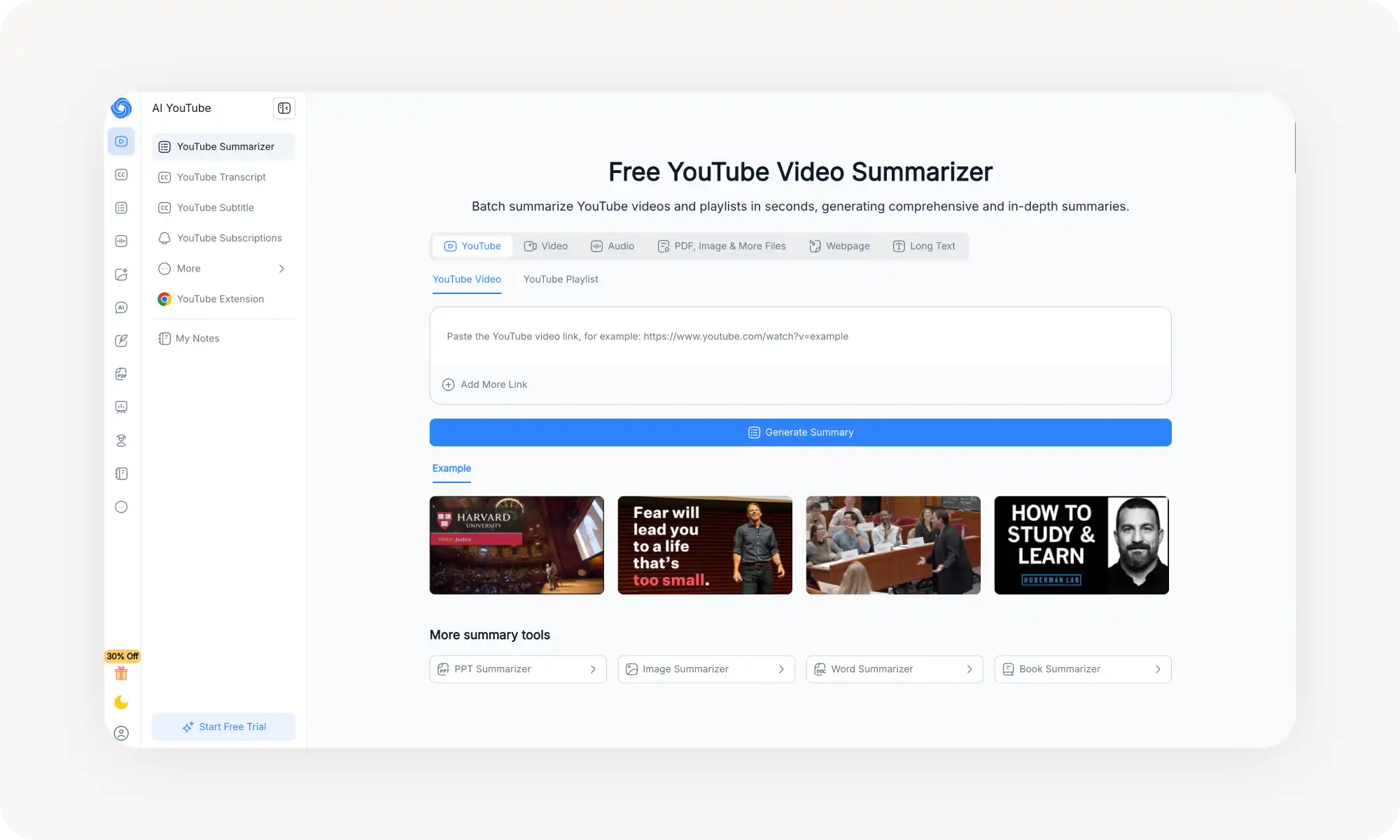
NoteGPT is built for research scale — batch-process up to 20 videos at once, works even on videos without subtitles, and runs on GPT-4 and Claude with customizable prompts.
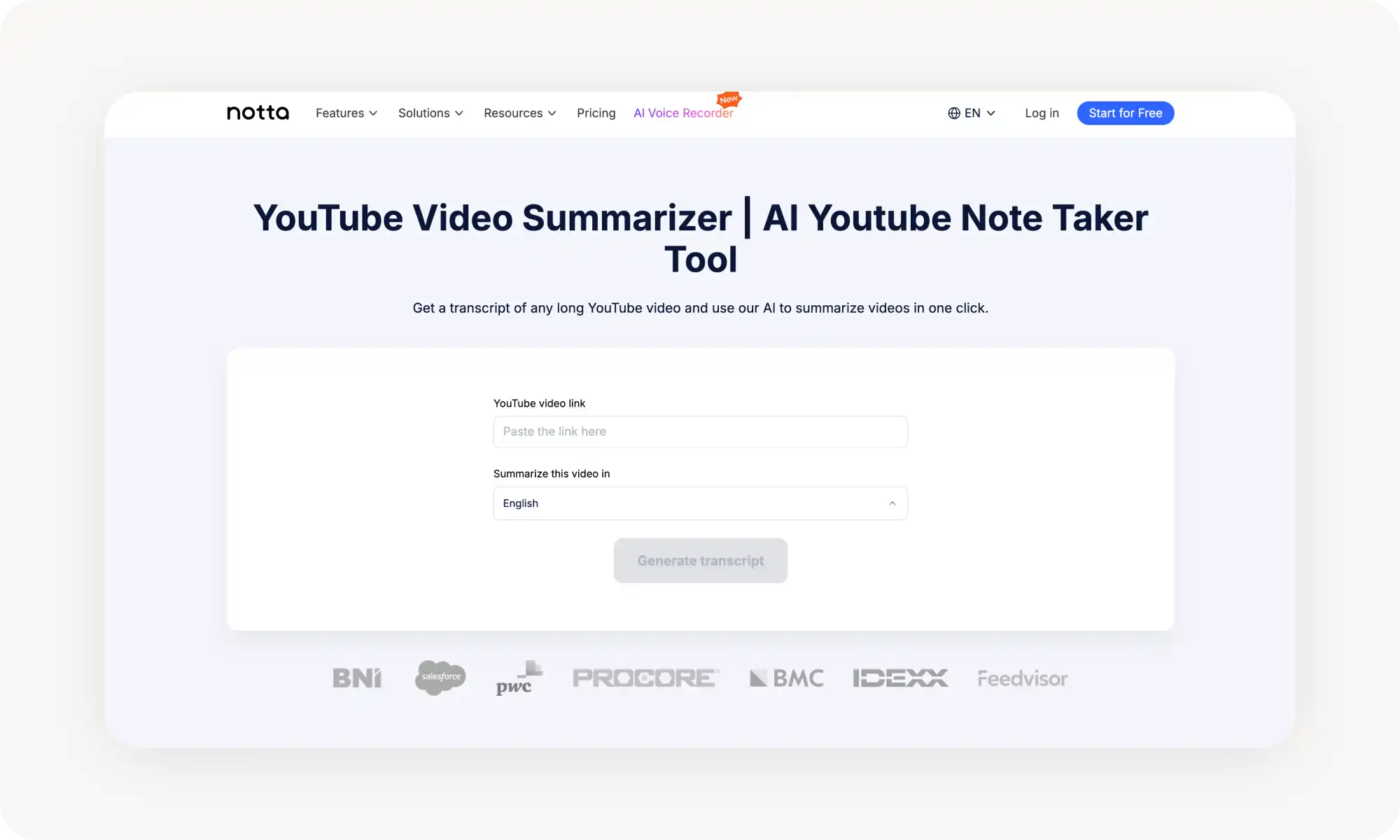
Notta has 98%+ transcription accuracy, exports to TXT/PDF/DOCX, and auto-generates action items — useful for meetings and webinars beyond just YouTube.
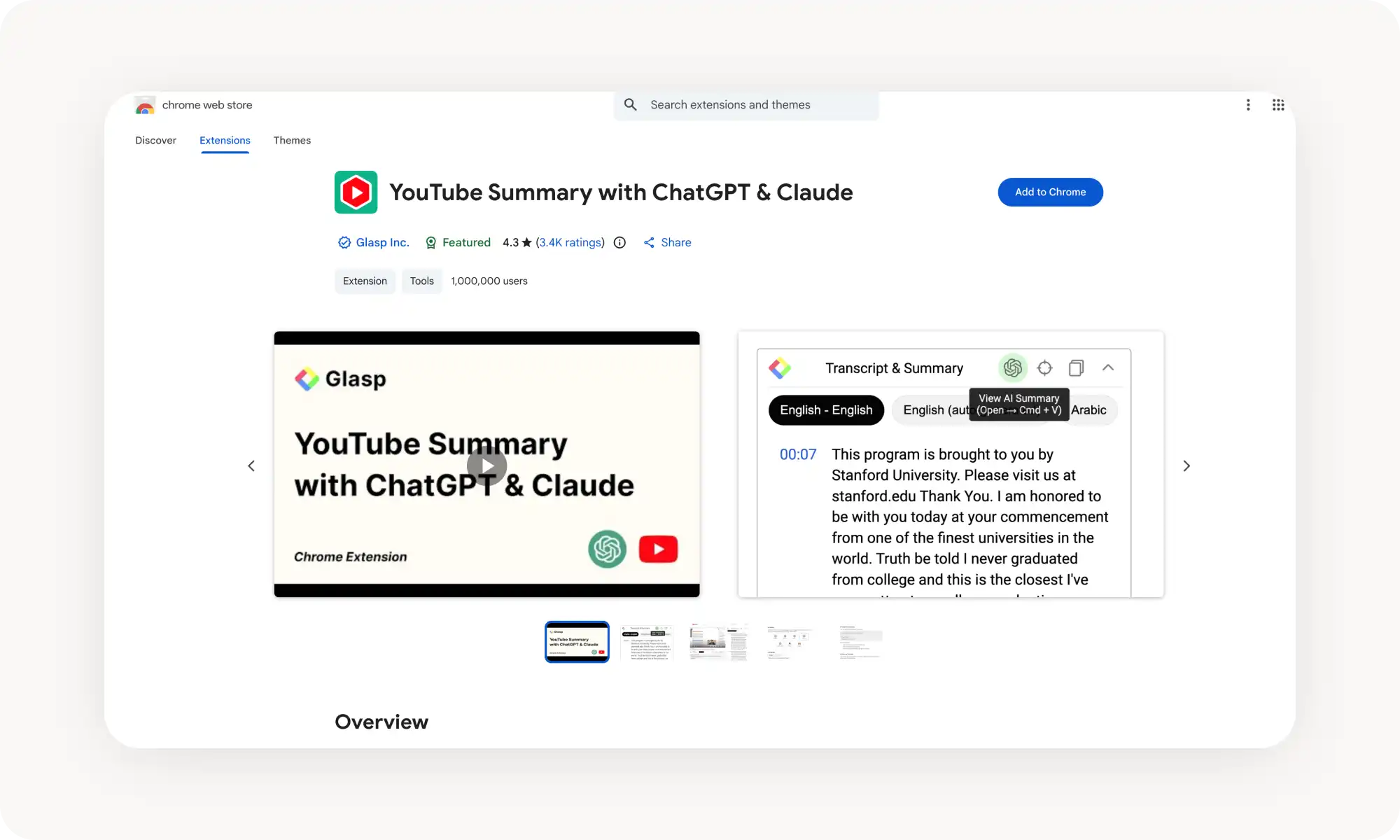
YouTube Summary with ChatGPT & Claude is a Chrome extension that sends transcripts to your LLM of choice — maximum flexibility, but requires your own AI subscription and more setup.
Three main benefits: filter what's worth watching, reinforce learning through bullet points, and pull insights from multiple creators quickly to get a well-rounded view on a topic.
Too Much Information: Why It's Essential To Summarize YouTube Videos
Watching YouTube videos takes a lot of time:
A single podcast episode takes around 40 minutes to watch
A 45-minute tutorial could take multiple hours if you pause to apply what you’re learning — as you should.
If you multiply that by the dozens of videos that appear in your recommendations each week and it's clear that this is a significant time commitment.
What makes it worse is that most videos contain only 10–15 minutes of valuable information; the rest is B-roll, intros, integrations and gimmicks designed to keep you watching.
After all, creators benefit when their watch time is highest because the algorithm favours this, so many creators do everything they can to keep you watching — including artificially extending the length of videos.
This creates a significant issue, causing you to become glued to the screen and waste hours that could be spent studying or working on content that offers no value.
This is why structured video summaries are much more valuable and useful when you use YouTube as a source of information rather than entertainment. For example, you can scan a summary in 30 seconds to decide whether the full video is worth watching or find segments that contain valuable information and jump to them.
This can be done using an AI-powered tool: the YouTube Video Summariser.
What is a YouTube Summarizer? Your Way to Learn More Efficiently
A YouTube summarizer is an online AI tool that pulls the video transcript, feeds it through language models, and outputs structured summaries of what the video covers.
These tools can come as a:
Browser extensions
Online web apps
Mobile apps
Multi-platform apps
They usually work in the same way: either you click a button while watching a YouTube video, or you copy and paste the video link, after which the tool generates an AI summary. The entire process takes just a few seconds.
Some tools also provide timestamps and extract action items or quotes. Some even allow you to chat directly with the video through an integrated AI chatbot, asking it questions about the video's content.
What Makes a Good YouTube Video Summarizer?
Here's what separates the useful ones from the forgettable:
Accuracy. The summary should accurately reflect what is said in the video, without overlooking important points. A good summarizer has over 95% accuracy.
Speed. Look for tools that generate a summary in under a minute.
Flexibility: Good tools should allow you to adjust the length of the summary, focus on specific sections and export it in different formats.
Language support: For those who consume content in multiple languages.
Key Benefits of Using a Video Summarizer
Here are the biggest benefits of AI video summaries:
Benefit 1. Watch only the best content. Skimming a summary tells you whether a long-form video is worth watching. This is especially useful when you want to discover content from creators whom you don’t usually watch.
Benefit 2. Better learning experience. Reading bullet points and key points reinforces what you'd otherwise forget when watching a long video.
Benefit 3. Quickly getting information from multiple sources. To gather as much information as possible about a topic, it is best to get information from different creators, as each of them will likely have something unique to add. This is easy to achieve when each video takes only 30 seconds to understand.
Best AI YouTube Summarizers
We tested over 20 AI-powered YouTube summarization tools and chose 5 that deliver the best results. Here’s how they compare at a glance:
Tool
Best For
Batch Processing
Languages
Free Tier
Overchat AI
All-in-one AI assistant with summaries
✗
100+
✓
Eightify
Quick in-browser summaries
✗
40+
✓
NoteGPT
Bulk research and processing
✓ (20 videos)
60+
✓
Notta
Transcription + summary
✗
Multiple
✓ (limited)
YouTube Summary with ChatGPT & Claude
LLM power users
✗
Multiple
✓
1. Overchat AI
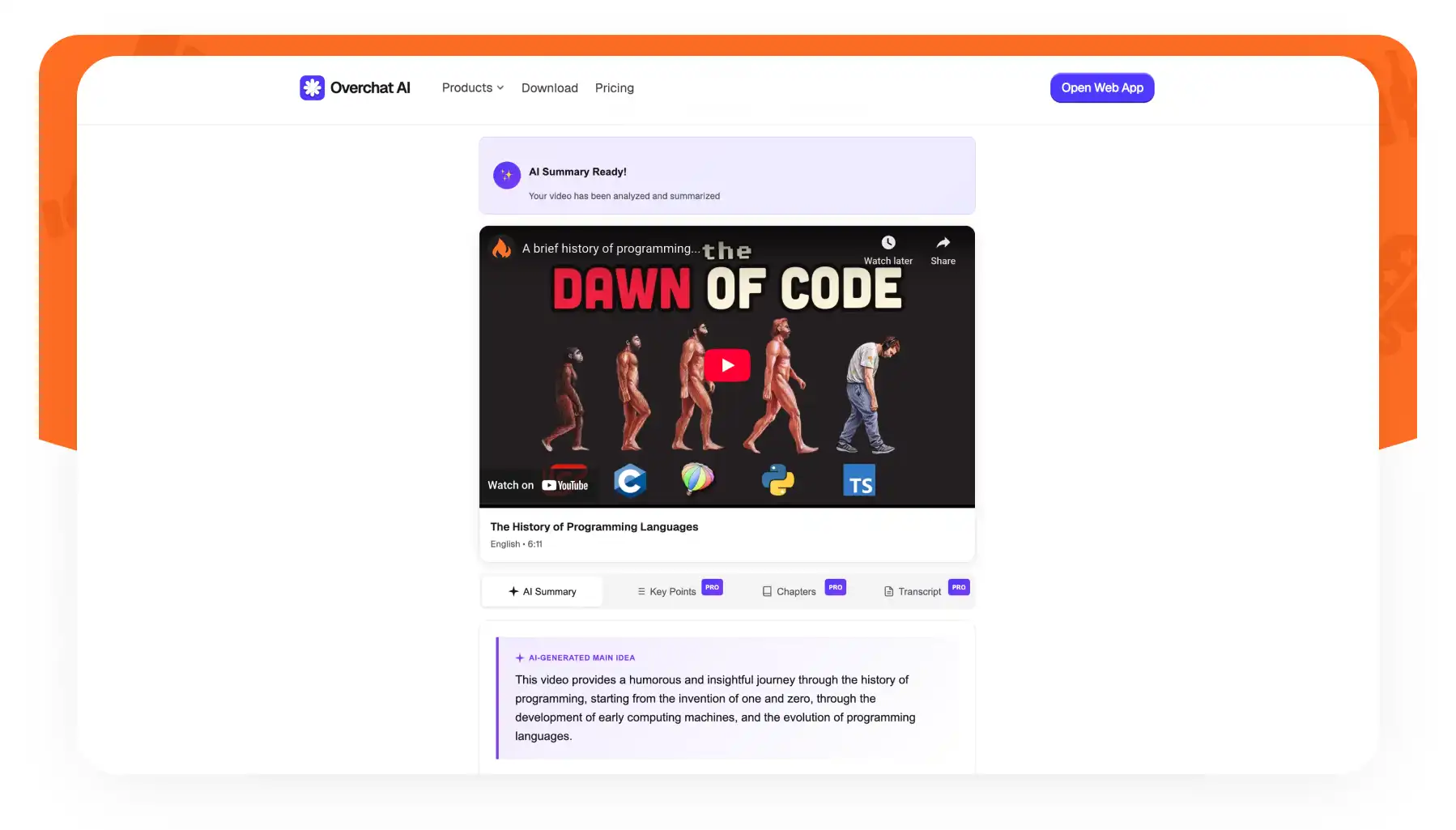
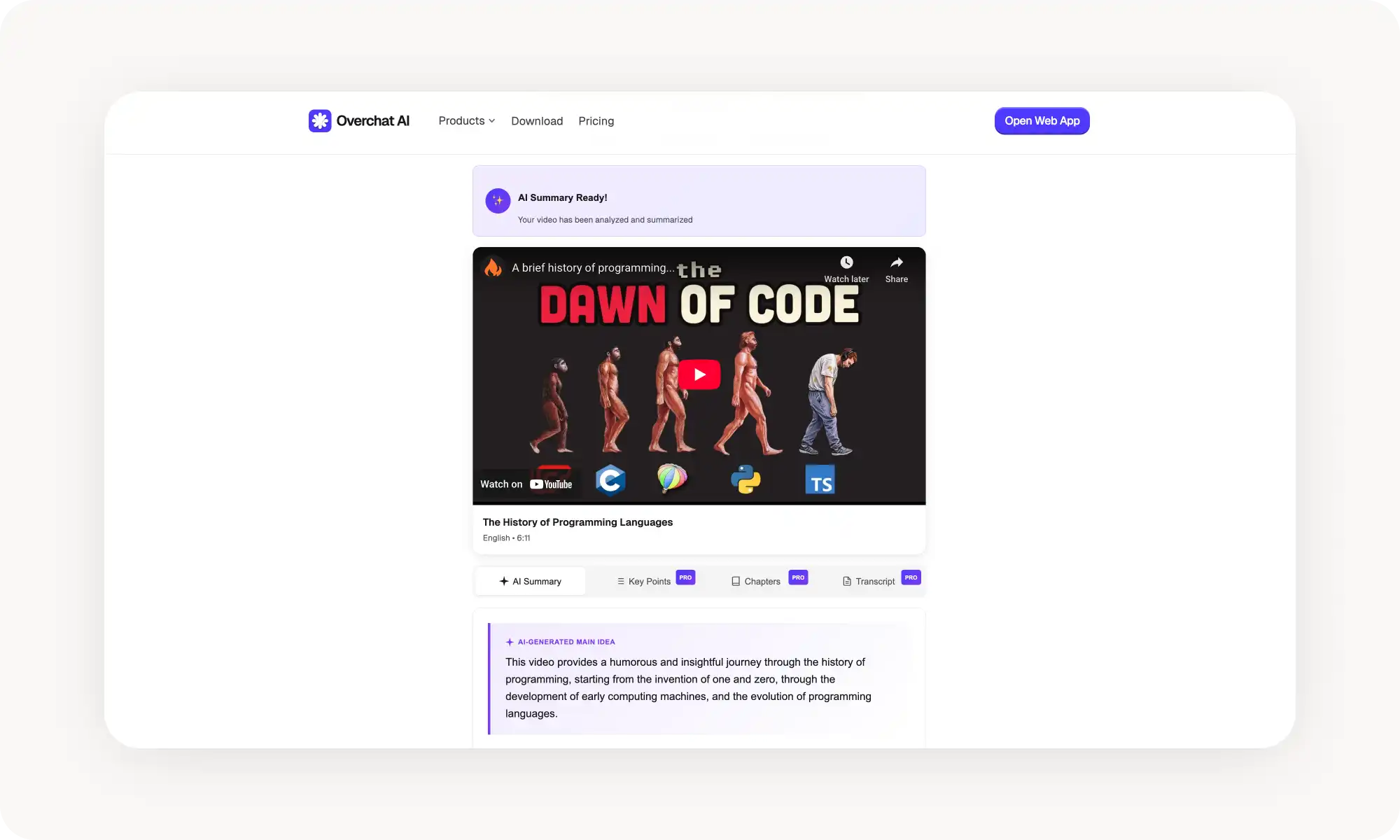
Overchat AI is a free YouTube summariser with unlimited usage. It works as an online app and also has Android and iOS versions. It’s part of a larger suite of AI tools, including multiple AI assistants and chatbots. These are integrated into the summarisation flow, allowing you to chat directly with the video summary and ask questions about it.
To use the tool:
Upload a video link
Get your structured summary
Ask follow-up questions about it
Get deep explanations form the AI
The mobile app works as smoothly as the desktop version, which matters if you're reviewing content on the go. Multi-lingual support extends to over 100 languages, which makes it perfect for language-learners.
Pros:
✅Part of a larger ecosystem of AI tools
✅Chat-with-video functionality
✅Avaiable in 3 platforms: on the web and mobile apps
✅ Clean, intuitive interface
Cons:
❌No batch processing for multiple videos
❌Some Pro features require subscription
2. Eightify
Eightify is a Chrome extension that generates timestamped summaries directly on YouTube pages. You don't need to leave the site or copy any links — just click the extension while watching a video.
The tool also analyzes comments to give you a sense of what viewers thought about the content. It handles videos up to 12 hours long and supports over 40 languages.
Pros:
✅ Summarizes directly on YouTube pages
✅ Comment analysis feature
✅ Handles very long videos (up to 12 hours)
✅ Mobile apps for iOS and Android
Cons:
❌ Limited to YouTube only
❌ Free tier has usage caps
3. NoteGPT
NoteGPT is built for researchers and students who need to process video content at scale. The batch processing feature lets you summarize up to 20 videos simultaneously — useful for working through conference recordings or lecture series.
The tool works even on videos without subtitles, handling content up to 150 minutes. Under the hood, it uses ChatGPT-4 and Claude models to generate summaries. You can customize the output length and adjust prompts to focus on what matters to you.
Pros:
✅ Batch processing for up to 20 videos at once
✅ Works on videos without subtitles
✅ Customizable summary length and prompts
✅ No login required for basic use
✅ 60+ language support
Cons:
❌ Interface feels cluttered
❌ Advanced features require paid plan
4. Notta
Notta started as a transcription platform and added summarization later. This shows in its 98%+ transcription accuracy. The tool generates summaries, chapters, and action items from any video.
You can export transcripts and summaries to TXT, PDF, or DOCX formats. The Chrome extension adds convenience, and the tool works for meetings and webinars beyond just YouTube.
Pros:
✅ Excellent transcription accuracy
✅ Multiple export formats
✅ Works for meetings and webinars too
✅ Generates action items automatically
Cons:
❌ Free plan limited to 120 minutes per month
❌ Primarily a transcription tool with summary features added on
5. YouTube Summary with ChatGPT & Claude
This Chrome extension takes a different approach. Rather than processing everything itself, it extracts transcripts and sends them to your preferred AI model — ChatGPT, Claude, Gemini, or others. You control how the summary gets generated.
You can customize prompts, adjust summary length, and click timestamps to jump directly to relevant video sections.
Pros:
✅ Works with multiple AI models
✅ Maximum flexibility in summary generation
✅ Customizable prompts
✅ Free extension (you pay for LLM access separately)
Cons:
❌ Requires separate LLM subscription for best results
❌ More setup than one-click solutions
Frequently Asked Questions (FAQs)
How accurate are AI summaries?
AI YouTube summarisers can achieve an accuracy rate of up to 99%, particularly for videos where the presenter's speech is clearly audible, such as talking-head-style videos and lectures. Accuracy drops slightly for more dynamic and action-packed videos, but can still be over 90%.
Can I summarize videos in any language?
Yes! Although most AI-powered tools support multiple languages, the quality can decrease slightly with lesser-known languages. As a rule of thumb, English produces the highest quality, with most European languages and Chinese being a close second. For reference, Overchat AI supports over 100 languages.
Do I need the video transcript for a summary?
No — you don't need to provide a transcript. AI summarisers can either use YouTube's auto-generated captions or create their own transcripts using speech recognition technology. Overchat AI, for example, can work with videos that have no existing subtitles.
Key Takeaways
Most YouTube videos contain 10–15 minutes of valuable information buried in much longer runtimes
AI summarizers pull transcripts and use language models to extract key points in seconds
A good summarizer is accurate, fast, flexible, and supports multiple languages
Summaries help you decide what's worth watching, learn more effectively, and gather information from multiple sources quickly
When you use a summarizer, you stop wasting time on bad content, and understand the core concepts of a video in just 30 seconds.